

















How to Play FellSwap Sans Battle Simulator
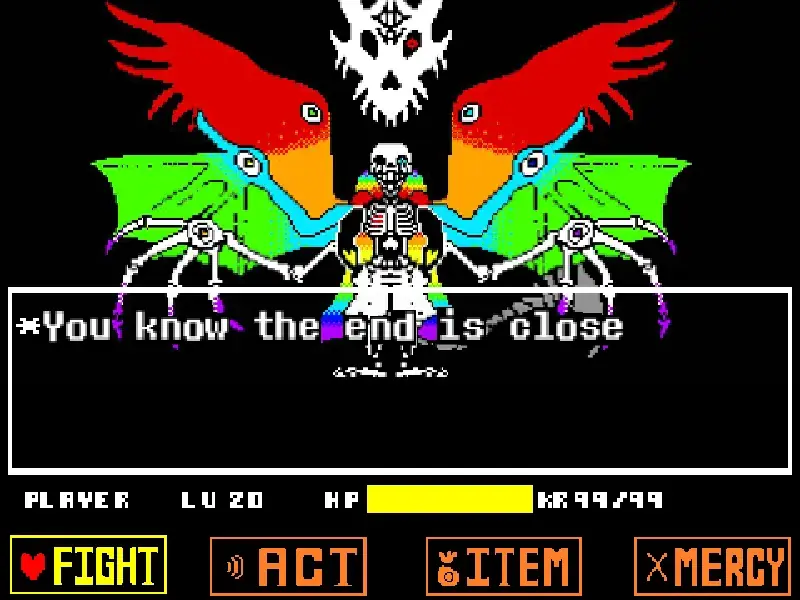
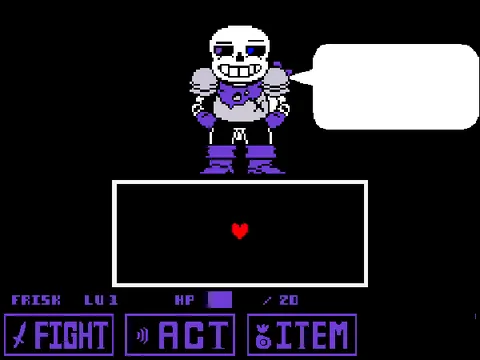
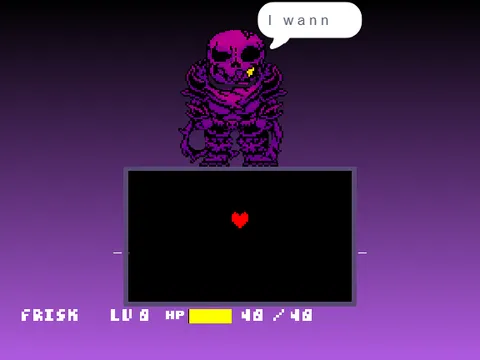
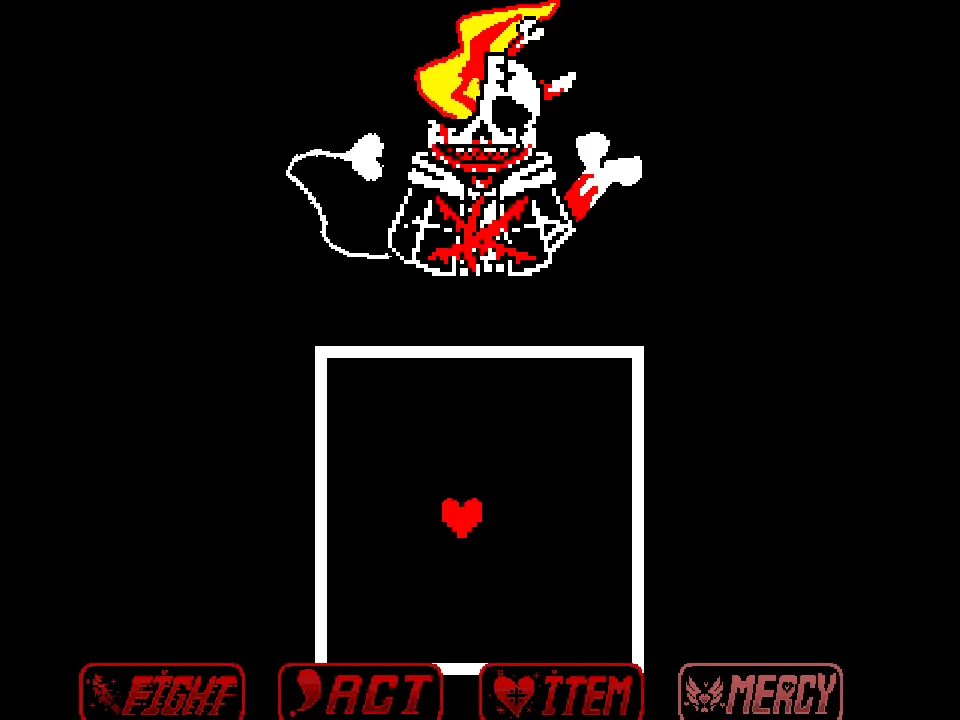
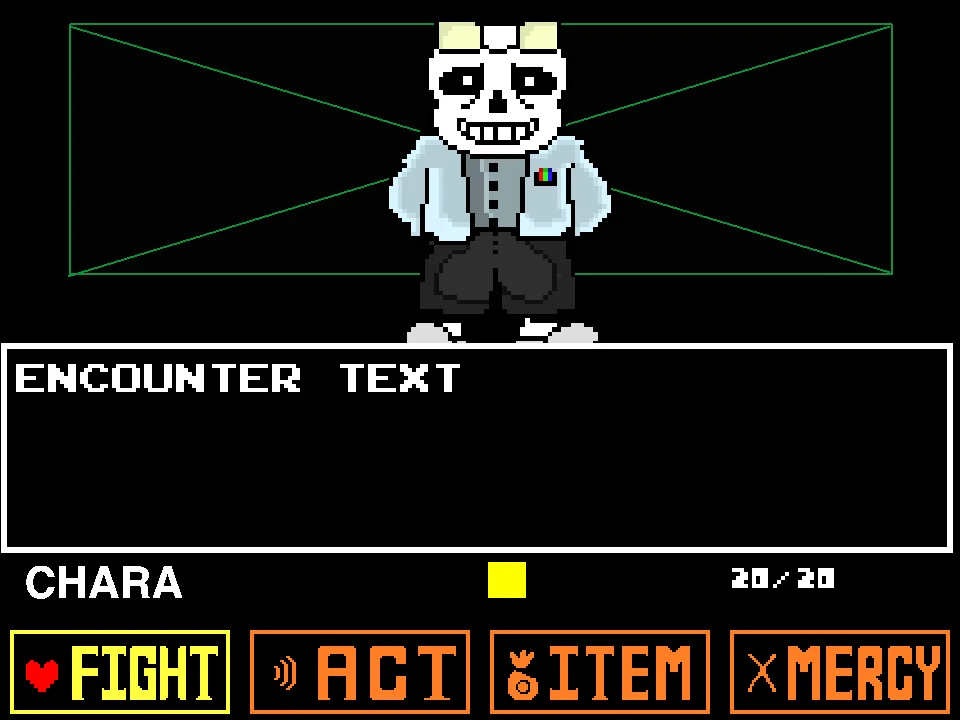
Face one of the fiercest commanders of the alternate Underground in FellSwap Sans Battle Simulator. Created by community developer Aguczi050, this project serves as a comprehensive remaster of their original Fellswap encounter. The Fellswap alternate universe merges the edgy cruelty of Underfell with the inverted character dynamics of Underswap: Sans is a tyrannical military commander draped in black armor and gold accents, demanding total obedience. If you have faced the violet terror of Swapfell Sans Fight Simulator or survived the brutal hostility of Underfell Sans Fight Simulator, this confrontation tests your evasion skills against crushing military discipline.
Navigate your red SOUL through the combat arena using the standard Arrow Keys. Press Z to advance dialogue and confirm menu commands, while X cancels choices or deselects options. When Fellswap Sans slams your heart with dark blue magic, gravity flips into effect: hold the Up Arrow key to jump over advancing bone walls, timing your leaps to clear serrated hazards without colliding with ceiling spikes.
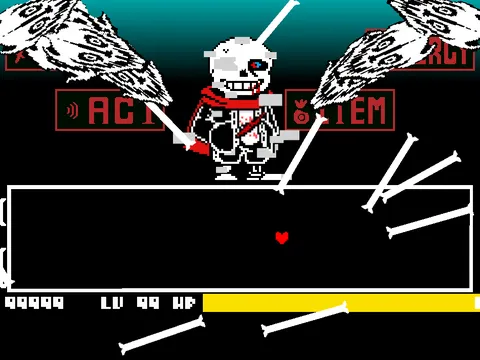
A signature feature of this remastered edition is the Classic Mode toggle. By pressing the C key on your keyboard, you can switch between modern enhanced visual filtering and traditional pixel rendering, altering the visual aesthetic to suit your preference. Fellswap Sans attacks with rapid-fire bone skewers, directional gravity throws, and crushing crimson Gaster Blasters that leave lingering hazardous energy trails across the floor.
Surviving the battle requires mastering the nuances of blue soul physics. Fellswap Sans frequently throws your heart against arena walls before deploying bone waves from the opposite direction. Keeping your jumps low and disciplined prevents your SOUL from lingering in mid-air when horizontal blaster beams detonate across the upper half of the box.
During his second combat phase, Fellswap Sans accelerates the tempo dramatically. Interlocking grids of crimson bones advance from both flanks simultaneously, forcing you to find narrow safe pockets in the vertical center. Maintaining a steady breathing rhythm and refusing to panic during high-speed gravity switches is the hallmark of a true survivor.
Fellswap Sans's combat choreography features intense, jagged geometry that punishes passive dodging. His crimson ruby bones spawn in tight serrated teeth patterns along the top and bottom walls, forcing the player to make crisp micro-hops rather than drifting across the floor. During Blue SOUL gravity phases, Sans slams Frisk against the ceiling and walls with zero warning delay, demanding immediate counter-directional arrow presses the instant the blue gravity indicator flashes.
When Sans unleashes his signature crimson Gaster Blasters, their laser beams sweep across 180-degree arcs rather than firing in stationary lines. Players must track the blaster's rotating skull angle and slip behind the skull just before the ruby beam discharges, avoiding the lingering karma burn that drains HP over time.
Military Combat and Classic Mode Key Scheme
| Key | Action |
|---|---|
| Arrow Keys | Move SOUL through bullet hell and navigate battle menus |
| Up Arrow Key | Jump over floor obstacles during Blue Soul gravity mode |
| Z Key | Confirm action, execute FIGHT strike, advance dialogue |
| X Key | Cancel menu choice / Deselect / Dialogue skip |
| C Key | Toggle Classic Mode visual rendering On / Off |
Pressing C toggles Classic Mode, allowing you to switch between updated remastered visual effects and retro Undertale aesthetics instantly.
About the Remastered Fellswap Sans Battle
The Fellswap alternate universe (often compared with Swapfell) represents a fascinating intersection of community creativity. By combining the 'kill or be killed' brutality of Underfell with the role-reversal concept of Underswap, Sans transforms from a lazy sentry into a strict, domineering sentry commander who enforces order through iron discipline and terrifying combat magic.
Developer Aguczi050 developed this remaster to address attack timing, visual fidelity, and collision precision from their earlier release. The updated project features high-contrast red-and-gold battle sprites, crisp sound design, and faithful chiptune renditions of iconic Fellswap battle themes. The addition of the C key Classic Mode toggle allows players to appreciate both the creator's modern updates and the nostalgic feel of traditional fangame engines.
The encounter is praised for its fair yet demanding difficulty curve. Rather than overwhelming players with unfair surprises, Fellswap Sans uses deliberate, rhythmic attack patterns that reward patient observation, pattern recognition, and precise jump timing.
The developer's attention to detail shines through in Sans's dynamic facial expressions, arrogant battle dialogue, and the dramatic choreography of his final multi-blaster assault, making it a standout entry in the Underfell/Underswap fan ecosystem.
Within the wider multiverse fandom, Fellswap Gold is often distinguished from Swapfell Red by its emphasis on formal military attire, ornate golden epaulets, and strict hierarchical themes. Aguczi050's remaster captures this distinct identity, delivering a memorable encounter that honors the richness of Undertale's community lore.
The Fellswap alternate universe merges the dangerous, oppressive atmosphere of Underfell with the character role reversals of Underswap. In this grim reality, Sans wears a red royal guard uniform with spiked shoulder guards, wielding severe authority while striving to impress his commanding officers. Developer pichu0024 brought this fierce interpretation to life with fast-paced attack rhythms, striking red visual effects, and an energetic battle theme that keeps players on the edge of their seats.
Combat Phases and Visual Display Settings
Engage with Fellswap Sans across diverse combat features and display modes:
- Remastered Visual Engine: Enjoy polished bone sprite rendering, smooth 60 FPS projectile motion, and dynamic glowing effects on Gaster Blaster eyes.
- Classic Mode (C Key Toggle): Press C at any point to disable modern visual filtering and return to retro pixel rendering for a nostalgic Undertale visual experience.
- Directional Gravity Assaults: Fellswap Sans frequently flips the direction of blue gravity, forcing players to adapt whether the floor is at the bottom, ceiling, or side walls.
- Serrated Bone Walls: Dodge dense rows of crimson-tinted bones that alternate between high and low gaps, requiring rhythmic short hops and ground pauses.
- Crimson Blaster Crossfire: Giant blasters sweep across horizontal and vertical axes, converging on your coordinates and forcing tight circular drifting.
Survival Tactics for Defeating Commander Sans
Outlast Fellswap Sans's ruthless military discipline with these tested battle tips:
- Use Short Hops in Blue Soul Mode: Do not hold the Up Arrow key down during blue gravity waves. Tapping lightly gives you just enough height to clear bone tips while allowing you to land quickly before the next obstacle arrives.
- Toggle Classic Mode with C for Clear Visibility: If particle glows or modern lighting filters obscure bullet hitboxes, tap C to switch to Classic Mode for clean, high-contrast retro visuals.
- Anticipate Wall Slams: Fellswap Sans raises his left arm before slamming your heart against the arena boundary. Immediately prepare to hold the opposite direction key to arrest your momentum.
- Stay Centered During Blaster Circles: When multiple blasters encircle the arena, remain in the exact center until their charging beams ignite, then slip through the widest opening.
- Reserve Healing for the Final Phase: Fellswap Sans unleashes his longest, most complex blaster combination when his health dips below 25%. Save your best healing items for this final stretch.
- Watch for Delay Spikes: Some bone skewers pause momentarily before accelerating across the screen. Do not jump prematurely; wait for the motion cue before leaping.
Frequently Asked Questions
What is the difference between Fellswap and Swapfell?
While both merge Underfell and Underswap, Fellswap typically features a red, black, and gold military commander aesthetic with high discipline, whereas Swapfell often leans into purple hues and erratic, sadistic tones.
What does pressing the C key do?
Pressing C toggles Classic Mode on and off. This switches the game's visual display between updated remastered graphics and retro Undertale pixel styling.
Can I play FellSwap Sans Battle on a mobile phone?
The game loads in modern mobile browsers, but the high-speed gravity hops and tight bone gaps are substantially easier to navigate with a physical desktop keyboard.
How do I jump higher in Blue Soul mode?
In Blue Soul mode, jump height is directly determined by how long you hold the Up Arrow key. Tap lightly for short hops, or hold the key down for maximum vertical clearance.
Who created this remastered battle?
This remastered version was developed by community creator Aguczi050, who overhauled their original project with improved visuals, smoother controls, and the Classic Mode toggle.
Does this game feature a peaceful mercy route?
This project focuses strictly on the tactical boss battle. Defeating Fellswap Sans requires landing successful strikes using the FIGHT command while surviving his complete gauntlet of attacks.
How does Classic Mode affect gameplay hitboxes?
Classic Mode modifies only the visual presentation, disabling modern particle smoothing and lighting effects. The underlying collision hitboxes and projectile speeds remain identical in both modes.
What is the key lore difference between Fellswap and Swapfell?
While both blend Underfell and Underswap, Fellswap typically features a dark red and black aesthetic with militaristic themes, whereas Swapfell is characterized by deep purple and gold accents with a chaotic, aristocratic flavor.