






























How to Play Science Sans Fight Simulator
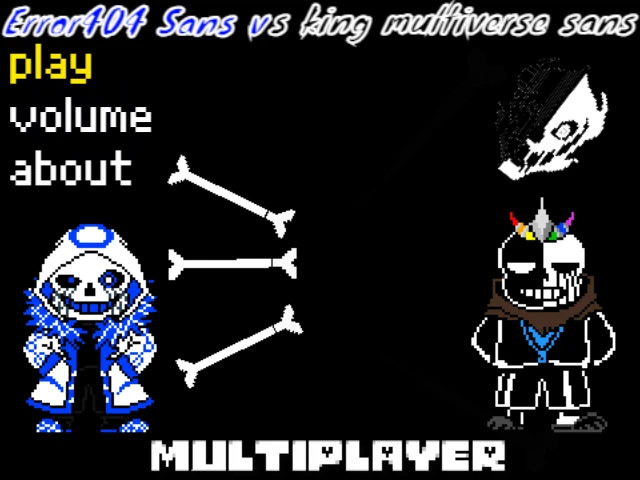
In Science Sans Fight Simulator, players confront an alternate-universe interpretation of Sans known across the community as Science Sans (or Sci Sans). Developed by community creator banan_katten, this encounter reimagines Sans during his earlier years working alongside the Royal Science Division before the creation of the Core. Sporting round spectacles, a researcher's lab coat, and a badge over his buttoned shirt, Science Sans combines his familiar bone and blaster magic with calculating analytical dialogue. Players interested in exploring other creative takes on Sans can also practice multiversal brush mechanics in Ink Sans Fight Simulator or master the definitive original confrontation in Bad Time Simulator.
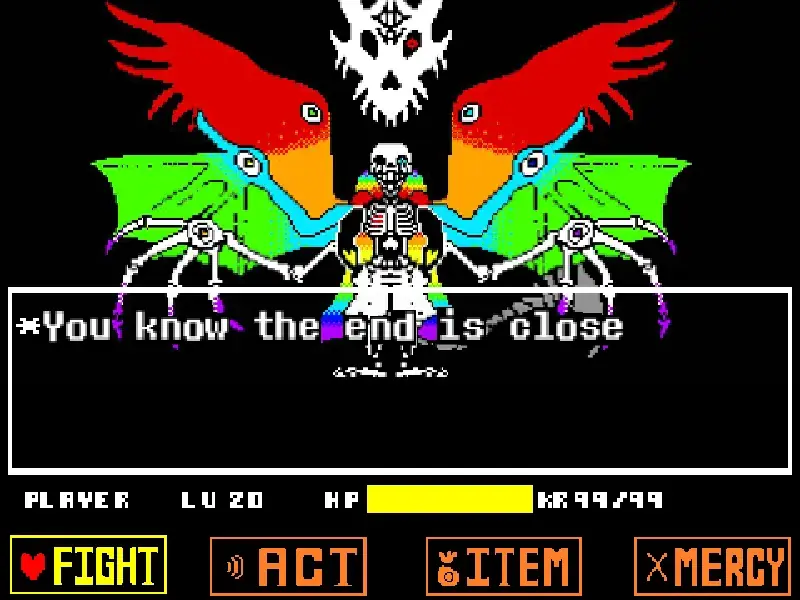
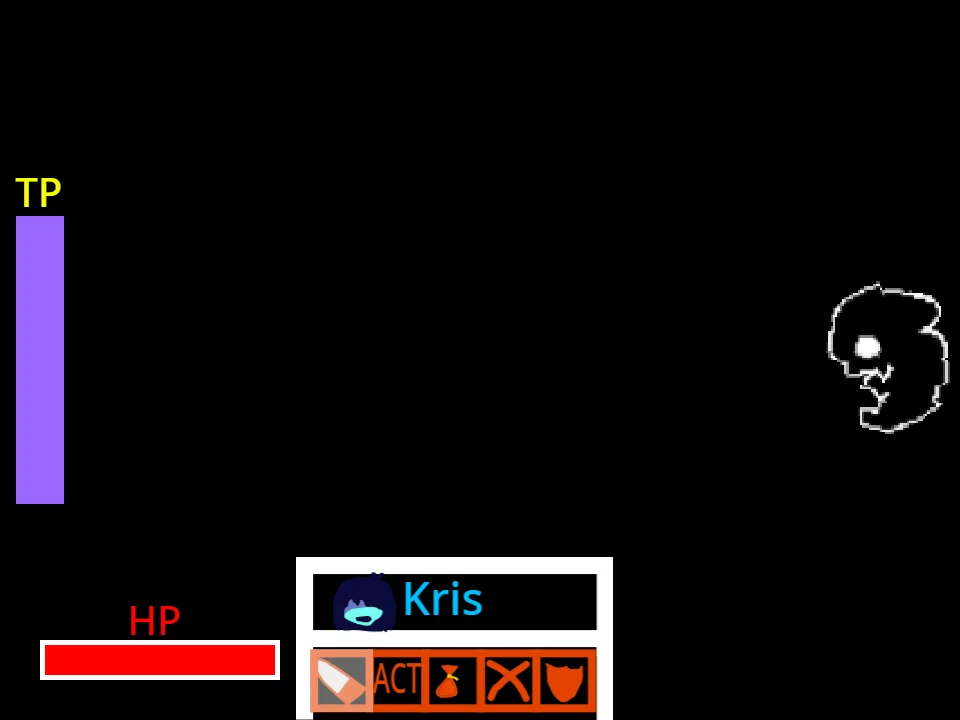
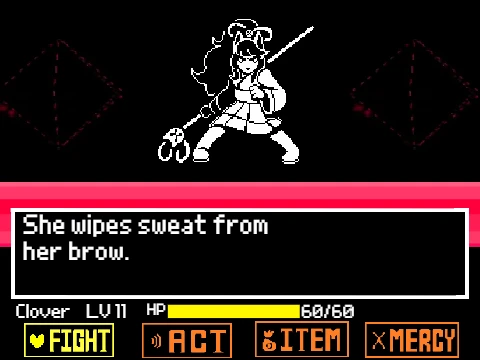
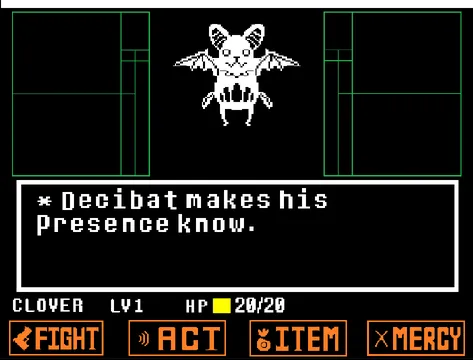
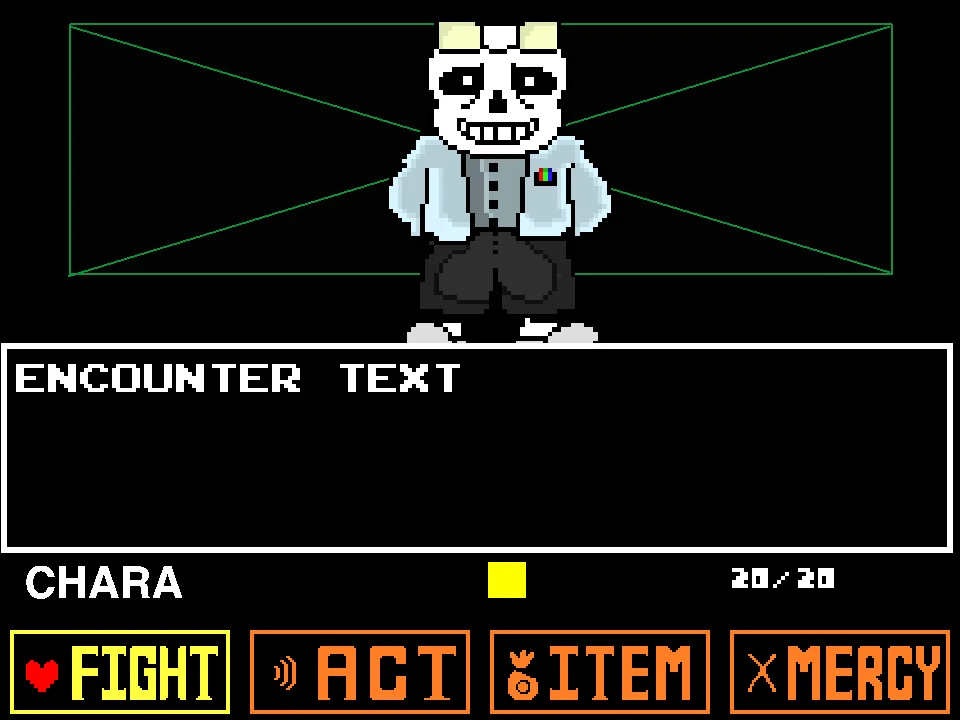
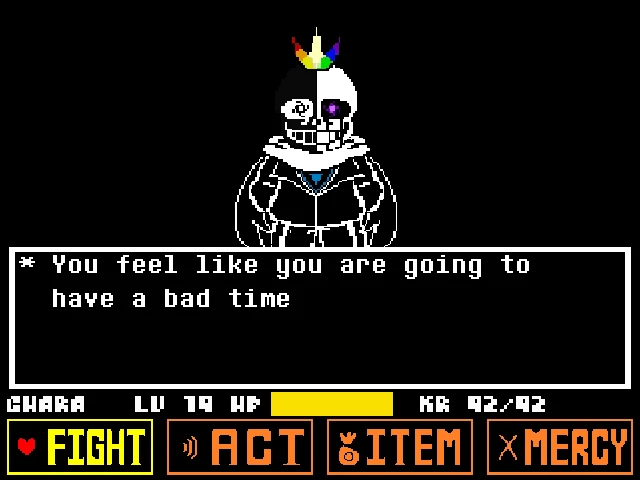
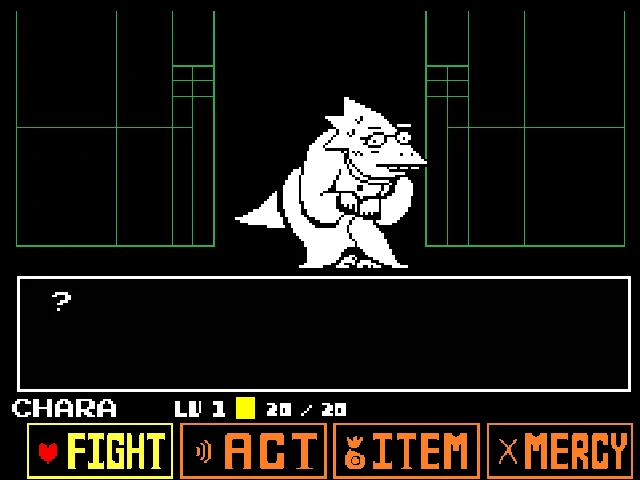
To begin the battle, click the central launch icon inside the game container to initialize web audio and start the title sequence. The encounter opens in the classic Undertale four-button format featuring FIGHT, ACT, ITEM, and MERCY buttons below an encounter dialogue box with Chara at 20 HP. Use the Arrow Keys to navigate among the action choices, press Z to confirm, and press X to deselect. Selecting FIGHT launches the swinging strike reticle; timing your Z key press as close as possible to the center line maximizes slice damage against Science Sans.
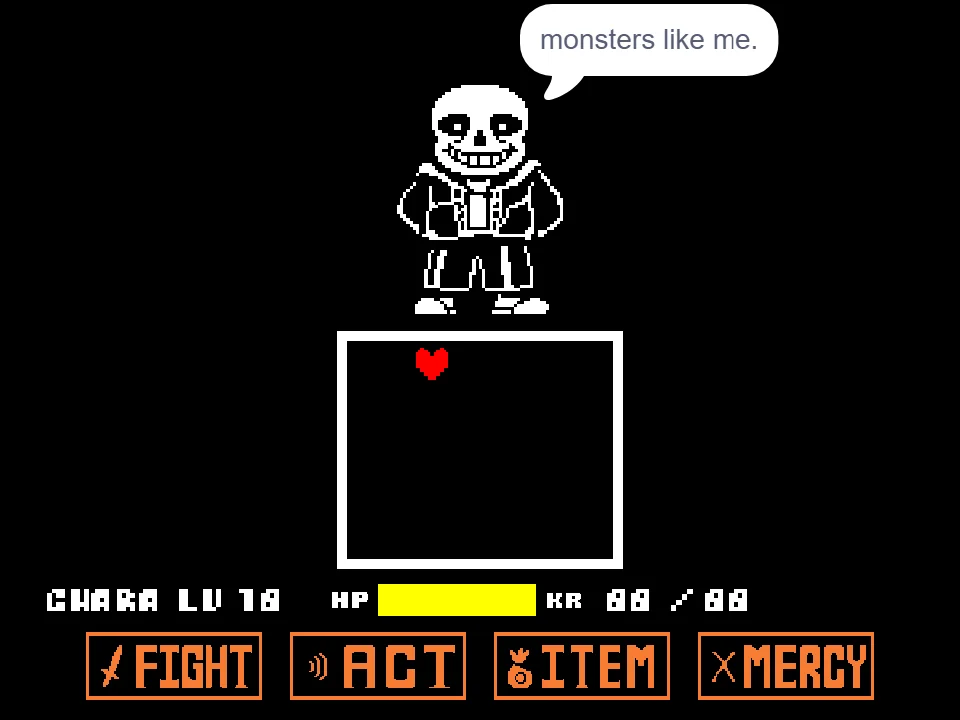
During defensive rounds, you steer your red SOUL within the white combat box to dodge Science Sans' attack combinations. The battle incorporates traditional white bone barrages, rising floor pillars, and high-velocity Gaster Blaster lasers. Critically, Science Sans also employs specialized Blue Attacks: when blue bones pass through the box or blue blasters fire, you must remain completely motionless—pressing any movement key or holding down the mouse button while touching a blue hazard triggers instant damage. Players seeking additional AU challenges can also test their reflexes in Shanghaivania Ink Sans Fight Simulator.
Science Sans Fight Controls
| Key | Action |
|---|---|
| Arrow Keys | Steer the red SOUL inside the combat box during attack rounds and navigate the FIGHT, ACT, ITEM, and MERCY menu options. |
| Z Key | Confirm menu choices, advance Science Sans' dialogue, and trigger attacks on the moving target reticle. |
| X Key | Cancel menu choices, deselect options, and return to the main action bar. |
| Mouse / Touch Click | Click menu options directly, or hold the mouse down during defense to have the SOUL steer toward the cursor (author's experimental mobile feature). |
| Central Launch Icon | Click the circular launch icon upon initial load to start the audio engine and open the battle screen. |
| Restart Button | Quickly reset the combat simulation from the web player toolbar if your HP reaches zero. |
Physical keyboard controls (Arrow Keys, Z, X) provide significantly tighter dodging precision than mouse steering.
About the Science Sans Fan Project
Science Sans emerged as a popular Undertale AU character concept rooted in lore exploring the Underground before the events of the main game. Often portrayed in fan comics, animations, and community battles as a passionate, slightly awkward young researcher assisting Dr. W.D. Gaster or Dr. Alphys, Science Sans contrasts with classic Sans' cynical, depressed demeanor by displaying enthusiastic intellectual curiosity while still delivering dry, skeleton-themed puns.
This web simulator was crafted by developer banan_katten. The visual presentation features custom sprites depicting Science Sans in his researcher attire, complete with horn-rimmed glasses, blue-eye charging animations, custom sound effects (including "Sans talk" and the energetic track "Dance Around"), and authentic text crawling. The battle design offers an accessible, classic-difficulty fan encounter focusing on core dodging fundamentals rather than hyper-dense unfair bullet patterns.
An interesting aspect of banan_katten's release is the project's original subtitle, "mobile frendly i think...". In the project scripts, the author added a mouse-down interaction that causes the SOUL to steer toward the cursor coordinate at 3 pixels per step. While this allows rudimentary touchscreen dragging, the actual combat still relies heavily on keyboard inputs: dialogue prompts and menu selections require Z key confirmations, and tight blue-attack timings demand immediate halts that are difficult to achieve on touchscreens without accidental input bleed. Consequently, the game is best experienced on desktop with a physical keyboard.
Attack Patterns, Blue Attacks, and Gaster Blasters
Science Sans challenges the player across several structured attack sequences that test both active maneuvering and absolute stillness:
Bone Wave Patterns (Attacks 1, 2, 3, and 4):
• Attack 1: Symmetrical bone walls that advance across the box, forcing the player to identify vertical gaps and slip through without grazing the tips.
• Attack 2: Rising and falling bone pillars along the bottom boundary that mimic undulating wave formations, requiring rhythmic hopping.
• Attack 3: High-speed horizontal bones sweeping from left and right walls, demanding vertical positioning adjustments.
• Attack 4: Cross-screen bone volleys moving diagonally that constrict the available safe space in the center.
Blue Attack Rules (`blue attack`): Science Sans frequently incorporates Undertale's blue color mechanic. When cyan-colored bones pass through the arena, the code checks whether any movement input is active (`sensing_keypressed any` or `sensing_mousedown`). If you are pressing an arrow key or holding the mouse down while touching a blue obstacle, you take damage. If you release all controls and remain entirely motionless, the blue bone passes through your SOUL harmlessly.
White vs. Blue Gaster Blasters:
• Standard White Blasters (`not blue attack4`): Large skull blasters that charge with a flash and fire wide white energy beams across the box. These require active evasion to move out of the line of fire before the beam discharges.
• Blue Gaster Blasters (`blue attack2`, `blue attack3`, and `blue attack5`): Specialized blasters that charge with a cyan glow and fire broad blue laser columns. Because these are blue attacks, you can remain directly inside the beam path as long as you do not touch any movement keys while the beam is firing.
• Alternating Volleys (Attack 5): Science Sans combines both blaster types, alternating between blue and white beams in rapid succession to test your ability to switch instantly between freeze-in-place discipline and high-speed evasion.
Survival Tips for Science Sans
- Completely Release Controls During Blue Attacks: When blue bones or blue Gaster Blaster beams appear, take your hands off the Arrow Keys and release any mouse clicks immediately. The game checks for any active input; staying completely still allows blue hazards to pass through your SOUL without inflicting damage.
- Distinguish White and Blue Blasters by Charge Color: Pay close attention to the Gaster Blaster skulls as they spawn around the arena perimeter. Blasters that charge with a white spark require an active dash to an open lane, whereas blasters charging with a cyan glow allow you to remain safely in place.
- Prefer Physical Keyboard Keys Over Mouse Steering: Although developer banan_katten included a mouse-following script, the cursor-following routine moves at a fixed rate with slight angular drift. Arrow Keys provide instantaneous, pixel-precise four-directional movement that is far more reliable for navigating tight bone gaps.
- Focus on the Attack 5 Alternating Rhythm: In Attack 5, Science Sans fires alternating white and blue blaster bursts. Develop a steady rhythm: dash out of the white blaster's line of fire, then freeze completely as the blue blaster discharges across the remaining floor.
- Time the Central Reticle for Maximum Slice Damage: When choosing FIGHT, press Z right as the oscillating strike bar reaches the center line. Landing critical center hits depletes Science Sans' monster HP much faster, minimizing the total number of defensive turns you must survive.
- Use X to Correct Accidental Menu Inputs: If you accidentally select ACT or ITEM when you intended to strike, tap X immediately to back out to the main menu without forfeiting your turn.
Frequently Asked Questions
Who is Science Sans?
Science Sans is an Undertale alternate-universe character portraying Sans during his earlier career as a Royal Scientist before the creation of the Core, recognized by his researcher lab coat, round glasses, and academic dialogue.
Is Science Sans Fight Simulator really mobile-friendly?
While developer banan_katten added an experimental feature allowing the SOUL to move toward mouse or touchscreen touches, full gameplay still requires keyboard inputs (Z and X keys) for menus and precise dodging, so desktop play is strongly recommended.
How do Blue Attacks work in Science Sans Fight?
Blue attacks will not harm you as long as you remain completely stationary. If you touch a blue bone or stand inside a blue blaster beam, releasing all arrow keys and mouse buttons allows the attack to pass through your SOUL safely.
What is the difference between white and blue Gaster Blasters?
White Gaster Blasters fire standard beams that must be actively dodged by moving into open lanes. Blue Gaster Blasters fire cyan beams that will not harm you as long as your SOUL remains completely still during the blast.
Who created the Science Sans battle?
The project was created by community developer banan_katten as a fan tribute exploring a boss encounter against Science Sans with custom sprites, music, and Undertale combat mechanics.
What music plays during the battle?
The battle features dynamic audio elements, including Sans' signature voice sound effects and the energetic track "Dance Around" during combat turns.
Can Science Sans be spared or defeated?
Yes. Players can advance the encounter through the FIGHT command by landing timed strikes on the weapon reticle, ultimately progressing through dialogue interactions to conclude the battle.