

































How to Play Error Sans Fight Simulator
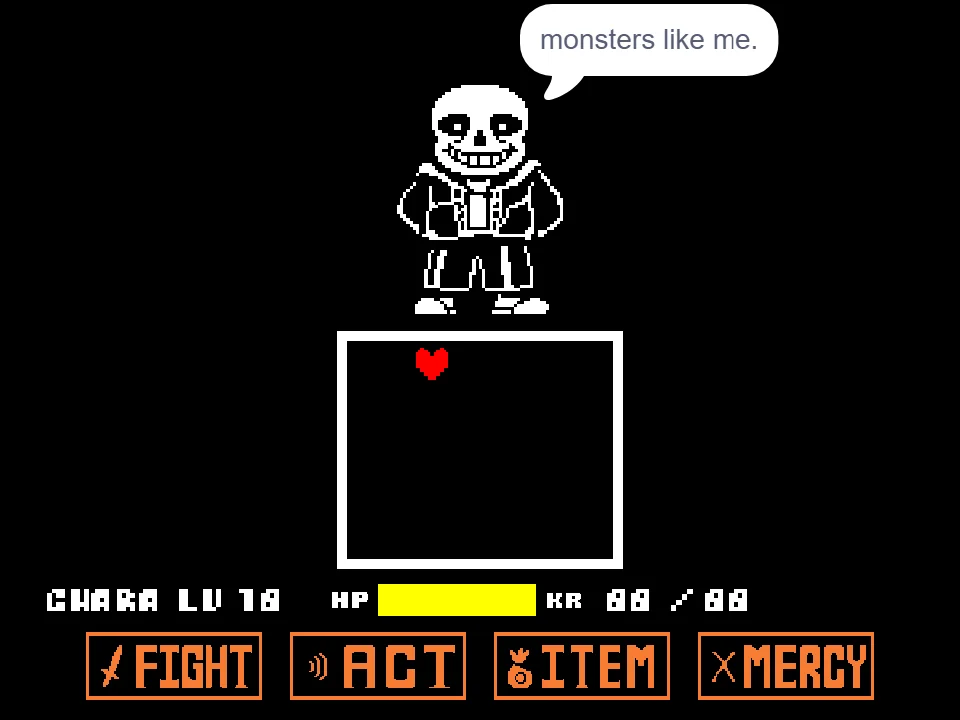
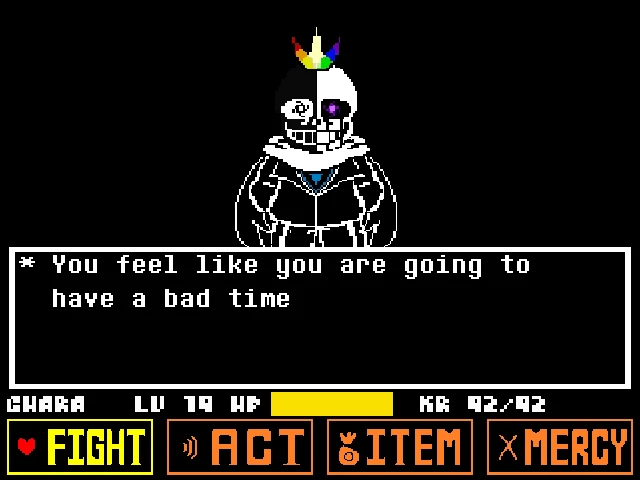
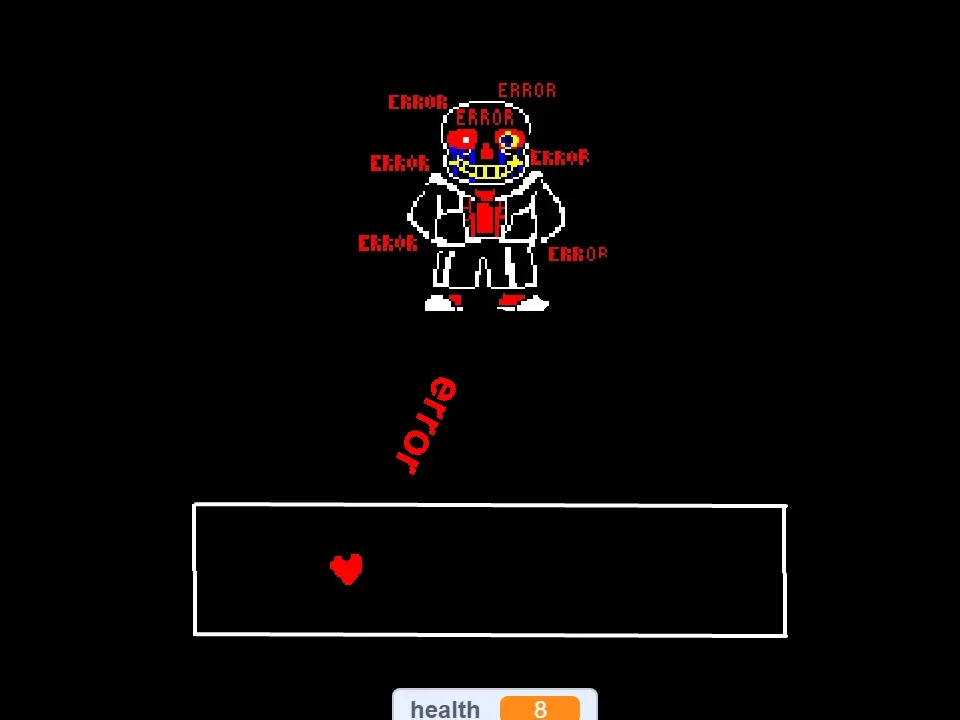
Error Sans Fight Simulator presents a real-time browser encounter against Error Sans, one of the most prominent alternate universe variations of the classic Judgement Hall defender. Unlike standard Undertale boss fights that switch back and forth between turn-based selection menus and bullet-dodging segments, this simulator is structured entirely as an unrelenting survival trial. There are no FIGHT, ACT, ITEM, or MERCY buttons to click between waves. Your sole objective is to keep your red SOUL alive from the moment Error Sans initiates the encounter until his final barrage runs its course.
To begin playing, click the green launch symbol or press inside the active game screen. This transfers keyboard focus from your web browser to the game canvas. After a brief introductory sequence accompanied by musical remix themes, Error Sans glides into the upper arena, delivers a harsh opening warning, and immediately begins unleashing attacks. You navigate your red SOUL freely in two dimensions using the four Arrow Keys. Movement is continuous at three pixels per frame, and the borders of the rectangular battle arena act as solid physical barriers that prevent you from fleeing the combat zone.
Survival requires acute situational awareness because the battle does not remain static. You begin the showdown with a fixed pool of 20 Health Points. Every collision with an incoming hazard permanently deducts HP from this total, and because there are no healing items or recovery phases, any damage sustained is irreversible. If your HP drops to zero or below, the simulation instantly halts all active scripts, resulting in an immediate Game Over that requires a complete restart. If you manage to endure all consecutive attack waves—including targeted projectile clusters, inverted directional glitches, high-damage beam weapons, and dense rotational bullet storms—Error Sans is forced into exhaustion, triggering the victory sequence and applause.
Error Sans Fight Controls
| Key | Action |
|---|---|
| Up Arrow | Move the SOUL upward during standard battle phases; moves the SOUL downward while inverted controls are active. |
| Down Arrow | Move the SOUL downward during standard battle phases; moves the SOUL upward while inverted controls are active. |
| Left Arrow | Move the SOUL to the left during standard battle phases; moves the SOUL to the right while inverted controls are active. |
| Right Arrow | Move the SOUL to the right during standard battle phases; moves the SOUL to the left while inverted controls are active. |
| Left Mouse Button | Click the on-screen Virus Alert / Error popup window to close it and cancel the inverted controls state. |
Click directly inside the game window if your keyboard inputs do not register. This game uses only the four Arrow Keys and mouse clicking; menu confirmation keys such as Z, X, or Enter are not required.
What Is Error Sans?
Error Sans is an alternate universe interpretation of Sans originally conceived by creator Loverofpiggies (also known as Crayon Queen or CQ). Within broader community lore, Error Sans originated from a corrupted timeline and views himself as the sole custodian responsible for purging what he considers glitchy anomalies and unauthorized alternate universes across the multiverse. Visually distinguished by his inverted color palette, dark blue tear-stream markings running down his eye sockets, yellow and blue eye pupils, and glitching pixel artifacts, he fights using digital strings, distorted blasters, and unstable bullet patterns.
The browser game featured on this page is a self-contained fan project created by developer nikokumb, separate from official Undertale releases. It focuses strictly on recreating the tension of facing Error Sans in a direct combat scenario. Rather than adapting an entire narrative RPG with dialogue trees, towns, and puzzle solving, the developer condensed the experience into an intense bullet-hell gauntlet. This approach highlights Error Sans' signature thematic motifs—computational errors, system popups, and disruptive anomalies—by transforming them into tangible gameplay obstacles that directly manipulate the player's interface.
In Undertale fan lore, Error Sans is frequently juxtaposed against Ink Sans Simulator, representing the creative force of the multiverse while Error represents its destruction. He is also fundamentally distinct from other formidable AU variants such as Underfell Sans Fight Simulator, who retains turn-based mercy mechanics, or Dusttale Sans Simulator, who focuses on relentless physical bone attacks and Karma drain. Furthermore, players should not confuse Error Sans with Error404 Sans, an entirely separate character created by SHADIKAL15 from the Alphatale AU who wields vastly different powers such as Dark Blasters and God Rays. If you want to benchmark your dodging skills against the original battle that inspired these creations, you can also revisit the classic Bad Time Simulator.
Error Sans Attacks and Battle Mechanics
Opening Aimed Projectile Wave. The battle begins immediately following the opening dialogue when Error Sans shouts his initial battle cry. In this first phase, projectile clones materialize around the arena perimeter and point directly toward your SOUL before firing in swift succession. Each projectile that connects deals 4 points of damage, meaning sustaining just two hits in the opening seconds strips away almost half of your total vitality. Dodging requires keeping the SOUL moving in steady circular paths rather than remaining stationary in the box center.
Virus Alert Pop-Up and Inverted Controls. Following the initial projectile cluster, the game triggers its most distinctive mechanic: an unexpected system error window and warning alert flash across the screen. During this phase, Error Sans distorts the simulation's code, causing the control scheme to invert completely. Pressing the Left Arrow moves your SOUL to the right, pressing Right moves it left, Up sends it downward, and Down sends it upward. Additionally, the popup window blocks a portion of the arena. To restore normal movement, you must maneuver your mouse cursor over the popup and click it, broadcasting a cancel signal that dismisses the glitch and restores standard controls.
Horizontal Bone Barrage. Once the glitch popup is dismissed, Error Sans initiates a directional bone assault from the left flank of the battle box. A sequence of 20 bone projectiles spawns along the left coordinate axis and sweeps horizontally across the arena at a velocity of 5 pixels per tick. Each bone deals 2 damage upon contact. Because the bones arrive with consistent spacing, you must position your SOUL in the open gaps and make minute vertical adjustments to let each projectile pass harmlessly beneath or above you.
Gaster Blaster Bombardment. The fourth attack sequence introduces the iconic Gaster Blaster heads. Blasters materialize at random horizontal coordinates above the arena, quickly charge their energy, and release wide vertical beams straight through the battle box. These blaster beams represent the single most dangerous threat in the entire simulator, inflicting a devastating 7 damage per hit. Taking two direct blaster hits strips 14 HP from your 20 HP maximum, leaving you vulnerable to defeat on the very next mistake. Survival demands that you watch where the blaster heads align during their charging animation and immediately dash to the opposite side of the box before the beam discharges.
Rotational Spiral Bullet Storm. As the background flashes through glitched visual frames, a central emitter begins spraying continuous bullets in a rotating 360-degree spiral. The rotation angle steps dynamically through increasing increments—starting at 15 degrees and accelerating through 30, 45, 60, 70, 90, 110, and 150 degrees. Each bullet deals 3 damage. Because the emitter covers the entire arena, you cannot hide in a stationary safe corner; you must navigate into the spiral gaps and rotate around the perimeter in tandem with the spinning pattern.
Climax Dialogue and Final Barrage. After surviving the spiral storm, the music shifts to a secondary battle track. Error Sans pauses his assault to express frustration, delivering dialogue bubbles stating: "ALRIGHT LISTEN NOW", "I HAVE HAD JUST ABOUT ENOUGH OF YOU AND YOUR DODGING", and "taste ERROR!!!!!!!!!!!". His sprite flickers through glitched visual costumes before he launches the final assault. Projectiles fire in rapid bursts aimed directly at your position, accompanied by a final wave of incoming obstacles dealing 2 damage per strike. Maintaining focus through this final sequence brings Error Sans to exhaustion and unlocks the victory celebration.
Error Sans Fight Simulator Tips
- Maintain continuous circular movement during aimed attacks. The initial projectile wave and the final barrage both use targeted aiming, meaning bullets calculate their trajectory toward your exact coordinates at the moment of spawning. If you remain still, the bullets travel straight toward you. By tracing smooth, continuous circles around the arena perimeter, incoming projectiles consistently trail behind your SOUL.
- Prioritize clicking the Virus Alert window immediately. When the inverted control glitch activates, attempting to fight with reversed arrow keys while dodging is exceptionally hazardous. Keep your mouse hand ready, locate the popup sign on screen, and click it without delay to cancel the reverse state and restore familiar directional handling.
- Monitor Blaster spawn coordinates during the charge animation. Gaster Blasters take approximately half a second to charge before firing their 7-damage vertical beams. Use that charging window to identify which horizontal side the skull is targeting, and immediately reposition your SOUL to the far opposite side of the battle box before the blast erupts.
- Stay near the outer perimeter during the rotating spiral storm. When Error Sans launches the 360-degree rotating bullet attack, the gaps between adjacent bullets are narrowest near the central emitter and widest near the outer walls of the battle box. Staying near the outer edge gives you maximum breathing room to slip between incoming projectiles as the rotation speed accelerates.
- Treat your 20 HP as a non-renewable resource. Because this fan-made encounter features no ITEM menus, food items, or checkpoints, any damage sustained is permanent. Two Gaster Blaster hits leave you with only 6 HP remaining. Do not take reckless risks to dodge low-damage bones if it places you in the trajectory of a lethal blaster beam.
- Ensure keyboard focus before beginning the encounter. If your Arrow Keys fail to move the red SOUL or cause your browser window to scroll up and down, the web page rather than the game canvas currently has focus. Click once firmly within the black game boundary before pressing the start icon to establish proper input responsiveness.
Frequently Asked Questions
What is Error Sans Fight Simulator?
Error Sans Fight Simulator is a web-based fan game that recreates a boss battle against Error Sans, a popular Undertale alternate universe character. Players control a red SOUL and must dodge multiple attack waves including bone barrages, Gaster Blasters, inverted control glitches, and rotational bullet storms.
How do I play Error Sans Fight Simulator?
Click inside the game frame to activate focus, then click the launch icon to start the battle. Use the Arrow Keys on your keyboard to navigate your red SOUL away from incoming hazards. When an error popup appears, click it with your mouse to dismiss the glitch and restore normal controls.
What are the controls for Error Sans Fight?
The game uses the Up, Down, Left, and Right Arrow Keys to maneuver the red SOUL across the battle arena. When the Virus Alert glitch activates, directional controls are temporarily inverted until you click the on-screen popup with your mouse. Unlike Undertale, there are no menu selection keys like Z or X.
What attacks does Error Sans use in this game?
Error Sans employs six distinct attack phases: an opening aimed projectile cluster dealing 4 damage, an inverted control glitch with an interactive virus alert popup, a horizontal bone wave dealing 2 damage, high-powered Gaster Blasters dealing 7 damage per beam, a rotating 360-degree spiral storm dealing 3 damage, and a final homing barrage.
Is Error Sans the same as Error404 Sans?
No. Error Sans was created by Loverofpiggies (CQ) as an anomaly-destroying skeleton with strings and glitch effects. Error404 Sans is an entirely separate character from the Alphatale AU created by SHADIKAL15, possessing distinct lore, designs, and powers such as Dark Blasters.
Can I play Error Sans Fight on mobile?
No. This version of the game relies strictly on physical keyboard Arrow Keys for SOUL movement and mouse clicking for popup dismissal. Because it does not feature an on-screen virtual d-pad or touch controls, playing on a desktop or laptop computer with a keyboard is required.
Is Error Sans Fight an official Undertale game?
No. Error Sans Fight is an unofficial, standalone fan-made battle developed by nikokumb based on the alternate universe character created by Loverofpiggies. It is not affiliated with Toby Fox or the official Undertale release.
Why are my keyboard controls not working?
If your Arrow Keys do not move the red SOUL or cause the web browser page to scroll, the game canvas does not have active keyboard focus. Click anywhere inside the game display area with your mouse to transfer focus to the game, then try moving again.