

































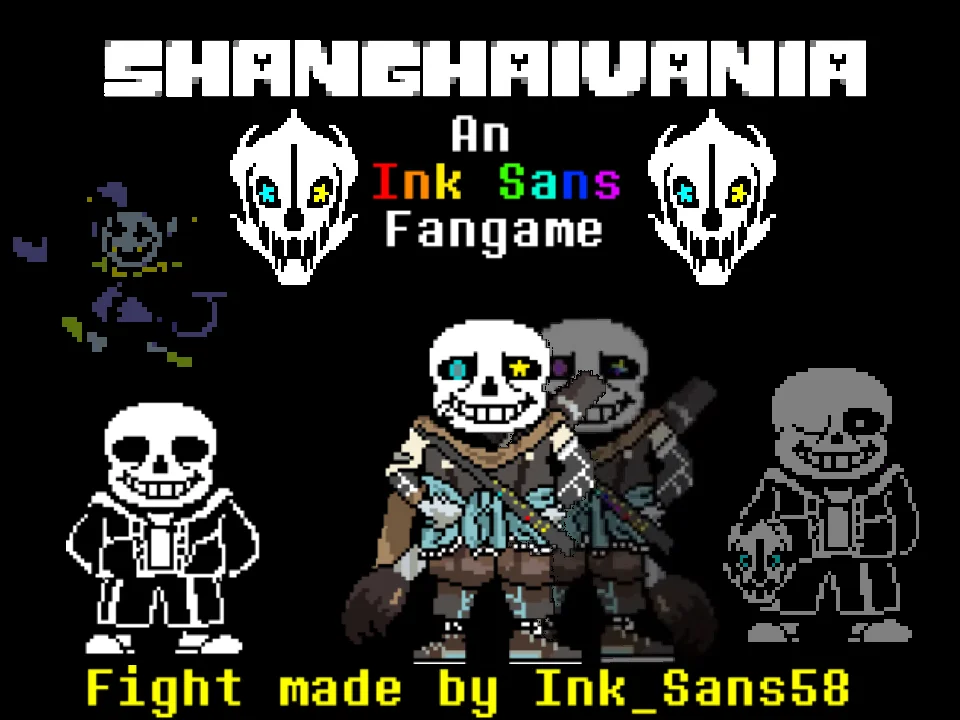
How to Play Ultra Sans Fight Simulator
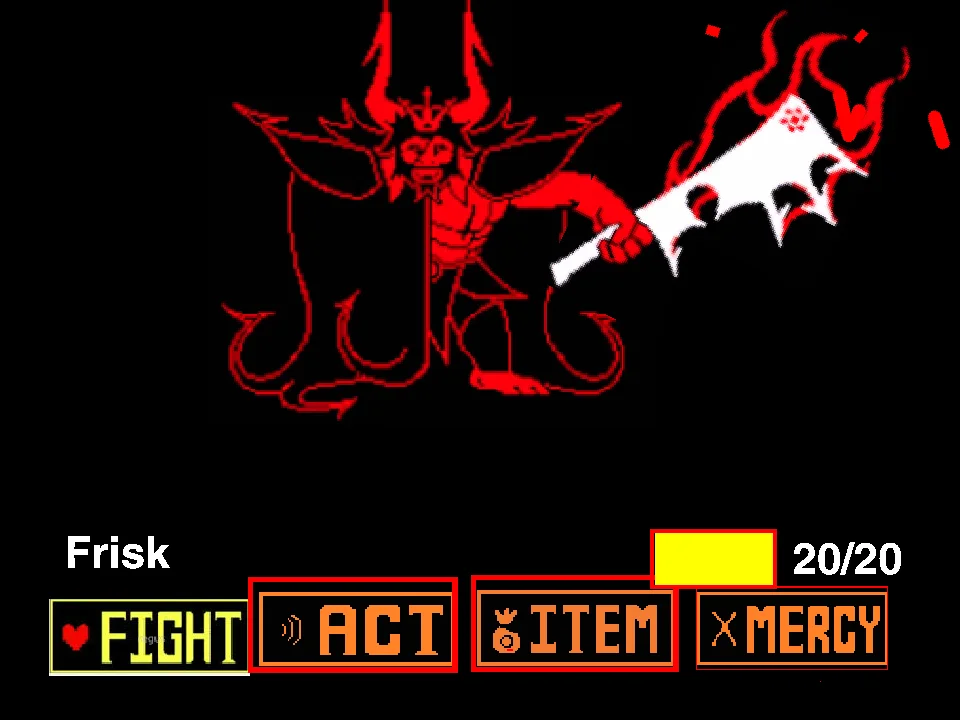
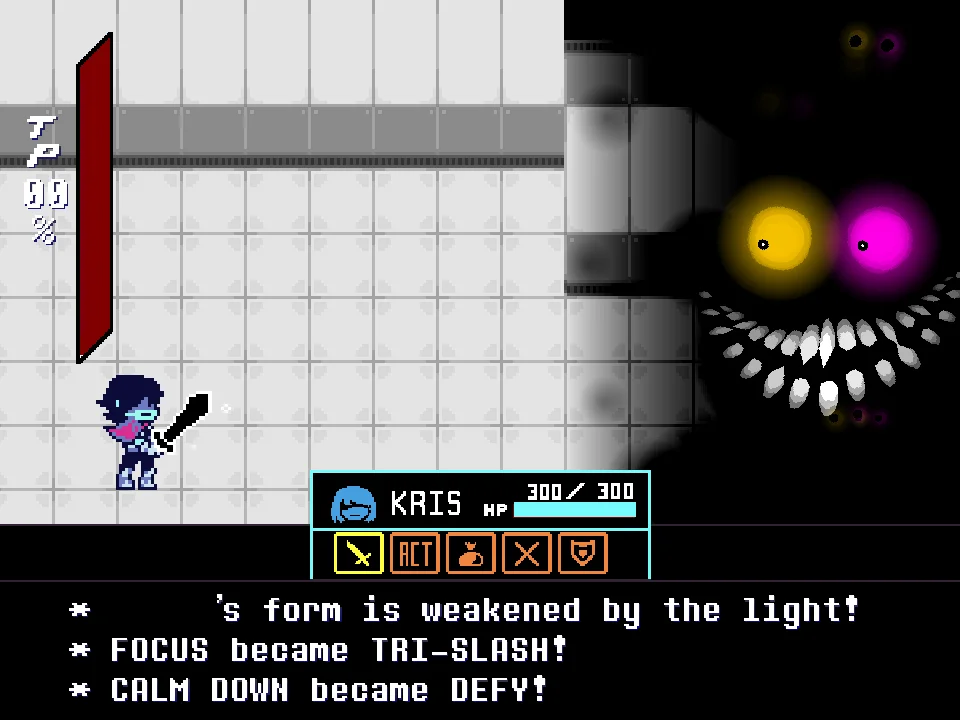
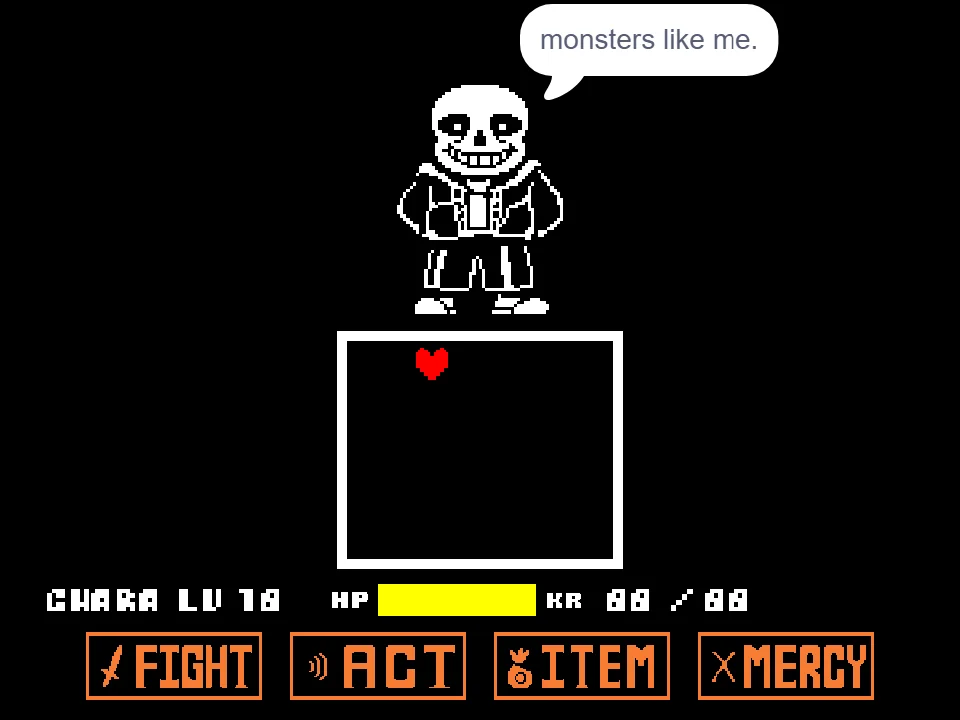
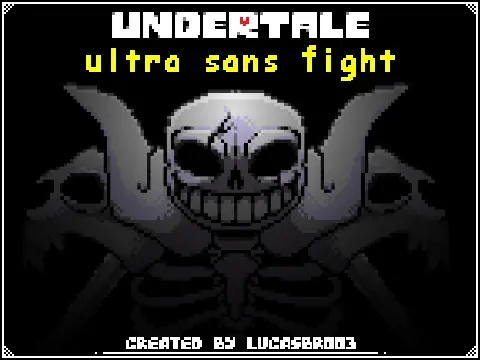
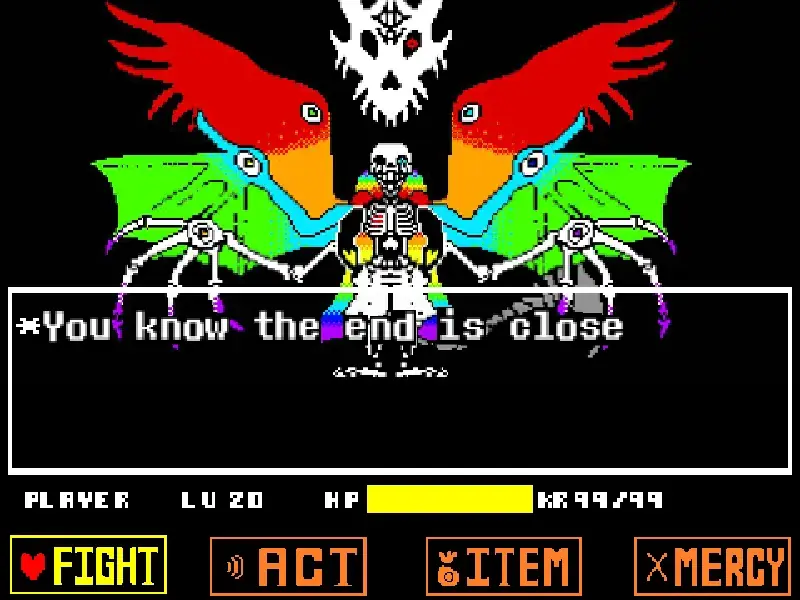
Ultra Sans Fight Simulator is a fan-made Undertale boss battle by LucasBr003. The story takes place after Sans has already been defeated, but he was prepared for what would happen next. Ultra Sans appears as a much larger and more powerful form, and the battle takes inspiration from the chaotic structure of the Omega Flowey encounter.
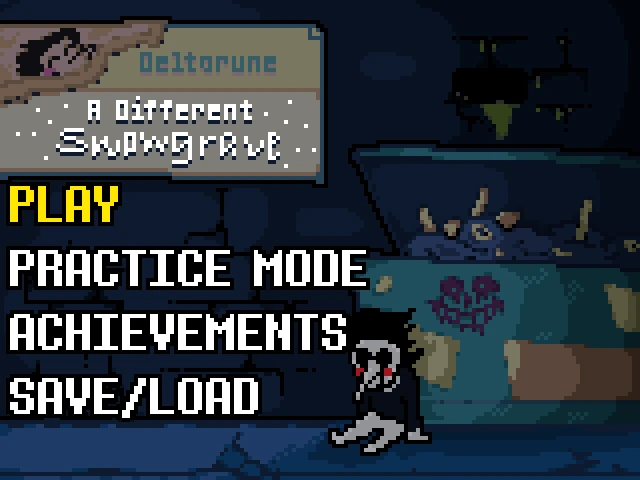
When you start the game, use the Arrow Keys to navigate the menu and press Z to begin or to switch the difficulty setting. During the dialogue sequences, press Z to advance the text or X to skip it entirely. Once the battle initiates, your objective is to survive the onslaught by moving your SOUL with the Arrow Keys. If a pattern demands extremely tight maneuvering, hold the X key to slow down your SOUL's movement speed for precise adjustments.
You cannot treat every projectile as a standard threat to be avoided. This encounter heavily utilizes a four-color attack system that requires completely different responses. White attacks operate normally and must be avoided. Blue attacks punish movement, meaning you must stay completely still while they pass. Orange attacks demand the opposite: you will take damage if you remain stationary, so keep moving through them. Finally, green objects are not hazards at all—touching them is the only way to recover lost health.
Ultra Sans Fight Simulator Controls
| Key | Action |
|---|---|
| Arrow Keys | Move the menu cursor or move your SOUL during battle |
| Z | Start the game, change difficulty, advance dialogue, or select FIGHT depending on the current screen |
| X | Skip dialogue or slow down your SOUL for precise movement |
| R | Reset the game if supported by this build |
Click inside the game window first if keyboard input affects the webpage instead of the game.
Who Is Ultra Sans?
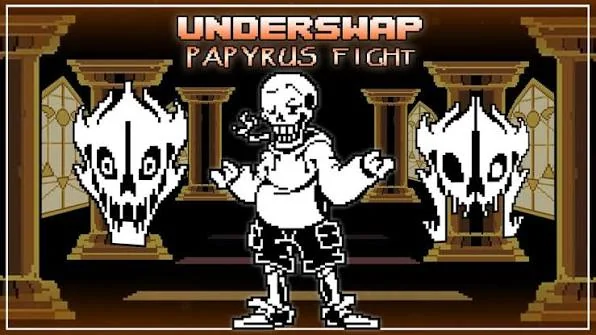
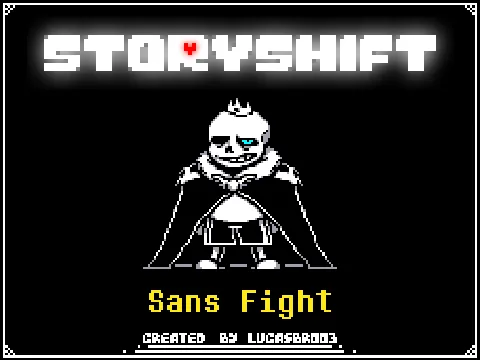
This playable Ultra Sans fight was created by LucasBr003 and was inspired in part by SpectralGaming's Omega Sans animation. In the official Undertale game, Sans is a laid-back sentry whose genocide-route battle is notoriously difficult, but he does not transform into a giant monster. Fan adaptations like Ultra Sans explore the idea of an escalated encounter where Sans gains apocalyptic power.
Rather than functioning like a standard turn-based battle, this Ultra Sans simulator incorporates the chaotic, screen-filling elements reminiscent of the Omega Flowey fight. It is an independent challenge designed for players seeking an extreme difficulty curve. Because it focuses entirely on survival and mastering the four-color attack system, it serves as a self-contained trial rather than an expansive RPG adventure.
Ultra Sans Game Mechanics
Difficulty Selection: Before the fight starts, the game menu allows you to press Z to toggle the difficulty setting. This lets players adjust the intensity of the challenge before diving into the combat.
Four Attack Colors: The most important mechanic to understand is how the game color-codes its hazards. White bullets deal standard damage. Blue bullets require you to stop moving completely. Orange bullets require continuous movement to safely pass through. Failing to read the color before reacting is the quickest way to lose health.
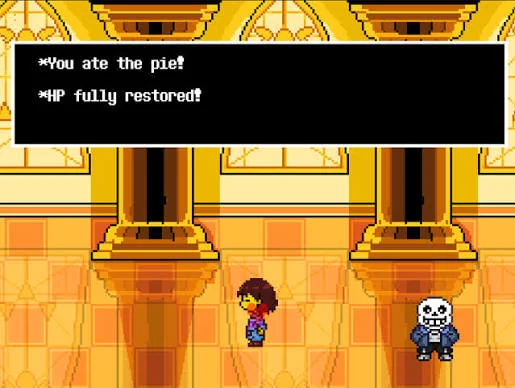
Healing: Unlike battles where recovery is limited to your inventory, this fight includes a built-in healing mechanic during combat. Green attacks are beneficial, and you should actively maneuver to touch them in order to restore your HP.
Precision Movement: Holding the X key slows your SOUL down. This is an essential feature for surviving the dense, bullet-hell sequences where full-speed movement would cause you to accidentally run into nearby hazards.
One Ending: The creator explicitly states that this game features only one ending. You do not need to hunt for hidden Phase 2 transitions, secret pacifist routes, or alternate story conclusions.
Tips for the Ultra Sans Encounter
- Use X for tight gaps. Hold X when a pattern leaves only a narrow opening. Slower movement makes it easier to adjust the SOUL without overshooting.
- Stop completely for blue attacks. Blue hazards punish movement. Release the Arrow Keys instead of trying to dodge them like normal bullets.
- Keep moving through orange attacks. Orange attacks work in the opposite way: remaining still is dangerous, so maintain movement until the hazard passes.
- Take green attacks when you need HP. Green objects can heal you. Do not automatically avoid them with the white attacks.
- Read the color before reacting. White, blue, orange, and green attacks require different responses. Identify the color first instead of panic-dodging every object.
- Use repeated attempts to learn the sequence. The creator specifically designed the fight as an extremely difficult encounter, so focus on learning where each color change and attack transition occurs.
Frequently Asked Questions
Does Ultra Sans Fight Simulator have difficulty settings?
Yes. The game allows you to change the difficulty from the menu using Z before starting the battle.
What are the Ultra Sans Fight Simulator controls?
Use the Arrow Keys to move, Z to start or advance dialogue, and X to skip dialogue or slow your SOUL during battle.
What do the attack colors mean?
White attacks should be avoided, blue attacks require you to stay still, orange attacks require you to keep moving, and green attacks can restore health.
Can you heal in Ultra Sans Fight Simulator?
Yes. The game includes healing, and green attacks are used for recovery.
Does Ultra Sans Fight Simulator have multiple endings?
No. The creator states that the game has one ending.
Is Ultra Sans an official Undertale boss?
No. Ultra Sans is a fan-created interpretation of the character. This battle is a standalone fan game, not part of the official Undertale release.
Is Ultra Sans the same as Omega Sans?
They are related fan concepts but usually refer to different designs or animations. This particular playable fight was inspired by SpectralGaming's Omega Sans animation, taking those themes and turning them into the interactive Ultra Sans battle on this page.
Can I play Ultra Sans Fight Simulator online?
Yes. You can play the Ultra Sans encounter directly in your browser using the game window on this page.