

































How to Play VHS Sans Fight Simulator
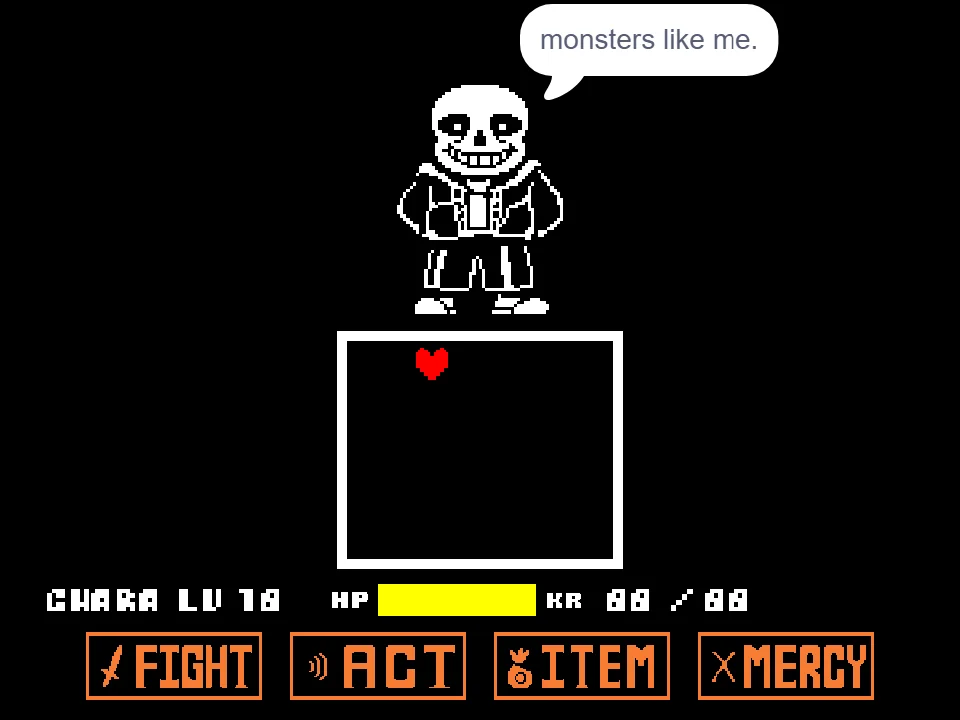
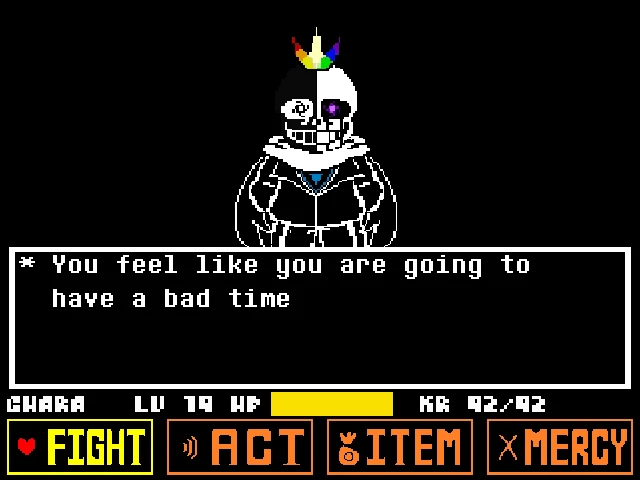
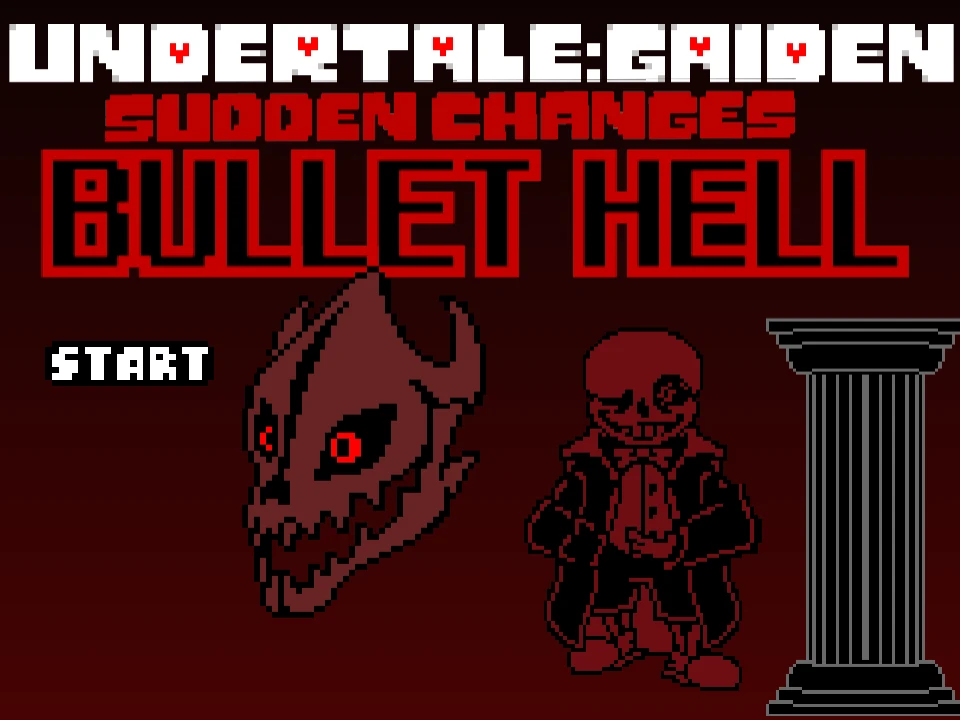
VHS Sans Fight Simulator is an atmospheric Undertale fan project inspired by the analog-horror community alternate universe known as VHS Sans. Set against a dark, deteriorating aesthetic reminiscent of degraded magnetic videotape broadcasts, this experience merges classic bullet-hell dodging with an open attack sandbox. Players encounter a distorted, blood-streaked Sans who foregoes standard monologues in favor of visceral, frantic survival trials backed by the eerie, propulsive theme Phase 2: Better Start Running.
Understanding the gameplay structure requires clarifying how this simulator operates. Unlike standard Undertale boss fights where an automated script serves preset attack waves turn by turn, VHS Sans Simulator gives players immediate control over both Sans's lethal abilities and the human SOUL's evasive movements:
- Steering the SOUL: You control the red SOUL using the directional Arrow Keys (Up, Down, Left, Right). Moving within the confined borders of the combat box is essential for evading incoming projectiles. The game also incorporates gravity-shifting mechanics that pull the heart toward the walls during specific attack patterns.
- Commanding Sans's Arsenal: As a combat simulator, every letter and number key on your keyboard corresponds to a specific offensive technique. You can fire ten distinct types of Gaster Blasters (using keys 1 through 0), launch nine variations of knife waves (W through P), execute wide-range red slashing strikes (A through J), and erect bone barriers (Z through M).
- The Bleeding Damage Mechanic: In traditional Undertale encounters, Sans inflicts Karmic Retribution (KR), which poisons your HP bar over time while removing invulnerability frames. In VHS Sans Simulator, the author implemented a unique bleeding mechanic. Upon colliding with an attack, your heart begins to bleed, steadily draining life points over time unless you maneuver to safe ground.
- Triggering Combat Damage: To initiate active damage testing and verify your survival against ongoing attack waves, press the Right Arrow key during battle. This activates the active health calculation system, challenging you to see how long your HP pool can endure the escalating onslaught.
Before pressing buttons, click once within the active canvas area so your web browser correctly routes your keystrokes to the simulator.
Controls and Complete Attack Hotkey Map
| Key | Action |
|---|---|
| Arrow Keys | Steer the red SOUL within the bullet box in all four directions (Up, Down, Left, Right). |
| Right Arrow (Damage Toggle) | Initiates active health calculations and activates the bleeding damage system. |
| 1 — 0 (Number Row) | Deploy Gaster Blasters: 1 (Small), 2 (Big), 3 (Triple), 4 (Line), 5 (X-Formation), 6 (Y-Formation), 7 (Grid), 8 (Ultimate Line), 9 (Combo), 0 (Circle). |
| W, E, R, T, Y, U, I, O, P | Deploy Knives: W (Side), E (Bouncing), R (Spin), T (Random), Y (Circle), U (Multiple), I (X-Knives), O (Y-Knives), P (Barrage). |
| N | Activate knife targeting lines and arm incoming slash trajectories. |
| A, S, F, G, H, J | Trigger Slashes: A (Vertical), S (Bloody Heck), F (Slash Circle), G (Slash Spin), H (Random Slashes), J (Targeted Slashes). |
| Z, X, C, V, B, N, M | Deploy Bones: Z (Bone Wave), X (Falling Bones), C (Targeted Bones), V (Bone Slide), B (Side Bones), N (D I E Formation), M (Side Bones Variant). |
| Mouse Click | Click inside the game stage to grant active browser input focus for responsive dodging and triggering. |
All hotkeys can be pressed simultaneously or in rapid succession to generate layered, high-intensity projectile combinations.
About VHS Sans and Version Features
Created by developer _Epic-me_, VHS Sans Fight Simulator belongs to the analog-horror Undertale AU subgenre, which reimagines Toby Fox's characters through the lens of found-footage tapes, distorted CRT screen scanlines, and psychological dread. Featuring character sprite assets adapted from community animator and sprite artist slayingmaster100, this project presents an unsettling take on the underground's skeleton sentry.
Several defining characteristics distinguish this version from other Undertale boss battles:
- The Analog Horror Aesthetic: The simulator wraps the battle in a pervasive static filter, accompanied by retro visual artifacts, glitching dialogue fonts, and the ominous phrase "Better start running". The iconic glowing eye is replaced with a hollow, weeping expression, while Sans's movements twitch erratically in rhythm with the soundtrack.
- Sandbox vs. Linear Fight: In traditional Sans battles like Bad Time Simulator or Undertale Last Breath, players must memorize rigid script sequences across multiple phases. VHS Sans Simulator functions primarily as a combat sandbox. Players are invited to test individual attack hitboxes, invent custom combinations, or challenge themselves to survive chaotic self-made bullet storms.
- Custom Bleeding System: Rather than relying on Undertale's standard KR (Karmic Retribution) code, this game replaces poison with a custom bleeding status. Contact with blades or blasters causes immediate wound damage followed by persistent hemorrhaging, making quick recovery and clear pathing essential.
- Audio Atmosphere: The simulator is scored with the relentless, pounding rhythm of VHS Sans - Phase 2 [Better Start Running]. The music sets a frantic tempo, driving home the desperation of surviving an unhinged opponent armed with blades and blasters alike.
Whether you are analyzing attack collision data, studying analog-horror fan creations, or practicing high-speed micro-dodging, VHS Sans Simulator delivers a distinctively chilling experience.
Game Modes and Simulation Playstyles
VHS Sans Simulator can be approached through two primary playstyles depending on player intent:
- Director / Attack Sandbox Mode: In this mode, players utilize the comprehensive keyboard layout to explore Sans's expansive offensive suite. You can test how different Gaster Blaster formations (such as the 7-key Blaster Grid or the 8-key Ultimate Line) cover the screen, observe how spinning knives bounce off arena walls, and examine the coverage of sweeping slash attacks. This mode is particularly valuable for animators, fangame creators, and AU theorists seeking to study projectile interactions.
- Survival Evasion Challenge: Players seeking a hardcore gameplay challenge can trigger continuous attack keys while simultaneously guiding the red SOUL with the directional Arrow Keys. Pressing the Right Arrow key activates combat vulnerability and the bleeding status, turning the session into an intense endurance trial where surviving beyond sixty seconds demands exceptional spatial awareness and reflexes.
Actionable Strategy Guide and Combat Tips
Surviving the chaotic onslaught of VHS Sans requires deliberate technique and careful management of screen space:
- Prioritize Center-Box Positioning: When knife barrages (key P) or spinning slash circles (key F) spawn, projectiles originate from the outer perimeter and converge inward. Maintaining a neutral position near the center of the arena gives you maximum reaction time to identify oncoming safe pockets before the blades close in.
- Manage the Bleeding Status Immediately: Because the bleeding mechanic steadily siphons health following any hit, taking multiple minor collisions in rapid succession is fatal. If you graze a bone or knife, immediately disengage from dense projectile clusters and focus entirely on clean movement until the bleed effect subsides.
- Weave Perpendicularly to Blaster Lines: When Gaster Blaster Lines (key 4) or Ultimate Lines (key 8) charge across the screen, never attempt to outrun the beam along its firing axis. Instead, maneuver perpendicular to the charging heads just before the blast discharges to step cleanly into adjacent safe lanes.
- Avoid Screen Corners During Knife Spins: Bouncing Knives (key E) and Spinning Knives (key R) frequently ricochet off corner angles at unexpected vectors. Staying away from the sharp corners of the bounding box prevents getting trapped against two reflecting walls simultaneously.
- Trigger Attacks in Measured Intervals: When designing your own survival gauntlet, avoid mashing every key simultaneously, which can oversaturate the collision engine. Stagger your inputs—such as following a bone wave (Z) with a targeted slash (J) and a triple blaster (3)—to create challenging yet navigable dodging trials.
- Ensure Keyboard Focus Before Commencing Runs: Because the simulator relies heavily on dozens of key bindings, any accidental mouse click outside the player frame will unfocus the window and freeze input handling. Click firmly in the center of the game viewport before initiating intense dodging attempts.
Frequently Asked Questions
What is VHS Sans?
VHS Sans is an Undertale alternate-universe character rooted in the analog-horror genre. He is portrayed with degraded videotape visuals, eerie glitch effects, bloodied sprites, and a menacing combat style utilizing knives, slashes, and distorted Gaster Blasters.
Do you play as Sans or Frisk in VHS Sans Simulator?
You control both. The simulator allows you to steer the human SOUL with the arrow keys to dodge, while simultaneously using number and letter keys to trigger Sans's full repertoire of attacks, slashes, and Gaster Blasters.
How does the bleeding mechanic work in this game?
Unlike original Undertale where Sans deals Karmic Retribution (KR), VHS Sans Simulator replaces poison with bleeding damage. Touching an attack causes your HP to hemorrhage steadily over time until you avoid further hits.
What keys trigger Gaster Blasters in VHS Sans Simulator?
Keys 1 through 0 trigger ten different Gaster Blaster patterns, ranging from small random blasters (1) and blaster lines (4) to the comprehensive blaster grid (7) and full blaster circle (0).
What music plays during VHS Sans Simulator?
The battle is accompanied by 'VHS Sans - Phase 2 [Better Start Running]', a fast-paced, relentless theme designed to match the high tension of the encounter.
Can I play VHS Sans Simulator on a smartphone or tablet?
No. The simulator requires dozens of distinct physical keyboard keys to trigger attacks and steer the SOUL, meaning it is exclusively designed for desktop and laptop computers with hardware keyboards.