


































How to Play Napstablook Fight
Step into the melancholic atmosphere of the Ruins with the Napstablook Fight simulator. This fan-made recreation faithfully captures the essence of the classic encounter with everyone's favorite depressed ghost from the original Undertale game. By providing a direct portal to the battle, this simulator allows players to practice their dodging skills, explore different dialogue outcomes, and interact with Napstablook without having to navigate through the entire opening section of the game.
As the encounter begins, you will take control of the iconic red soul within the bullet board. Napstablook's attacks are highly thematic, consisting primarily of his own tears. You must carefully maneuver your soul to weave between these tear projectiles. Because this battle occurs early in the source material, the attack patterns are designed to teach fundamental evasion mechanics. The tears fall in specific arcs or straight lines, making this a perfect practice ground for beginners learning how to recognize hitboxes, pacing, and movement limits within the combat board.
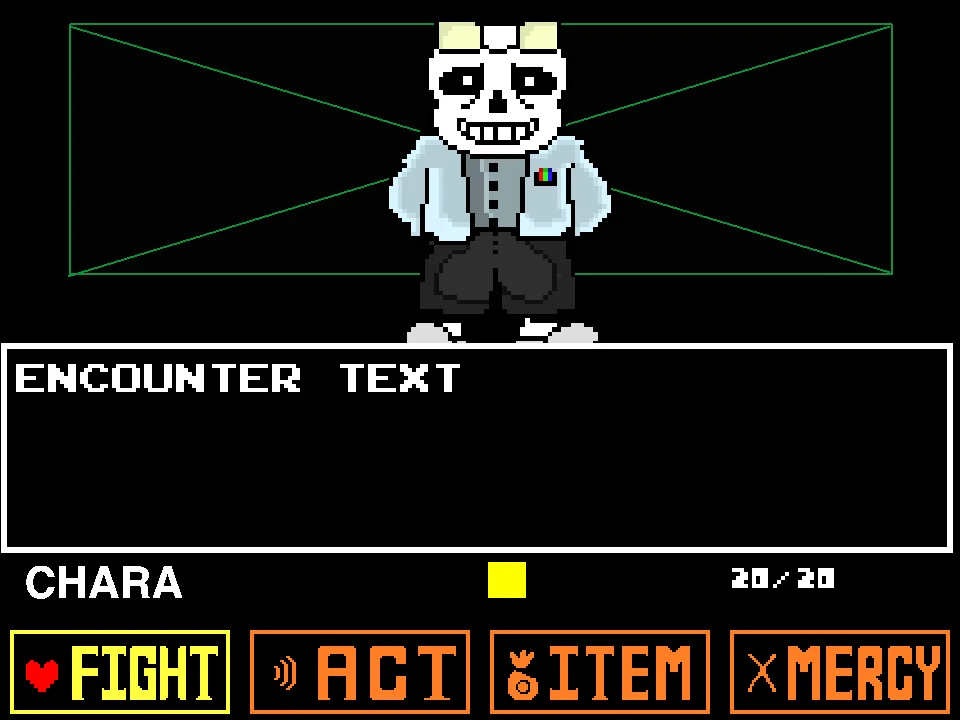
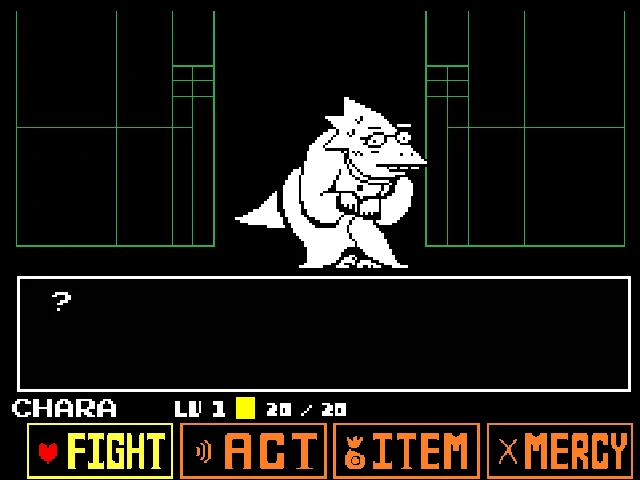
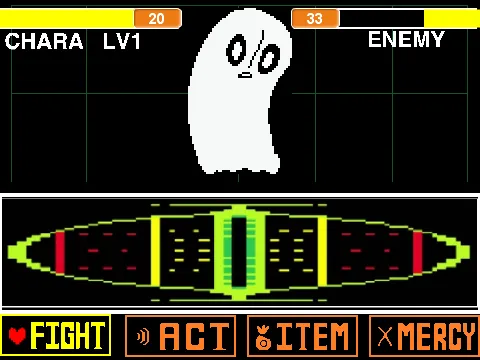
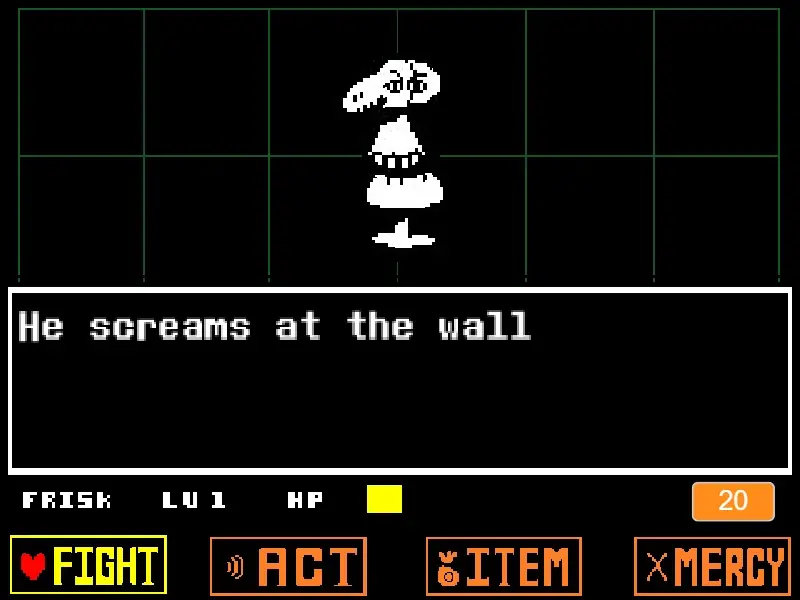
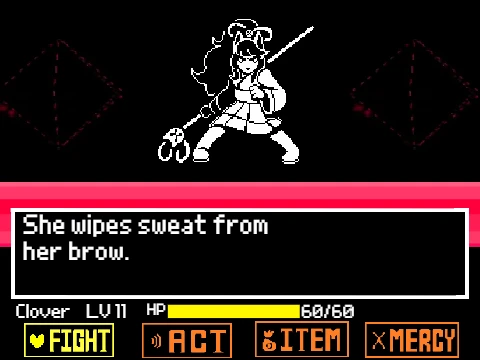
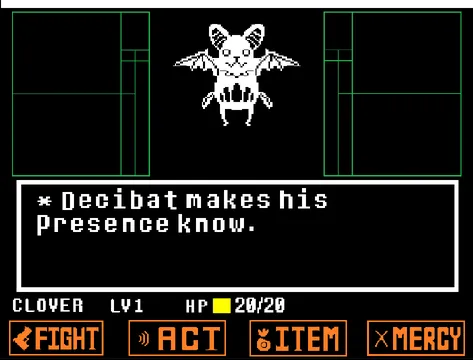
During your turn, you will interact with the standard Undertale combat interface, offering four primary choices: FIGHT, ACT, ITEM, and MERCY. Your choices here drastically affect how the battle unfolds. You can choose to attack the ghost—though dealing physical damage to a spectral entity might not work as expected—or you can explore the Act menu to interact with him in various ways. The creator explicitly updated the underlying battle engine to ensure that different endings and multiple Act options, specifically the Threaten command, work accurately to reflect the original interactions.
Napstablook Fight Controls
| Key | Action |
|---|---|
| Arrow Keys | Use the Up, Down, Left, and Right arrow keys to move your red soul inside the combat box and dodge incoming tear attacks. Also used to navigate the menu options. |
| Z Key / Enter | Press Z to confirm your menu selections, advance the dialogue boxes, and execute an attack when the targeting reticle is perfectly aligned. |
| X Key | Press X while in the menus to cancel a selection and return to the previous screen. You can also use this key to skip or speed up dialogue text. |
About the Undertale Napstablook Battle
In the expansive narrative of the original game, Napstablook is encountered as a mandatory obstacle blocking the player's path through the Ruins. While categorized mechanically as a miniboss, the encounter is defined more by its emotional and humorous undertones than its extreme difficulty. The battle is accompanied by the energetic and jazzy "Ghost Fight" musical track, which stands in stark contrast to the character's gloomy personality.
This specific web-based reproduction utilizes a custom fan-created battle engine. It aims to replicate the exact physics, timing, and dialogue sequences of the original encounter. The developer has meticulously coded the interactions so that the various endings—whether you choose to aggressively attack or patiently cheer up the ghost—trigger accurately based on your sequence of choices. This includes the ability to use the Threaten option, which leads to distinct dialogue paths.
It is crucial to note that this is a faithful recreation of the standard Ruins encounter. It is not an exaggerated "Hard Mode," an infinite HP survival challenge, or the drastically different "True Genocide" iteration found in other fan works. The focus here is on authenticity, providing a reliable way to experience this memorable moment on demand without requiring a full save file.
Napstablook's Attacks and Battle Mechanics
The core mechanic of Napstablook's offense is his tears. He will cry streams of white projectiles that fall from the top of the bullet board or follow curving trajectories. Your primary goal is to guide your red soul through the gaps in these tears. The attacks begin relatively slowly, emphasizing the need for deliberate, controlled movements rather than frantic rushing. Some waves will bounce along the bottom edge, requiring you to stay elevated.
A unique aspect of this encounter lies in how it responds to the FIGHT command. Because Napstablook is a ghost, standard physical attacks will simply phase through him, resulting in him actually losing "HP" but explaining that he is just lowering his own health bar to be polite. This teaches players early on that violence in the Underground is not always straightforward and that exploring the ACT menu is often necessary for a true resolution.
The Act menu offers several ways to resolve the conflict peacefully. You can choose to Cheer him up, which will eventually alter his attack patterns. Specifically, if you continue to encourage him, you will trigger the "Dapper Blook" visual transformation where his tears flow upwards to form a top hat, fundamentally changing the dodging mechanics. Conversely, the engine also supports negative interactions, such as Threatening him, which will provoke different dialogue responses and lead to alternative conclusions to the battle.
Tips for the Napstablook Fight
- Focus on Gentle Movements: The tear projectiles often move in slow, curving arcs. Do not oversteer or make jerky movements; instead, gently guide your soul into the natural gaps between the tears.
- Explore the Act Menu: Since attacking a ghost is physically impossible, spend your turns exploring the different Act commands to see how he reacts emotionally to being cheered up or threatened.
- Watch for the Dapper Hat: If you choose to repeatedly cheer him up, watch carefully during the subsequent attack phases. His tears will begin flowing upwards to form a hat, changing the dodging dynamic completely as gravity reverses for the projectiles.
- Read the Dialogue Carefully: The humor and personality of the encounter are hidden in the text boxes. Pay attention to his self-deprecating remarks, as they often hint at how close you are to resolving the fight.
- Do Not Panic if You Attack: If you choose to Fight, do not be alarmed when his HP drops rapidly. Pay attention to the dialogue that follows to understand the true nature of the "damage" you are inflicting.
Napstablook Fight FAQ
Can I actually kill Napstablook by choosing Fight?
No, because Napstablook is already a ghost, physical attacks cannot destroy him. If you repeatedly choose the FIGHT command, he will humor you by artificially lowering his own HP bar, but the battle will eventually end without him dying.
Does this simulator feature the Dapper Blook transformation?
Yes, this engine recreation supports the multiple endings and interactions of the original encounter. If you use the ACT menu to repeatedly cheer him up, you will trigger the phase where his tears form a stylish top hat, reversing the direction of his attacks.
Is this the True Genocide version of the fight?
No. This simulator is designed to be a faithful reproduction of the standard, canonical encounter found in the Ruins. It does not include the extreme difficulty spikes, custom Gaster Blaster attacks, or fan-fiction elements found in specific True Genocide mods.
Why does the game say 'Ghost Fight'?
"Ghost Fight" is the official title of the energetic jazz track composed by Toby Fox that plays during this specific boss encounter. The term is often used interchangeably to refer to the battle itself.
Can I play this simulator on a mobile touchscreen?
This web simulator relies on traditional keyboard inputs (Arrow keys for movement, Z and X for menu interactions). Because it lacks native on-screen digital buttons, playing it on a mobile device without a connected physical keyboard is not recommended.
Does using the Threaten command change the fight?
Yes. The developer specifically updated this simulator to include the Threaten command within the ACT menu. Using it will alter Napstablook's dialogue and change how the battle concludes compared to using the Cheer option.