



































How to Play La Jupo Simulator
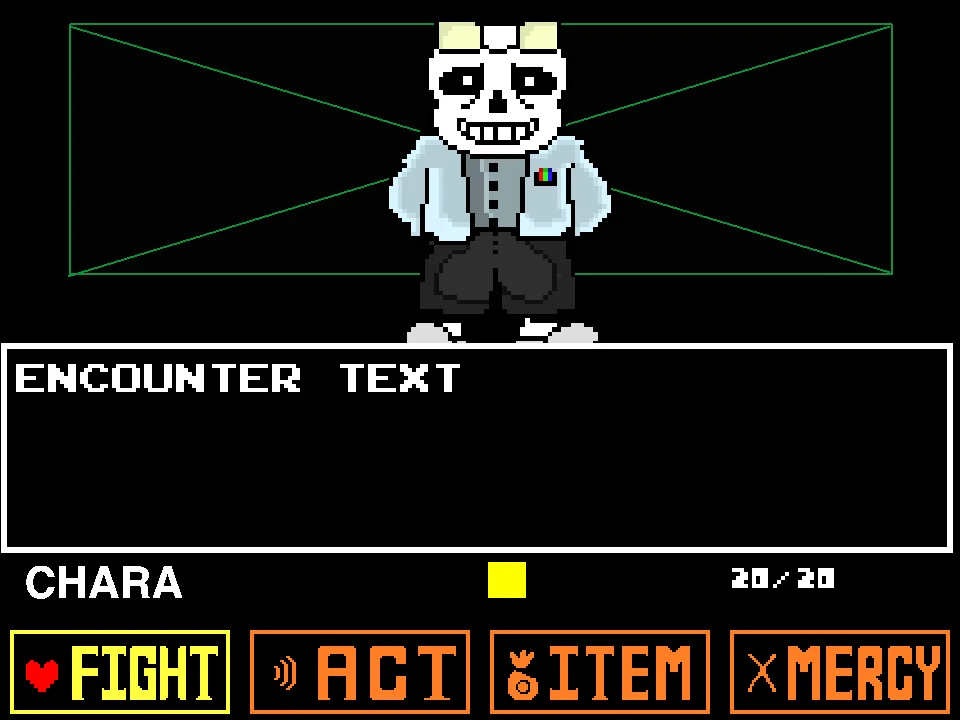
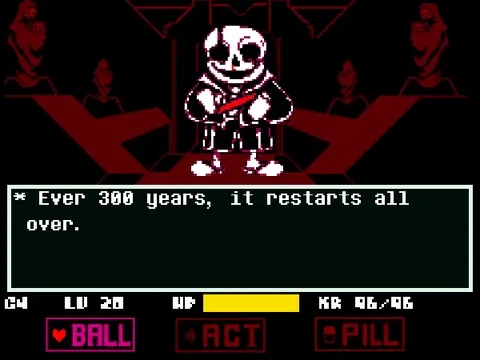
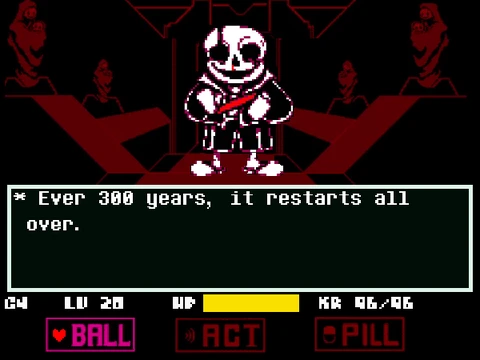
To begin playing La Jupo Simulator, click once directly inside the game window to ensure your browser assigns active keyboard focus to the canvas. When the encounter loads, Sans initiates with atmospheric dialogue ("Ever 300 years, it restarts all over."). Press the Z key to advance the dialogue and transition into the active interactive battle interface.
The game can be enjoyed through two complementary playstyles:
- Human Evasion and Navigation: As the human SOUL, use the Arrow Keys to maneuver within the central dodging box. When it is your turn to select an action, use the Arrow Keys to highlight options on the customized command bar—featuring BALL, ACT, PILL, and KYS—and press Z to confirm or X to decline. In standard Red SOUL mode, movement is free in all directions; in Blue SOUL mode, the heart is subjected to directional gravity, requiring hops over obstacles.
- Box Soul Dash Mechanics: By activating Box Soul mode (via key 9), your heart gains the ability to execute an instantaneous high-speed Dash by pressing Z or X. Dashing is not merely an evasive tool—it provides momentary invulnerability frames and allows you to physically shatter specialized hazard lines, including oncoming MOTHER bone waves, clearing a safe zone in the arena.
- Sans Sandbox Director Mode: At any point during gameplay, you can use alphanumeric keyboard hotkeys to command the arena directly. Press keys 1 through 8 to alternate Sans's stance, toggle SOUL physics between Blue and Red, or spawn left and right breakable bone obstacles. Alphanumeric keys like E, R, T, Y, U, I, O, P instantly trigger signature Jupo hazards, ranging from Lil Jupo Bombs and Banana Jumps to cascading cherry drops.
- Arena Box Manipulation: If you want to alter the spatial difficulty of the encounter, use the bracket and operator keys. Pressing [ expands the boundary to a medium box, pressing - constricts the arena into a tight small box, and pressing = resets the box to its default dimensions.
Comprehensive Controls and Sandbox Hotkeys
| Key | Action |
|---|---|
| Arrow Keys | Steer the human SOUL omnidirectionally during dodging phases and navigate custom battle menu choices. |
| Z | Confirm highlighted menu options, advance dialogue text, interact with prompts, and execute a Dash in Box Soul Mode. |
| X | Cancel menu choices, decline selections, or perform an alternative Dash in Box Soul Mode. |
| 1 | Change Sans's active combat pose and visual stance in real time. |
| 2 / 3 | Instantly switch human SOUL states: 2 for Blue SOUL (directional gravity), 3 for Red SOUL (free omnidirectional flight). |
| 4 / 5 / 6 | Trigger signature body motion hazards: 4 for Jupo Shake, 5 for Jupo Bounce, 6 for the Banana Variant attack pattern. |
| 7 / 8 | Spawn breakable bone barriers on the left side (7) or right side (8) of the arena boundary. |
| 9 | Toggle Box Soul Mode, equipping the SOUL with dash-breaking capabilities using Z or X. |
| W / A / S / D | Directly manipulate gravity pull: W (Up), A (Left), S (Down), D (Right) during Blue SOUL mode. |
| E | Summon randomized falling Cherrys that drift unpredictably into the bullet arena. |
| R / T / Y / U | Deploy distinct Jupo minions and hazards: R for Mini Jupo, T for Chapo, Y for Platforms and Bones, U for LaBoxo. |
| I / O / P | Summon specialized obstacle hazards: I for Banana Jumps, O for Lil Jupo Slip, P for Lil Jupo Bomb detonation. |
| F / G / H | Launch moving bone structures: F and G for moving breakable bones, H for the undulating Wave Bone sequence. |
| C / M / V / N / B | Unleash MOTHER attacks: C (Horizontal X-axis), M (Vertical Y-axis), V & N (Soul-tracking homing), B (Triplet Y-axis wave). These can be broken with a Box Soul Dash. |
| [ / - / = | Alter arena dimensions: [ for Medium Box, - for Small Box, = to Reset Box to default scale. |
| ] / \ | Bone throw attacks: ] initiates a cursor-targeted throw aiming toward the SOUL; \ triggers an automatic bone throw. |
About La Jupo Simulator
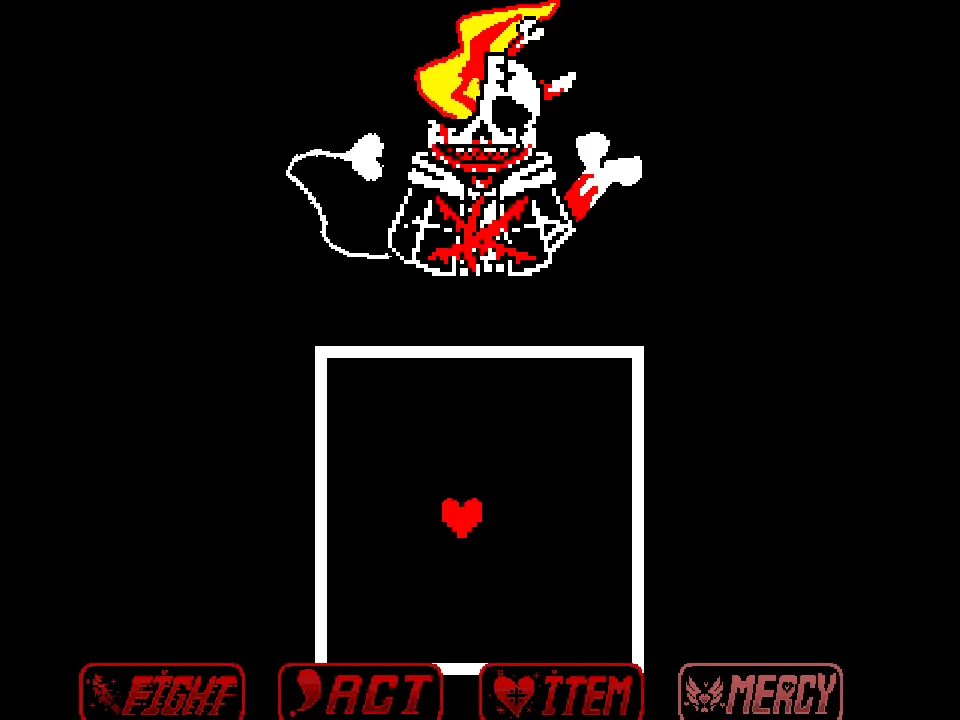
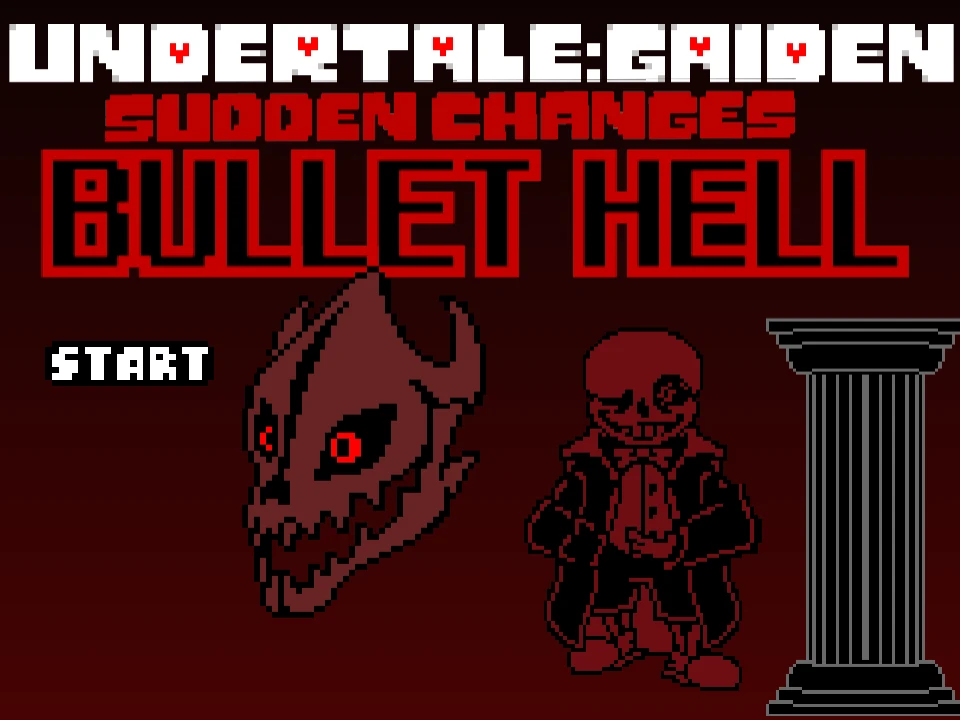
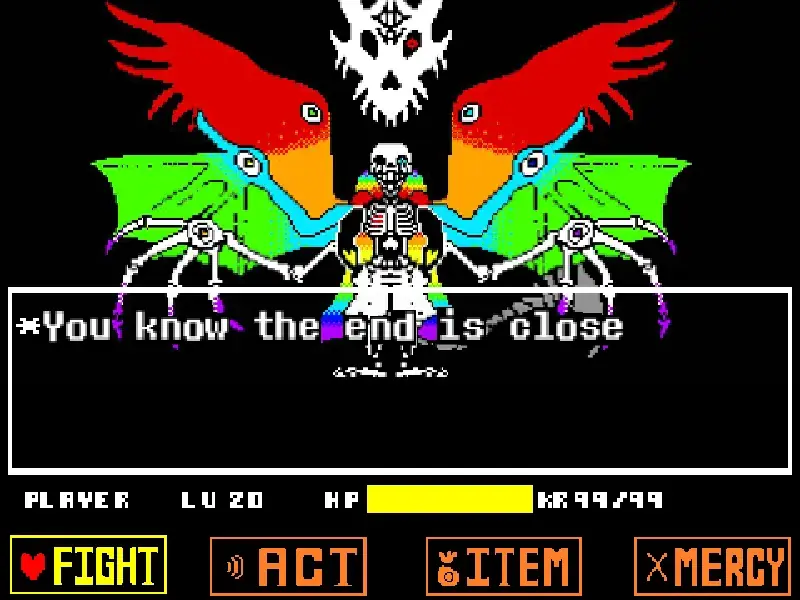
La Jupo Simulator is an esoteric, fan-crafted Undertale alternate-universe battle simulator created by community developer TheManOfUndertale, featuring the landmark "David's Faithfulness Update". Set against a haunting crimson-drenched judgement chamber, the game re-envisions the iconic Sans showdown through the surreal, chaotic prism of the La Jupo AU mythos. Sans appears with blood-stained hollowed sockets, grinning ominously as he brandishes glowing crimson bone blades before an ominous throne of twisted faces.
Rather than functioning merely as a rigid, scripted bullet-dodging survival gauntlet, La Jupo Simulator operates as an interactive battle sandbox and combat engine laboratory. Players are granted unrestricted command over both sides of the encounter. You can inhabit the role of the human soul dodging intricate hazard formations, or assume the role of Sans himself, dynamically summoning custom projectiles, manipulating gravitational physics, re-architecting the boundary walls of the bullet box, and toggling novel SOUL transformation states with dedicated keyboard hotkeys.
The David's Faithfulness Update introduces a vast suite of surreal custom attack routines—from bouncing Mini Jupos, slipping hazards, and randomized explosive cherries to the multi-directional MOTHER wave sequences. It also pioneers the Box Soul mode, a unique mechanical state that equips the heart with high-velocity dash capabilities designed specifically to smash through incoming destructible bone barricades.
With custom UI menus replacing the traditional FIGHT and MERCY buttons with surreal commands like BALL, PILL, and KYS, the simulator offers an unforgettable deep dive into niche Undertale AU creativity and technical boss-fight experimentation.
Sandbox Mechanics and Hazard Archetypes
La Jupo Simulator delivers an expansive set of mechanical systems rarely seen in traditional Undertale boss adaptations:
- Dual Perspective Sandbox: Players are not locked into a passive spectator role or a purely defensive routine. You can treat the simulator as an agility testing ground by triggering complex sequences and attempting to dodge them, or function as the battle choreographer by weaving multiple attack scripts together simultaneously.
- The MOTHER Attack Series: One of the central features of the David's Faithfulness Update is the MOTHER attack family (triggered via C, M, V, N, and B). These dense energy waves sweep across the screen along vertical or horizontal axes or lock directly onto the SOUL's current coordinates. Unlike standard bones that inflict continuous KR poison damage upon touch, MOTHER waves are breakable: dashing directly into them using Box Soul mode completely shatters the projectile line.
- Physics and Gravity Shifts: Using the W, A, S, and D keys, players can manipulate the directional pull of gravity in real time while the SOUL is in Blue mode. Shifting gravity sideways (A or D) forces the heart to jump horizontally off wall edges, adding a multi-directional platforming element to the bullet hell experience.
- Unorthodox Menu Mechanics: The player's battle UI features unconventional replacements for standard actions. BALL serves as an interactive combat trigger, ACT allows dialogue engagement, PILL represents medicinal recovery items, and KYS serves as an instantaneous forfeit restart command.
Practical Tips for Mastering La Jupo Simulator
Mastering this encounter requires focused practice and knowledge of specific gameplay timings:
- Master the Box Soul Dash Timing: When facing dense projectile walls—especially the MOTHER series (C, M, V, N, B)—do not attempt to squeeze between the narrow gaps. Switch to Box Soul mode (key 9) and tap Z or X right before impact to dash directly through and shatter the incoming barrier.
- Anticipate Randomized Cherry Trajectories: Pressing E spawns cherries at unpredictable horizontal coordinates. Rather than staying anchored in the center of the box, hover near the lower-left or lower-right corners where you have maximum visual reaction time to spot falling clusters before they accelerate.
- Counter Lateral Gravity Pulls Promptly: When lateral gravity is engaged with the A (Left) or D (Right) keys, the floor of the arena effectively becomes a vertical wall. Use the opposite directional Arrow Key to leap off the wall surface and maintain mid-air positioning rather than sliding into floor-level bone traps.
- Avoid Overlapping Banana Jumps with Lil Jupo Slips: The I (Banana Jumps) and O (Lil Jupo Slip) hazards drastically alter SOUL friction and bounce height. If both are active concurrently, the heart will lose traction and bounce uncontrollably against arena walls. Trigger these hazards individually when practicing evasion.
- Use the Arena Reset Key When Trapped: If you accidentally compress the battle arena using the minus (-) key into an unnavigable box size, quickly press the equals (=) key to restore the default arena boundaries before incoming projectile waves cause fatal KR damage.
Frequently Asked Questions
What is La Jupo Simulator and what does the David's Faithfulness Update add?
La Jupo Simulator is a fan-created Undertale alternate-universe battle engine created by TheManOfUndertale. The "David's Faithfulness Update" expands the original project with a wider roster of surreal custom attacks, refined sprite animations, new hazard archetypes like Banana Jumps and Lil Jupo Bombs, and the introduction of the dash-capable Box Soul system.
How do I switch between playing as the human and controlling attacks?
Both control schemes operate simultaneously. You can move the human SOUL using the Arrow Keys and interact with battle menus using Z and X, while simultaneously pressing alphanumeric keyboard hotkeys (such as 1–9, WASD, E, R, T, Y, and C/M/V/N/B) to trigger Sans's attacks, switch gravity, and resize the arena at any moment.
What is Box Soul Mode and how does the Dash work?
Pressing the 9 key activates Box Soul Mode. In this state, pressing Z or X causes your heart to dash rapidly in the direction of movement. Dashing provides momentary invincibility and allows you to physically break through certain high-threat hazards, specifically the MOTHER series of bone waves.
What do the BALL, PILL, and KYS buttons do in the battle menu?
These represent custom thematic replacements for traditional Undertale battle commands. BALL functions as the primary combat action, ACT triggers conversational responses, PILL accesses restorative consumables to recover HP, and KYS is a quick-reset command that instantly restarts the battle round.
How do I reset the arena box if it becomes too small to dodge?
If the battle box has been shrunken with the minus (-) key, simply press the equals (=) key on your keyboard. This immediately resets the arena boundaries back to their standard default dimensions.
Can La Jupo Simulator be played on a smartphone or tablet?
While the visual canvas renders in mobile browsers, the full simulator experience relies heavily on keyboard hotkeys across multiple rows (numbers, letters, brackets, and operators) to access the complete attack roster and dash mechanics. A physical keyboard is strongly recommended for full functionality.