



































How to Play Storyshift Sans Fight
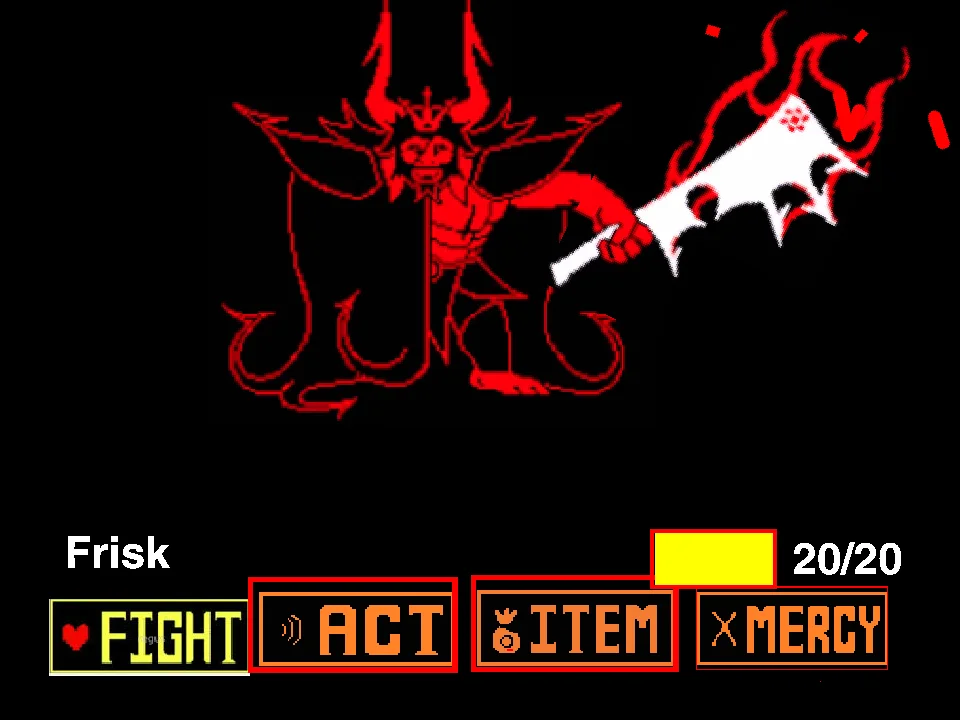
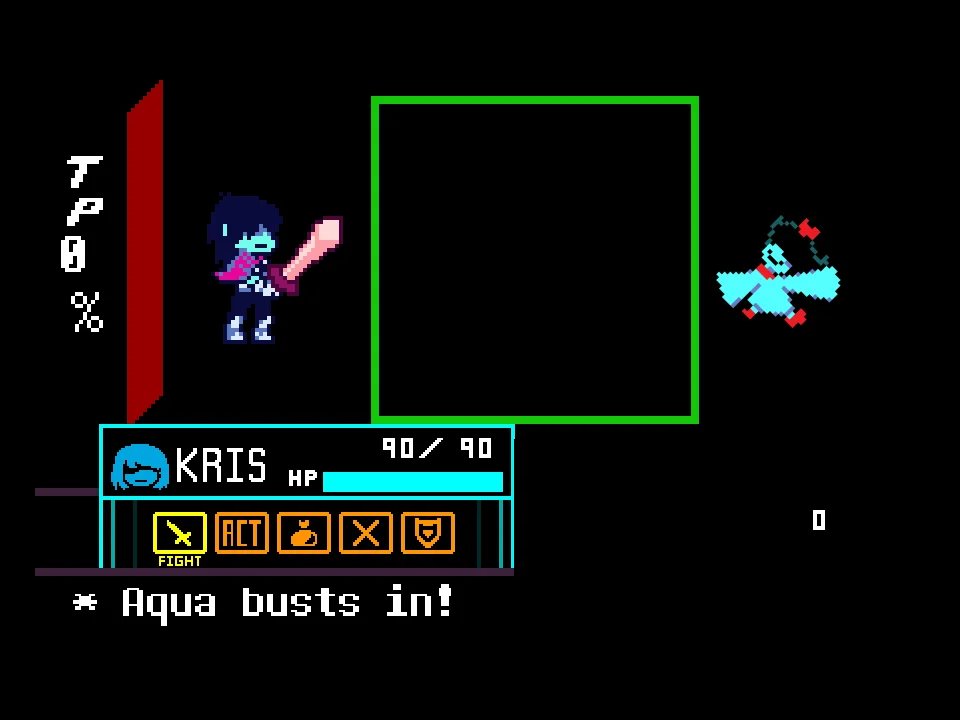
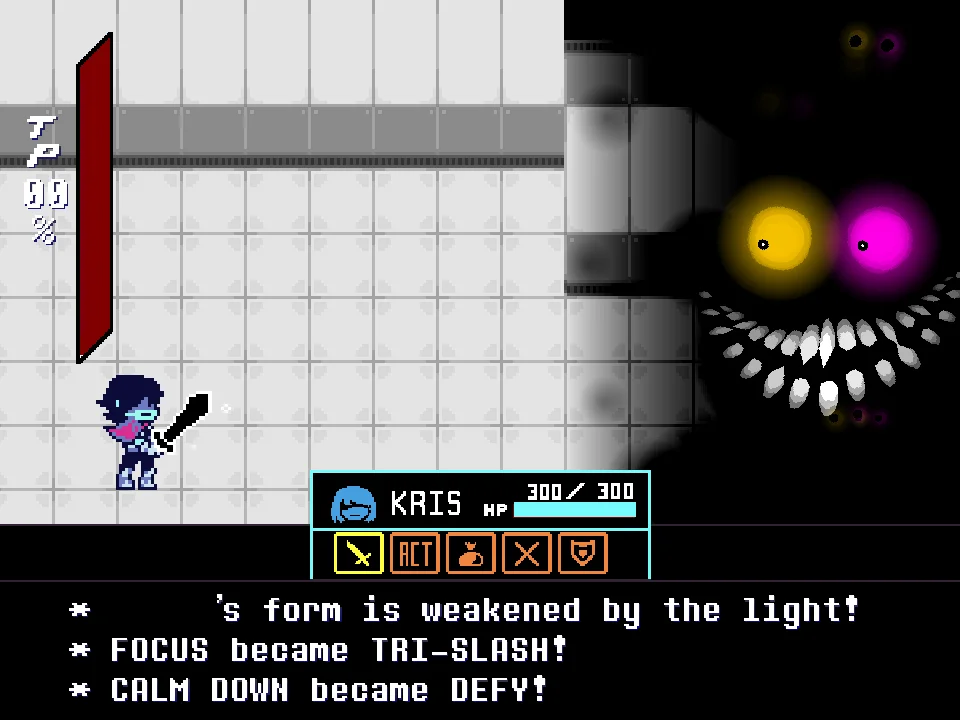
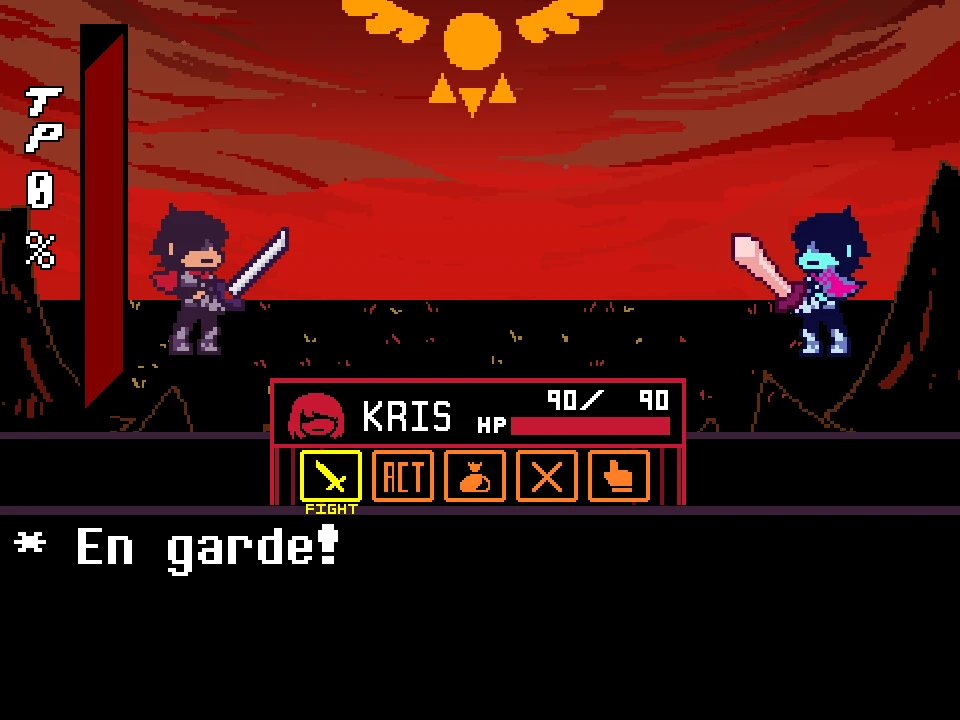
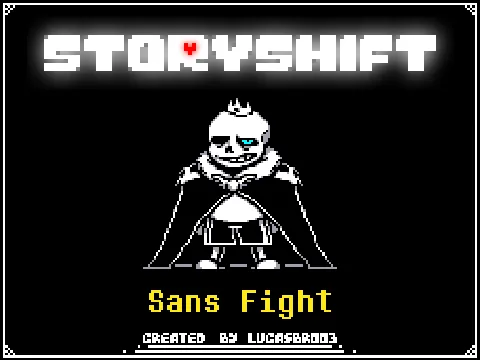
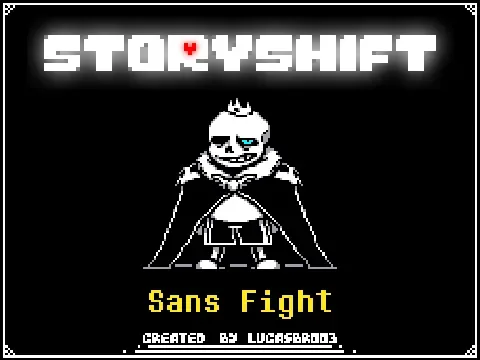
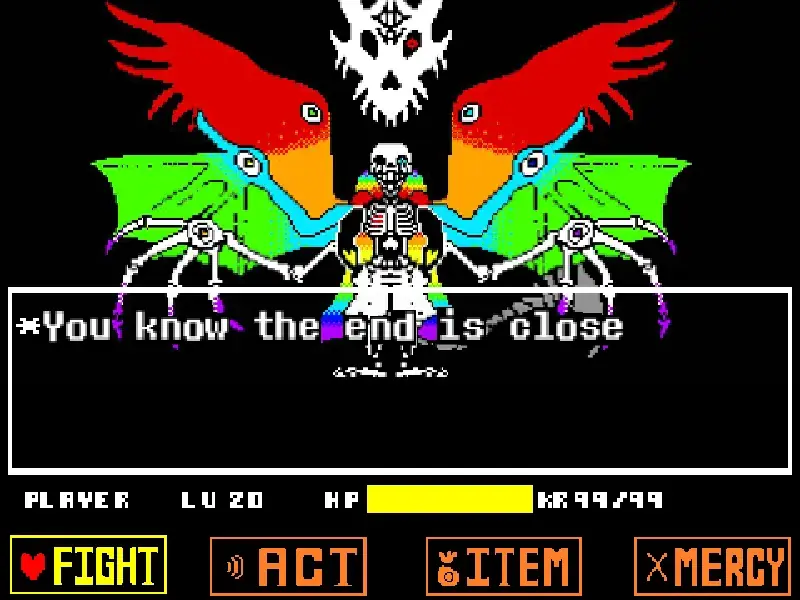
Enter a completely different timeline with the Storyshift Sans Fight simulator. In the popular Undertale AU known as Storyshift, the roles of the main characters are radically shuffled. In this specific iteration created by creator LucasBr003, Sans takes on the role of King Asgore. This web-based game allows you to experience what an encounter against "King Sans" would mechanically entail, complete with multiple endings, specific dialogue choices, and punishing bullet-hell segments.
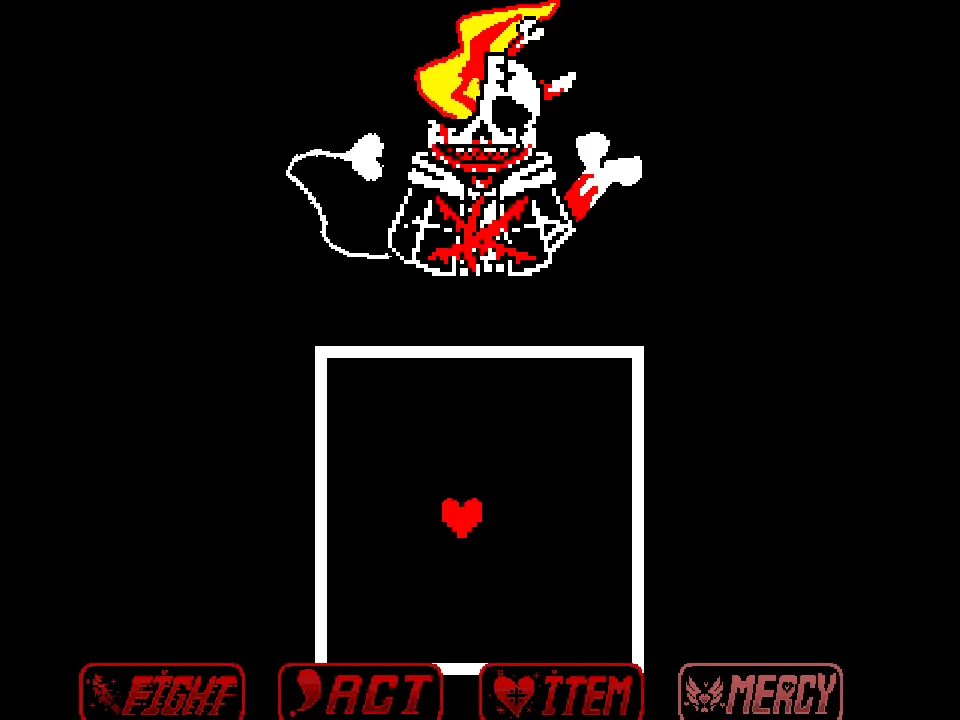
During the battle phase, you are tasked with controlling the red soul to avoid an onslaught of attacks. Because Sans is filling the role of the King, you can expect an interesting hybrid of abilities. You must dodge standard white projectiles while paying close attention to colored attacks. Specifically, the engine strictly enforces color rules: you must remain completely still when Blue Attacks pass over you, but you must be actively moving to safely pass through the Orange Attacks. Failing to execute these commands will result in massive health loss.
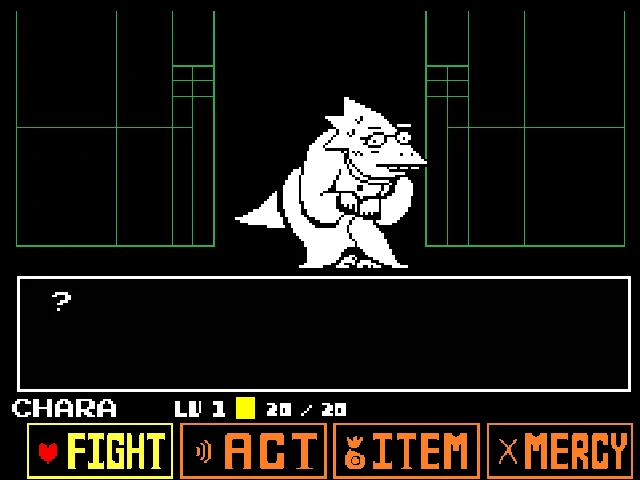
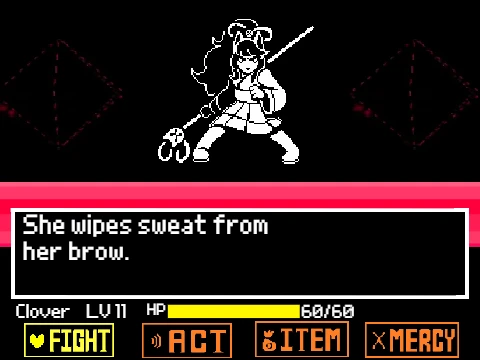
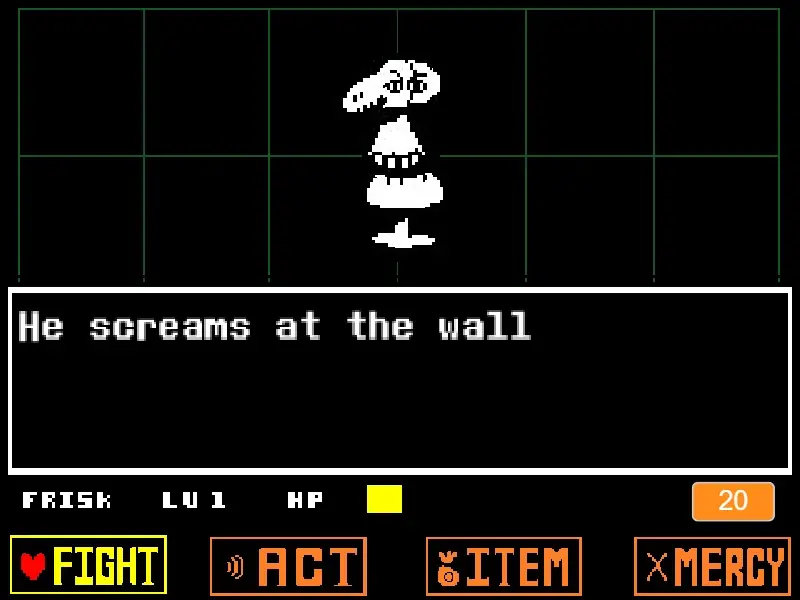
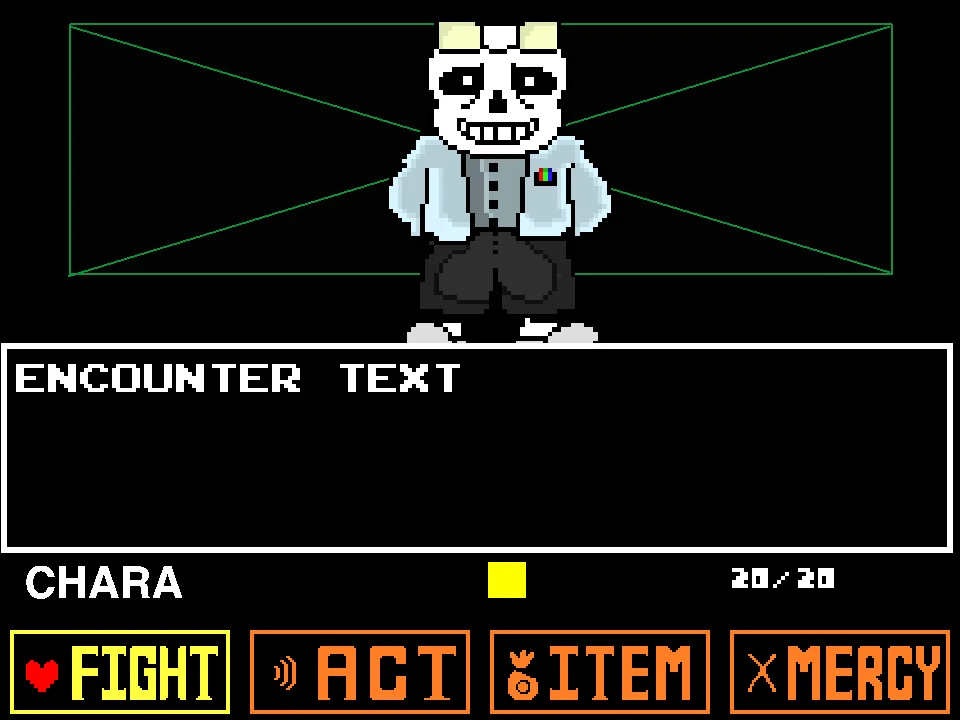
When it is your turn, you will navigate the standard Undertale interface. You can FIGHT to progress the battle aggressively, or you can utilize the ACT and MERCY options to attempt a pacifist resolution. The creator explicitly designed this to be a "Pacifist Game" first and foremost, meaning your choices in the dialogue and menus directly influence which of the multiple endings you will receive. The difficulty dynamically adjusts based on the path you choose.
Storyshift Sans Fight Controls
| Key | Action |
|---|---|
| Arrow Keys | Use the directional arrows to navigate your red soul through the bullet patterns. They are also used to browse the Fight, Act, Item, and Mercy menus. |
| Z Key / Enter | Press Z to confirm your menu choices, advance the dialogue sequences, and execute your strikes during the combat phase. |
| X Key | During combat, holding the X key drastically slows down your soul's movement for vital precision dodging. Outside of the bullet board, it is used to skip or speed through dialogue. |
| Play / Restart Button | Use the interface's built-in Play or Restart button to begin the simulation or quickly reset your run after a defeat. |
About the Storyshift Sans Battle
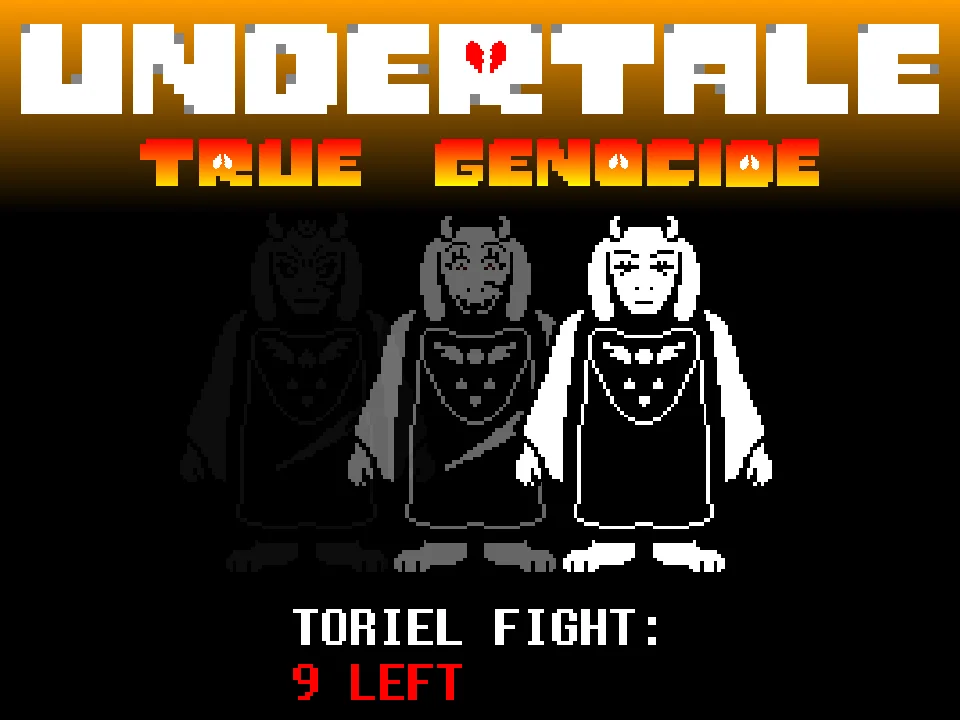
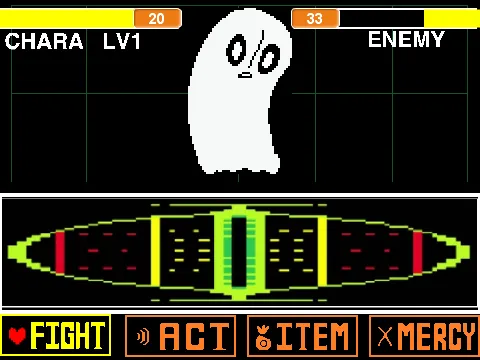
The Storyshift AU is renowned for recontextualizing familiar characters into new roles, drastically changing their personalities and combat styles. According to the internal lore of this specific project, Napstablook assumes the role of Asriel, Papyrus takes the role of Toriel, and Sans is thrust into the position of King Asgore. This creates a fascinating dynamic where Sans retains some of his classic lazier aesthetic—and his iconic blue bone attacks—but wields the authority, health pool, and power of the Underground's ruler.
Developed by the prolific creator LucasBr003, this simulator is distinct from the numerous "Hard Mode" or "Infinite HP" remixes found online. This is the canonical original version of his project, designed to offer a balanced narrative experience. It features custom character sprites, unique dialogue tailored to his new royal position, and a deeply integrated ending system based on the player's moral choices.
The developer stresses that while the game includes a highly difficult "Genocide" path for those seeking a brutal challenge, the primary focus is on exploring the various pacifist outcomes. Players are heavily encouraged to read all the dialogue texts carefully, as they contain subtle, direct hints regarding which actions are necessary to unlock the different narrative branches and achieve the optimal ending without resorting to violence.
Storyshift Sans Attacks and Mechanics
The combat in this simulator relies heavily on recognizing and reacting to colored mechanics instantly. While the white attacks simply require you to dodge, the colored attacks demand specific behavioral rules. When a Blue Attack approaches, you must ensure your soul is completely stationary; any movement will cause damage. Conversely, when an Orange Attack appears, you must be actively moving to phase through it safely. The true difficulty arises when Sans mixes these colors rapidly, forcing you to constantly shift between dead stops and sprinting.
A crucial mechanic unique to this specific build is the integration of the ACT menu. Unlike standard boss fights where attacking is the only viable path to progression, utilizing the ACT commands here is often the correct strategic choice if you are aiming for a non-violent resolution. The game actively tracks your decisions. Attempting the Genocide route by continuously using FIGHT will dramatically alter his attack patterns, resulting in a difficulty spike explicitly noted by the creator as the hardest possible ending.
To survive the denser bullet patterns regardless of your chosen route, mastering the X key is non-negotiable. Holding X reduces your soul's movement speed, giving you the micro-precision needed to thread the needle through overlapping blue and orange hitboxes that would otherwise be impossible to navigate at full speed.
Tips for Beating Storyshift Sans
- Read the Dialogue for Hints: Do not simply mash through the text boxes. The dialogue contains direct hints regarding which Act commands you should use to calm him down and unlock the various pacifist endings.
- Use X for Precision Dodging: When the screen fills with complex patterns, holding the X key to slow your soul is the safest way to navigate. Moving at full speed will often cause you to oversteer into danger.
- Prepare for Rapid Color Swaps: Sans frequently alternates between Blue and Orange attacks. Build the muscle memory to completely release the arrow keys for blue, and immediately resume holding them for orange.
- Avoid Genocide on Your First Run: The creator has explicitly stated that the Genocide ending is the hardest path mechanically. If you are struggling to survive, try exploring the Act menu for a more manageable pacifist resolution.
- Master the Stop-and-Go Technique: Many attack waves require you to freeze for a blue bone, then instantly move through an orange bone a split-second later. Practice this rhythm rather than trying to outrun the attacks.
Storyshift Sans Fight FAQ
What role does Sans play in the Storyshift AU?
In the expansive lore of the Storyshift alternate universe, the roles of the main cast are heavily shuffled. In this specific interpretation, Sans takes on the role of King Asgore, acting as the final ruler of the Underground.
Is this the same game as Storyshift Chara?
No. Storyshift Chara Fight is a completely different encounter (where Chara takes the role of Sans). This simulator specifically focuses on the battle against King Sans. Both games are distinct and have their own separate pages on this site.
How do I unlock the different endings?
This simulator features multiple endings based on your actions. To discover them, you must experiment with different combinations of fighting, sparing, and utilizing specific dialogue commands within the ACT menu.
Why is the Genocide route so difficult?
The creator of this simulator specifically designed the game to focus on pacifist interactions. As a narrative punishment and mechanical challenge, choosing to aggressively attack Sans to trigger the Genocide ending results in significantly harder, faster attack patterns.
Is there an Infinite HP or Practice mode?
This is the original version of LucasBr003's project, which does not natively include an Infinite HP cheat or explicit practice mode. If you see versions with infinite health online, they are modified remixes created by other users.
Does the X key really slow down my soul?
Yes. Holding the X key while moving during the combat phase will drastically reduce your soul's movement speed. This feature is intentionally programmed to give you the precision necessary to dodge the tightly packed bullet patterns.