


































How to Play Deltarune Lancer Battle
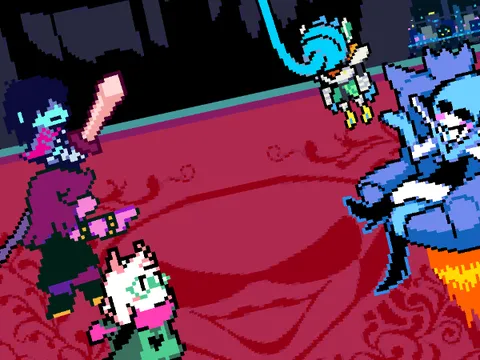
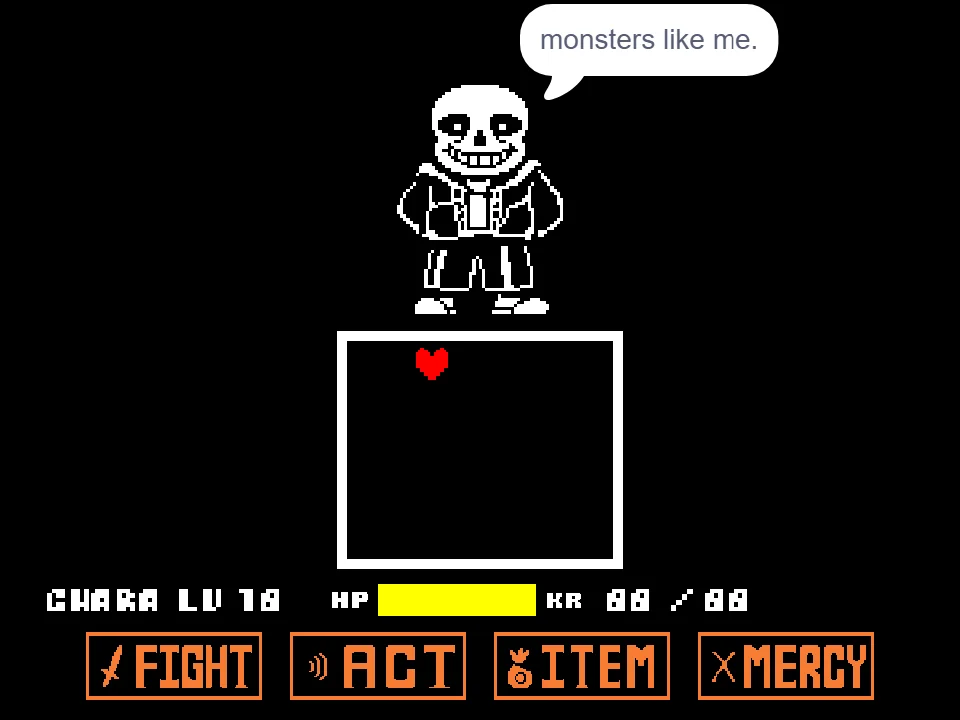
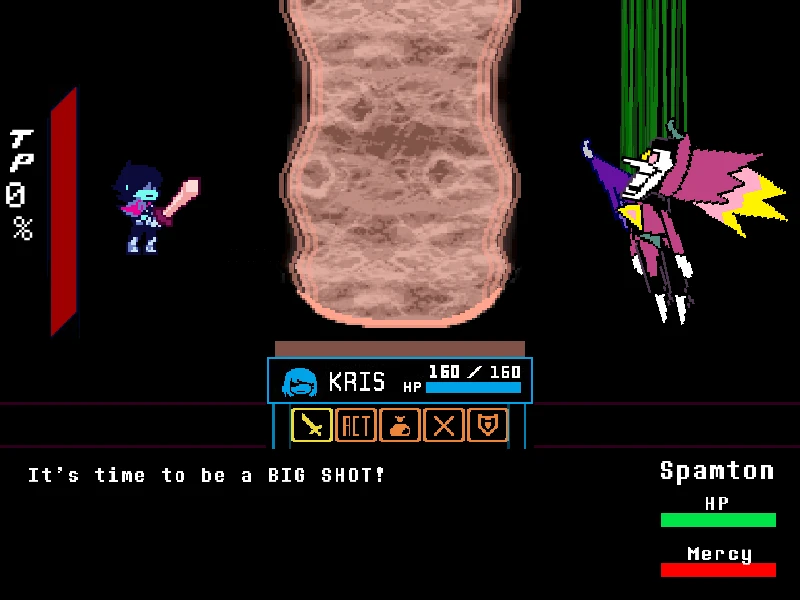
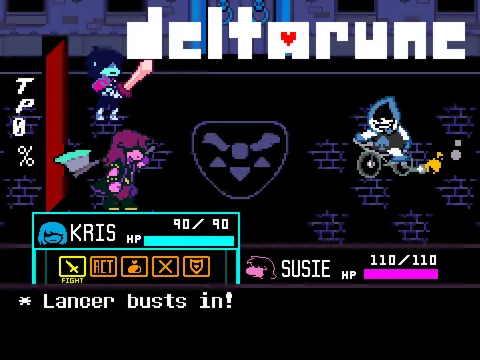
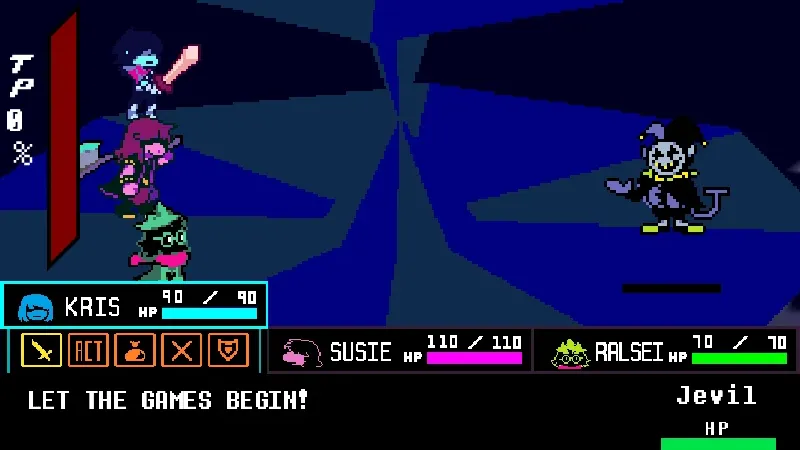
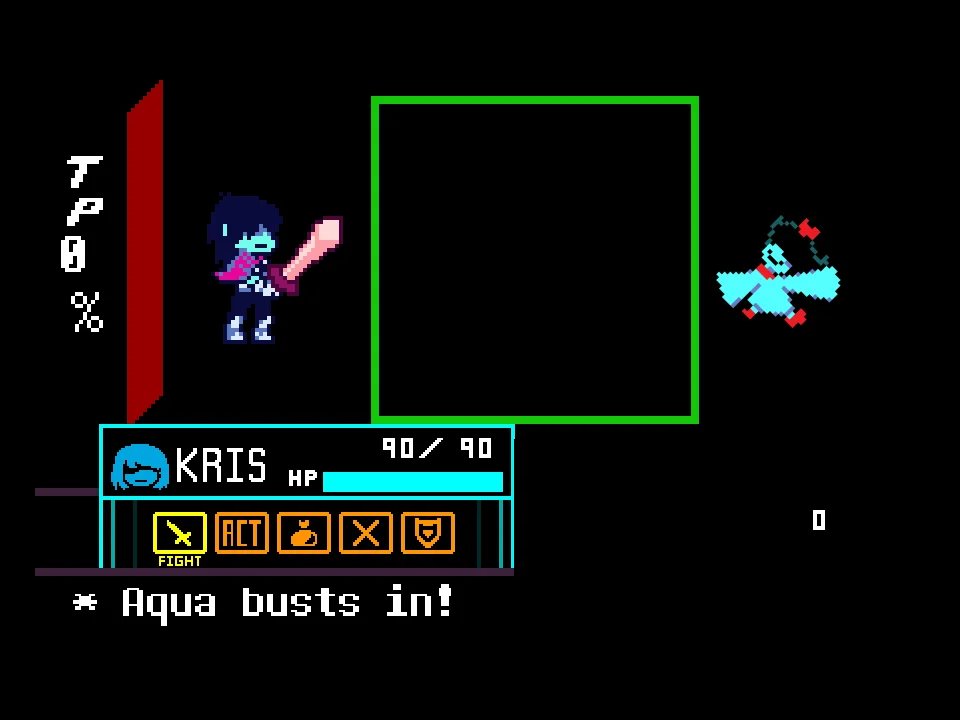
Experience the thrill of the Dark World firsthand with the Deltarune Lancer Battle simulator. Meticulously created by creator sei26, this web-based project is a highly faithful reproduction of the iconic early encounter against Lancer, the mischievous spade-themed antagonist from Deltarune Chapter 1. It provides players with an excellent, accessible opportunity to practice his specific bullet patterns, study his timings, and perfect their combat execution without needing to replay the entire beginning sequence of the main game. Once you've learned Lancer's moves, take those dodging skills into more encounters in the Deltarune battle simulator.
During the active combat phase, you will take control of the red soul within the bullet board to dodge incoming attacks. Lancer's offensive strategy heavily involves his signature flaming bicycle and volleys of spade projectiles. You must quickly navigate through these fast-moving hazards, learning the precise timing required to weave between the densely packed spades and anticipate his erratic driving patterns across the board.
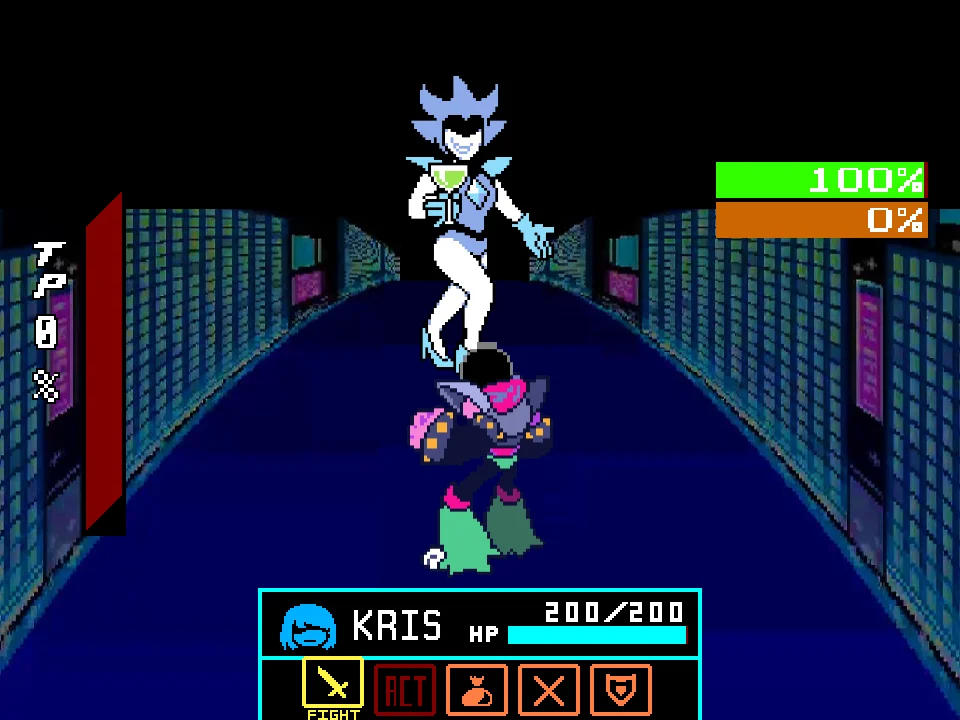
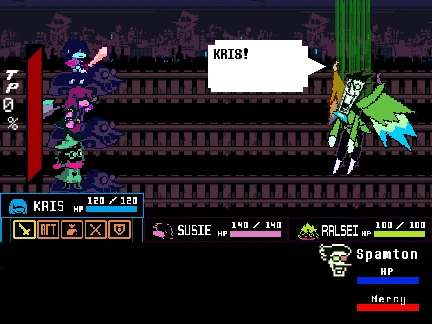
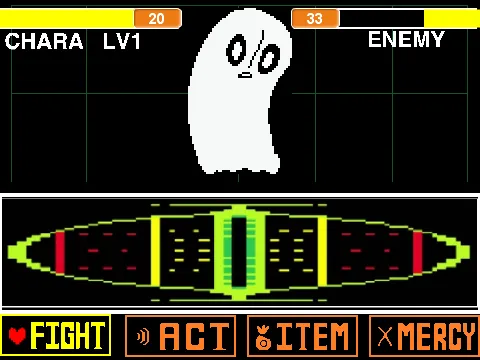
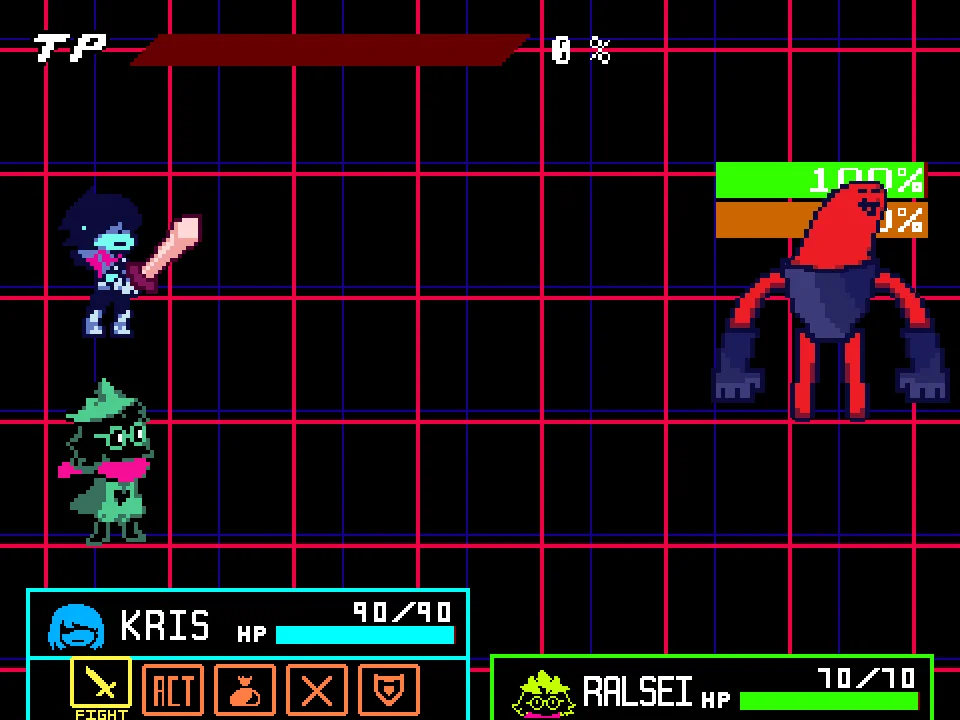
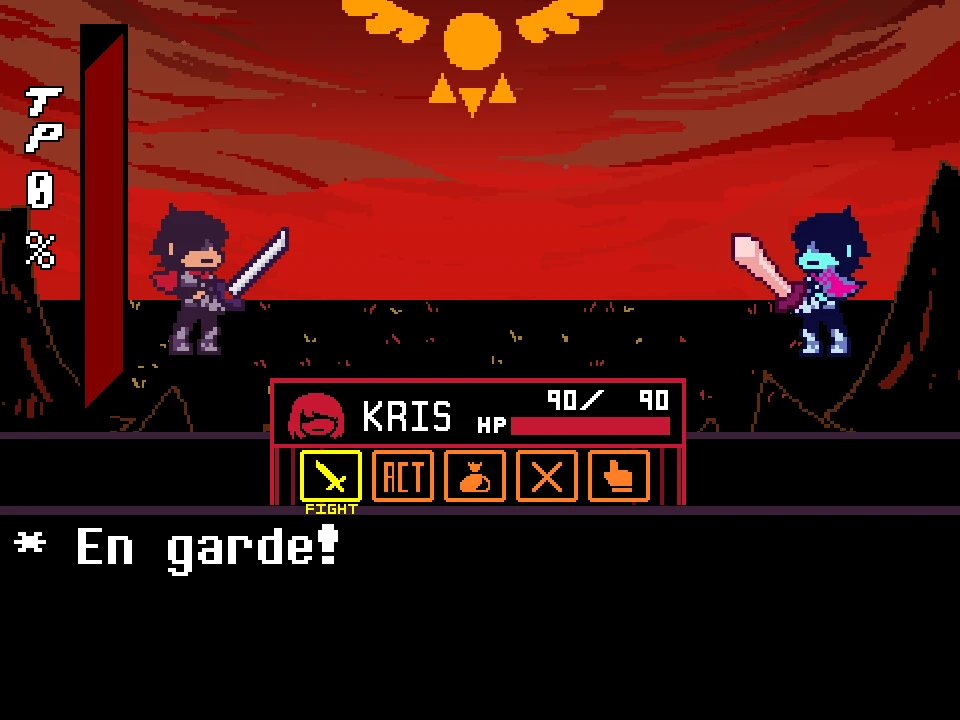
When it is your turn to act, you interact with the familiar Deltarune party combat system. As Kris, you can choose to FIGHT, which requires you to deal direct damage by timing your Z key press perfectly with the sliding attack meter. Alternatively, you can use the ACT menu to perform various analytical actions. Because this simulator focuses purely on the core dodging and attacking mechanics of the fight, the creator has streamlined the experience: options like ITEM and SPARE are present on the screen for visual authenticity, but they are not strictly required to successfully clear this specific battle reproduction.
Lancer Battle Controls
| Key | Action |
|---|---|
| Arrow Keys | Use the directional arrow keys to rapidly maneuver your red soul inside the bullet board, dodging Lancer's spades and bicycle attacks. These keys are also used to navigate the main combat menu options. |
| Z Key / Enter | Press Z to confirm your menu selections. Crucially, when using the FIGHT command, press Z precisely when the attack cursor aligns with the vertical box target on the far left of the meter to maximize your damage. |
| X Key | Press X to quickly cancel your current menu selection and return to the previous screen, allowing you to change your strategic approach on the fly. |
About the Deltarune Chapter 1 Lancer Fight
Lancer is undeniably one of the first major characters introduced in the mysterious Dark World of Deltarune Chapter 1. Serving initially as a comical, self-proclaimed "bad guy," his early encounters are carefully designed by Toby Fox to teach players the fundamentals of Deltarune's evolved combat system, which differs slightly but significantly from the original Undertale mechanics.
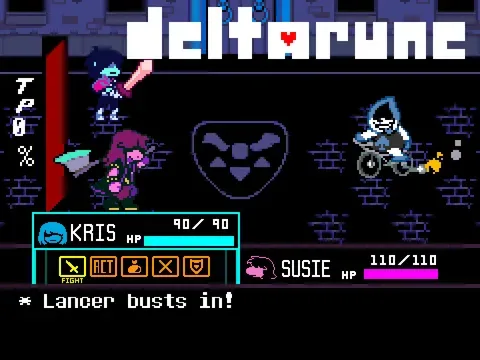
This specific web-based simulator painstakingly recreates that early-game tension and mechanical learning curve. It includes authentic visual representations of the party, specifically the dynamic between Kris and Susie, and perfectly replicates the UI and sound effects—most notably featuring the energetic "Rude Buster" battle theme—from the original source material. It is extremely important to note that this is the early, standalone Lancer fight; it is entirely distinct from the later, more complex encounters where he fights alongside Susie, or the climactic, high-stakes battle against his father, the Chaos King.
By isolating this specific encounter into a playable web format, fans of the game can closely study the hitboxes of his spade attacks and master the precise timing of the FIGHT meter. This makes it an incredibly valuable tool for speedrunners attempting to optimize their damage output, or casual players looking to perfect their combat execution before attempting a full playthrough of the chapter.
Lancer's Attacks and Battle Mechanics
The absolute core of Lancer's offense revolves around spades. He will launch rapid streams of spade projectiles from the edges of the screen, requiring you to quickly analyze the pattern, find the safe gaps, and slide your soul through them without taking damage. In his more dynamic and dangerous attacks, he physically rides his flaming bicycle across the bullet board. You must carefully anticipate the trajectory of the bike—whether it moves linearly or bounces off the walls—and position your soul out of its path to avoid taking heavy damage.
A key mechanical feature in this reproduction is the integration of the DEFEND command. In traditional Deltarune fashion, choosing to Defend rather than attacking will significantly reduce the amount of damage your soul takes during the enemy's next turn. This defensive strategy is highly recommended if your health is running low or if you know a particularly difficult, unavoidable attack pattern is coming up next.
While the ACT menu allows you to analyze the situation and read unique dialogue, and the interface prominently displays options for ITEMS and SPARE, the creator explicitly notes in the project's instructions that choosing these options is not strictly required to conclude this specific simulation. Your primary focus should remain entirely on mastering the FIGHT timing, utilizing the DEFEND command when necessary, and executing flawless evasion.
Tips for Beating Lancer
- Master the Attack Meter Timing: When choosing the FIGHT command, do not just mash the Z key randomly. Wait patiently for the sliding cursor to align perfectly with the vertical target box on the left side of the meter to deal a critical hit and end the battle faster.
- Anticipate the Bicycle's Path: When Lancer appears on his flaming bike, he usually follows a predictable linear or bouncing trajectory across the board. Identify his path early and immediately move your soul to the opposite, safer side of the board.
- Use the Defend Command Strategically: If you are struggling to dodge a specific, dense wave of spades, do not hesitate to use the DEFEND command on your turn to heavily mitigate the incoming damage and ensure your survival.
- Focus on Small, Precise Movements: Many of the spade attacks are densely packed together. Making large, sweeping movements will often cause you to accidentally crash into a projectile. Make small, calculated adjustments to weave through the gaps.
- Ignore Unnecessary Menu Options: Since the simulator creator explicitly noted that the ITEM and SPARE commands are not strictly required to beat this version, save your time and focus purely on dealing maximum damage and surviving the bullet patterns.
Lancer Battle FAQ
Is this the fight where Lancer teams up with Susie?
No, this simulator accurately recreates the earlier, solo encounter with Lancer from Chapter 1. The later, more difficult battle where Lancer and Susie fight together against Kris and Ralsei features entirely different mechanics, dual attacks, and complex patterns not present here.
Do I need to use Item or Spare in this battle?
No. The creator sei26 explicitly stated in the project instructions that there is "no need to choose" the ITEM or SPARE options to clear this specific standalone simulation. While they appear on the menu for visual authenticity, your primary path to victory is through the FIGHT command.
How do I deal a critical hit and maximum damage to Lancer?
After selecting the FIGHT command, an attack meter will appear with a rapidly moving cursor. You must press the Z key exactly when the cursor aligns with the vertical target box located on the left side of the meter to execute a critical hit and maximize your damage output.
What does the Defend command actually do in this simulator?
Selecting the DEFEND command during your turn will significantly reduce the amount of damage your soul takes if you are hit by any of Lancer's spade or bicycle attacks during the subsequent enemy phase. It is a vital survival tool.
Can I play this Deltarune Lancer Battle on my smartphone or tablet?
This web-based simulator relies entirely on precise keyboard inputs (Arrow keys for movement, Z and X for menus). Because it lacks built-in on-screen digital touch controls, playing it on a mobile device is highly unadvisable unless you have a physical keyboard connected.
Who created this specific Lancer battle reproduction?
This highly faithful recreation of the Chapter 1 encounter was meticulously developed and coded by the creator sei26, utilizing the original visual assets, sound effects, and music from Toby Fox's Deltarune.