































How to Play Deltarune DEVICE_FRIEND Fight Simulator
In Deltarune DEVICE_FRIEND Fight Simulator, players plunge into a gripping fan-created Chapter 6 encounter against the enigmatic entity known as DEVICE_FRIEND. Built as a comprehensive two-phase challenge, this battle transports Kris into the shadowy depths of an uncharted Dark World sector. Your mission is to survive an unsettling atmospheric chase sequence, solve dynamic corridor puzzles under low visibility, and triumph in an intense turn-based boss battle using Deltarune's signature party commands, bullet grazing, and Tension Point (TP) management.
The journey begins at an extensive title menu offering multiple entry points. Players can choose to start from the opening narrative prologue, activate a fast-forward skip that bypasses introductory cutscenes, or select Skip to Phase 2 to jump straight into the tactical combat arena. An in-depth Difficulty Options menu allows you to fine-tune your run by toggling Assist Mode, adjusting ambient Darkness between low, medium, and high intensities, setting Panic Resistance thresholds (from 0 up to 60), enabling or disabling the legendary Shadowmantle, and activating network disconnect effects.
Phase 1 immerses Kris in a high-tension maze and chase environment dubbed The Depths. Navigating with the Arrow Keys or WASD, you must maneuver Kris through darkness-shrouded corridors while avoiding encroaching shadow claws, lurking teeth, and sensory surveillance zones. Stepping into lit safe zones pushes back the gloom and delays pursuers. An onscreen Panic Bar monitors Kris's psychological distress: lingering in pure darkness or bumping into hazards rapidly accelerates the panic gauge. If panic hits its limit, Kris succumbs to a panic defeat, requiring careful route planning and decisive movement.
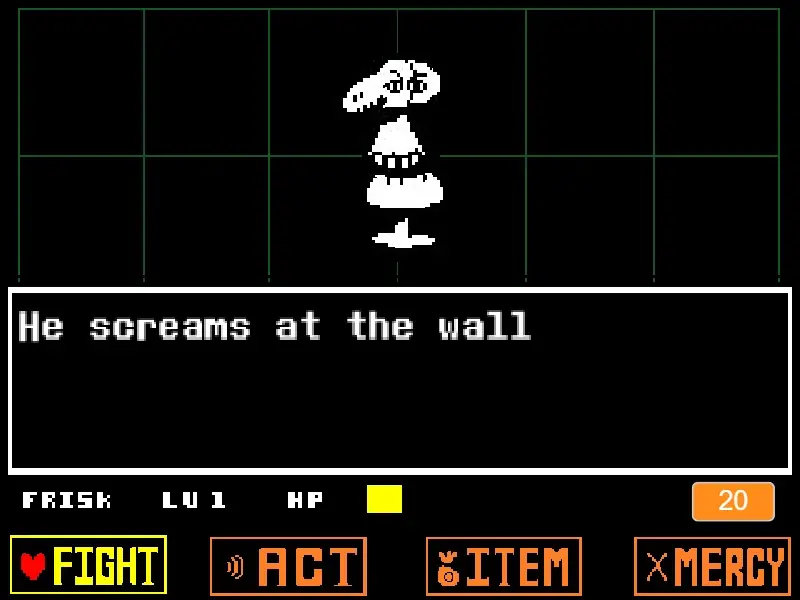
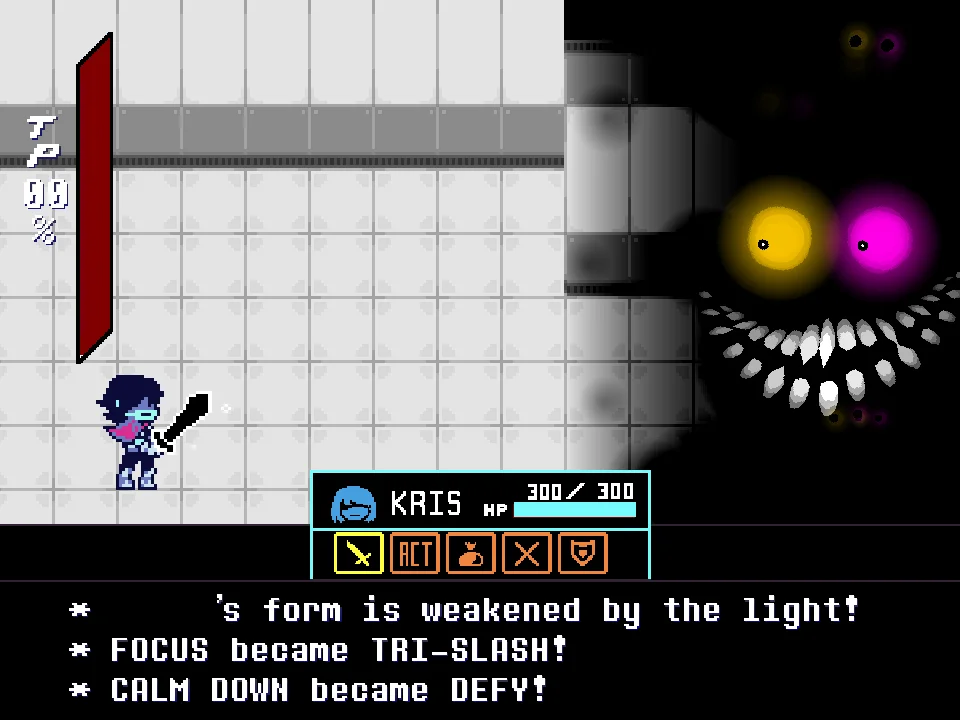
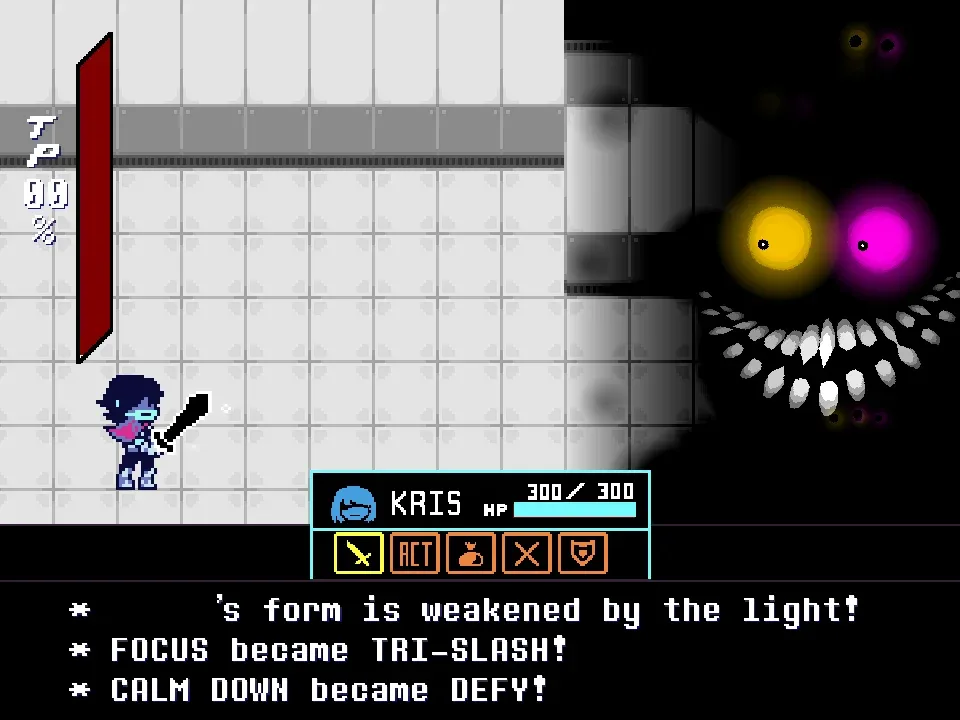
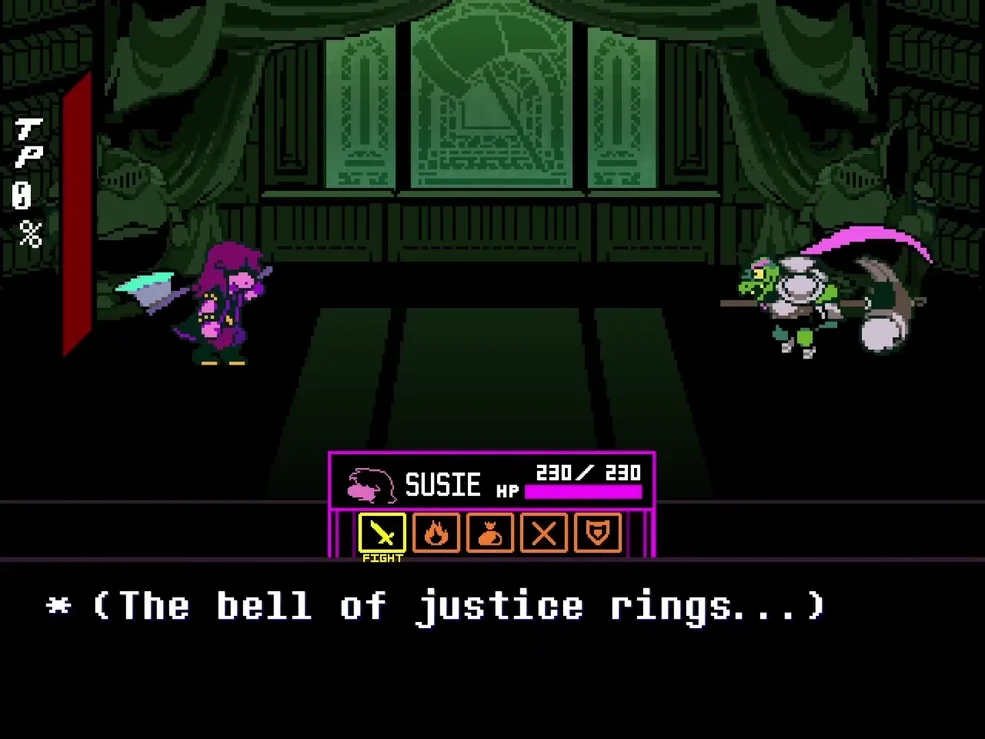
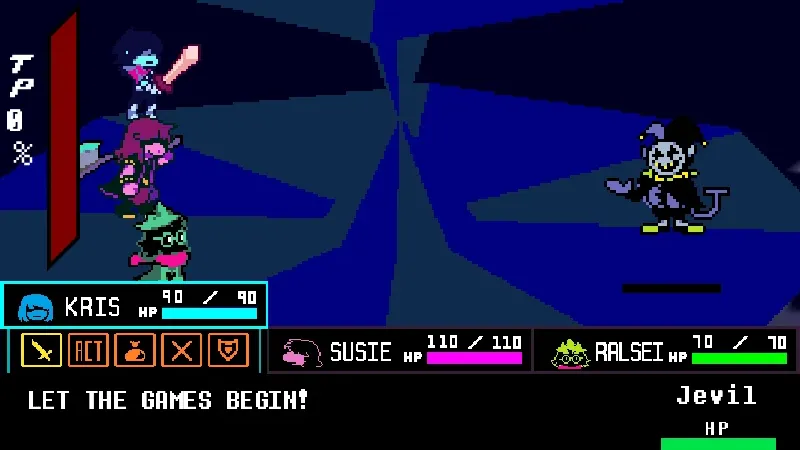
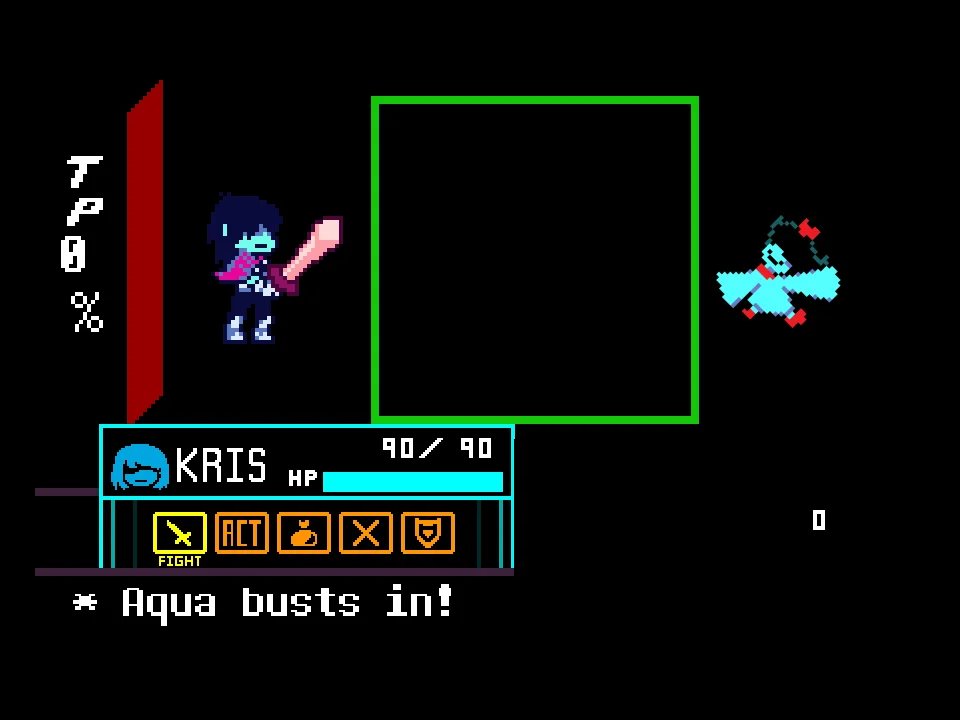
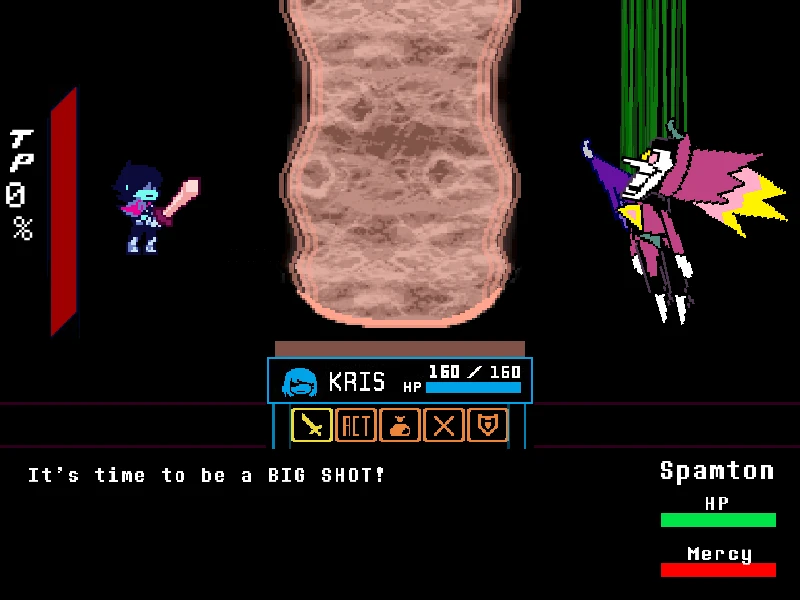
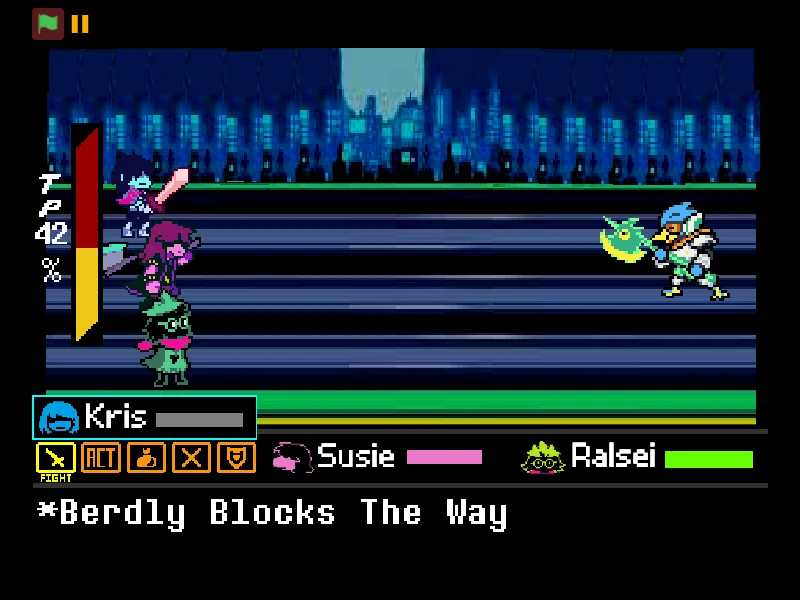
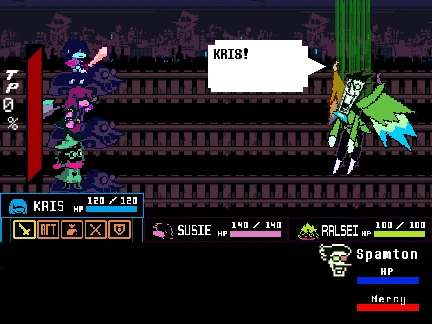
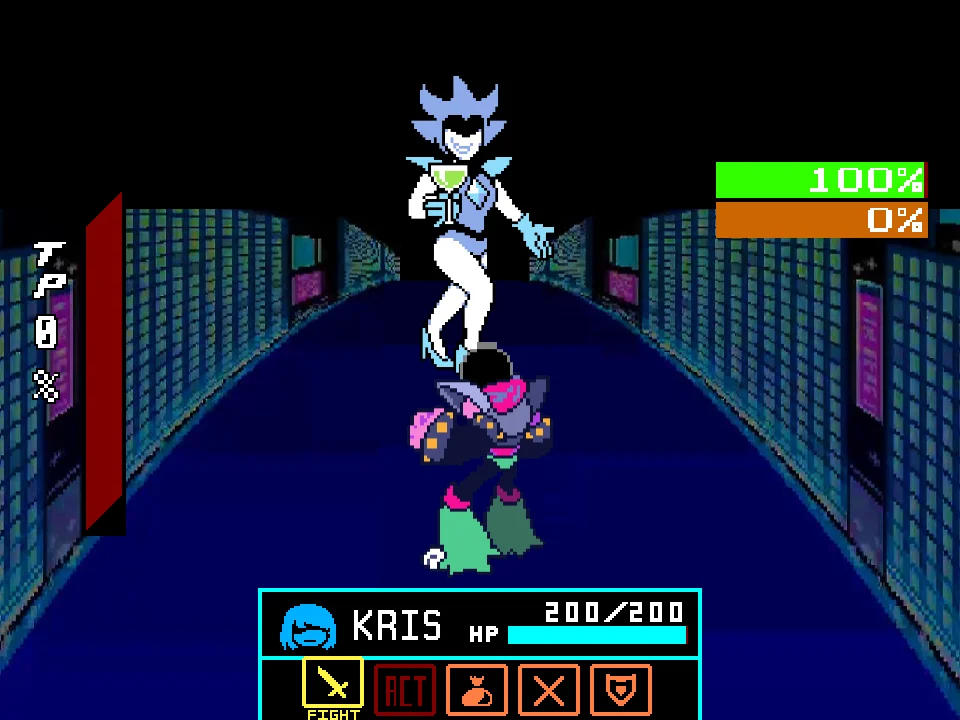
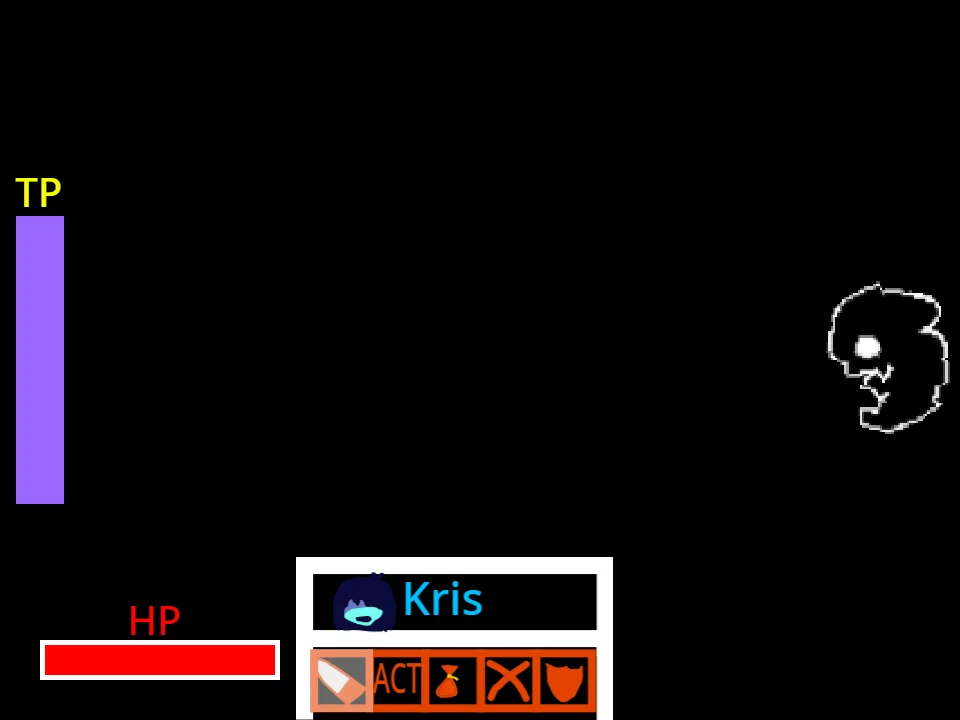
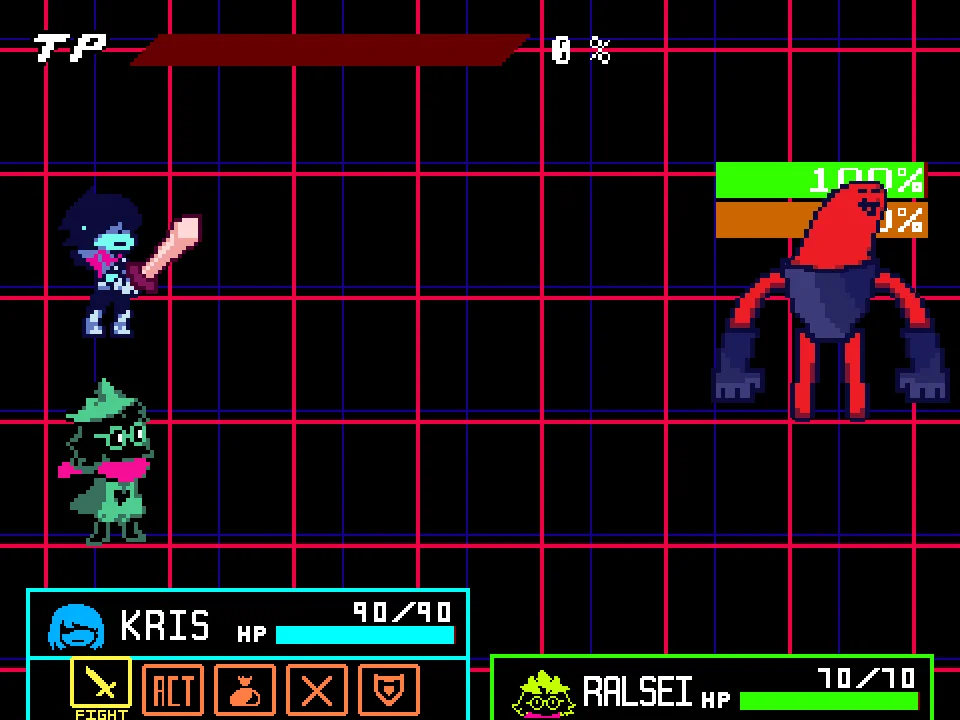
Once you reach the deeper sanctum or choose to skip directly to Phase 2, the encounter shifts into full Deltarune battleboard combat against the towering, multi-jointed boss form of DEVICE_FRIEND. On your action turn, you select from five classic commands: FIGHT, ACT, ITEM, SPARE, and DEFEND. Selecting FIGHT brings up the moving attack bar, allowing you to deal heavy physical slashes by timing your confirmation button precisely as the reticle reaches center. Choosing ACT opens unique contextual interactions such as environmental checks and dialogue triggers that gradually weaken the boss's emotional resolve.
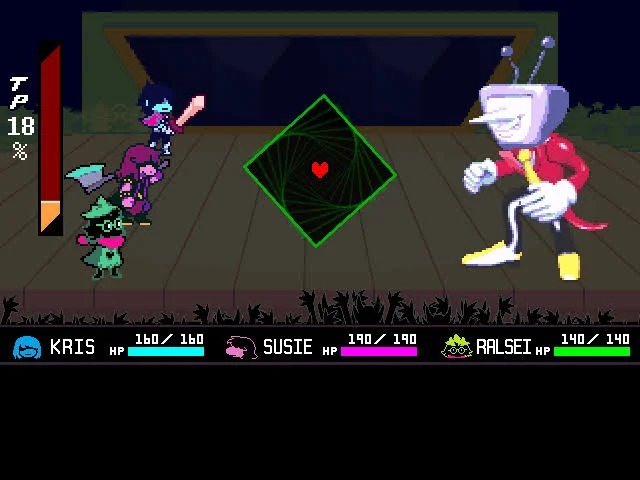
During the enemy assault phase, DEVICE_FRIEND unleashes intricate bullet-hell patterns inside a responsive battle box. Attacks include sweeping claw strikes, erratic tracking eye beams, snapping jaws, and undulating shadowy appendages. Maneuvering Kris's red SOUL closely along the edges of these projectiles triggers the graze effect, which fills your vertical Tension Points (TP) meter. Banking high TP empowers advanced tactical options, while using DEFEND halves incoming damage and awards an instant boost to your tension reserves, ensuring you stay resilient through prolonged barrages.
Controls and Input Mechanics
| Key | Action |
|---|---|
| Arrow Keys / WASD | Guide Kris through maze corridors during Phase 1 exploration and steer the Red SOUL during Phase 2 bullet avoidance. |
| Z / Enter | Confirm menu choices, interact with environmental doors and panels, trigger weapon slashes, and execute ACT commands. |
| X | Cancel menu selections, back out of sub-options, and slow movement while displaying the SOUL hitbox in the battlebox. |
| T | Instantly refill the Tension Points (TP) meter during combat testing (cheatkey). |
| R | Reset all configuration settings back to default within the Difficulty Options menu. |
| Mouse Click | Click directly inside the browser viewport to lock window focus and eliminate any input latency. |
Full keyboard navigation is supported. Both Arrow Keys and WASD can be used interchangeably for smooth movement and evasion.
About Deltarune DEVICE_FRIEND Encounter and Creator Background
The figure of DEVICE_FRIEND represents one of the most intriguing conceptual creations in the Deltarune fan community, inspired by cryptic background lore, discarded vessel concepts, and speculative theories regarding future chapters. This dedicated browser edition represents the comprehensive October release created by developer and musician Selene, featuring custom visual assets, elaborate bullet design, and a complete original musical soundtrack including the tracks BGM - EXPERIMENT ROOTS, CAT AND MOUSE, and Defiance. Additional cover artwork contributions were crafted by Phrog and Selene.
Unlike standard single-screen boss fights, this project stands out through its hybrid structure, bridging tense survival-horror exploration with faithful turn-based RPG battle mechanics. To help players fully appreciate the craftsmanship behind the encounter, consider these defining highlights:
- Two Fully Realized Gameplay Phases: The experience begins with an atmospheric top-down maze sequence where Kris must elude darkness and physical threats, accompanied by dynamic light cone illumination and a Panic Bar. This transitions seamlessly into a full-scale battle arena against the true boss entity.
- Granular Accessibility and Customization: Selene implemented an extensive options suite rarely seen in fan games. Players can customize their playthrough with Assist Mode, alter darkness visibility, adjust panic damage multipliers, and toggle the defensive Shadowmantle to calibrate the encounter from accessible narrative pacing to extreme bullet-hell mastery.
- Relationship to Other Deltarune Fan Games: While Deltarune Battle Simulator delivers an authentic party-focused recreation of early chapter combat and Tenna Fight Simulator emphasizes television-themed showmanship, DEVICE_FRIEND explores darker, psychological themes reminiscent of hidden underground laboratory lore.
- Dynamic Bullet Grazing and DEFEND Mechanics: The battle reward system incentivizes aggressive, high-risk positioning. Grazing the boundary of snapping jaws and whipping appendages rapidly inflates Kris's TP meter. Meanwhile, selecting DEFEND provides tactical respite by reducing damage by 50% and granting an instant 16% TP dividend.
The visual presentation combines eerie monochrome aesthetics with sudden splashes of vibrant color, capturing the uncanny nature of the boss. From the metallic hum of the research facility to the intense percussion of the battle themes, Deltarune DEVICE_FRIEND Fight Simulator offers an atmospheric, feature-rich tribute to Toby Fox's universe that tests both puzzle-solving instincts and arcade reflexes.
Actionable Strategy Guide and Combat Tips
Follow these essential combat tips to defeat your opponent and survive incoming attack patterns:
- Utilize Phase Skip to Practice Boss Patterns: If your goal is mastering the combat phase without replaying the opening maze, select 'Skip to Phase 2' on the main title screen. This immediately drops Kris into the battleboard arena with full health and fresh tactical resources.
- Hug Illumination Zones to Drain the Panic Bar: During Phase 1, lingering in shadowy corridors steadily increases Kris's Panic meter. Whenever you spot glowing light fixtures or illuminated panels, pause inside the beam for several seconds to purge accumulated panic and reset threat levels.
- Equip Shadowmantle in Options for Extra Defense: For players struggling against rapid multi-directional bullet storms in Phase 2, enable the Shadowmantle option in the Difficulty Menu before starting. This legendary accessory significantly dampens collision penalties during defensive rounds.
- Use DEFEND Preemptively on Low Health: When Kris's HP drops below 40, prioritize the DEFEND command instead of risky attacks. Defending cuts subsequent damage in half while instantly feeding 16% Tension Points into your gauge, setting up life-saving healing items or ACTs on the next cycle.
- Graze Along the Outer Periphery of Claw Swipes: The boss's claw swipe attack sweeps across the arena in broad arcs. Instead of retreating into a tight corner where you risk getting trapped, hover your red SOUL just along the outer curve of the claw path to safely harvest massive amounts of TP.
- Hold X for Precision Movement and Hitbox Visibility: During dense bullet hell barrages inside the battlebox, hold X to slow the SOUL's movement speed and display its exact center hitbox, allowing you to weave safely through tight projectile gaps.
Frequently Asked Questions
Who developed Deltarune DEVICE_FRIEND Fight Simulator?
The game was created by developer and composer Selene, who designed the bullet patterns, concept, reskinned sprites, and original soundtrack tracks ('EXPERIMENT ROOTS', 'CAT AND MOUSE', 'Defiance'). Cover artwork was contributed by Phrog and Selene.
What is the October update in this version?
The October release introduces comprehensive gameplay polish, refined lighting and collision detection in the Phase 1 Depths maze, expanded options menu features (including Shadowmantle and darkness intensity toggles), and enhanced phase-skip options.
Can I skip the maze sequence and play only the boss fight?
Yes. On the main title screen, you can choose 'Skip to Phase 2' to immediately bypass the prologue and labyrinth exploration, starting directly in the turn-based combat arena against DEVICE_FRIEND.
How does the Panic Bar work in Phase 1?
In Phase 1, staying in dark corridors or colliding with shadowy hazards fills Kris's Panic Bar. Stepping into illuminated light zones steadily drains panic. If the bar fills entirely, Kris suffers a panic defeat and must restart the section.
What difficulty settings are available in the Options menu?
The Options menu allows players to toggle Assist Mode (ON/OFF), select ambient Darkness levels (low, medium, high), adjust Panic Resistance (0 to 60), enable the defensive Shadowmantle, and toggle connection disconnect effects.
How do I build Tension Points (TP) during the battle?
You can build Tension Points by maneuvering Kris's Red SOUL very close to oncoming enemy projectiles without touching them (the Graze mechanic), or by choosing the DEFEND command on your action turn, which awards an instant 16% TP bonus.
Are both Arrow Keys and WASD supported for movement?
Yes. Both Arrow Keys and WASD are fully supported for guiding Kris through the maze corridors and steering the red SOUL during combat bullet phases.