




























How to Play Deltarune GB
Playing Deltarune GB in your web browser is seamless and runs directly inside the embedded player. To begin, click once inside the game frame to activate focus, then click the central START GAME button to load the retro handheld core.
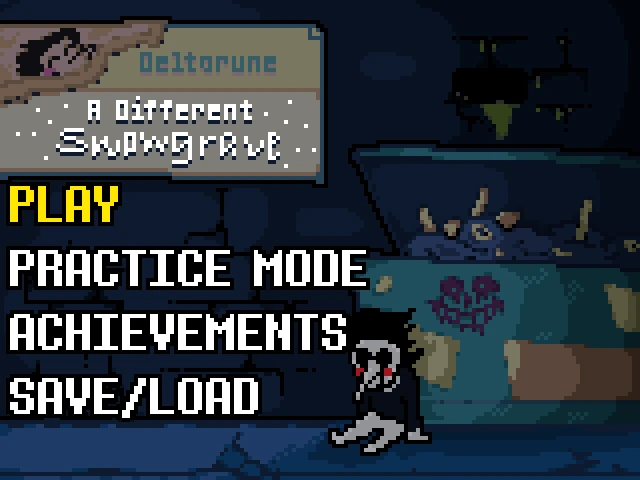
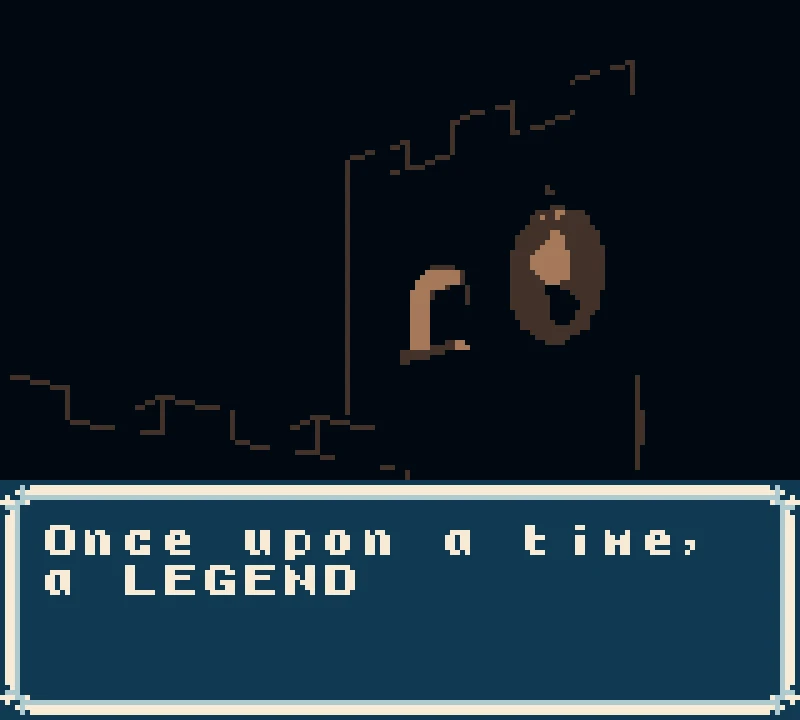
When the title screen appears, the game prompts you with "Skip Intro?" You can select Yes to immediately access the world, or select No to experience the atmospheric opening cinematic recounting the ancient legend of Light, Dark, and the three heroes. Press the Z key (mapped to the Game Boy A button) to confirm choices, and press Enter (mapped to the Start button) to begin a New Game.
Once Kris enters the overworld:
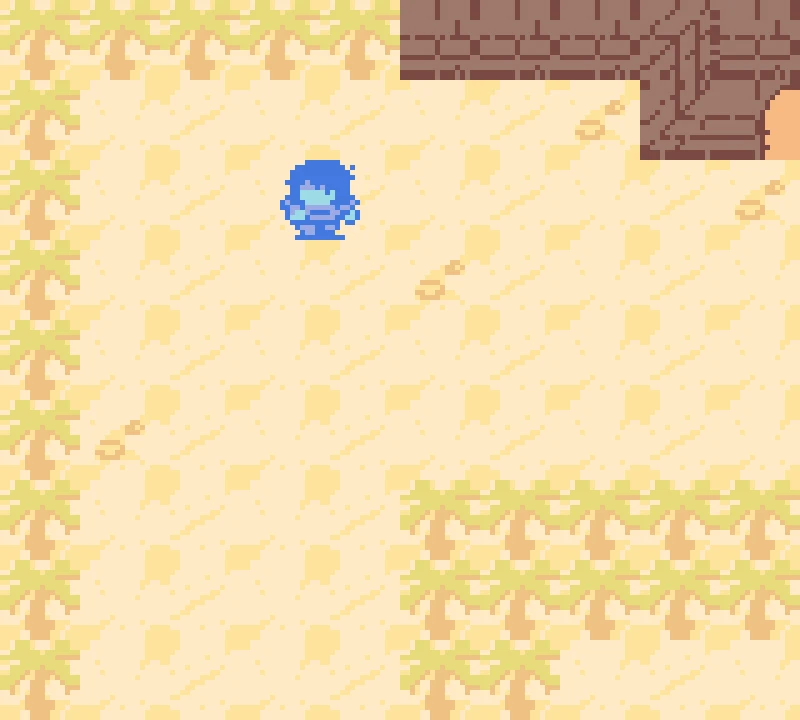
- Overworld Navigation: Use the Arrow Keys to steer Kris in four directions across the sandy landscape, weave between palm trees, and enter stone temple doorways.
- Interaction and Sword Attacks: Press the Z key to swing Kris's sword against nearby objects or speak with non-player characters and inspect points of interest. Pressing X functions as the B button for canceling menus or secondary actions.
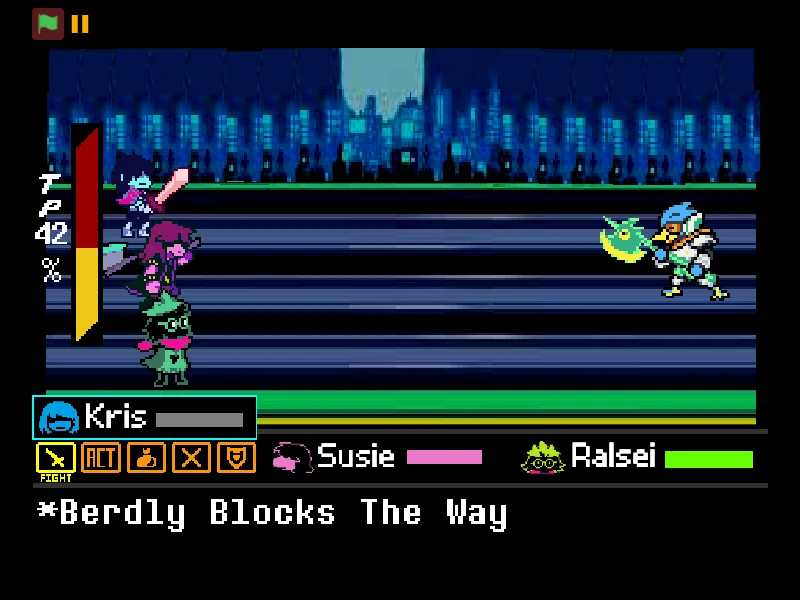
- Engaging the Watercooler: When an encounter commences, the screen transitions into the battle arena. You are presented with tactical combat options including MagicSWRD to attack (dealing 12 HP of damage to the opponent) and ACT to pacify the enemy.
- Pacifism and Victory: Using the ACT command calms the opponent, unlocking the ability to SPARE them on subsequent turns. Successfully sparing or defeating the enemy rewards Kris with 20 Dark Dollars and returns the party safely to overworld exploration.
Game Boy Handheld Controls Guide
| Key | Action |
|---|---|
| Arrow Keys (D-Pad) | Walk Kris across overworld environments, move between map screens, and navigate dialogue and battle menu selections. |
| Z (A Button) | Primary interaction key: confirm menu choices, advance dialogue text, swing Kris's sword, and execute battle commands like MagicSWRD. |
| X (B Button) | Secondary action key: cancel highlighted options, decline menu prompts, and back out of sub-menus. |
| Enter (Start Button) | Start the game from the title card, confirm main menu options, and open in-game pause or status screens. |
| V (Select Button) | Select key for secondary system menus and retro interface options. |
About Deltarune GB
Deltarune GB is an imaginative retro-inspired fan project created by indie developer Aki (known in the community through blaqberry). Rather than a standard battle simulator or a 1:1 demake of Toby Fox's official chapters, Deltarune GB is an original RPG concept born from the retro top-down Zelda-style segments teased for Deltarune Chapter 3. The project re-imagines the world of Kris and the Darkners within the charming, nostalgic constraints of authentic 8-bit handheld hardware.
Featuring handcrafted monochromatic and limited-palette Game Boy Color aesthetics, custom chiptune audio, and a classic framed text engine, Deltarune GB blends real-time overworld exploration with traditional turn-based role-playing battle encounters. Regular roaming overworld foes can be vanquished directly using your sword without entering a separate combat screen—reminiscent of classic top-down adventure games—while formal boss encounters transition into full RPG battle sequences.
Among its most celebrated and quirky inclusions is the legendary Watercooler encounter. As Kris explores mysterious desert-like ruins bordered by palm trees and ancient stone temples, bumping into the roaming office appliance triggers the battle cry: "THE WATERCOOLER ATTACKS! Watercooler wants to Fight!" From there, players can choose between violent strikes with the MagicSWRD or tactical mercy routes via ACT and SPARE commands to earn Dark Dollars.
Currently presented as an evolving playable prototype, Deltarune GB captures the inventive spirit of the Deltarune modding community while demonstrating how modern indie narratives translate seamlessly onto vintage handheld systems.
Playable Content and Combat Systems
Deltarune GB incorporates two distinct gameplay modes that merge classic action-adventure mechanics with traditional turn-based RPG systems:
- Top-Down Overworld Adventure Mode: Kris roams an expansive desert landscape complete with swaying palms, ancient temple structures, and hidden entryways. Movement is smooth and tile-aligned, allowing real-time interaction with the surrounding environment. Roaming minor enemies can be struck directly in real time using your sword, avoiding the pacing interruptions of repetitive random battle encounters.
- Turn-Based Boss Encounter Mode: Interacting with major entities—such as the iconic Watercooler—triggers a dedicated turn-based battle screen. Here, the game calculates discrete round phases: player action input followed by enemy retaliation. Combat tracks both Kris's health pool and the opponent's HP.
- The MagicSWRD Attack Mechanic: Striking with the MagicSWRD inflicts a solid 12 HP of damage per swing. However, offensive aggression triggers an enemy counterattack where the opponent strikes back, deducting 5 HP from Kris's health gauge. Managing this damage exchange is critical to avoid premature defeat.
- The Pacifist ACT & SPARE Mechanic: Players who prefer a peaceful approach can select the ACT command. Upon performing an Act, the battle system notes "You can now Spare the Opponent!" Sparing the foe resolves the conflict peacefully without further bloodshed, granting Kris the full reward of 20 Dark Dollars.
Practical Tips for Deltarune GB
Mastering this encounter requires focused practice and knowledge of specific gameplay timings:
- Initialize the Player Before Inputting Keys: When the game stage first loads, click directly on the canvas and hit the red START GAME button. Wait 2 to 3 seconds for the retro core to boot up completely before pressing Z or Enter to ensure your inputs register properly on the title screen.
- Use the ACT Command for Zero-Damage Victory: If your health is low when encountering the Watercooler, avoid using MagicSWRD. Each sword strike provokes a counterattack that costs Kris 5 HP. Choosing ACT allows you to immediately spare the opponent on the next turn, securing the 20 Dark Dollars reward without taking unnecessary damage.
- Explore the Temple Doorways Thoroughly: The entrance to the stone temple at the upper-right corner of the starting overworld screen leads to interior chambers and hidden dialogues. Align Kris carefully with the center of the dark entrance portal while holding the Up Arrow key to transition indoors.
- Bypass the Narrative Intro for Quick Restarts: If you are replaying the prototype after a Game Over, select 'Yes' when the opening prompt asks 'Skip Intro?' This bypasses the lengthy legend scroll and places Kris directly onto the starting overworld map within seconds.
- Keep Kris Centered When Navigating Tight Obstacles: Handheld tile-based hitboxes can occasionally cause Kris to catch on the corners of palm trees or stone walls. If movement stalls, tap the perpendicular directional Arrow Key slightly to realign Kris with the grid before continuing forward.
Frequently Asked Questions
Is Deltarune GB an official demake created by Toby Fox?
No. Deltarune GB is an unofficial, fan-made tribute created by independent developer Aki. It is an artistic exploration inspired by Toby Fox's Deltarune Chapter 3 Zelda segments rather than an official commercial release.
Is Deltarune GB a complete game or a playable prototype?
Deltarune GB is an in-development playable prototype focusing on overworld exploration, retro 8-bit mechanics, and the iconic Watercooler boss encounter. The developer continues to experiment with music integration and world expansion.
How do the keyboard controls map to Game Boy buttons?
The directional Arrow Keys control the D-Pad. The Z key serves as the Game Boy A button (confirm, interact, sword attack), X serves as the B button (cancel/back), Enter functions as Start, and V functions as Select.
How do I beat the Watercooler in battle?
You can defeat the Watercooler in two ways: either attack with the MagicSWRD multiple times (each dealing 12 HP of damage while enduring 5 HP counterattacks), or use the ACT command and then select SPARE on the following turn to win peacefully and earn 20 Dark Dollars.
Can I download Deltarune GB as a ROM file for emulators?
Yes, the original project can be obtained from the developer's itch.io page as a .gb ROM file, which can be loaded into standalone Game Boy emulators or flashed onto custom cartridges for original Game Boy and Game Boy Color hardware.
Does Deltarune GB work on mobile phones and tablets?
The web player loads inside mobile browsers; however, because the game requires directional D-Pad movement and dedicated A/B action button presses, playing on a desktop computer with a physical keyboard or connecting an external controller provides the most reliable and responsive control experience.