












How to Play Bad Time Trio Simulator
Bad Time Trio Simulator is a standalone fan battle based on the Triple the Threat concept. It brings Undertale Sans, Underswap Papyrus, and Storyshift Chara into one survival fight. This page runs a two-phase version with direct access to both phases and an optional infinite-HP setting.
Click the website's Play button to load the game. On the title screen, click Phase 1 or Phase 2. Phase 1 is the better starting point if you have not played this version before. Click the HP INF box before selecting a phase if you want to preview the attack sequence without a normal game over.
Once the battle begins, use the arrow keys to move the heart and survive the sequence. The fight changes between free movement, altered soul movement, knives, bones, blasters, and platform sections. There is no battle-command menu in this version: phase selection uses the pointer, while the battle itself uses directional movement.
Bad Time Trio Controls
| Key | Action |
|---|---|
| Mouse / pointer | Choose Phase 1 or Phase 2 and toggle HP INF on the title screen |
| Arrow keys | Move the soul and respond to the changing movement states during the battle |
Z, X, Enter, and WASD are not verified controls for this version. If the arrow keys scroll the page instead of moving the soul, click inside the game once to restore keyboard focus.
What Is Bad Time Trio: Triple the Threat?
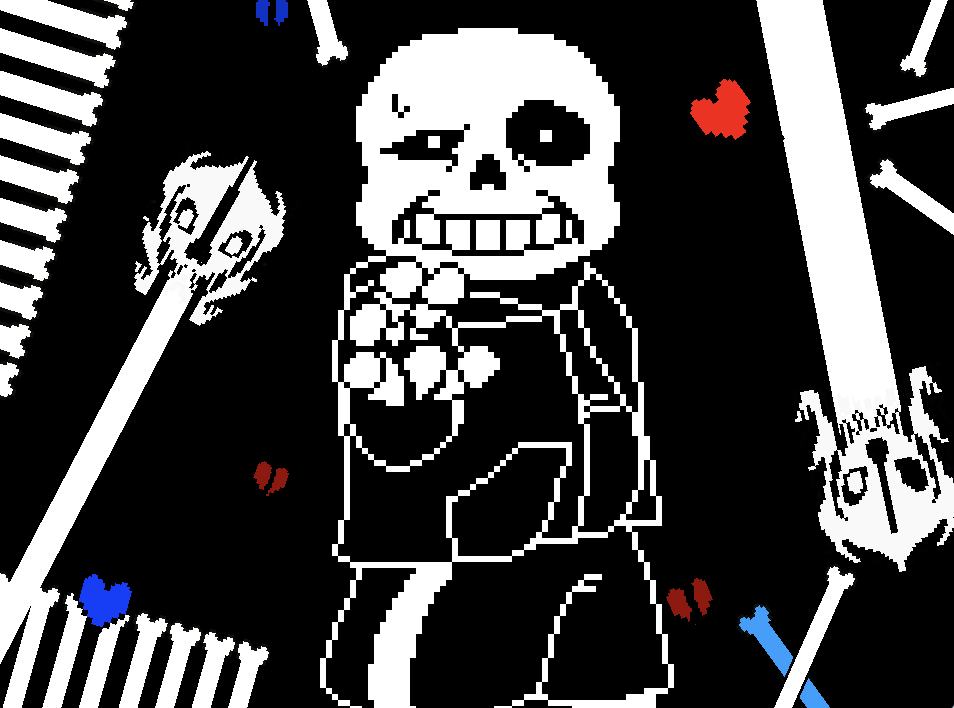
Bad Time Trio is an Undertale fan crossover built around three opponents from different timelines: Undertale Sans, Underswap Papyrus, and Storyshift Chara. Triple the Threat is the name associated with their combined battle and its music.
The version on this page is a focused survival encounter rather than a complete role-playing game. It does not include Undertale's exploration, dialogue routes, inventory progression, or save system. Instead, it moves directly into scripted attack sequences and lets you open either of its two available phases from the title screen.
Phase 1, Phase 2, and HP INF
- Phase 1: start with the opening battle sequence and learn how this version introduces its soul movement, knives, blasters, bones, and platforms. Choose this first if you want to experience the attacks in their intended order.
- Phase 2: jump directly to the second sequence. It changes the character presentation and uses its own attack flow, so you do not need to clear Phase 1 every time you want to practise it.
- HP INF: click the checkbox before starting a phase to enable infinite HP. Use it to observe unfamiliar patterns and locate safe routes; leave it unchecked when you want a normal survival attempt.
This embedded build contains Phase 1 and Phase 2. It does not provide a selectable Phase 3, a single-attack menu, or an in-game download option.
Tips for Surviving the Two Phases
- Learn Phase 1 before jumping ahead. Phase 2 can be opened immediately, but Phase 1 gives you time to learn how this game's heart responds before the presentation and attack flow change.
- Use HP INF to study, then switch it off. On a first pass, watch where each knife, blaster, bone, or platform appears. On the next attempt, turn infinite HP off and apply the route you just observed.
- Use short directional taps in dense patterns. Holding a key can carry the heart through one safe gap and into the next hazard. Make one correction at a time when knives or blaster lanes leave only a narrow opening.
- Adjust when the soul movement changes. Free movement and gravity-based sections do not respond in the same way. When the heart no longer moves freely, test a short vertical input and judge the arc before committing to a longer move.
- Leave room for the next platform. Landing at the extreme edge of the battle box reduces your options when the next bones or platform arrive. Aim for a position that gives you space on both sides whenever the pattern allows it.
- React to warnings before the attack fills the box. When a warning or blaster appears, move toward a visible lane early. Waiting for the beam or knife pattern to become fully active can leave too little time to cross it.
Frequently Asked Questions
Who are the members of the Bad Time Trio?
The central trio is Undertale Sans, Underswap Papyrus, and Storyshift Chara. The battle combines characters from separate fan timelines rather than presenting a team from the original Undertale story.
What is the difference between Phase 1 and Phase 2?
They are separate selectable attack sequences. Phase 1 introduces the battle's opening patterns, while Phase 2 changes the character presentation and attack flow. You can open Phase 2 directly without clearing Phase 1 first.
Does this Bad Time Trio Simulator have Phase 3?
No. The version embedded on this page provides Phase 1 and Phase 2. There is no selectable Phase 3 in its title menu.
What does HP INF do?
HP INF enables infinite HP for the selected phase. Toggle the checkbox before starting if you want to watch and practise the full attack sequence without a normal game over.
What are the controls?
Click a phase on the title screen, then use the arrow keys to move the soul. This version does not require Z or X for a battle-command menu.
Can I play Bad Time Trio Simulator on a phone?
The phase buttons can be clicked or tapped, but the battle uses the arrow keys and does not show a built-in touch direction pad. A physical keyboard is therefore recommended for reliable control.
Can I download the game from this page?
No download is offered here. The game runs online inside the player, and the website's Restart button reloads the current embedded game if you want to begin again.
Is Bad Time Trio an official Undertale game?
No. Bad Time Trio is a fan-made crossover concept and this simulator is a fan battle. It is not an official Undertale release.