


How to Play Deltarune Attack Shop
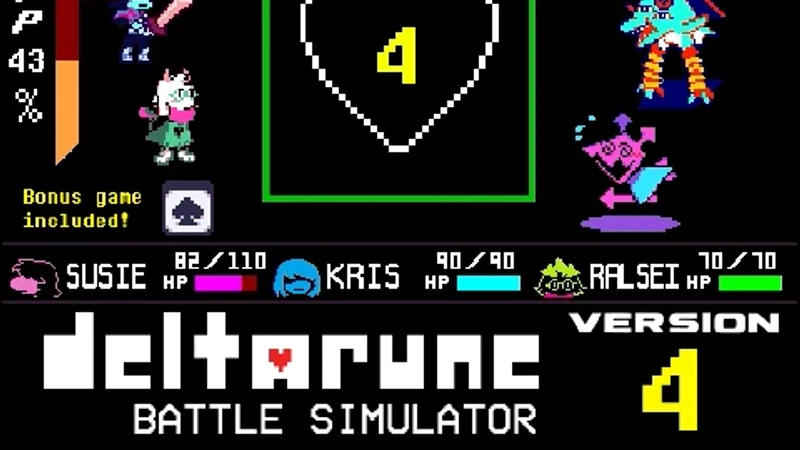
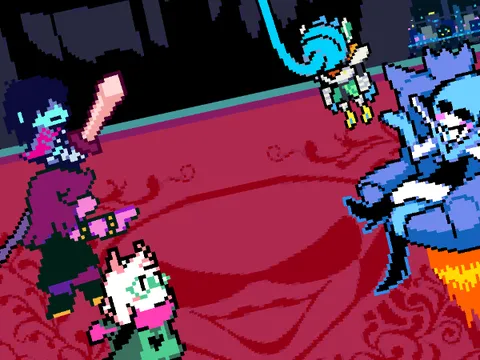
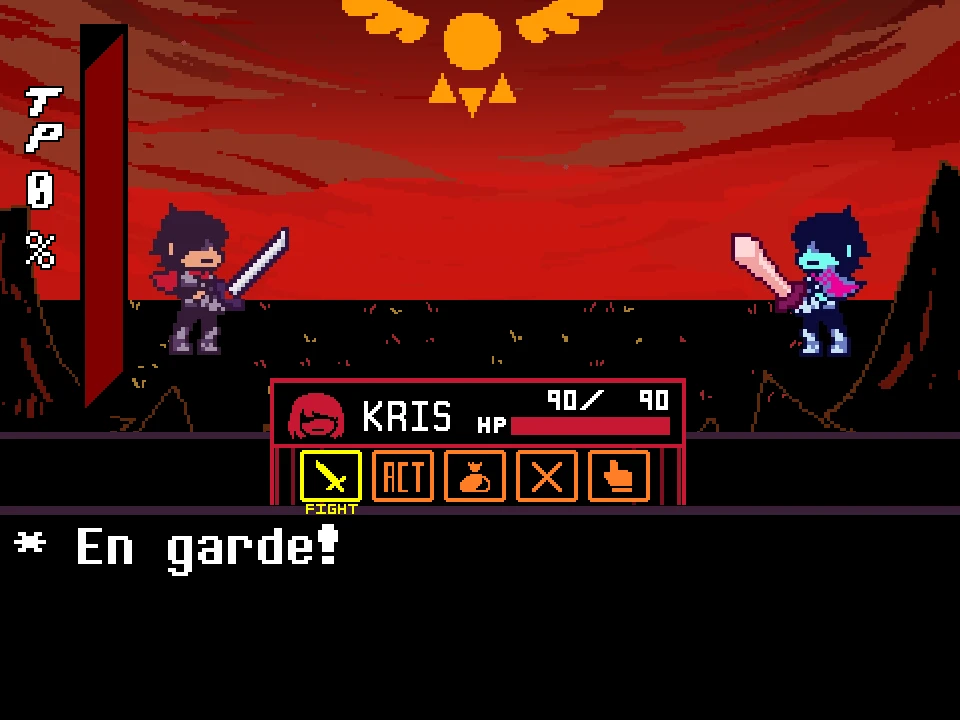
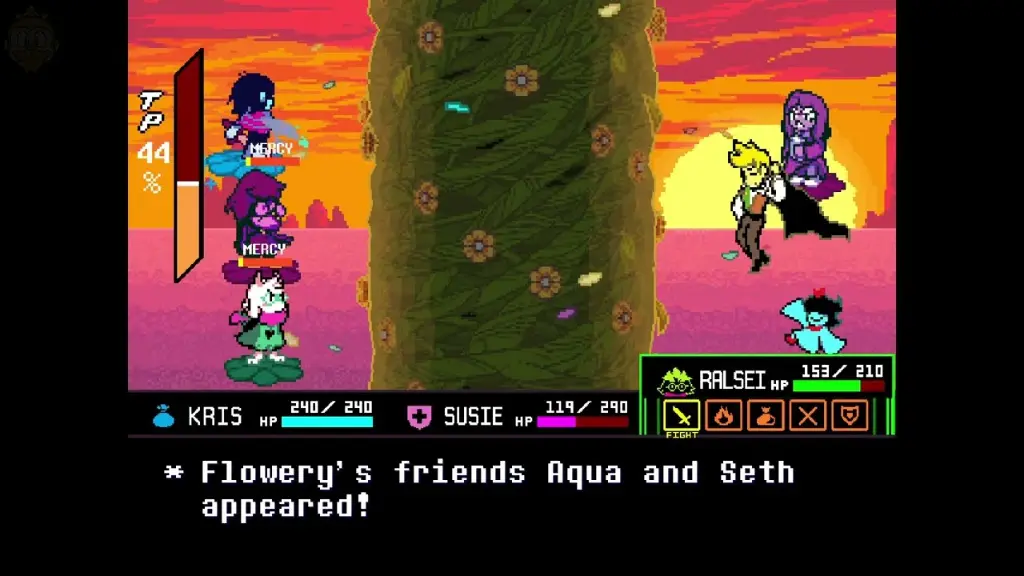
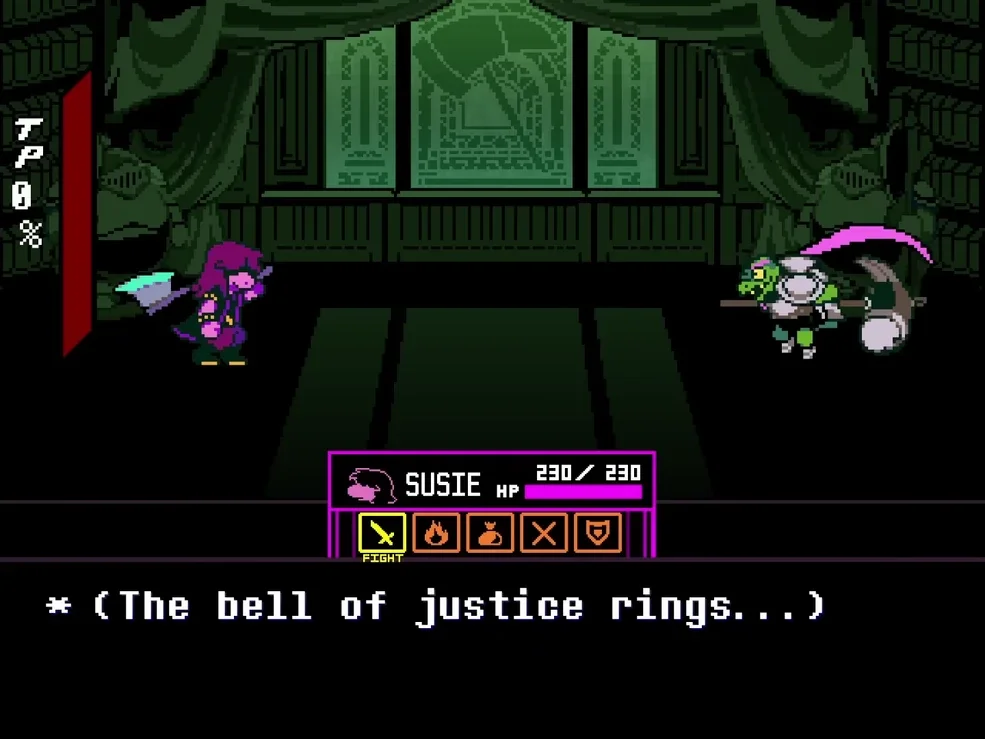
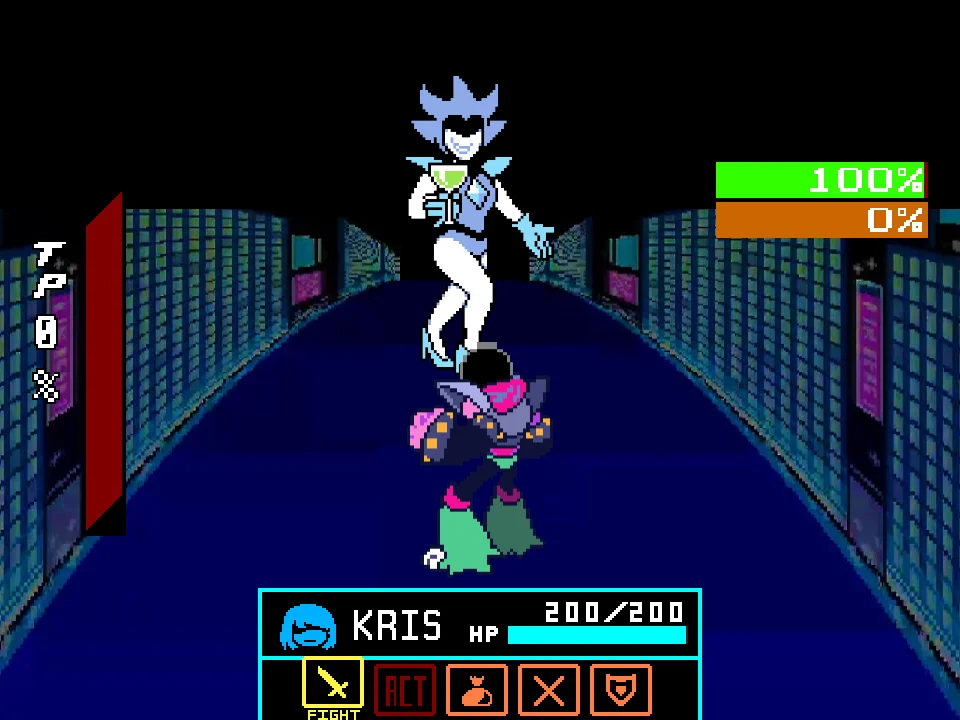
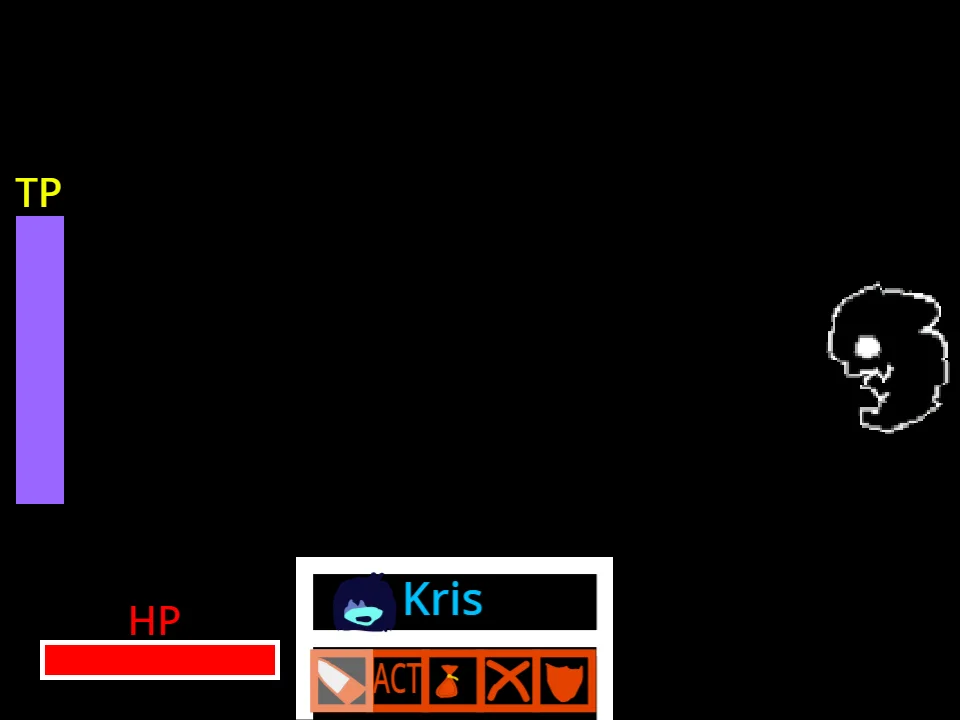
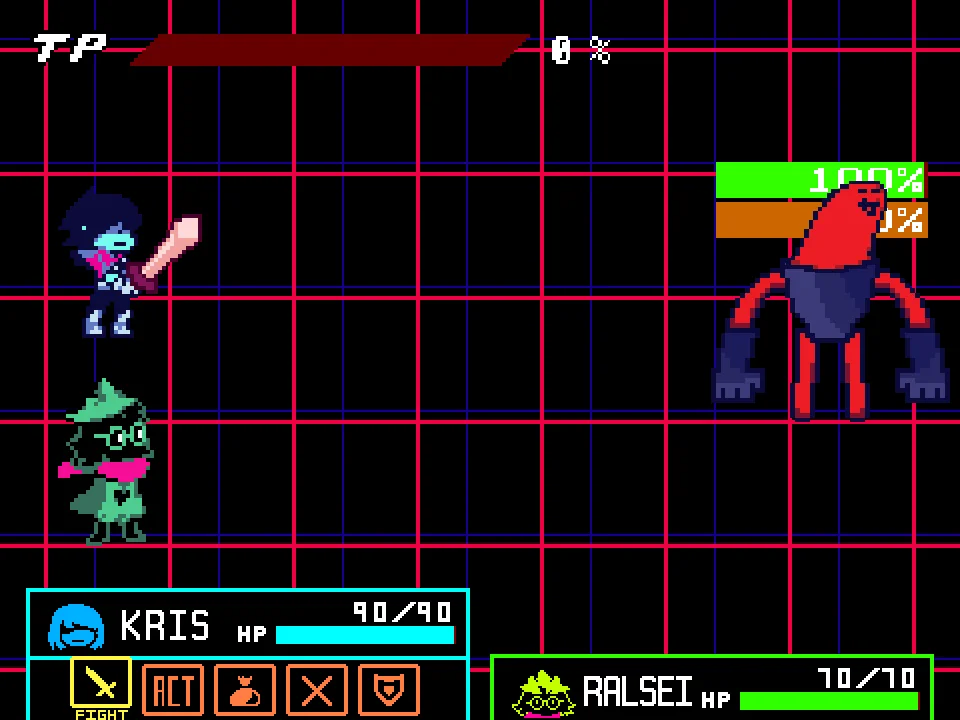
Deltarune Attack Shop (V1.5) is an indispensable combat training dojo created for players who want to master the rich bullet hell mechanics of Toby Fox's Deltarune Chapters 1 and 2. Rather than confining you to a single scripted narrative encounter, Attack Shop functions as a comprehensive practice simulator where you can isolate, drill, and conquer 14 distinct enemy attack patterns in an interactive boxing ring battle arena.
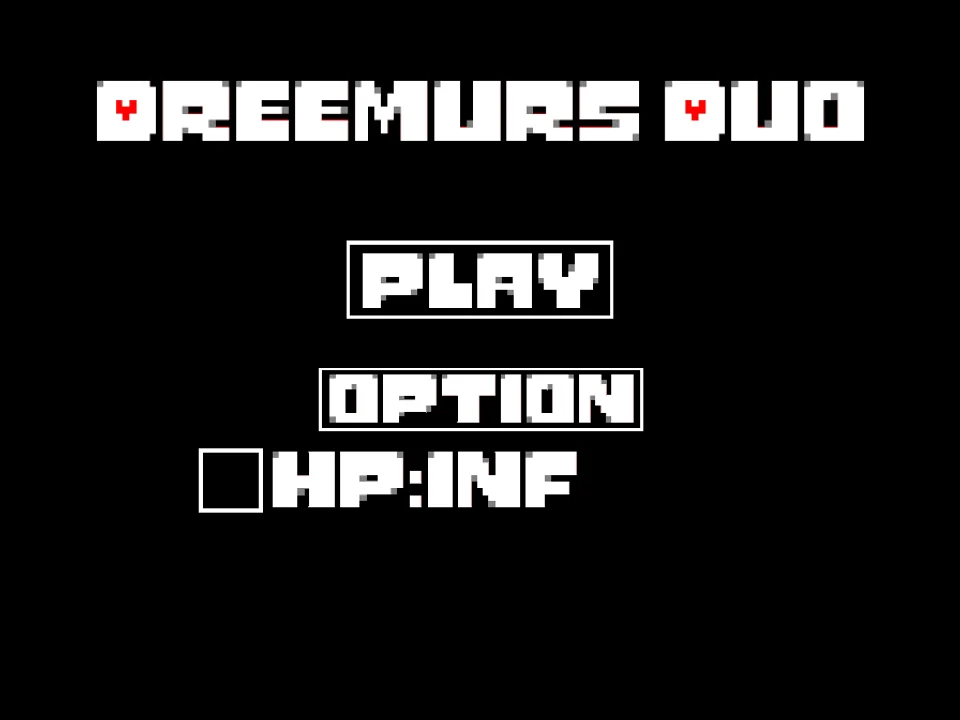
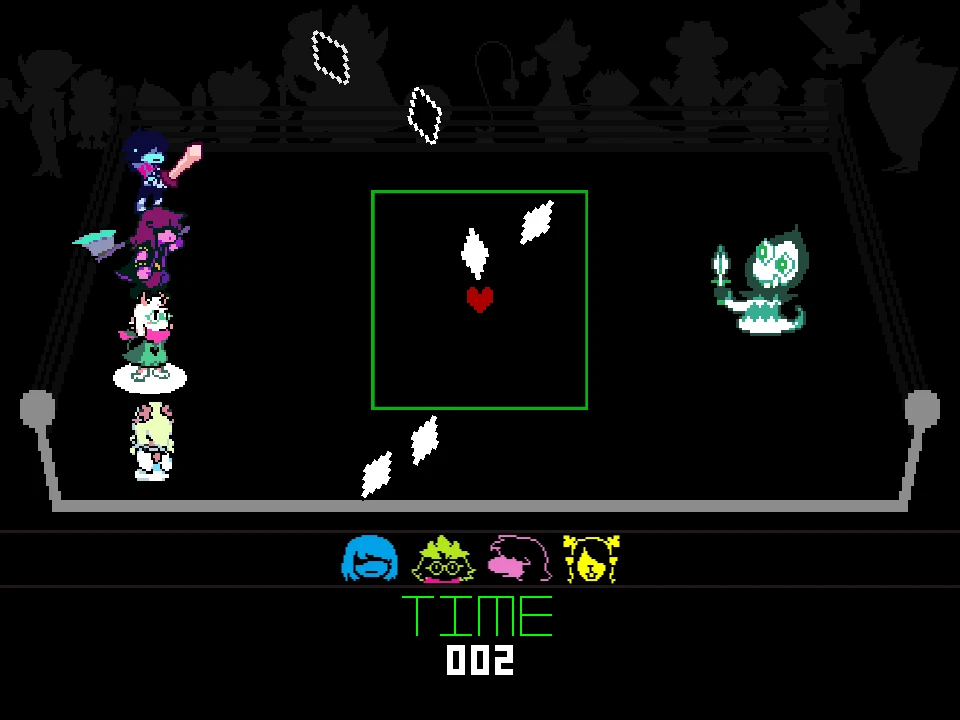
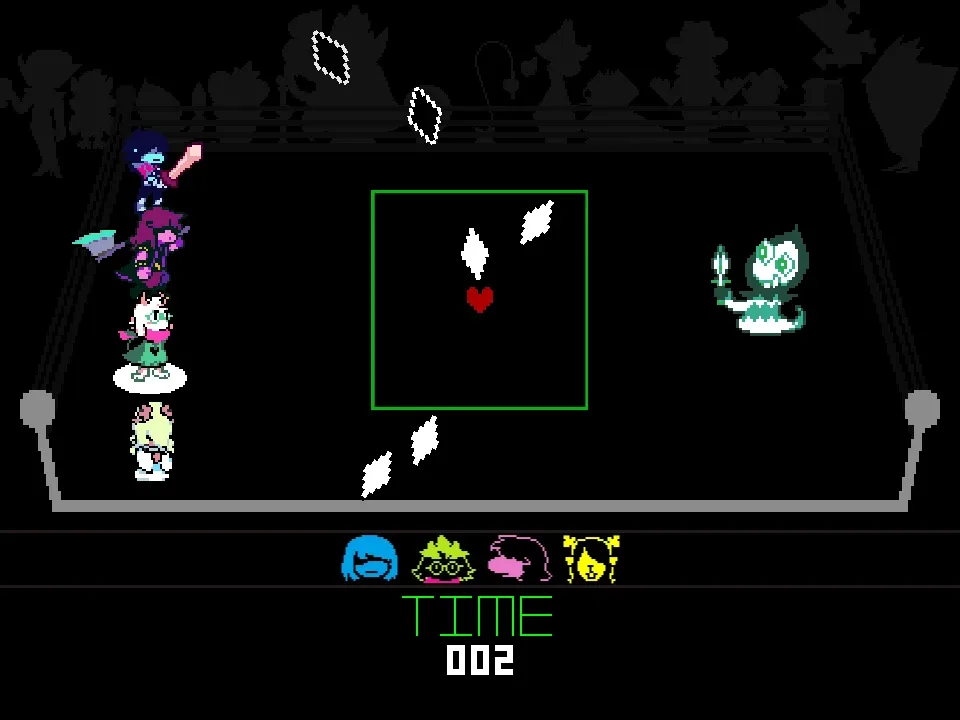
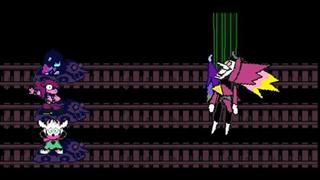
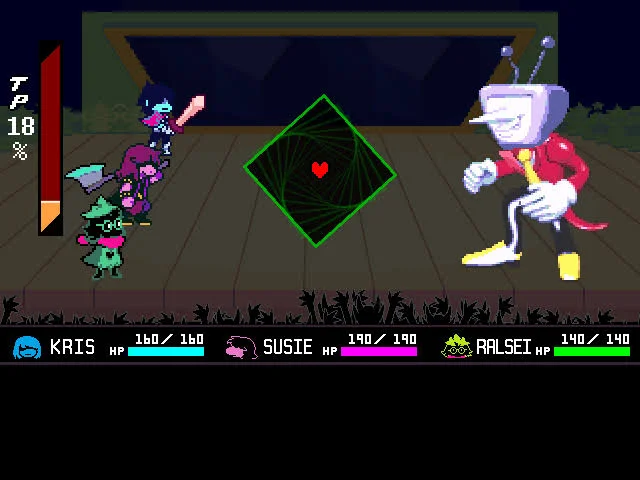
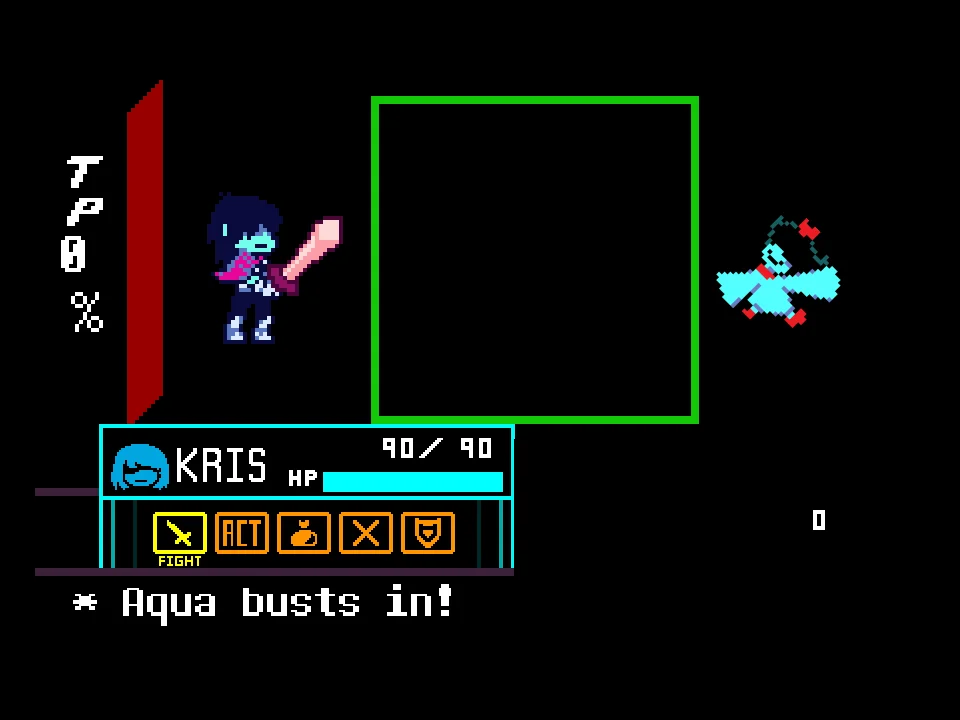
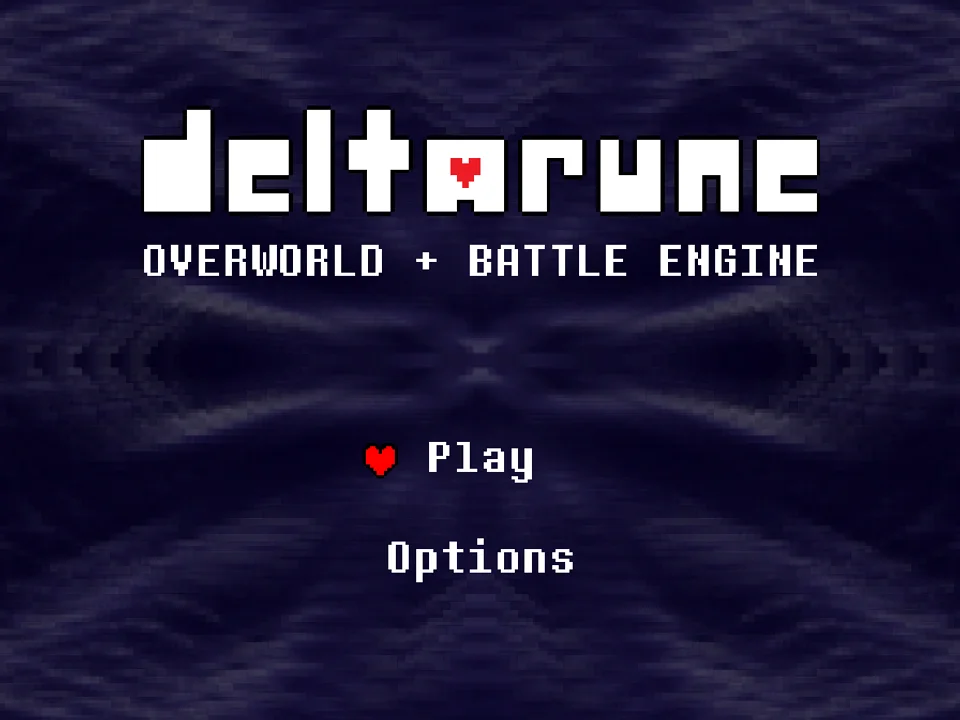
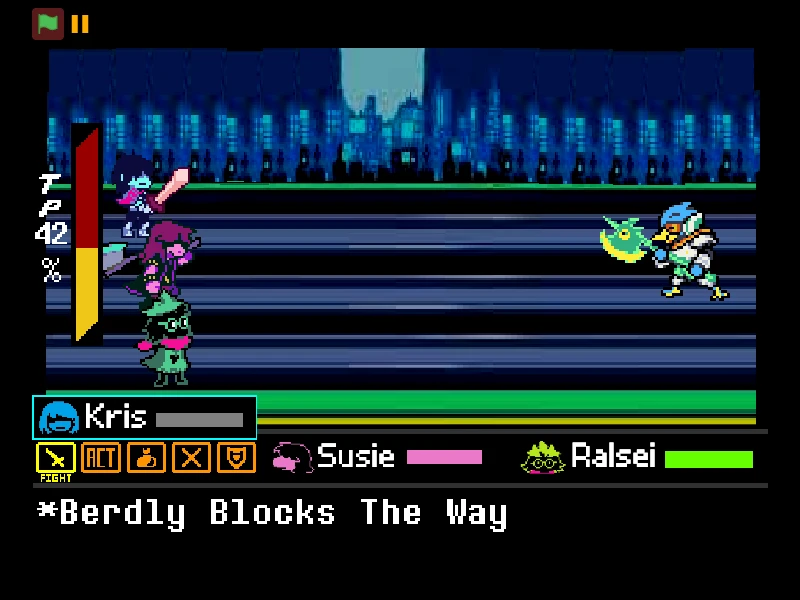
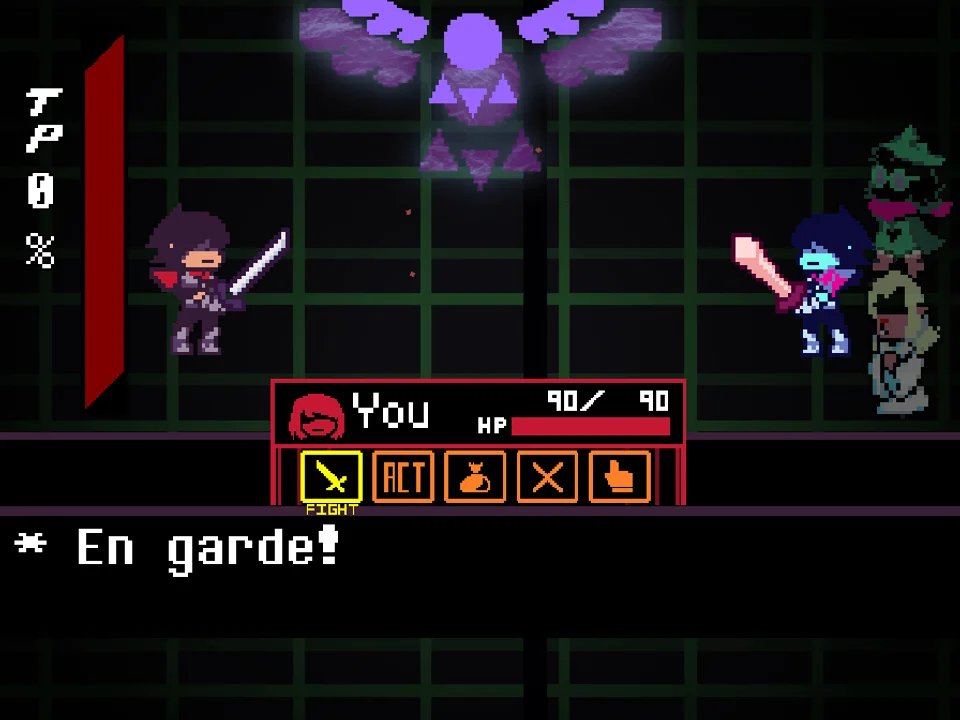
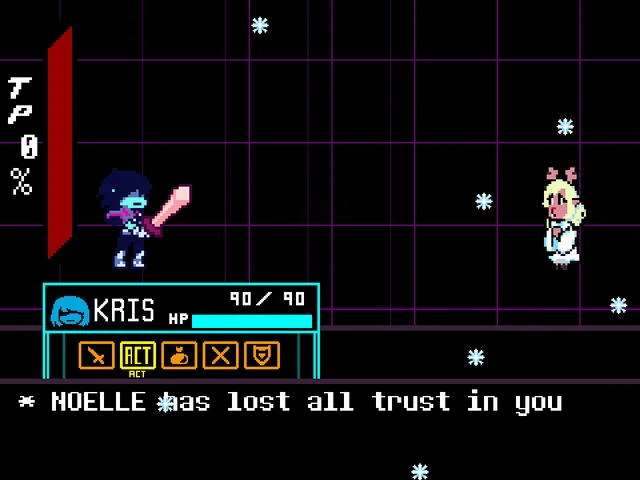
Upon launching the simulator, you are greeted by Kris, Susie, Ralsei, and Noelle assembled along the upper border of the screen, facing off against an interactive combat stage. To begin your training session, press the X key or the Right Arrow on your keyboard to open the Attack Shop catalog. From this menu, you can select any enemy attack to begin an immediate live training session:
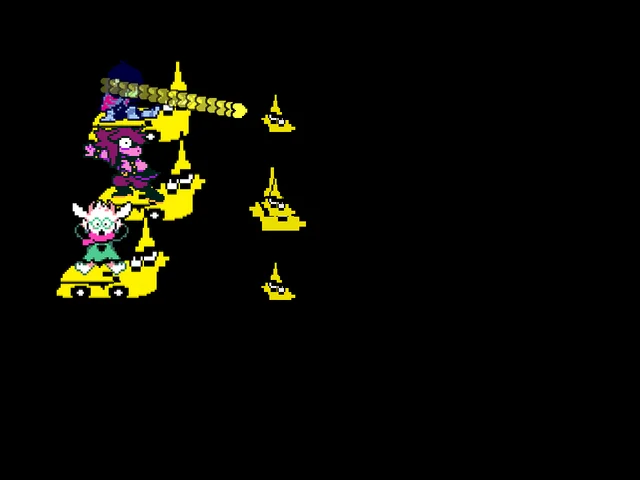
- Chapter 1 & 2 Roster: Choose from 14 authentic enemy attack simulations, including Rudinn's diamond volleys, Hathy's bounding heart arcs, Jigsawry puzzle blocks, Ponman's spinning eye-beams, Werewire's trailing electrical plugs, Tasque's jumping claw slashes, Virovirokun's viral floating spores, Poppup's cascading advertisement windows, Ambu-Lance's syringe crossfire, Maus's cheese-scurrying mice, Swatchling's temperature-coordinated feather storms, Tasque Manager's rhythmic whip lashes, Mauswheel's rotating mechanical wheel, and Werewerewire's supercharged lightning strikes.
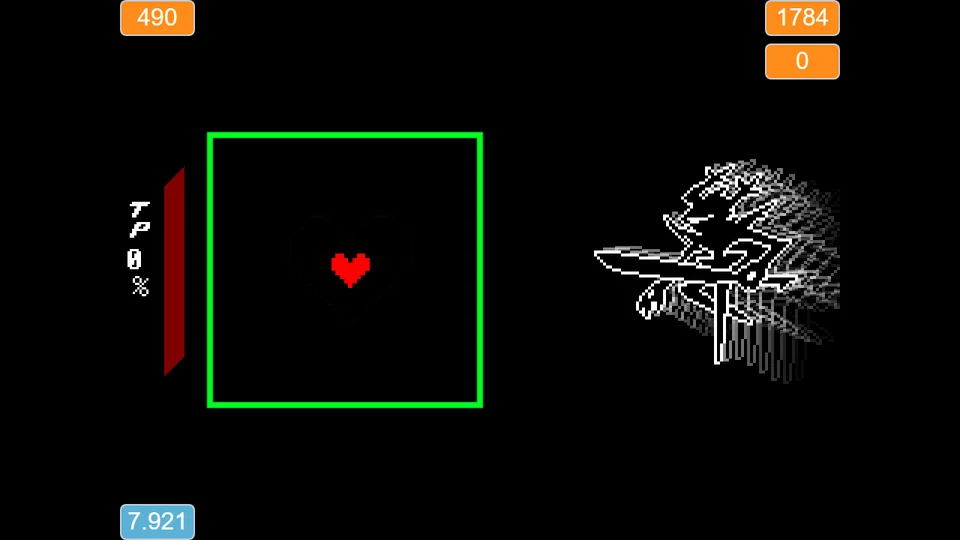
- Survival Star Rating: When you enter an attack, a live survival timer appears in the upper right corner. Surviving in the arena for 40 seconds without your health dropping to zero earns you a permanent Gold Star for that attack pattern.
- Flawless No-Hit Star: The ultimate badge of honor in Attack Shop is the coveted Purple Star. Enable No-Hit Mode from the Options menu, then survive for 20 seconds without sustaining a single hit to unlock the flawless rating for that enemy.
- Onslaught Gauntlets: For players seeking the ultimate test of endurance, Onslaught 1 and Onslaught 2 chain multiple enemy attacks consecutively into a seamless, escalating survival gauntlet where each attack lasts for 10 seconds.
- Instant Menu Hotkeys: Access sub-menus on the fly without stopping your run: press Y to switch attacks, press U to open the Options menu, or press I to open the Music jukebox.
Verified Controls & Menu Hotkeys
| Key | Action |
|---|---|
| Arrow Keys / WASD | Maneuver your Red SOUL within the green boxing ring battle arena (both arrow keys and WASD are fully supported) |
| Z / Down Arrow | Confirm attack selections in menus, engage dialogue, and activate SOUL glow effect |
| X / Right Arrow | Enter the Attack Shop catalog from the title screen, or hold during dodging to move at half speed for precision micro-evasion |
| Y Key | Instantly open the Attacks Selection Menu from anywhere in the game to switch between enemy patterns |
| U Key | Open the Options & Settings Menu to adjust hitbox visualizers, audio levels, and SOUL cosmetic settings |
| I Key | Open the Music Menu jukebox to browse and play official Deltarune Chapter 1 and Chapter 2 soundtrack tracks |
Deltarune Attack Shop provides full dual-control compatibility: you can use either traditional Arrow Keys or WASD for directional movement. The dedicated shortcut keys (Y, U, I) allow seamless switching between attacks, options, and music.
About Deltarune Attack Shop (V1.5)
Deltarune Attack Shop (V1.5) was developed by community creator TheConstructer to fill a major gap in the Deltarune fangame landscape. In canonical playthroughs of Deltarune, practicing difficult bullet patterns—such as Tasque Manager's syncopated whip orders, Swatchling's accelerating color patterns, or Mauswheel's rotating cheese traps—requires players to replay lengthy dungeon segments, navigate cutscenes, and farm recovery items between attempts.
TheConstructer solved this dilemma by building a modular training environment where every enemy encounter is instantly accessible at the press of a button. Featuring pixel-accurate projectile velocities, authentic collision boxes, and the complete four-hero party lineup from Chapter 2 (Kris, Susie, Ralsei, and Noelle), Attack Shop faithfully recreates the sensory feedback and timing rhythms of Toby Fox's masterpiece.
Version 1.5 represents a major milestone for the project, introducing the full Chapter 2 Cyber World enemy roster, dedicated No-Hit Purple Star tracking, dual Onslaught survival gauntlets, and an integrated audio jukebox with beloved tracks including 'A CYBER'S WORLD?', 'Smart Race', 'Pandora Palace', and 'Attack of the Killer Queen'.
Technical note on online features: In its original community hosting environment, the project featured cloud leaderboard variables to record global no-hit times. In this standalone web deployment, those external cloud leaderboards are disabled, but all gameplay systems—including local timer scoring, Gold and Purple star unlocks, options customization, and Onslaught gauntlets—remain 100% operational.
Training Modes & Challenge Tiers
Deltarune Attack Shop offers multiple structured game modes designed to transition players from novice dodgers to bullet-hell masters:
- Individual Attack Dojo (14 Enemies): Select any specific enemy from Chapters 1 and 2 to enter an isolated practice arena. This mode is ideal for learning safe zones, studying projectile angles, and refining dodging habits against problematic attacks like Tasque Manager or Swatchling.
- Gold Star Survival Mode: Every individual attack features a 40-second survival benchmark. If you manage to stay alive inside the bounding box until the countdown reaches 40 seconds in standard mode, you earn the permanent Gold Star on your attack selection screen.
- Purple Star No-Hit Challenge: For true completionists, activate No-Hit Mode from the Options menu (U key), then survive for 20 seconds without taking a single point of damage to earn the elite Purple Star. A single collision terminates the attempt, testing your ability to execute flawless movement under strict constraints.
- Onslaught Gauntlet 1 & 2: The ultimate test of stamina. Instead of practicing a single enemy, Onslaught mode strings multiple Chapter 1 and Chapter 2 attacks consecutively without pause. Each enemy attack runs on a tight 10-second countdown before automatically transitioning to the next foe, testing your ability to adapt on the fly.
- Options Lab & Customizer (U Key): Press U to open the settings suite. Toggle high-visibility hitbox outlines, customize your SOUL appearance, and adjust audio levels to optimize your training setup.
- Soundtrack Jukebox (I Key): Press I to enter the music lab, where you can select and loop your favorite Deltarune battle themes and background music while training.
Practice Strategies & Pattern Mastery
Mastering the diverse enemy lineup in Deltarune Attack Shop requires specific tactical adjustments for each encounter. Use these expert strategies to conquer the dojo:
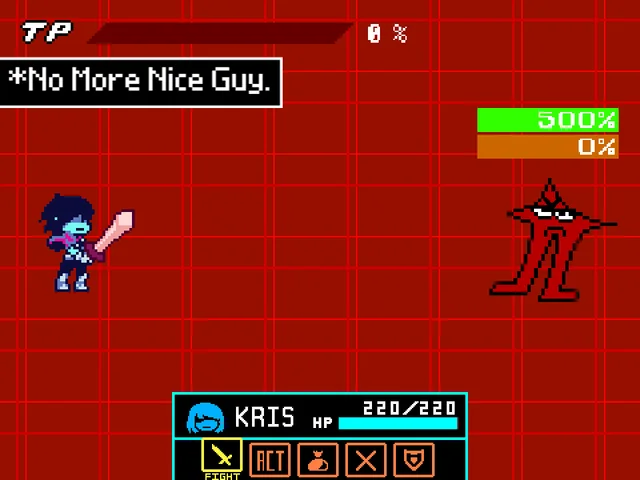
- Taming Tasque Manager's Whip & Claw Patterns: Tasque Manager attacks in rhythmic intervals. Position your Red SOUL along the lower-middle portion of the arena. When the whip cracks across the top, watch for the cascading electric sparks that drop downward; perform a gentle diagonal hop over the sparks rather than dashing toward the side walls.
- Cracking Swatchling's Temperature-Based Feathers: Swatchling's projectiles vary in speed depending on their coloration. Warmer-colored feathers (red and orange) accelerate rapidly across the screen, while cooler tones (blue and cyan) drift at a slower, predictable pace. Focus your attention on the fast warm projectiles first, letting the slower cool feathers act as background boundaries.
- Navigating Mauswheel's Rotating Trap: When facing Mauswheel, resist the temptation to cut across the central hub of the rotating wheel. Instead, match the rotational direction of the wheel and trace wide, circular arcs around the outer perimeter of the arena where the gap between revolving mice is widest.
- Exploiting Half-Speed Focus (Hold X) Against Poppup Windows: Poppup floods the arena with cascading pop-up advertisement boxes that bounce off the perimeter walls. Holding down the X key halves your SOUL velocity, preventing you from over-steering into the sharp corners of overlapping pop-up frames.
- Pacing Endurance in Onslaught Gauntlets: In Onslaught mode, the primary cause of failure is panic during enemy transitions. Keep your SOUL centered whenever the timer nears a transition mark (the 10-second countdown expiring for each wave). Entering each new enemy wave from the center position guarantees you will not spawn directly inside an incoming projectile cluster.
- Utilizing High-Contrast SOUL Mode in Options: If you struggle to track your heart amidst bright, multi-colored projectiles, press U to access the Options menu and enable high-contrast SOUL outlines. A clear visual anchor dramatically improves your dodging precision in complex bullet hell patterns.
Frequently Asked Questions
Is this game a standalone Tasque Manager boss fight?
No. Deltarune Attack Shop (V1.5) is a comprehensive training dojo that includes Tasque Manager as one of its 14 playable enemy attack simulations. You can practice Tasque Manager's whip patterns directly, as well as attacks from 13 other iconic Chapter 1 and Chapter 2 enemies.
Are the online cloud leaderboards active in this web version?
The original community project included cloud variables for global no-hit speedrun rankings. In this standalone web deployment, external cloud leaderboards are disabled. However, all local gameplay systems—including survival timers, 40-second Gold Star unlocks, 20-second No-Hit Purple Star challenges, 10-second Onslaught waves, and customizer options—operate completely normally.
How do I unlock the Gold and Purple stars on each attack?
To earn a Gold Star, survive for 40 seconds in any enemy attack in standard mode without your HP dropping to zero. To earn the elite Purple Star, press U to enter the Options menu, enable No-Hit Mode, and survive for 20 seconds without taking any damage.
Can I use WASD controls instead of Arrow Keys?
Yes! Deltarune Attack Shop fully supports both WASD and traditional Arrow Keys for all directional SOUL movement, allowing you to choose whatever control layout feels most comfortable.
How do I quickly switch attacks without returning to the title screen?
You can press the Y key at any time during gameplay to immediately bring up the Attacks Selection Menu, allowing you to cycle through different enemy challenges seamlessly.
Is this training simulator compatible with mobile phones or touchscreens?
The game relies heavily on keyboard inputs (Arrow Keys, WASD, Z, X, Y, U, I) for combat dodging and menu navigation. Because touch overlays are not integrated, playing on a desktop or laptop with a physical keyboard is strongly recommended.