












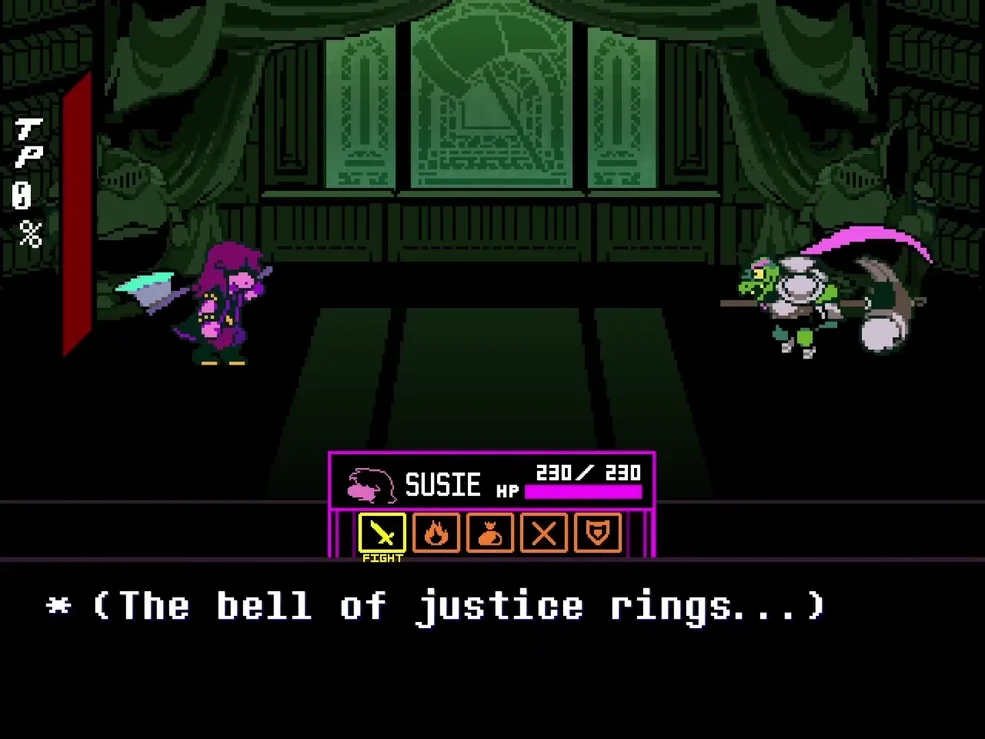

How to Play Geno Sans Simulator
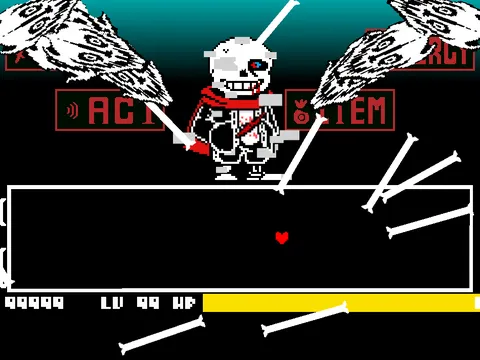
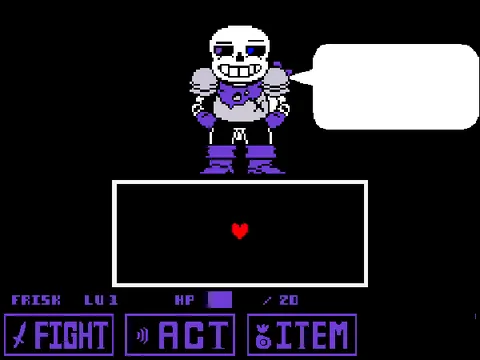
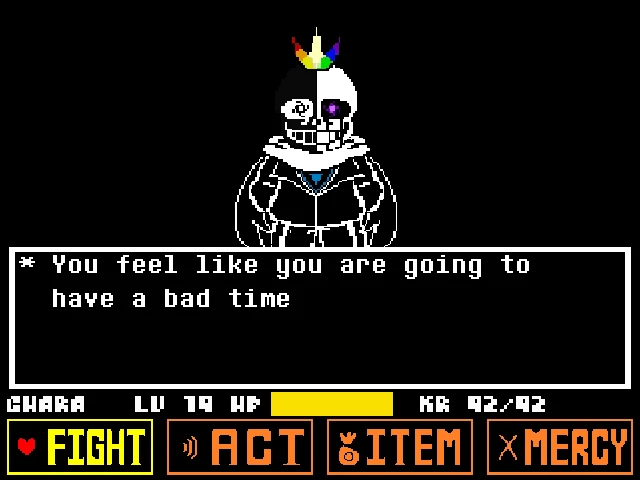
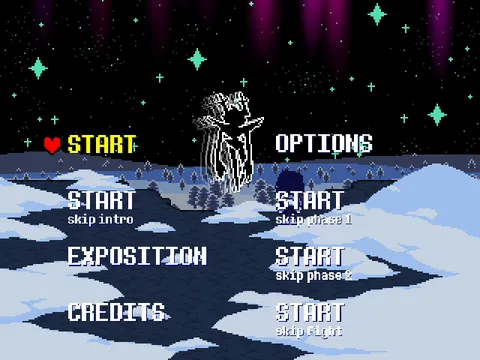
Enter the eerie, isolated void of the Save Screen in Geno Sans Simulator, inspired by loverofpiggies' celebrated Aftertale alternate universe. Geno Sans is a survivor of countless reset cycles, trapped between life and death with a bleeding slash across his chest and a melting determination glitch covering his right eye socket. If you have faced multiverse conquerors in Error Sans Fight Simulator or battled relentless grim determination in Dusttale Sans Simulator, Geno Sans presents a uniquely tragic sandbox challenge where timeline instability dictates the flow of battle.
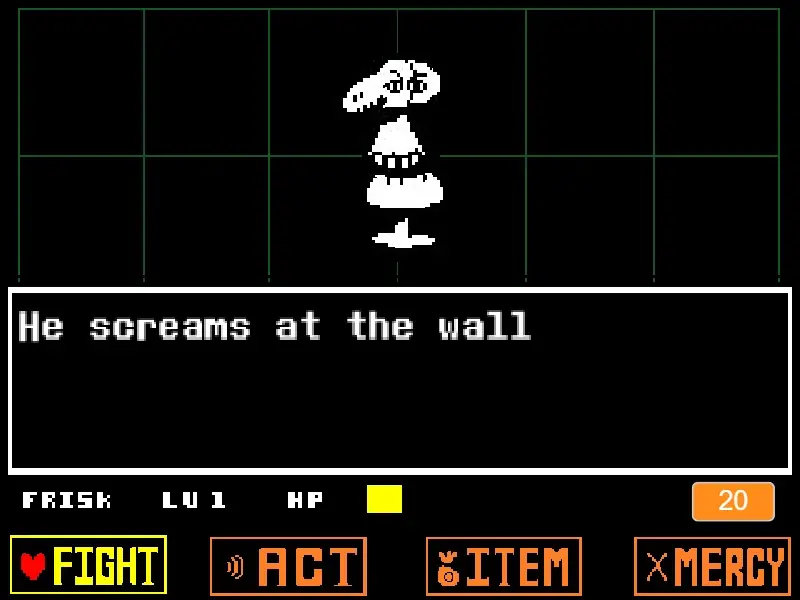
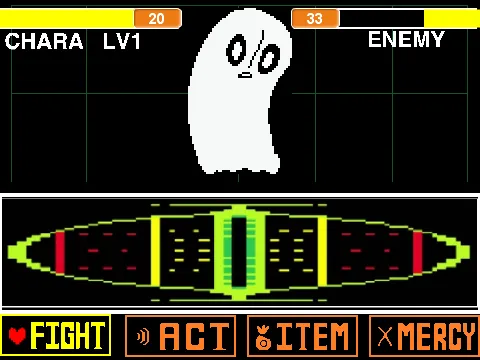
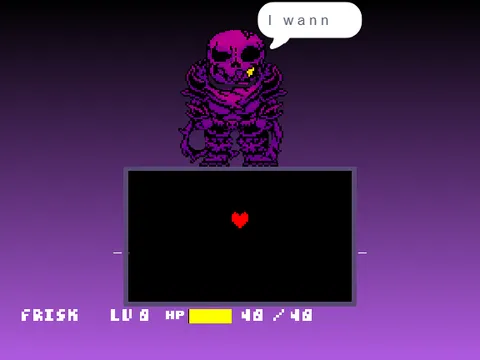
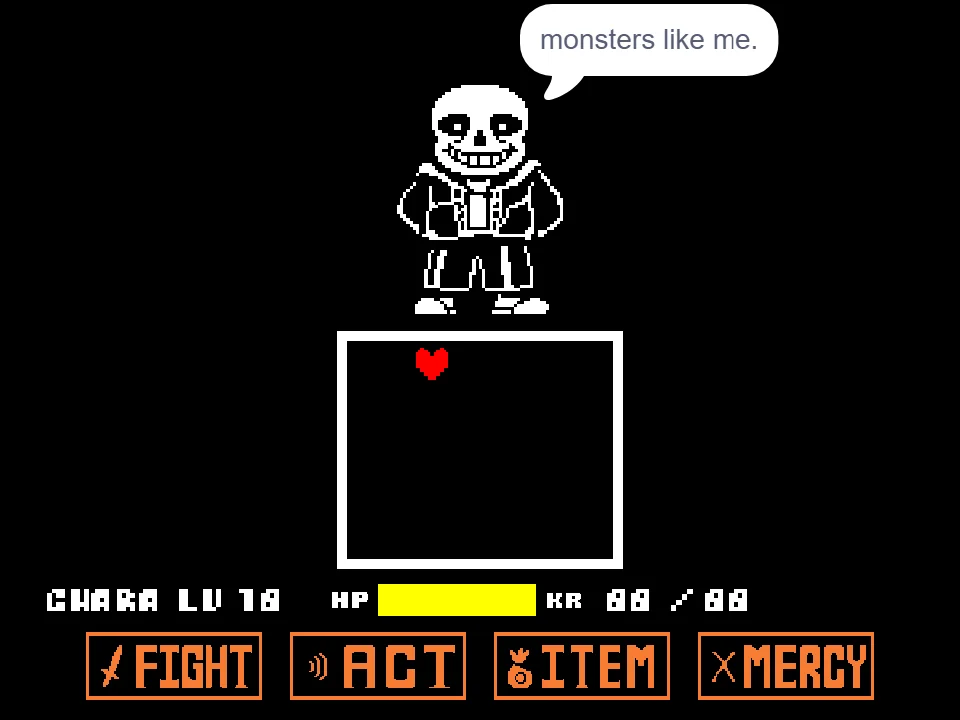
As Chara piloting the red SOUL, your objective is to survive the storm of timeline-shattering attacks unleashed across the battlebox. Use the arrow keys to maneuver through narrow gaps in bone cages, tap Z to confirm selections or initiate strikes, and press X to deselect or cancel menu choices. Surviving Geno Sans demands acute awareness of his unique glitch attacks, where sprites dissolve and reappear unexpectedly across the combat boundaries.
Alternatively, the simulator features a comprehensive attack director mode. By pressing specific alphanumeric keys on your keyboard, you can manually trigger Geno Sans's vast arsenal: keys 1 and 0 cycle through emotional soundtrack themes, key 2 activates background visual glitch fades, keys 4 and 5 switch soul gravity, keys 6 and 7 raise or lower the command buttons, while WASD, L, I, and various letter keys spawn custom bone salvos and multi-angled Gaster Blaster salvos.
Whether you choose to play defensively as Chara enduring intricate bullet waves or actively direct the battle as Geno Sans, this simulator provides unprecedented creative control over the classic Undertale combat framework. You can test your ability to navigate high-density hazard grids, observe sprite collision nuances, and stage cinematic confrontations at will.
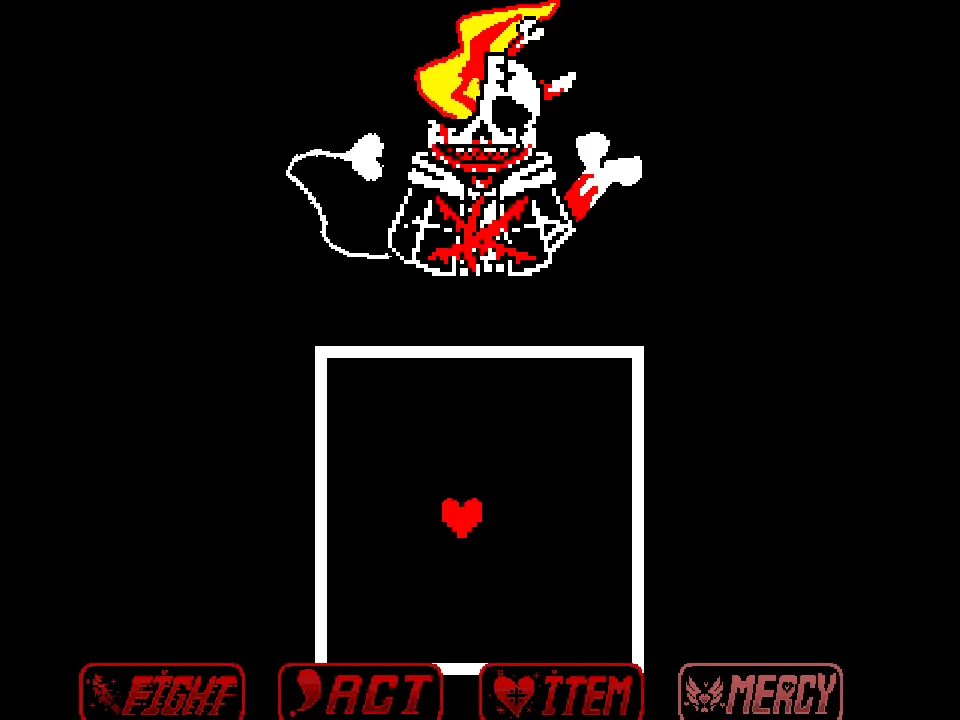
Geno Sans's attacks carry a distinctive, corrupted visual identity that reflects his damaged state in the save screen void. His Gaster Blasters suffer from digital glitching: as they charge, their targeting beams frequently flicker and shift angles by several pixels right before firing, punishing players who commit to early dodge trajectories. In addition, falling bone arrays feature corrupted crimson particles that deal continuous karma drain if your heart brushes against their trailing edges.
To survive extended rounds, players must master micro-tapping inside the center safe pocket. Drifting too close to the borders during Geno's void collapse attacks will trigger instant damage from unstable save-file corruption borders that contract inward as his monologue progresses.
Chara Evasion and Geno Sans Director Controls
| Key | Action |
|---|---|
| Chara: Arrow Keys | Move SOUL through the combat box |
| Chara: Z Key | Select options / advance dialogue |
| Chara: X Key | Deselect / cancel choices |
| Geno: 1 / 0 Keys | Cycle through custom BGM soundtrack tracks |
| Geno: N Key | Clear screen / reset attack triggers to neutral |
| Geno: 2 Key | Trigger background glitch fade effect |
| Geno: 4 / 5 Keys | Force SOUL into Blue gravity (4) or Red free-flight (5) |
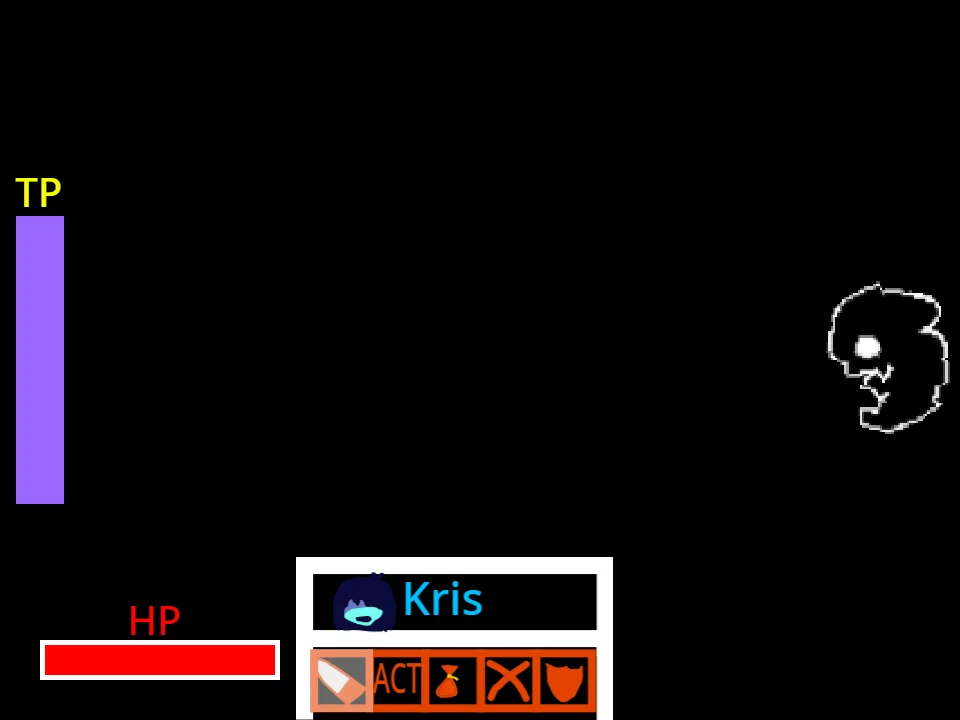
| Geno: 6 / 7 Keys | Lower combat buttons down (6) or raise them up (7) |
| Geno: W A S D / L / I Keys | Deploy directional bone waves and sweeping pillars |
| Geno: C V F J R O M Keys | Deploy advanced sliding and angled bone patterns |
| Geno: G H U P B Space 3 T E | Fire specialized small, medium, and giant Gaster Blasters |
Players can practice dodging standard attack waves using the arrow keys and Z/X, or experiment freely as the battle director by triggering any of the numbered and lettered attack commands.
About Geno Sans and the Aftertale AU
Aftertale is one of the foundational alternate universes of the Undertale fandom. In this timeline, Sans injects himself with determination during a brutal genocide run to remember resets, but ends up mortally wounded and trapped in the eternal void of the Save Screen. Unable to fully die due to his determination, he takes on the name 'Geno' and spends eternity watching timelines crumble while attempting to break the cycle of violence.
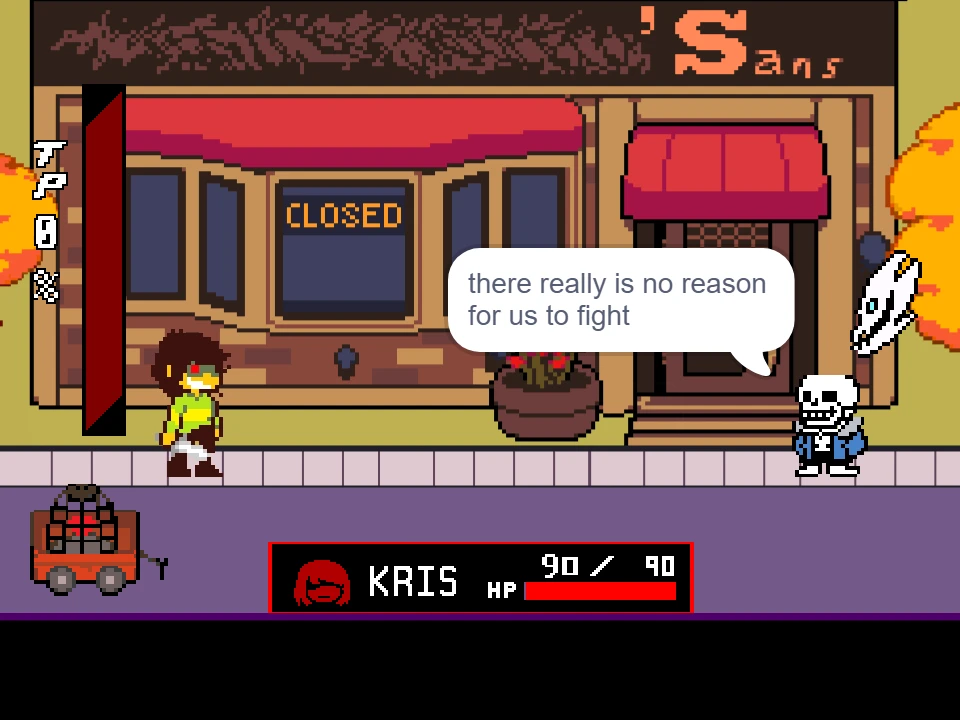
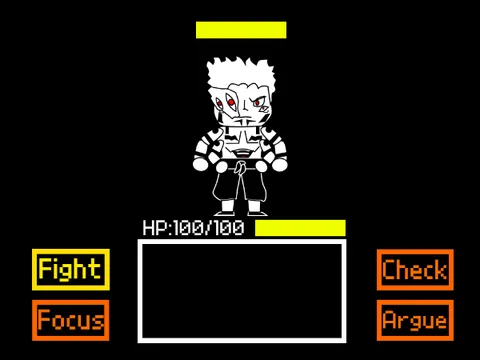
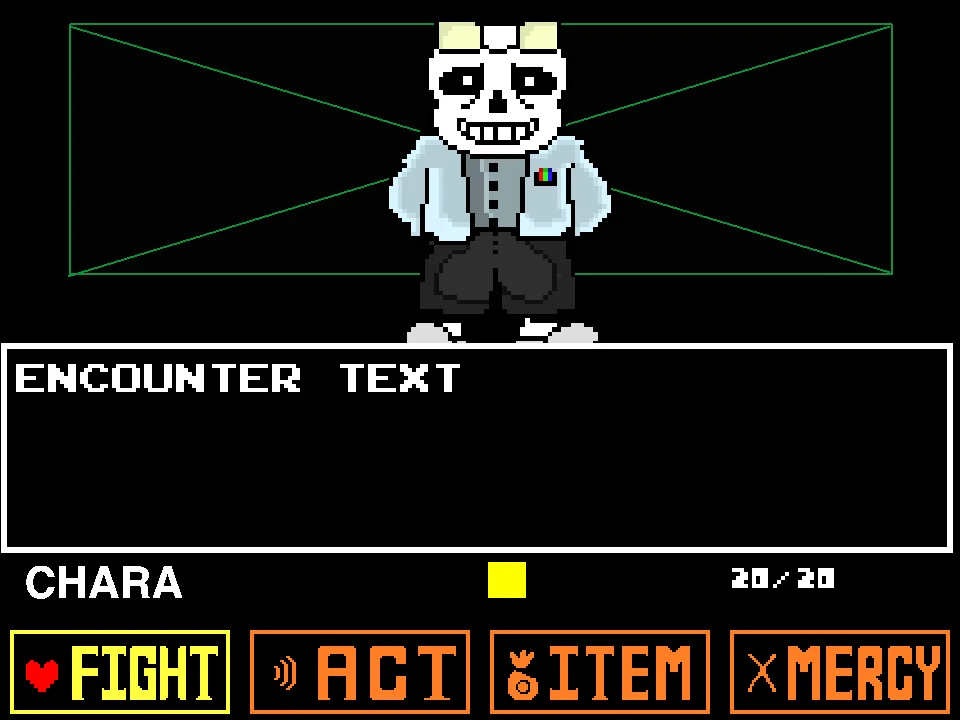
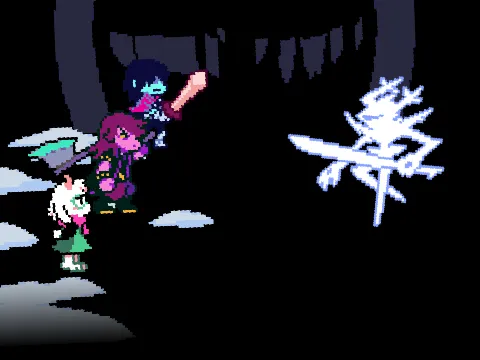
This simulator, crafted by creator Epic_the_bruh_master with battle engine foundations by nikarosi and bone mechanics from community contributors, captures Geno's melancholic persona. His battle sprite showcases his iconic melted eye glitch, white papyrus scarf, and bloody chest wound, accompanied by dynamic background effects and dramatic chiptune arrangements.
The standout feature of this release is its hybrid functionality: it serves both as an intense bullet hell dodging test and as an interactive animation sandbox. Players can test their evasion skills against complex bone geometries or step behind the curtain to choreograph their own cinematic boss encounters.
The project draws on foundational battle engines developed by nikarosi, with bone mechanics refined by community members dabestmarioplayer and Foxcity. Through continuous updates, the creator introduced high-resolution resprites for Geno Sans and his Gaster Blasters, providing fans with an authentic representation of the Aftertale universe.
Loverofpiggies' Aftertale remains one of the foundational storylines in the Undertale multiverse, exploring the tragic consequences of relentless timeline resets. Geno Sans represents the physical and psychological toll of fighting a losing battle against the human child across countless genocide runs. Creator R_A_D_U captured this melancholy atmosphere through haunting soundtrack cues, glitching character portraits, and dialogue lines steeped in despair and fierce determination.
Simulation Features and Sandbox Directing
Explore multiple ways to engage with the Aftertale combat engine:
- Standard Survival Mode: Navigate Chara's SOUL through incoming barrages of white bones, spinning blaster columns, and gravity slams without taking lethal damage.
- Battle Director Mode: Take control of the encounter mechanics by using number and letter keys. Trigger screen glitches with 2, alter gravity with 4 and 5, and coordinate simultaneous blaster barrages with G, H, U, and Space.
- Dynamic Soundtrack Selection: Press 1 followed by 0 to cycle through custom theme arrangements, setting the emotional tone for your encounter without desynchronizing the audio loops.
- Arena Layout Manipulation: Use keys 6 and 7 to slide the bottom menu buttons off-screen or bring them into play, dynamically altering the visible battlefield space.
- Custom Blaster Orchestration: Keys G, H, U, P, B, Space, 3, T, and E each correspond to distinct blaster sizes and angles, enabling the creation of intricate laser mazes.
- Clean Sandbox Practice: Press N at any point to wipe the arena clean of active projectiles, allowing seamless transitions between different pattern tests.
Survival Tips for Navigating Geno's Glitched Attacks
Overcome Geno Sans's unpredictable attacks with these strategic survival techniques:
- Watch the Eye Glitch for Attack Signals: Geno's melting eye glitch pulses slightly before he unleashes heavy Gaster Blasters. Use this brief visual tell to position your SOUL away from the center line.
- Micro-Tap During High-Density Waves: When bones fill the screen from keys C, V, and F, avoid holding down arrow keys. Small, disciplined taps prevent overshooting and colliding with adjacent hitboxes.
- Master Blue Soul Recovery: When Geno presses 4 to force blue gravity, immediately prepare for rapid platform hopping. Keep your SOUL near the floor and tap jump with light touches to minimize airborne exposure.
- Use the Soundtrack Switch Safely: If directing the battle, always press 1 before 0 to change music tracks in proper order, preventing overlapping audio loops from stuttering during gameplay.
- Leverage the N Key in Practice: If an attack combination becomes overwhelmingly dense during custom choreography, tap N to clear the screen and restore neutral state instantly.
- Observe Button Boundary Changes: When buttons shift using keys 6 and 7, adjust your lower boundary awareness so you do not get disoriented when the arena shrinks or expands.
Frequently Asked Questions
Who is Geno Sans and why does he have a melting eye?
Geno Sans is the protagonist of the Aftertale AU by loverofpiggies. After injecting determination to retain memories across resets, he was slashed by the human. Surviving in the Save Screen, the unnatural determination causes his monster body to melt slowly around his right eye socket.
Can I play Geno Sans Simulator on a mobile phone?
While the game loads on mobile browsers, the extensive director controls require a full physical keyboard to trigger specific blasters, music tracks, and glitch effects.
How do I switch the background music tracks?
Press key 1 followed by key 0 on your keyboard. Cycling them in this sequence smoothly switches between custom themes including emotional arrangements of Close to You.
Do blue and orange bones deal damage differently in this version?
In this specific simulator build, standard white bones and blasters are fully functional, while specialized blue and orange bone color mechanics are simplified into uniform hazard collisions.
How do I make the bottom combat buttons reappear if they vanish?
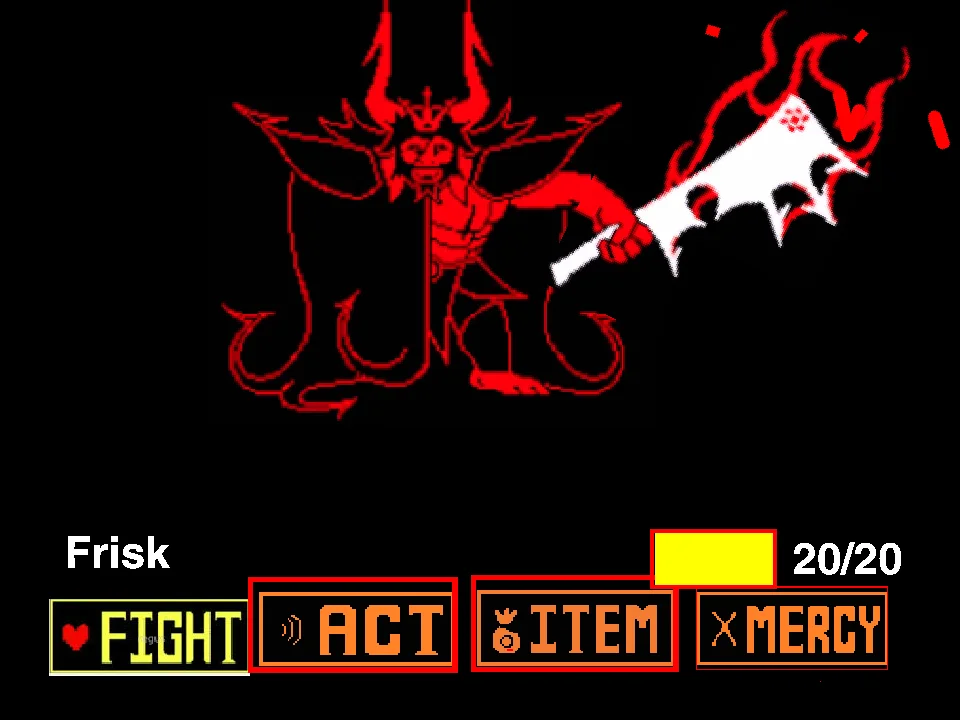
Press key 7 on your keyboard to slide the FIGHT, ACT, ITEM, and MERCY buttons back up into their normal viewing positions.
What is the difference between Geno Sans and Error Sans?
In multiverse lore, Geno Sans is the original Save Screen survivor from Aftertale, whereas Error Sans is a corrupted, glitched entity that evolved from a broken timeline and seeks to destroy all AU creations.
Why does Geno Sans have a melting eye and a bloody slash on his chest?
In Aftertale lore, Geno Sans survived a fatal blow from the human by injecting himself with physical determination and escaping into the save screen void, leaving his mortal wound permanently visible alongside melting determination ocular corruption.