




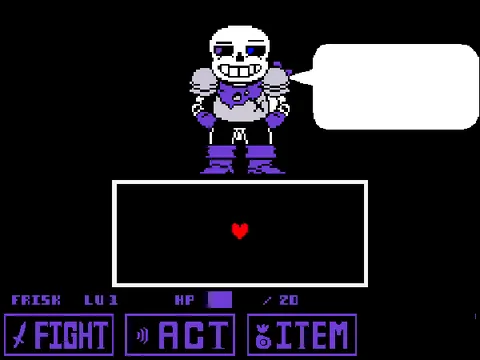
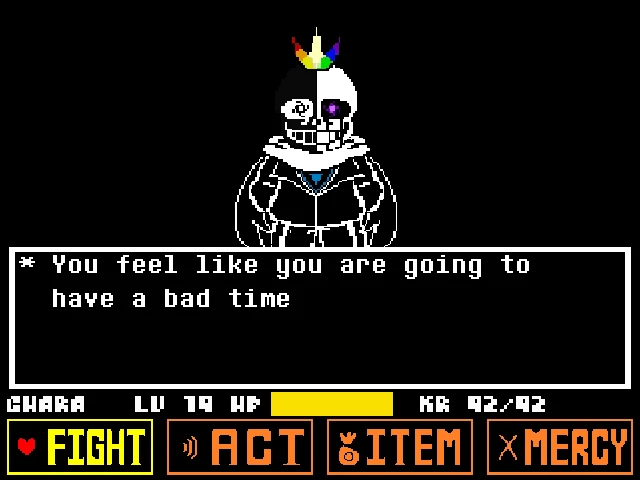

















How to Play OMNILOVANIA Mobile Battle Simulator
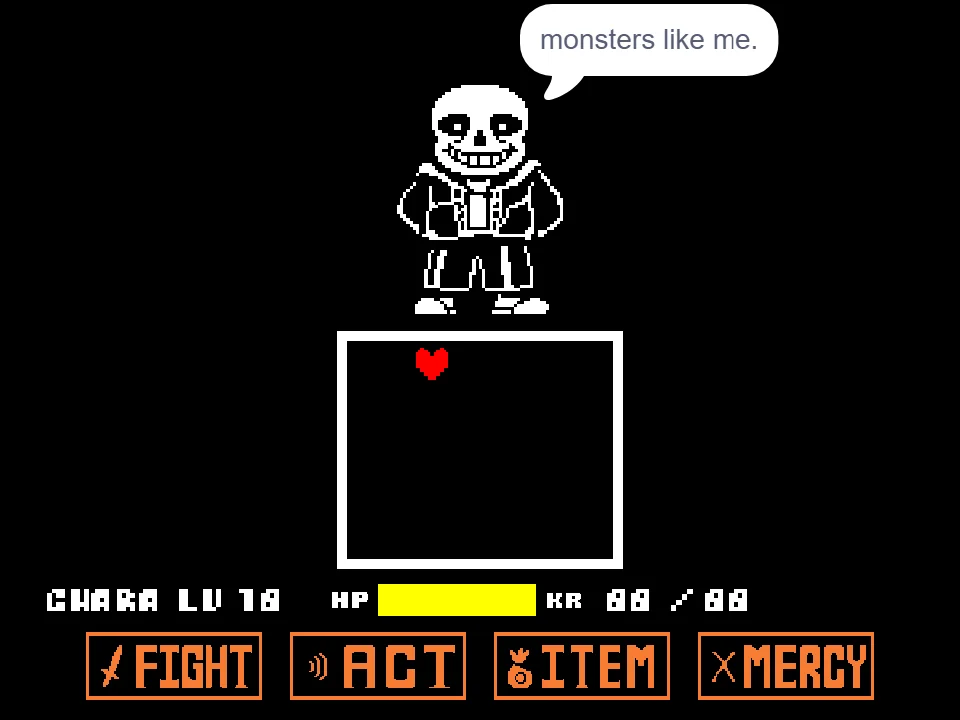
Experience one of the community's most intense multi-dimensional boss encounters optimized for touchscreens and mobile web browsers with OMNILOVANIA Mobile Battle Simulator, adapted by developer b1u3b3rry_sans based on The_Coli's original boss showdown. If you want to experience the full-fidelity desktop version of this multi-phase cosmic duel, explore the original OMNILOVANIA Boss Fight or test your classic dodging fundamentals on our Bad Time Simulator homepage. This dedicated mobile edition brings Omnipotent Sans's reality-warping attacks to mobile displays with intuitive touch controls.
The mobile edition features dual input schemes: on touch devices, players can steer the red SOUL directly by dragging a finger across the combat box, while on-screen virtual tap buttons handle Z (confirm/strike) and X (cancel/dialogue advance). For desktop and laptop users, standard Arrow Keys and Z/X keyboard controls remain fully supported with zero configuration required.
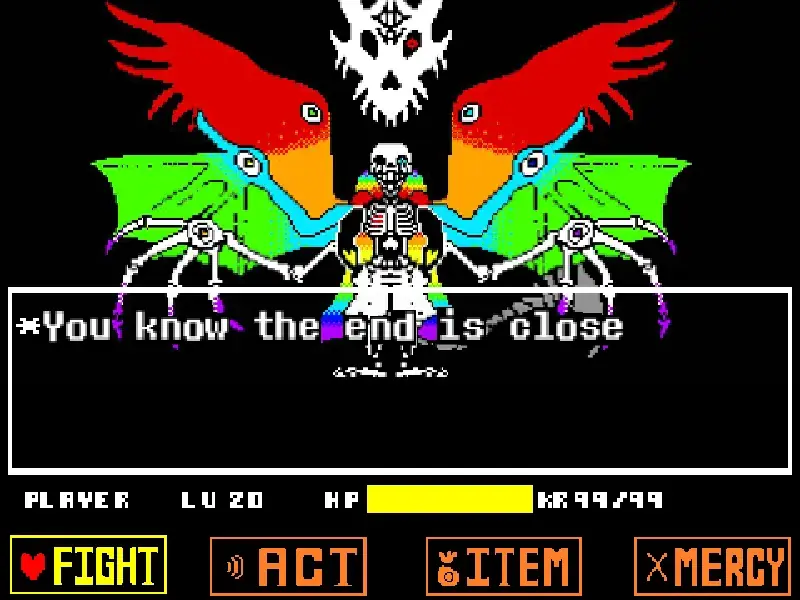
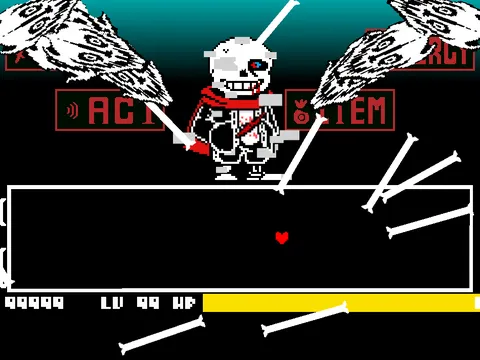
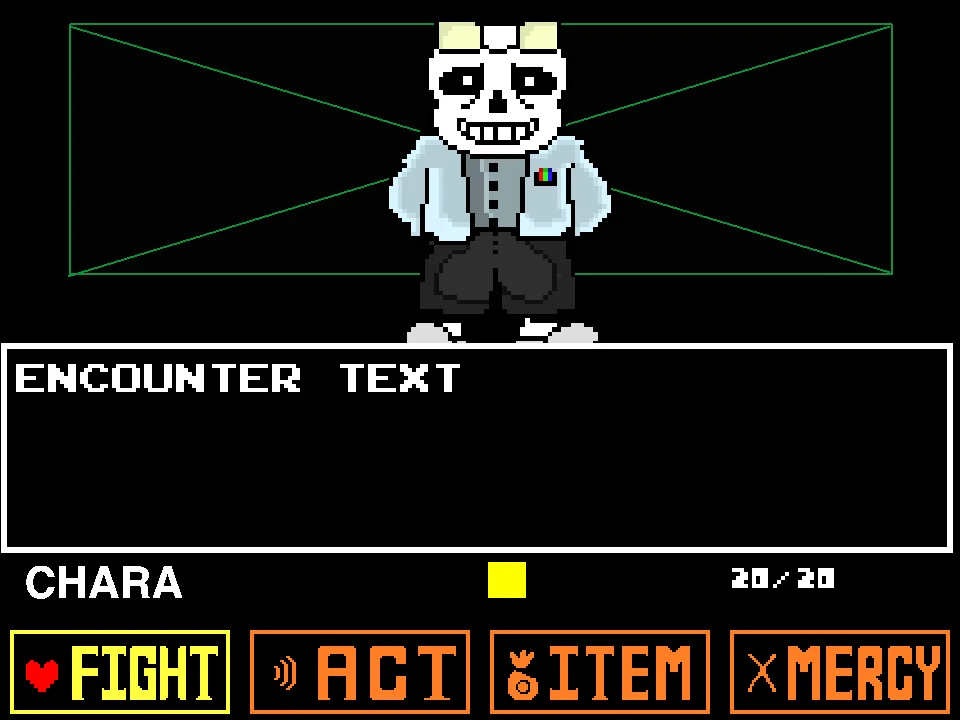
Omnipotent Sans wields terrifying god-tier abilities that push bullet hell evasion to its limits. His attack patterns include swirling cosmic bone vortexes, multidirectional Gaster Blaster starbursts, and reality-shattering laser grids that slice through the combat arena. Because mobile screen real estate is compact, the developer scaled bullet clusters and telegraph indicators to ensure that player fingers do not completely obscure incoming projectile trajectories.
While the developer labeled the build as experimental with occasional mobile browser quirks, surviving the cosmic onslaught is entirely achievable with steady composure. Touch players should utilize light fingertip touches near the lower edge of Frisk's heart sprite rather than covering the center of the SOUL, allowing for clear visibility during dense laser starburst phases.
Mastering the mobile touch interface requires treating finger drags like an analog stick. Instead of lifting your finger between dodges, keep a light, continuous touch on the glass to execute smooth circular evasions around Omnipotent Sans's cosmic blasters.
Touch Dragging and Keyboard Controls
| Key | Action |
|---|---|
| Touch Drag (Mobile) | Touch and drag on screen to guide SOUL directly through bullet hell |
| Arrow Keys (Desktop) | Standard 4-directional navigation for keyboard precision |
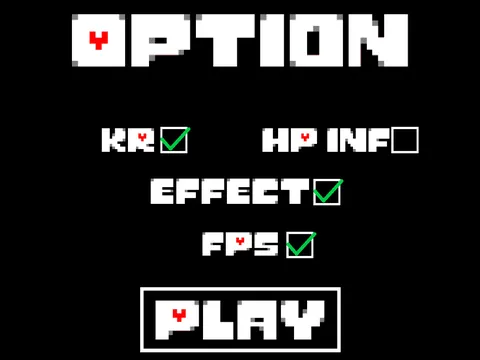
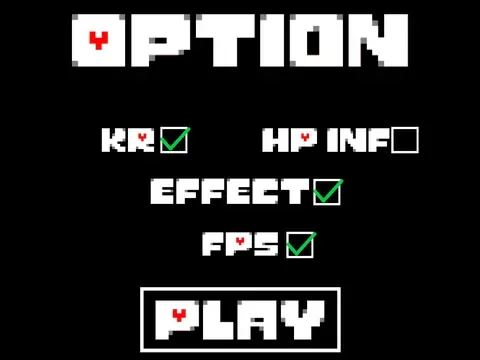
| Effect Toggle | Click on-screen effect toggle button to reduce lag on lower-end devices |
When playing on touchscreens, keep your finger slightly below the SOUL so your hand does not obstruct your view of incoming bullets.
About the OMNILOVANIA Mobile Adaptation
Porting complex Undertale fan games to mobile web browsers has always been a technical challenge due to the precision demands of bullet hell evasion. Creator MrIsaacCreator tackled this challenge by modifying the underlying input scripts of the OMNILOVANIA project, enabling touch-coordinate tracking so players on iOS and Android devices could experience the multiverse spectacle without a physical keyboard.
The project showcases 22 iconic AU interpretations, each accompanied by bespoke sprite art, custom blasters, and faithful audio synchronization with the OMNILOVANIA theme. The developer openly acknowledged the experimental nature of the project, including a helpful performance toggle that lets players disable intensive visual effects if their mobile processor experiences frame drops.
Rather than claiming false perfection, this adaptation stands as an honest, ambitious community experiment in mobile accessibility. It allows fans around the world to enjoy the thrill of dodging multiverse Sans attacks wherever they are, while retaining full desktop keyboard support for competitive no-hit runs.
The creator's humble notes and transparent updates have made it a beloved mobile novelty in the Undertale AU community, proving that creative adaptations can bring epic crossover battles to players on any device.
By bridging the gap between desktop gaming and smartphone accessibility, MrIsaacCreator's adaptation demonstrates the ingenuity of independent fangame developers, keeping the vibrant spirit of the Undertale multiverse alive across modern mobile platforms.
The project highlights how community ingenuity can adapt complex desktop mechanics for handheld screens. Whether you are playing on an iPad, an Android smartphone, or a desktop workstation, this mobile release ensures that the excitement of OMNILOVANIA remains accessible to fans everywhere.
Adapting high-speed Undertale bullet hell battles for touchscreens has always been a technical challenge for the indie community. The developer specifically adjusted frame intervals and hitbox tolerances to accommodate the natural touch latency of mobile devices. As a result, OMNILOVANIA Mobile Battle Simulator stands as an impressive technical experiment that lets fans challenge god-tier Sans wherever they are.
Mobile Features and Multiverse Roster
Explore the features and character roster of this mobile adaptation:
- Touch-Coordinate Tracking: Maneuver the red SOUL directly by dragging on your mobile screen, with responsive touch-down detection.
- Full Desktop Arrow Key Support: Play with classic physical arrow keys on PC or laptop for tournament-level precision.
- Performance Lag Toggle: Switch background visual effects off if your mobile browser stutters, restoring smooth 60 FPS gameplay.
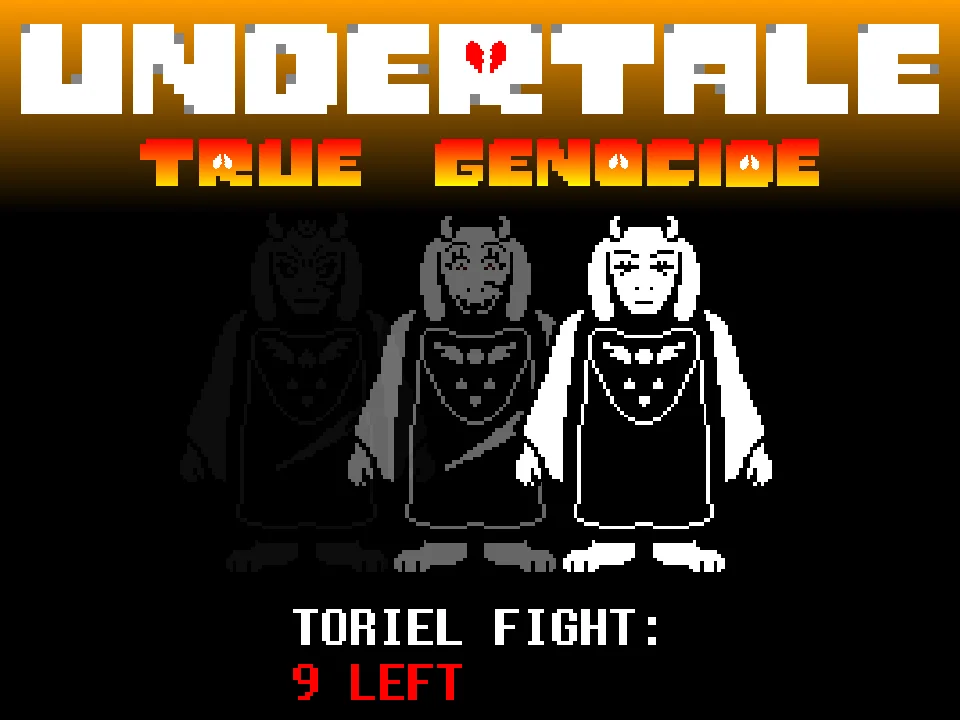
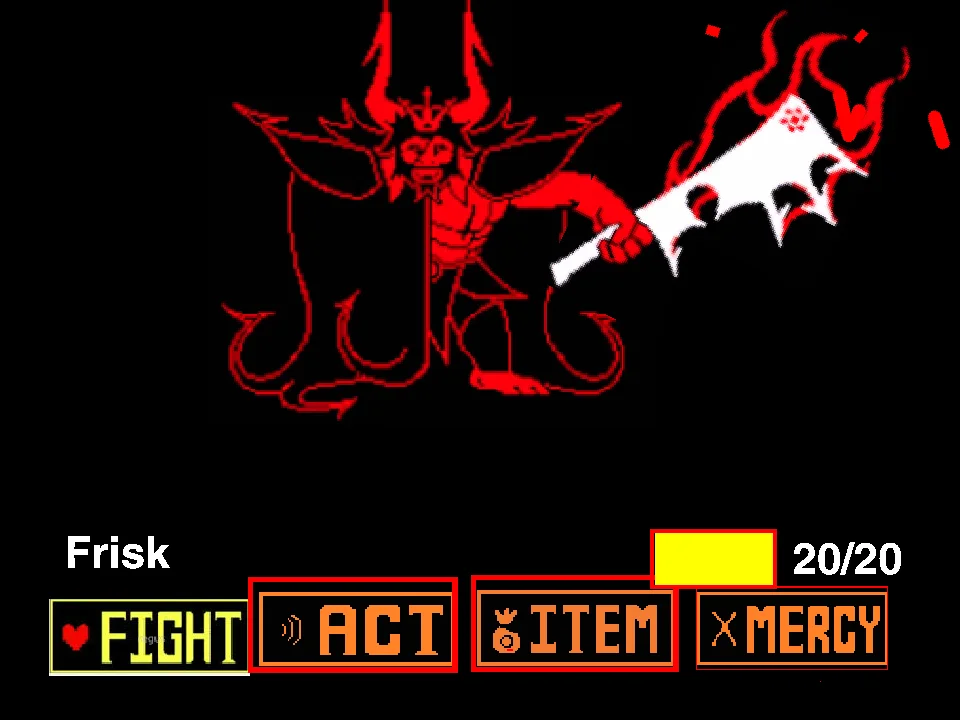
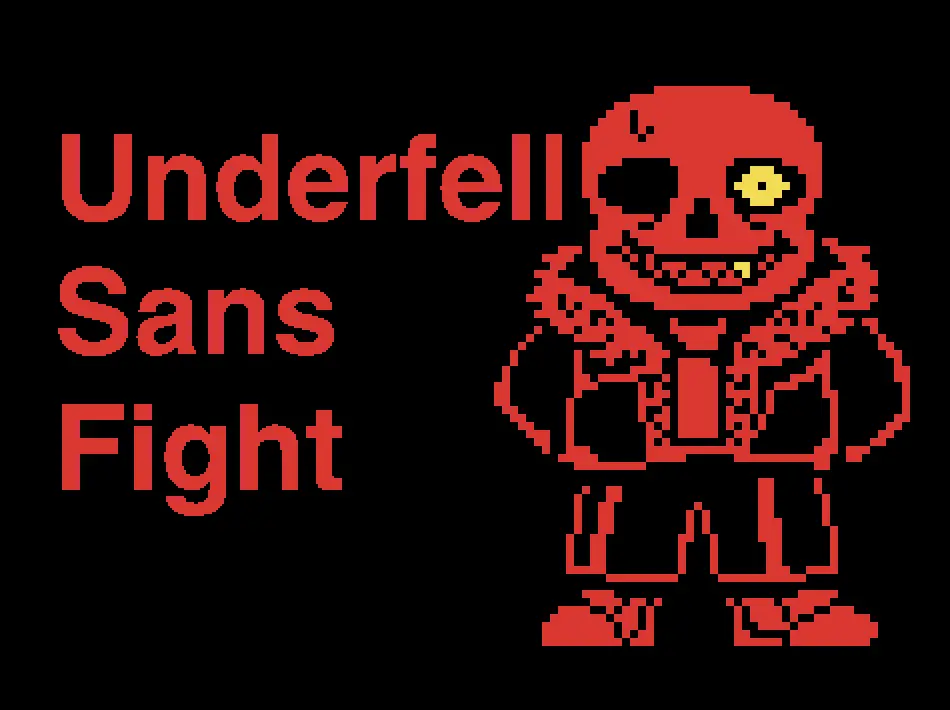
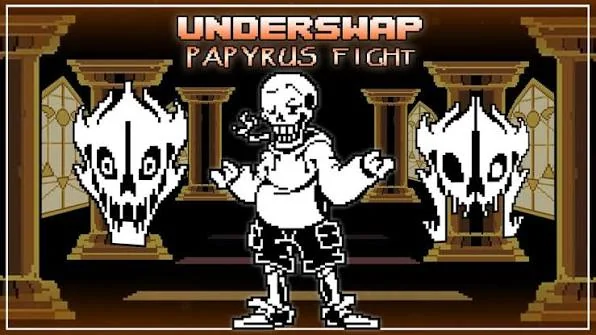
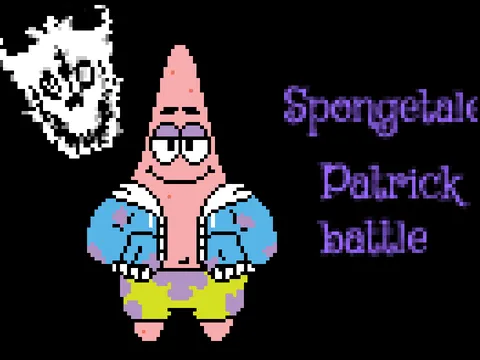
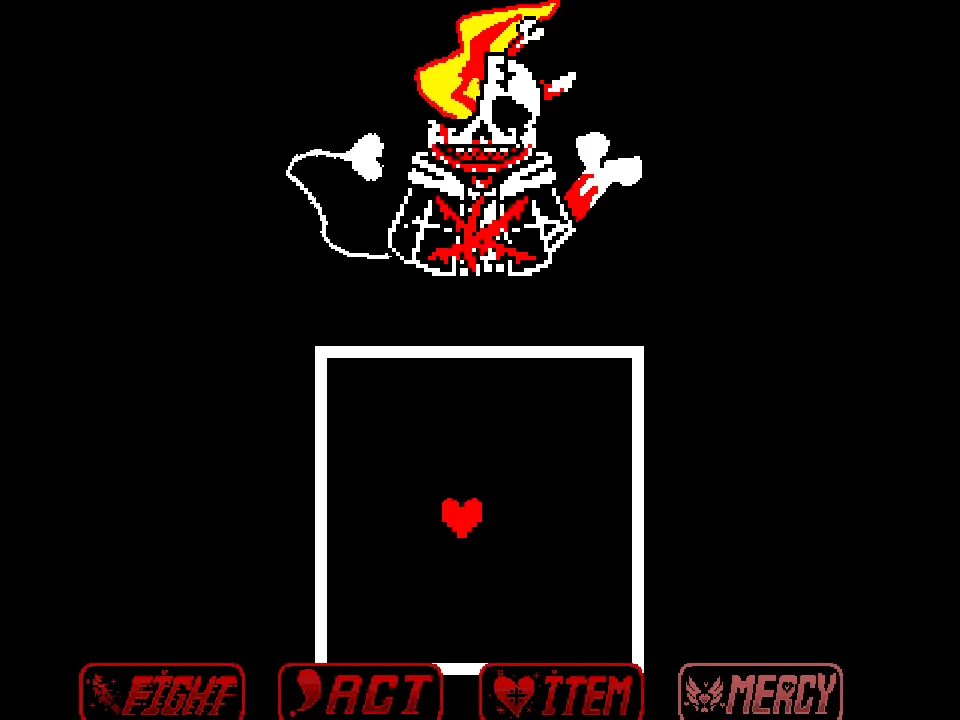
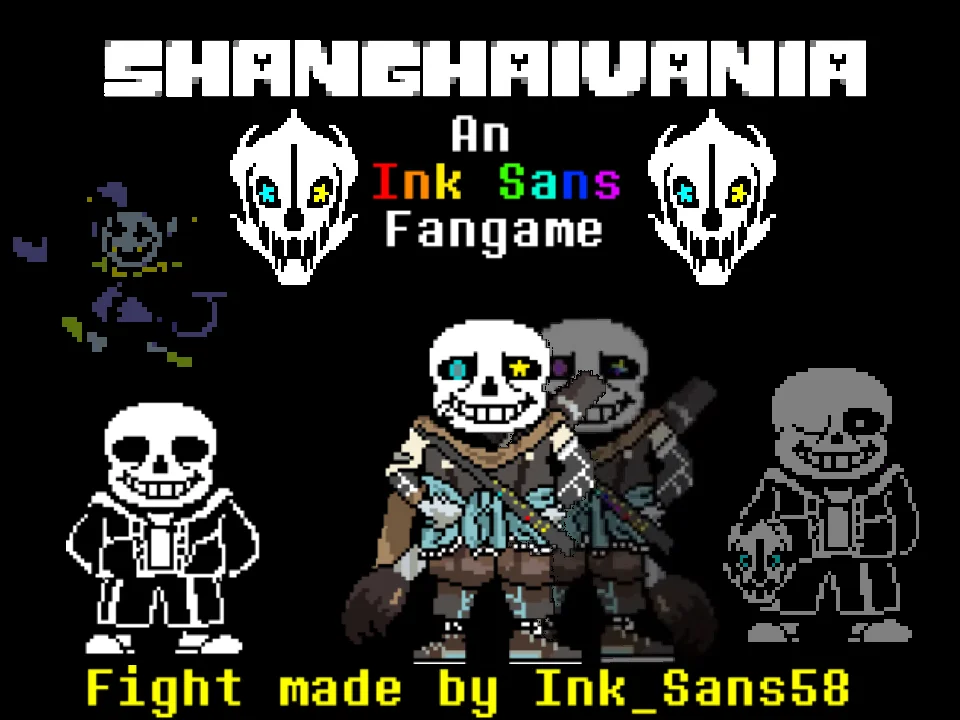
- 22-Character Multiverse Roster: Experience transformations including Classic Sans, Underswap Papyrus, Storyshift Chara, Altertale Toriel, Literature Club Monika/Yuri, Pikachu, Underfell, Dustswap, Spongetale Patrick, and Inktale.
- Audio-Synchronized Action: Attacks shift in cadence with the high-energy OMNILOVANIA mashup, providing rhythmic feedback on every wave.
- Touch Sensitivity Calibration: Practice smooth dragging techniques in the early phases to prepare for high-speed late-game transformations.
Tactical Advice for Touchscreen Evasion
Maximize your survival on mobile devices with these practical tips:
- Offset Your Finger Below the SOUL: When touch-dragging on a smartphone screen, place your finger slightly beneath the red heart. This prevents your thumb from blocking your sight of descending bones.
- Turn Off Effects if Lag Occurs: If you notice frame drops or delayed touch response, immediately tap the effect toggle to disable background particles and stabilize performance.
- Use Short, Controlled Swipes: Do not drag your finger erratically across the glass. Small, disciplined swipes keep your SOUL inside the safe center zone of the arena.
- Switch to Desktop Arrow Keys for Hard Phases: If late-game blaster grids prove too dense for touch inputs, open the game on a desktop browser to use physical arrow keys.
- Clean Your Screen for Smooth Sliding: Ensure your smartphone screen is clean and free of smudges before playing; friction on the glass can disrupt micro-dodges during rapid transitions.
- Anticipate Character Transformations: Watch the boss portrait shift. Each transformation telegraphs a change in bullet speed, giving you time to reposition to the center.
Frequently Asked Questions
Does this game genuinely work on mobile touchscreens?
Yes! Creator MrIsaacCreator modified the input scripts so the red SOUL tracks touch-drag coordinates on iOS and Android devices, allowing direct mobile play without an external keyboard.
Why did the developer write 'iOS & Android version (somewhat buggy)'?
The author included an honest advisory acknowledging that touch controls on mobile browsers can occasionally feel less precise than physical keyboards during ultra-fast bullet hell phases.
How do I reduce lag if the game stutters on my phone?
As advised by the creator, click the on-screen effect toggle button to disable heavy visual effects, significantly lightening processing load on mobile devices.
Can I still play with arrow keys on a computer?
Yes! Desktop arrow keys remain fully functional, making the game playable on both desktop computers and mobile devices.
How many alternate Sanses appear in this battle?
The battle features 22 distinct alternate universe characters, including Underswap Papyrus, Storyshift Chara, Underfell Sans, Spongetale Patrick, Inktale, and crossover guests.
What is the difference between this and the v1.2 boss fight?
This version focuses specifically on mobile touch scripting and performance toggles, whereas the v1.2 desktop release includes full multi-branching endings and desktop-optimized asset rendering.
How do I avoid blocking my view of the screen while playing on a phone?
Place your finger slightly below or to the side of the red heart rather than pressing directly on top of it. This offsets your hand and leaves the surrounding arena visible for dodging oncoming bones.
How does touch-drag steering compare to physical keyboard arrow keys?
Touch-drag provides 360-degree analog freedom that can make circular dodging intuitive, but physical keyboard arrow keys provide superior tactile snap for tight single-pixel micro-dodging.