












How to Play 2 Player Sans Fight Simulator
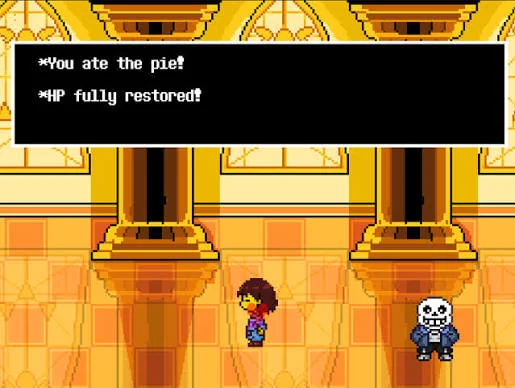
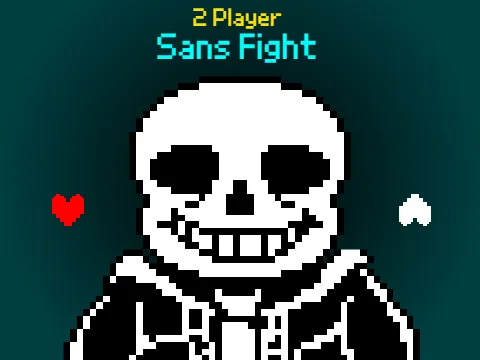
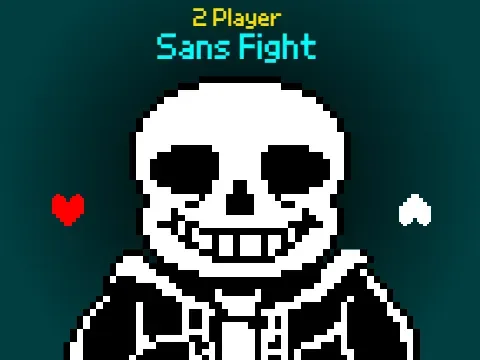
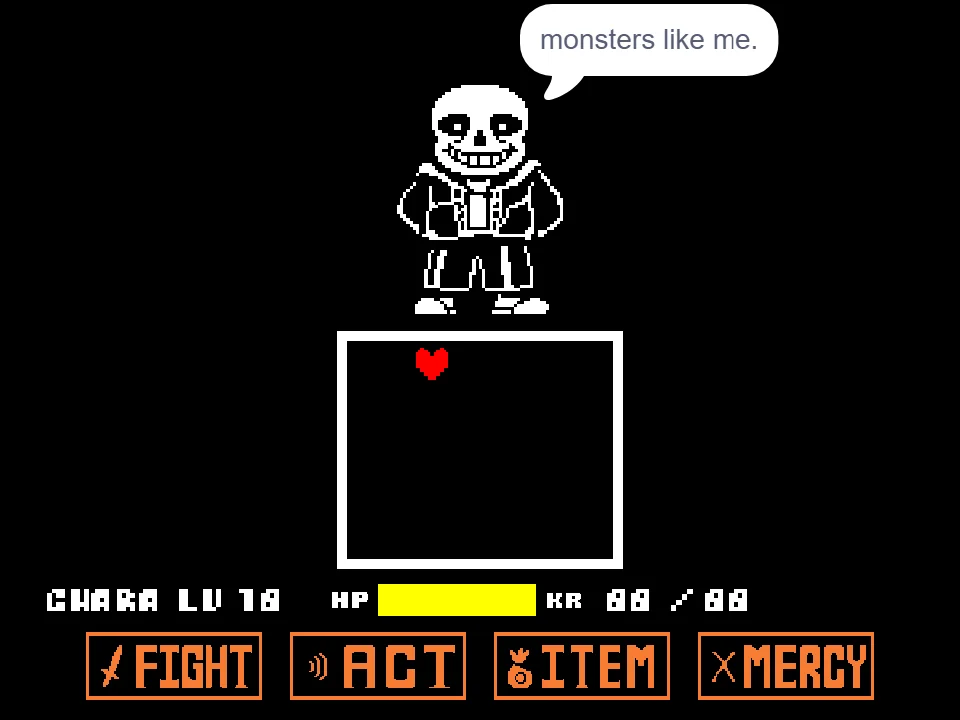
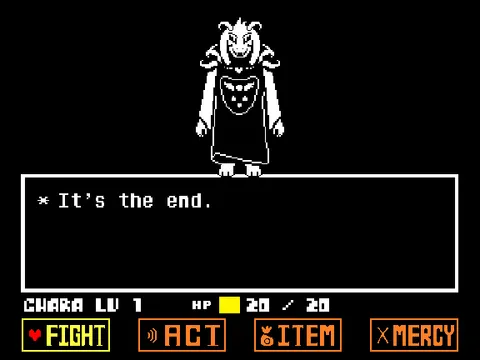
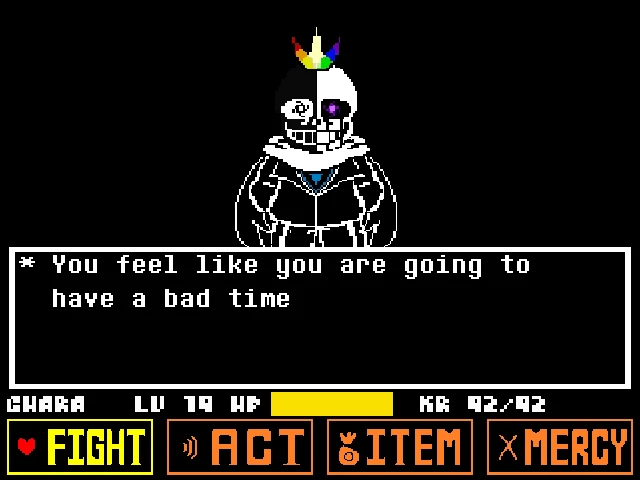
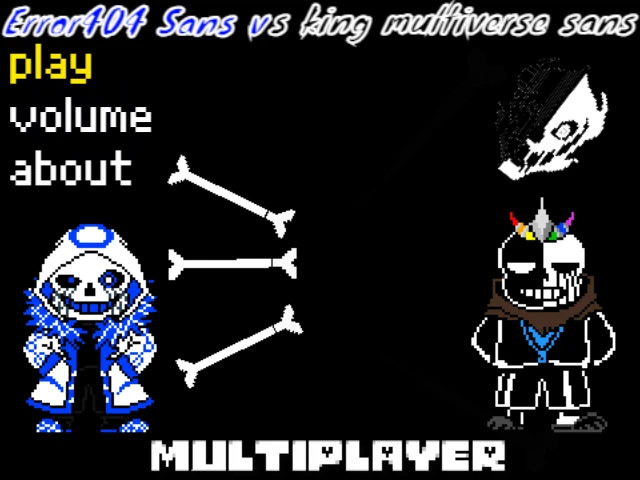
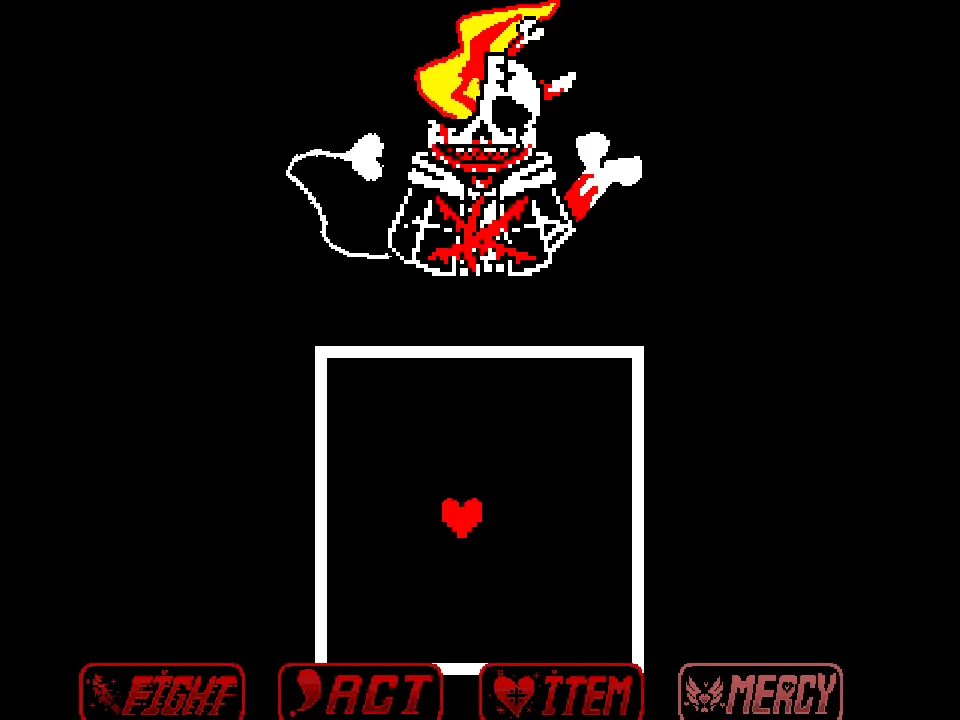
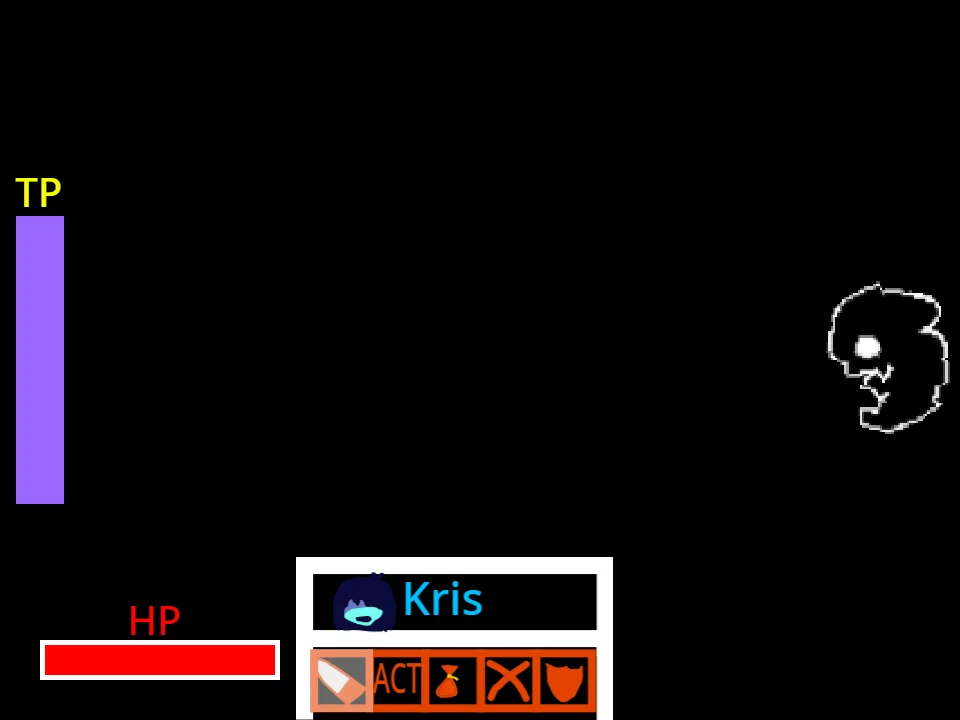
Step onto the iconic golden tiles of the Judgement Hall for a competitive duel in 2 Player Sans Fight Simulator. Unlike traditional single-player encounters such as the standard Bad Time Simulator where enemy actions follow fixed scripted routines, this battle pits two human rivals against each other on a single shared keyboard. One player assumes the mantle of the determined Human dodging inside the central combat arena, while the opposing player takes direct control of Sans, manually directing every bone wall, blue magic throw, and Gaster Blaster beam in real time.
Player 1 (the Human) pilots the red SOUL using the standard arrow keys, leaping through dense projectile barrages and darting between hazards. Whenever an opening appears, the Human presses Spacebar to deliver a melee strike against Sans, gradually whittling down the skeleton's stamina meter. Pressing H allows the Human to consume healing rations when their HP bar drops into critical territory. Survival requires sharp reflexes, steady positioning near the lower center of the box, and predicting which traps your opponent is about to spawn.
Player 2 (Sans) operates a massive tactical control console using letter keys, number rows, and on-screen interface switches. By switching between manual and automatic firing modes with keys 1 and 2, Sans can unleash rapid bone waves with Z, heavy Gaster Blasters with X, colored blue bones with C, and orange velocity hazards with V. Keys 9 and 0 instantly flip the Human's SOUL between red free-flight mode and blue gravitational mode, while WASD hurls the SOUL directly toward arena boundaries. If you enjoy chaotic tag-team pressure similar to Bad Time Trio Simulator, coordinating attacks as Sans requires anticipating the Human's movement trajectory and chaining blasters with bone skewers.
The shared-keyboard dynamic transforms Undertale's classic battle into a thrilling psychological mind game. Player 1, guiding Frisk's red SOUL with Arrow Keys and confirming menu commands with Z and X, must anticipate sudden gravity slams and deceptive bone corridors. Meanwhile, Player 2, commanding Sans through WASD and assigned action keys (J for bones, K for blasters, L for gravity shifts), must strategically manage Sans's stamina pool. Every Gaster Blaster and moving bone wave drains Sans's energy gauge; firing blindly leaves the skeleton exhausted, providing Frisk with a golden opportunity to strike with the toy knife.
Cooperation and communication between both players are paramount whether playing competitively or cooperatively. In friendly practice sessions, Player 2 can dial back blaster frequency to help Player 1 learn tight dodging patterns, while in competitive duels, Sans can mix high and low bone heights to catch Frisk during landing recovery frames.
Shared Keyboard Key Bindings and Combat Commands
| Key | Action |
|---|---|
| P1: Arrow Keys | Move Human SOUL inside combat box |
| P1: Spacebar | Attack Sans to deplete stamina |
| P1: H Key | Consume healing item to recover HP |
| P2: 1 / 2 Keys | Toggle Sans Manual / Automatic firing mode |
| P2: Z / X Keys | Deploy standard Bone / Gaster Blaster |
| P2: C / V Keys | Deploy Blue Bone (stay still) / Orange Bone (keep moving) |
| P2: B / N / M Keys | Deploy Blue Blaster / Orange Blaster / Small Blaster |
| P2: F / G Keys | Deploy Small Blue Blaster / Small Orange Blaster |
| P2: WASD Keys | Slam SOUL with Blue Magic gravity in chosen direction |
| P2: J / L Keys | Spawn sliding horizontal bones / Force manual dodge |
| P2: 9 / 0 Keys | Switch Human SOUL mode between Red and Blue |
| P2: 3 / 4 Keys | Cycle attack trajectory and firing angles |
| P2: 5 / 6 Keys | Adjust bone wall throw height and impact force |
| P2: 7 / 8 Keys | Adjust bone obstacle height slider |
| P2 (Phase 2): Q / E / R / K | Cross Blasters, Plus Blasters, Color shift bones, Fast sliders |
Both players share the same physical computer keyboard simultaneously. Player 1 should position their hand over the arrow keys and Spacebar on the right side, while Player 2 operates the alphanumeric keys across the center and left.
About 2 Player Sans Fight Simulator
2 Player Sans Fight Simulator was developed by community creator theluigiduck2 as an innovative local competitive reimagining of the classic Judgement Hall finale. In the original Undertale storyline, Sans represents an insurmountable obstacle programmed with intricate, memorizable bullet patterns. This project completely redefines that relationship by giving a second human player full access to Sans's mystical arsenal, turning a scripted boss fight into an unpredictable tactical mind game.
The simulator features authentic sound effects, faithful sprite animations, and a dynamic exhaustion mechanic. As the Human repeatedly lands attacks with the Spacebar, Sans visibly tires over time, eventually transitioning into Phase 2. In this second phase, Sans gains access to terrifying combo abilities including rapid blue magic slams via WASD, diagonal cross blaster barrages via Q, plus-shaped crossfire via E, and morphing blue-to-white bone skewers via R. The Human must balance aggressive strikes with defensive patience to outlast the onslaught.
Unlike turn-based RPGs, the action in this duel occurs entirely in real time without pausing between rounds. The arena box size can even be toggled by clicking the on-screen box buttons, forcing the Human to maneuver within cramped margins or traverse expansive hazard zones. It stands as one of the most popular two-player party adaptations in the entire Undertale fan community.
Local multiplayer adaptations of Undertale have long been celebrated in the indie community for turning Toby Fox's solitary bullet hell trials into engaging cooperative and party experiences. By granting one player direct control over boss attacks and special moves, creator crouton12 established a dynamic sandbox where no two showdowns play out the same way.
Combat Phases and Match Options
The battle is structured into two distinct combat phases alongside tactical modifier settings:
- Phase 1: Tactical Standoff: Sans commands standard white bone walls, basic blasters, and directional gravity throws. The Human retains a clean health reserve and must focus on dodging consistent projectile arcs while finding safe windows to strike with Spacebar.
- Phase 2: Desperation Overdrive: Once the Human inflicts sufficient strikes, Sans enters Phase 2 with visible panting animations. All cooldowns shorten, and Sans unlocks high-tier combination moves like Q (Cross Blaster Grid) and E (Plus Blaster Burst), demanding immaculate reaction speed from the Human.
- Manual vs Automatic Firing: Pressing 1 enables precision single-fire mode where each key press corresponds to a single projectile. Pressing 2 activates continuous rapid fire, allowing Sans to stream bones across the arena at the cost of predictable rhythms.
- Custom Aiming Mode: Sans can click anywhere inside the browser window to set a custom aiming coordinate, causing subsequent blasters to converge directly on the Human's predicted hiding spot.
Tactical Tips for Both Human and Sans
To claim victory in this intense shared-keyboard duel, both competitors should apply these tested combat strategies:
- Human - Hug the Lower Center: Staying near the bottom middle of the arena gives you the maximum reaction time to recognize whether approaching bones are white (must avoid), blue (remain completely motionless), or orange (must maintain movement).
- Human - Time Strikes After Heavy Cooldowns: Do not spam Spacebar while Sans is actively firing high-density blasters. Wait until a blaster beam fades, then immediately strike while Sans is repositioning his attack reticle.
- Sans - Combine Blue Magic with Floor Traps: Tap S to slam the Human's SOUL downward into blue gravity mode, immediately followed by Z or C to spawn a low floor bone skewer before they can react and jump.
- Sans - Use Orange and Blue Bones in Tandem: Fire a blue bone followed immediately by an orange bone along the same lane. This forces the Human to pause momentarily to avoid blue damage, then immediately dash forward to avoid orange damage.
- Both Players - Monitor Keyboard Ghosting: Because two players are pressing multiple keys simultaneously on one keyboard, use a keyboard with anti-ghosting or arrange finger placements so key inputs do not block one another.
Frequently Asked Questions
Can two players play online across different computers?
No. This game is designed exclusively for local shared-keyboard multiplayer on a single computer. Both players sit side by side at the same keyboard, with Player 1 using the arrow keys and Player 2 using the letter keys.
Can I play 2 Player Sans Fight on a smartphone or tablet?
No. The complex control layout requires dozens of simultaneous physical keyboard inputs for both characters, which cannot be accommodated on mobile touchscreens without external hardware.
How does the Human advance the fight to Phase 2?
The Human must press Spacebar whenever within range to strike Sans. After dodging approximately 20 to 25 strikes, Sans becomes exhausted and the combat music shifts as Phase 2 begins.
Why did my attack blasters stop firing as Sans?
Check the on-screen 'Pause Blasters' button. If clicked accidentally, the blaster icon will show a closed mouth, disabling blaster fire until clicked again to resume active firing.
How do Blue and Orange attacks differ in this game?
Blue bones and blaster beams deal damage only if your SOUL is moving. Orange bones and beams deal damage only if your SOUL is standing still. Stay motionless for blue, and keep moving through orange.
What happens if too many projectiles clutter the arena?
Sans can click the 'Clear All Clones' button on the left edge of the screen to instantly remove all active bones and blasters, clearing visual lag and resetting the board state.
Can one player control both Sans and Frisk alone for practice?
Yes. A single player can place their left hand on WASD and their right hand on the Arrow Keys to trigger attacks and practice dodging simultaneously, though the battle is designed primarily for two people sharing the keyboard.