























How to Play Frisk Undertale Engine Simulator
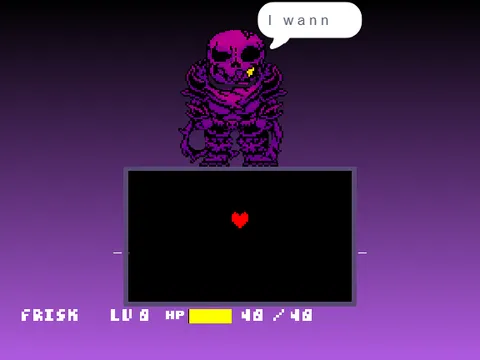
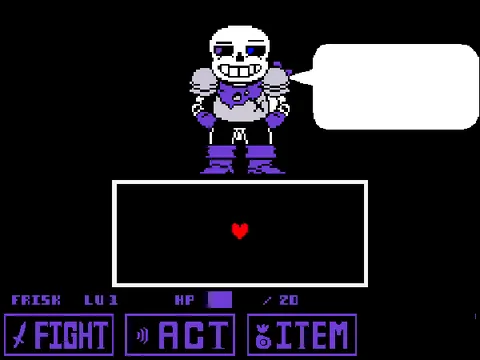
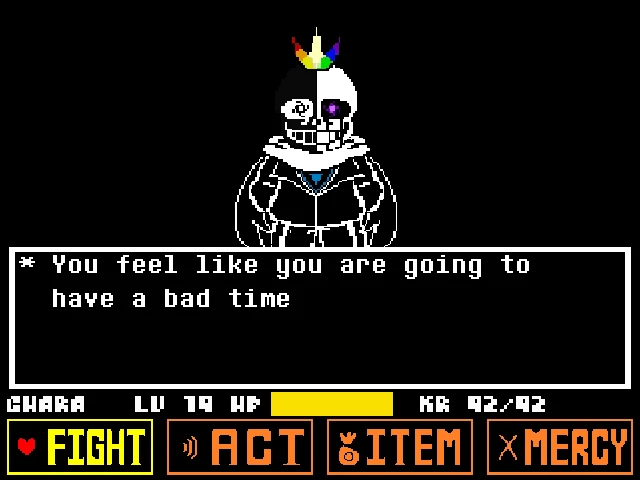
Experience the underlying architecture of Toby Fox's iconic RPG with Frisk Undertale Engine Simulator. Rather than a standard standalone boss battle, this project showcases developer jeffynick's acclaimed SYF Interactive Frisk Engine. If you enjoy exploring character physics in top-down fan creations like Bonetale or want to study the core mechanics behind classic battles on our Bad Time Simulator homepage, this engine sandbox lets you step directly into Frisk's boots to examine overworld walking, collision geometry, dialogue boxes, and SOUL physics.
Navigate Frisk through the environment using the Arrow Keys. As you explore, tapping the Z key interacts with ambient trigger zones, advances typewriter dialogue text, and selects menu items. Pressing the X key acts as a cancel function, speeds up scrolling dialogue, and activates a slow precision mode for the red SOUL. Pressing C opens the overworld status menu, allowing you to review Frisk's inventory, stats, and cell phone options.
The simulator serves as an educational and interactive playground: you can test room transitions, examine how Frisk's sprite animation cycles respond to directional changes, test boundary collisions against solid walls, and inspect how text formatting and sound effects simulate Toby Fox's storytelling style. The developer designed the engine with clarity in mind, encouraging fans to learn how Undertale's dialogue and movement systems function under the hood.
Unlike fan games that falsely advertise full genocide or pacifist boss routes, this title offers an honest, authentic look at an interactive game framework. You can inspect backdrop settings, test boundary limits, and observe how interaction hitboxes trigger ambient NPC dialogue and environmental observations. Walking against solid surfaces triggers smooth sliding physics, preventing Frisk from getting stuck on corner geometry.
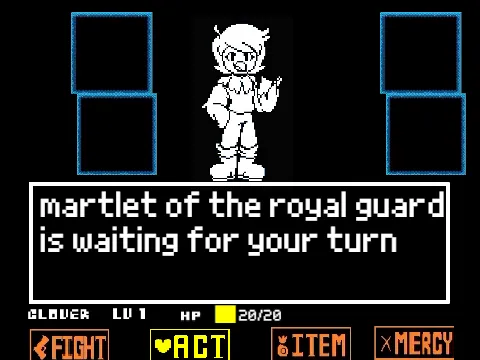
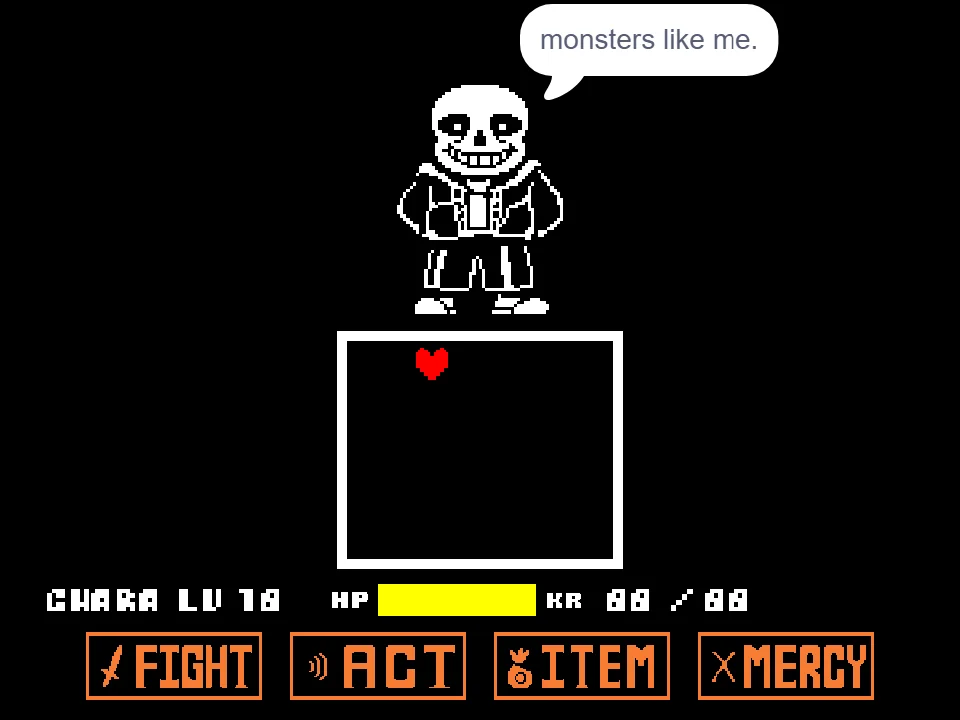
When transitioning into combat testing modes, the red heart responds with remarkable fidelity to the original release. The default movement speed allows for swift navigation across the box, but holding down the X key halves your movement velocity. This precision focus mode is crucial for testing intricate bullet mazes where single-pixel adjustments make the difference between taking damage and slipping through narrow projectile gaps.
Taking the time to study Frisk's movement speed and collision boundaries gives players a deeper appreciation for the technical craftsmanship required to replicate Undertale's distinct feel. Whether you are an aspiring game designer or a dedicated fan curious about game engines, this simulation provides an insightful hands-on experience.
Engine Navigation and Interaction Controls
| Key | Action |
|---|---|
| Arrow Keys | Walk Frisk through overworld / Move SOUL in test arena |
| Z Key | Confirm interaction, select menu item, advance dialogue text |
| X Key | Cancel choice, speed up dialogue, toggle SOUL slow mode |
| C Key | Open overworld menu (ITEM, STAT, PHONE) during exploration |
Hold X while dialogue is typing to fast-forward through conversations. Press C while standing in the overworld to open the character status screen.
About jeffynick's SYF Undertale Engine
SYF Frisk Engine (Undertale Sandbox) was created by community developer jeffynick as an open educational framework. Recognizing that many fan creators struggled to build responsive overworld movement and dialogue systems from the ground up, jeffynick set out to build a modular, well-documented engine that replicated Undertale's authentic gameplay feel.
The engine credits Toby Fox and Temmie Chang for the original creation of Undertale, with sprite assets ripped and organized by community contributors GinoMods and S00TF00T, and beta testing feedback provided by Teobakirtzis. Rather than keeping the project closed, jeffynick shared tutorials and extensive internal documentation to teach aspiring game creators how to add custom rooms, dialogue trees, and combat encounters.
The project faithfully recreates Frisk's four-directional walking animations, the classic Undertale font typography, sound bite generation on dialogue typewriter effects, and proper camera tracking. It avoids superficial bloat, focusing squarely on rock-solid fundamentals: movement responsiveness, menu architecture, and collision accuracy.
For players exploring our catalog, Frisk Undertale Engine Simulator offers a rare and valuable opportunity to interact with the raw building blocks of Undertale fangame design, celebrating the technical passion of the developer community. By examining how trigger zones activate text boxes when Frisk faces an object, designers can understand the event-driven programming that makes the underground feel alive.
The developer intentionally left room for creative expansion, encouraging users to study sprite triggers, sound playback scripts, and collision logic. It stands as one of the most widely referenced educational frameworks in the fan creation space, demonstrating that a deep understanding of core physics is the cornerstone of any great indie experience.
Engine Features and Interactive Systems
Explore the diverse interactive modules built into the SYF engine:
- Overworld Walking Simulation: Guide Frisk through test environments, testing four-way walking animations, diagonal movement restrictions, and wall collision detection.
- Dialogue Box Typewriter Engine: Interact with environmental triggers using Z to observe authentic letter-by-letter text rendering, voice beeps, and line wrapping.
- Overworld Menu System (C Key): Press C to bring up the classic three-button menu, testing inventory browsing, stat displays, and phone call interfaces.
- SOUL Precision Slowdown (X Key): Test heart movement physics where holding X reduces SOUL velocity for precision navigation through tight test mazes.
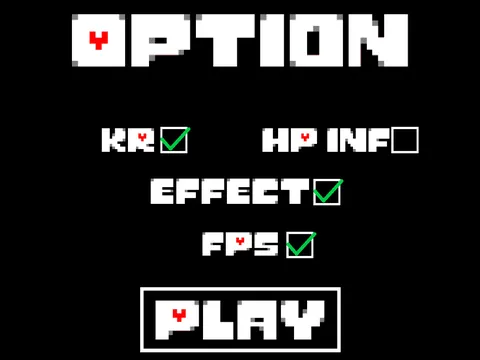
- Environmental Settings: Access backdrop configuration options to inspect how scene transitions and room cameras are handled by the engine.
- Collision Corner Sliding: Test how Frisk slides along wall perimeters when walking diagonally against solid obstacles, replicating original collision behavior.
- Interactive Trigger Zones: Stand directly in front of environmental objects and press Z to trigger narrative descriptions and ambient sound cues.
- Educational Sandbox: Study the timing and coordinate variables that power authentic Undertale character movement and interaction boxes.
Exploring and Testing the Engine
Get the most out of your engine exploration with these practical suggestions:
- Use C to Check the Status Menu: Press C at any point in the overworld to open Frisk's status menu. You can inspect player stats, equipped gear, and cell phone triggers.
- Hold X to Speed Up Text: If you are re-testing dialogue triggers, hold X to rapidly scroll through typewriter text without waiting for character sound bites to finish.
- Test Collision Boundaries Along Walls: Walk Frisk along room perimeters to see how the engine handles corner sliding and collision detection against irregular boundaries.
- Practice SOUL Precision Mode with X: Switch into the combat test arena and hold X while moving to test how slow-motion SOUL navigation affects evasion control.
- Inspect Backdrop Triggers: Look for visual markers on the floor that indicate door transitions and interactive examination points.
- Observe Animation Reset Frames: Notice how releasing arrow keys instantly snaps Frisk back to their neutral standing frame, replicating Toby Fox's original sprite logic.
Frequently Asked Questions
Is this a boss fight or an exploration engine?
This project is an interactive exploration engine titled 'SYF Frisk Engine' created by jeffynick. It focuses on overworld walking, dialogue mechanics, menu systems, and SOUL testing rather than a boss battle.
How do I open the overworld menu?
Press the C key on your keyboard while exploring the overworld to bring up the classic Undertale menu featuring ITEM, STAT, and CELL options.
Can I play this engine simulator on a mobile phone?
The project can load in mobile web browsers, but walking, menu navigation, and text progression are designed around physical keyboard arrow keys and Z/X/C inputs.
What does holding the X key do in this engine?
Holding X serves multiple purposes: it accelerates dialogue text scrolling during conversations, cancels menu choices, and activates a slow-motion precision focus mode for the red SOUL.
Who created the sprites used in this project?
The character sprites are the original creations of Toby Fox and Temmie Chang from Undertale, ripped and organized for community educational use by GinoMods and S00TF00T.
Are there multiple endings or boss fights in this build?
No. This simulator is an authentic engine demonstration. It does not feature full-length combat routes or multiple endings, focusing instead on overworld and interaction fidelity.
Does this project include sound effects and dialogue voice bleeps?
Yes. The engine incorporates authentic Undertale sound bleeps synchronized with the typewriter text generation, accurately recreating the atmosphere of Toby Fox's original dialogue sequences.
What was the developer's goal in releasing this engine?
Creator jeffynick released the SYF engine as an open educational framework to help aspiring indie developers learn how to program authentic Undertale dialogue, walking, and menu mechanics.