


































How to Play Sudden Changes Sans Fight
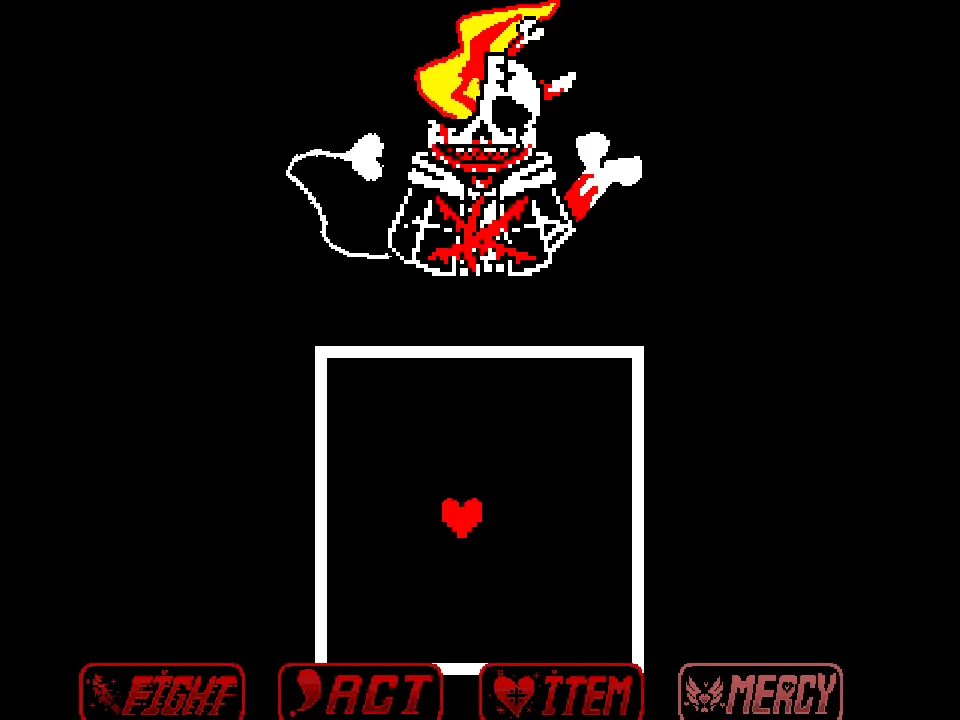
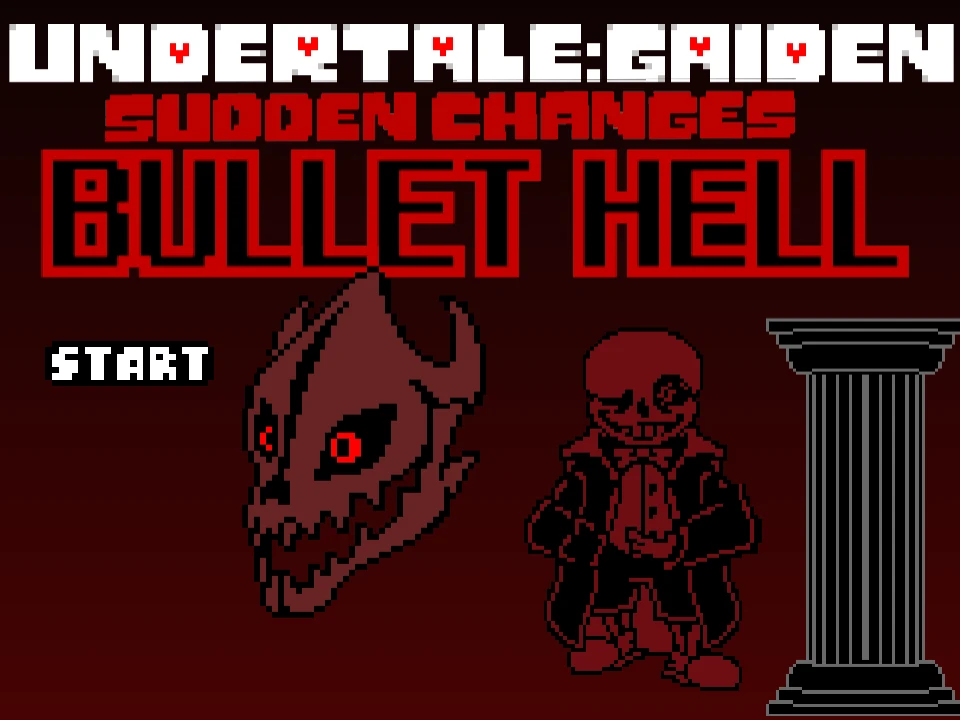
In Sudden Changes Sans Fight, players face an alternate-universe take on Sans derived from the Sudden Changes setting (originally from the Undertale: Gaiden project). In this interpretation, Sans trades his casual jacket for a dark overcoat and vest, carrying a revolver alongside his familiar bone magic and fondness for coffee. This remastered web simulator brings the encounter to the browser with responsive controls, custom sprites, and the battle theme "Bullet Hell". Players interested in other alternate-universe battles can also practice their dodging in Undertale Last Breath.
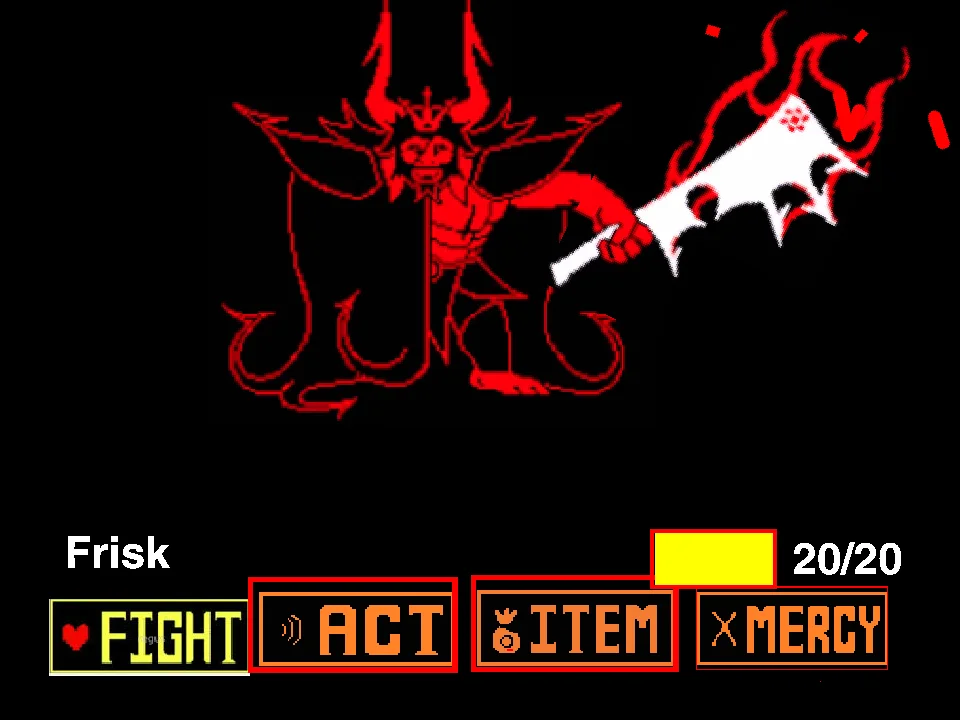
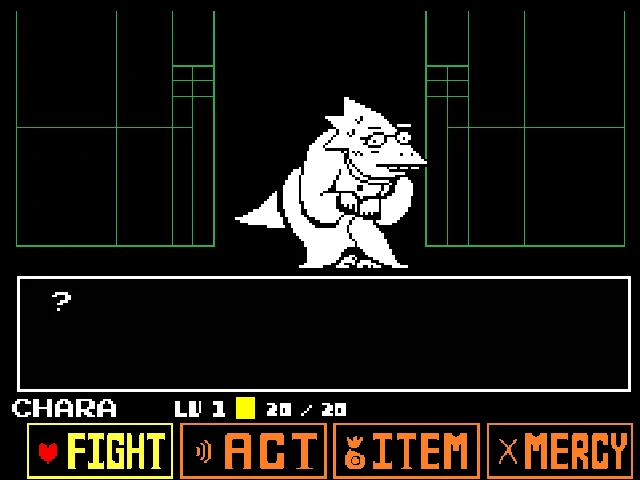
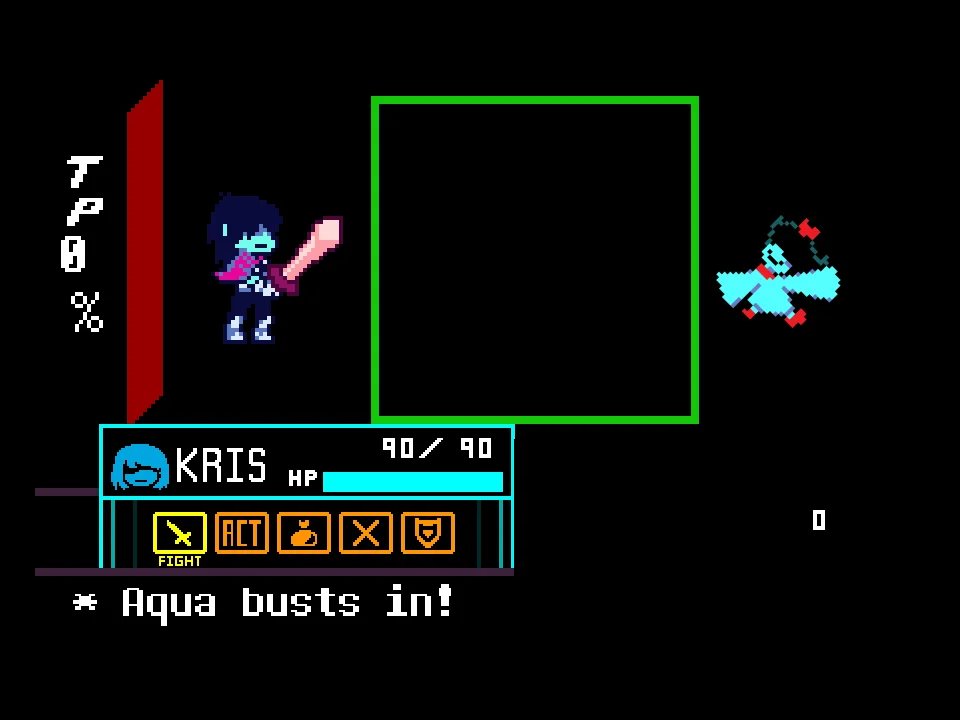
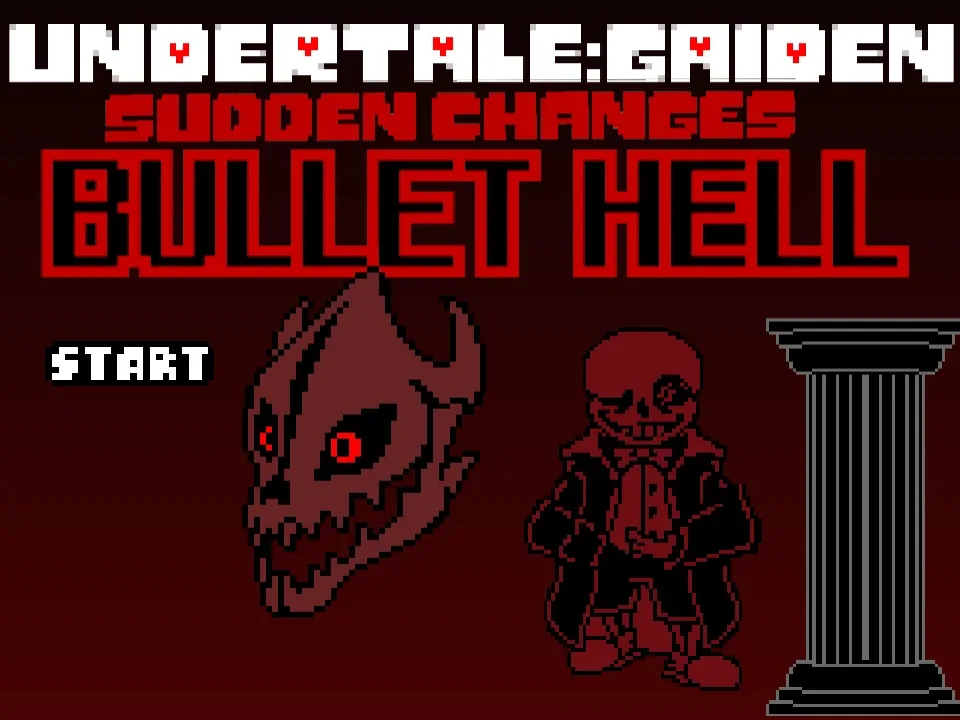
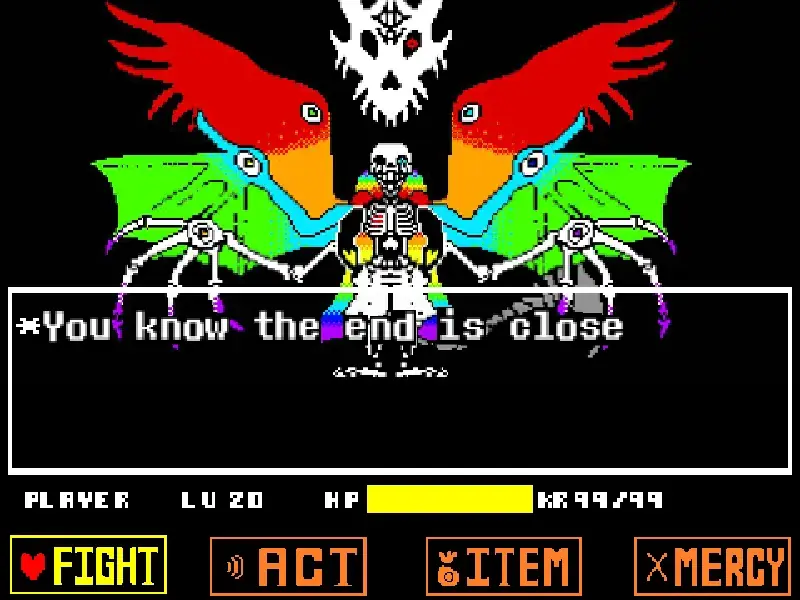
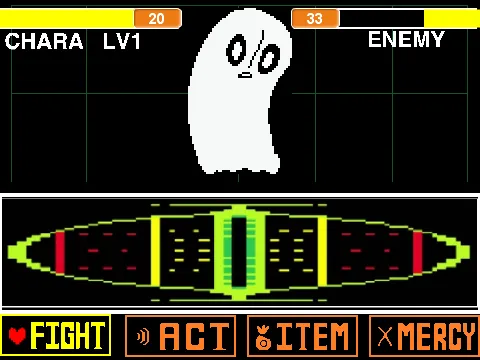
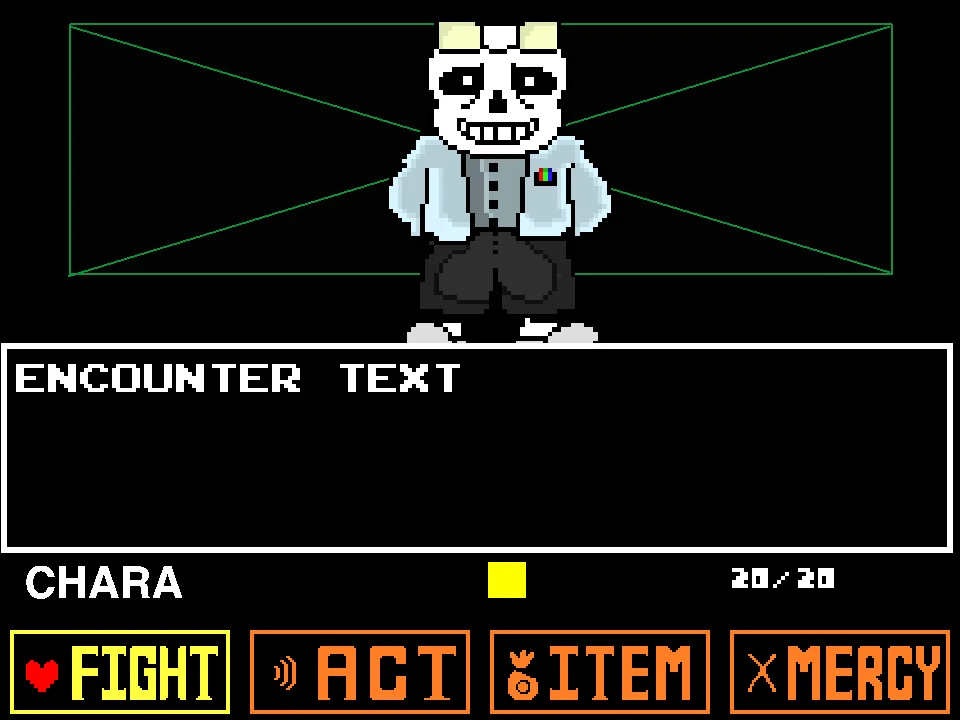
When the game loads, click the circular launch icon in the center of the frame to initialize the audio engine and open the title screen. From there, select START to begin the battle. The encounter uses the classic Undertale four-button menu: FIGHT to launch a timed strike on the weapon bar, ACT to inspect Sans, ITEM to use healing items, and MERCY to check non-violent options. Use the Arrow Keys to navigate between menu items, press Z or Enter to select, and press X to deselect or cancel.
During Sans' turn, steer your soul through bullet-hell patterns inside the arena. The fight incorporates multiple soul states—including standard Red Soul movement, Blue Soul gravity jumping with the Up Arrow, and an Inverted Red Soul state where directional controls are reversed. You must also follow Undertale's color rules: hold still against Blue Bones, keep moving through Orange Bones, and actively dodge Red Bones and gunshots. If you enjoy AU boss fights with demanding attack patterns, you can also explore Dusttale Sans Simulator.
Sudden Changes Sans Fight Controls
| Key | Action |
|---|---|
| Arrow Keys | Navigate the action menu and guide your soul during attack phases (press Up Arrow to jump during Blue Soul gravity mode). |
| Z Key / Enter | Confirm menu choices, progress through dialogue prompts, and trigger timed attacks on the strike meter. |
| X Key | Deselect menu options, cancel submenus, and return to the main action bar. |
| Central Launch Icon | Click the circular icon in the center of the screen upon initial load to start the audio and launch the title screen. |
| Restart Button | Quickly reset the combat simulation from the web player toolbar if your HP reaches zero. |
Click inside the combat window to ensure keyboard focus before Sans launches his opening attack wave.
About Sudden Changes Sans Fight Remaster
The Sudden Changes alternate universe—created in community comics under the Undertale: Gaiden banner—reimagines Sans with a distinct noir aesthetic. Armed with a revolver and fueled by coffee, this version of Sans pairs firearm projectile spreads with traditional bone and blaster magic. The battle theme "Bullet Hell," composed by MrEpicIsHere777, reinforces the energetic pacing of this fan-created confrontation.
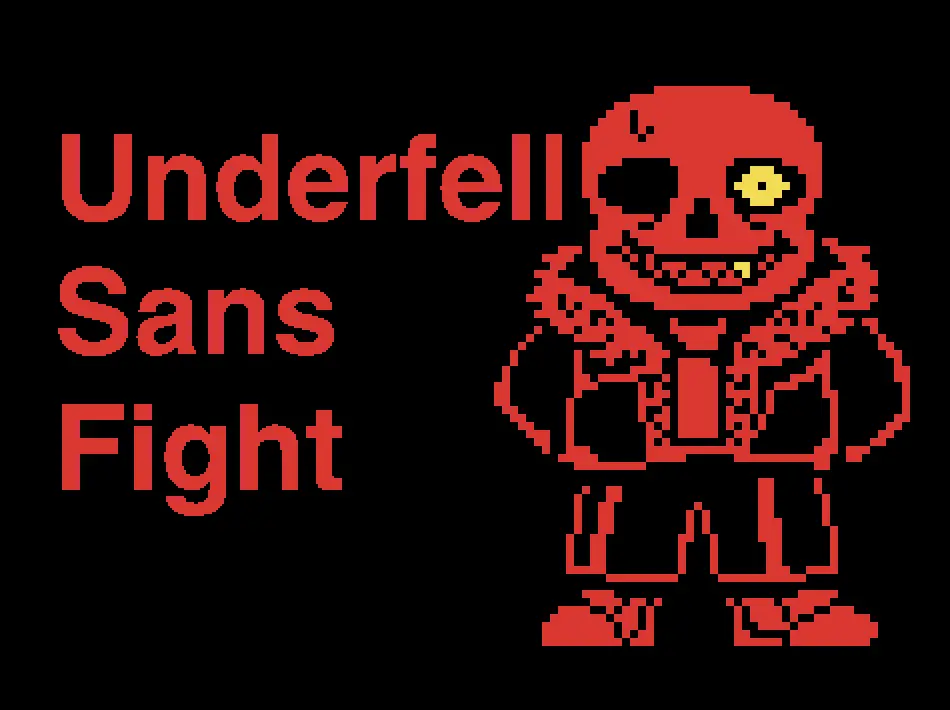
This web edition is the remastered version assembled by developer Dragon_113. Using engine foundations modified from community developers Glitch_Brandon and --Shiran--, this remaster includes custom sprites by Yuttari, menu buttons by Soufon1, and refined collision detection. The developer noted in the project documentation that this remaster is balanced as an accessible standard edition, offering a clear progression through the attack patterns without the severe difficulty spikes of community hardmode edits. For another alternate-universe battle with an aggressive Sans encounter, visit the Underfell Sans Fight Simulator.
By combining Undertale's color-coded obstacle mechanics with spread-shot firearm attacks, the battle creates an engaging variety of evasion tasks. Players must switch between standing still for blue hazards, moving through orange waves, and performing precise jumps over bone pillars while tracking incoming bullets.
Soul Mechanics and Attack Types
To survive in Sudden Changes Sans Fight, players need to understand the different soul mechanics and attack types used throughout the encounter:
Revolver Gunfire and Bullets: The signature attack element in this battle is Sans' firearm. Sans draws his revolver to fire clusters of red bullets into the arena. These projectiles travel in spreads and fan patterns rather than sliding in fixed straight lines, requiring careful positioning to slip through open gaps.
Color-Coded Obstacle Rules: The simulator applies three distinct color rules during defensive turns:
• Blue Bones: Pass through your soul without causing damage as long as you remain completely motionless.
• Orange Bones: Pass through your soul safely only while your soul is actively moving.
• Red Bones and Bullets: Harm your soul regardless of movement; you must steer completely around them.
Blue Soul Gravity Physics: When Sans turns your soul blue, gravity affects your movement. Tap the Up Arrow for small hops through low openings, or hold the Up Arrow to reach full jump height over tall bone obstacles.
Inverted Soul State: In specific attack sequences, Sans flips your red soul upside down. During this effect, your directional steering is inverted: pressing Left moves Right, and pressing Up moves Down. Navigating this phase requires focusing on clear spaces on the board rather than instinctive key presses.
Gaster Blasters: Large Gaster Blaster skulls appear near the arena edges, charging wide laser beams that cover substantial portions of the board after a brief visual cue.
Survival Tips for Sudden Changes Sans
- Remember the Color Rules: Blue means stay still, Orange means keep moving, and Red means steer clear. Keeping this rule in mind helps prevent missteps during mixed-color attacks.
- Control Jump Height in Blue Soul Mode: Do not jump to maximum height on every obstacle. Short taps on the Up Arrow allow you to hop safely beneath low ceilings and overhead spikes.
- Focus on Open Paths During Inverted Phases: When your controls are inverted, look at the open areas you want to reach instead of thinking about individual directional keys.
- Save Healing Items for Gunfire Waves: Revolver bullet spreads create some of the densest projectile clusters. Save your ITEM heals for turns following heavy gunfire rather than using them after minor scrapes.
- Make Small Movements During Bullet Spreads: Revolver spreads often leave predictable lanes through the center of the arena. Small, controlled adjustments are safer than sweeping dashes across the box.
- Time the FIGHT Reticle for Higher Damage: When attacking, time your Z key press when the moving reticle nears the center target to deal more damage and shorten the battle.
Frequently Asked Questions
What is Sudden Changes Sans Fight?
Sudden Changes Sans Fight is a fan-made Undertale battle simulator based on the Sudden Changes AU (Undertale: Gaiden), featuring a version of Sans who wields a revolver alongside his classic bone and blaster attacks.
Why does Sans use a gun in this fight?
In the Sudden Changes alternate universe, Sans is reimagined with a noir detective aesthetic, drinking coffee and brandishing a firearm to deliver intense bullet-hell combat sequences.
What do the blue and orange attacks mean?
Blue attacks will not hurt you if your soul remains completely motionless. Orange attacks will pass through you safely as long as you are actively moving. Red attacks must be actively dodged.
How do I start the game on the website?
When the page loads, click the circular launch icon in the center of the screen to initialize the audio and reveal the title screen, then press START to begin the encounter.
Is this the Easy Mode or Hardmode version?
This is the Remastered edition developed by Dragon_113, which the author balanced as an accessible standard version. The developer noted that a separate Hardmode project exists elsewhere for players seeking extra challenge.
What music plays during the battle?
The battle features the iconic track "Bullet Hell" composed by MrEpicIsHere777, which serves as the official theme song for Sudden Changes Sans.
Can I play Sudden Changes Sans Fight on mobile?
Because the fight requires complex arrow key dodging and menu navigation (Z and X keys), playing on desktop with a physical keyboard offers the best experience. Mobile devices may require a connected external keyboard.