How to Play Roaring Knight 2 Player Simulator
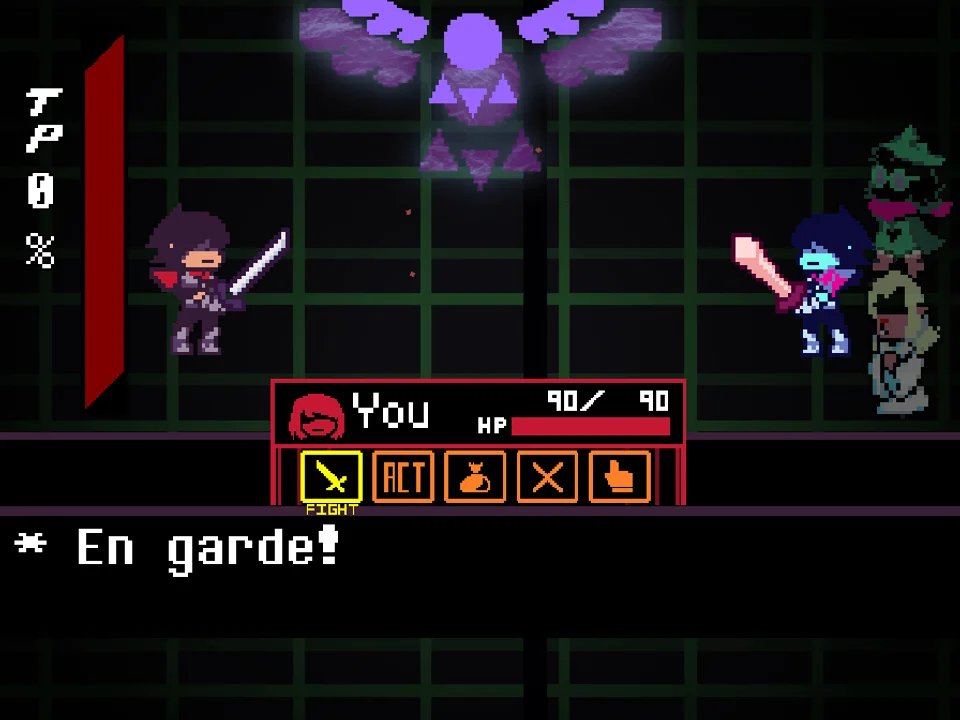
Roaring Knight 2 Player Simulator transforms the climactic Deltarune encounter into an active two-player confrontation on a single keyboard. Rather than fighting an automated script, one player takes the role of the defending SOUL while the second player operates as the Roaring Knight, triggering devastating sword arts, particle starbursts, and box-cutting slashes in real time.
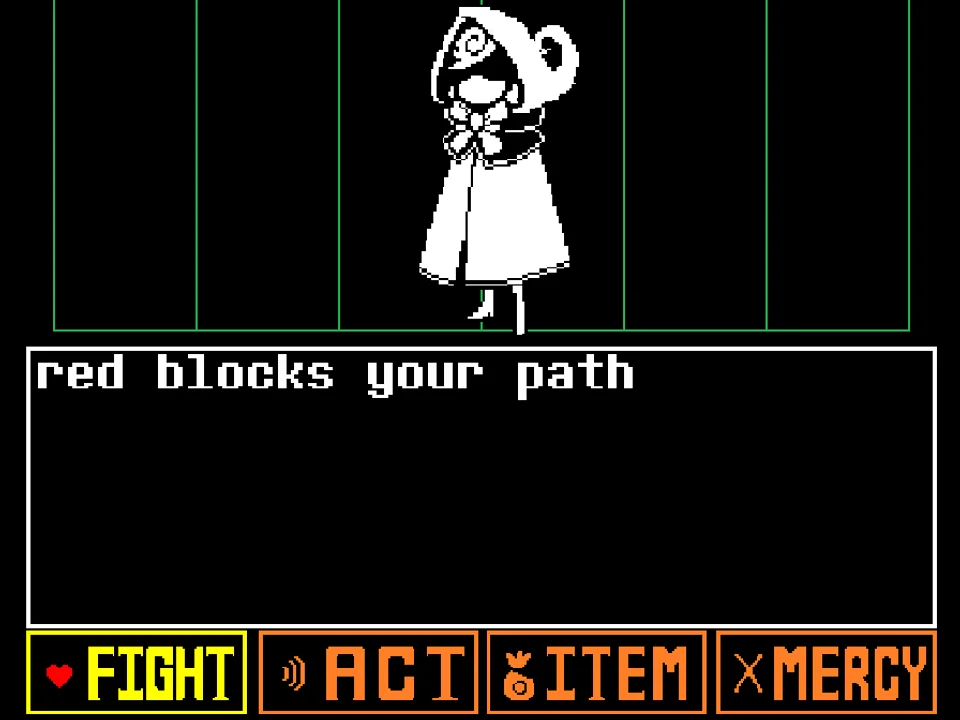
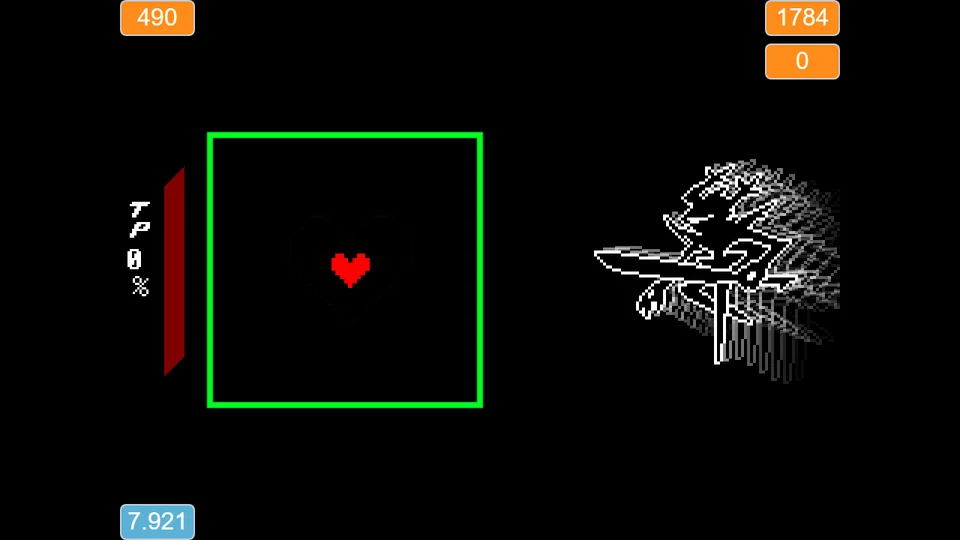
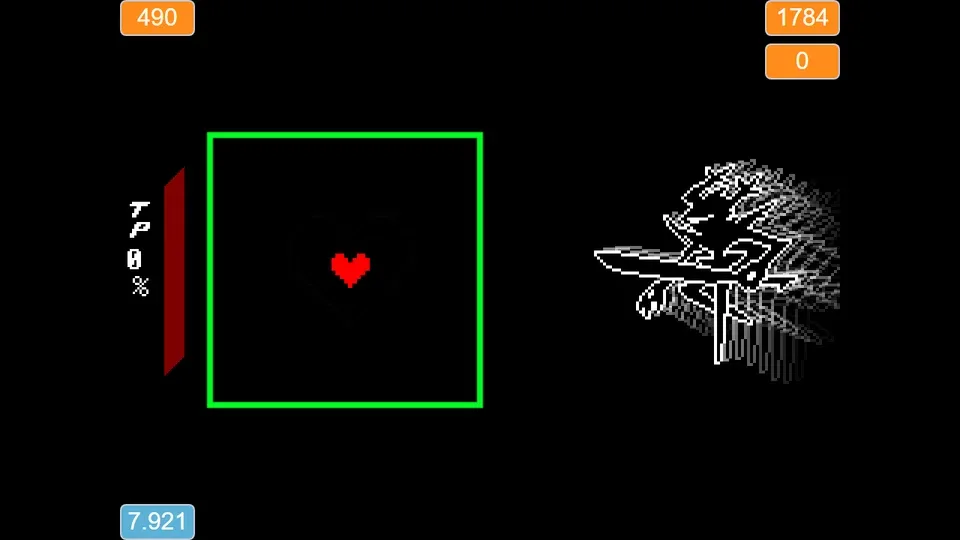
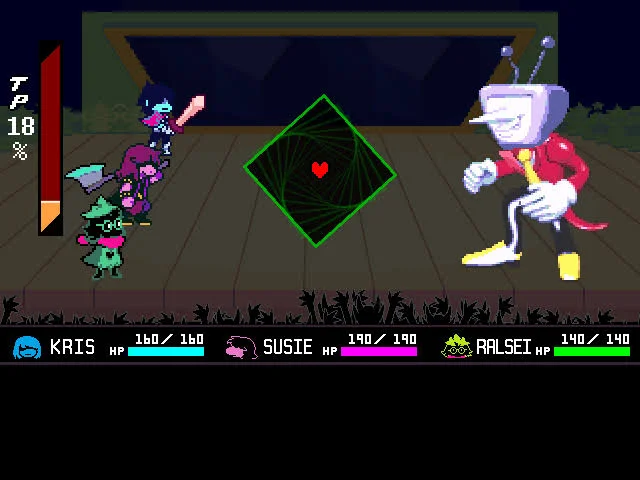
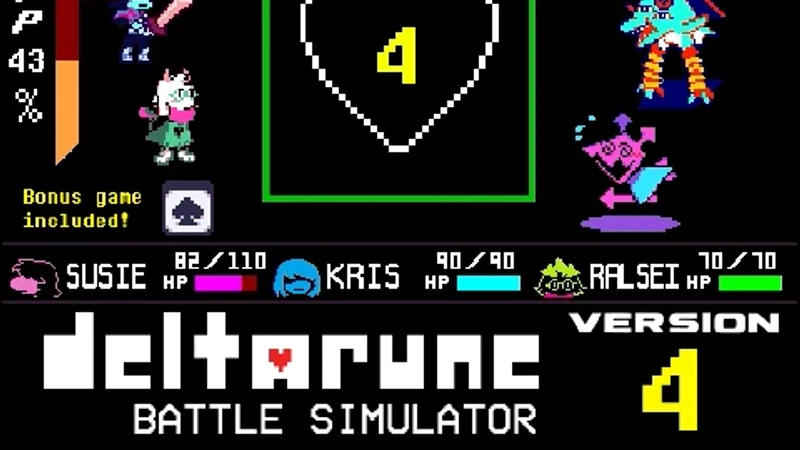
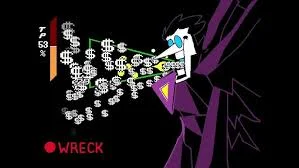
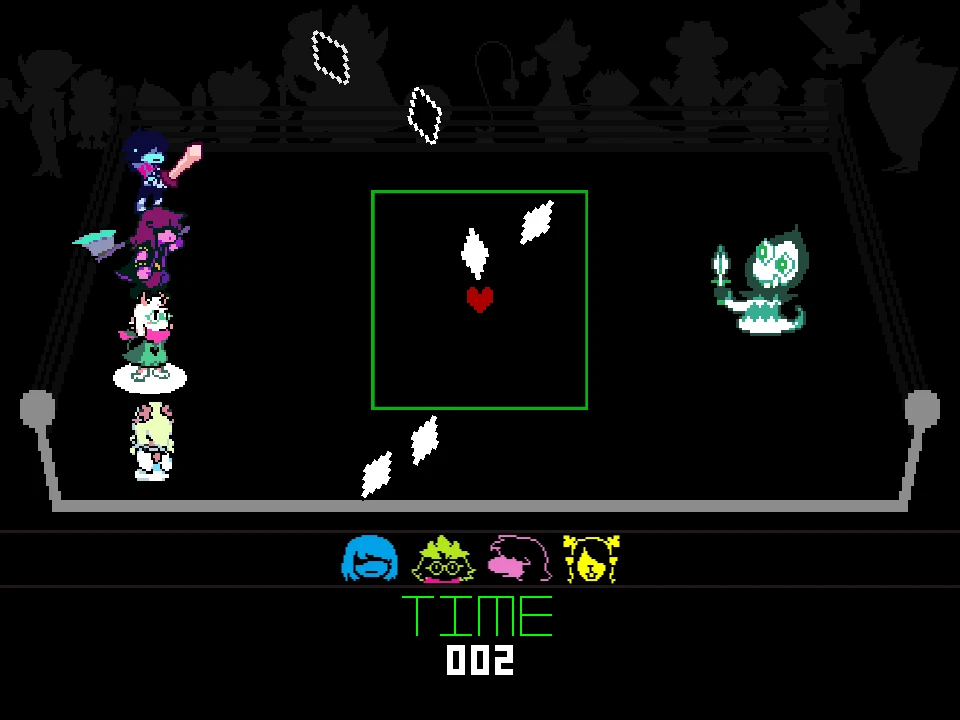
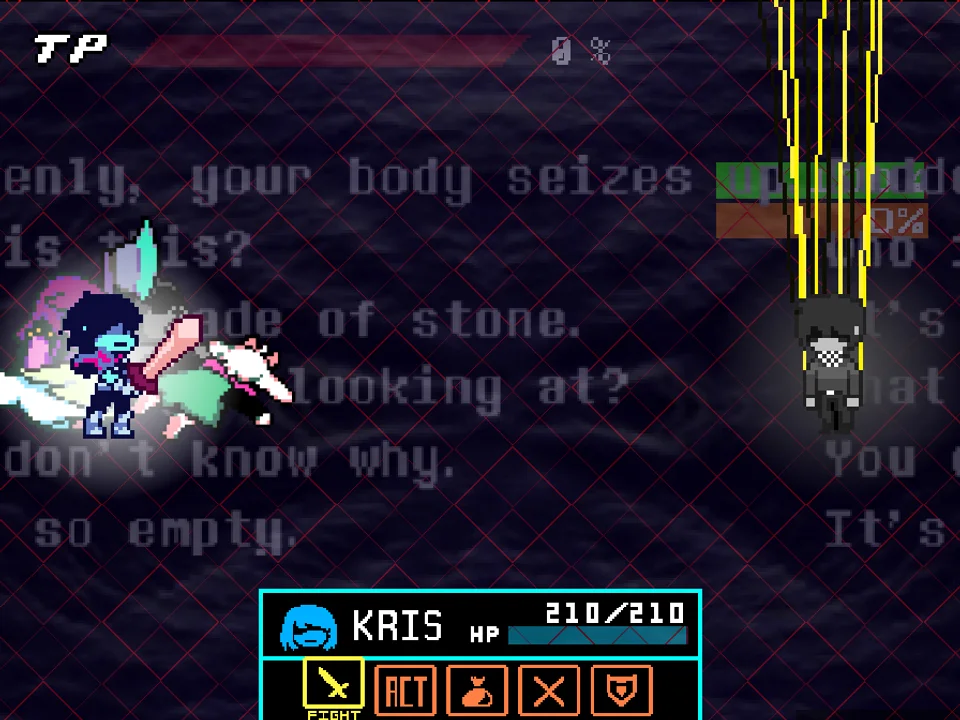
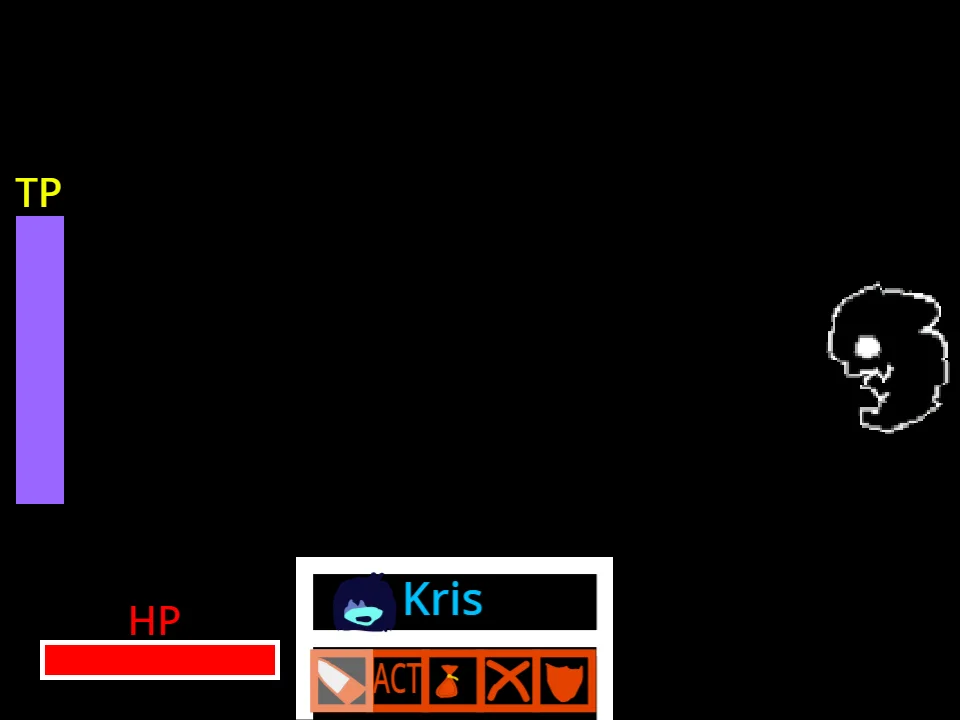
When the battle arena loads, click inside the game window to bind keyboard input directly to the simulation. The battlefield is structured around a central green boundary box containing the red SOUL, bordered by a Tension Point gauge on the left and comprehensive health indicators along the upper interface. Player 1 commands the SOUL with either the directional arrow keys or WASD, focusing on precision micro-dodging, pathing, and surviving inside the constrained perimeter. Player 2 uses an array of attack hotkeys mapped across the letter keys and spacebar to summon targeted slashes, delayed projectile waves, expanding blade circles, and box-splitting strikes. If you enjoy dual-participant boss battles, you can also test your coordination in the Two Player Sans Fight or explore standard single-player iterations like the DEVICE_KNIGHT Simulator.
Combat proceeds dynamically without rigid turn delays. As Player 2 unleashes attack patterns, the red SOUL must maneuver through the shifting safe zones. Sustained near-miss dodges elevate the Tension Point bar, reflecting authentic Deltarune risk-reward mechanics. Player 1 starts with a generous pool of 490 hit points, balanced against the Roaring Knight's 1,784 endurance pool. Because the Knight's abilities can be chained together manually, players can organize structured sparring rounds, custom dodge challenges, or relentless bullet-hell endurance tests.
Verified Controls & Player Input Mapping
| Key | Action |
|---|---|
| Arrow Keys / WASD | Player 1: Steer the red SOUL inside the green battle arena |
| Enter | Player 1: Confirm selections and interact with battle prompts |
| G / J | Player 2 (Knight): Execute angled horizontal sword slashes |
| Y / H | Player 2 (Knight): Execute vertical and descending sword slashes |
| O / U / I / P | Player 2 (Knight): Launch corner and directional precision slashes |
| Spacebar | Player 2 (Knight): Trigger Box Splice boundary-cutting attack |
| Z / X | Player 2 (Knight): Cast primary Plus Slice and spinning cross slashes |
| N | Player 2 (Knight): Summon delayed Plus Slice trajectory |
| C / V | Player 2 (Knight): Fire star projectile bursts and rotational star arcs |
| E then Q | Player 2 (Knight): Prime sword swarm (E) and release projectile swarm (Q) |
| M | Player 2 (Knight): Summon contracting inward Sword Circle ring |
Both players share the same physical keyboard. Player 1 uses the arrow keys or WASD cluster, while Player 2 controls the Knight using the dedicated letter keys and spacebar.
About the Roaring Knight 2 Player Encounter
In Toby Fox's Deltarune lore, the Roaring Knight is the shadowy antagonist responsible for opening Dark Fountains across the Light World, threatening to bring about the devastating Roar that could plunge all existence into eternal darkness. Independent developer Deltarune_is_Good designed this interactive simulator to answer an intriguing question: what happens when human intelligence directs the Knight's sword arts rather than pre-programmed AI sequences?
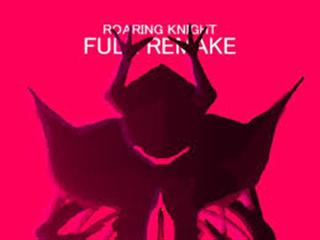
Built using faithful character sprites sourced from dedicated Deltarune community archives alongside a custom Tension Point gauge created by community developer The_CommanderRS, this project reconstructs the Knight's iconic combat aesthetic. Unlike traditional story-driven fan battles such as the Full Roaring Knight Remake or the high-intensity Kaizo Knight Boss Fight, this project emphasizes multiplayer sandbox combat. Player 2 acts as the dungeon master or boss director, choosing the timing, pacing, and density of attack waves rather than relying on automatic scripting.
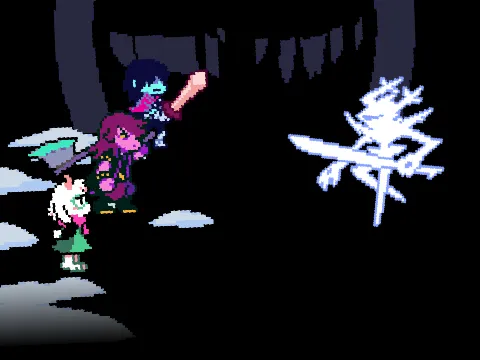
The simulation captures the Roaring Knight's signature techniques, including intersecting geometric cross slashes, multidirectional blade swings, expanding star fragments, and the dramatic Box Splice that divides the defensive boundary. By distributing the offensive and defensive roles between two participants, the simulator creates an engaging social dynamic where mind games, baiting, and rhythm recognition dictate survival.
Playstyles & Cooperative Sparring Formats
Although the simulator runs within an open sandbox arena without fixed story chapters, players frequently adopt several distinct playstyles depending on their practice goals:
- Competitive Elimination Duel: Player 2 receives free rein to trigger any sequence of attacks with the objective of draining Player 1's 490 hit points before a predetermined time limit expires on the battle stopwatch. Player 1 focuses purely on defensive maneuvering and survival efficiency.
- Pattern Recognition & Choreography Practice: Players isolate individual difficult techniques, such as the rotating V-star burst or the delayed N-plus slice, repeating them continuously so the dodging player can master optimal micro-movements without having to play through an entire preceding battle sequence.
- Cooperative TP Farming: Player 2 launches predictable grazing patterns while Player 1 skirts millimeters along the sword hitboxes to maximize Tension Point generation, simulating high-level risk management required in competitive Deltarune encounters.
- Solo Mastery Sandbox: A single player can operate both sides of the keyboard simultaneously or bind attack triggers to rehearse specific reaction timings, discovering safe pockets and hitbox gaps within the Knight's complex weapon geometry.
Proven Strategies for Dodging & Boss Directing
- Center Resetting Against Plus Slices: When Player 2 activates Z or X for plus slashes, blades sweep outward along cardinal and diagonal axes. Avoid hugging the outer walls where intersecting lines converge; instead, hold your position near the center and execute micro-steps immediately after the line graphic renders.
- Managing the Sword Swarm Sequence: The sword swarm requires Player 2 to press E before releasing Q. Player 1 should watch for the visual preparation tell on the Knight sprite during the E phase and pre-position the SOUL toward the opposite boundary to give maximum reaction distance when the Q barrage launches.
- Inward Contraction on Sword Circles: When the M key summons the circular ring of blades, the danger zone initially expands before compressing inward. Do not dash frantically toward the corners. Wait until the ring stabilizes, identify the widest gap between adjacent blades, and slip through the perimeter just before full contraction occurs.
- Handling Star Rotation Arcs: Star projectiles fired via C travel in direct lines, while the V variant incorporates curved rotational velocity. When dodging V-stars, move perpendicular to the curvature arc rather than attempting to outrun them along their radial flight path.
- Boundary Awareness and Wall Clipping: High-speed diagonal movement combined with the Spacebar Box Splice can occasionally cause the SOUL hitbox to interact unexpectedly with the perimeter. Keep your movement fluid and avoid violently pressing into the absolute corners when the arena boundary is shifting.
- Knight Attack Staggering for Player 2: When playing as the Roaring Knight, avoid spamming all hotkeys simultaneously, which can create overlapping visual noise without restricting movement. Instead, force the SOUL toward a specific quadrant using a wide G or J sword slash, then immediately cut off their escape route with an N delayed plus slice.
Frequently Asked Questions
Does this game support true two-player gameplay on the same keyboard?
Yes. The simulator is specifically engineered for two players sharing a single keyboard. Player 1 navigates the red SOUL using the arrow keys or WASD, while Player 2 operates the Roaring Knight's combat moves using assigned letter keys and the spacebar.
What happens when the Roaring Knight's health bar reaches zero?
In the current version created by Deltarune_is_Good, depleting the Knight's health pool does not trigger a game-over or ending sequence. The project functions as an open combat simulator and sparring arena where players can practice attack patterns and dodging without artificial restarts.
Can I play this simulator alone in single-player mode?
Yes. A single player can comfortably pilot the SOUL with one hand on the arrow keys or WASD while triggering attack patterns with the other hand using keys like G, Z, C, or M. This makes the game an excellent practice tool for mastering specific boss mechanics.
Why does the SOUL sometimes clip outside the battle box?
The author noted a known physical quirk where rapid diagonal velocity against the perimeter during specific boundary-altering moves, particularly the Spacebar Box Splice, can push the SOUL slightly beyond the green barrier. Staying centered during major box shifts prevents this from occurring.
Is Roaring Knight 2 Player Simulator playable on mobile touch devices?
This simulator requires physical keyboard input to trigger Player 1 movement and the dozens of attack keys for Player 2. Because there are no on-screen touch overlays for the complex Knight abilities, a physical keyboard on a desktop or laptop browser is required for full functionality.
What is the requirement for unleashing the Sword Swarm attack?
The Sword Swarm is a two-step combo. Player 2 must first press the E key to initialize and spawn the swarm formation, and then press the Q key to launch the swords toward the defending player.
How does this version differ from the DEVICE_KNIGHT Simulator?
Standard single-player encounters like DEVICE_KNIGHT Simulator utilize automated wave scripts where attacks occur on fixed timers. In contrast, Roaring Knight 2 Player Simulator grants full manual control of all boss attacks to a human player, enabling unpredictable attack timings and cooperative sparring.