
































How to Play Toby Fox Fight Simulator
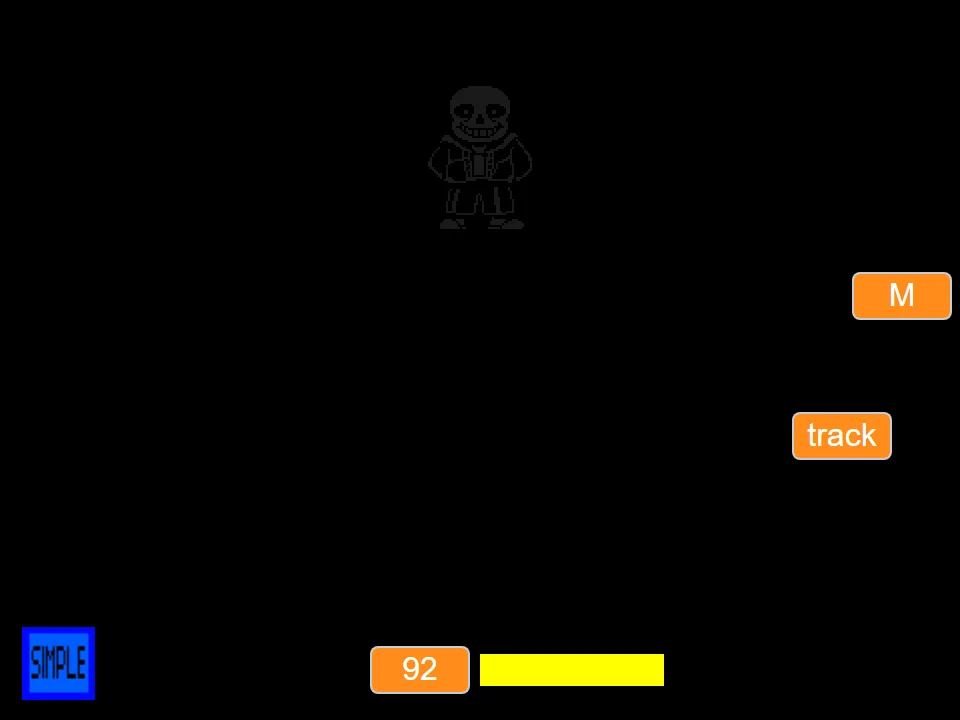
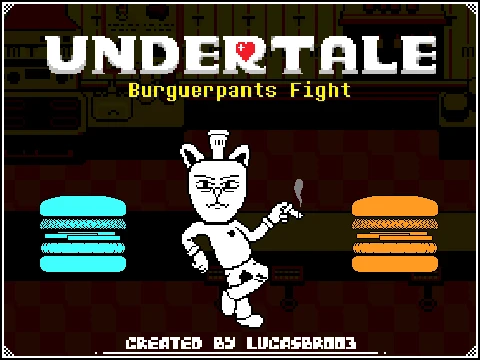
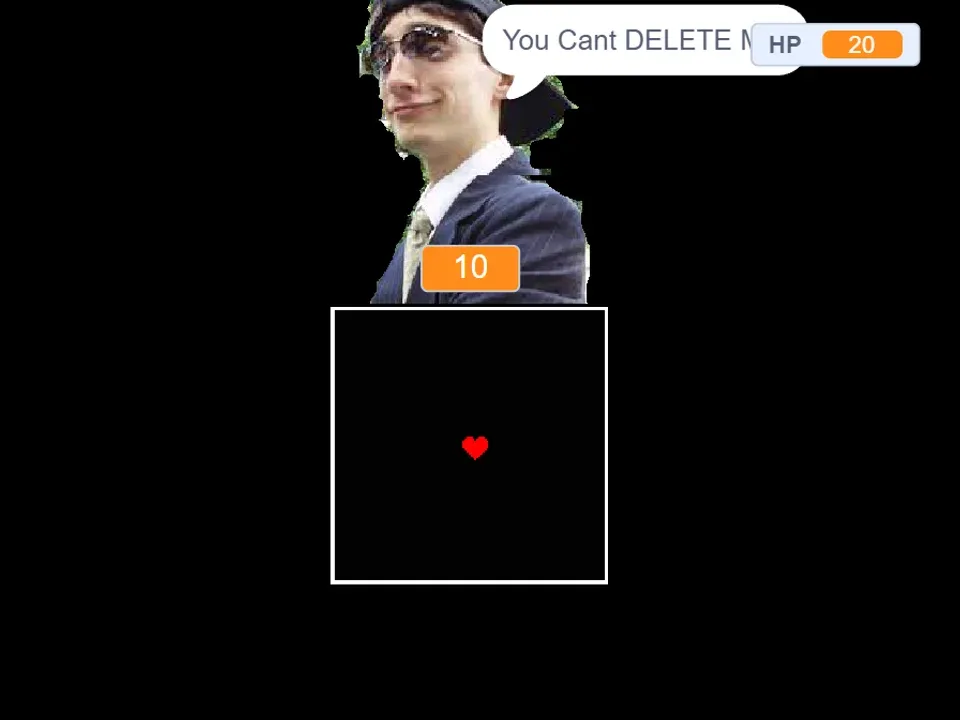
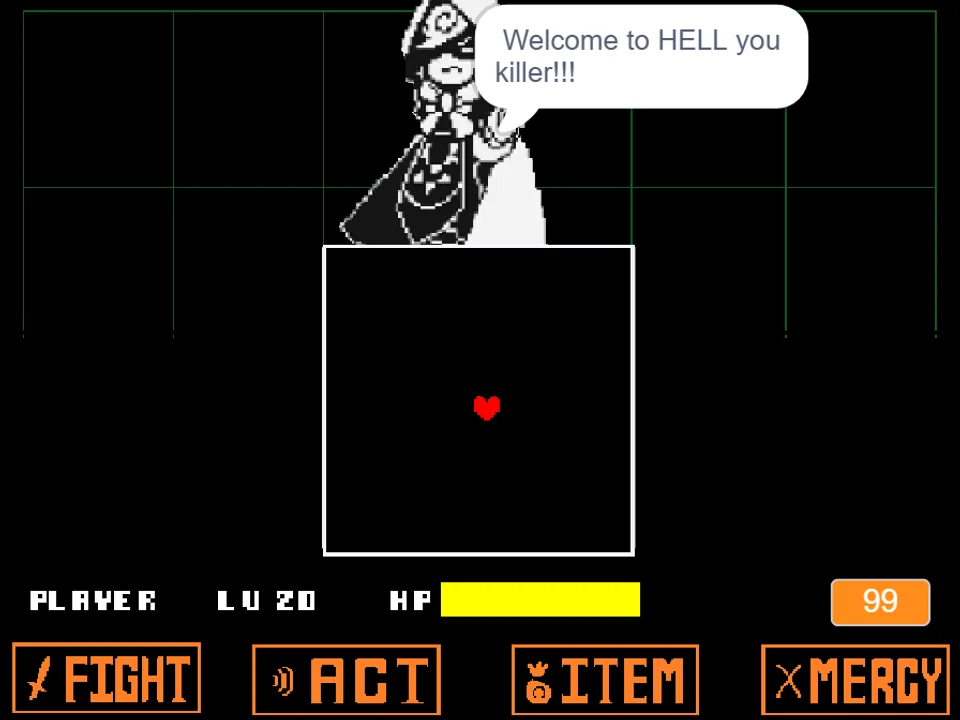
Toby Fox Fight Simulator (titled UNDERTALE Toby Fox Fight by developer swagboy999) stages the ultimate fourth-wall encounter: facing the creator of Undertale, Toby Fox, in personal battle. While canine-themed fan games focus on the Annoying Dog, swagboy999's project challenges players to face the developer himself, armed with the foundational rules of Undertale's color-coded combat system, game code errors, and meta-narrative commentary.
To play the game directly in your browser, click inside the game canvas to focus your keyboard. As clearly laid out in developer swagboy999's instructions: 'Arrows Move. Blue Is Not Move. Orange Is Move. Grey Avoid. Use Z To Skip Text!' These concise rules establish the core mechanical discipline of the fight: mastering Undertale's canonical Blue Stop / Orange Move rule system across dense, multi-color attack formations.
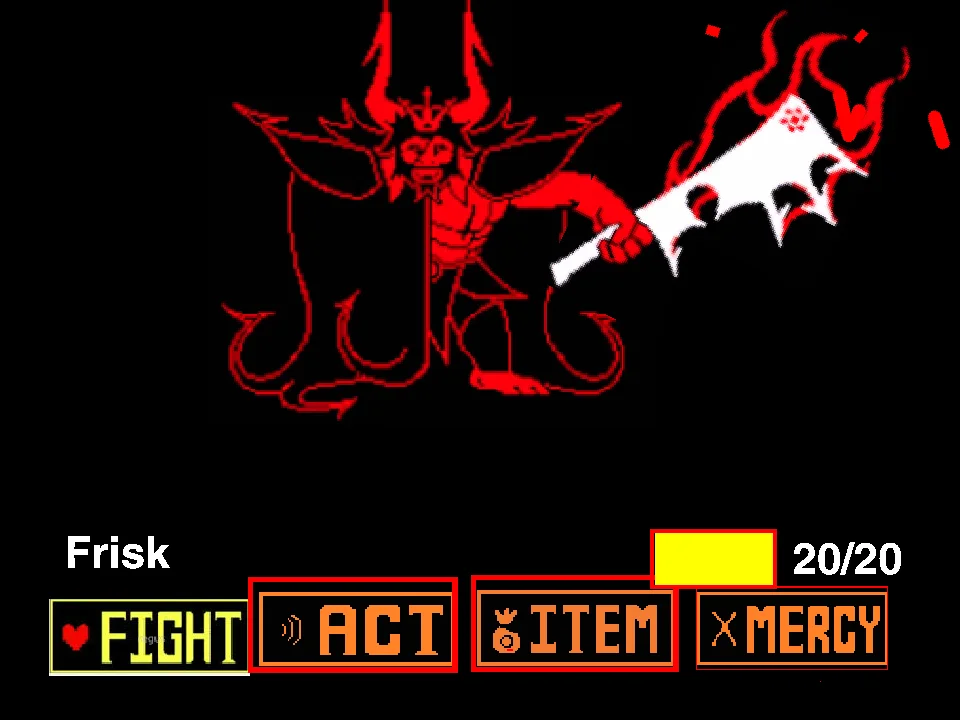
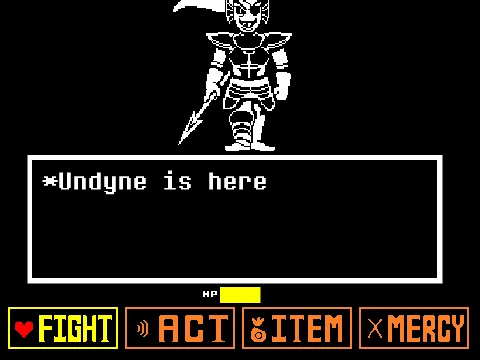
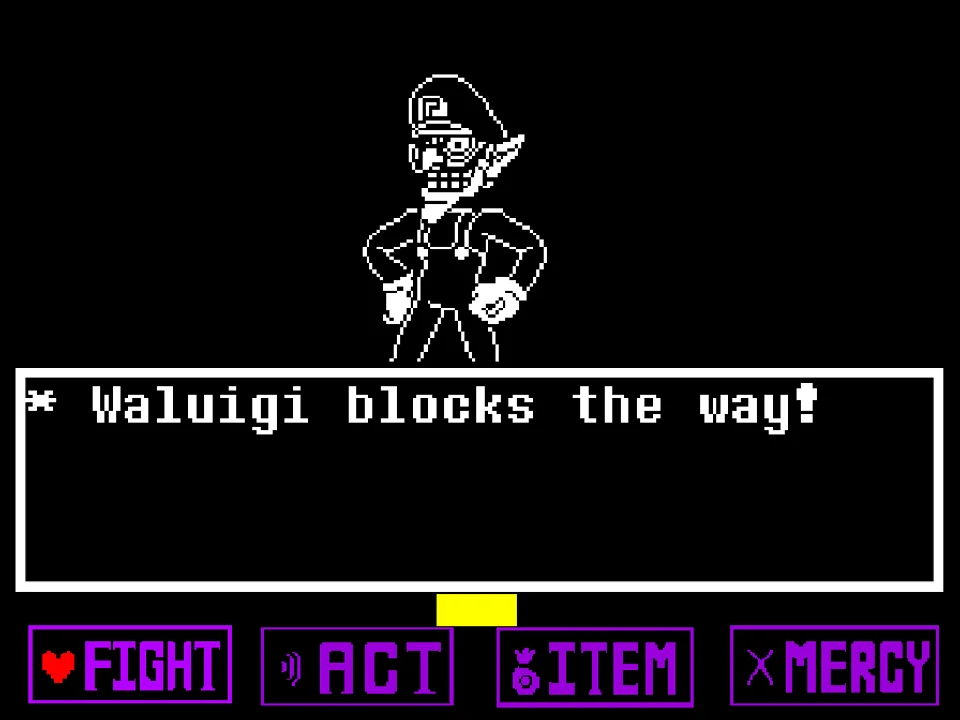
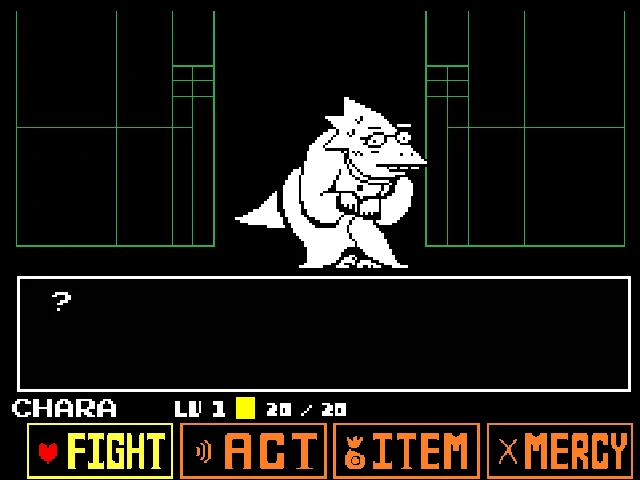
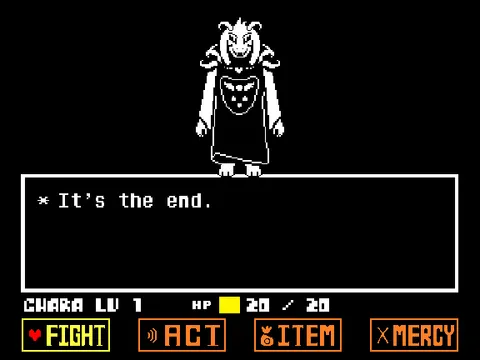
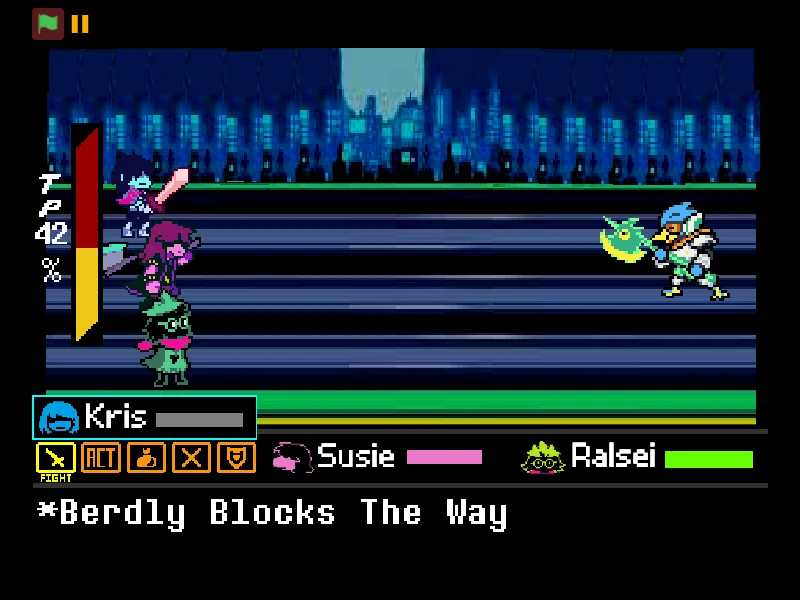
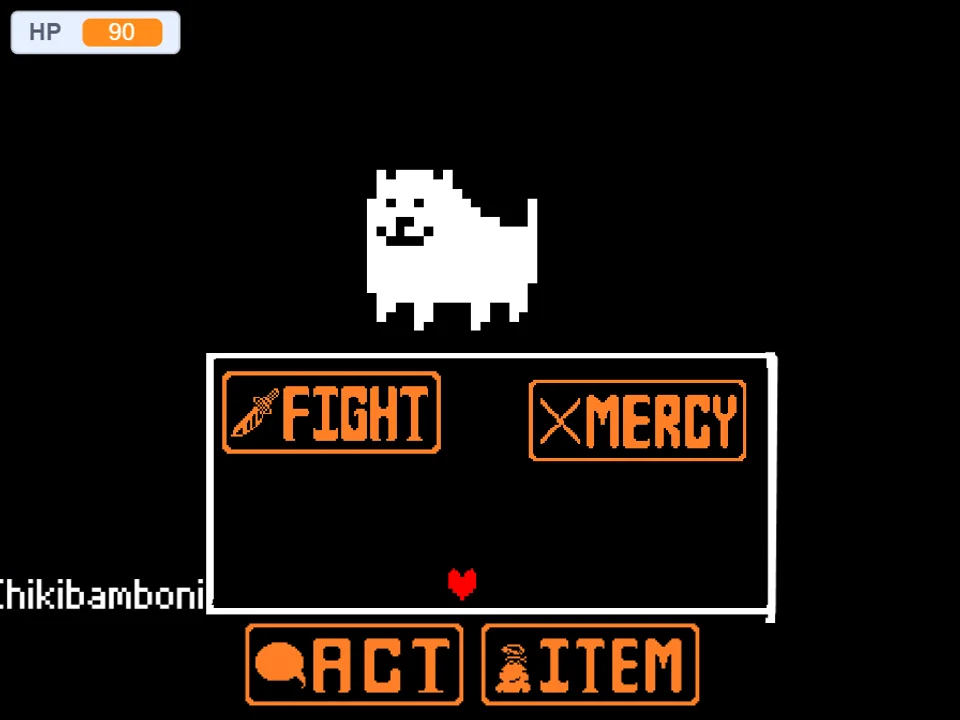
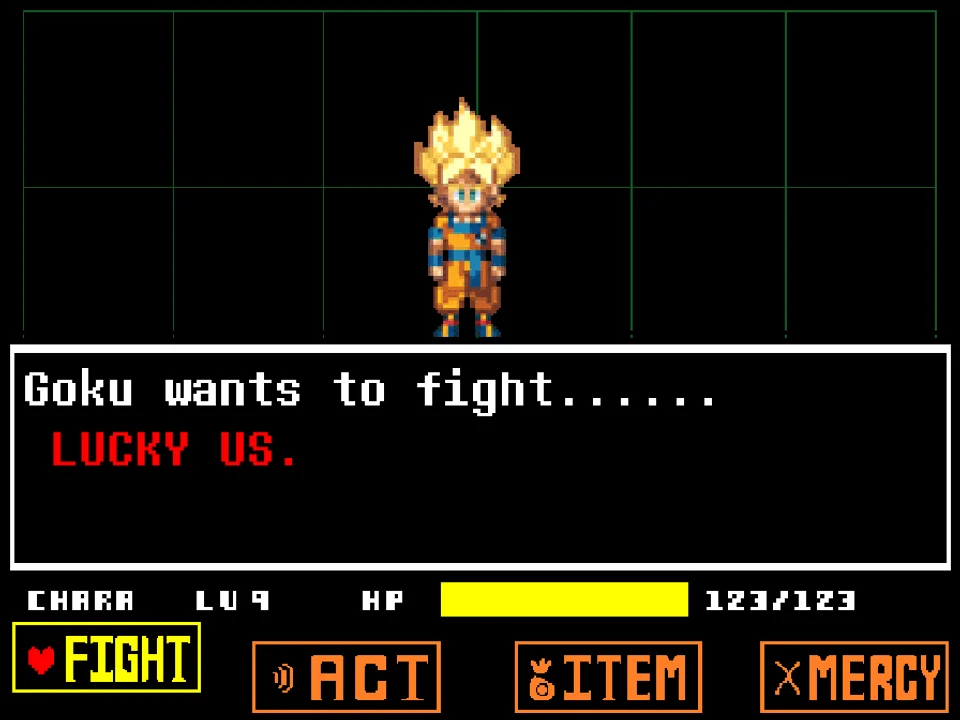
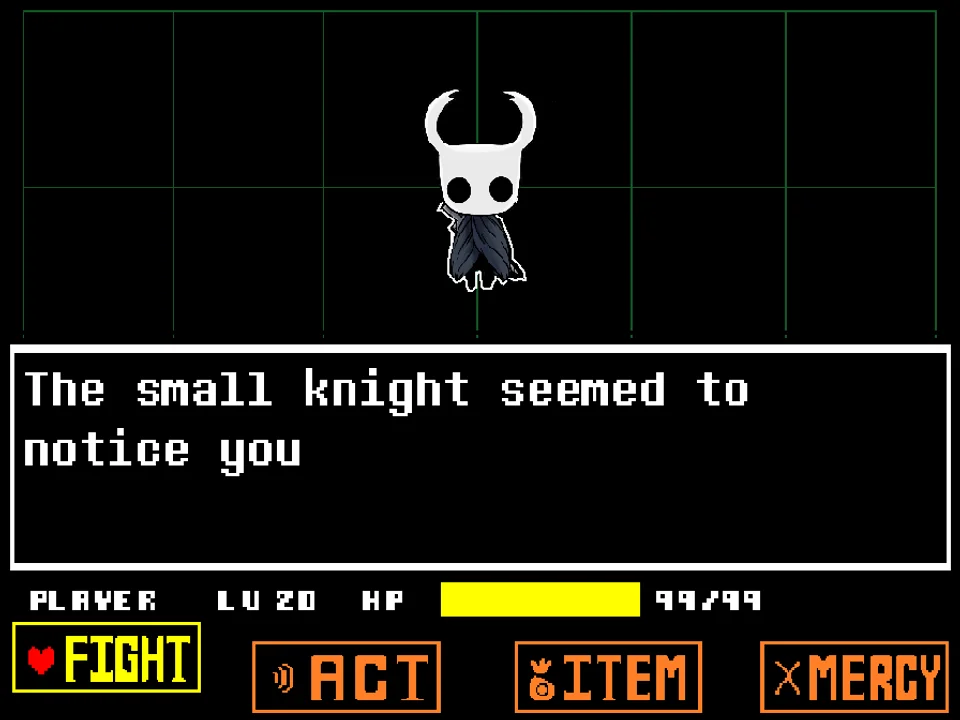
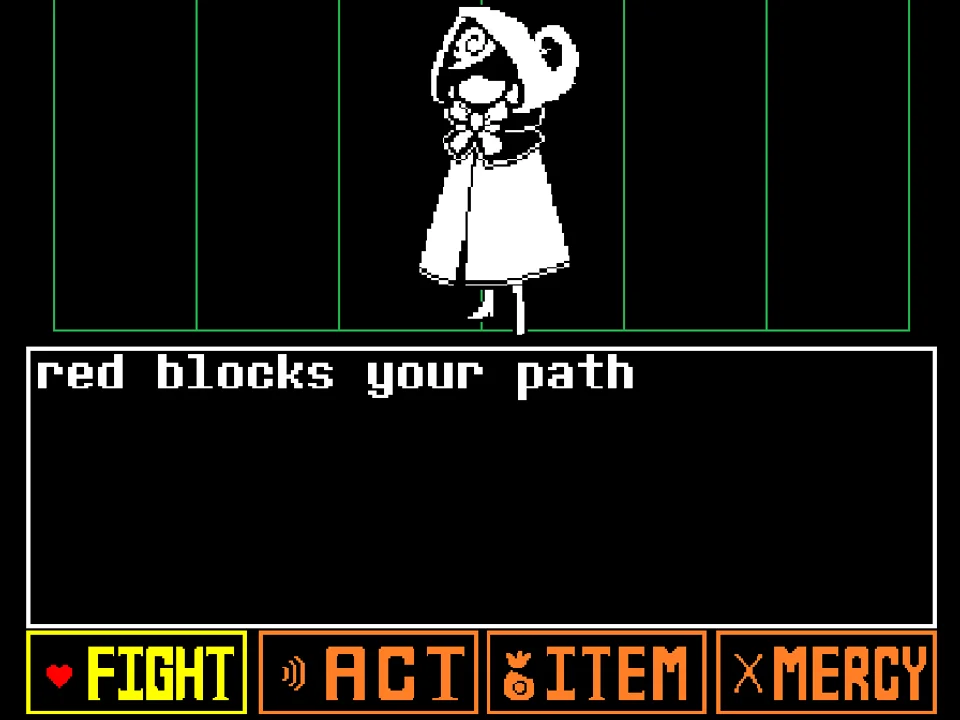
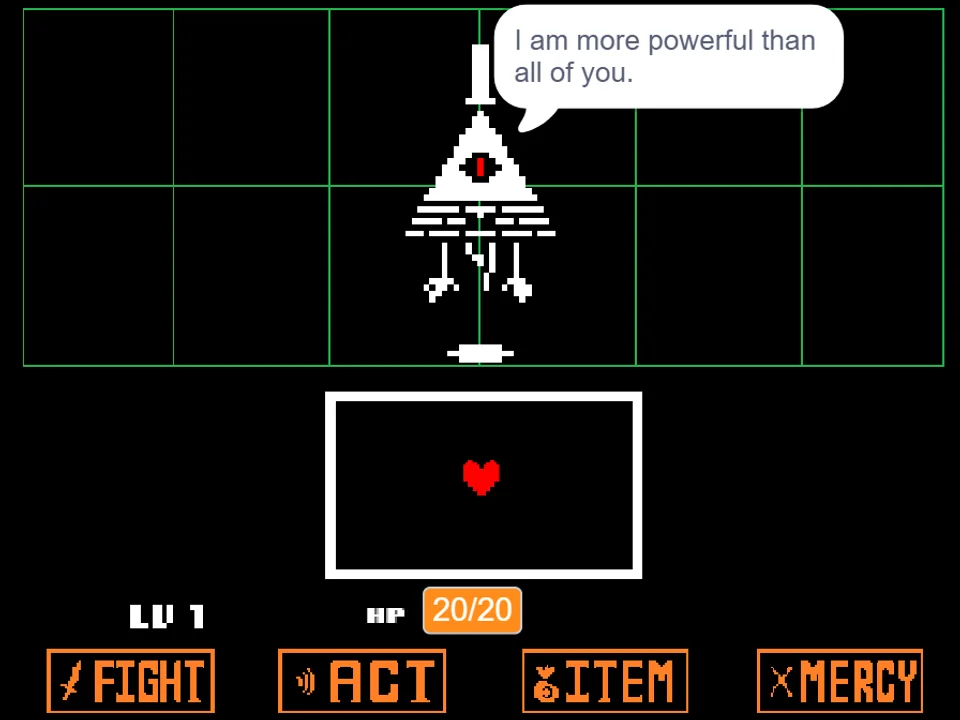
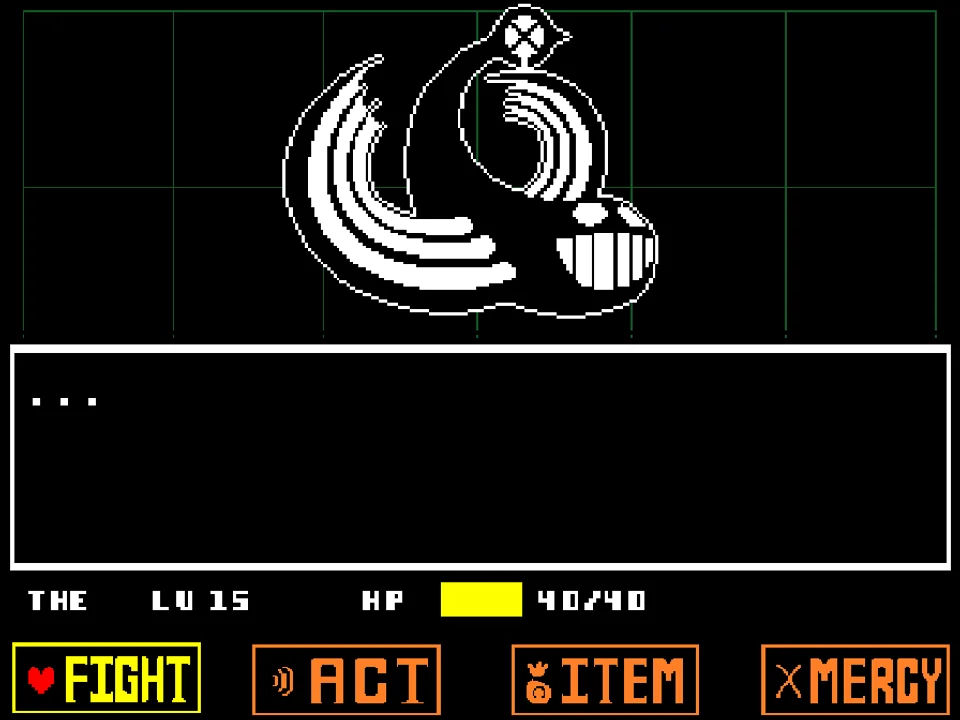
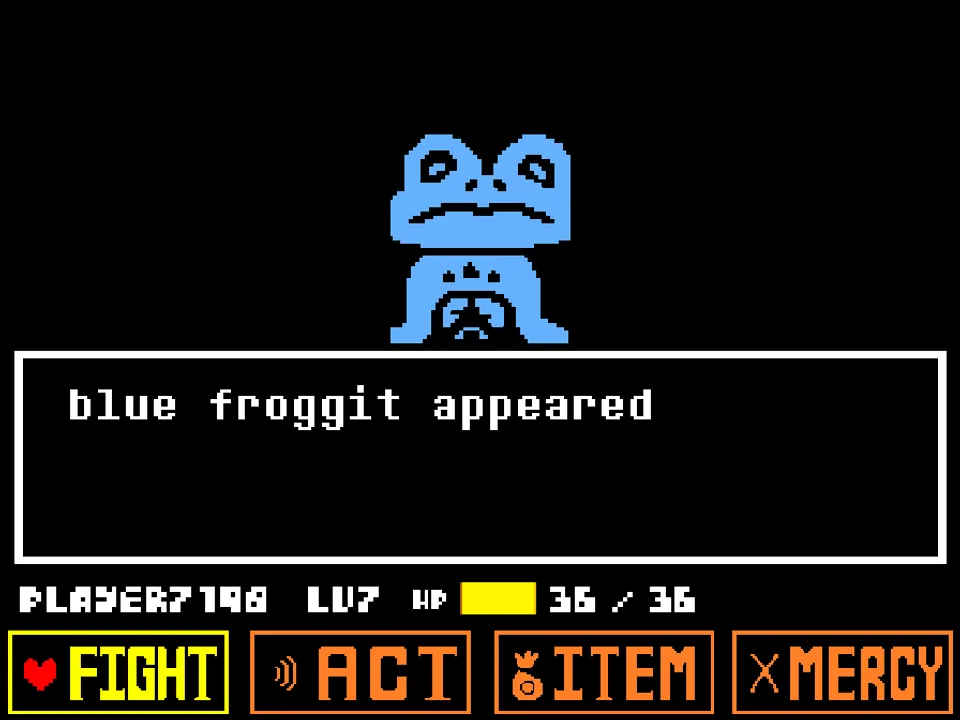
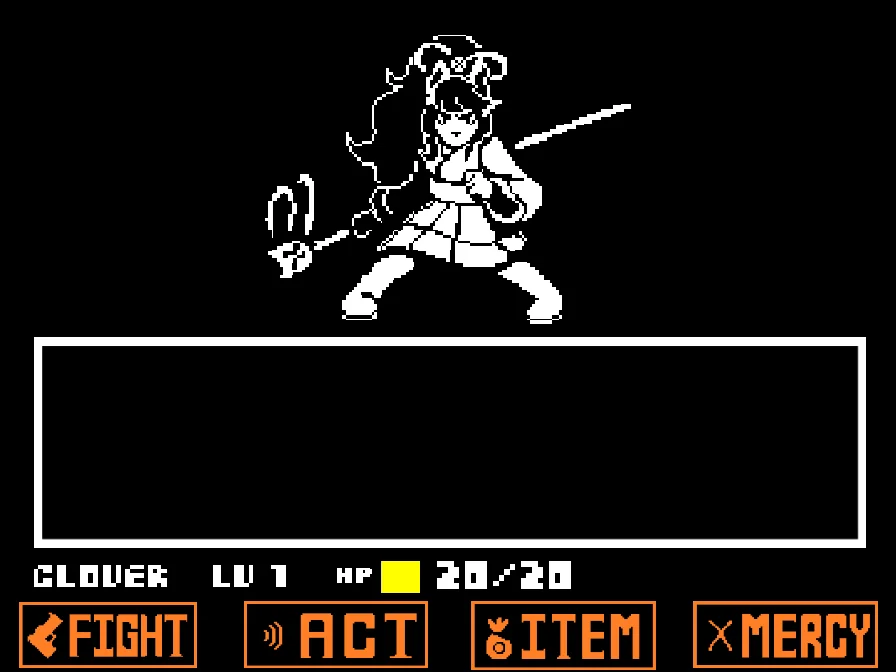
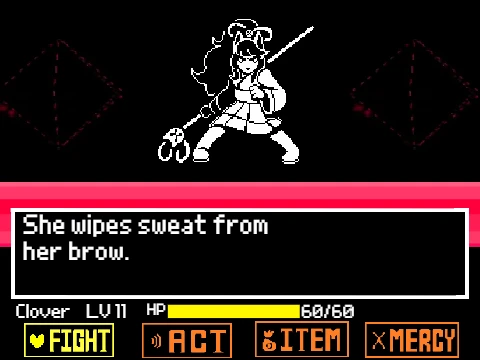
The combat interface presents the four classic commands: FIGHT, ACT, ITEM, and MERCY. Selecting FIGHT initiates the moving attack bar; timing your Z key press in the center allows you to strike Toby Fox. Selecting ACT allows you to Check his developer stats, ask about unreleased game lore, or plead for mercy. Using ITEM allows you to heal using inventory items.
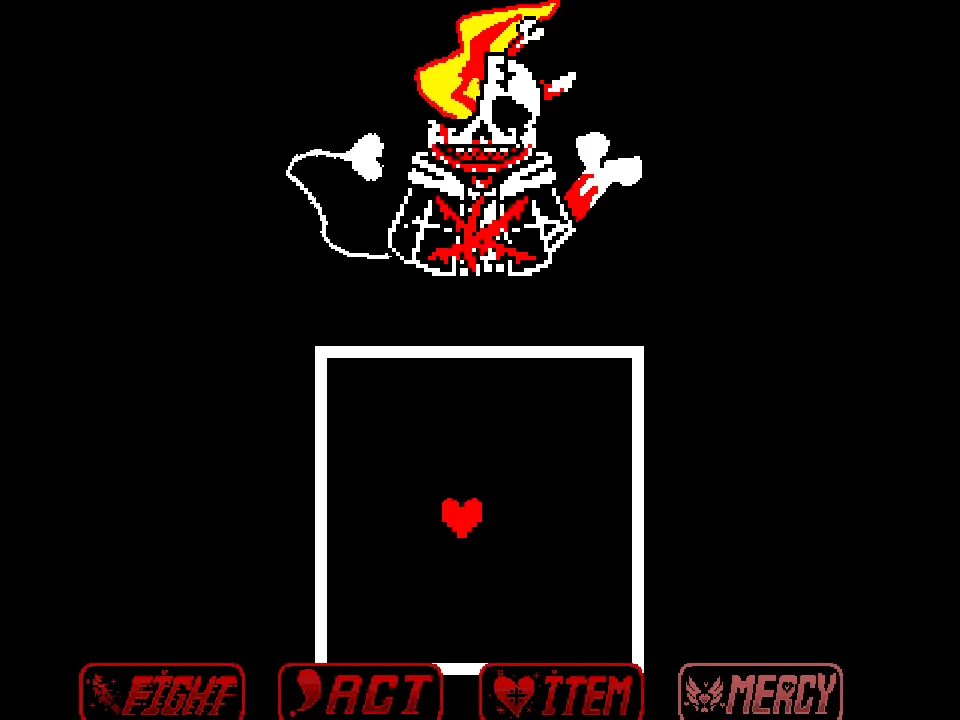
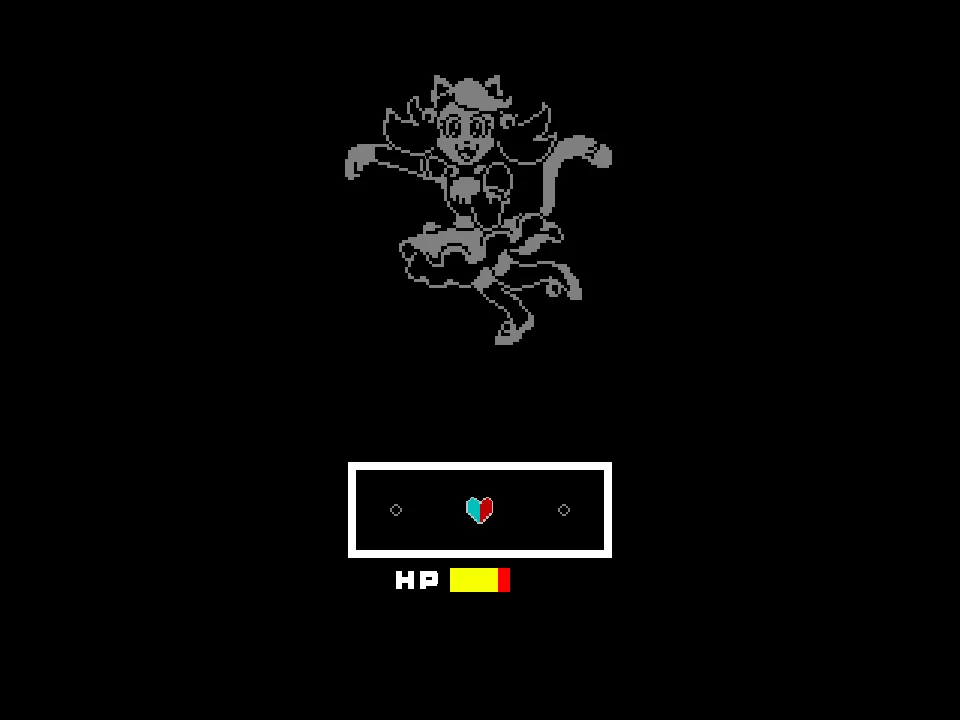
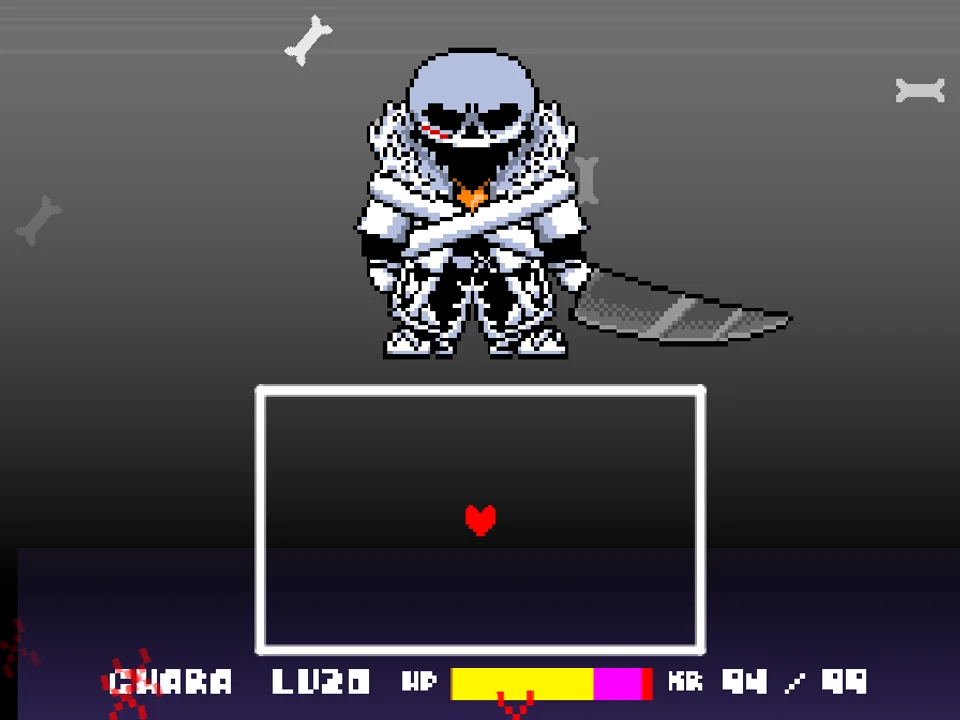
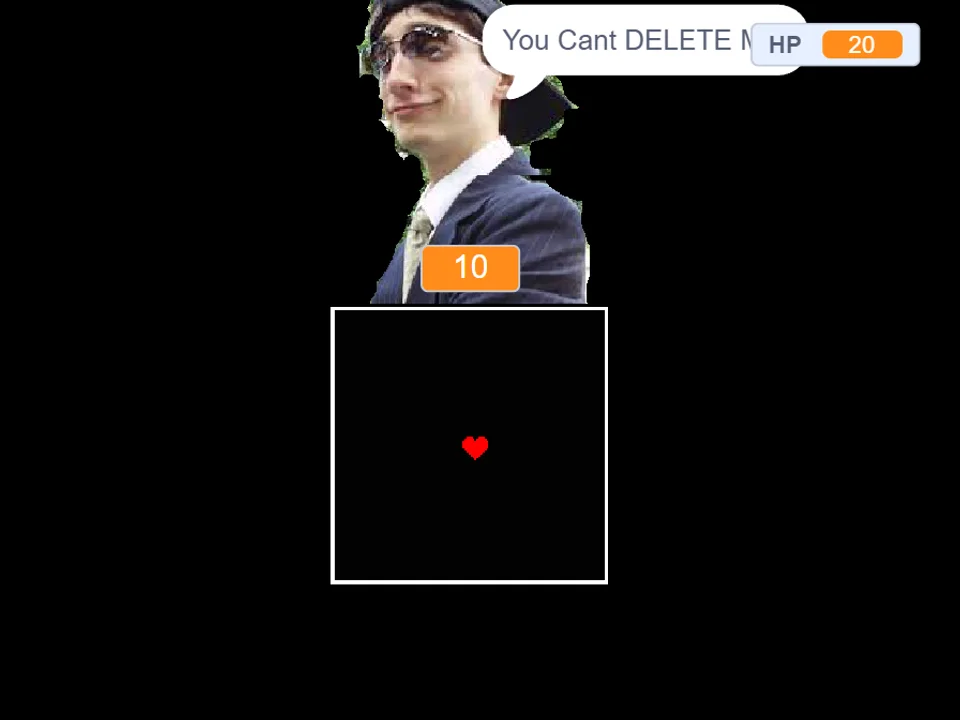
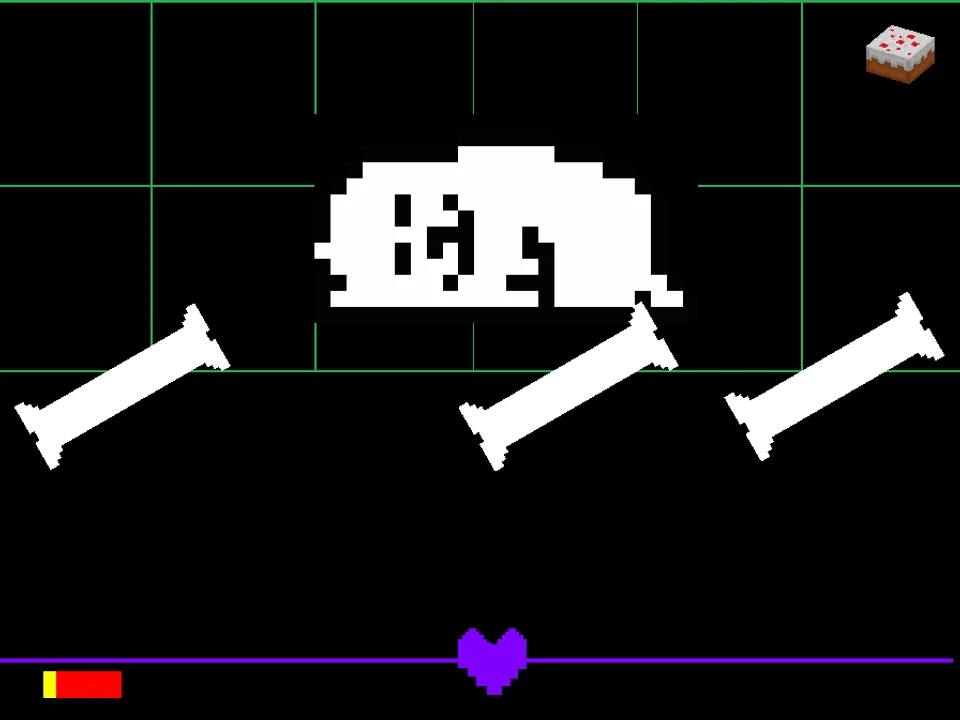
During Toby Fox's attack turns, your red SOUL dodges an imaginative array of color-coded hazards. Blue lasers sweep across the screen requiring you to freeze completely; orange energy waves rush past requiring continuous motion; and grey obstacles must be avoided unconditionally. The developer tests whether players have truly mastered the fundamental rules of Undertale's combat grammar.
Input Controls & Color Code Rules
| Key | Action |
|---|---|
| Arrow Keys | Steer the red SOUL through the combat box and navigate menu commands. |
| Z / Enter | Select action options, strike the attack meter, and advance or skip character dialogue. |
| X / Shift | Cancel current menu selections and accelerate text display. |
| Hold Still (Blue Attacks) | Release all Arrow Keys when blue lasers or bones pass through your SOUL to take zero damage. |
| Keep Moving (Orange Attacks) | Continuously press Arrow Keys when orange attacks overlap your SOUL to pass through harmlessly. |
| Mouse Click (Canvas) | Click directly on the game frame before beginning to ensure your web browser directs keyboard events to the game. |
Inputs are calibrated for standard desktop and laptop keyboards. Internalizing the Blue/Orange rule is mandatory for survival.
About Toby Fox Fight, Developer Lore & The Color Code
In video game culture, confronting the creator of a game as a secret super-boss has a rich tradition. Developed by swagboy999, Toby Fox Fight captures that meta-narrative spirit by placing the indie developer into the Judgement Hall. Rather than relying on simple gimmick attacks, swagboy999 built the encounter as an examination of Undertale's signature color mechanics: cyan/blue (patience/stillness) and orange (bravery/movement).
What sets this project apart from the dog-focused battles in Annoying Dog Toby Fox Fight Simulator and Undertale Annoying Dog Fight Simulator is its direct developer persona. Toby's dialogue references game development hurdles, version updates (documented in the author's changelogs from Version 1.0 onward), and playful banter with the player about whether they truly understand how Undertale's hitboxes work.
The developer avatar does not just attack Frisk; he actively tests the player's knowledge of the Underground's fundamental combat grammar. When players mistakenly move during a blue attack or freeze during an orange wave, Toby comments with dry humor on how often players forget basic tutorial lessons learned in Snowdin. This unique framing makes the duel feel like an interactive game development exam where passing requires total composure, quick color recognition, and instinctual reflexes.
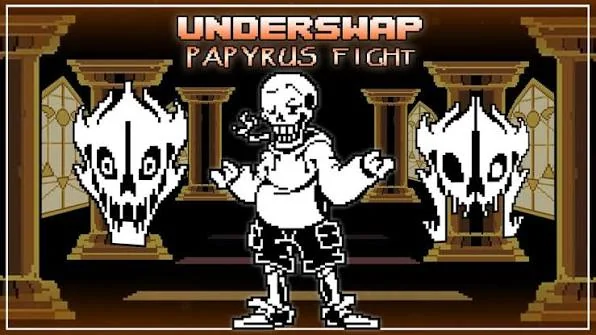
The soundtrack features dynamic chiptune arrangements blending Toby Fox's most energetic leitmotifs into an exhilarating battle theme. After testing your mastery of color-coded rules against Toby Fox, test your evasion against the ultimate corridor judge in Bad Time Simulator, or explore the chaotic trials in Papyrus Fight.
Encounter Mechanics & Color-Coded Hazards
Toby Fox Fight tests players through strict execution of Undertale's color system:
- Blue Attacks ('Blue Is Not Move'): Solid blue lasers and bone arrays sweep across the arena. The instant a blue projectile contacts your red SOUL, you must release all movement keys. Remaining completely still allows the attack to phase through without dealing damage.
- Orange Attacks ('Orange Is Move'): Orange projectiles and beams rush through the box. You must maintain continuous movement; pausing for even a fraction of a second results in immediate damage.
- Grey / Standard Hazards ('Grey Avoid'): Neutral grey and white obstacles obey standard physical collision. You must steer around them unconditionally while managing blue and orange transitions.
- Multi-Color Overlap Waves: In the late game, Toby Fox alternates blue and orange waves in rapid succession, forcing you to execute quick transitions between total stillness and immediate movement.
Pro Survival Guidelines for Toby Fox
Surviving Toby Fox's developer exam requires strict adherence to color rules. Apply these key combat strategies:
- Release All Arrow Keys Completely on Blue Attacks: When blue lasers appear, take your fingers off the Arrow Keys entirely. Even a microscopic twitch will register as movement and inflict heavy damage.
- Never Stop Moving Through Orange Waves: The moment orange projectiles enter the box, keep your SOUL in continuous circular motion. Even if you are moving in a tight circle, continuous input prevents orange damage.
- Use 'Z' to Skip Dialogue and Maintain Focus: As recommended in the creator's instructions, tap Z to quickly advance through dialogue so you can reset your hands and focus on incoming attack waves.
- Stay Centered Between Color Transitions: Positioning your SOUL in the center of the box between attack waves gives you equal room to dodge grey obstacles and react to incoming colored beams.
- Time Center Strikes on FIGHT Turns: Toby Fox has balanced HP. Hitting the center bullseye on the FIGHT reticle deals maximum damage, cutting the total number of attack turns in half.
- Keep a Healing Item for Color Overlaps: Rapid transitions from blue to orange can be disorienting. Keep at least one high-potency healing snack in your inventory to recover from accidental color misreads.
Frequently Asked Questions
Who created Toby Fox Fight Simulator?
The fan game was created by developer swagboy999 as a meta-narrative encounter where players face Toby Fox himself inside the Undertale combat arena.
What are the rules for Blue and Orange attacks in this game?
As summarized in the author's instructions: 'Blue Is Not Move' (hold completely still when touching blue projectiles to avoid damage) and 'Orange Is Move' (keep moving continuously when touching orange projectiles to pass through safely).
How does this differ from the Annoying Dog fights?
While Annoying Dog fights focus on the comedic white canine avatar with toy and bone attacks, this fight focuses on Toby Fox as a developer persona, testing mastery of Undertale's fundamental color-coded combat rules.
What are the primary controls for playing the game?
Use the Arrow Keys to steer your SOUL and browse menus. Press Z or Enter to select actions, strike the attack reticle, and skip text. Press X or Shift to cancel selections.
Can I spare Toby Fox peacefully?
Yes, by utilizing ACT commands to interact with Toby Fox and surviving his color-coded attack trials, players can unlock a peaceful resolution alongside the combat FIGHT route.
Can I play this game on mobile devices?
The simulator is designed for desktop and laptop web browsers with hardware keyboard inputs. Mobile touchscreens do not have dedicated directional controls configured.
What should I do if I keep getting hit by blue lasers?
Ensure you are releasing all Arrow Keys well before the blue laser contacts your SOUL. Lifting your fingers off the keyboard entirely ensures zero movement input registers.