






























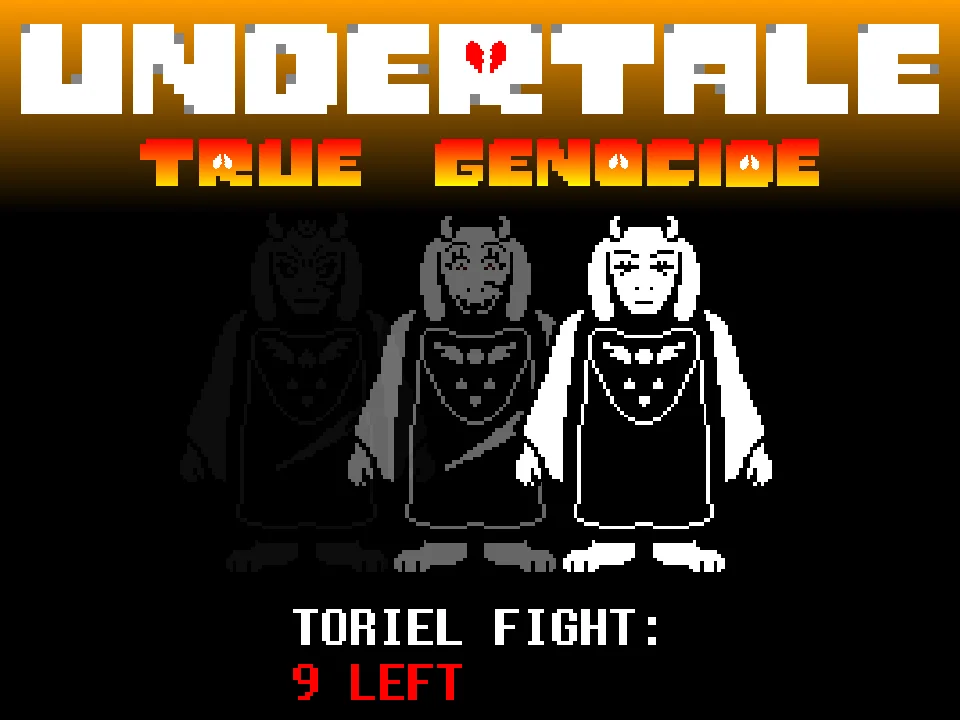



How to Play Undertale RED Genocide Fight Simulator
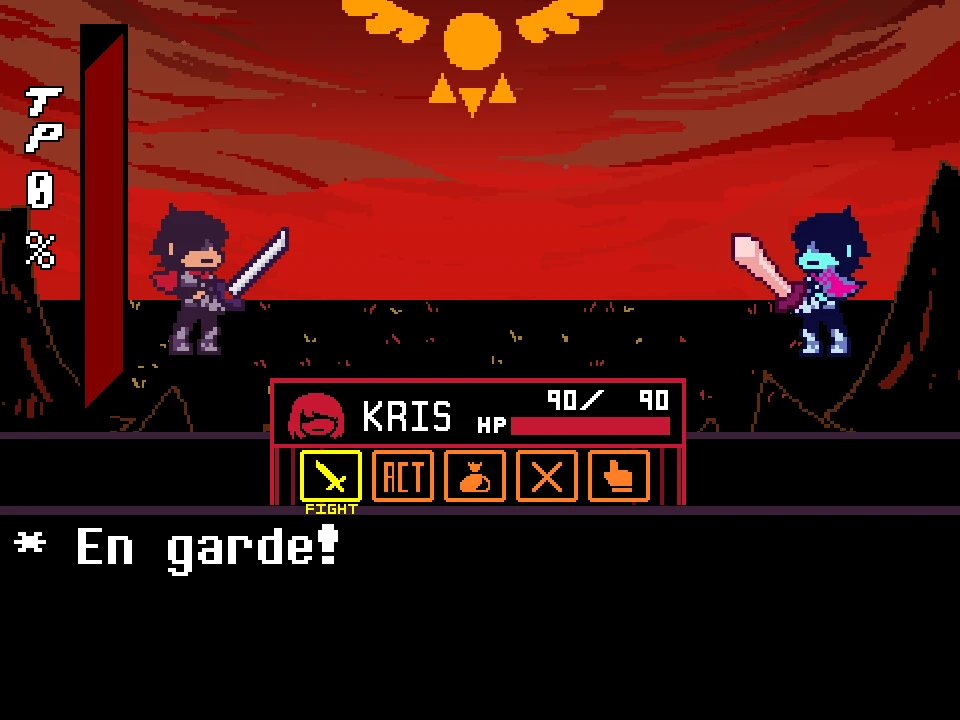
Undertale RED Genocide Fight Simulator represents the grim, unforgiving Genocide Route encounter against Red, the elite monster royal guard recruit. Developed by community creator Enderboy314 with special credit to pococikapusta for battle engine architecture, this encounter explores the tragic narrative branch where the fallen human Frisk has annihilated the Underground and stands before Red as an existential threat to all monsterkind.
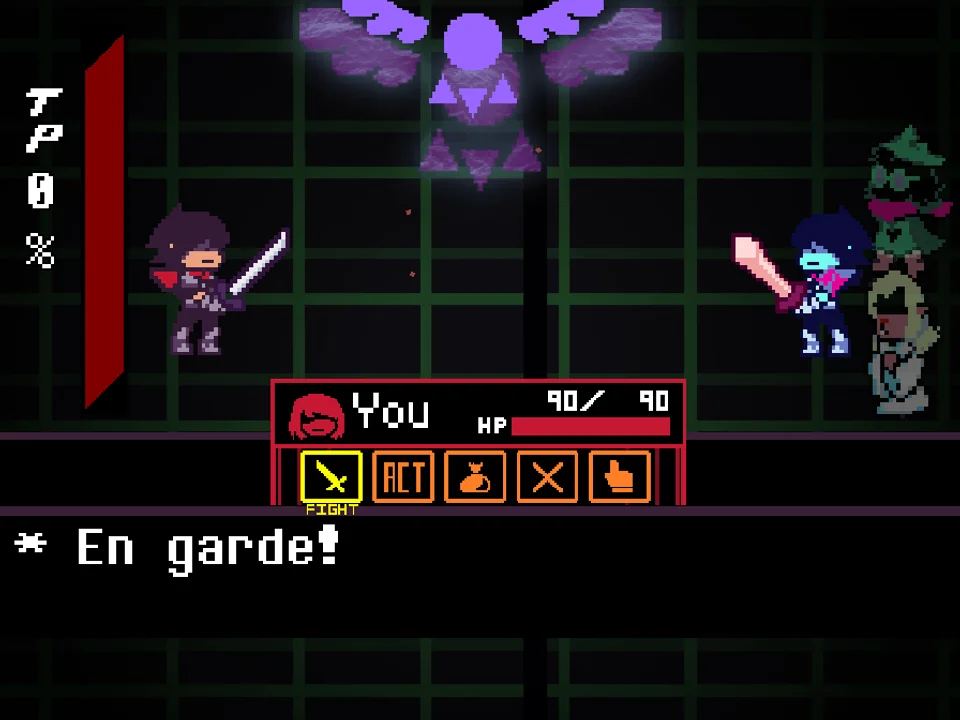
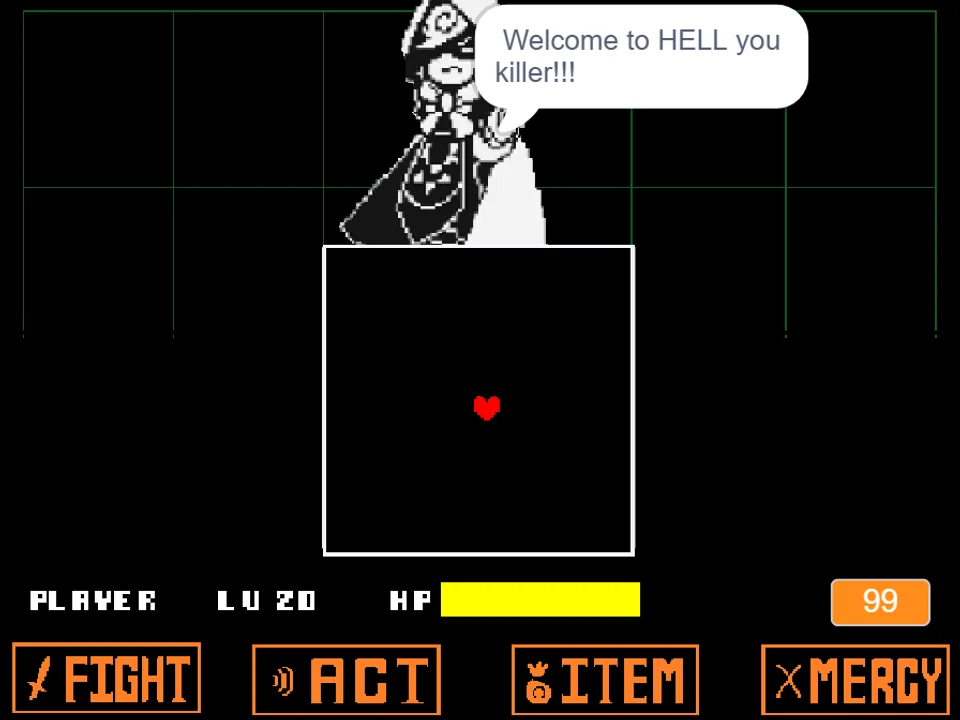
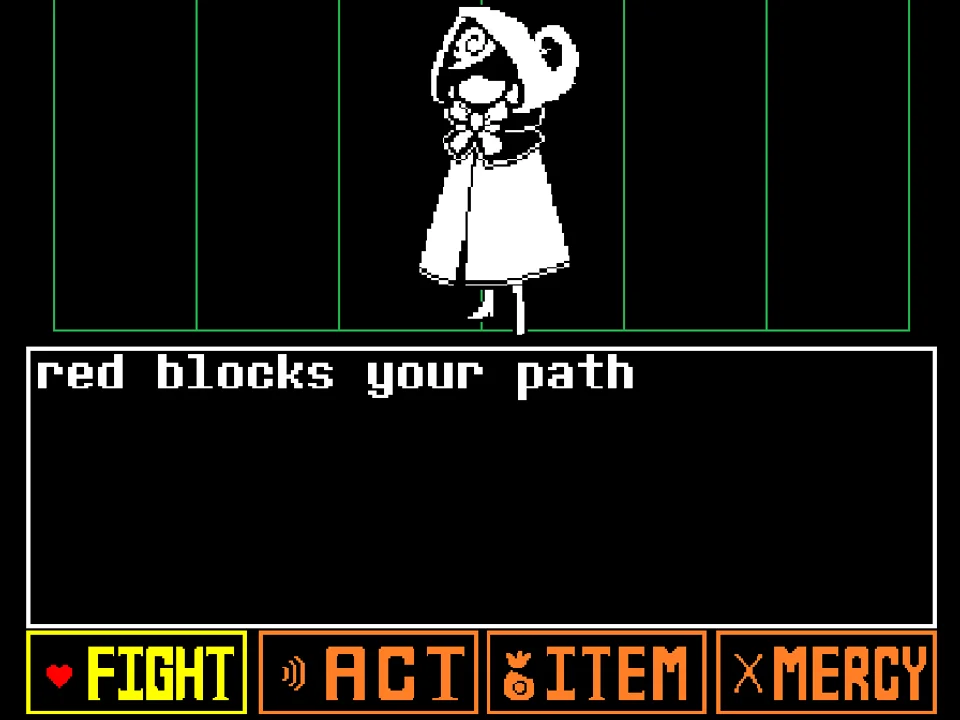
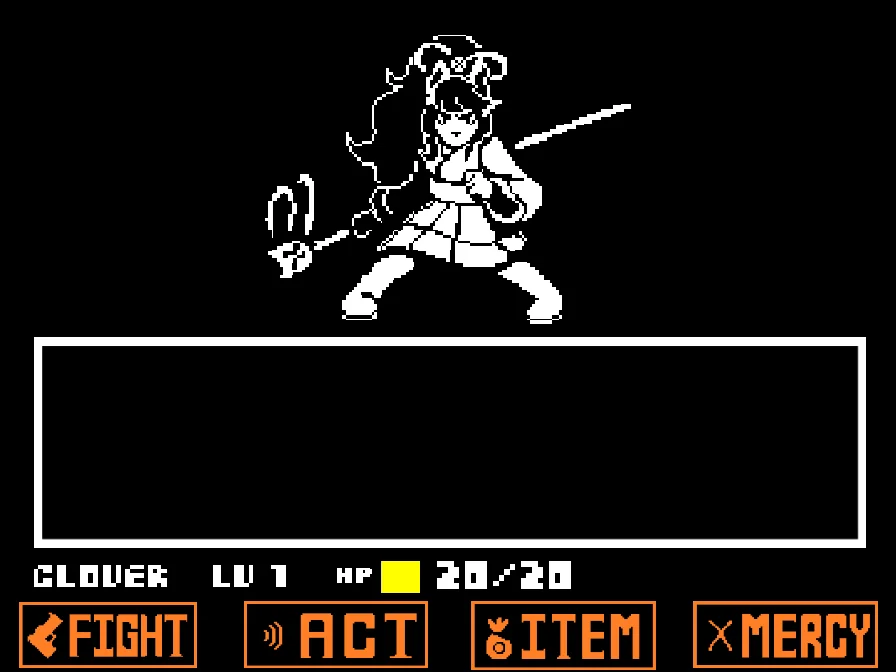
To play the game directly in your browser, click within the player window to establish keyboard focus. As noted in the creator's instructions: 'This is a genocide Undertale red fight! Beat her if you can... Special thanks to pocoikapusta for making this fight possible! Arrow keys to move! (z) to click stuff! (example FIGHT).' Navigation is crisp and familiar: use the Arrow Keys to browse menus and press Z or Enter to select commands. Red appears on screen with her hood pulled low, her expression hardened by grief and resolute determination to stop the human's rampage.
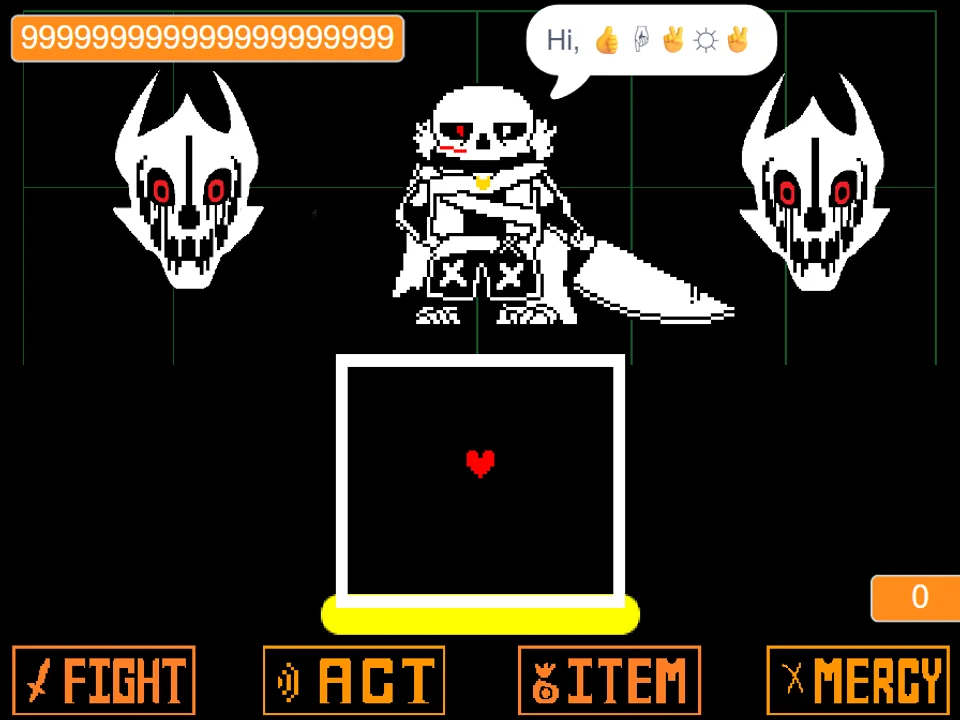
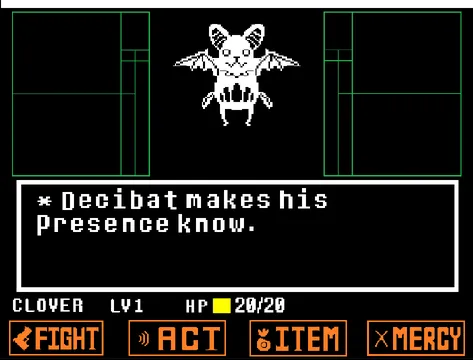
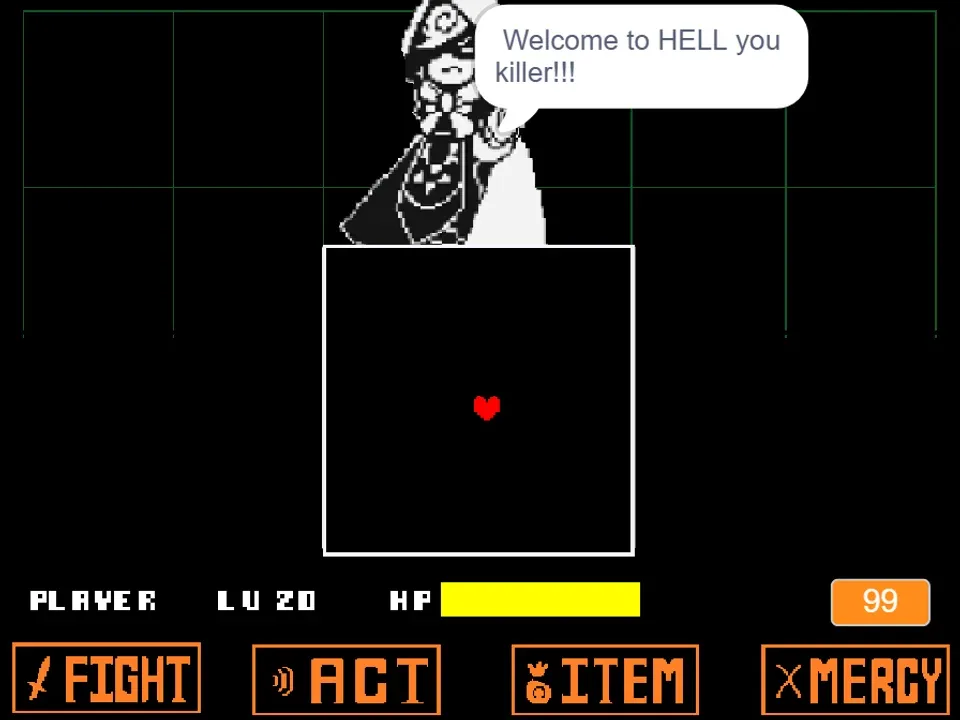
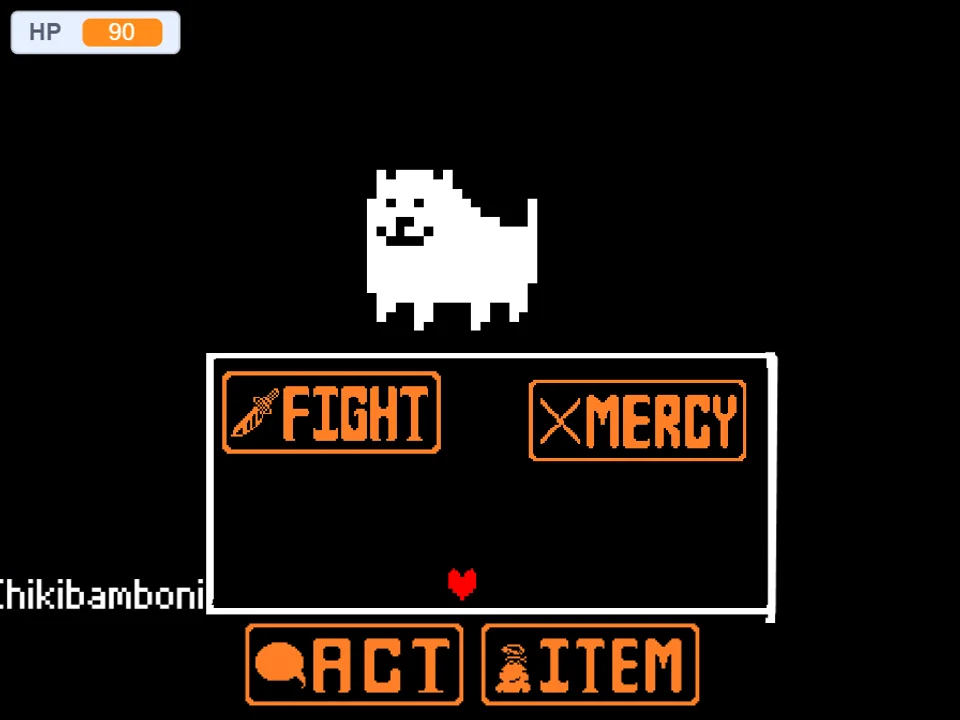
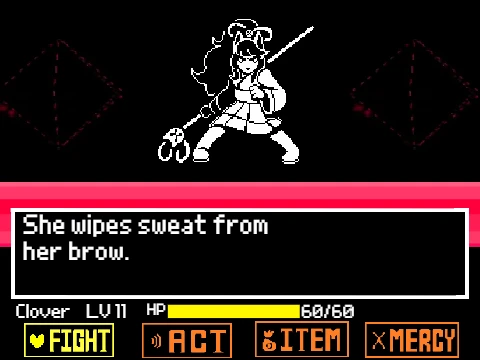
The battle interface gives you the classic options: FIGHT, ACT, ITEM, and MERCY. On a Genocide Route, sparing is not an option; Red knows what you have done and will fight to her dying breath. Each round, selecting FIGHT triggers the moving reticle across the attack meter. Timing your strike cleanly delivers lethal blows with the Real Knife. Managing your health is critical: Red's attacks in this genocide variant deal high collision damage, meaning a single mistimed dodge can quickly deplete Frisk's starting health pool.
During Red's attack turns, your red SOUL faces an aggressive, ruthless flurry of crimson weaponry. Unlike the measured sparring of her normal encounter, Genocide Red pulls no punches: she deploys rapid cross-slashing blade barrages, high-velocity spinning shears, explosive pompom clusters that detonate with minimal warning, and sweeping sword waves that divide the arena into perilous, narrow survival lanes.
Keyboard Controls & Input Guide
| Key | Action |
|---|---|
| Arrow Keys | Control the red SOUL within the bullet arena and navigate battle menu selections. |
| Z / Enter | Select menu options (FIGHT, ACT, ITEM, MERCY), strike the attack reticle, and advance character dialogue. |
| X / Shift | Cancel current menu selections and accelerate dialogue text. |
| Mouse Click (Canvas) | Click directly on the game frame before beginning to ensure keyboard focus is captured by your web browser. |
Physical keyboard responsiveness is crucial for dodging Genocide Red's rapid blade thrusts. Avoid running browser extensions that intercept arrow key inputs.
About Undertale RED Genocide, Lore & Key Differences
In Taxiderby's original Undertale RED narrative, the player's choices determine Red's disposition. If the player pursues a path of violence, Red's warm, comedic personality vanishes, replaced by the grim resolve of a soldier making a desperate last stand. Developer Enderboy314 created this standalone Undertale RED Genocide Fight to capture that specific narrative intensity, providing a dedicated browser trial centered on the sheer mechanical challenge of her genocide battle.
What sets this Genocide version apart from the standard Undertale RED Fight Simulator is the heightened aggression, darker dialogue, and increased projectile velocity. In this battle, Red does not hold back to test your strength—she attacks with lethal intent. Her dialogue reflects profound heartbreak and righteous anger as she confronts the player over the dust covering their clothes, creating a solemn, intense atmosphere reminiscent of the encounters against Undyne the Undying and Sans.
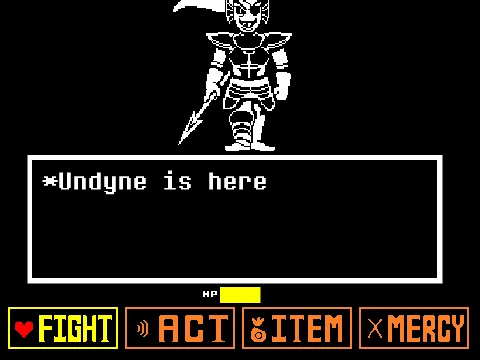
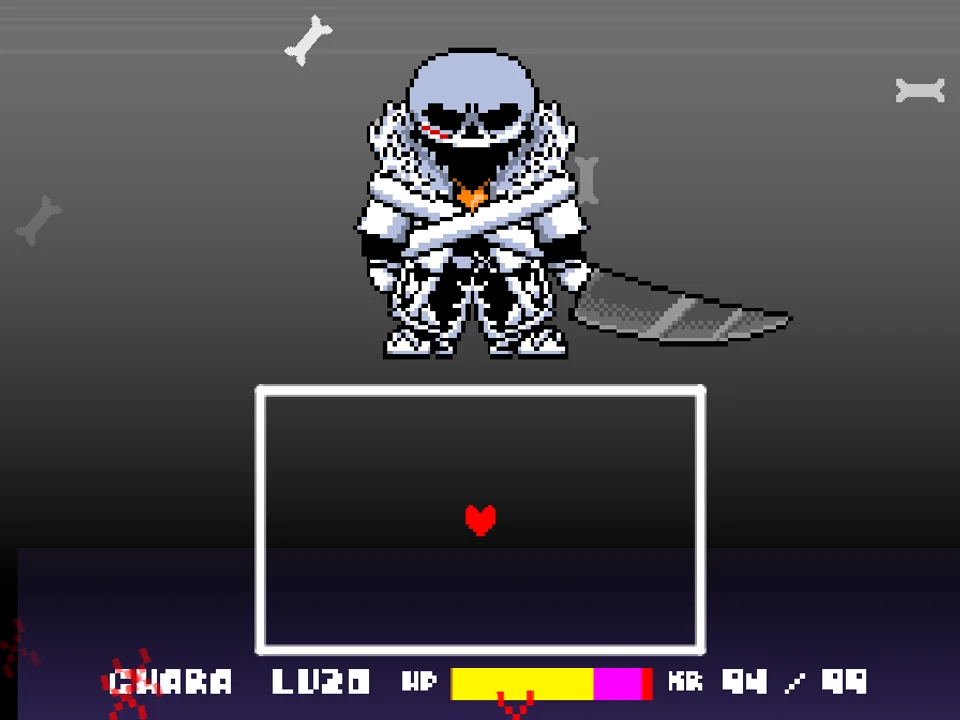
The soundtrack features a dramatic, heavy battle arrangement of Red's theme, underscoring the high stakes of the confrontation with driving percussion and sorrowful melodies. For players looking to compare this encounter with other legendary Genocide Route trials, challenge Undyne the Undying Simulator or face the ultimate judge in Bad Time Simulator.
Genocide Attack Patterns & Survival Mechanics
Undertale RED Genocide Fight tests players with demanding, high-speed attack sequences:
- High-Velocity Cross Slashes: Red swings her broadsword in rapid intersecting angles. Red warning beams slice diagonally across the arena, leaving small triangular safe pockets that require instant diagonal repositioning.
- Clustered Pompom Detonations: Multiple pompom bombs drop simultaneously from the ceiling, bouncing erratically across the arena floor. Unlike the single bomb drops of her standard fight, these bombs detonate in overlapping waves of yarn needle shrapnel.
- Aggressive Shears Chase: Spinning shears lock onto your SOUL's horizontal axis, snapping shut as they pursue your position across the box. Continuous circular movement around the box perimeter is required to avoid being cornered.
- The Desperate Final Stand: In her concluding turns, Red combines all of her techniques into a relentless gauntlet of sword slashes, bouncing shears, and falling needles, demanding absolute dodging discipline until the final strike.
Pro Survival Strategies for Genocide Red
Surviving Genocide Red's relentless sword assault requires sharp reflexes and disciplined item management. Apply these proven combat guidelines:
- Prioritize Center-Screen Triangular Pockets: When Red's cross-slashing blade beams intersect, the center of the box often provides the most consistent triangular safe pocket. Stepping into this pocket early allows you to avoid both blade lines simultaneously.
- Circle the Box Perimeter to Evade Chasing Shears: When spinning shears actively pursue your SOUL, do not try to reverse direction or dart through the middle. Maintain a steady, wide circular loop along the outer perimeter of the arena to keep the shears trailing behind you.
- Keep Track of Multiple Pompom Detonations: With multiple bombs on screen, identify which pompom hit the ground first. Its explosion will clear first, creating an immediate safe zone you can step into before the subsequent bombs detonate.
- Time Every Attack Reticle Strike for Maximum Damage: Dragging out a Genocide battle increases the likelihood of taking fatal chip damage. Focus your eyes on the moving white bar on the FIGHT meter and strike the center oval on every offensive turn.
- Reserve Top-Tier Healing Items for the Final Phase: Do not waste your Snowman Pieces or Butterscotch Pie early in the fight. Red's late-stage attack waves inflict heavy damage; having instant 50+ HP restoration items available is essential for survival.
- Dismiss Dialogue Quickly to Preserve Visual Focus: Tap Z cleanly to advance Red's dialogue lines so that you are fully prepared and focused when the screen transitions back into the combat box.
Frequently Asked Questions
How does the Genocide version of Undertale RED differ from the standard version?
The Genocide version features darker dialogue reflecting Frisk's lethal route, significantly higher projectile speeds, overlapping multi-bomb attacks, and increased damage values compared to the standard Undertale RED battle.
Who developed Undertale RED Genocide Fight?
The fan game was created by developer Enderboy314, with special credit to pococikapusta for foundational battle engine code and asset support.
Can I spare Red in this Genocide fight?
No. In accordance with Genocide Route rules, Red recognizes the human as an existential threat to the Underground and will fight to the end. Victory is achieved only by depleting her health through FIGHT commands.
What are the exact controls for moving and fighting?
Use the Arrow Keys to steer your red SOUL and navigate menus. Press Z or Enter to select actions, trigger strikes on the attack reticle, and advance dialogue. Press X or Shift to cancel selections.
Does the game support saving or mid-battle checkpoints?
No mid-battle checkpoints exist. The encounter is designed as an authentic arcade survival challenge that must be completed in a single continuous session.
Can I play this game on mobile devices?
The simulator is designed for desktop and laptop web browsers with hardware keyboard inputs. Playing on a computer keyboard is recommended for responsive dodging.
How do I dodge Red's intersecting cross-slash attacks?
Watch the faint red guide lines that appear across the box before the blades strike. Identify the triangular safe zone formed by the intersecting lines and move your SOUL inside before the blades connect.