






























How to Play Undertale Annoying Dog Fight Simulator
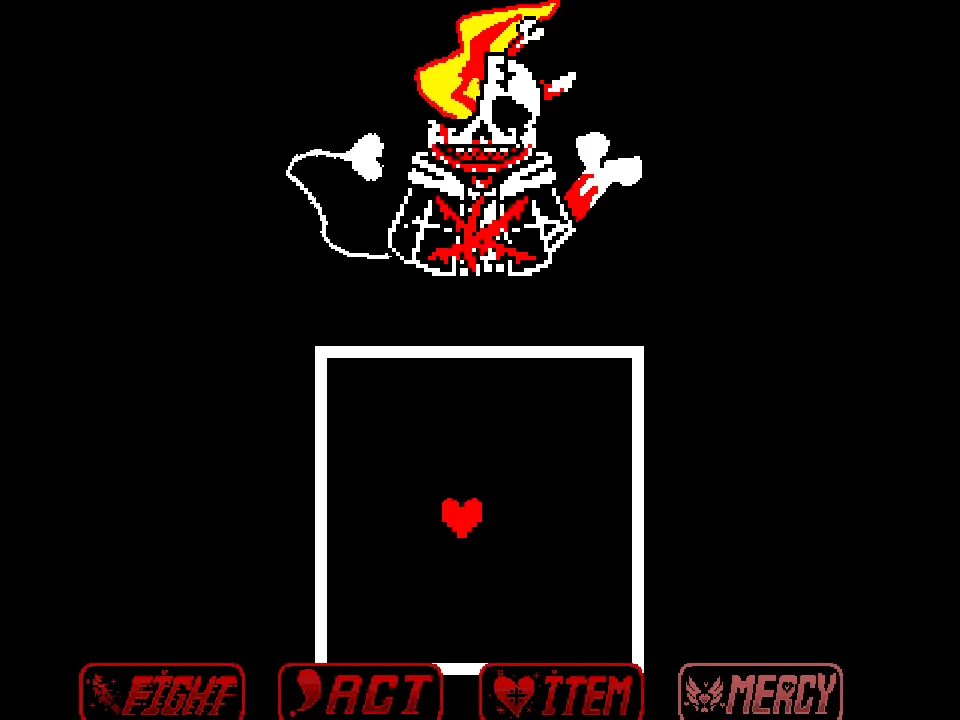
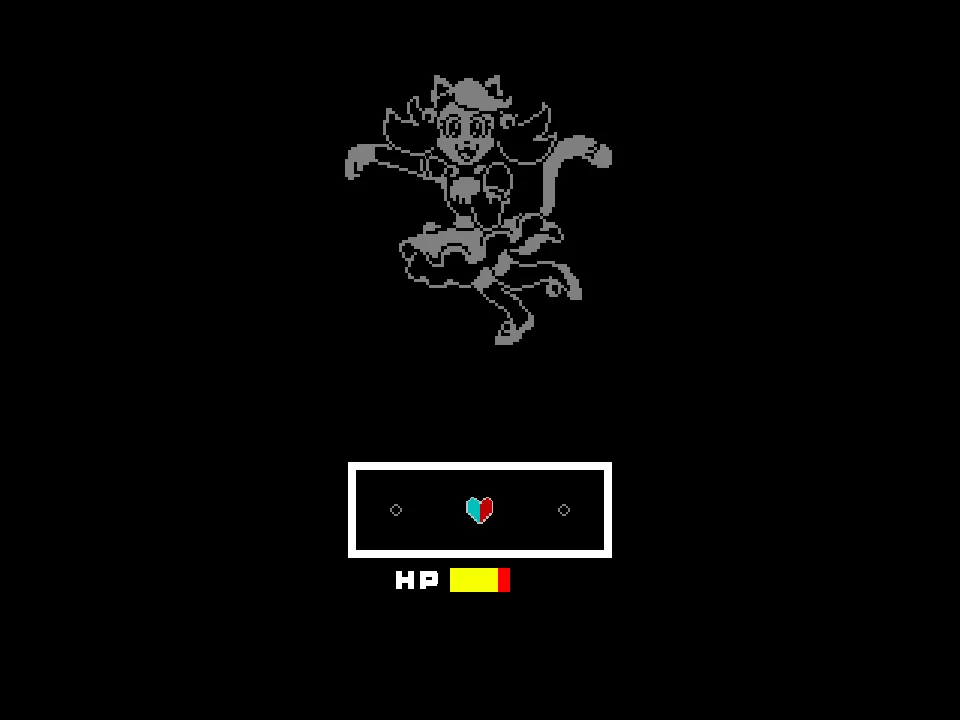
Undertale Annoying Dog Fight Simulator is a charming, retro-styled fan encounter created by developer JBCak3. Built as the direct sister project to the author's popular Temmie fight, this simulator challenges Frisk to an authentic classic Undertale battle against the ubiquitous Annoying Dog. Rather than a frenetic meme brawl, JBCak3 captures the genuine feel of an unreleased Undertale monster encounter, complete with retro text formatting, genuine sprite animations, and balanced sparing mechanics.
To play the game directly in your web browser, click within the game canvas to focus your keyboard. As explained in creator JBCak3's instructions: 'This fight is a lot like the temmie fight i made but the annoying dog will give you chance to fight / spare him just wait and they will give you chance. Hi guys because of the amazing views on my temmie fight i made this annoying dog fight. Let me know which fight is harder temmie fight or annoying dog...' These instructions highlight an essential mechanic: patience. By enduring attack waves without hasty decisions, the Annoying Dog will open up distinct opportunities to either defeat or spare him.
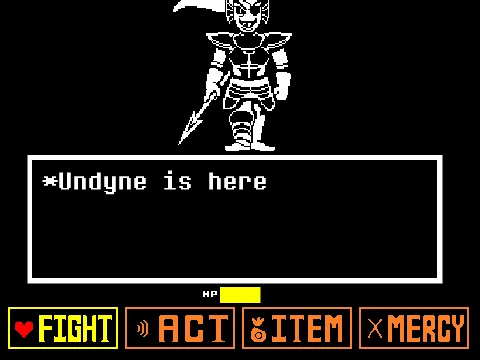
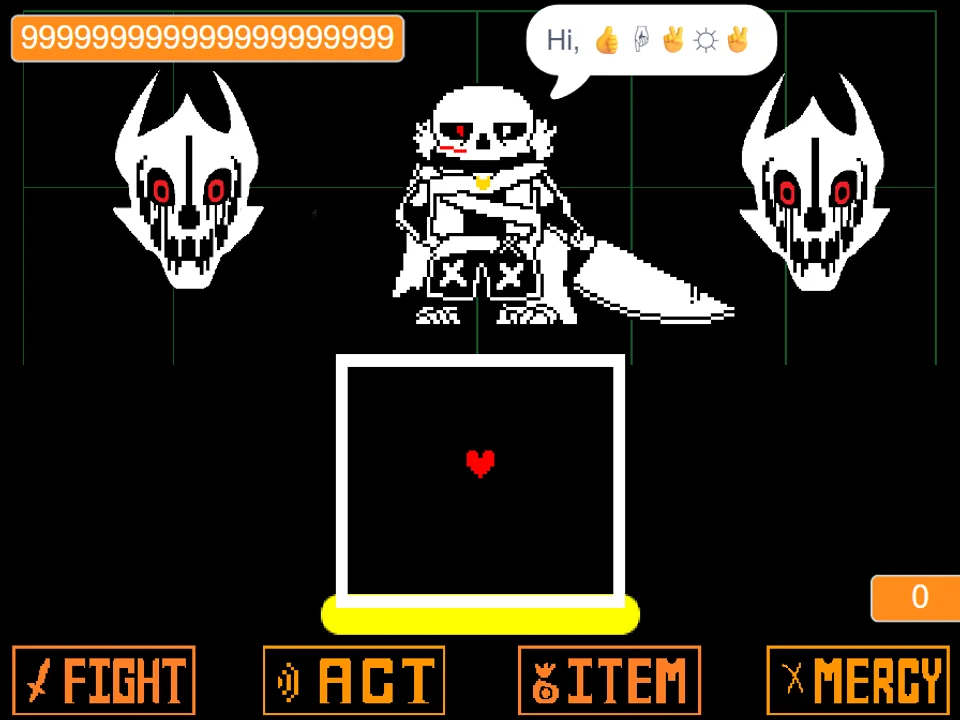
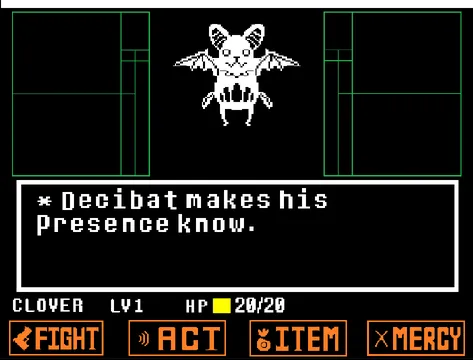
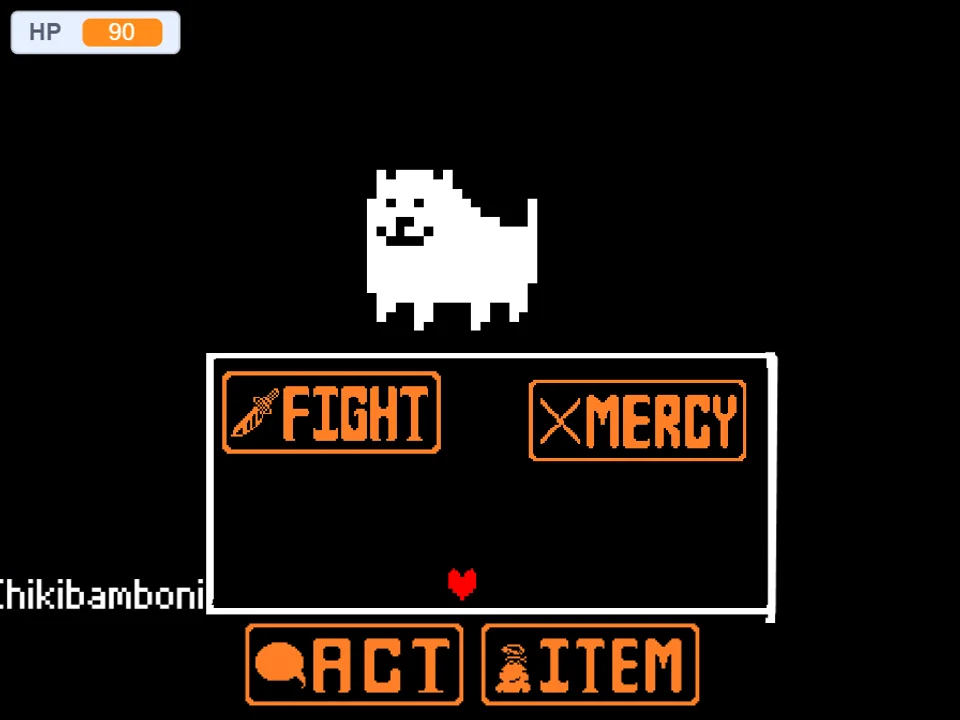
The battle interface provides the four canonical commands: FIGHT, ACT, ITEM, and MERCY. Selecting FIGHT initiates the moving attack bar; timing your Z key press in the center allows you to strike the dog. Selecting ACT allows you to Check the dog's stats, call for help, or offer food treats. Using ITEM lets you heal using standard inventory snacks.
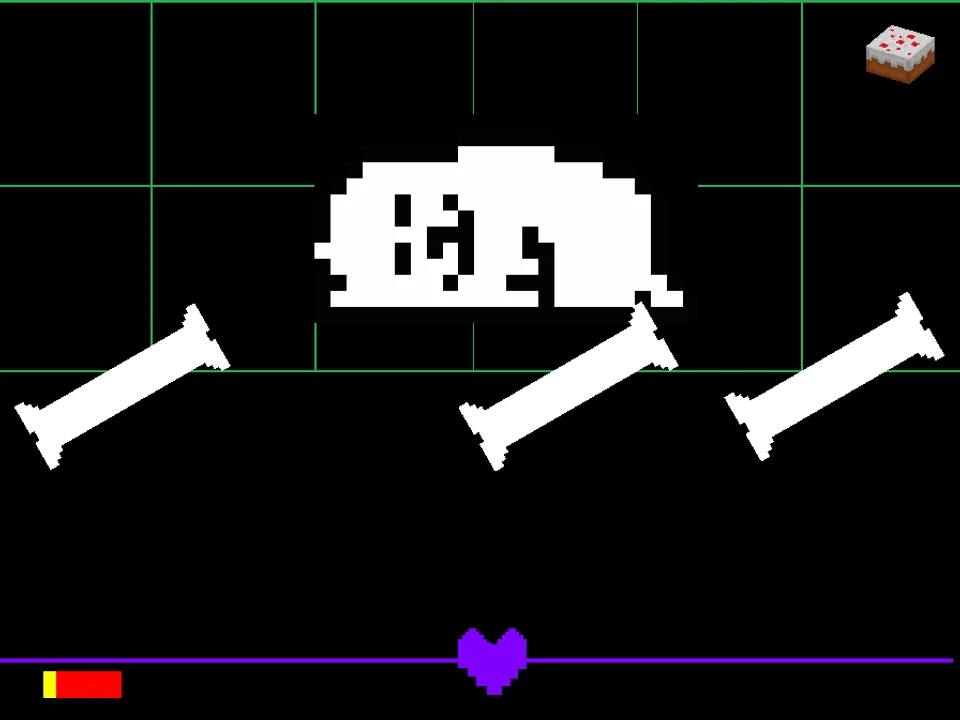
During the Annoying Dog's attack turns, your red SOUL navigates through creative, comedic hazards inside the combat box. The dog snores while floating across the arena, launches rhythmic bark projectile waves, summons stretching neck sprites, and rolls across the floor in a toy car. Surviving requires steady patience and disciplined dodging until the sparing window presents itself.
Keyboard Controls & Input Guide
| Key | Action |
|---|---|
| Arrow Keys | Steer the red SOUL within the bullet arena and browse menu commands. |
| Z / Enter | Confirm menu selections (FIGHT, ACT, ITEM, MERCY), strike the attack reticle, and advance dialogue. |
| X / Shift | Cancel current menu selections and accelerate dialogue text. |
| Mouse Click (Canvas) | Click directly on the game frame before beginning to ensure your web browser directs keyboard events to the game. |
Inputs are direct and responsive. The Arrow Keys and Z key provide complete control over both combat actions and evasive maneuvering.
About Undertale Annoying Dog (JBCak3), Temmie Heritage & Mechanics
In the expansive catalog of Undertale fan games, developer JBCak3 earned widespread acclaim for creating authentic, retro-accurate battle simulators that feel like lost encounters from Toby Fox's original 2015 game. Following the viral success of their Temmie battle simulator, JBCak3 created Undertale Annoying Dog Fight to answer a persistent community question: what if the Annoying Dog had an official random encounter in the Underground?
The project faithfully recreates the visual language of the original game, from the monochromatic pixel art of the dog snoozing comfortably in the center of the screen to the classic dialogue font and sound effects. Special credit is given in the project notes to community contributors Shaneewany, 321SG123, and Toby Fox for supporting assets and inspiration.
What sets JBCak3's adaptation apart from Annoying Dog Toby Fox Fight Simulator by levmih is its deliberate, classic encounter pacing. Instead of high-speed meme chaos, this fight rewards observational patience: the dog attacks in structured cycles, periodically providing clean sparing and striking windows. For more encounters with the creator persona, explore Toby Fox Fight Simulator, or test your dodging against the classic skeleton brothers in Bad Time Simulator.
Encounter Structure & Sparing Mechanics
JBCak3's Annoying Dog encounter is built around patient turn-based observation:
- The Waiting Mechanic: As noted by JBCak3, the Annoying Dog does not become instantly spareable on turn one. Players must survive several consecutive attack waves, demonstrating patience until the dog yawns, wags its tail, and turns its name yellow under the MERCY menu.
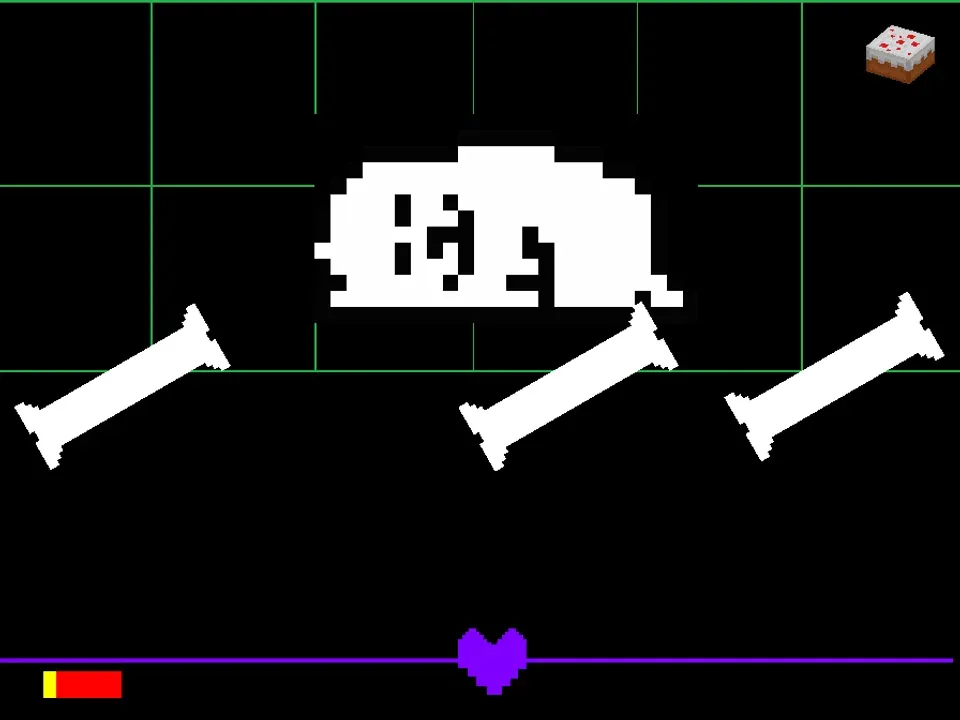
- Snoozing Dog Trajectories: The Annoying Dog falls asleep and floats diagonally across the box, bouncing off the walls while generating small 'Zzz' letters that drift upward. You must steer around both the sleeping dog's body and the rising letters.
- Stretching Neck Hazard: Replicating the Greater Dog's comedic anatomy, the Annoying Dog's neck stretches horizontally across the arena, dividing the box into upper and lower halves and forcing quick vertical leaps.
- Toy Car Drive-By: The dog hops into a tiny toy car and drives horizontally across the floor of the box at varying speeds. You must time a clean jump over the vehicle or position your SOUL along the ceiling.
Tactical Tips & Survival Guidelines
Mastering JBCak3's Annoying Dog fight requires calm positioning and patience. Implement these key strategies:
- Exercise Patience to Trigger the SPARE Window: As emphasized in the creator's instructions, do not rush into continuous attacks. Endure 3-4 consecutive attack turns, and the Annoying Dog will naturally provide a sparing window where MERCY turns yellow.
- Stay Above the Toy Car During Drive-Bys: When the dog drives across the arena floor in his toy car, immediately move your red SOUL into the upper third of the box to avoid the vehicle hitbox entirely.
- Slip Underneath Rising 'Zzz' Letters: When the snoozing dog floats across the screen, letters drift upward toward the ceiling. Position your SOUL along the bottom floor and step underneath the rising letters as they ascend.
- Use Short Taps When Dodging Bark Pulses: Bark sound waves spread outward in expanding rings. Use gentle, rhythmic taps on your Arrow Keys to slip through the gaps rather than holding down keys.
- Check Stats Under ACT for Clues on Dog Mood: Selecting ACT and choosing Check provides updated narrative descriptions of the dog's disposition, signaling when the sparing threshold is about to open.
- Keep a Healing Snack for Unexpected Bounces: The sleeping dog can occasionally execute an unexpected ricochet off the arena wall. Keep at least one food item in your inventory to recover from accidental collision damage.
Frequently Asked Questions
Who created Undertale Annoying Dog Fight?
The fan game was developed by community creator JBCak3 as a retro encounter project following the success of their popular Temmie battle simulator.
How do I spare the Annoying Dog in this version?
As noted in developer JBCak3's instructions, you must survive several attack turns with patience. After enduring the initial attack cycles, the dog will offer an opportunity to spare him under the MERCY menu.
How does this compare to the Temmie fight mentioned by the author?
Both fights share JBCak3's retro encounter design, but while Temmie relies on fast erratic muscle spasms, the Annoying Dog tests patience through snoozing drifts, toy car drive-bys, and stretching neck attacks.
What are the exact keyboard controls for the game?
Use the Arrow Keys to navigate menus and steer your SOUL. Press Z or Enter to select actions, strike the attack reticle, and advance text. Press X or Shift to cancel selections.
Can I defeat the Annoying Dog by attacking?
Yes, you can choose FIGHT on your offensive turns and strike the attack meter. Depleting the dog's HP provides a combat victory alongside the peaceful sparing resolution.
Can I play this game on mobile devices?
The simulator is designed for desktop and laptop web browsers with hardware keyboard inputs. Touchscreen controls are not supported.
What happens if I get hit by the toy car attack?
The toy car inflicts a moderate chunk of damage and can briefly knock your SOUL across the arena. Staying near the top edge of the box is the safest way to avoid it.