






























How to Play Undertale Froggit Fight Simulator
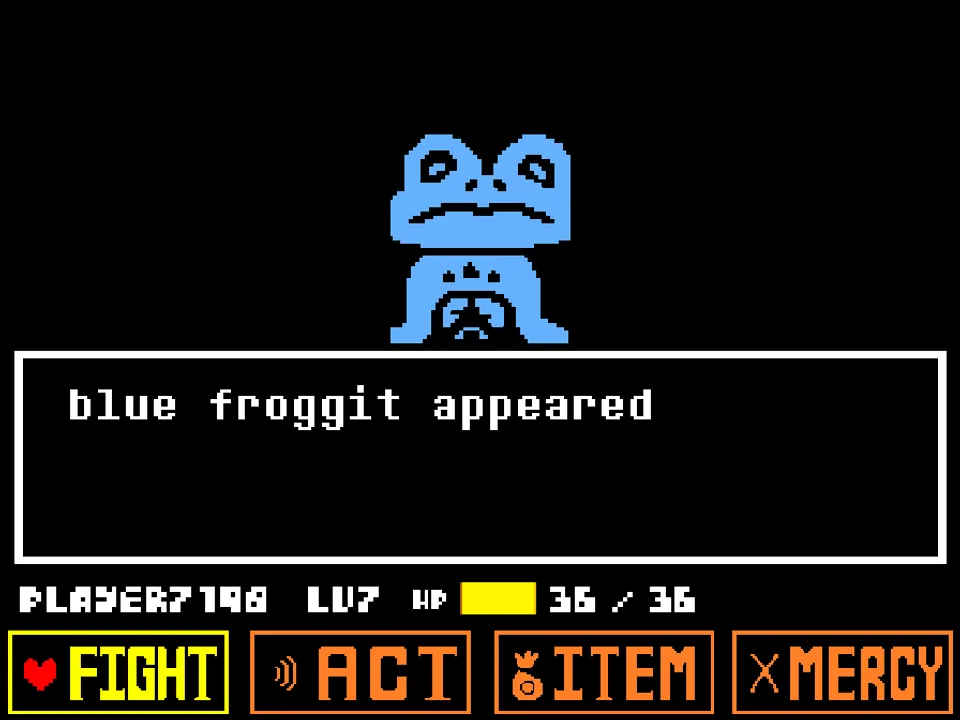
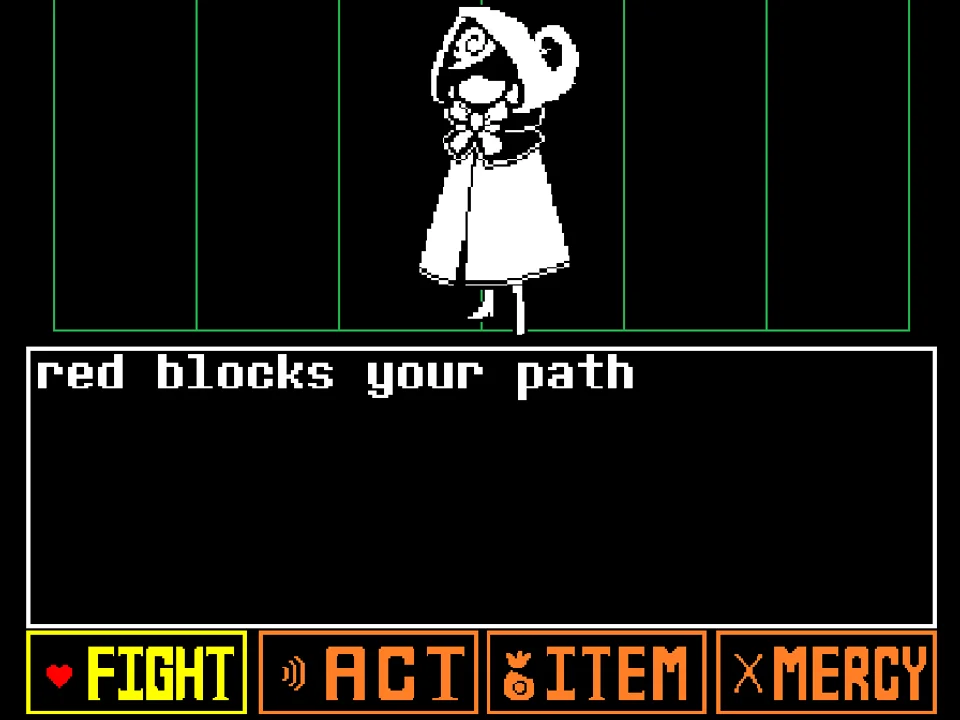
Undertale Froggit Fight Simulator (titled froggit battle by creator naoki20072) is an authentic recreation of the very first monster battle players experience in Undertale's Ruins. While end-game AU simulators focus on relentless bullet hell intensity, this encounter provides the foundational training ground where every Undertale player first learns the core rhythm of turn-based combat, the emotional resonance of the ACT system, and the physical mechanics of red SOUL dodging.
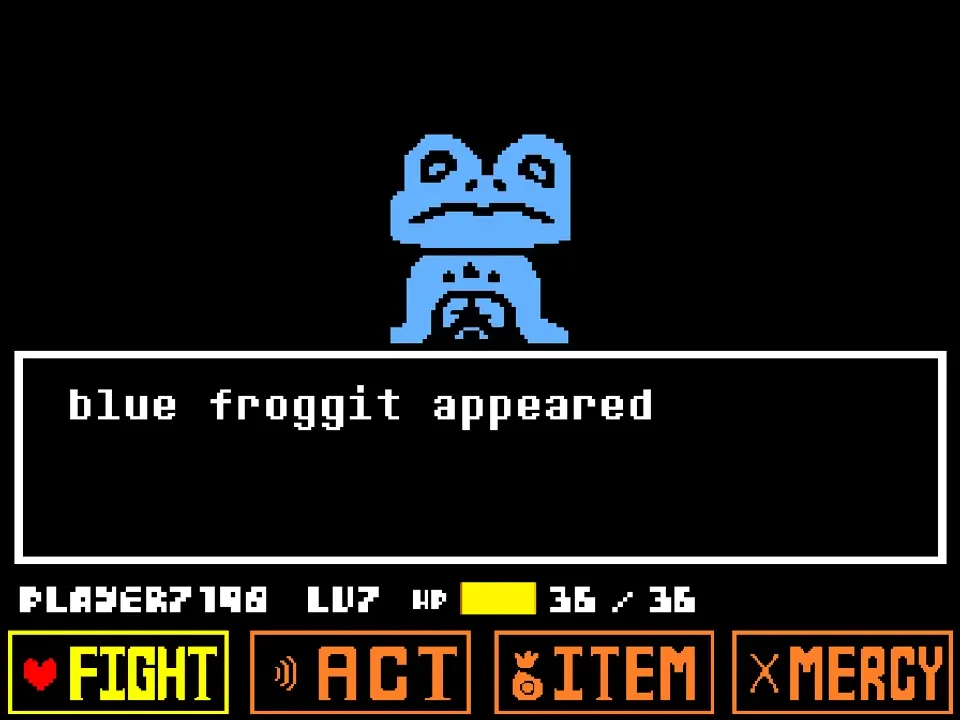
To play the game directly in your browser, click within the game canvas to focus your keyboard controls. As listed in developer naoki20072's instructions: 'Arrow key and Z and X / 矢印キーとZとX'. The game loads with the iconic encounter sound effect as Froggit hops into view against the retro black combat backdrop. The encounter text displays: 'Froggit attacks you!', inviting players to test both violent and peaceful combat strategies.
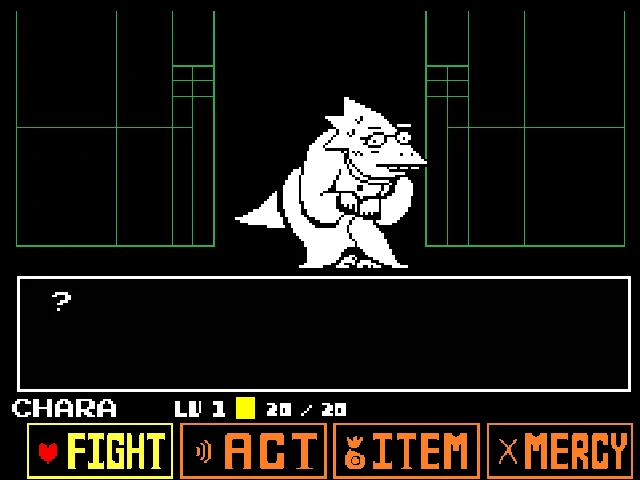
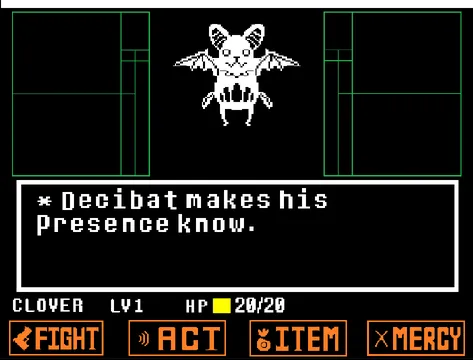
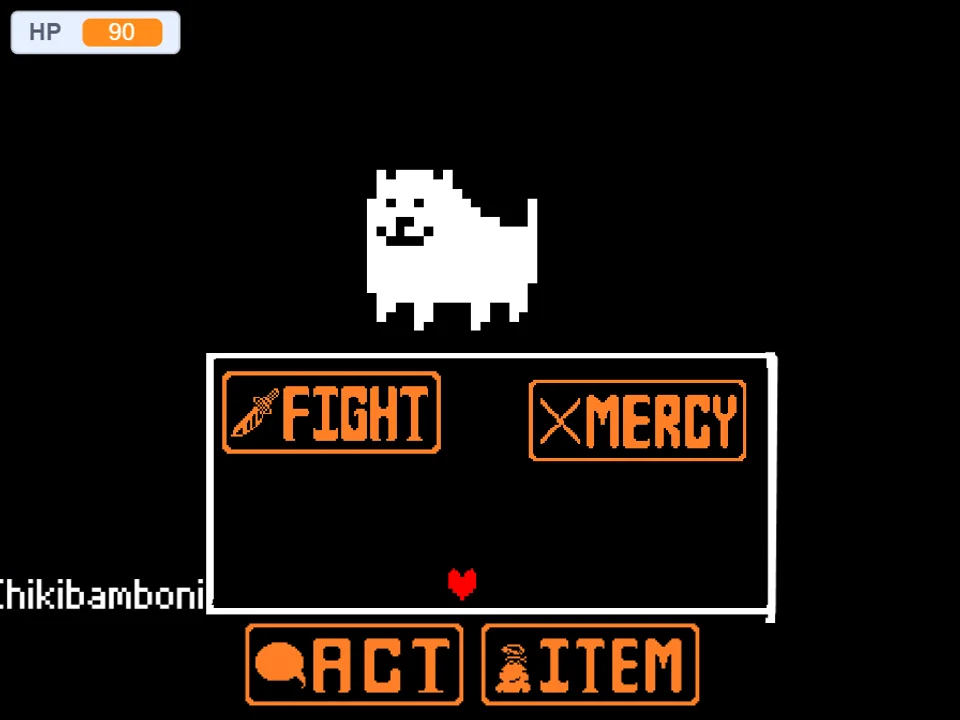
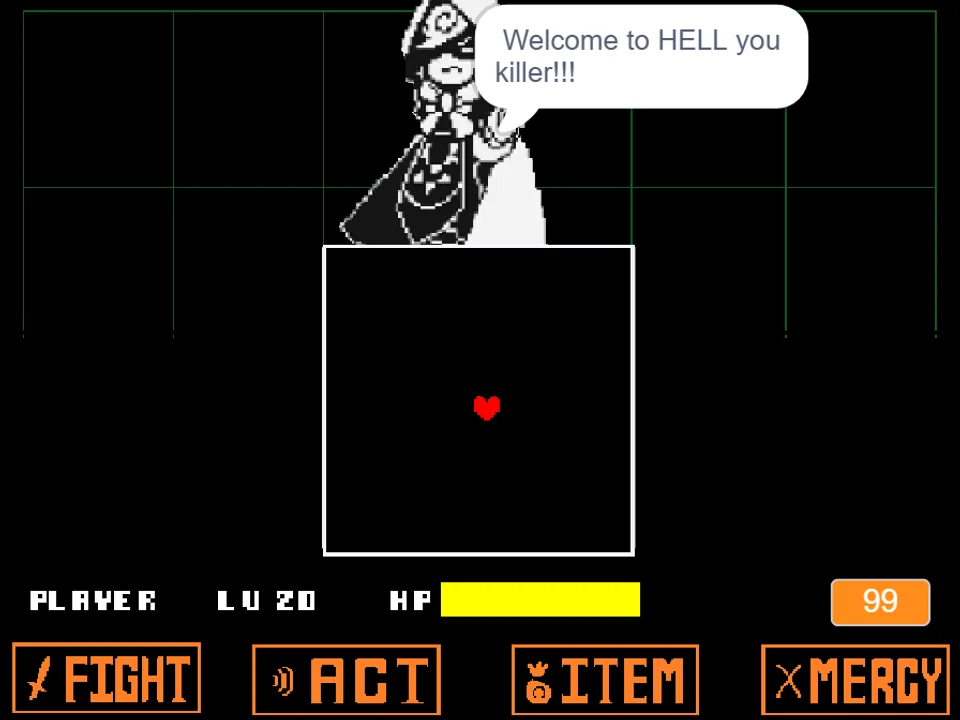
The battle interface provides the four canonical commands: FIGHT, ACT, ITEM, and MERCY. Selecting FIGHT initiates the horizontal reticle meter; timing your Z key press in the center delivers a decisive strike with the Toy Knife or Stick. Selecting ACT opens Froggit's distinct behavioral interactions: you can Compliment Froggit (making it blush and lowering its combat aggression) or Threaten it (frightening it into considering mercy). Using ITEM lets you consume healing treats like Monster Candy.
During Froggit's attack turns, your red SOUL navigates two classic Ruins bullet patterns inside the combat arena: the Leaping Frog Attack, where a small white frog hops diagonally across the arena floor, and the Floating Fly/Firefly Attack, where undulating flies drift down in gentle waves. These patterns teach fundamental dodging instincts: reading parabolic arcs and identifying safe gaps between low-speed projectiles.
Understanding the exact arithmetic of Froggit's combat values provides great insight into early-game balance. In naoki20072's simulator, Froggit starts with 6 HP and 20 Defense, while the player controls Frisk with 36 HP. Landing a clean, centered hit with the FIGHT reticle deals around 10 to 15 damage, meaning a single well-timed strike is sufficient to defeat Froggit immediately. Conversely, if pursuing the pacifist route, using ACT and selecting Threaten immediately frightens Froggit, turning its name yellow on the very next turn and allowing an effortless SPARE without risking damage.
Input Controls & Action Keys
| Key | Action |
|---|---|
| Arrow Keys | Steer the red SOUL within the combat arena and navigate through battle menu options. |
| Z / Enter | Confirm menu selections (FIGHT, ACT, ITEM, MERCY), strike the attack reticle, and progress text. |
| X / Shift | Cancel current menu selections and accelerate dialogue display. |
| Mouse Click (Canvas) | Click directly on the game frame before beginning to ensure your web browser directs keyboard events to the game. |
Inputs are direct and responsive. The Arrow Keys and Z key provide complete control over both combat actions and evasive maneuvering.
About Froggit, The Ruins Monster & Battle Significance
In Toby Fox's original masterpiece, Froggit holds a special place in gaming history as the creature that introduces players to the revolutionary concept that you do not have to destroy monsters to progress. Froggit doesn't understand human speech, but it responds to tone, posture, and emotional intent. Developed by naoki20072, this simulator faithfully preserves the charming quirks, sprite animations, and signature sound design of that legendary Ruins tutorial encounter.
Beyond its charm, Froggit serves as the ultimate benchmark for understanding Undertale's attack geometry. The small leaping frog attack teaches players how to read ground arcs and execute short vertical hops, while the floating fireflies teach gentle horizontal lane-drifting. For speedrunners, newcomers, and AU creators alike, mastering Froggit's fundamentals is the stepping stone to conquering complex encounters.
The soundtrack features the beloved early-game battle theme Enemy Approaching, with its bouncy synth rhythm and energetic bassline. After mastering the fundamentals against Froggit, test your skills against the guardian of the Ruins in Toriel Fight Simulator, or explore the comedic trials of the Snowdin sentry in Papyrus Fight.
Encounter Tactics & Classic Ruins Attack Patterns
Undertale Froggit Fight faithfully implements the monster's two canonical attack formations:
- The Leaping Frog Arc: A miniature frog appears in the lower corner of the box and executes high, hopping leaps across the floor toward the opposite wall. The key to dodging is maintaining center-ground and stepping underneath the frog's apex as it reaches the peak of its hop.
- Floating Fly Waves: Swarms of small flies drift downward from the top of the box in wavy, oscillating paths. Because flies travel at low velocity, you have ample time to read the widest corridor between them and gently slide through.
- Compliment vs Threaten ACT Chains: Selecting ACT and choosing 'Compliment' confuses Froggit, causing it to blush and reducing its attack duration. Choosing 'Threaten' scares Froggit, immediately turning its name yellow and unlocking the SPARE command under MERCY.
- FIGHT Reticle Practice: With Froggit set to exactly 6 HP (20 DEF) and player HP at 36, this encounter is the ideal sandbox for practicing center-bullseye strikes on the moving attack reticle without facing lethal counter-damage.
Beginner Tips & Fundamental Dodging Drills
Whether you are learning Undertale mechanics for the first time or warming up your reflexes, apply these core tips:
- Walk Underneath the Leaping Frog at Its Apex: When the small frog hops across the arena, do not try to jump over it. Wait until the frog reaches the highest point of its jump, then simply walk underneath it along the bottom floor.
- Use 'Threaten' for the Fastest Pacifist Spare: If you want to end the battle peacefully in the minimum number of turns, select ACT and choose Threaten. Froggit will immediately become eligible to spare on the subsequent turn.
- Make Micro-Adjustments During Fly Waves: Floating flies oscillate gently left and right. Avoid erratic, wide movements that can propel your heart into a drifting fly; instead, make subtle, steady taps on your Arrow Keys.
- Use Froggit as a Reticle Timing Calibration Tool: The speed of the attack reticle in this simulator matches the standard Undertale engine. Spend several turns practicing your strike timing to consistently hit center criticals.
- Experiment with Both Compliment and Threaten Dialogue: Froggit's text bubbles vary depending on your actions ('Froggit didn't understand what you said, but was flattered anyway'). Reading its reactions is part of the classic charm.
- Stay in the Horizontal Center of the Box: Centering your red SOUL between attack waves gives you equal room to react whether the leaping frog spawns from the left or right perimeter.
Frequently Asked Questions
Who developed Undertale Froggit Fight Simulator?
The fan game was created by developer naoki20072 as a faithful web recreation of the iconic Froggit battle from Undertale's Ruins.
How do I spare Froggit peacefully?
Select ACT and choose either Compliment or Threaten. Threatening Froggit immediately frightens it and turns its name yellow, allowing you to select SPARE under the MERCY menu on your next turn.
What are the exact controls for the game?
Use the Arrow Keys to steer your SOUL and browse menus. Press Z or Enter to confirm choices, time attacks, and advance text. Press X or Shift to cancel menu selections.
What attacks does Froggit use?
Froggit employs two classic Ruins attack patterns: a small frog that hops in arcs across the arena floor, and waves of small flies that oscillate downward from the ceiling.
Can I play this simulator on a mobile phone?
The game requires hardware keyboard inputs (Arrow Keys, Z, and X) for directional movement and menu confirmation, so playing on a desktop or laptop web browser is recommended.
Why is Froggit such an important monster in Undertale?
Froggit is the very first monster encountered in the Ruins, introducing players to Toby Fox's revolutionary turn-based system where monsters can be spared through non-violent ACT choices.
How much health does Froggit have?
Froggit has 30 HP, making it an accessible early-game opponent that can be defeated in 1-2 well-timed FIGHT strikes or spared within 2 turns through ACT.
Why does Threaten spare Froggit faster than Compliment in this simulator?
In Undertale's game logic, complimenting Froggit causes it to blush and lowers its attack damage, but it requires two turns of interaction to qualify for mercy. Threatening Froggit immediately triggers its fright condition, making its name turn yellow instantly on the following turn for the fastest possible pacifist resolution.