

































How to Play Undertale RED Fight Simulator
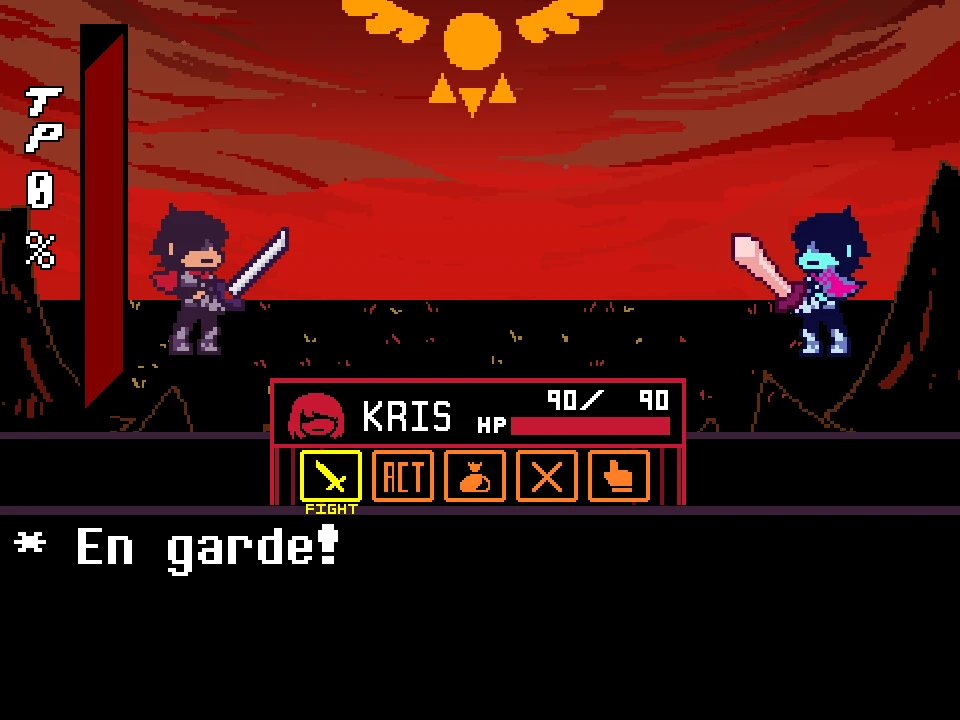
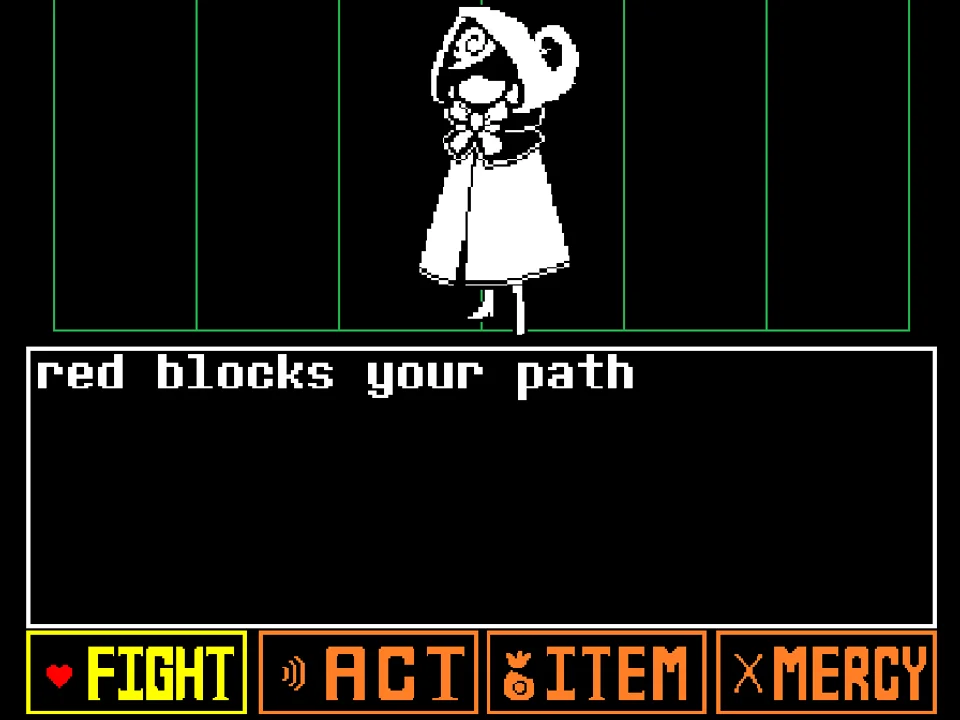
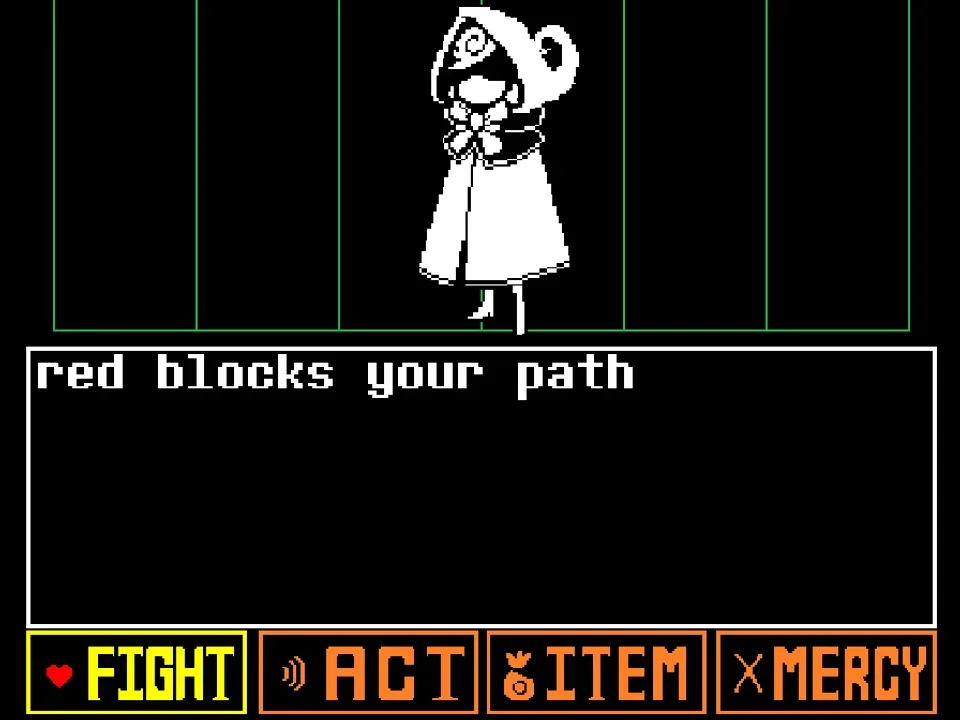
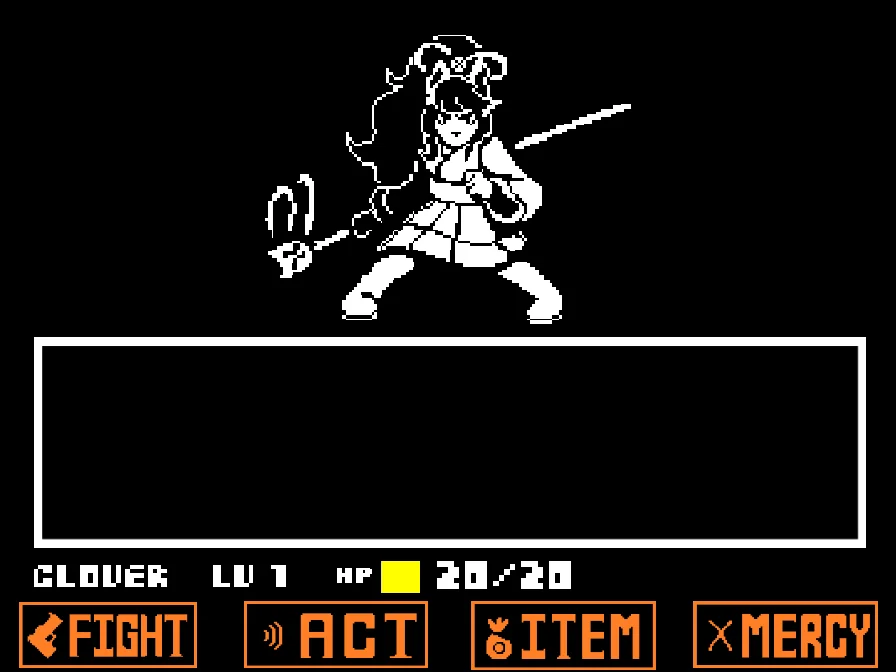
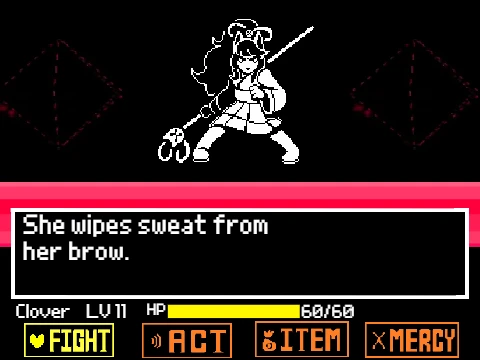
Undertale RED Fight Simulator (titled Undertale Red Battle by creator Joey1987) is a faithful browser-based fan recreation inspired by Taxiderby's legendary standalone masterpiece, Undertale RED. Introducing Red, an elite sword-wielding Royal Guard recruit clad in a crimson cloak and hood, this encounter challenges Frisk to an intense trial of swordsmanship, ribbon agility, and combat discipline within the Underground.
To play the game in your browser, click within the player window to establish keyboard focus. As recommended in developer Joey1987's instructions: 'Use the right and left arrow keys to hover over an action. Use Z to select and X to back out. When attacking, press the Z key to attack. Hitting yellow does 5 damage, orange does 10, and red does 15. Red has 200 HP. Use the arrow keys to move. Use your items to heal. Press 1 to show and hide the health bar at the top of the screen. You can only FIGHT.' These clear rules set the foundation for this streamlined combat duel.
The battle focuses squarely on the pure physical test between Frisk and Red. With Red possessing 200 total HP, players must land accurate strikes on the FIGHT reticle. Timing your Z press precisely in the red center zone deals 15 damage, orange deals 10, and yellow deals 5. Pressing the 1 key toggles Red's numerical health bar at the top of the screen, allowing you to monitor her remaining vitality throughout the fight.
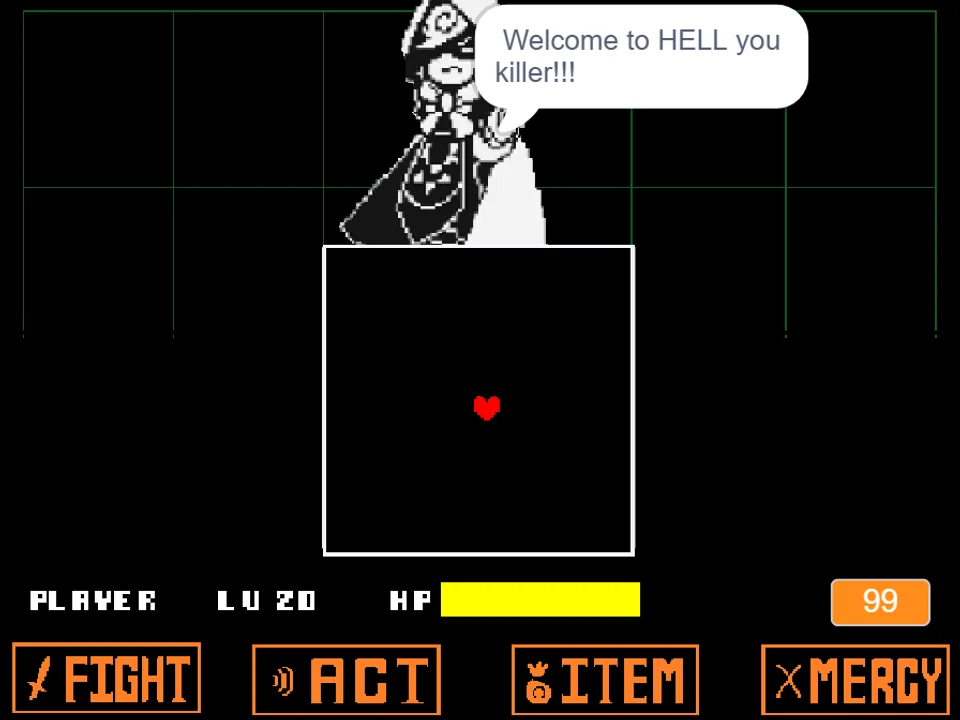
During Red's attack turns, your red SOUL dodges an exquisite variety of sword-based and craft-based hazards. Red swings her heavy broadsword to slice the combat box in half, spins giant red shears across the arena, drops explosive pompom bombs that scatter yarn projectiles, and pulls red ribbons that tether and constrain the movement boundaries of your heart. Precision dodging and swift reaction to her visual tells are required to survive.
Game Controls & Action Shortcuts
| Key | Action |
|---|---|
| Left / Right Arrow Keys | Navigate horizontally between action buttons on the battle interface. |
| Arrow Keys (Battle Box) | Steer the red SOUL freely within the combat boundaries during enemy attack turns. |
| Z / Enter | Select action options, confirm dialogue, and strike on the attack reticle. |
| X / Shift | Back out or cancel current submenu choices. |
| 1 Key | Toggle the boss health bar display on or off at the top of the screen. |
| Mouse Click (Canvas) | Click directly on the game frame before beginning to ensure keyboard events register properly. |
Inputs are optimized for standard computer keyboards. Keep one hand ready on the Arrow Keys and the other on Z, X, and 1.
About Undertale RED, Taxiderby's Original & This Adaptation
Originally created by indie developer Taxiderby in 2015, Undertale RED is widely hailed as one of the finest, most polished original boss encounters ever made in the Undertale fandom. Featuring an original character named Red—a passionate, Little Red Riding Hood-inspired monster soldier serving King Asgore—the original game was built as a standalone C++ application praised for its fluid animation, dynamic combat box manipulation, and deep writing. Developer Joey1987 created this web adaptation to bring Red's iconic sword battle directly to browser players without requiring standalone downloads.
This adaptation specifically adapts the core combat duel against Red. Rather than claiming to be the full, multi-hour branched story with Pacifist spare chains, Joey1987 faithfully recreated Red's attack mechanics, damage zones, and signature abilities: her blade slices that split the arena in half, her bouncing pompom bombs, and her sharp crimson shears. The creator explicitly credited both Toby Fox and Taxiderby for their foundational work.
Red's battle theme, composed originally for Taxiderby's game, blends sweeping accordion melodies, military snare drums, and heroic brass fanfare that evokes the spirit of a true knight's duel. For players looking to experience the darker, more aggressive alternate variation, play Undertale RED Genocide Fight Simulator, or test your skills against the Underground's other elite knight in Undyne the Undying Simulator.
Combat Mechanics & Red's Sword Techniques
The battle against Red features distinct mechanical layers tied to her weapons and crafting skills:
- Color-Coded Damage Reticle: The attack meter rewards precision timing. Striking the outer yellow ring deals 5 damage, the orange ring deals 10 damage, and the red bullseye deals 15 damage. Consistently scoring red critical hits is the fastest route through Red's 200 HP pool.
- Broadsword Arena Slices: Red raises her sword and slashes horizontally or vertically across the screen. A dark slice line cuts through the combat box, creating a hazard zone that damages your SOUL if you fail to step across before the blade impacts.
- Pompom Bombs & Yarn Shrapnel: Soft-looking red pompoms bounce across the arena, detonating after several seconds into concentric bursts of yarn needles. Dodging requires keeping distance from the bomb's center before it explodes.
- Spinning Crimson Shears: Massive tailoring shears fly into the arena, snapping open and shut while spinning along diagonal paths. You must anticipate their bounce trajectory off the box walls and slide underneath open shear blades.
Tactical Tips for Defeating Red
Surviving Red's relentless sword assault requires disciplined positioning and patience. Implement these key tactics:
- Use the '1' Key to Monitor Red's Remaining Health: Press the 1 key at the beginning of the fight to display Red's HP bar at the top of the screen. Seeing her health tick down from 200 gives you clear feedback on how close you are to victory.
- Always Aim for the Red Zone on Attack Turns: Because Red has 200 HP, landing 15-damage red critical hits reduces the required number of combat turns to approximately 14, cutting the battle length almost in half compared to yellow strikes.
- Watch the Blade Angle Before Arena Slices: Red's sword tilts in the direction she intends to slash a half-second before the attack executes. If the blade tilts horizontally, shift your SOUL to the extreme top or bottom edge of the box immediately.
- Clear Away from Pompom Bombs Early: Pompoms bounce predictably before detonating. Do not wait for the fuse to burn down; as soon as a pompom settles in a corner, immediately position your SOUL in the opposite quadrant.
- Slip Through Spinning Shears When They Open: Red's giant shears open and shut as they rotate. If you are forced close to a shear, passing through the gap between open blades allows you to avoid contact damage.
- Save Healing Items for the Second Half: Red's attack speed increases once her health drops below 100 HP. Conserve your strongest healing snacks for the late game when overlapping sword slices and pompoms leave minimal reaction time.
Frequently Asked Questions
Is this the original Undertale RED by Taxiderby?
This is an authentic browser-compatible fan adaptation created by developer Joey1987, inspired by and paying tribute to Taxiderby's original standalone 2015 creation Undertale RED.
How much HP does Red have and how does damage work?
Red has exactly 200 HP. On your FIGHT turns, landing on the yellow section of the attack reticle deals 5 damage, orange deals 10 damage, and the red center deals 15 damage.
What does pressing the '1' key do during the fight?
Pressing the '1' key on your keyboard toggles the numerical health bar display for Red at the top of the screen, allowing you to track her remaining health in real time.
Can I use ACT or MERCY to spare Red in this version?
As noted in Joey1987's instructions, this browser battle focuses on the physical duel, meaning victory is achieved through the FIGHT option by reducing Red's 200 HP to zero.
What are the primary controls for playing the game?
Use the Left and Right Arrow Keys to select actions, Arrow Keys to steer your SOUL in battle, Z or Enter to confirm and strike, X or Shift to cancel, and 1 to toggle the boss health bar.
Can I play Undertale RED on mobile devices?
The project is designed for desktop and laptop web browsers with physical keyboard inputs. Touchscreen controls are not supported.
How do I dodge Red's broadsword slice attacks?
Watch the angle of Red's sword as she winds up. A thin guide line indicates where the blade will strike; move your SOUL across to the opposite side of the line before the slash connects.