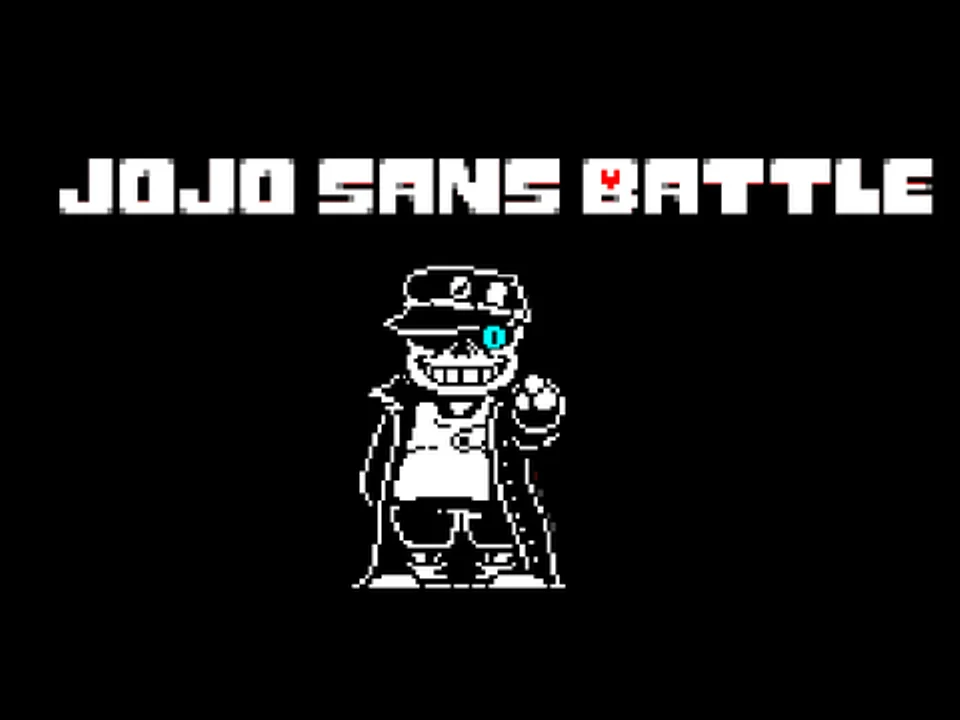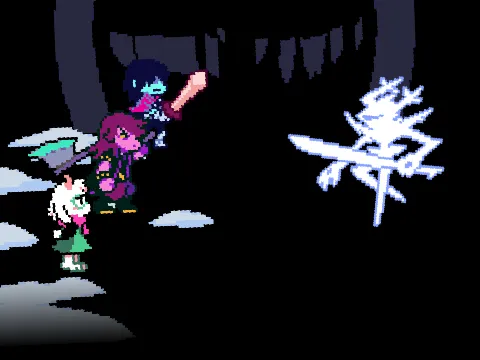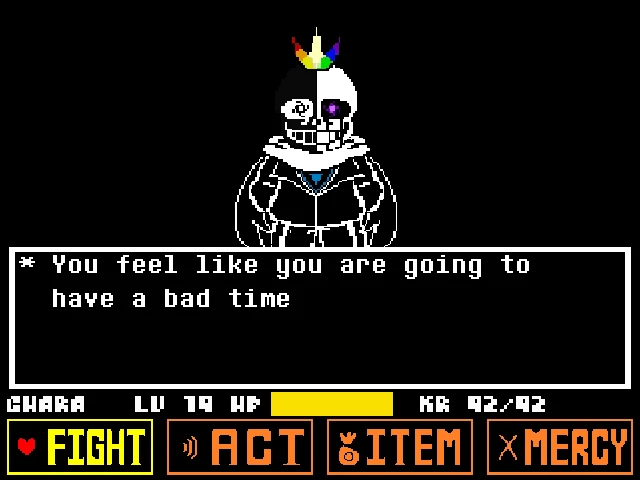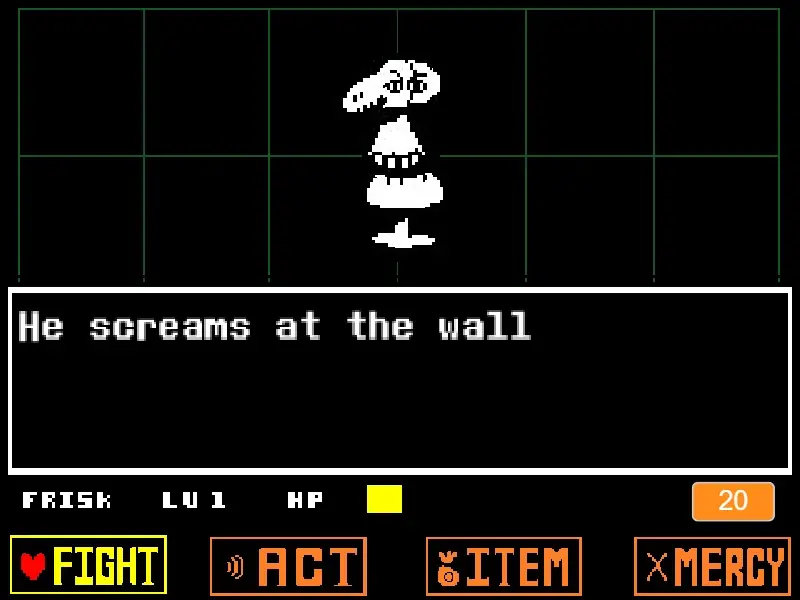

























How to Play Deltarune Goku Fight Simulator
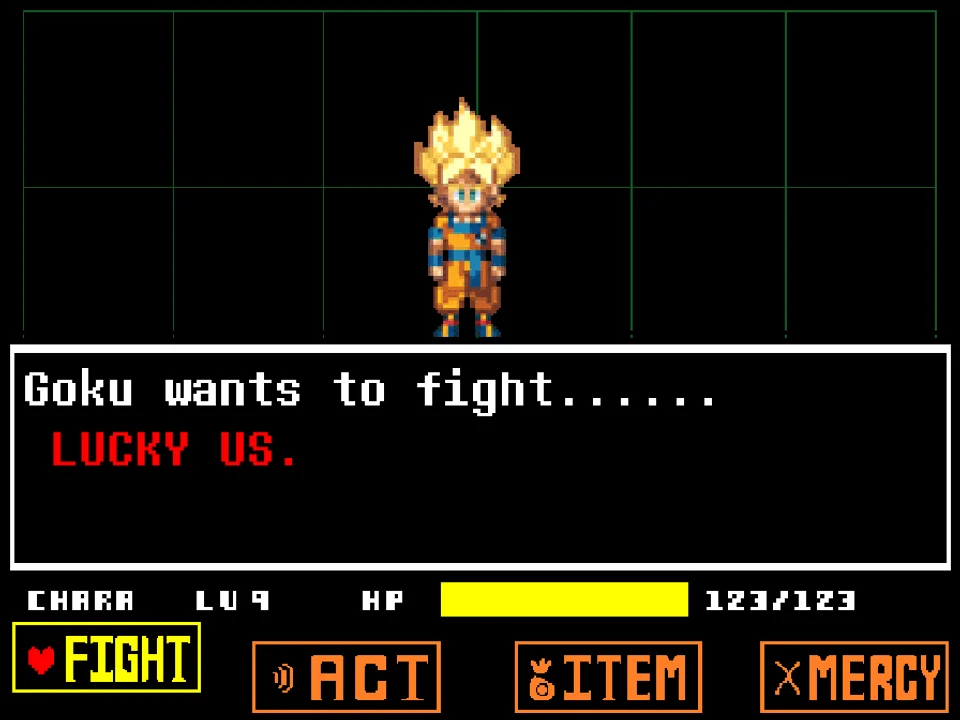
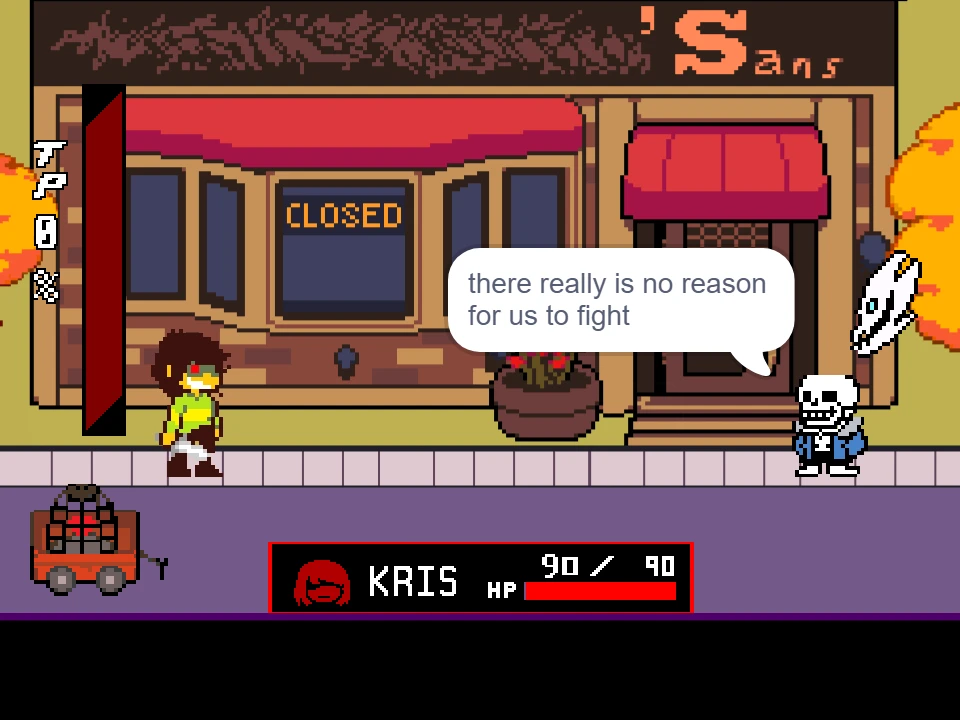
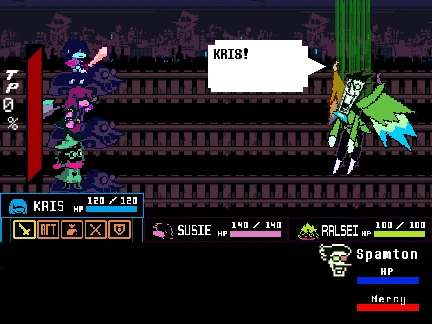
Deltarune Goku Fight Simulator combines the rich, tactical battle mechanics of Toby Fox's Deltarune with the high-octane martial arts universe of Dragon Ball. Developed by independent creator artguyman, this project utilizes a comprehensive Deltarune battle framework featuring grazing mechanics, Tension Points (TP), party commands, and dynamic enemy animations. In this crossover, Kris and the party confront Son Goku, who has entered the Dark World seeking worthy opponents to test his superhuman skills.
To play the game smoothly in your browser, click within the game viewport to focus keyboard controls. The developer notes that if you experience initial animation stutter upon first loading, a quick restart immediately clears any frame cache lag. From the title sequence, navigate with the Arrow Keys and press Z or Enter to confirm selections. Pressing X allows you to cancel menus, run during overworld sequences, or accelerate ongoing text bubbles.
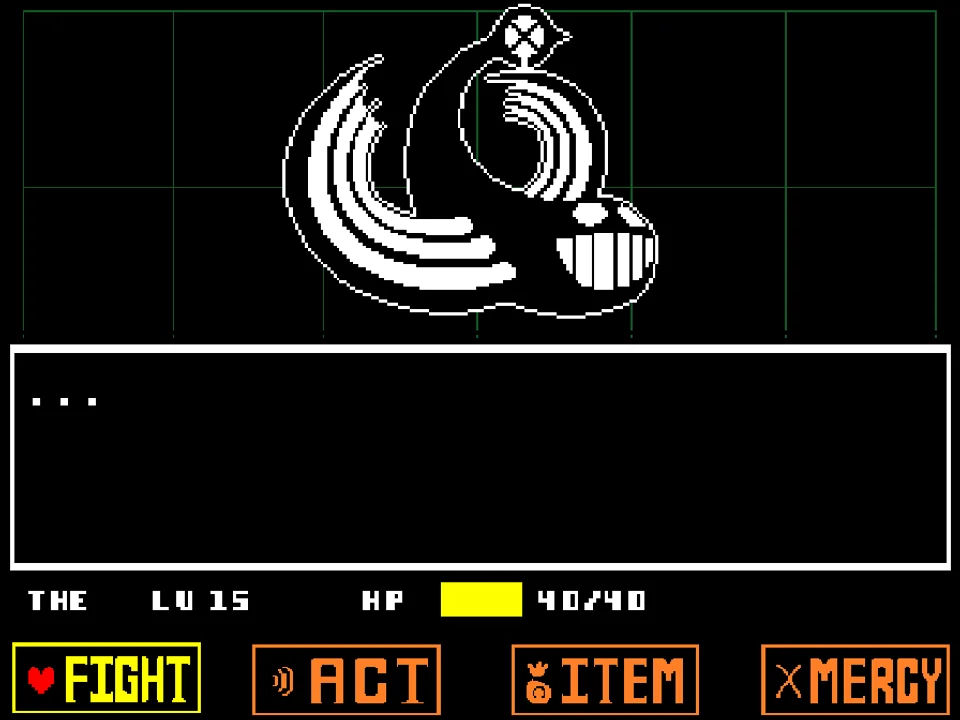
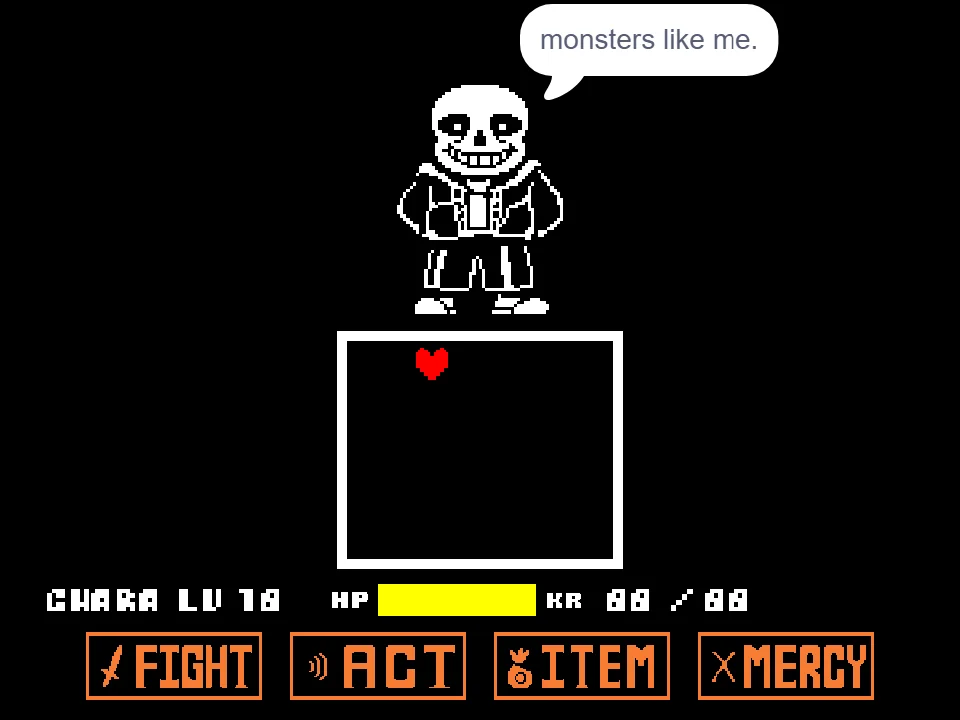
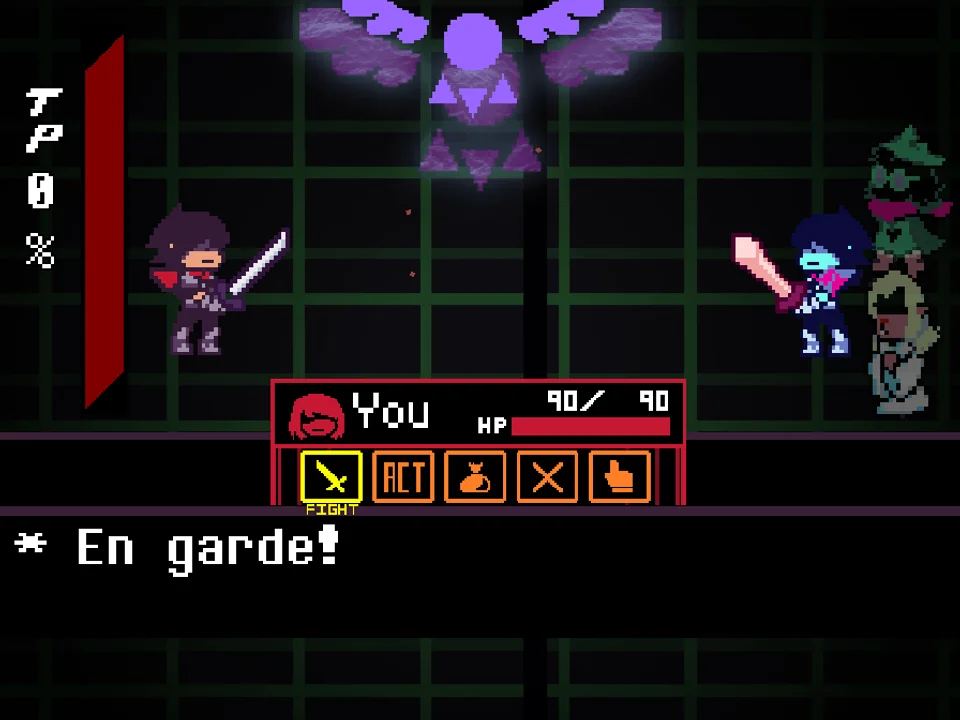
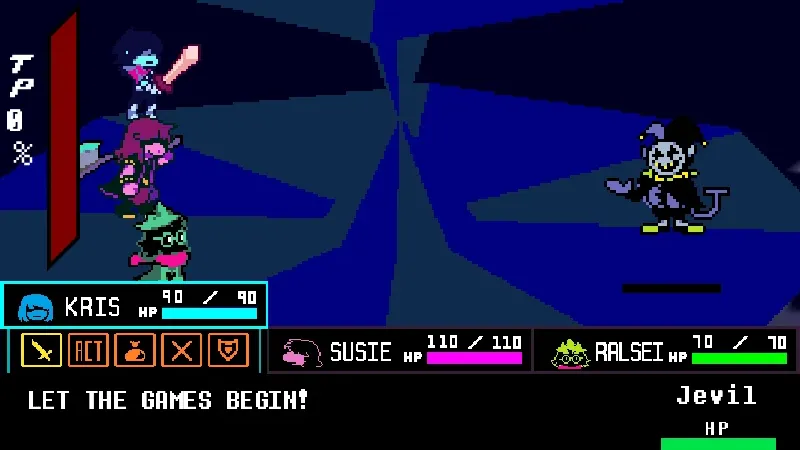
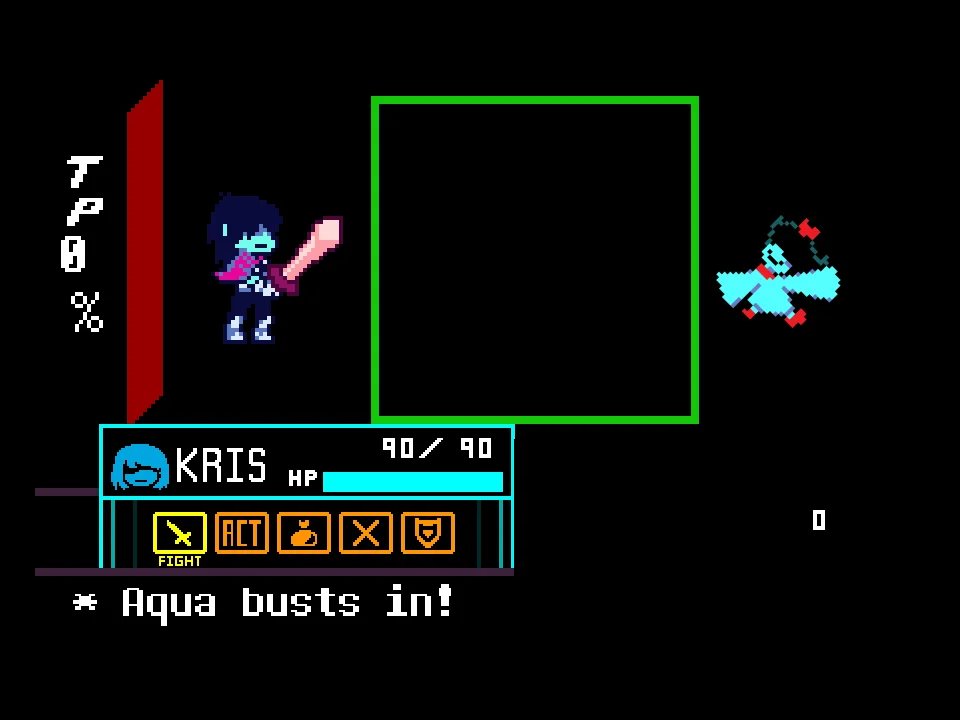
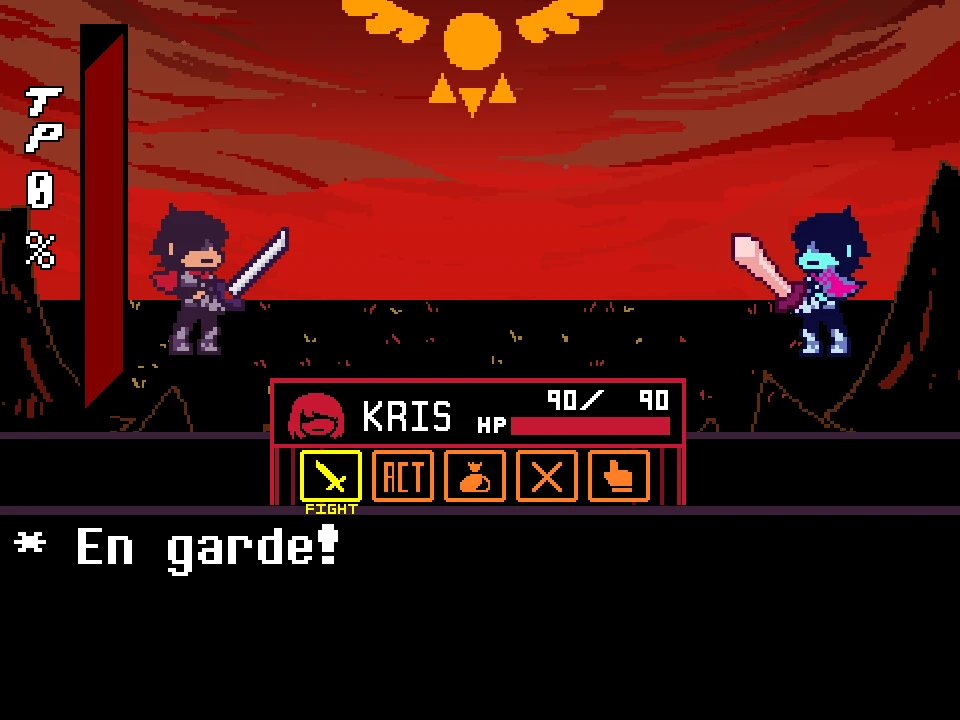
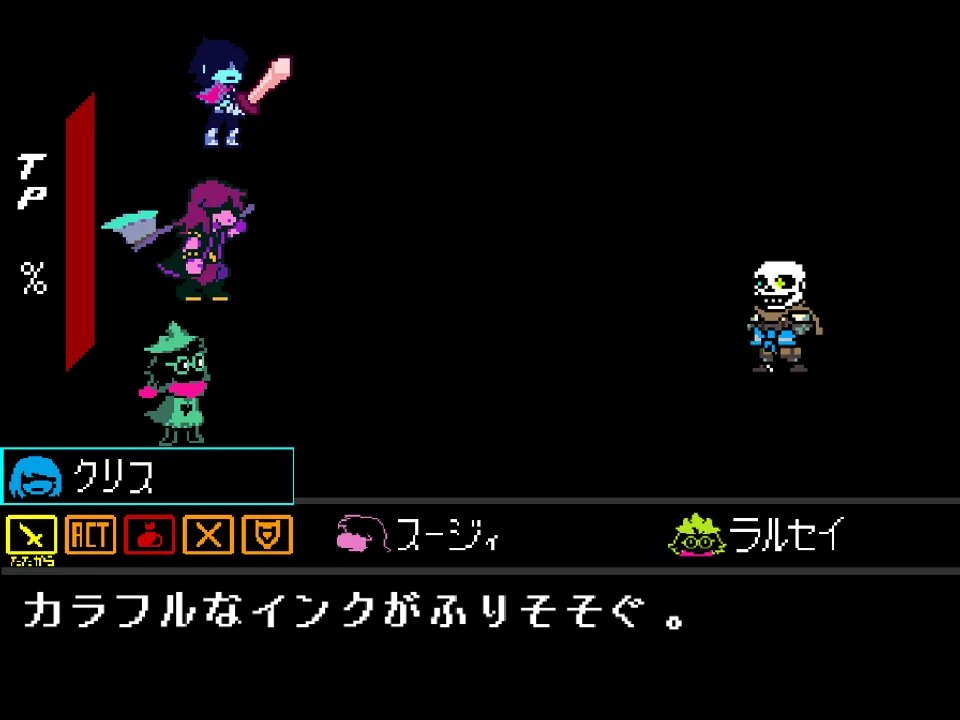
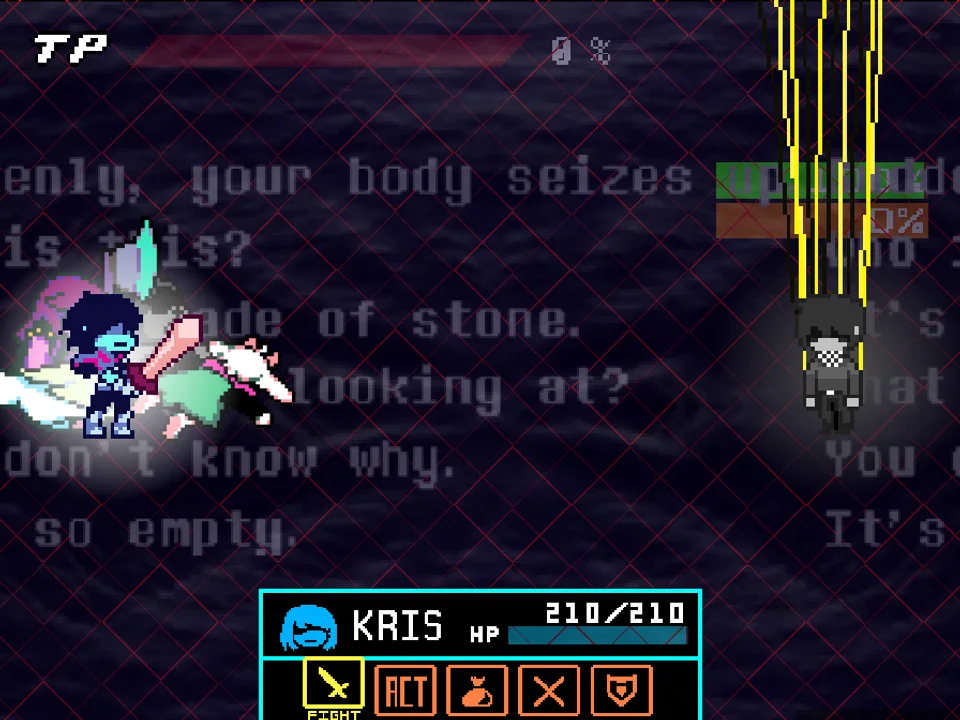
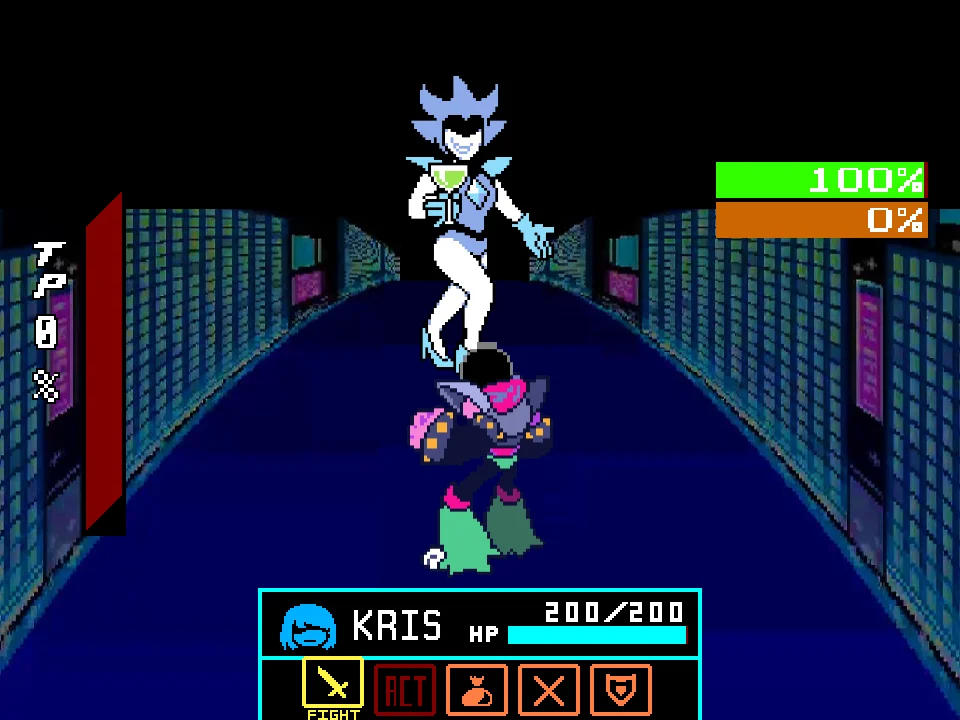
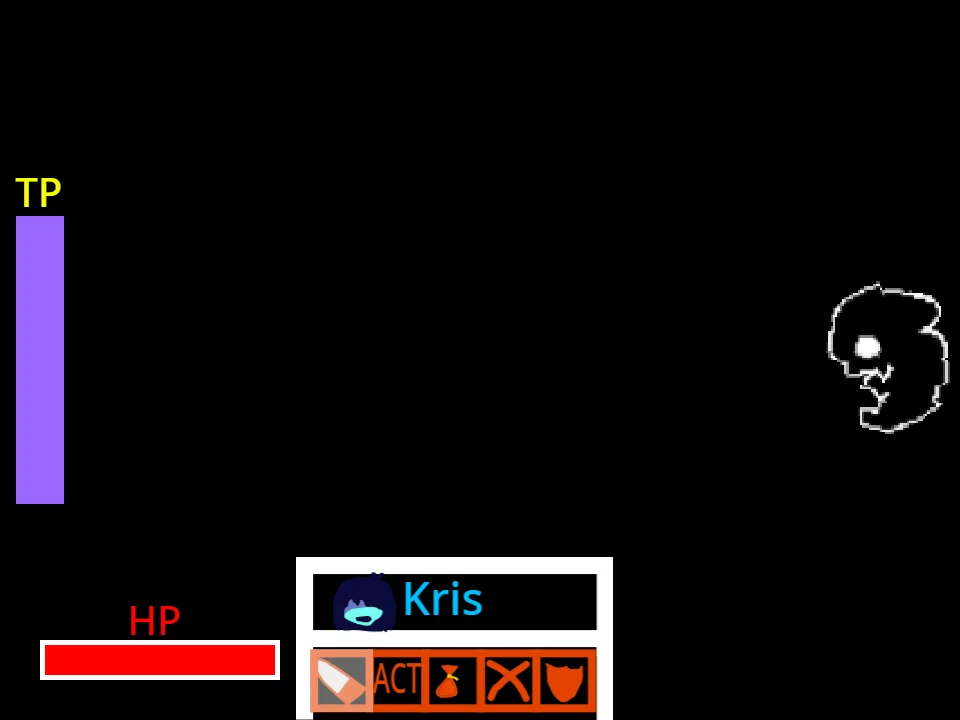
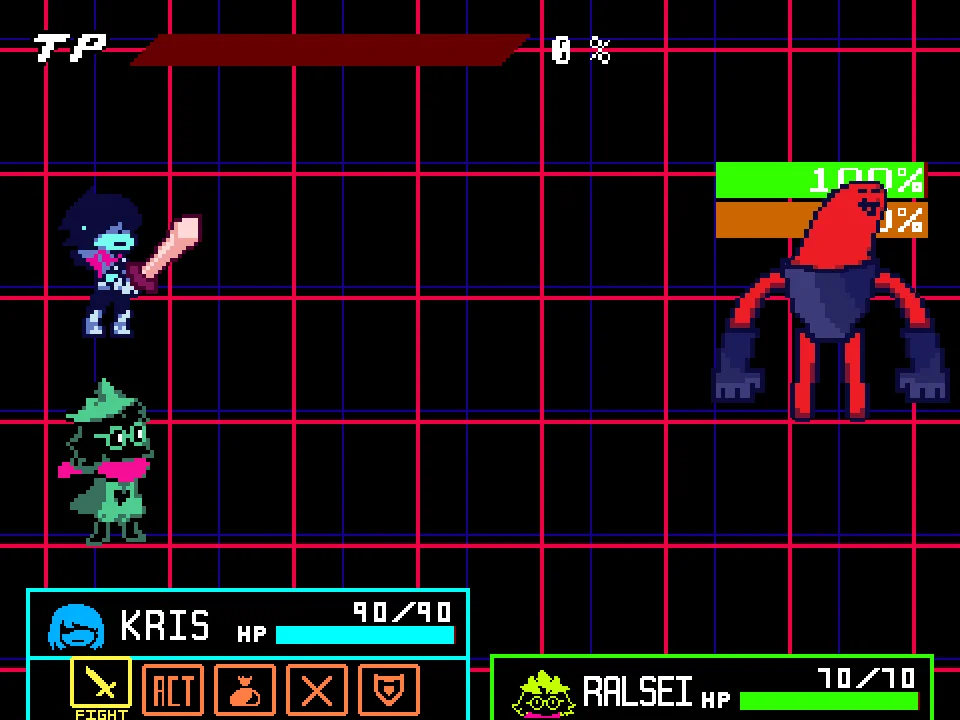
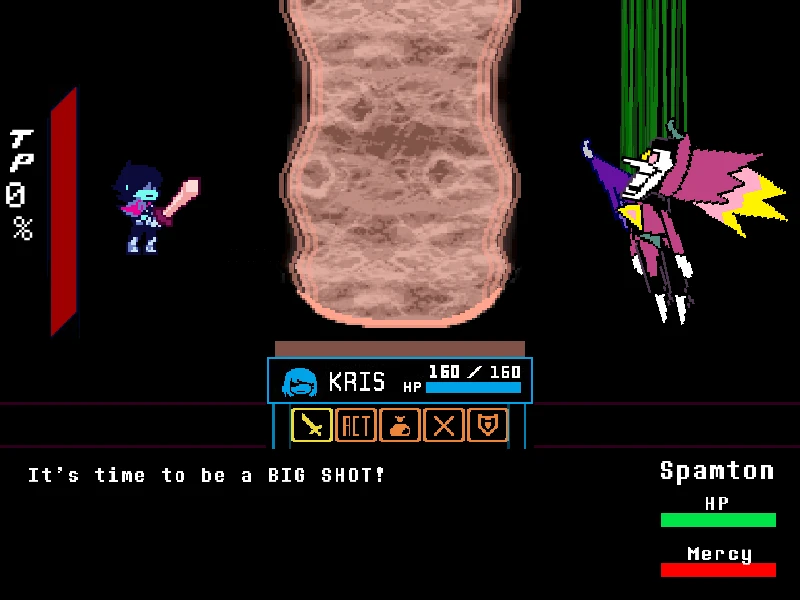
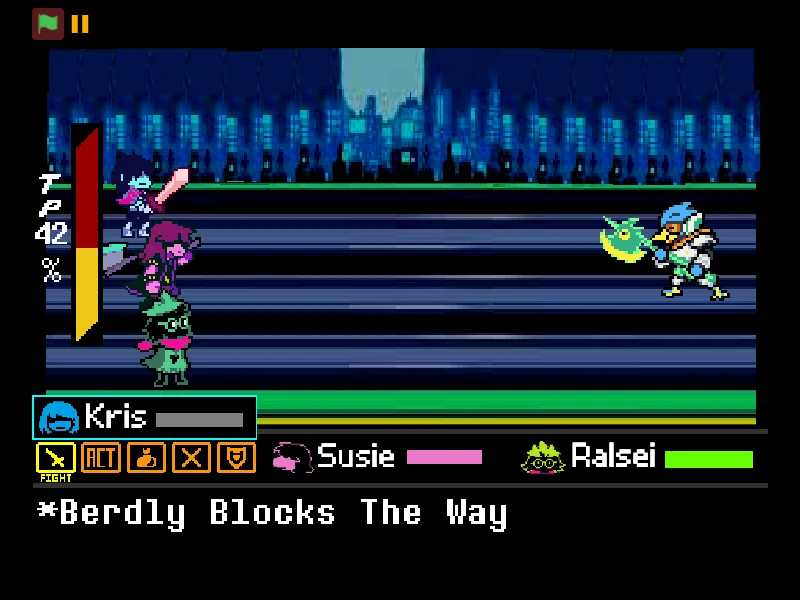
Combat operates on the full Deltarune party system. Facing Goku's astronomical 99,999,999 HP endurance pool, your party consists of Kris (120 HP, 15 ATK), Susie (140 HP, 18 ATK), and Ralsei (100 HP, 8 ATK), equipped with ReviveMint. Each round, you issue individual commands for your party members across multiple categories: FIGHT, ACT, MAGIC, ITEM, and SPARE. Selecting FIGHT initiates an attack where a reticle slides along the bottom attack bar; timing your Z key press as close as possible to the left border maximizes physical strike impact. Choosing ACT enables Kris to communicate, analyze Goku's ki power, or coordinate team maneuvers that build mercy potential.
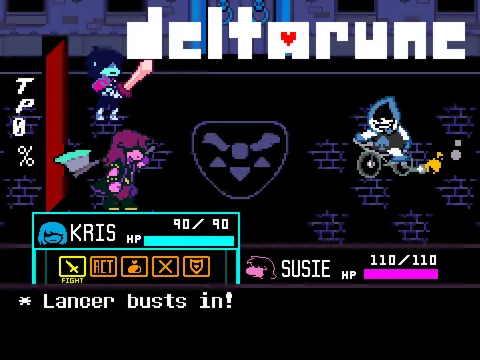
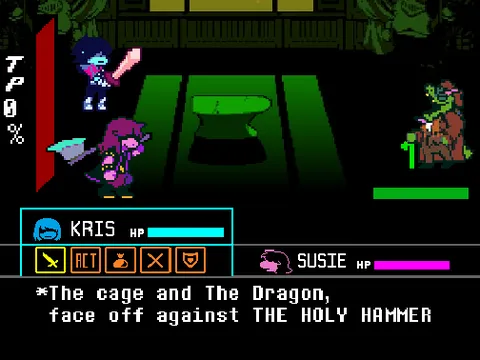
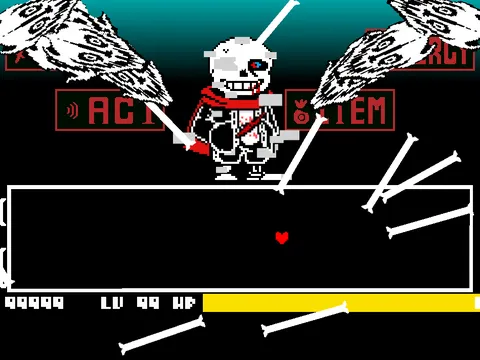
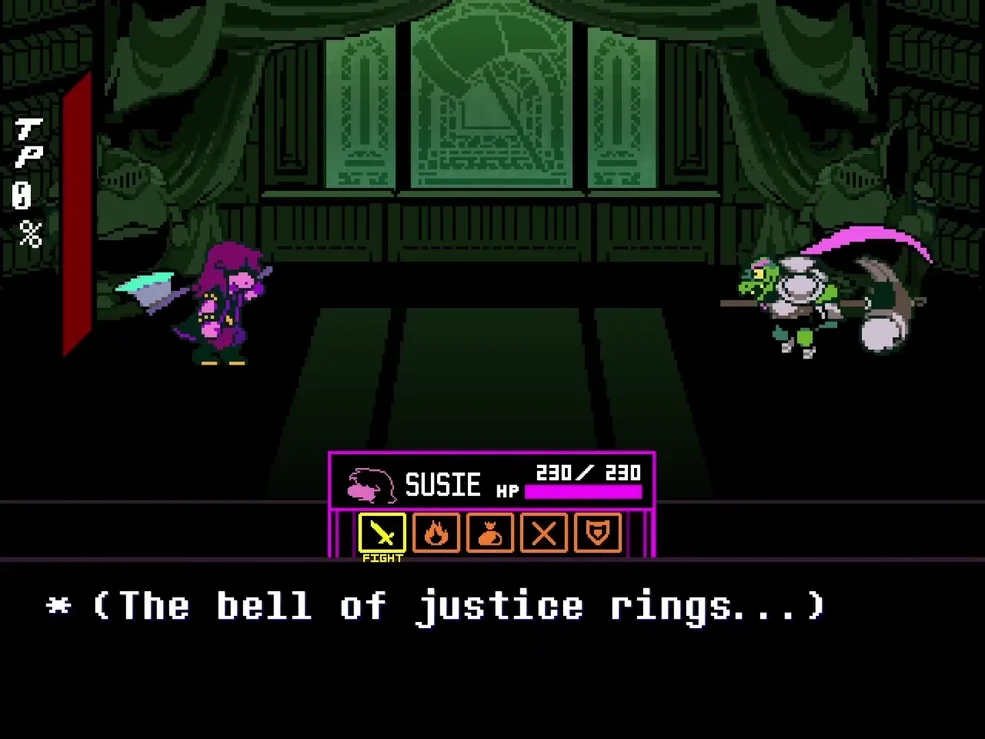
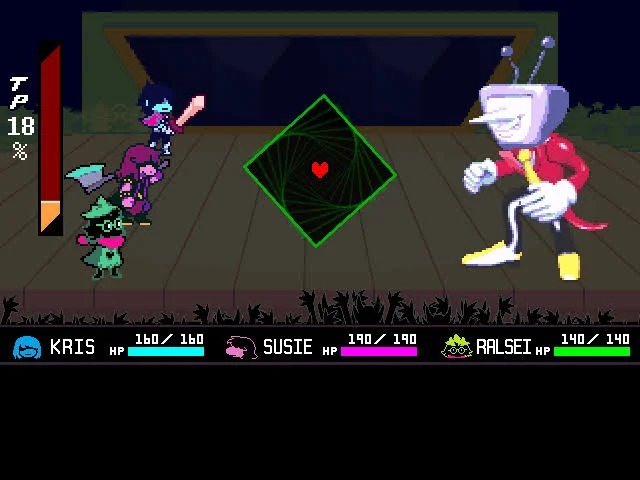
During Goku's offensive turn, the battle box expands to accommodate complex bullet hell sequences. Unlike standard Undertale dodging, Deltarune introduces the critical Grazing mechanic. Navigating your SOUL extremely close to incoming ki spheres, energy rings, and instant-transmission trails without taking direct collision damage grazes the projectiles. Successful grazes produce distinctive sound effects and fill your orange TP (Tension Points) gauge along the left screen border, unlocking powerful spells and defensive abilities.
Input Reference & Key Bindings
| Key | Action |
|---|---|
| Arrow Keys | Steer the SOUL through the arena, graze incoming ki blasts, and navigate menu choices. |
| Z / Enter | Select menu options, advance character dialogue, and confirm attack reticle timing. |
| X / Shift | Cancel selections, deselect menu options, run in overworld segments, and skip dialogue. |
| C | Access the overworld pause menu or view party status during non-combat exploration. |
| Mouse Click (Canvas) | Activate keyboard input capture within your browser window before initiating combat. |
Controls are fully mapped for desktop keyboards. Keep your left hand ready for Z, X, and C inputs while using your right hand on the Arrow Keys for responsive dodging.
About Deltarune Goku Fight, Development & Features
While many crossover projects simply transplant Goku's sprite into basic Undertale templates, Deltarune Goku Fight by artguyman takes full advantage of the deeper tactical systems introduced in Deltarune. Featuring custom sprite work, dynamic combat cameras, multi-character status displays, and full TP integration, this project stands as a fully realized battle simulator that tests both reflexes and party management.
The lore premise envisions Goku stumbling across an anomalous Dark Fountain. Curious about the strange energy radiating from the fountain, he steps inside and discovers a realm where physical attacks interact with magical SOUL energy. Meeting Kris and the gang, Goku eagerly challenges them to a friendly yet intense sparring match. His dialogue sparkles with lighthearted Saiyan enthusiasm ('Show me what you've got! NYEH HEH HEH!'), reflecting his canonical personality of enjoying battle for its own sake rather than seeking malice.
What sets this simulator apart from Undertale Goku Fight Simulator is the strategic necessity of the TP economy. Rather than simply dodging projectiles until your turn arrives, you are incentivized to intentionally steer your SOUL right into the path of danger to graze incoming ki waves. Building your TP bar enables crucial party actions, such as healing spells and high-impact physical arts. For more intense Dark World encounters, you can also explore Deltarune Battle Simulator or take on the vessel dilemma in Deltarune Vessel vs Kris Fight Simulator.
Combat Mechanics, TP System & Turn Flow
Deltarune Goku Fight is structured around tactical turn-based rounds with escalating attack complexity:
- Command Selection Phase: Players assign distinct actions to each party member. Choosing Defend reduces incoming damage during the subsequent enemy turn by roughly half and immediately generates a small boost of TP, making it an invaluable choice when anticipating intense ki waves.
- Grazing & Tension Point Farming: Every ki blast that passes within grazing distance of your heart illuminates your outline and fills the TP meter on the left. High TP allows access to game-changing Magic abilities that can heal wounded party members or execute powerful team-assisted strikes.
- Saiyan Ki Bullet Patterns: Goku's attack turns include concentric expanding ki waves, rapid volley storms, teleport strike dashes, and spiraling energy rings. Each attack pattern requires distinct spatial handling: circular volleys favor steady orbital movement, while linear beam blasts require rapid horizontal side-stepping.
Combat Strategy & Survival Tactics
Mastering Deltarune Goku Fight requires balancing aggressive grazing with disciplined defense. Apply these proven combat guidelines:
- Use Defend on Vulnerable Party Members Before Heavy Turns: If a party member is sitting at low HP, do not risk an offensive action. Command them to Defend, which mitigates incoming collision damage and simultaneously awards a safe chunk of TP for the next round.
- Graze the Trailing Edge of Slow Ki Spheres: When Goku fires large, slow-moving energy orbs, do not retreat to the far edge of the arena. Instead, trail closely behind the passing orb to collect multiple consecutive graze ticks and rapidly power up your TP meter.
- Never Press Z Repeatedly in Menu Menus: Tap Z deliberately to confirm each party member's command. Rapidly mashing Z can inadvertently confirm unintended default actions, such as standard attacks when you intended to cast healing spells.
- Track Goku's Teleport Stances for Advance Warnings: Right before Goku unleashes an instant-transmission dash across the arena, his sprite adopts a characteristic crouching stance. Watch his posture closely to determine whether the next assault will be a ranged volley or a sudden melee charge.
- Keep Your SOUL in Continuous Micro-Motion: Stationary targets are easy prey for Goku's homing ki blasts. Maintain small circular drifting movements inside the box so you never have to break from a static stop when dodging unexpected projectile bursts.
- Coordinate Healing with High-TP Spells: Save your consumable items by generating sufficient TP through grazing to cast team healing spells. This preserves your limited inventory items for emergency recovery in the battle's latter turns.
Frequently Asked Questions
How does the grazing mechanic work in this game?
Grazing occurs when your red SOUL moves very close to enemy projectiles without touching their physical hitboxes. Each successful graze produces a spark effect and sound cue, filling your Tension Points (TP) meter to enable spells and special ACT commands.
What are the exact controls for this Deltarune crossover?
Use the Arrow Keys to navigate menus and steer your SOUL. Press Z or Enter to select and advance dialogue, press X or Shift to cancel selections or run, and press C to open the overworld status menu.
How is this project different from Undertale Goku Fight?
Deltarune Goku Fight Simulator utilizes the Deltarune battle framework with multiple party actions, the TP gauge, bullet grazing, Defend commands, and distinct anime-styled dark world aesthetics, whereas Undertale Goku is a solo Frisk Judgement Hall battle.
Can I achieve a Pacifist victory against Goku?
Yes, by utilizing Kris's ACT options to interact with Goku and steadily increasing his mercy meter, players can pursue a non-violent spare resolution alongside the conventional FIGHT route.
What should I do if the game stutters or lags upon startup?
As recommended by the developer, giving the project a quick reset or reloading the browser page clears the initial animation buffer and restores full 60 FPS performance.
Does the game support gamepads or touchscreens?
The web build is configured for standard computer keyboard inputs. Gamepads can be mapped via third-party browser extensions, but hardware keyboards provide the most reliable response.
Why does my TP bar decrease after taking damage?
Taking direct damage interrupts your party's focus and may lower your accrued TP. Consistently dodging and grazing without colliding with ki projectiles is essential for maintaining high TP reserves.