















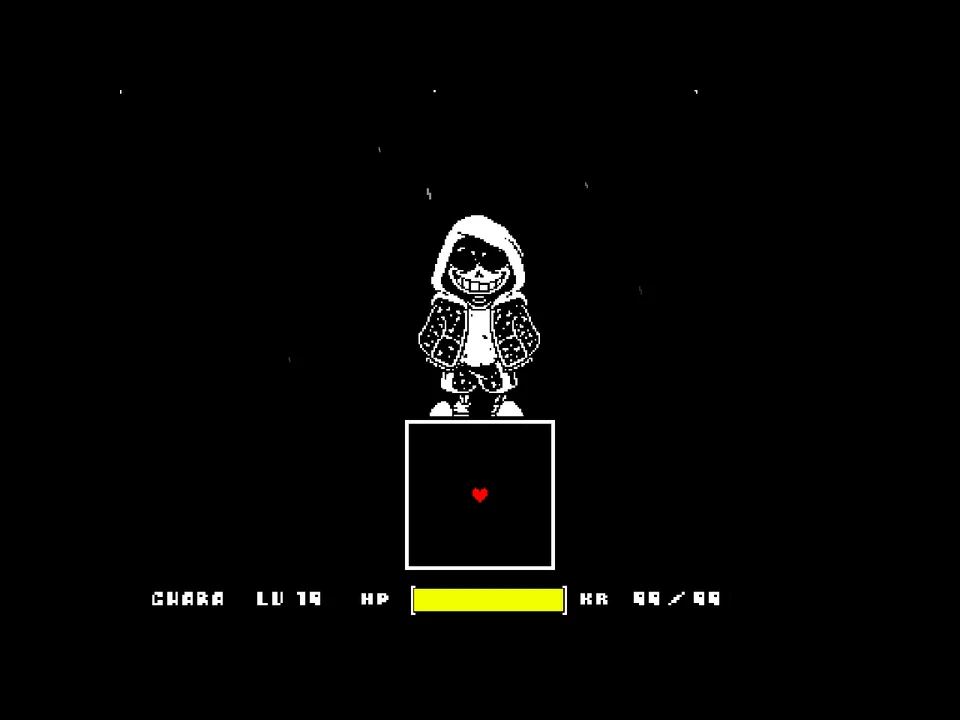
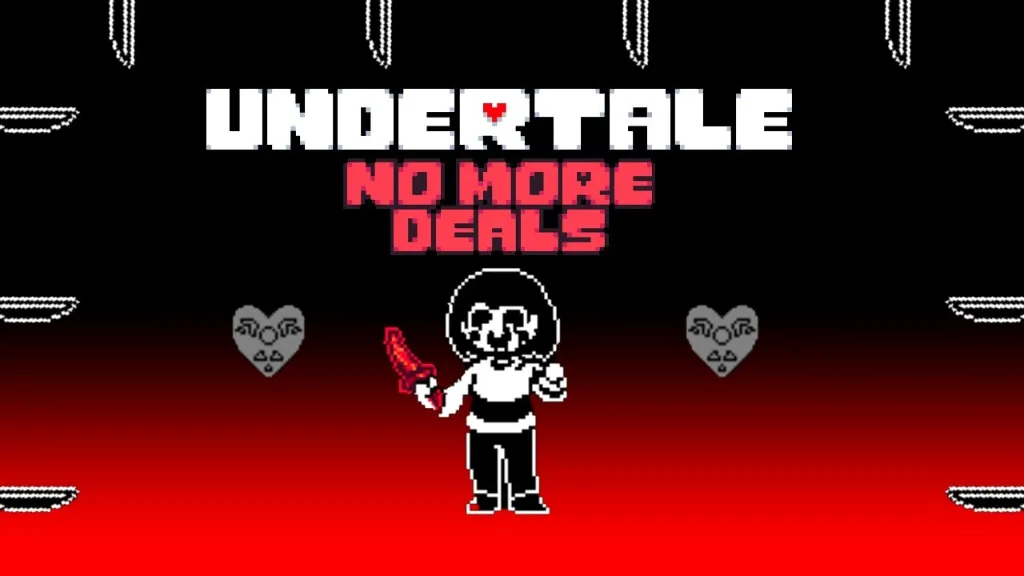

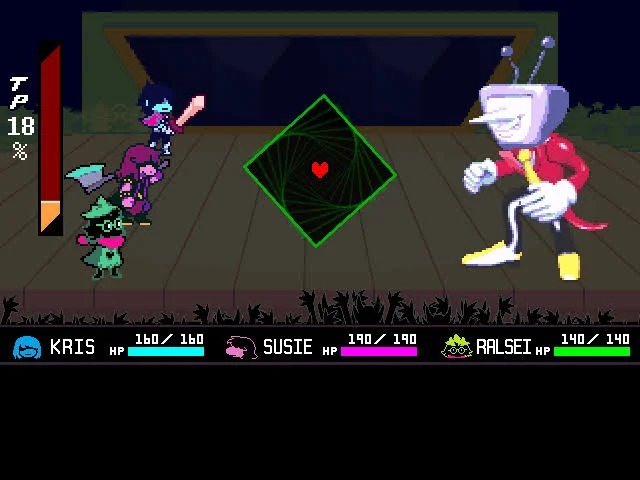
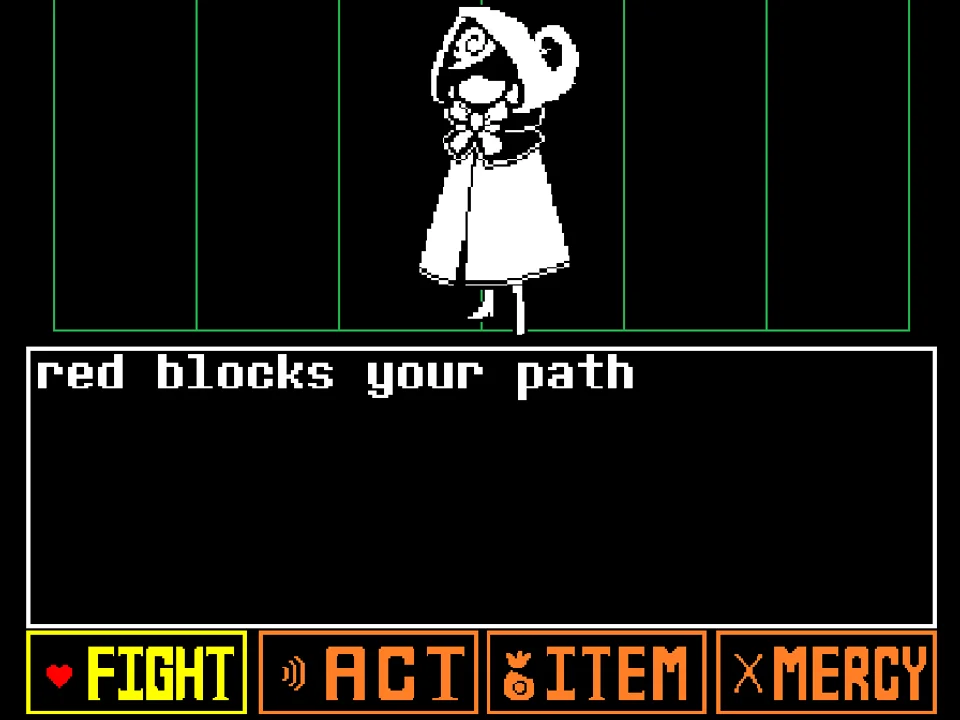


How to Play Ink Storyswap Asriel Fight Simulator
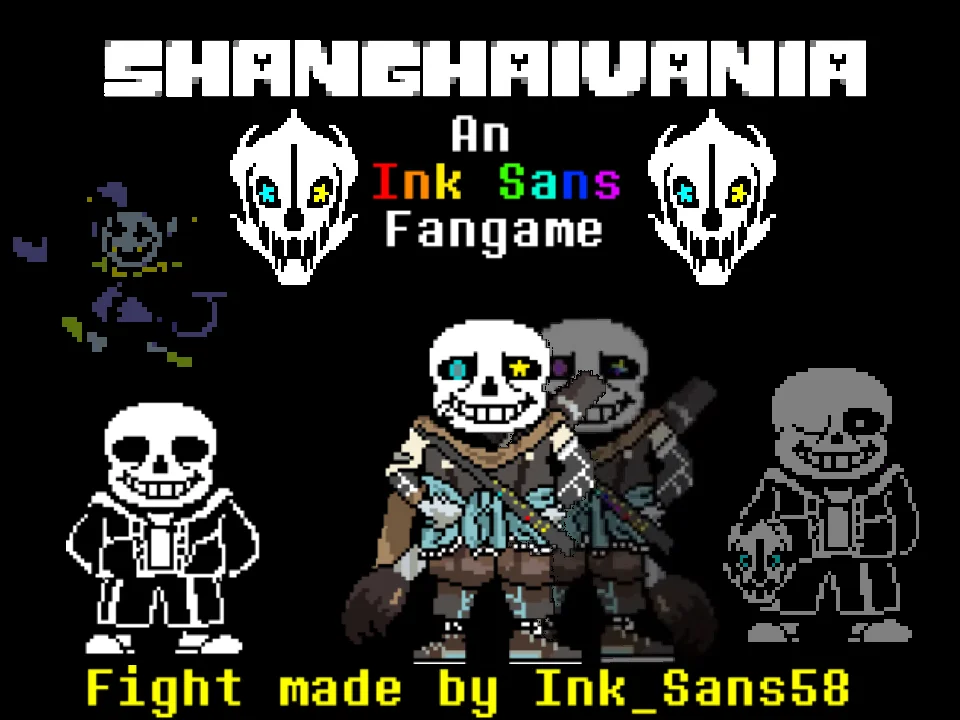
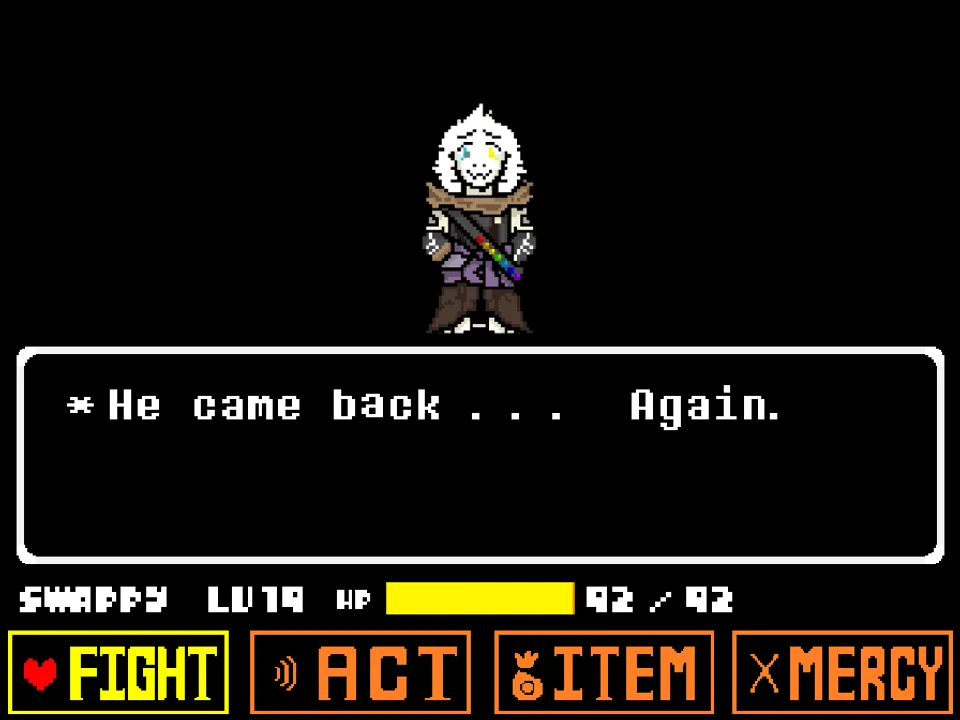
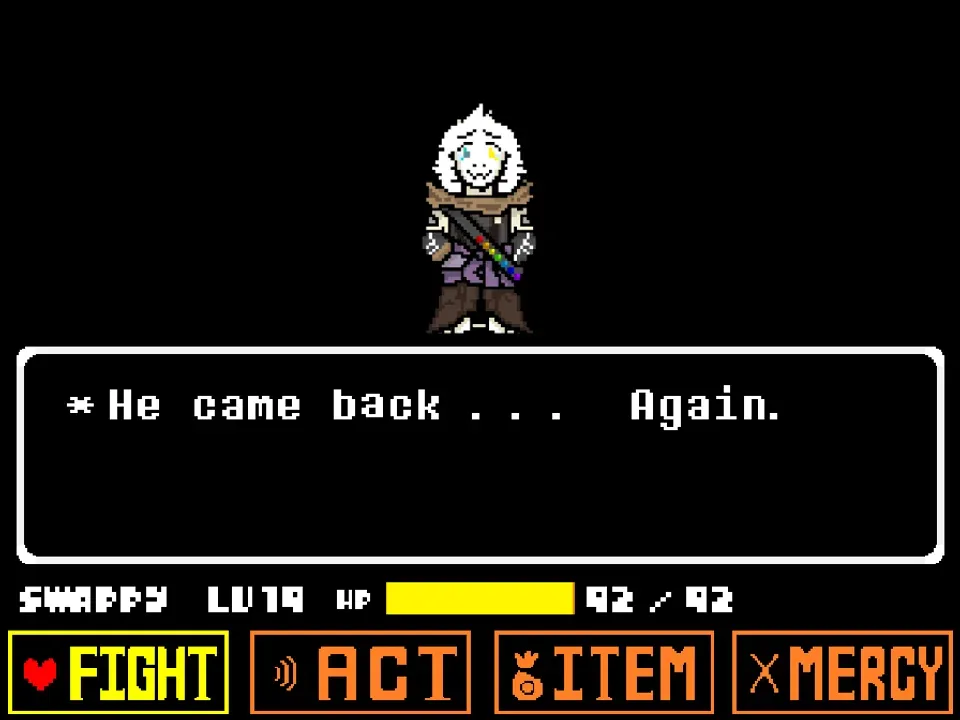
Ink Storyswap Asriel Fight Simulator (titled Ink!Storyswap Asriel Fight Phase 1 in original releases) represents a fascinating convergence of two major Undertale AU traditions: the Ink multiverse lore (pioneered by Comyet/Myebi) and the role-swapping framework of Storyswap. Developed by Japanese creator PROGRAMMING-HELPER (also known as Rn_yuto), this ambitious fan project equips the royal goat prince with a giant artist's paintbrush, ink vial magic, and the ability to channel AU dimensional anomalies directly into the combat arena.
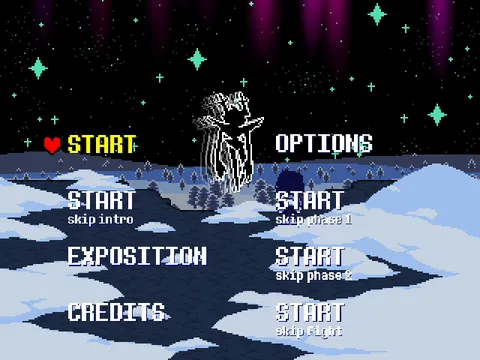
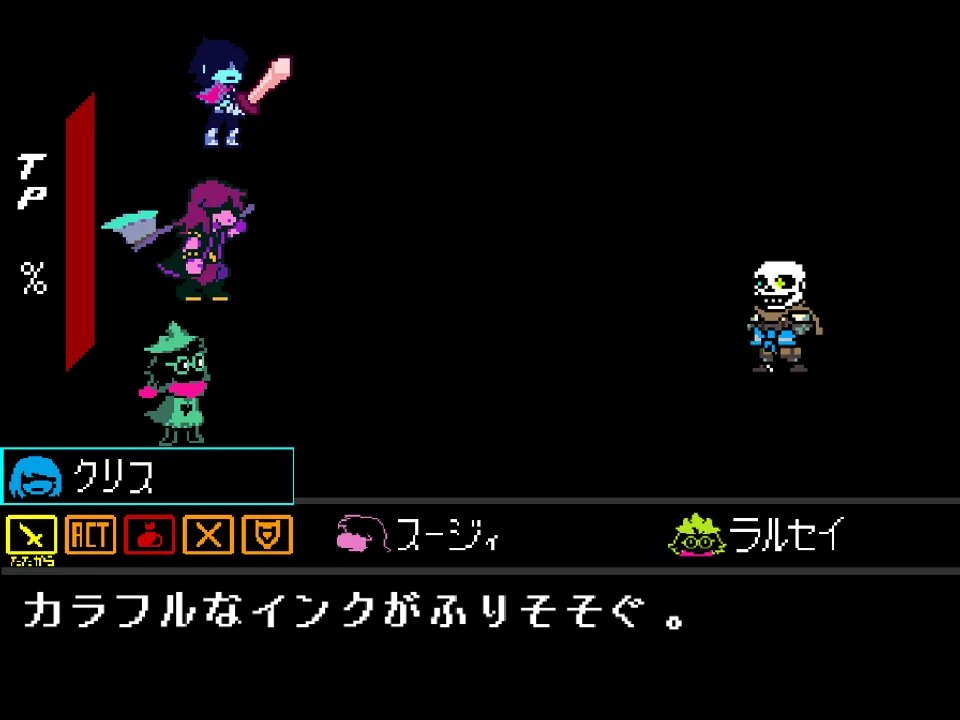
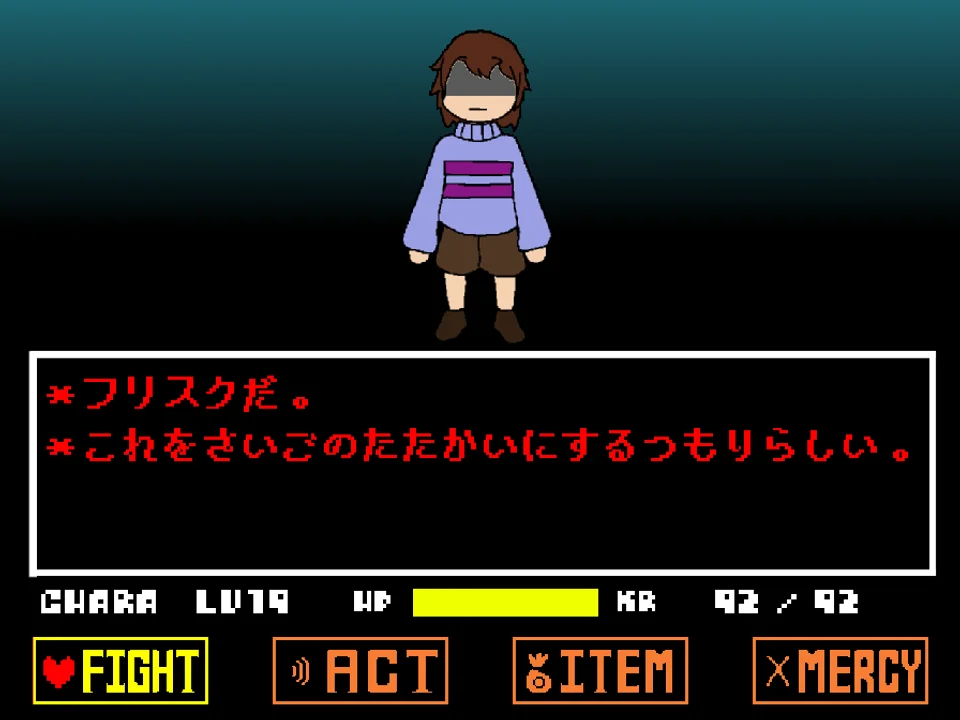
To begin playing in your web browser, click inside the game window to give your keyboard active focus. The developer included a unique bilingual feature: pressing the J key during initial loading sets the game interface to Japanese, while standard startup runs in English. Use the Arrow Keys to navigate menus and press Z or Enter to initiate the battle. The creator humorously notes in the instructions: 'Storyswapswap is high because he wear shoes' and confirms that a secret Hacker Ending is built into the project for curious players to discover.
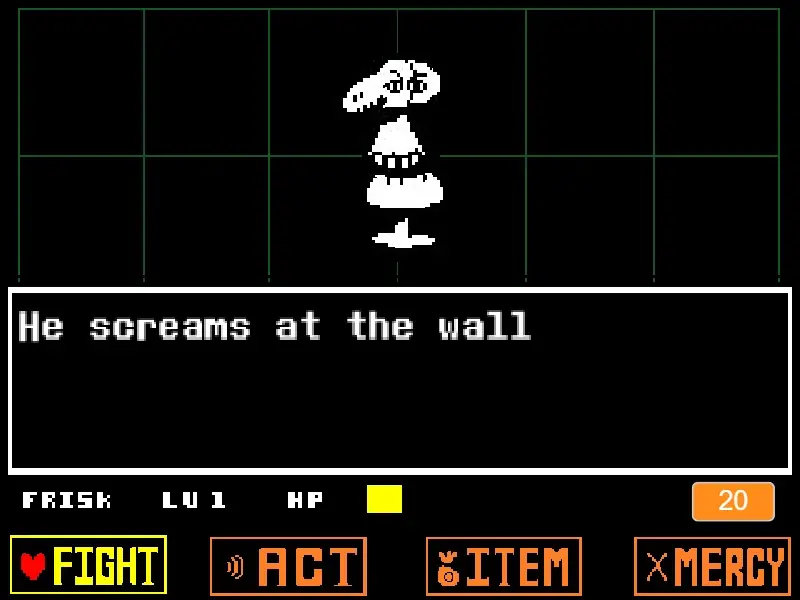
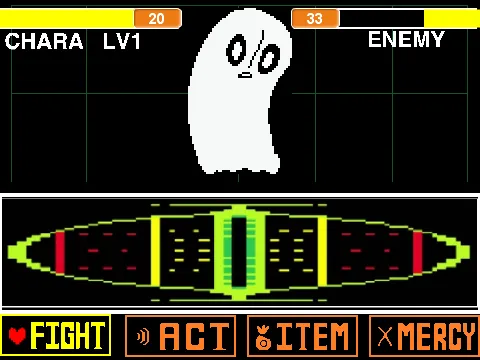
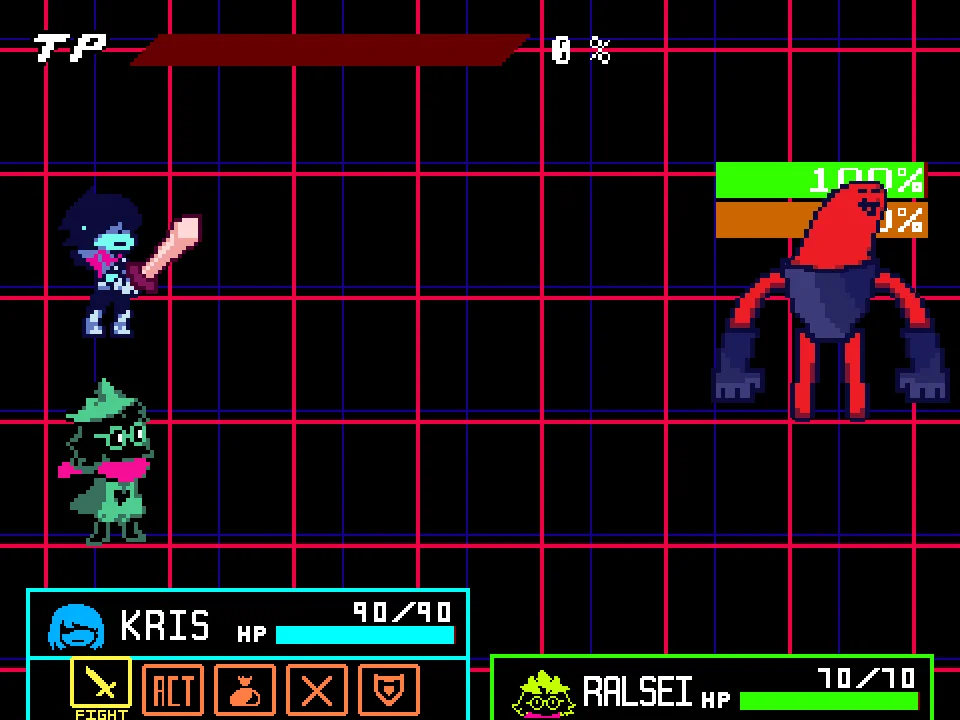
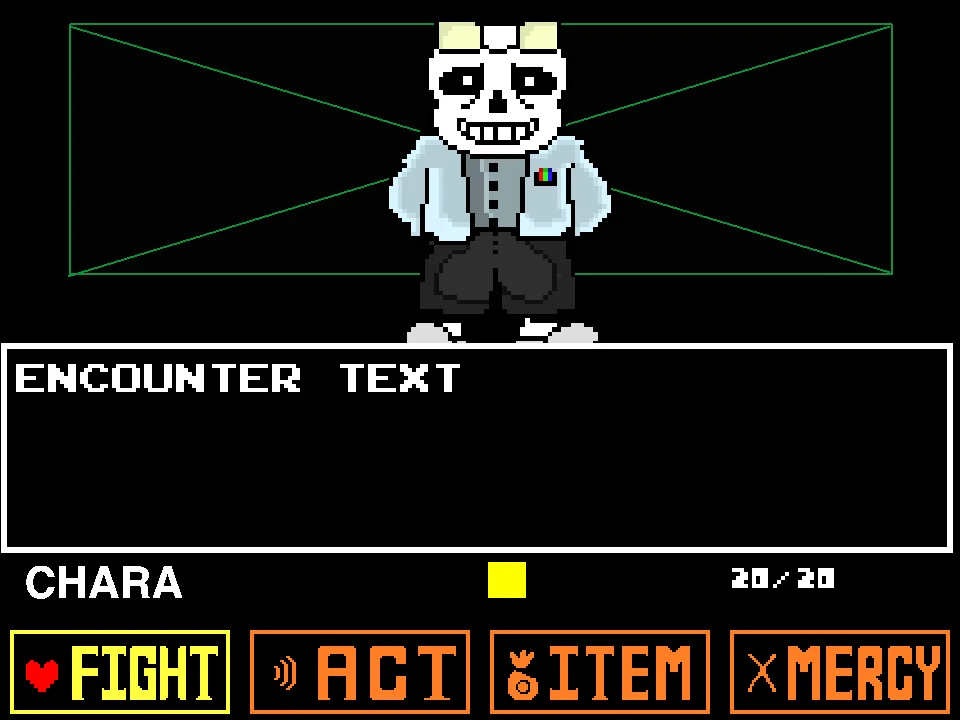
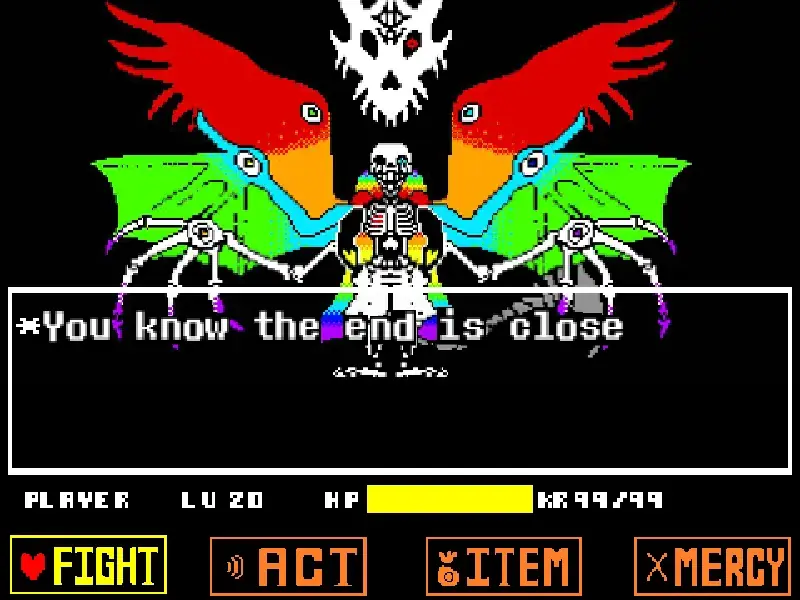
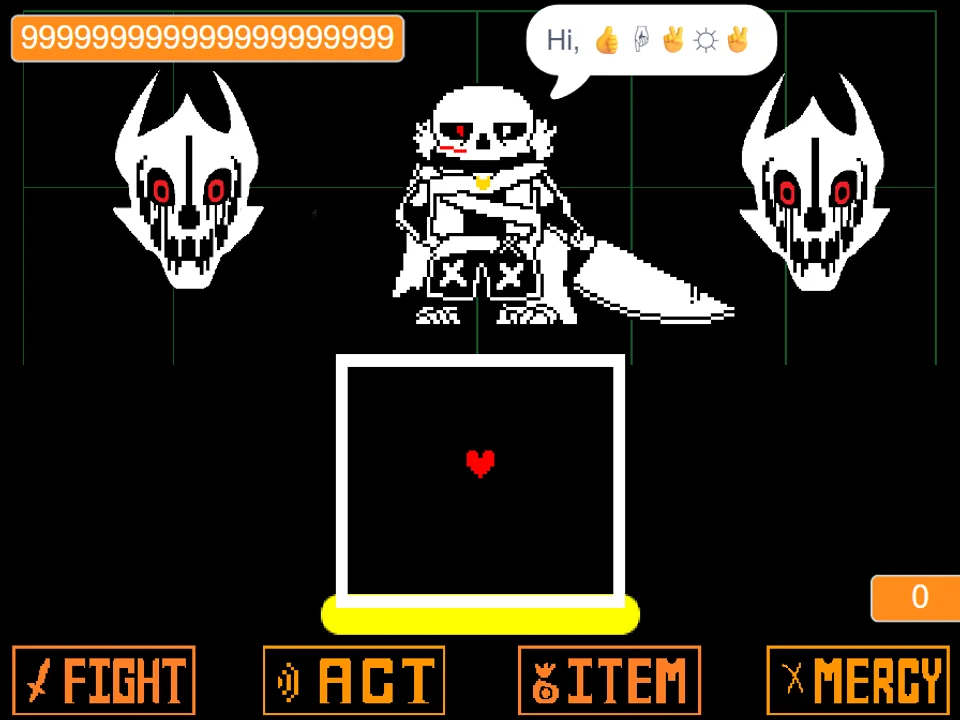
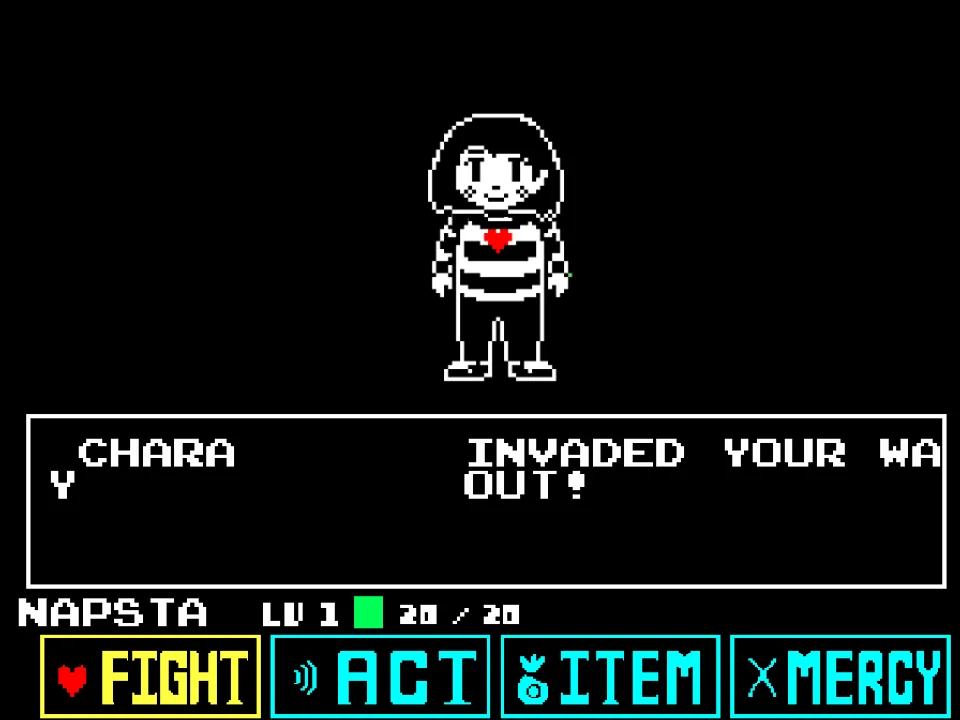
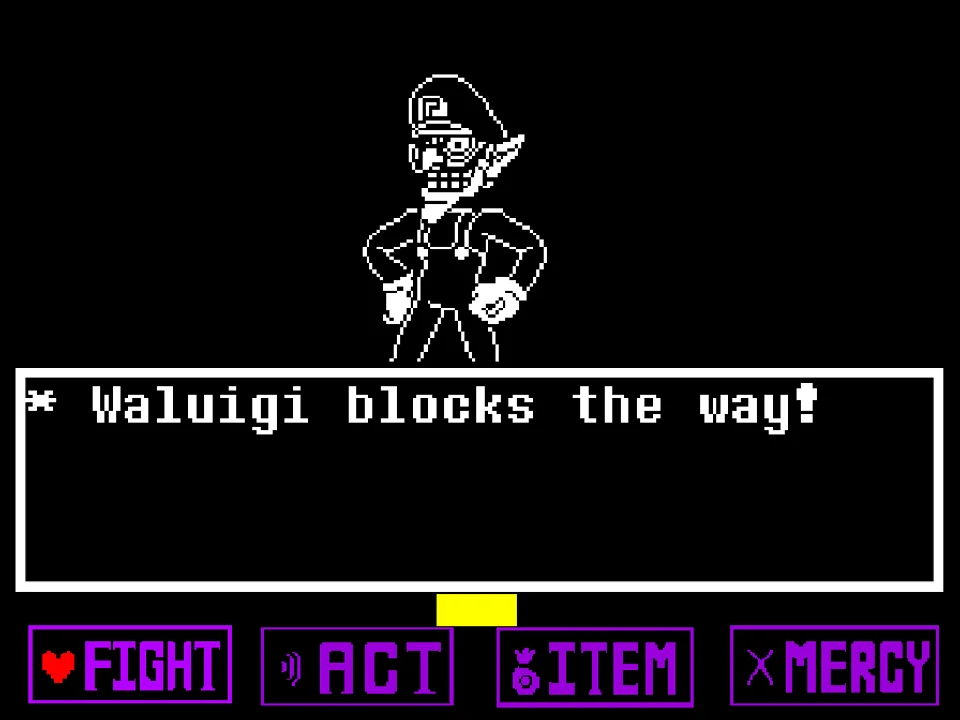
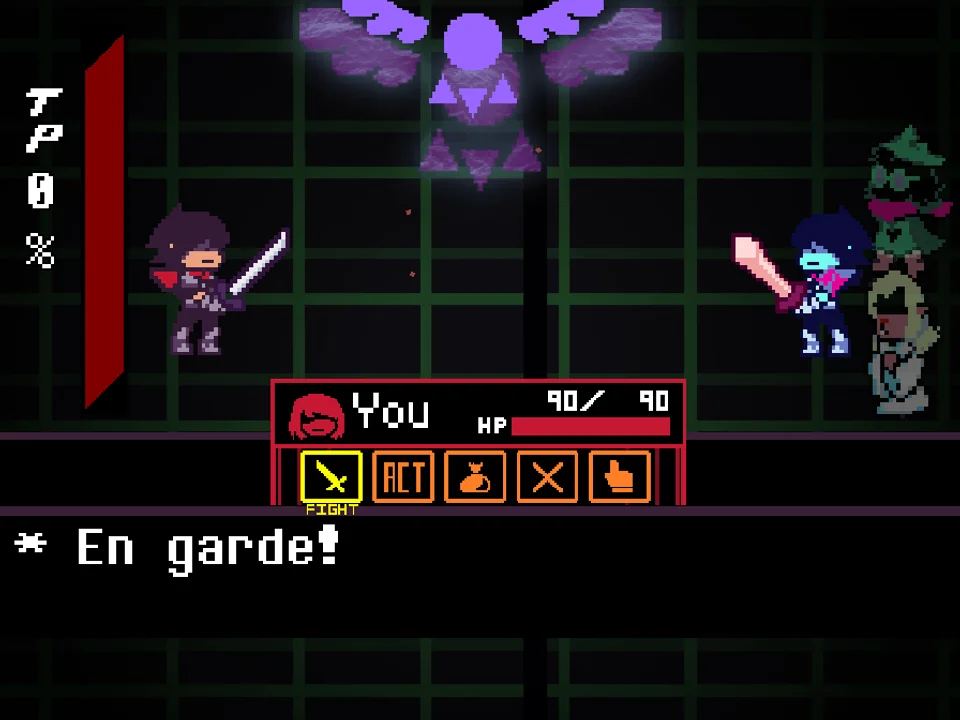
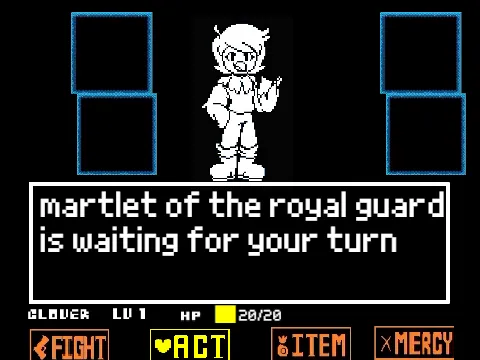
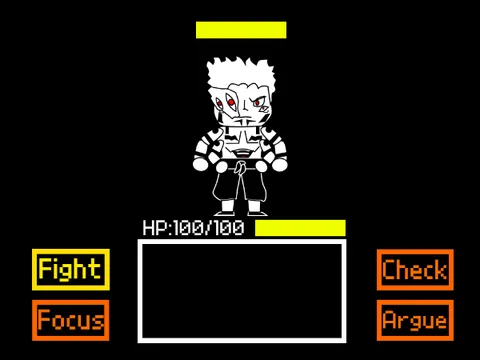
The battle interface provides the four standard commands: FIGHT, ACT, ITEM, and MERCY. When taking your offensive turn, selecting FIGHT brings up the moving attack bar; timing your Z key press in the center deals maximum damage. When selecting ACT, you can interact with Ink!Asriel, analyze his dimensional ink vials, or observe the bizarre multiversal distortions taking shape around the arena.
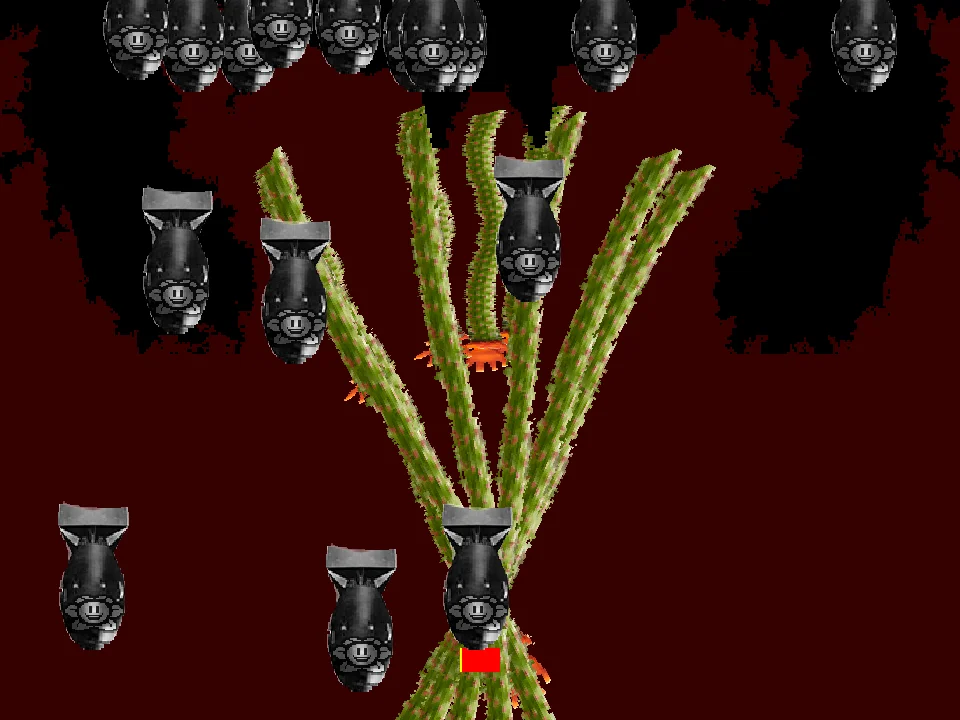
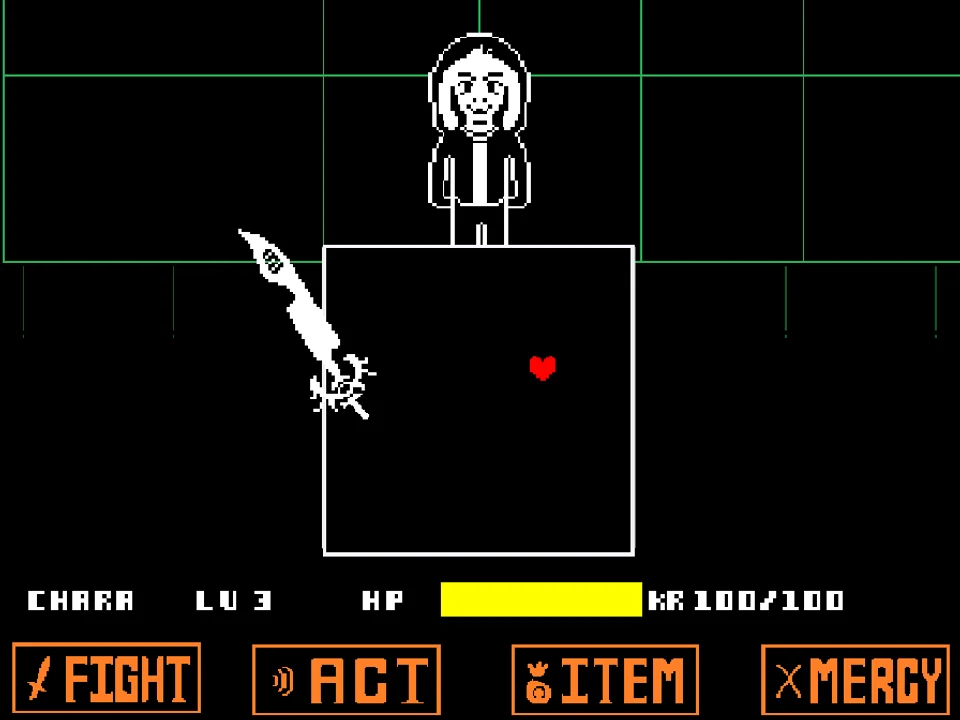
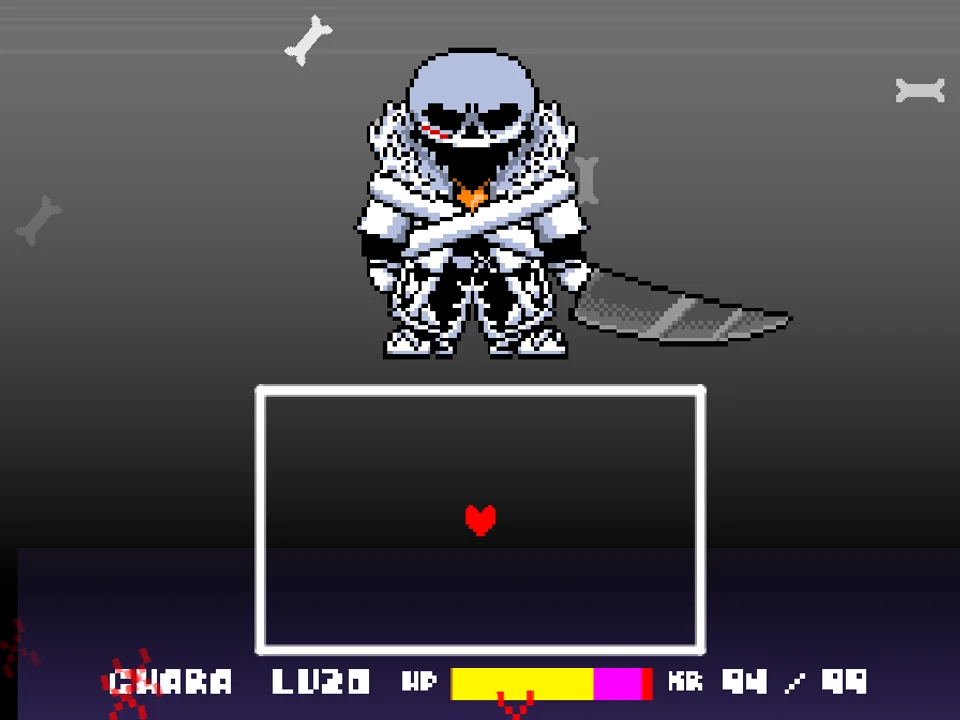
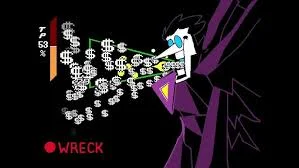
During enemy turns, Ink!Asriel deploys an astounding variety of attacks that break traditional combat rules. In addition to standard bones and stars, he swings a giant paintbrush that leaves pools of colorful wet ink across the arena floor, summons floating paint swords, hurls explosive ink bombs, and even fires ink guns that shoot rhythmic projectile bursts. Furthermore, alternate universe cameos (including Underfell, Reapertale, and Fresh AU sprites) appear to launch unpredictable cross-dimensional attacks.
Input Controls & Special Key Bindings
| Key | Action |
|---|---|
| Arrow Keys | Steer your SOUL through the combat arena and browse menu commands. |
| Z / Enter | Confirm menu selections (FIGHT, ACT, ITEM, MERCY), strike the attack reticle, and progress dialogue. |
| X / Shift | Cancel selections or accelerate text display. |
| J Key (Hold at Startup) | Toggle language localization to Japanese during project initialization. |
| Mouse Click (Canvas) | Click directly on the game frame before starting so your browser sends keyboard events to the game engine. |
Physical keyboard responsiveness is essential for dodging Ink!Asriel's rapid multi-weapon attacks. Ensure no background hotkeys interfere with your Arrow Keys.
About Ink!Storyswap Asriel, Multiverse Lore & Secrets
The Ink!Sans universe created a vibrant tradition of multiversal guardians who protect alternative timelines using creative ink and emotional paint vials. In Ink!Storyswap Asriel, developer PROGRAMMING-HELPER (Rn_yuto) asked an intriguing question: what would happen if Storyswap Asriel took up the mantle of the Ink guardian? The result is a richly animated, visually eccentric Phase 1 boss battle that merges royal goat magic with wild artistic weaponry.
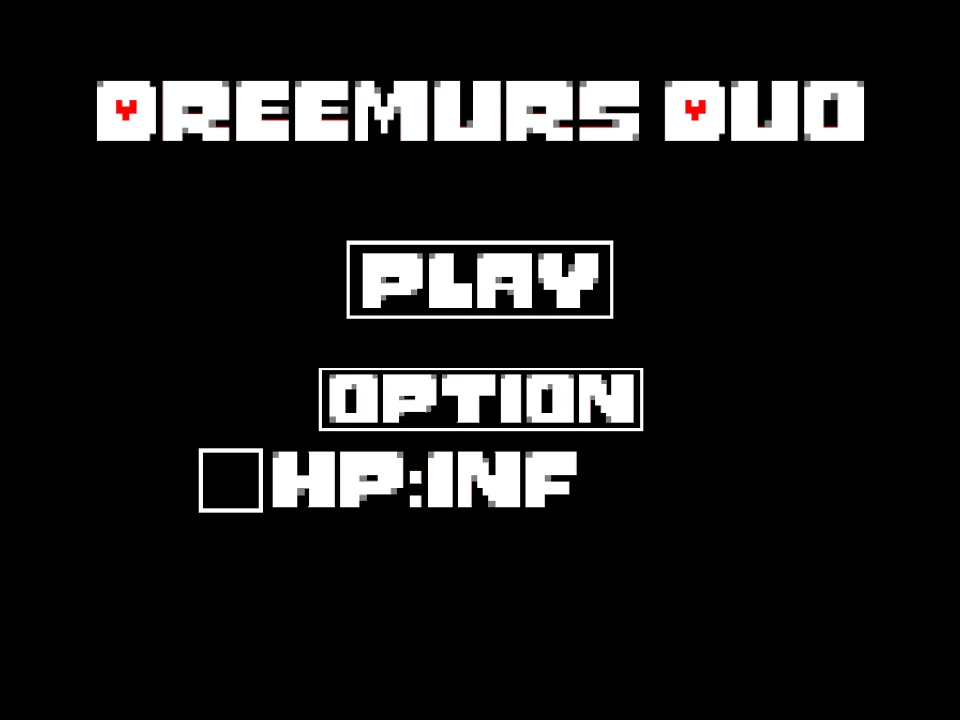
The project features custom sprite sheets crafted entirely by Rn_yuto, portraying Asriel wearing stylish shoes, wielding an oversized paintbrush, and carrying ink vials that glow with emotional resonance. As the fight progresses, the boundaries between timelines fray. Players will notice sprites and attack elements from Underfell, Reapertale, Fresh Sans, and the Six Dreemurrs manifesting in the arena, showcasing Rn_yuto's creative vision of an interconnected multiverse.
Beyond standard combat, the game contains an elusive Hacker Ending, triggered by specific menu inputs and non-standard action sequences, rewarding inquisitive players who explore every mechanic. For more ink-infused bullet hell challenges, explore Deltarune Ink Sans No Die Fight, or compare this project against the canonical AU battle in Storyswap Asriel Fight Simulator and CR Storyswap Asriel Fight Simulator.
Combat Arsenal & Multiverse Phase 1 Mechanics
Ink!Storyswap Asriel features a dense, multi-weapon combat system with distinct hazard mechanics:
- Paintbrush Swings & Wet Ink Trails: Asriel slashes his giant brush across the screen, leaving colorful trails of wet ink. Passing through fresh ink alters your SOUL movement speed or inflicts continuous damage ticks, requiring you to leap over ink puddles.
- Floating Paint Swords & Guns: Translucent ink swords spin in place before thrusting toward your coordinates, while floating paint guns fire horizontal bursts of colorful ink pellets that must be dodged in tight rhythmic corridors.
- Rotating Bomb Attacks: Ink bombs spawn in the center of the box and rotate outward, releasing shrapnel upon detonation. You must time your orbital drift around the explosion radius to slip through the expanding shrapnel gaps.
- Multiverse AU Guest Hazards: Periodically, dimensional rifts flash along the arena border, summoning brief attack formations from Fell, Reaper, and Fresh timelines that force players to adapt to completely different projectile behaviors.
Tactical Tips & Evasion Strategies
Conquering Ink!Storyswap Asriel demands exceptional pattern recognition across multiple weapon types. Apply these proven combat guidelines:
- Avoid Stepping into Fresh Ink Puddles: Brush strokes that paint the floor of the box create temporary hazard zones. Keep your SOUL airborne or positioned on clean canvas areas until the wet paint dries and disappears.
- Circle Rotating Bombs in the Direction of Spin: When rotating ink bombs appear, attempting to dart against the rotation frequently leads to collision with spinning fuses. Move in the same direction the bombs are rotating while drifting outward.
- Anticipate the Firing Delay of Paint Guns: Floating ink guns lock onto your vertical position, click with a distinct audio cue, and fire a fraction of a second later. Tap the Up or Down arrow just as the click sounds to dodge the incoming pellet spray cleanly.
- Take Advantage of the Bilingual J Key Toggle: If you prefer playing with original Japanese interface text and dialogue, hold down the J key while the game loads to switch the language mode.
- Do Not Panic During Multiverse Cameo Rifts: When alternate AU sprites appear, their attacks are typically short, single-wave bursts. Focus entirely on the immediate projectile trajectories rather than getting distracted by the cameo animations.
- Maintain Center Positioning Between Attack Waves: Ink!Asriel summons hazards from all four cardinal directions. Resetting your SOUL to the center of the box after each turn grants equal reaction time regardless of where the next weapon spawns.
Frequently Asked Questions
Who developed Ink!Storyswap Asriel Fight?
The fan game was created by Japanese developer PROGRAMMING-HELPER (also known as Rn_yuto), who created the custom Asriel sprites, multi-weapon animations, and coding framework.
What is the 'Hacker Ending' mentioned by the creator?
The creator built a secret 'Hacker Ending' into the project, which is unlocked through specific non-standard input combinations and menu actions that bypass conventional battle progression.
How do I switch the game language to Japanese?
As noted in the developer's instructions, pressing and holding the 'J' key while the project initializes toggles the in-game text and dialogue into Japanese.
Why does Asriel use so many different weapons in this fight?
Because this version embodies the Ink multiverse concept, Asriel wields creative artistic magic, utilizing paintbrushes, ink swords, explosive paint bombs, guns, and dimensional cameos from other Alternate Universes.
What are the primary controls for playing the game?
Use the Arrow Keys to steer your SOUL and browse menus. Press Z or Enter to select actions and advance text, and press X or Shift to cancel menu selections.
Is this the full game or Phase 1?
This web release represents Phase 1 of Ink!Storyswap Asriel, featuring the complete first phase encounter with all of Asriel's signature ink weapon mechanics and special endings.
Can I play this simulator on a mobile device?
The project is designed for desktop and laptop web browsers with physical keyboard inputs. Touchscreen controls are not officially implemented.