




















How to Play Nightmare Sans Fight Simulator
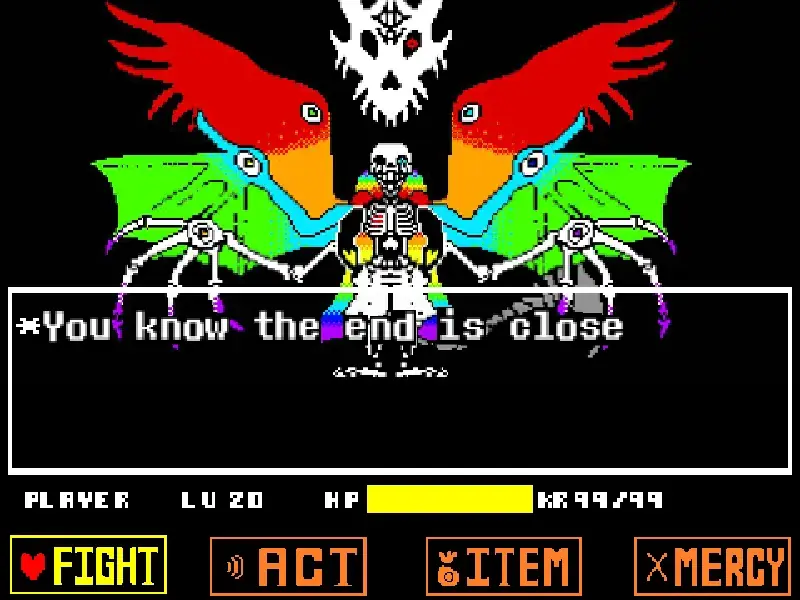
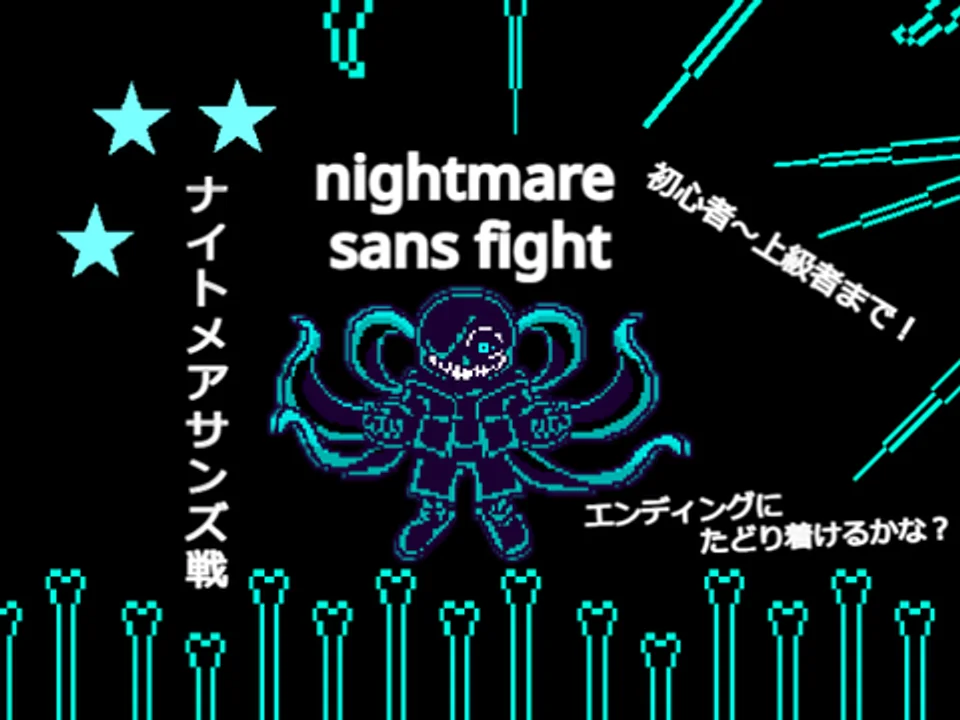
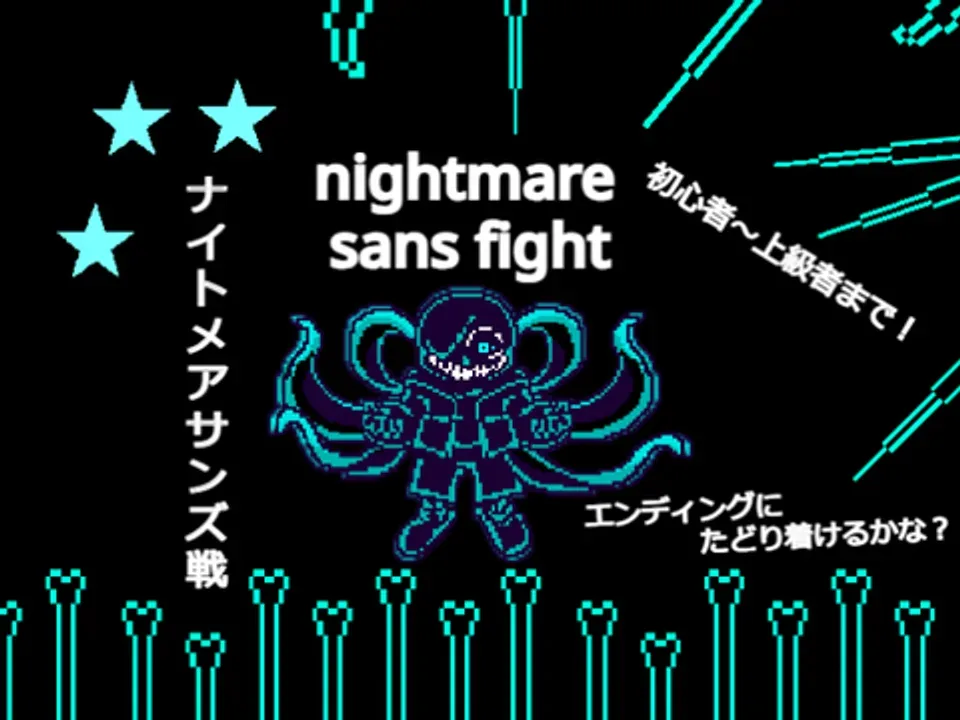
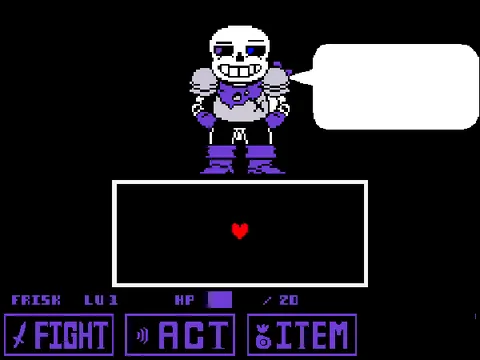
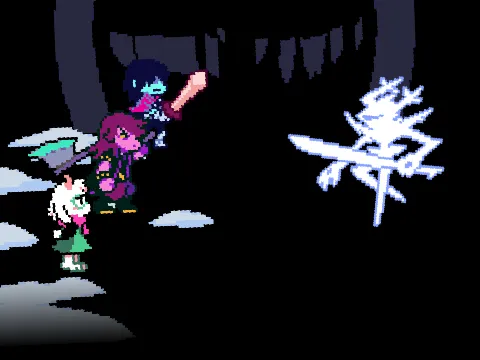
Prepare to face the dark sovereign of negativity in Nightmare Sans Fight Simulator. Originating from the deeply popular Dreamtale multiverse narrative created by JokuBlog, Nightmare Sans is the corrupted guardian of the Tree of Feelings who consumed the dark apples, transforming into an unstoppable entity cloaked in black tar with four writhing shadow tentacles. In this high-difficulty battle simulator created by developer Gum-35, players must navigate intricate bullet hell grids choreographed to the stirring orchestral theme Black Apple by NyxTheShield. If you have mastered intense AU duels such as Fellswap Sans Battle or multi-phase tactical battles like Swapfell Sans Fight Simulator, this encounter demands extraordinary spatial precision.
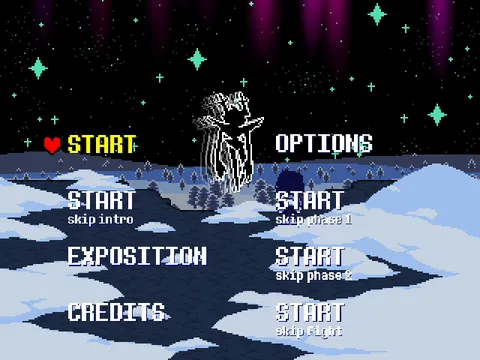
To begin the battle, click on the central start icon on the game canvas. Once initiated, combat engages immediately as Nightmare Sans unleashes sweeping shadow tendrils across the arena. Unlike standard Undertale boss fights where movement is binary, this simulator features an essential focus speed modifier: holding the X key reduces your SOUL's movement velocity to a steady crawl, granting pixel-perfect steering through hairline gaps in projectile clouds.
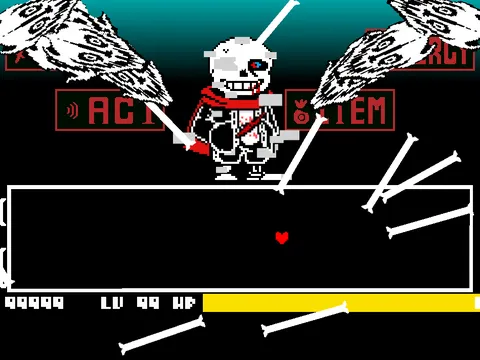
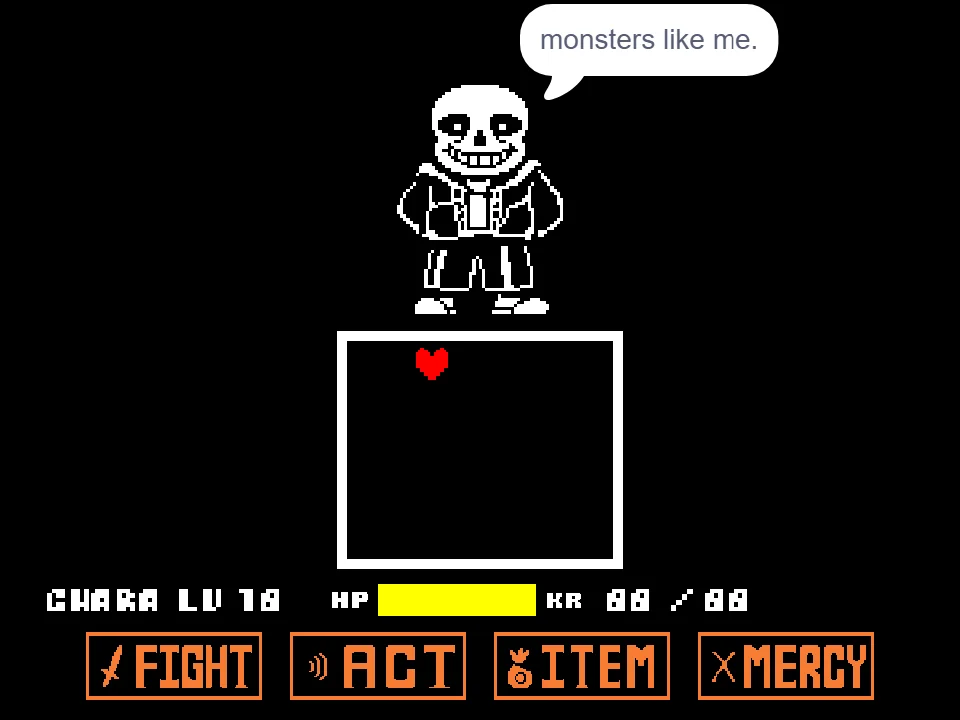
The combat arena challenges players with sweeping black bone arrays, rotating radial star bullets, and sweeping tentacle strikes that cut across entire quadrants of the screen. Standard movement speed allows you to dodge wide-area sweeps and relocate across the arena, but attempting to weave through dense star clusters at full speed often causes fatal overshooting. Toggling smoothly between sprint speed and slow focus mode is the core mechanical requirement for victory.
Nightmare Sans also utilizes dynamic camera rotations and shifting gravity vectors. As the battlefield turns and tilts, your sense of direction is tested while projectiles continue along complex parabolic and linear courses. Staying calm and orienting your dodges relative to the incoming bullet trajectories rather than the screen borders prevents disorientation.
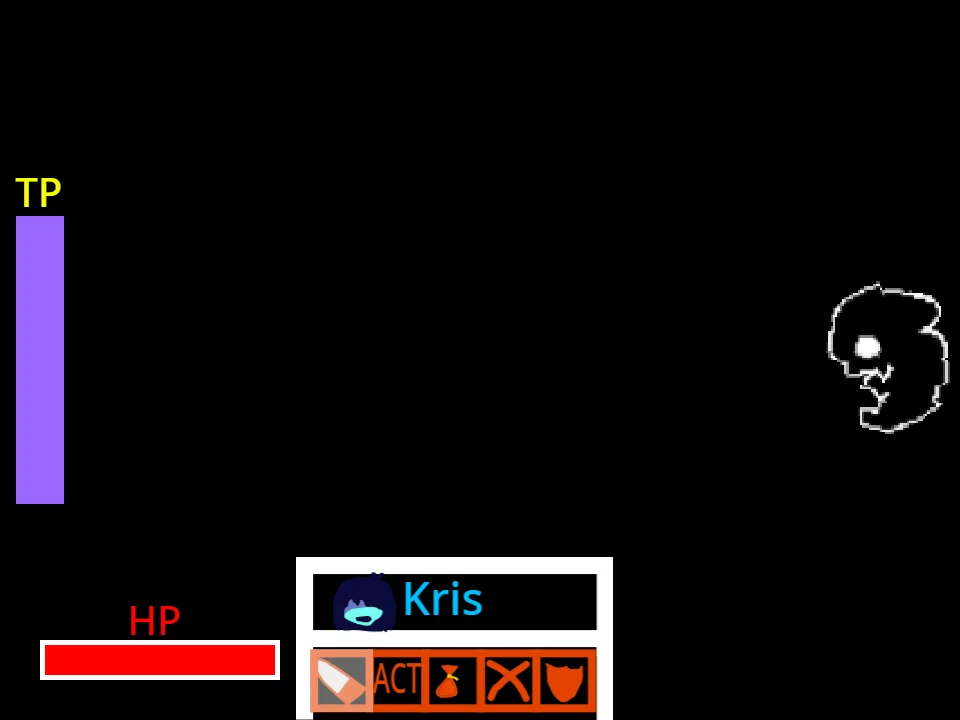
Your health pool is monitored by a rotating HP bar designed by takuwani, which tracks both direct impact damage and accumulated Karma drain. Because Nightmare Sans's attacks hit with brutal force, practicing defensive discipline and avoiding greedy movement inputs is essential to reaching the concluding stages of this dark trial.
Combat and Focus Movement Controls
| Key | Action |
|---|---|
| Mouse Click | Click central start button on canvas to launch the boss encounter |
| Arrow Keys | Navigate the SOUL at standard evasion speed |
| X Key (Hold) | Engage slow-motion Focus Mode for precise micro-dodging through tight gaps |
| Z Key / Space | Confirm selections and interact with start prompts |
Hold the X key while moving to slow down your SOUL. This is critical for weaving between dense radial star clusters without overshooting into adjacent projectiles.
About Nightmare Sans and Dreamtale Lore
Dreamtale is an acclaimed Undertale alternate universe created by community author and artist JokuBlog. The narrative revolves around twin guardian skeletons born to protect the Tree of Feelings: Dream Sans, protector of positivity and light, and Nightmare Sans, guardian of negativity and dark apples. Ostracized and tormented by nearby villagers, Nightmare eventually consumed the negative apples of the tree, corrupting his body with a viscous, black fluid and sprouting four powerful shadow tentacles capable of crushing matter and piercing timelines.
This battle simulator, crafted with great care by indie developer Gum-35, translates Nightmare Sans's imposing presence into a demanding, authentic bullet hell encounter. The project features character costume art by XxlinksansxX and Xx_name_take_xX, a responsive rotating health gauge programmed by takuwani, and an initial UI system by I---program-studio. The encounter is powered by composer NyxTheShield's epic orchestral masterpiece Black Apple, famously known as the definitive battle theme of Nightmare Sans throughout the animated series Underverse.
The simulation stands out due to its thoughtful mechanics: rather than relying on chaotic luck, the developer implemented a dedicated slow-focus button (holding X), drawing inspiration from traditional bullet hell classics like Touhou. This design choice gives players genuine tactical control when maneuvering through tight spatial corridors.
Visual polish is evident in the custom tentacle animations, which flex, lash, and sweep with organic fluid motion before striking. Combined with camera controls and clean hitbox registration, Nightmare Sans Fight Simulator delivers one of the most mechanically rewarding boss fights in the Undertale AU gaming scene.
Boss Mechanics and Attack Waves
Survive Nightmare Sans's escalating negative energy phases:
- Dark Tendril Quad-Sweeps: The four shadow tentacles at Nightmare's back lash across the arena in rhythmic succession, requiring players to leap and weave between safe quadrant pockets.
- Precision Star Bullet Clouds: Concentrated clusters of glowing radial star projectiles fill the screen in concentric rings. Holding the X key allows players to micro-step through microscopic gaps between bullet trajectories.
- Screen Rotation Camera Manipulations: The combat arena rotates dynamically, altering visual gravity perspectives and requiring mental recalibration of directional inputs.
- Black Bone Wall Surges: Rows of midnight-black bone skewers rise from the perimeter and crisscross the center, forcing swift lateral re-positioning.
- Karma Retribution Decay: Contact with dark projectiles triggers persistent KR drain on the rotating HP gauge, punishing repeated grazing and rewarding clean evasive execution.
- Orchestral Phase Escalation: Attack intensity ramps up in tandem with the dramatic movements of NyxTheShield's 'Black Apple', culminating in blistering multi-vector barrages in the finale.
Tactical Tips for Defeating Nightmare Sans
Enhance your dodging precision and defeat Nightmare Sans with these essential strategies:
- Master the Focus Key (X): Never attempt to dodge dense star clusters at standard movement speed. Holding the X key stabilizes your SOUL velocity, completely eliminating accidental over-steering.
- Track the Tentacle Base Movement: Before a shadow tentacle lashes across the box, its base coils backwards for half a second. Use this visual tell to move toward the opposite quadrant before the strike lands.
- Stay Near the Arena Center During Rotations: When camera rotation effects activate, hugging the outer walls often leaves you pinned against sudden rotating boundary spikes. Staying centered preserves evasion options in all four directions.
- Release the Focus Key for Wide Sweeps: While Focus Mode is vital for bullet clouds, it makes you too slow to outrun wide tentacle sweeps. Release X to sprint to safety, then press X again once inside a tight pocket.
- Do Not Stare at the HP Bar: The rotating HP bar is visually dynamic, but watching your health drain will cause you to miss upcoming bullet trajectories. Trust your positioning and keep eyes on your red SOUL.
- Memorize the Star Bullet Safe Corridors: Concentrated star waves always leave at least one predictable geometric lane. Look ahead of your SOUL rather than looking directly at it to spot safe corridors early.
Frequently Asked Questions
Who is Nightmare Sans in Undertale AU lore?
Nightmare Sans is a central antagonist in the Dreamtale multiverse alternate universe created by JokuBlog. He is the corrupted brother of Dream Sans who consumed the dark apples of the Tree of Feelings, transforming into a dark tentacled being fueled by negative emotions.
How do I start the game after loading?
Once the game canvas loads in your browser, click on the central icon/square on the screen using your mouse or tap it on mobile to initiate the battle encounter.
How does the slow movement focus mode work?
While moving with the arrow keys, press and hold down the X key. This reduces your movement speed to focus mode, enabling precise micro-dodging through tight gaps in dense bullet barrages.
What music plays in Nightmare Sans Fight Simulator?
The battle is scored by Black Apple [Nightmare!Sans's Theme], an acclaimed orchestral boss theme composed by NyxTheShield and featured in the popular animated series Underverse.
Does Nightmare Sans Fight Simulator support mobile?
The game loads in modern mobile browsers, but requires precision keyboard arrow keys and the X-key focus modifier for optimal control. Playing on a desktop or laptop computer is strongly recommended for high-difficulty bullet hell gameplay.
Is this simulator free to play?
Yes. Nightmare Sans Fight Simulator is completely free to play directly in your web browser with no download, software installation, or user account required.