






























How to Play Undertale Goku Fight Simulator
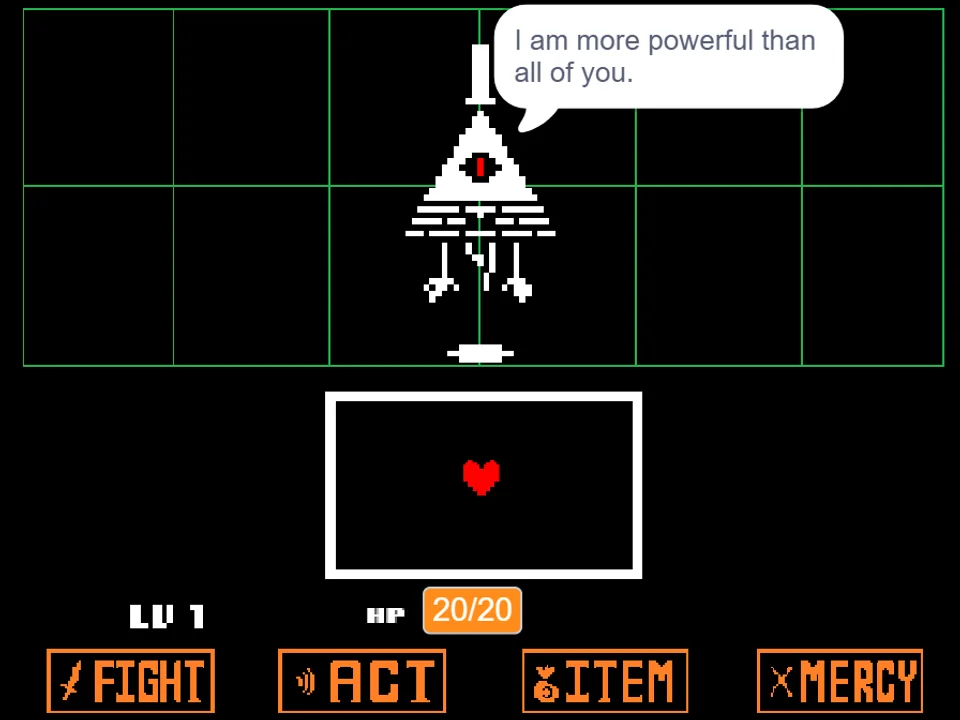
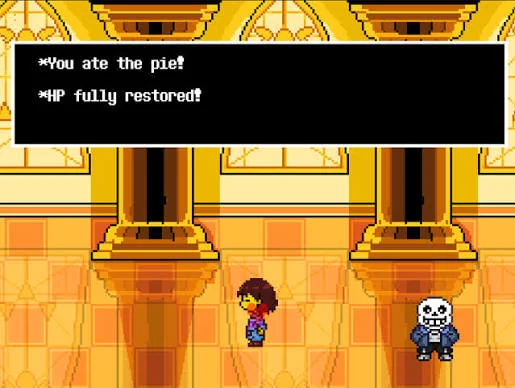
Undertale Goku Fight Simulator transports the martial arts icon Son Goku into the iconic golden Judgement Hall of the Underground. Developed by community creator GaminAKTX, this crossover encounter adapts Dragon Ball Z ki techniques into classic Undertale bullet hell evasive patterns. Stepping into the shoes of the fallen human Frisk after a completed Genocide Route, you arrive at the sunlit corridor only to find the legendary Saiyan waiting to test your strength before you can proceed to King Asgore's throne room.
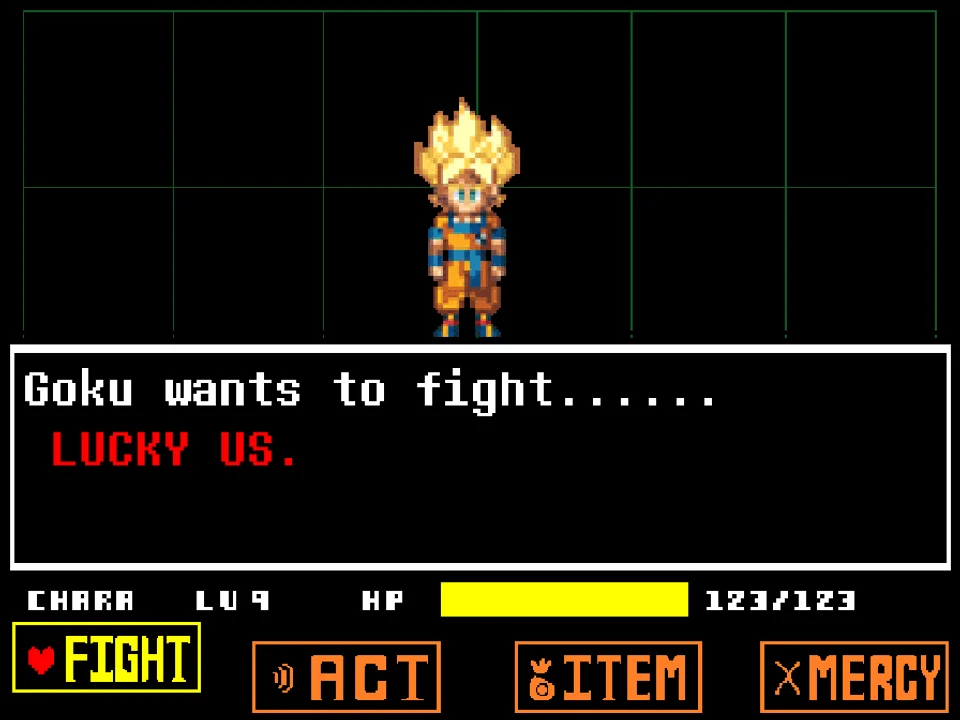
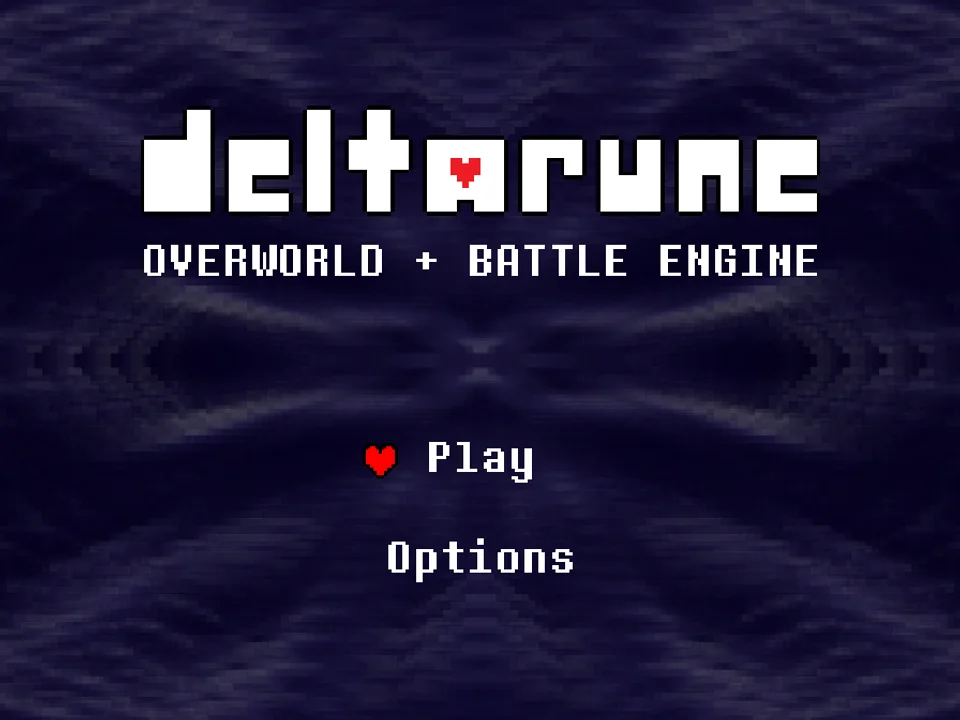
To begin playing in your web browser, click inside the active game window to establish hardware keyboard focus. On the opening title screen, select Start using your Arrow Keys and press Z or Enter to initiate the battle sequence. The corridor loads with Goku standing casually in his orange gi, observing your LV 20 aura. Goku begins with voiced or text dialogue expressing curiosity about human determination and challenging you to show your full power. Press Z or Enter to advance the dialogue and transition into the combat arena.
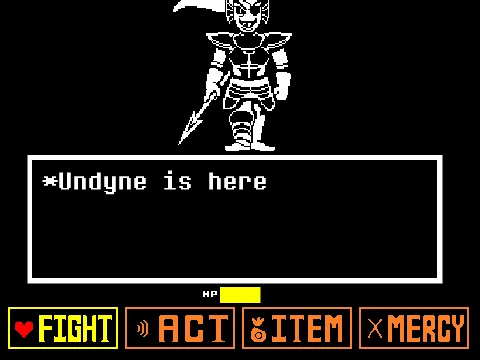
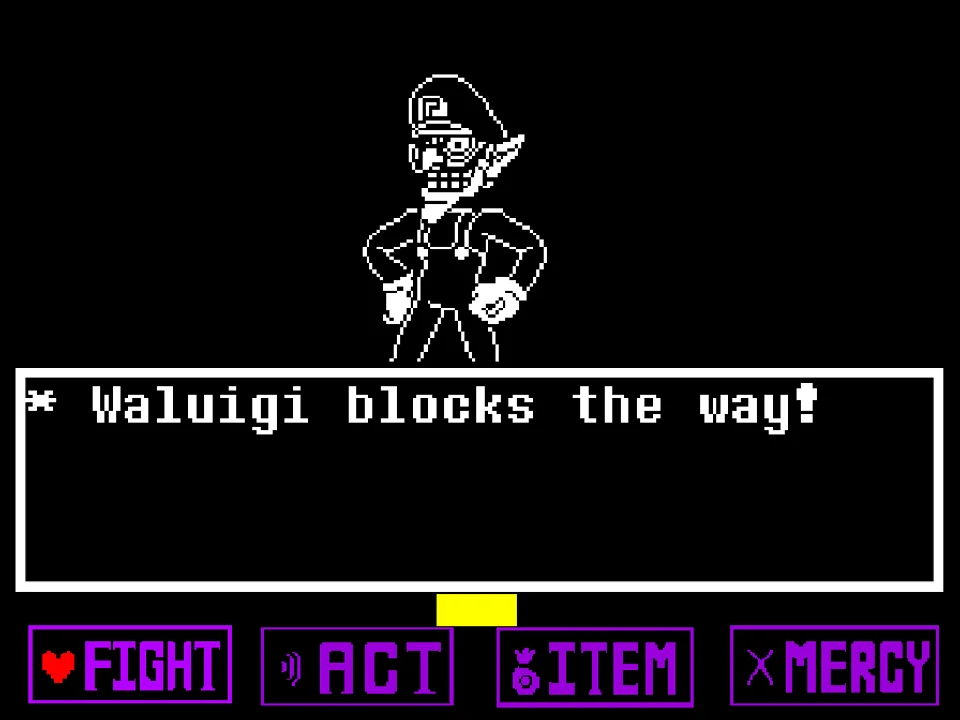
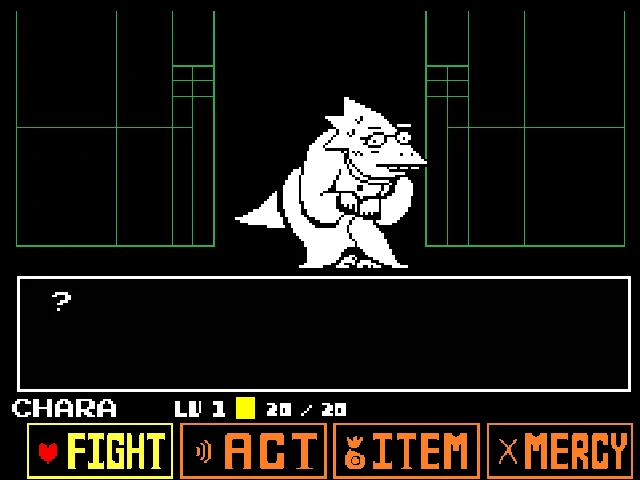
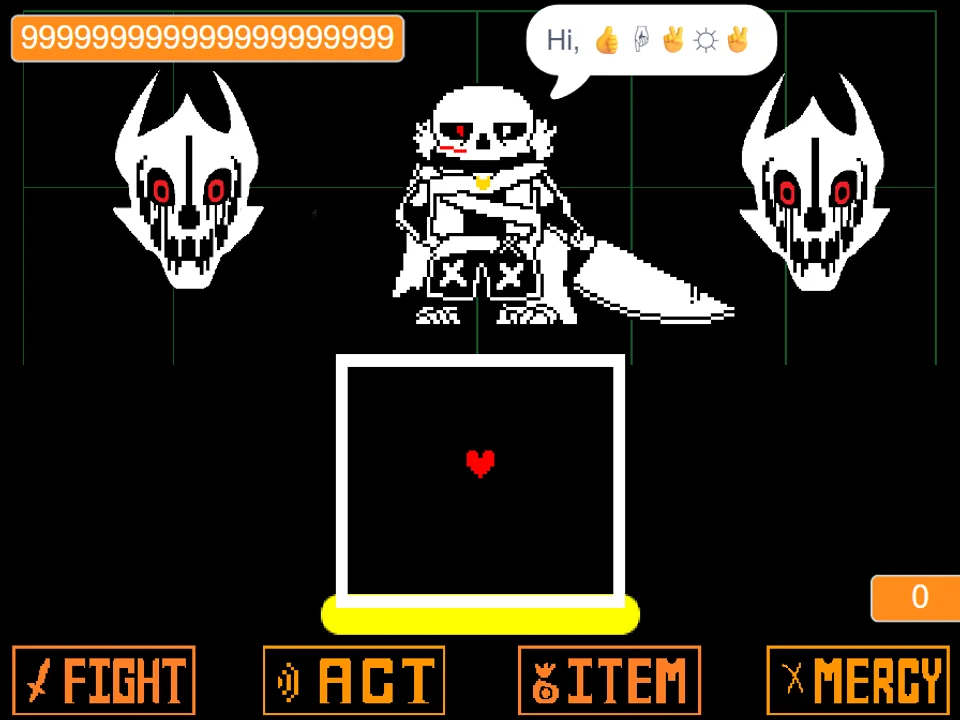
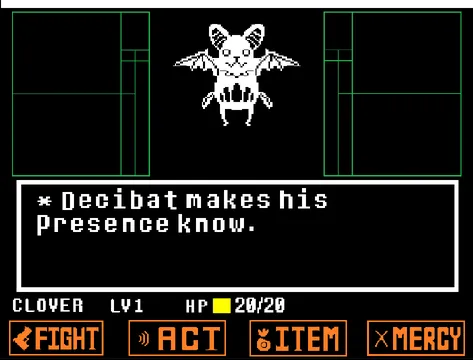
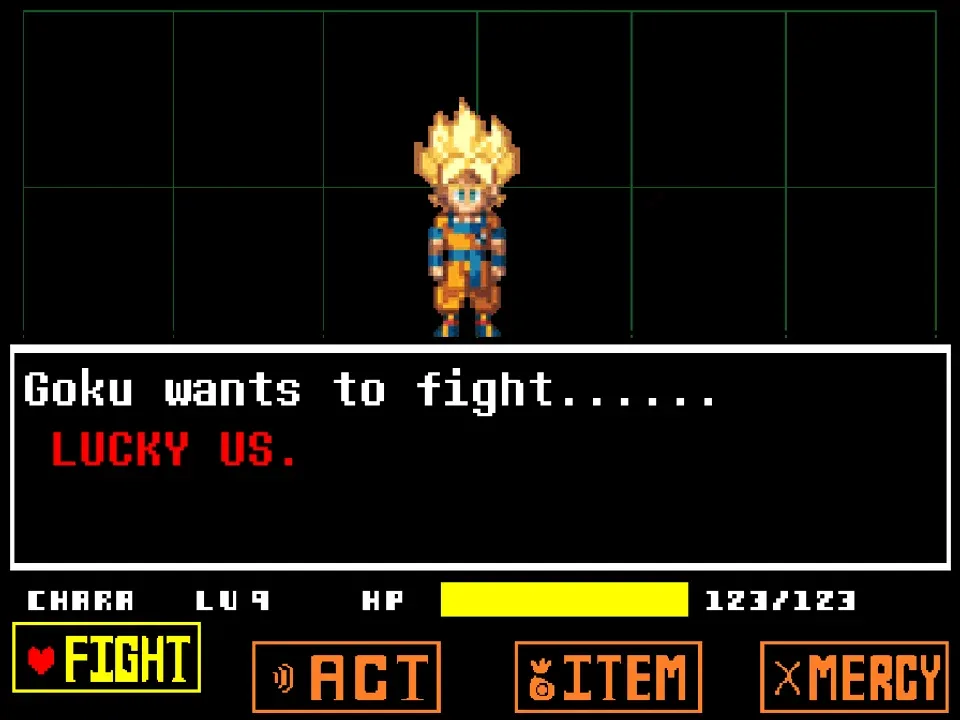
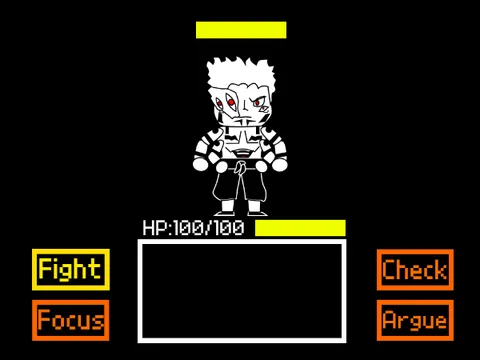
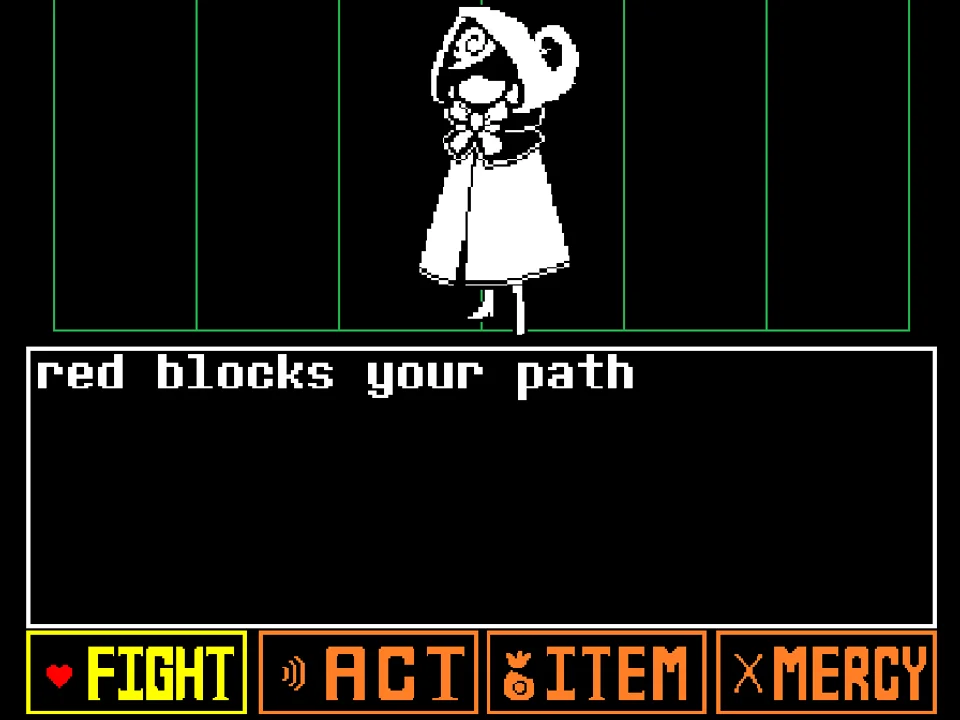
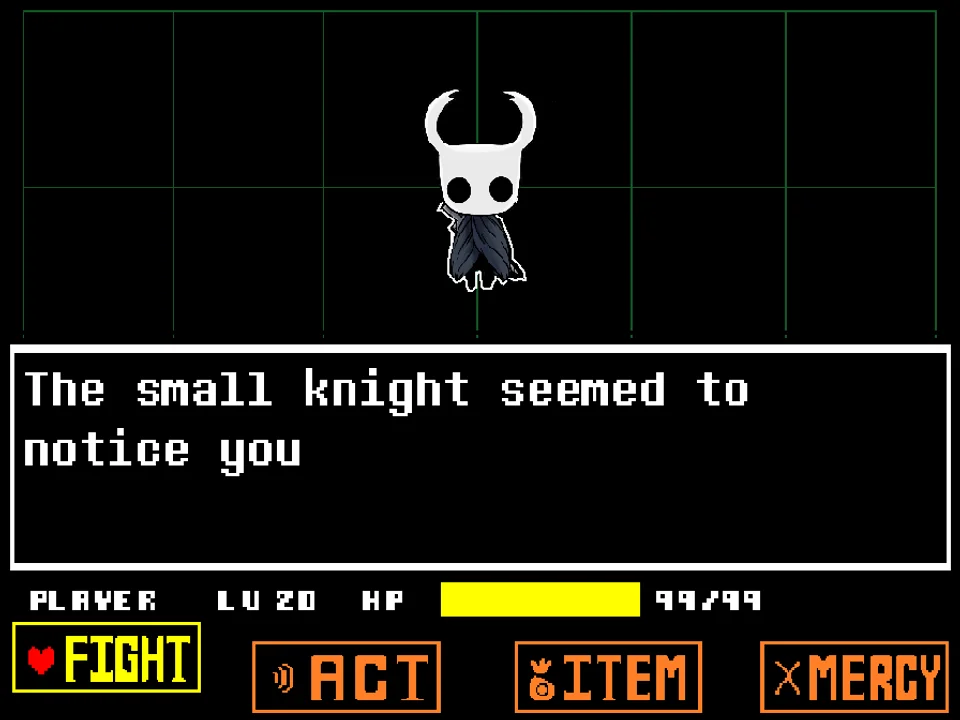
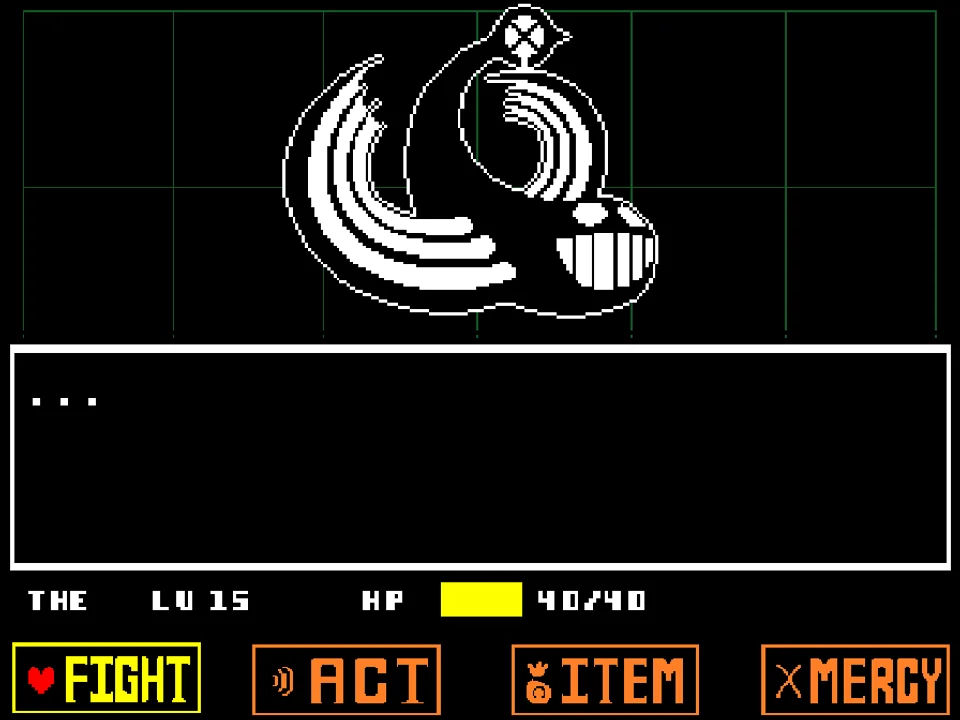
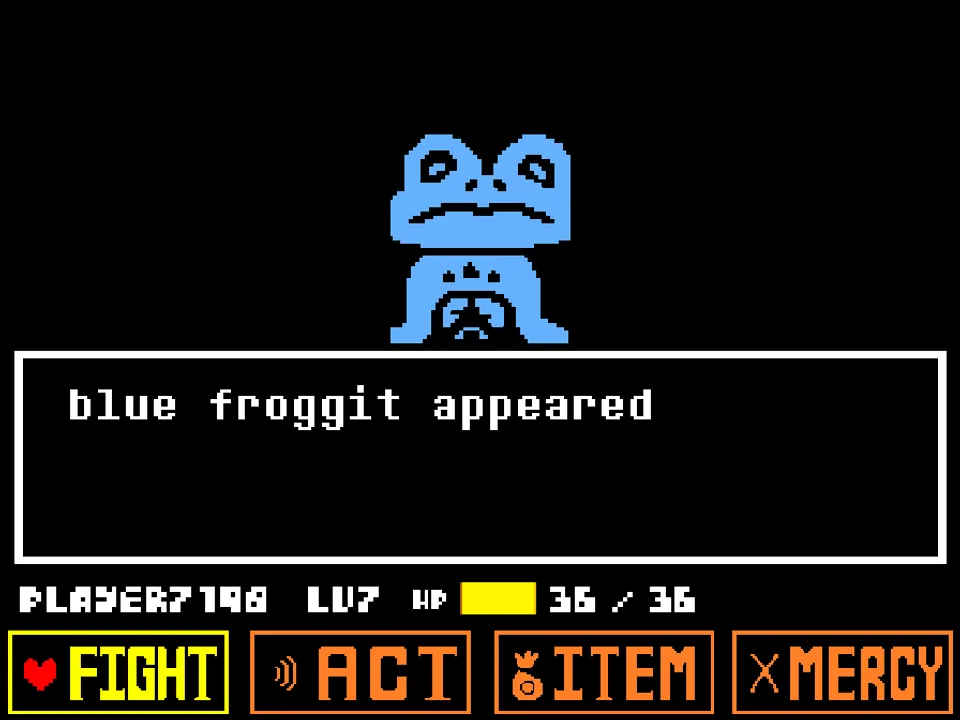
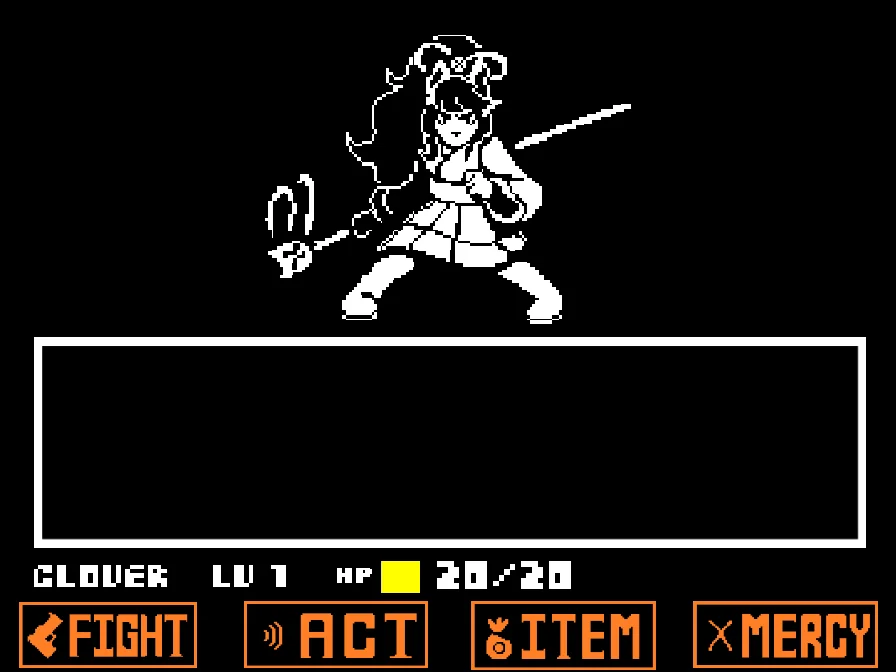
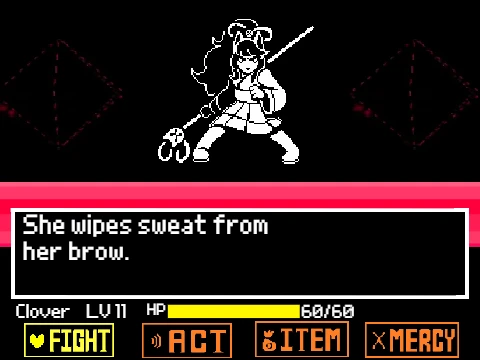
The battle interface follows the traditional four-action structure: FIGHT, ACT, ITEM, and MERCY. In this crossover duel, Goku possesses an imposing boss pool of 4,000 HP and 17 Attack, while Frisk enters combat with 123 HP and 178 Attack. When taking your offensive turn, selecting FIGHT brings up the moving attack reticle across the horizontal meter. Press Z or Enter when the bar aligns with the center oval to deliver maximum physical damage with Frisk's Real Knife. Selecting ACT lets you analyze Goku's power level through Check or taunt his battle instincts. Using ITEM lets you consume healing rations such as Legendary Heroes and Butterscotch Pie to restore your HP pool during critical phases.
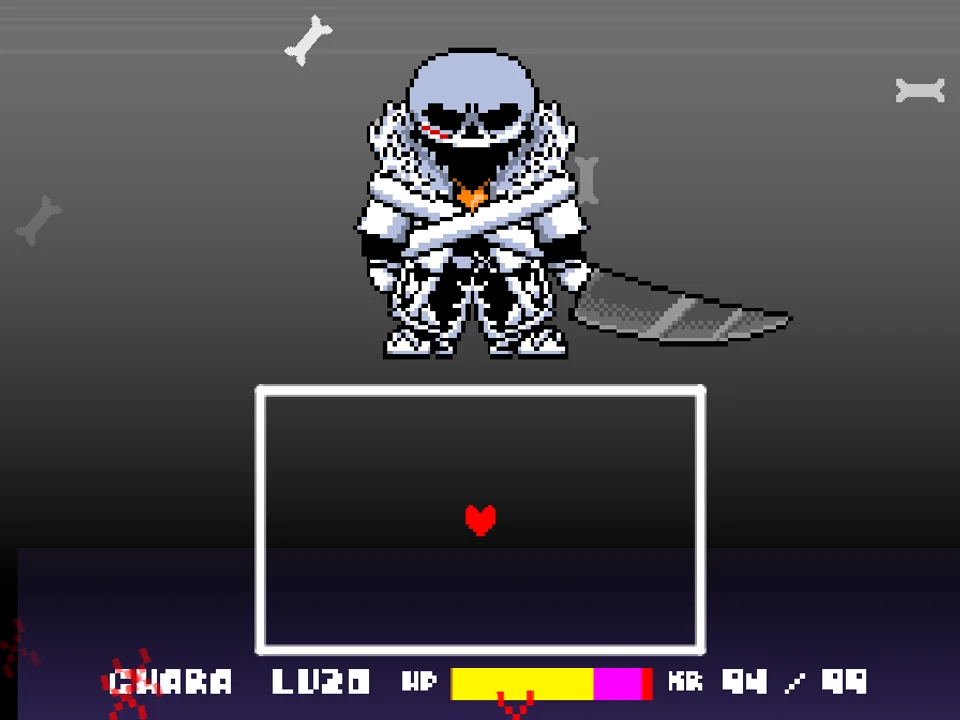
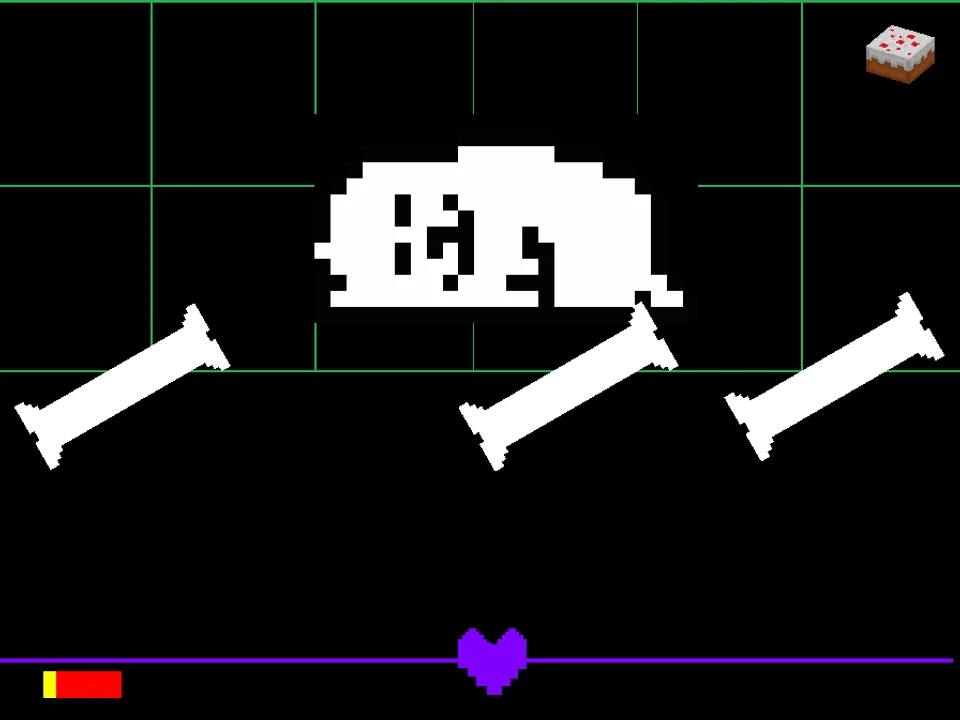
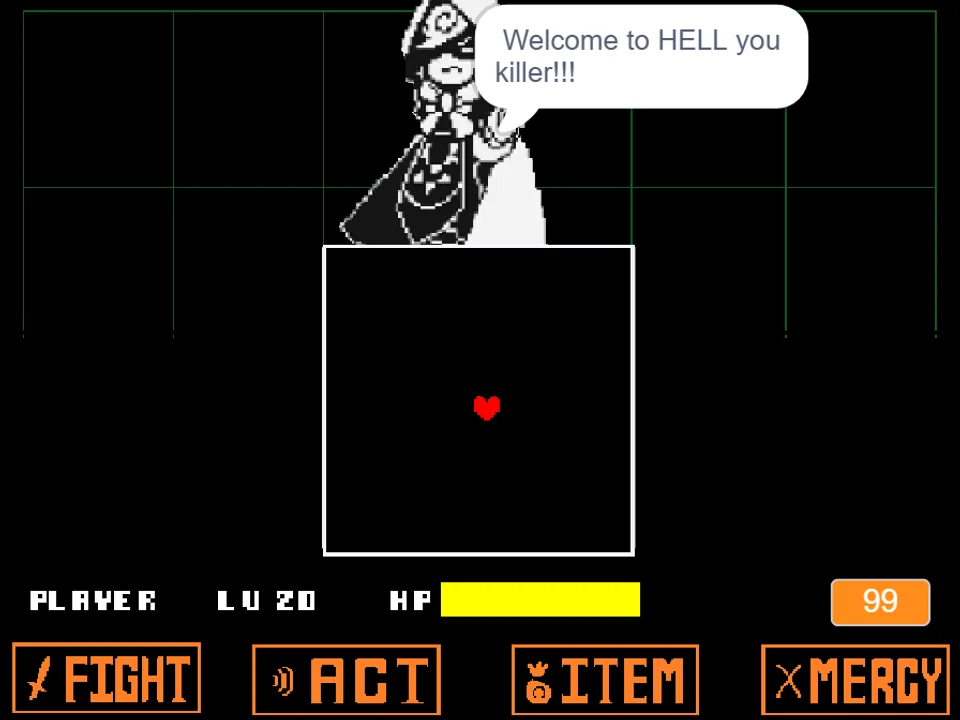
During enemy turns, your red SOUL is trapped within the bordered combat arena. Goku does not rely on standard skeleton bones; instead, he deploys signature Dragon Ball martial arts maneuvers. You must weave through continuous Ki Blast barrages, navigate around lingering Spirit Bomb orbs, sidestep sweeping Kamehameha energy beams that telegraphed along warning lines, and dodge Instant Transmission rush attacks where Goku flashes across the arena to launch sudden melee strikes. Surviving demands split-second spatial awareness and precise dodging.
Keyboard Controls & Input Guide
| Key | Action |
|---|---|
| Arrow Keys / WASD | Steer the red SOUL through the combat box during attack phases and navigate menu choices. |
| Z / Enter | Confirm menu selections (FIGHT, ACT, ITEM, MERCY), strike the attack reticle, and advance dialogue. |
| X / Shift | Cancel current submenu selections, return to the main action bar, or accelerate dialogue display. |
| Mouse Click (Game Screen) | Click inside the canvas viewport prior to starting so your web browser passes keyboard events directly to the player. |
Because this crossover battle requires tight micro-dodging through rapid ki projectiles, keep your fingers placed comfortably on the Arrow Keys and Z key. Avoid using browser shortcut keys during play to prevent losing window focus.
About Undertale Goku Fight, Lore & Mechanics
The concept of pitting the protagonist of Dragon Ball against Undertale's fallen human emerged as one of the most popular crossover hypotheticals in the indie gaming community. Created by GaminAKTX, Undertale Goku Fight realizes this ambition by merging anime-inspired kinetic choreography with the turn-based rhythm of Toby Fox's combat engine. Unlike conventional AU battles that reuse Sans's Gaster Blasters, this project builds custom projectile behaviors specifically mapped to Saiyan combat abilities.
In this timeline, Goku senses an overwhelming, destructive aura emanating from Mt. Ebott. Following Instant Transmission down into the Underground, he arrives in the Last Corridor just as Frisk approaches the climax of their destructive journey. Rather than fighting out of cold vengeance, Goku's martial artist code drives him to push the genocidal human to their absolute limit. Throughout the battle, Goku comments on your relentless tenacity and speed, noting that your Determination mimics the sheer fighting spirit of Saiyan warriors.
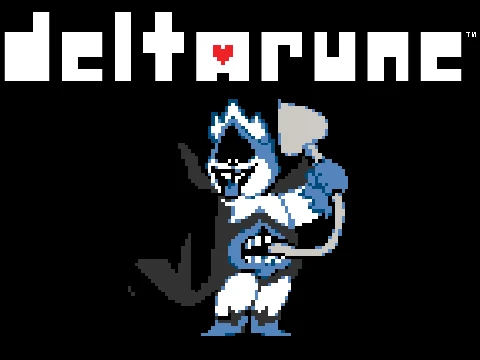
Musically, the fight blends intense Japanese orchestral and synth themes reminiscent of Bruce Faulconer's iconic Dragon Ball Z soundtrack with the rhythmic tension of Megalovania. The audio landscape enhances every energy blast, with crisp sound effects accompanying charging Kamehameha waves and instantaneous vanishing teleports. For players interested in another take on Saiyan combat built around Deltarune's team grazing system, explore Deltarune Goku Fight Simulator for a distinct party-based experience, or challenge the modern jujutsu powerhouse in Undertale vs Gojo Fight Simulator.
Battle Phases & Ki Attack Patterns
The battle unfolds in escalating phases as Goku gradually taps into higher tiers of martial skill and energy manipulation:
- Phase 1 — Base Form Sparring: Goku warms up with linear Ki Blasts, yellow energy discs, and short teleport punches. Attacks in this phase feature generous spacing, allowing you to learn the velocity and arc of his energy projectiles. His dialogue remains playful and encouraging as he tests your defensive reactions.
- Phase 2 — Kaioken Power Surge: Goku activates the crimson aura of Kaioken, significantly boosting projectile frequency and speed. Incoming ki bursts now bounce off arena walls, requiring you to anticipate angle reflections. Red-tinted warning beams designate impending cross-arena strikes that leave minimal reaction windows.
- Phase 3 — Full Power Kamehameha Finale: Pushing the encounter to its climax, Goku unleashes screen-wide beam charges. Massive blue Kamehameha waves sweep horizontally across the arena, forcing you to execute micro-hops into tiny safe pockets while dodging lingering secondary energy embers. Only sustained focus and disciplined item usage will allow you to endure until the decisive strike.
Expert Combat Tips & Survival Strategies
Enduring Goku's high-speed ki assaults requires calculated movement and disciplined resource management. Implement these specific combat strategies:
- Hover Near Arena Center During Ki Blast Spreads: When Goku fires multi-directional yellow ki spheres, they expand outward from his sprite. Positioning your SOUL near the horizontal center of the arena provides maximum time to identify the widest opening between approaching spheres rather than getting trapped in the corners.
- Watch for Blue Warning Glows Before Kamehameha Beams: Large energy beams are always preceded by a distinct charging audio cue and translucent visual guide lanes. The moment you see the energy track illuminate, immediately shift your SOUL to the opposite vertical lane before the beam reaches full width.
- Use Short Finger Taps to Evade Bouncing Ki Discs: In the Kaioken phase, Destructo Disc-style energy wheels bounce off the perimeter walls. Holding down directional keys often sends your heart careening into a ricocheting projectile. Use light, rhythmic taps to maintain micro-positioning.
- Reserve Top-Tier Healing Items for Phase 3: Do not consume your Butterscotch Pie or Snowman Pieces during the initial sparring phase. Save full-heal items for Phase 3 when consecutive beam waves can deplete large chunks of your health pool in a single turn.
- Time Your Attack Reticle for Maximum Damage Output: While surviving enemy turns is vital, shortening the battle minimizes overall opportunities for lethal mistakes. Always wait for the white attack bar to hit the exact center oval of the FIGHT meter to deal triple-digit damage and push Goku toward his next dialogue threshold quickly.
- Capitalize on ACT Turns to Gauge Remaining Endurance: If your health is stable, using ACT to Check Goku reveals valuable combat status text and phase transitions, signaling when a major super attack is about to unleash on the subsequent turn.
Frequently Asked Questions
Who created Undertale Goku Fight Simulator?
The fan game was created by independent developer GaminAKTX, who adapted Son Goku's Dragon Ball combat techniques and audio cues into a standalone browser-compatible Undertale boss encounter.
How does Undertale Goku differ from Deltarune Goku?
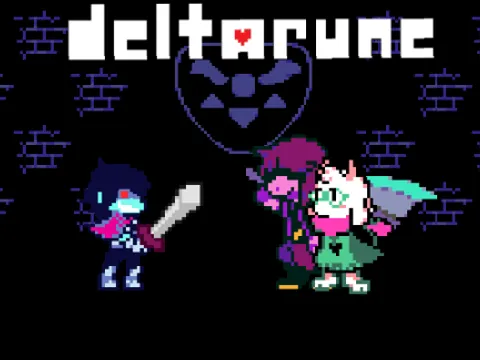
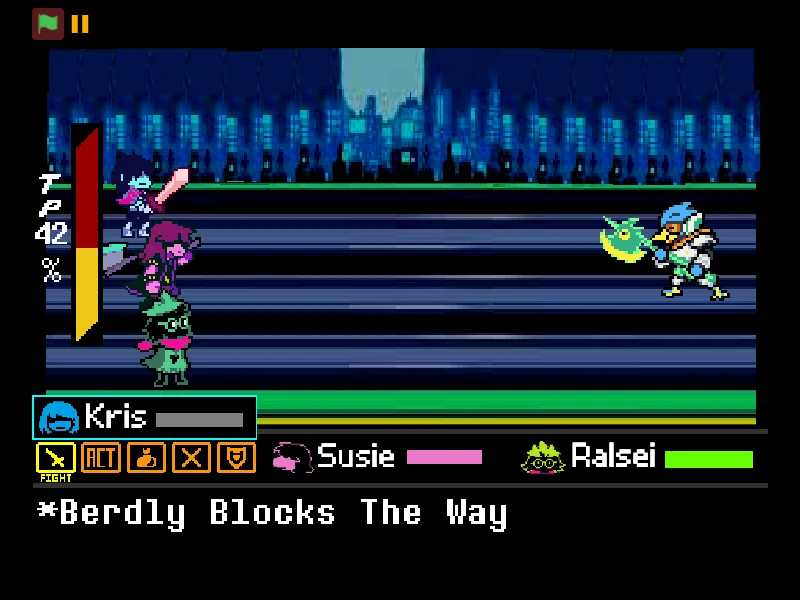
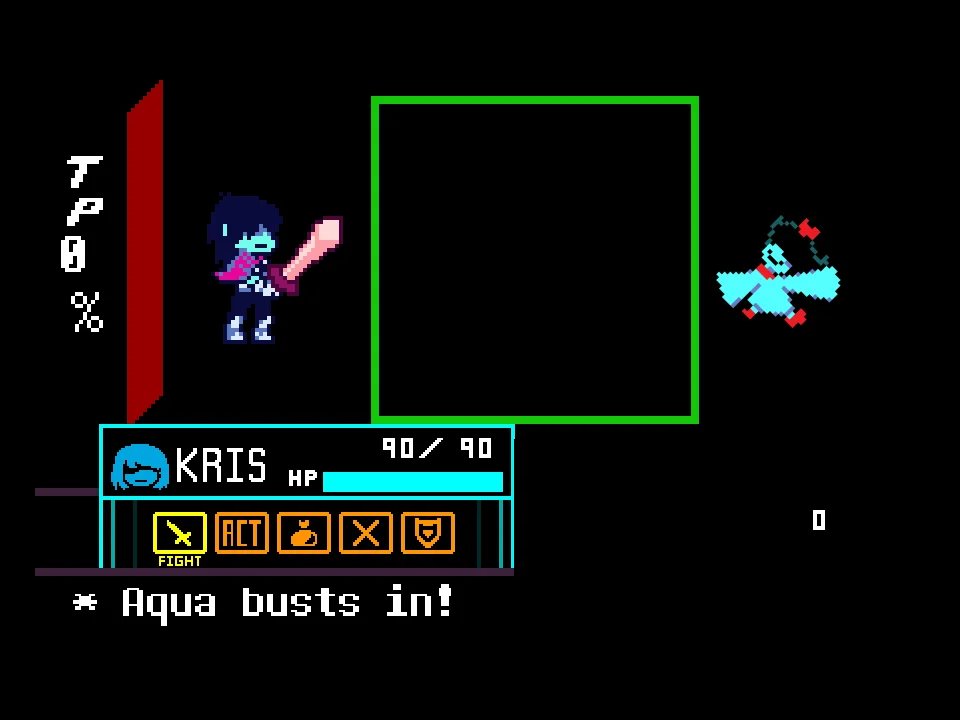
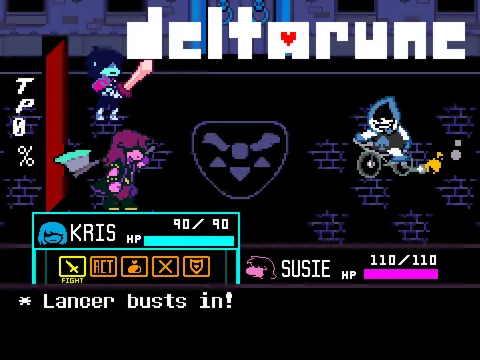
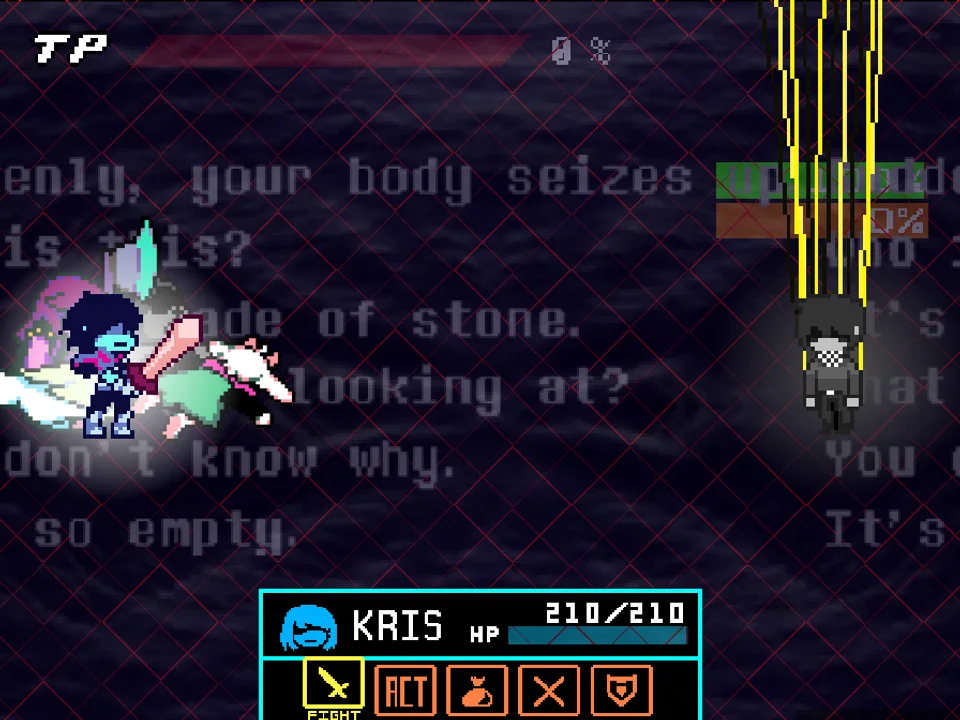
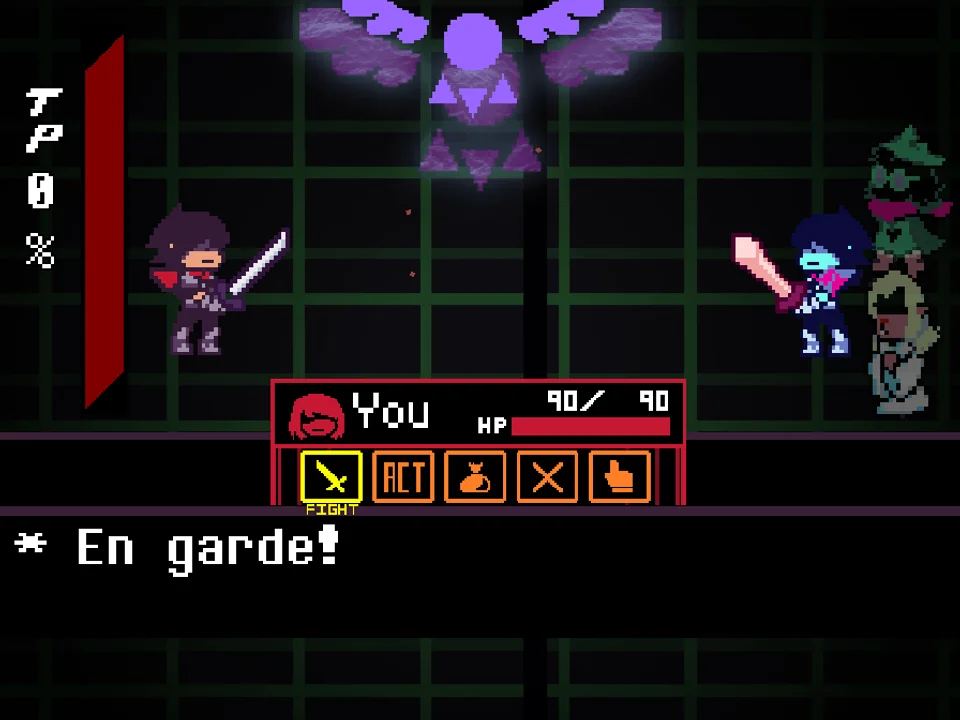
Undertale Goku Fight Simulator is a solo Frisk encounter built on the classic Undertale single-soul battle framework. In contrast, Deltarune Goku Fight features Deltarune's party mechanics, including the TP (Tension Points) gauge, bullet grazing, defend commands, and Kris party turns.
What are the primary controls for playing the game?
Use the Arrow Keys or WASD to navigate menus and steer your red SOUL during battle turns. Press Z or Enter to confirm selections and trigger strikes on the attack reticle, and press X or Shift to cancel or back out of submenus.
Can I spare Goku or is this strictly a genocide battle?
This encounter is designed primarily as a combat endurance trial. While the MERCY option exists on the interface, Goku's dialogue and combat programming require reducing his HP to zero through successive FIGHT turns to reach the ending.
Does the game save my progress between attempts?
No mid-battle save system exists in this standalone simulator. If your HP drops to zero, you restart from the beginning of the encounter, making it an authentic arcade survival challenge.
Can I play Undertale Goku Fight on mobile devices?
The game is designed for desktop and laptop browsers with physical keyboard inputs. Touchscreen mobile devices do not have dedicated on-screen directional buttons configured for this version.
Why are my keyboard inputs not responding when the game loads?
Ensure you click directly inside the game window canvas with your mouse. Web browsers require an active user click inside the frame to direct keyboard event focus to the game engine.