
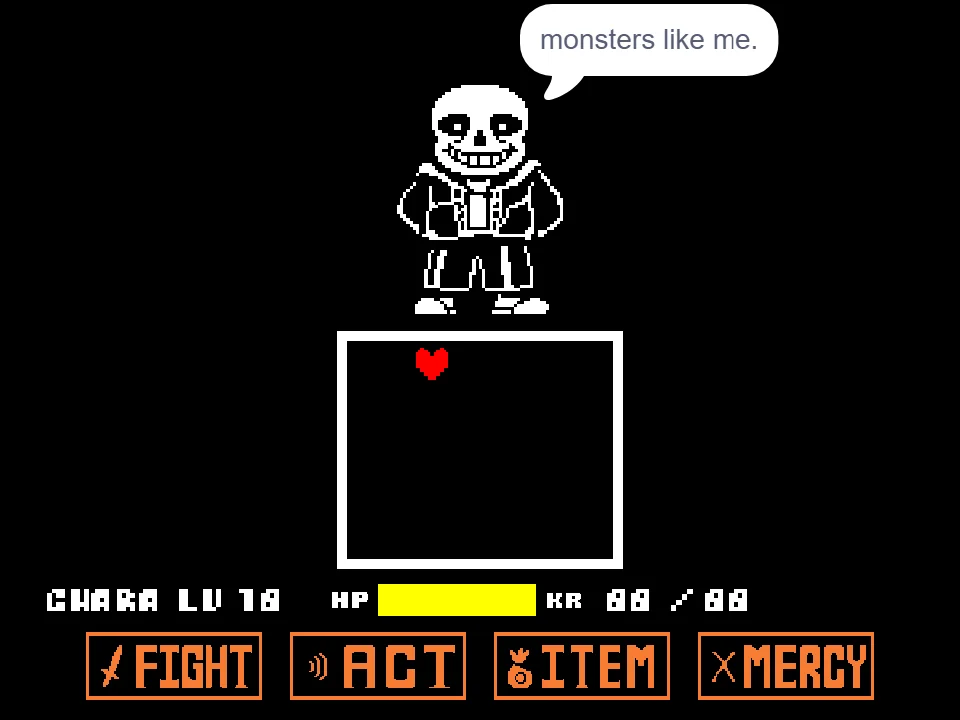
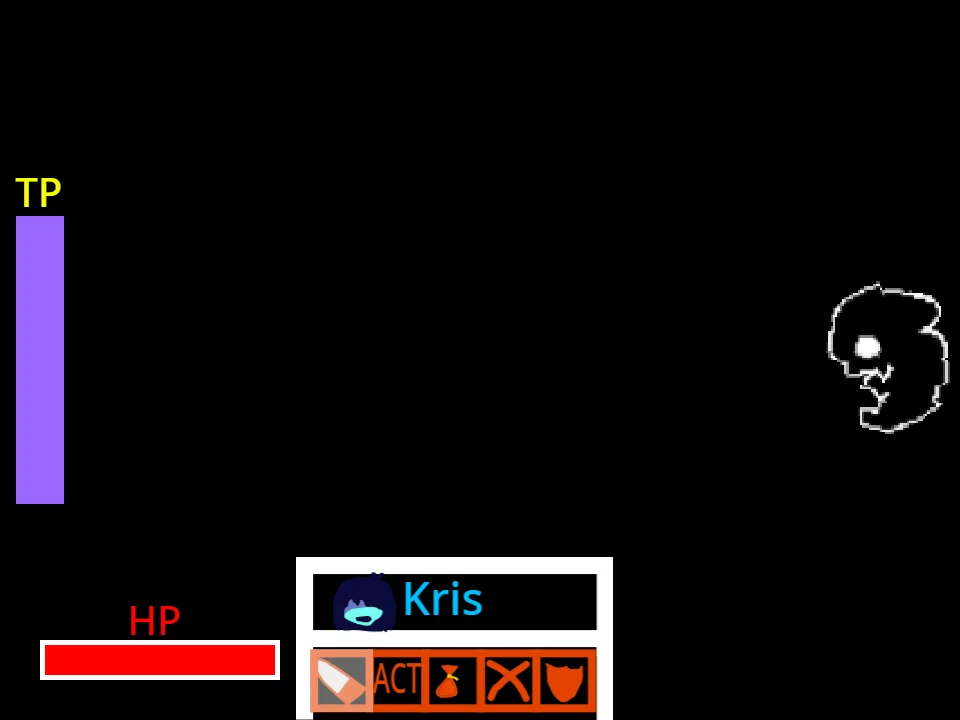















How to Play Undertale Mad Mew Mew Fight Simulator
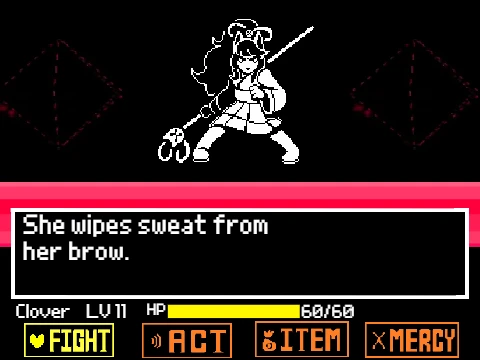
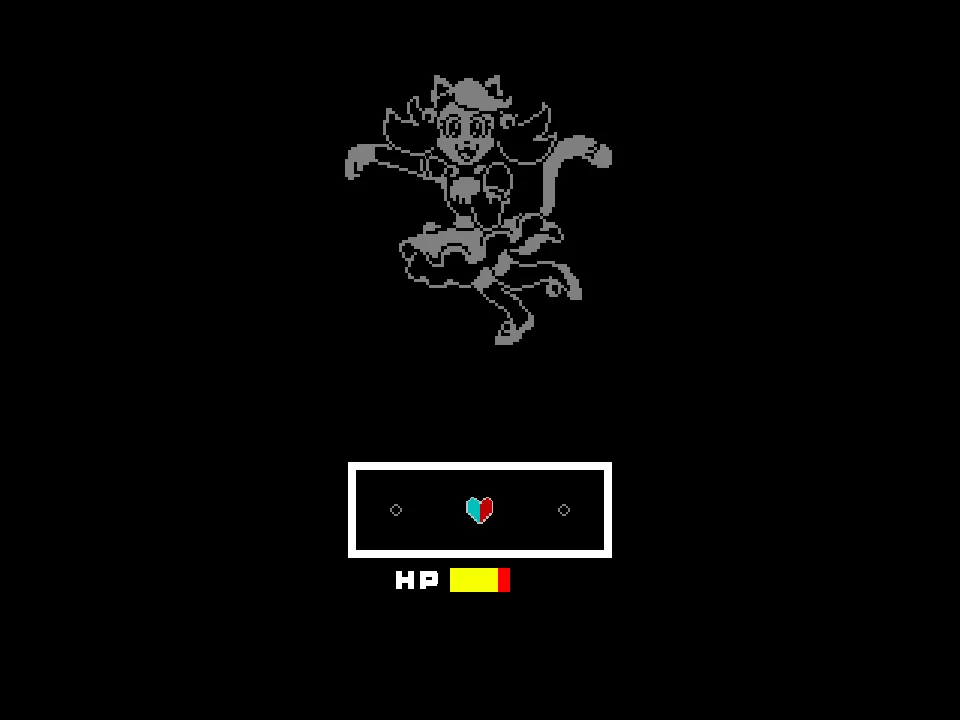
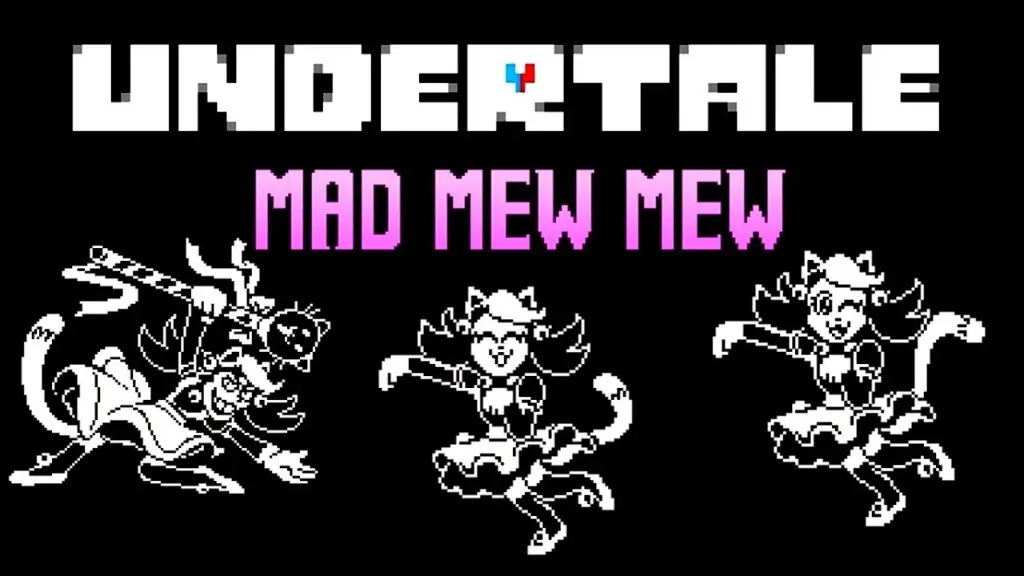
Experience the authentic Nintendo Switch secret boss encounter recreated for your web browser with the Undertale Mad Mew Mew Fight Simulator. In the original console release of Undertale, players discovered a locked canine shrine in Papyrus and Sans's basement, unlocking an exclusive confrontation against Mad Dummy, who has fused with a life-sized anime doll named Mad Mew Mew. What made this encounter legendary was its revolutionary combat mechanic: the human SOUL splits cleanly in half, requiring simultaneous two-handed coordination to steer the blue left hemisphere and the red right hemisphere across separate halves of the arena.
To begin playing, click directly inside the game window to ensure keyboard focus and tap the Z Key to confirm your menu choices and initiate combat. In this simulator, keyboard controls translate the console's dual-stick joy-con inputs: use the WASD Keys to maneuver the left (Blue) SOUL half, and the Arrow Keys to maneuver the right (Red) SOUL half. Both soul halves must operate in close harmony; letting either hemisphere collide with incoming hazards drains your shared health bar, and when HP reaches 0, you face an instant Game Over.
Mad Mew Mew attacks with an energetic array of feline-themed magical projectiles set to the energetic theme by brandont1476. The battle introduces flying cat paw strikes, directional laser beams, falling projectiles, and color-coded attack lanes. You will frequently encounter vertical barriers where only the matching soul half can safely pass through: the blue half must traverse blue energy beams while the red half crosses red zones. Coordination is vital—if one hand moves too fast while the other hesitates, the trailing half will collide with incoming projectiles. Between evasion turns, use the Arrow Keys or A/D to toggle between Atack and Spare options and press Z to confirm your choice to advance the encounter.
Please note that this page features the authentic Undertale boss fight recreation. It is distinct from our Mad Mew Mew Deltarune Pink Fight (which adapts the character into Deltarune combat rules) and our Endless Mad Mew Mew Simulator (which features an infinite survival survival mod). To explore the character's origins before doll fusion, also check out the Mad Dummy Fight Simulator.
Undertale Mad Mew Mew Controls
| Key | Action |
|---|---|
| WASD Keys | Control the Blue SOUL (Left Hemisphere): W moves up, A moves left, S moves down, and D moves right across the left side of the arena. |
| Arrow Keys | Control the Red SOUL (Right Hemisphere): Up moves up, Left moves left, Down moves down, and Right moves right across the right side of the arena. |
| Z Key / Enter | Confirm menu choices (Atack or Spare) and advance battle dialogue text. |
| A/D & Left/Right Arrows | Navigate menu options: toggle between Atack and Spare when battle decision prompts appear. |
Playing with two hands—left hand on WASD and right hand on Arrow Keys—is required to steer both halves of the split SOUL simultaneously.
What Is the Undertale Mad Mew Mew Boss Fight?
When Toby Fox brought Undertale to the Nintendo Switch in 2018, the release featured a brand-new secret boss fight hidden behind the sink in Papyrus's kitchen. After depositing enough gold into the shrine, players opened a doorway to discover the ghostly spirit of Mad Dummy, who had abandoned the cotton dummy body in search of a corporeal vessel that truly fit her personality: a life-sized anime doll of Mew Mew, the feline protagonist from Alphys's favorite television series, Mew Mew Kissy Cutie.
Desperate to achieve complete physical fusion with the doll through intense emotion, Mad Mew Mew engages Frisk in a climactic duel. To fully exploit the Nintendo Switch's dual Joy-Con controllers, Toby Fox designed a mechanic never before seen in Undertale: Frisk's heart splits down the middle into a Blue half and a Red half, each controlled independently by the left and right thumbsticks. The resulting battle combined rhythm-game reflexes, ambidextrous coordination, and fast-paced bullet hell dodging.
This browser edition, crafted by community developer TitanThanos999 with music by brandont1476, meticulously recreates the signature dual-stick experience for web browsers. By mapping the Joy-Con sticks to WASD and Arrow keys, the simulator lets players worldwide experience this beloved console-exclusive boss fight without needing a Switch console.
Dual SOUL Mechanics and Attack Formations
The core challenge of Mad Mew Mew revolves entirely around managing two independent collision hitboxes with two hands simultaneously.
Split SOUL Coordination
Throughout the encounter, your heart remains split into a Blue left half and a Red right half. While some attack patterns allow both halves to mirror each other's paths, advanced turns force the two halves to move in completely opposite directions. For example, descending bone or sparkle walls may feature a blue opening near the top-left while the corresponding red opening is positioned along the bottom-right, forcing your left and right hands to execute contradictory movements at the exact same moment.
Color-Coded Barrier Walls
Mad Mew Mew frequently sweeps the arena with vertical energy laser barriers colored blue on one side and red on the other. Your blue soul half must be positioned in the blue corridor while your red soul half stays in the red corridor. If either half crosses over into the opposing color's territory, severe collision damage is dealt immediately.
Rotating Paw Matrices
During special attack sequences, feline paw prints orbit the arena in expanding circular waves. Surviving these patterns requires keeping both soul halves close together near the center of rotation, then rhythmically expanding outward as the gaps between paw projectiles widen.
Tips for Beating Undertale Mad Mew Mew Fight Simulator
- Anchor Your Hands in Home Position: Place your left hand firmly on WASD and your right hand on the Arrow Keys before starting the battle. Shifting your hand positions mid-fight creates confusion and invariably causes you to steer the wrong soul half into incoming projectiles.
- Focus on the Slower-Moving Half First: When an attack pattern requires asymmetrical dodging, identify which soul half has the tighter gap. Align that half safely first, then use your peripheral vision to navigate the second half into the wider clearance zone.
- Do Not Merge Soul Halves into Opposing Color Zones: When color-coded barrier walls sweep down the screen, make sure your Blue half never drifts across the center divider into the red lane, and vice versa. Crossing the color boundary triggers continuous tick damage.
- Keep Both Halves Horizontally Symmetrical When Possible: Whenever an incoming attack wave consists of uniform vertical hazards, move both hands in unison (e.g., W and Up together, S and Down together). Maintaining symmetrical alignment reduces the cognitive load on your brain.
- Preserve Your 20 HP Pool Carefully: Unlike extended RPG encounters, this boss fight recreation does not feature consumable healing items or an ITEM menu. Every projectile collision subtracts 2 HP from your starting 20 HP pool, giving you only 10 hits before an instant Game Over. Treat every hit point as irreplaceable.
- Time Your Evasions to Mad Mew Mew's Attack Cues: Pay close attention to the visual flashing indicators along the arena edges before projectile bursts launch. Synchronizing your movements with the incoming projectile entry cadence gives both hands enough lead time to clear incoming hazards.
Undertale Mad Mew Mew Fight Simulator FAQ
Who is Mad Mew Mew in Undertale?
Mad Mew Mew is a secret boss originally exclusive to the Nintendo Switch release of Undertale. She is the ghost formerly known as Mad Dummy, who has possessed a life-sized anime doll of Mew Mew from the show Mew Mew Kissy Cutie in an effort to fuse with a physical body.
How do the split-soul controls work on keyboard?
Your SOUL splits into a Blue left half and a Red right half. Use the WASD keys with your left hand to control the Blue soul half, and use the Arrow Keys with your right hand to control the Red soul half simultaneously.
How is this version different from the other Mad Mew Mew pages on this site?
This page features the authentic recreation of the Undertale Switch boss fight with dual-stick mechanics. It is distinct from our Mad Mew Mew Deltarune Pink fight (adapted into Deltarune combat) and our Endless Mad Mew Mew Simulator (an infinite survival arcade mod).
Can I spare Mad Mew Mew or must I fight her?
Yes. During menu phases, you can choose to either Atack to damage her and continue the offensive sequence, or select Spare to conclude the encounter peacefully once she relents.
Why does my SOUL take damage when touching the central barrier?
Certain attacks introduce color-coded boundary lanes. The Blue soul half can only exist in blue lanes, and the Red soul half can only exist in red lanes. Crossing into the opposing color's territory causes immediate damage.
Can I play Undertale Mad Mew Mew on mobile devices?
While the game loads on mobile browsers, simultaneously steering two independent soul halves with two hands is extremely difficult on a single touchscreen. Playing on a desktop or laptop with a physical keyboard is strongly recommended.
Is this Mad Mew Mew simulator free to play online?
Yes. The simulator is completely free to play online in your browser without requiring downloads, emulator installations, or account creation.