

















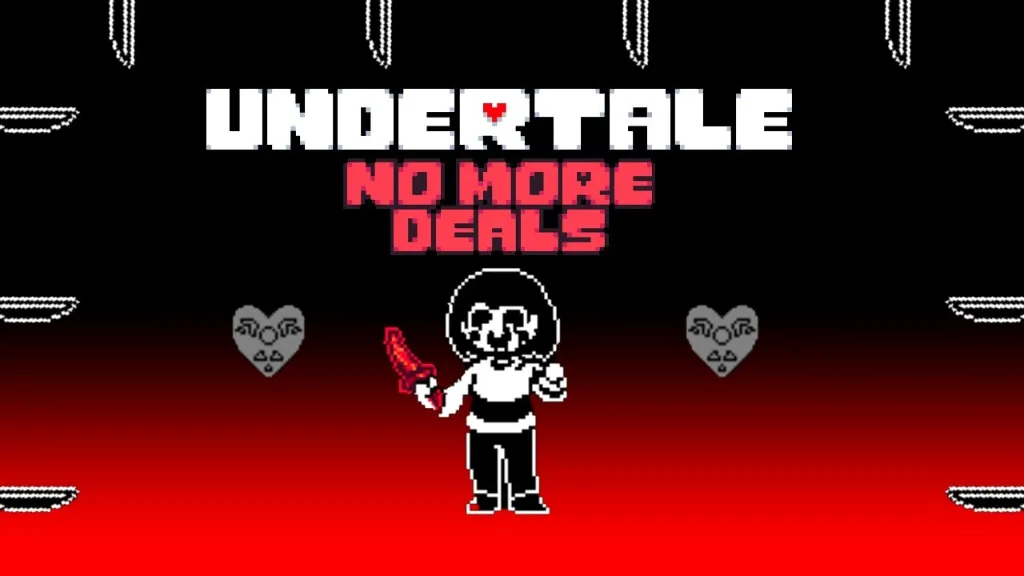
How to Play Deltarune Ink Sans No Die Fight
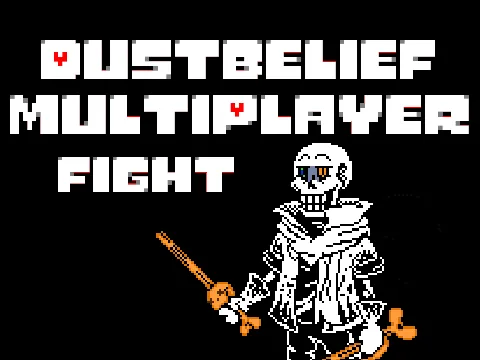
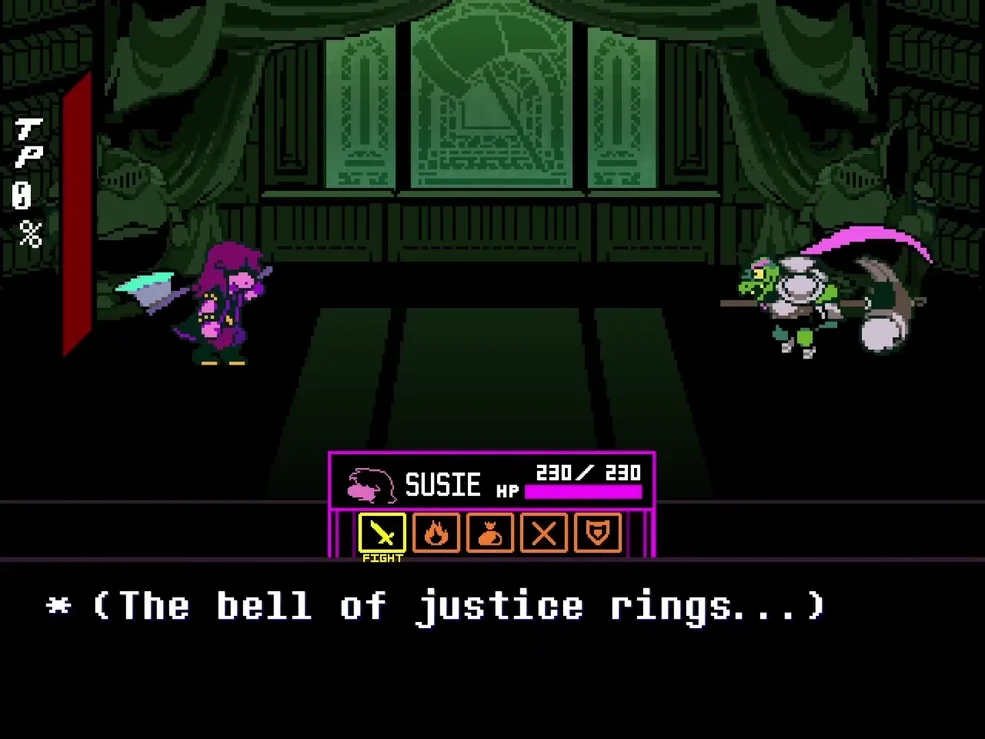
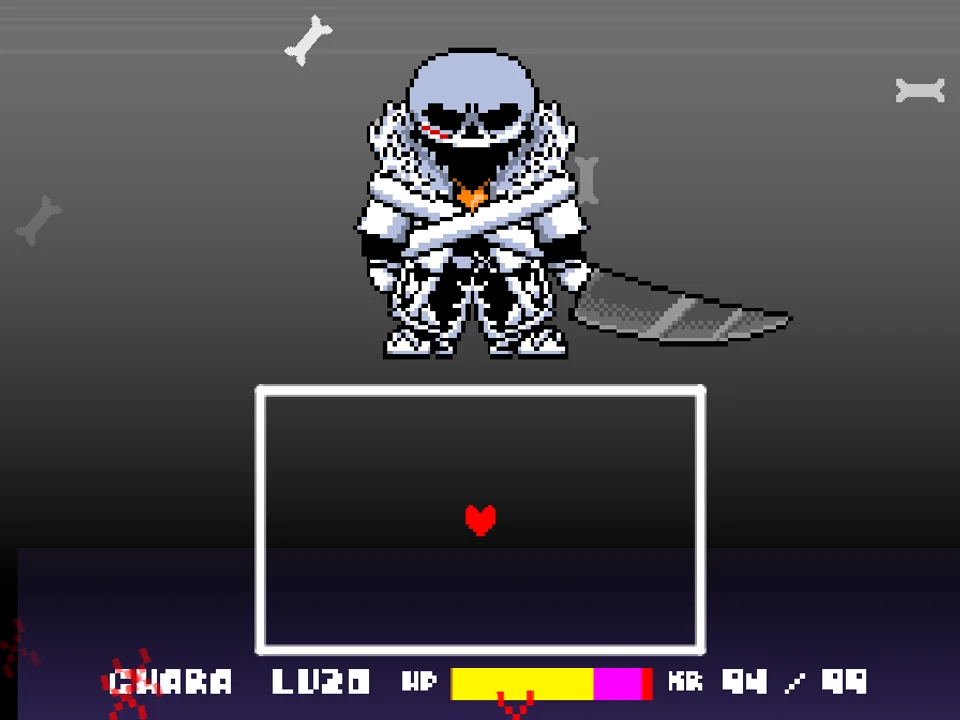
Deltarune Ink Sans No Die Fight (officially published as (No Die) Deltarune Ink!Sans Fight (Demo)) is a specialized practice simulator developed by PROGRAMMING-HELPER with foundational inspiration from @taiseitaisei. Pitting players against the multiversal guardian Ink!Sans in a custom Deltarune-inspired combat arena, this project was deliberately designed with a unique gameplay rule: the player cannot suffer a Game Over screen. By removing lethal death penalties, the simulator allows players of all skill levels to study, practice, and master Ink!Sans's notoriously complex bullet hell patterns without being kicked back to the start menu.
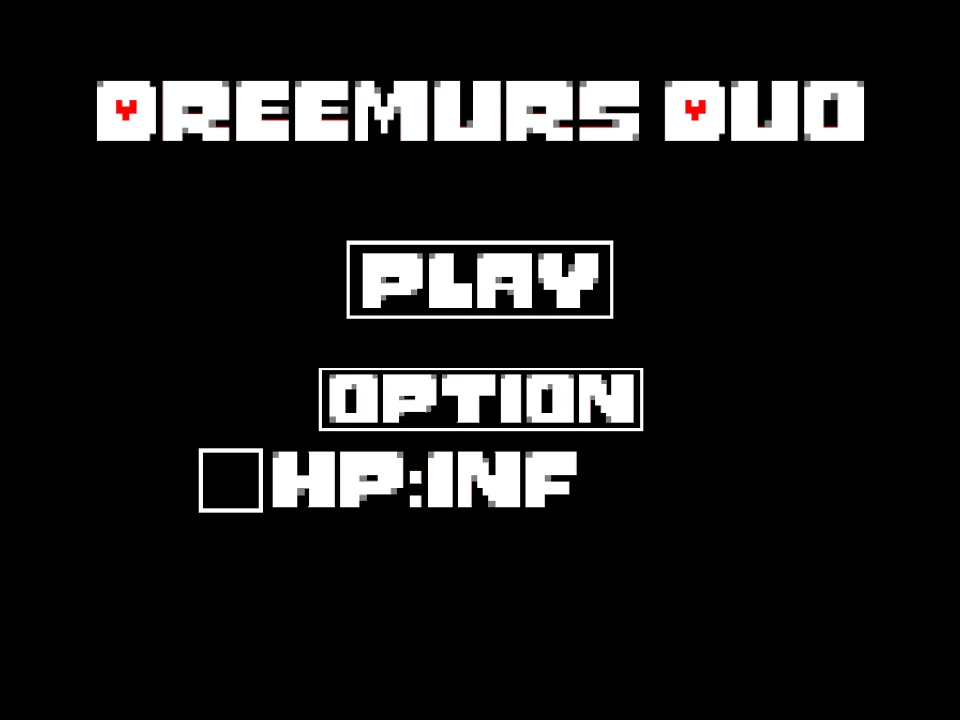
To play in your browser, click within the game window to capture keyboard focus. On the opening screen, navigate with the Arrow Keys and press Z or Enter to initiate the battle. The creator's opening notes are candid and informative: '完 成 後 初 見 ク リ ア 不 可 能 。 デモです。死ぬことはありません。(Impossible to beat on first attempt after completion. This is a demo. You will NOT die.)' The developer explains that in this practice-oriented demo build, lethal health depletion is disabled so players can experience all attack sequences without interruption.
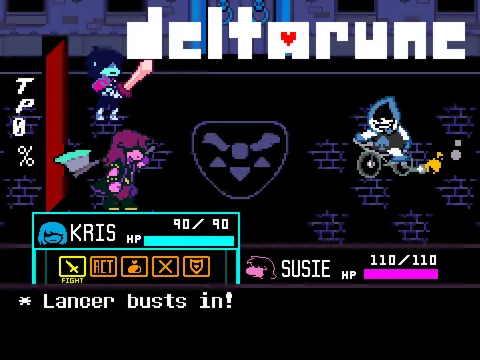
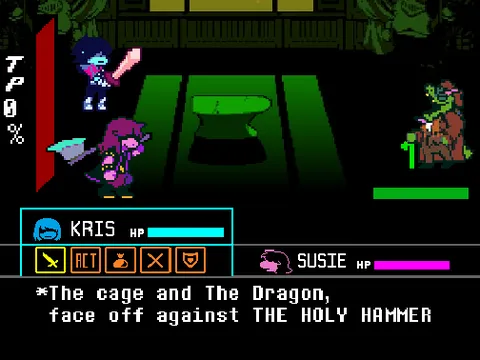
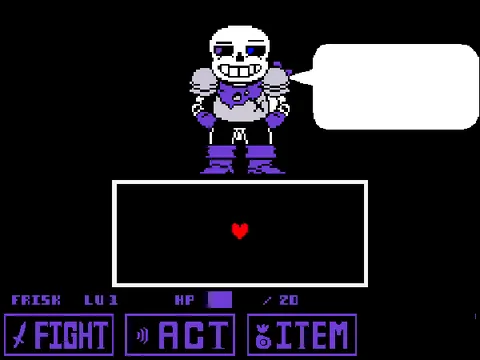
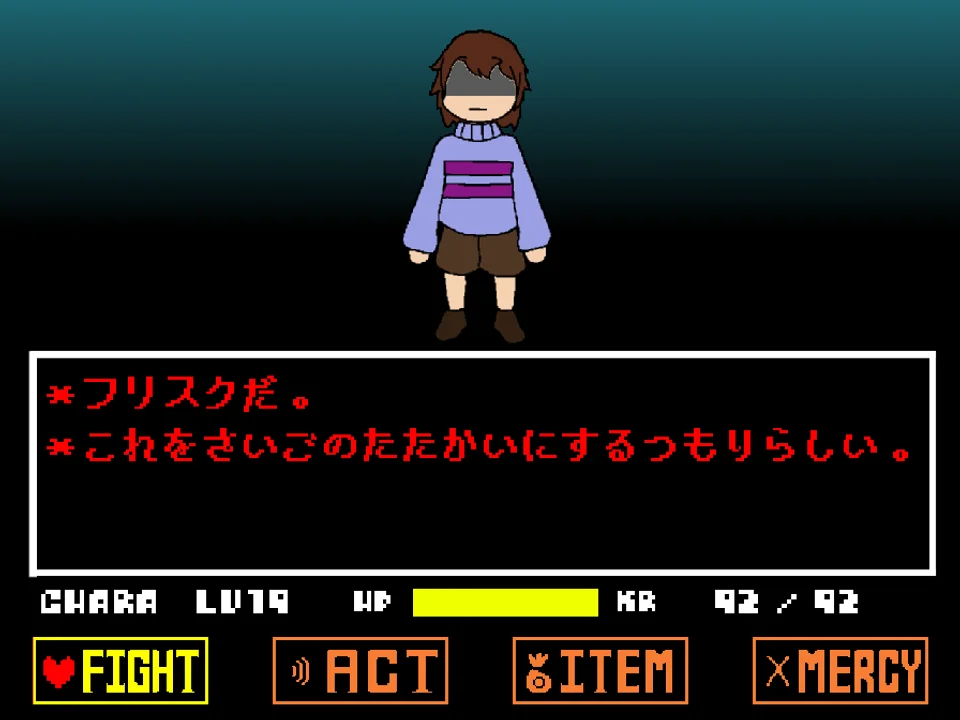
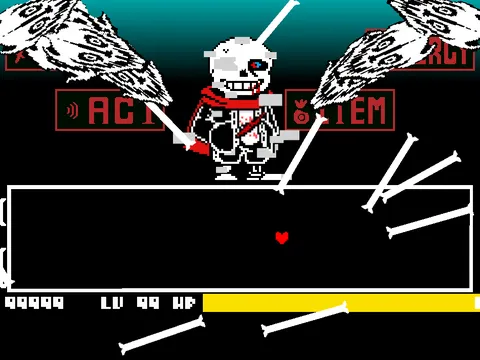
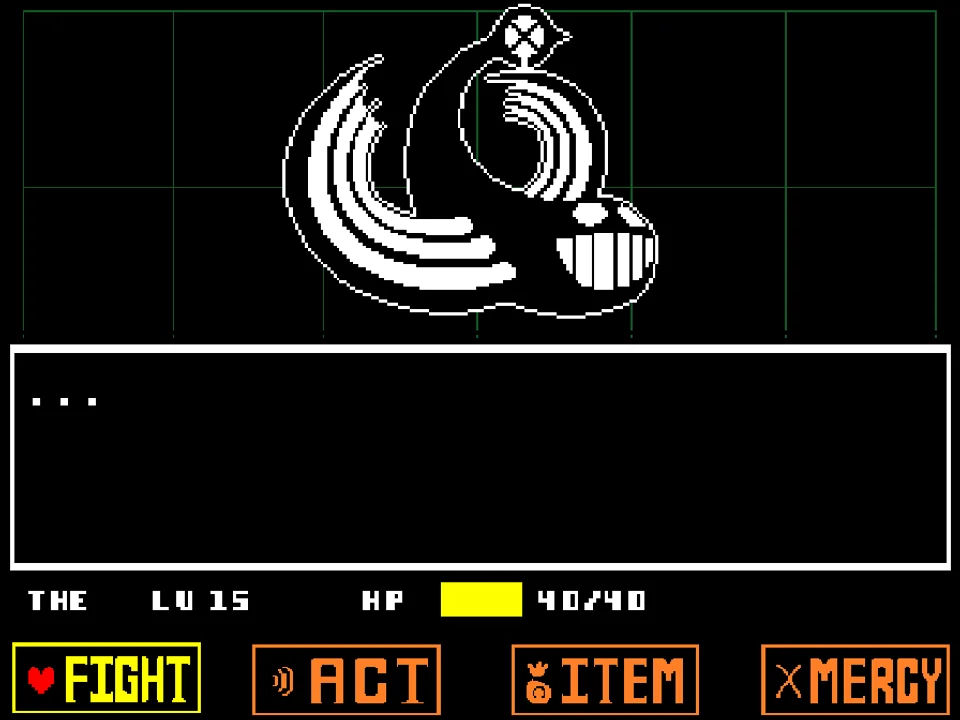
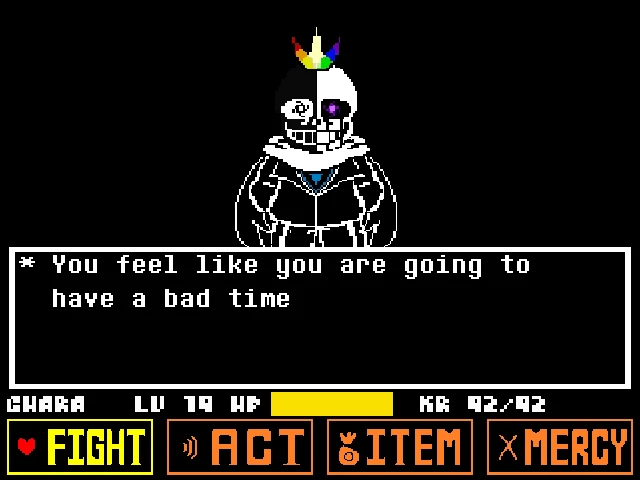
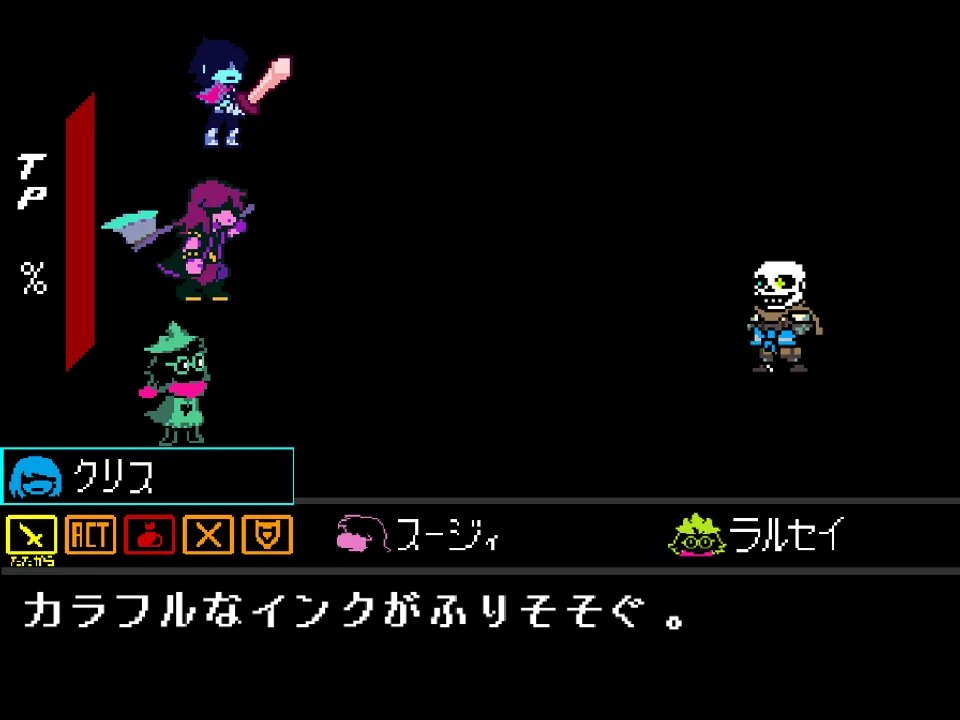
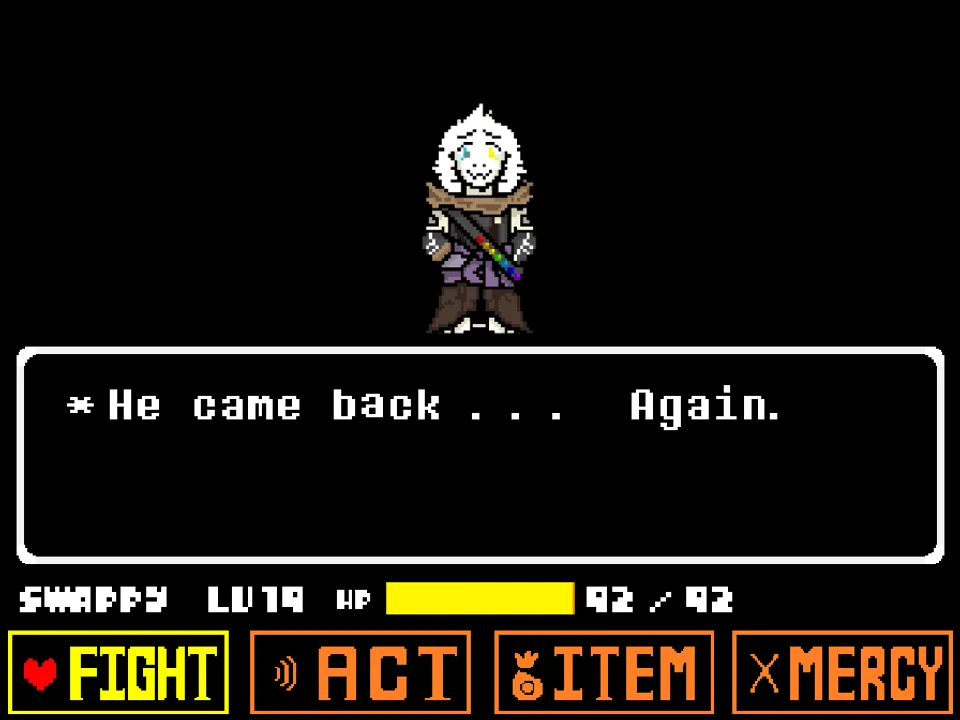
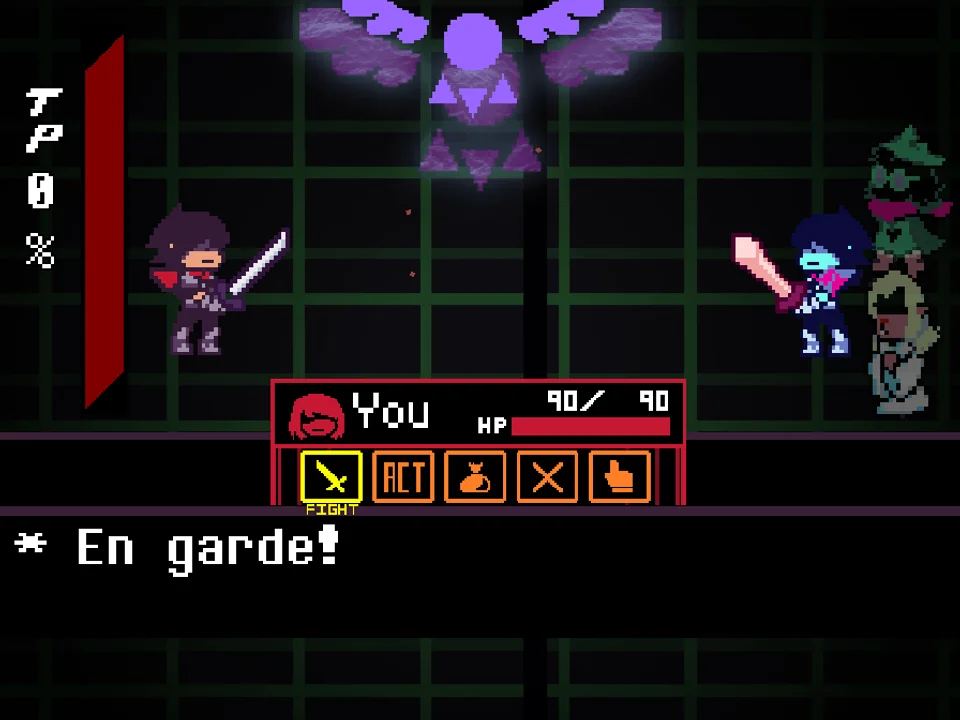
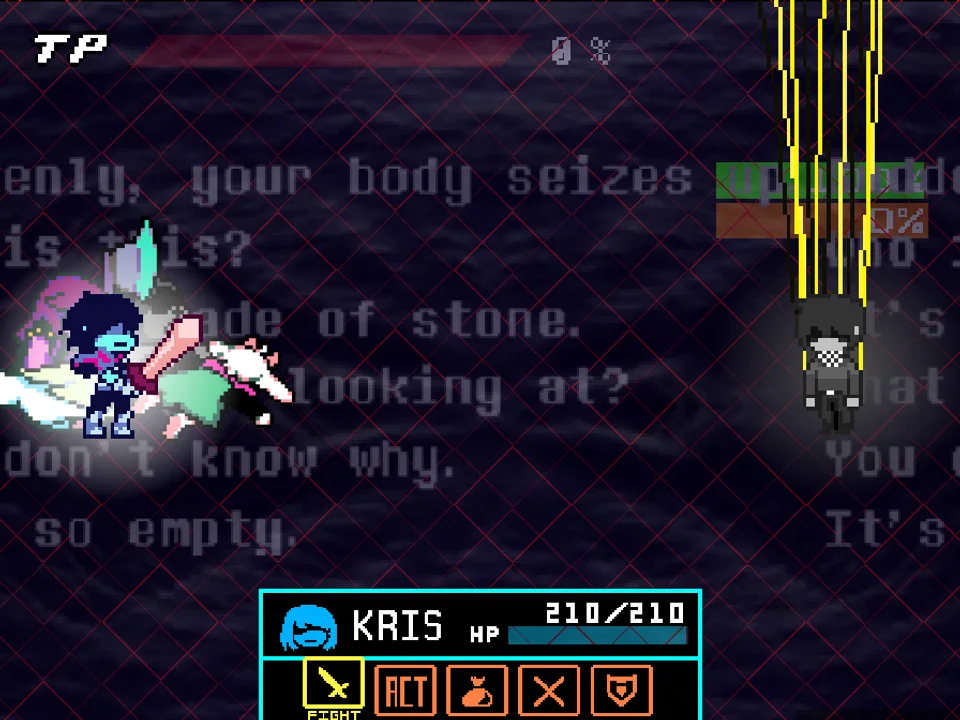
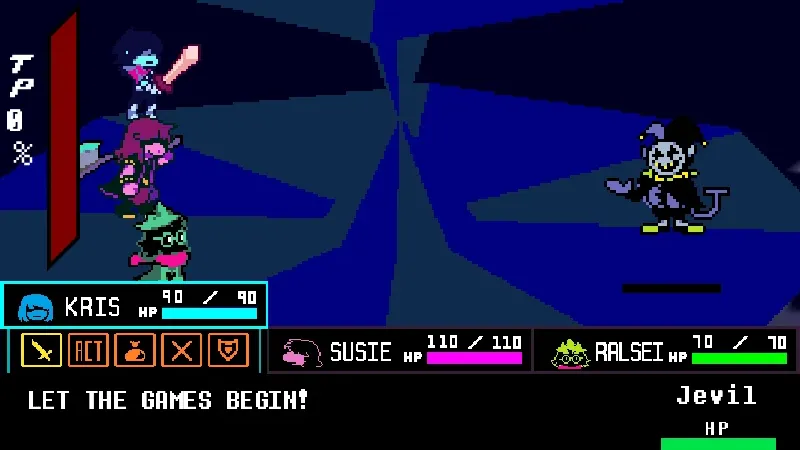
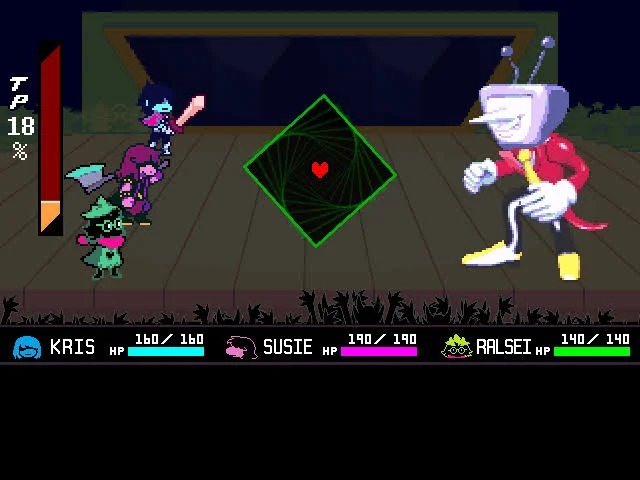
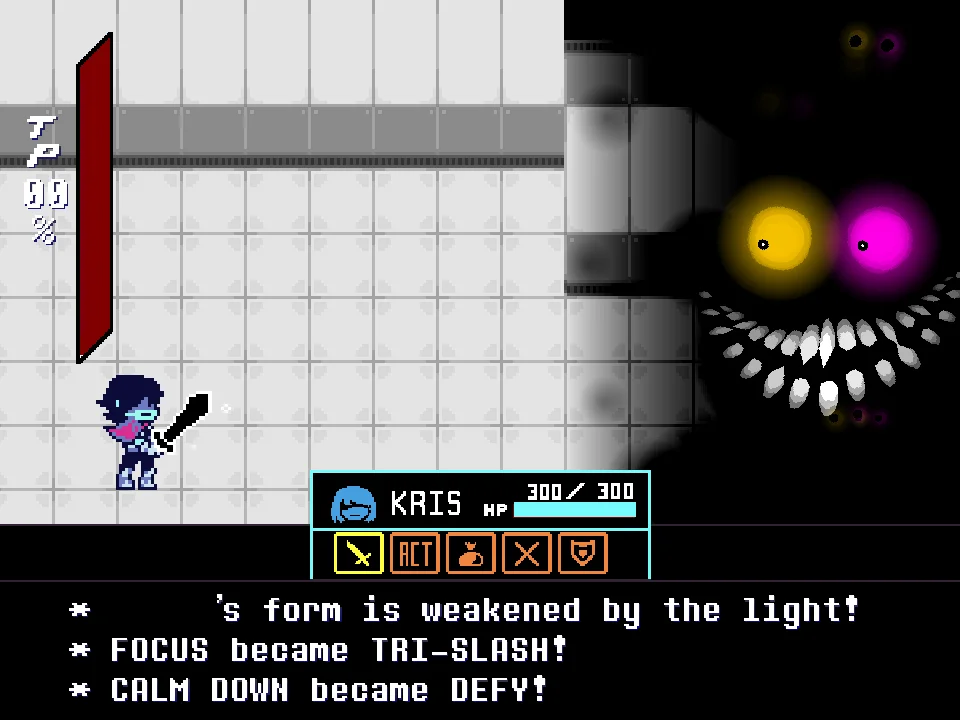
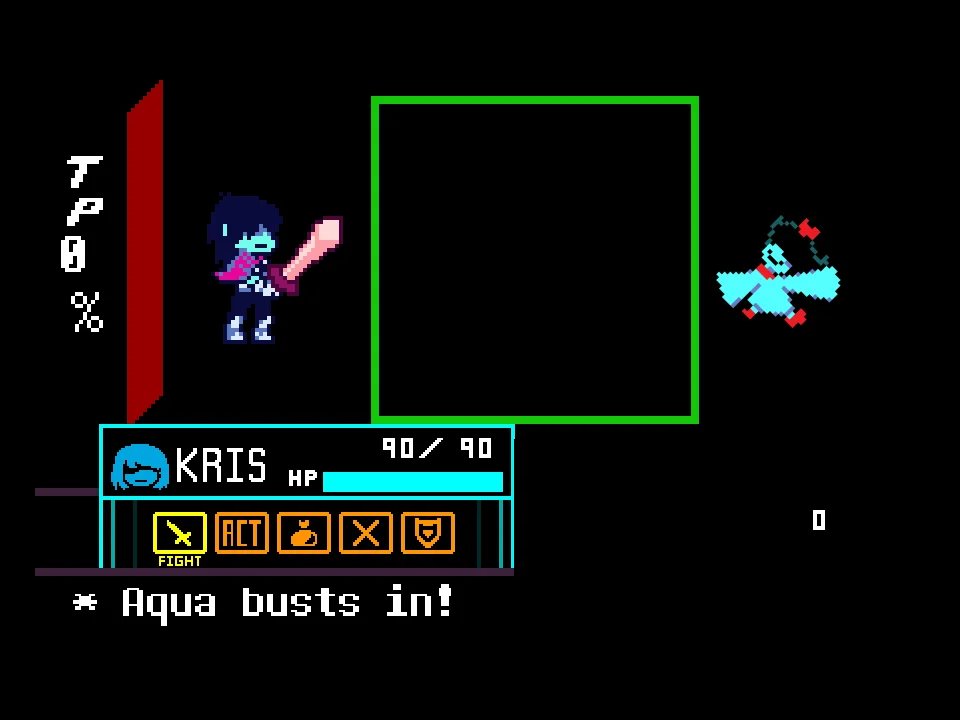
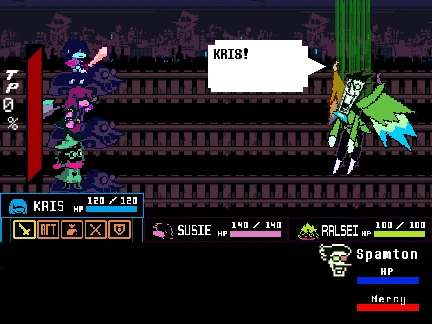
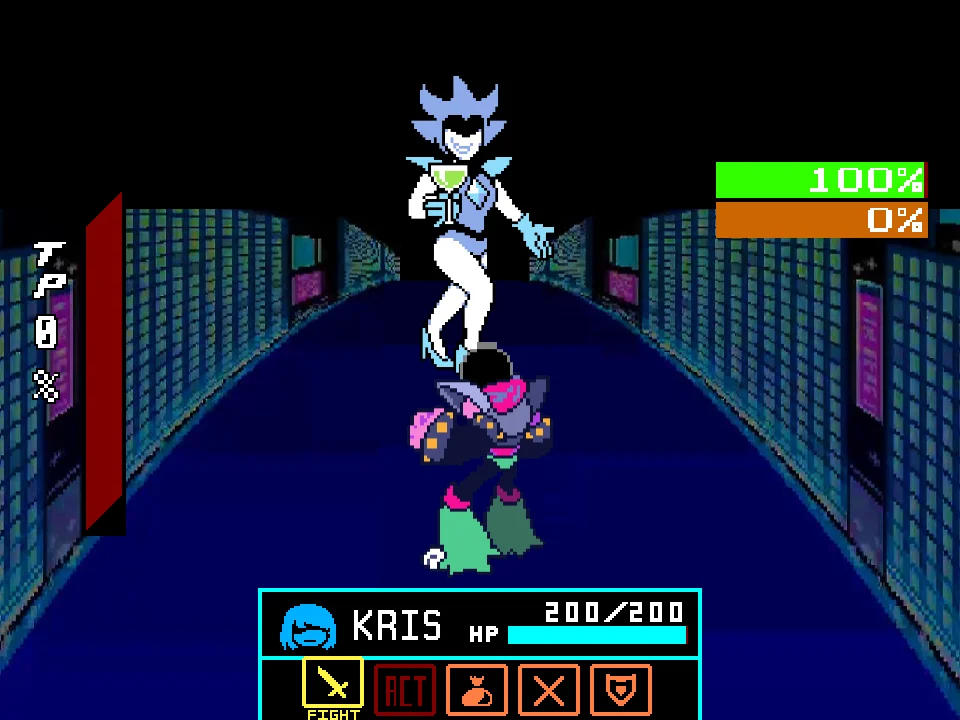
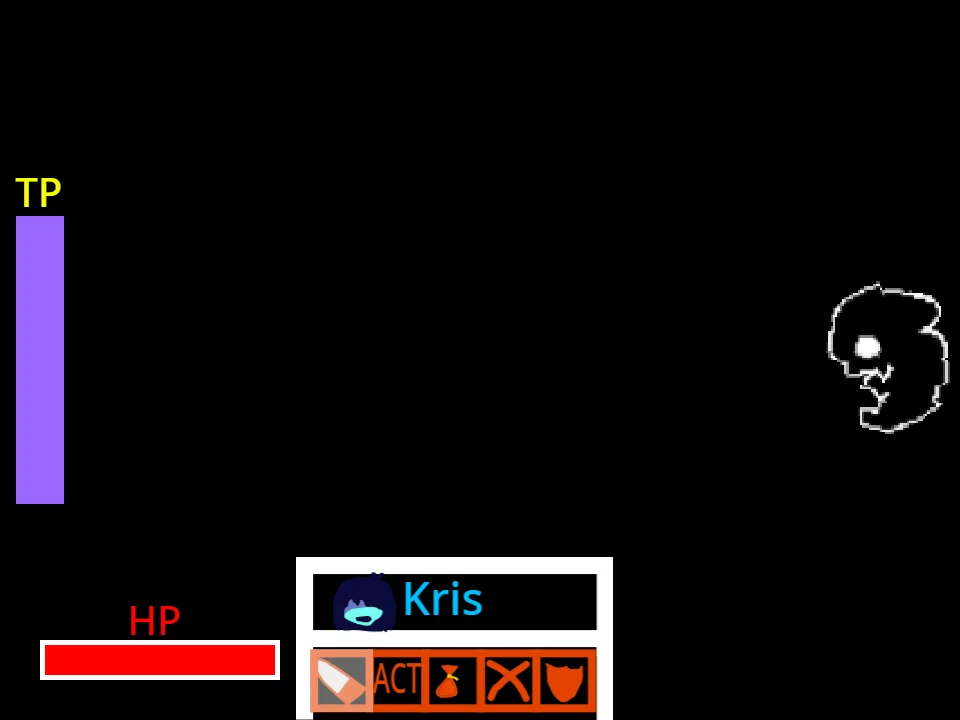
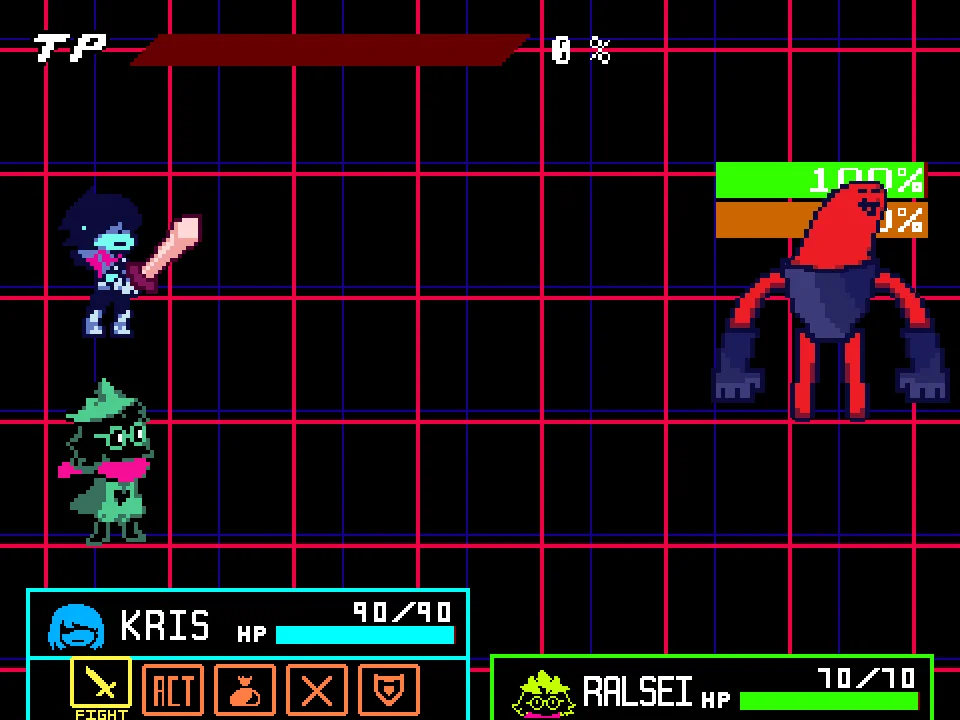
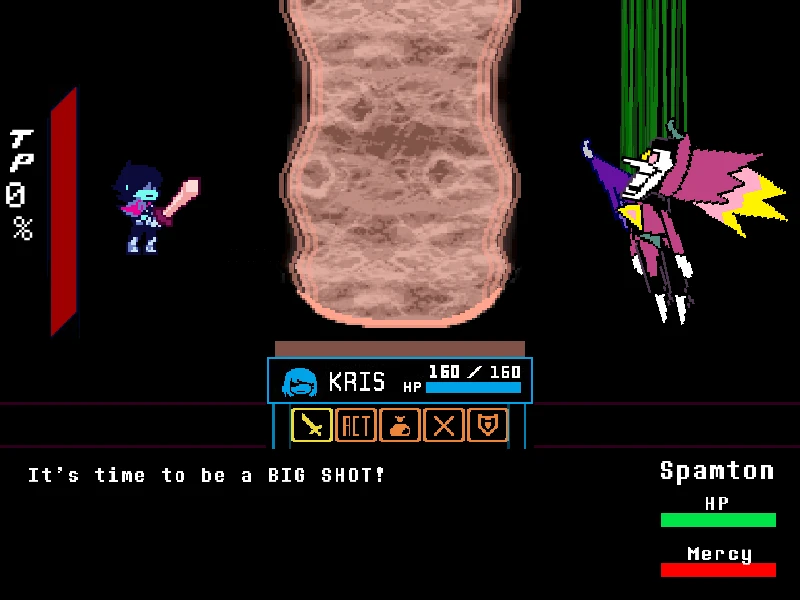
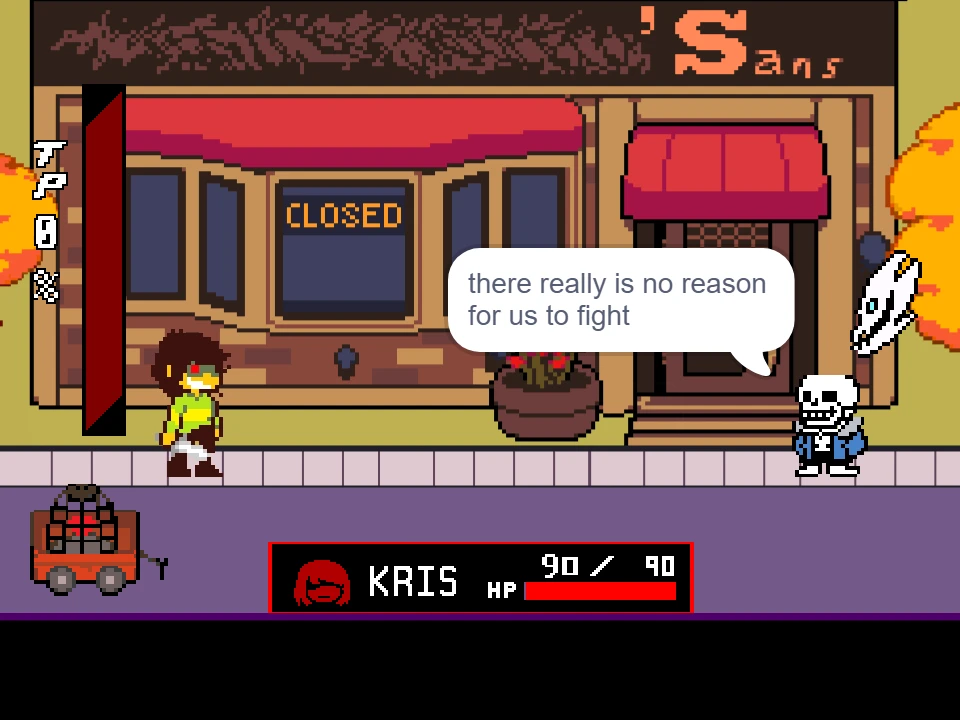
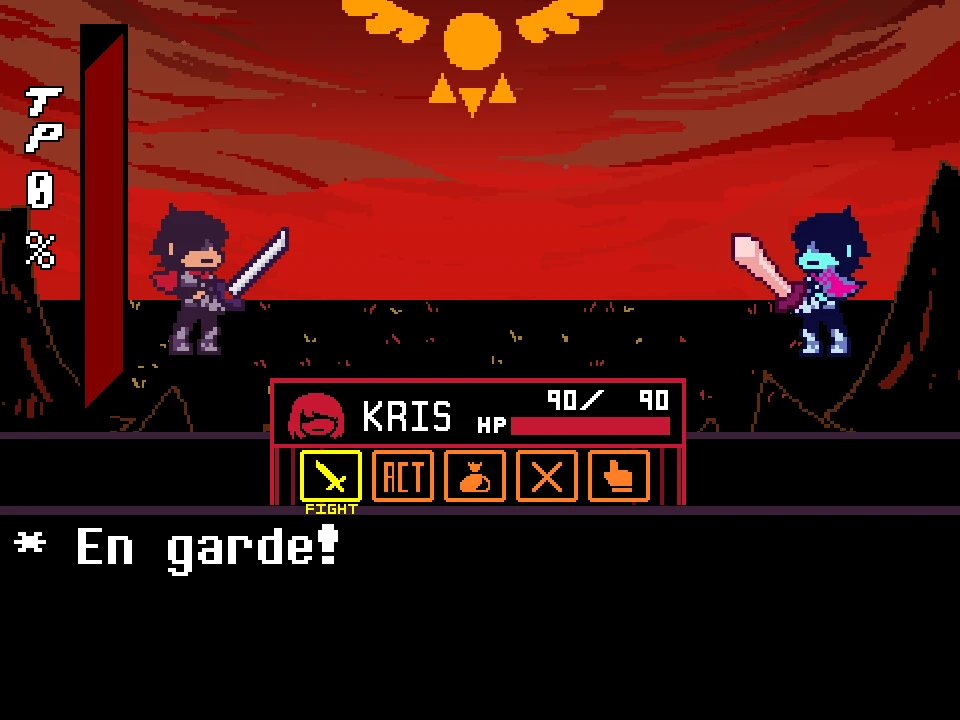
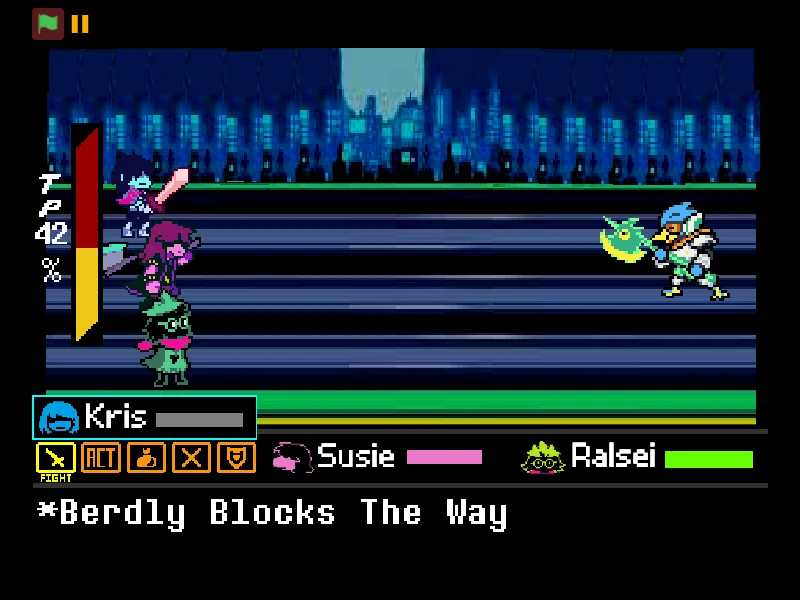
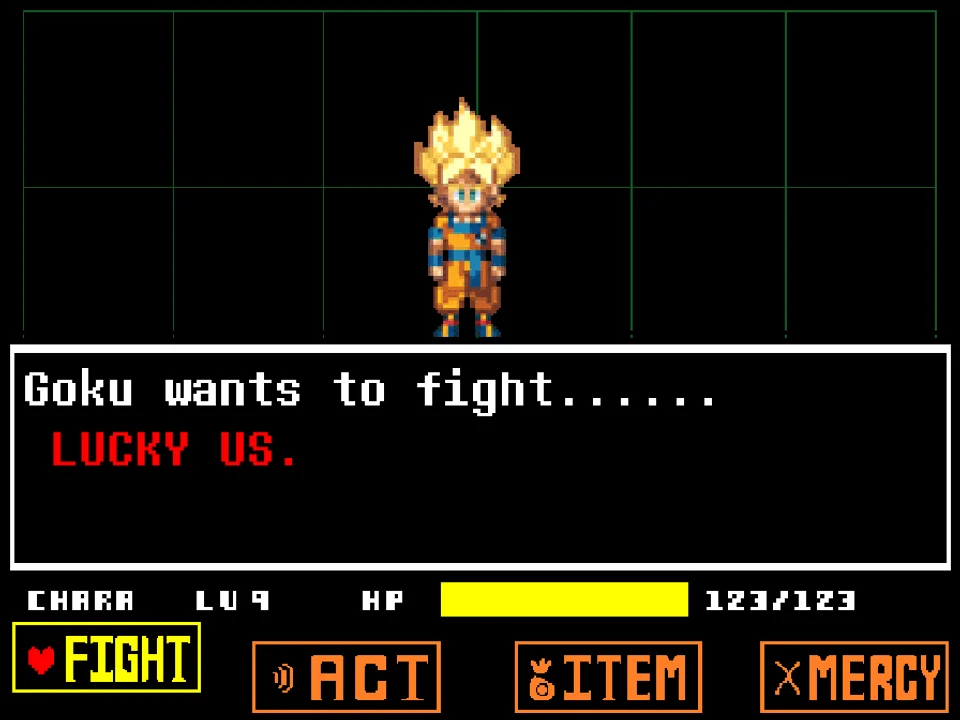
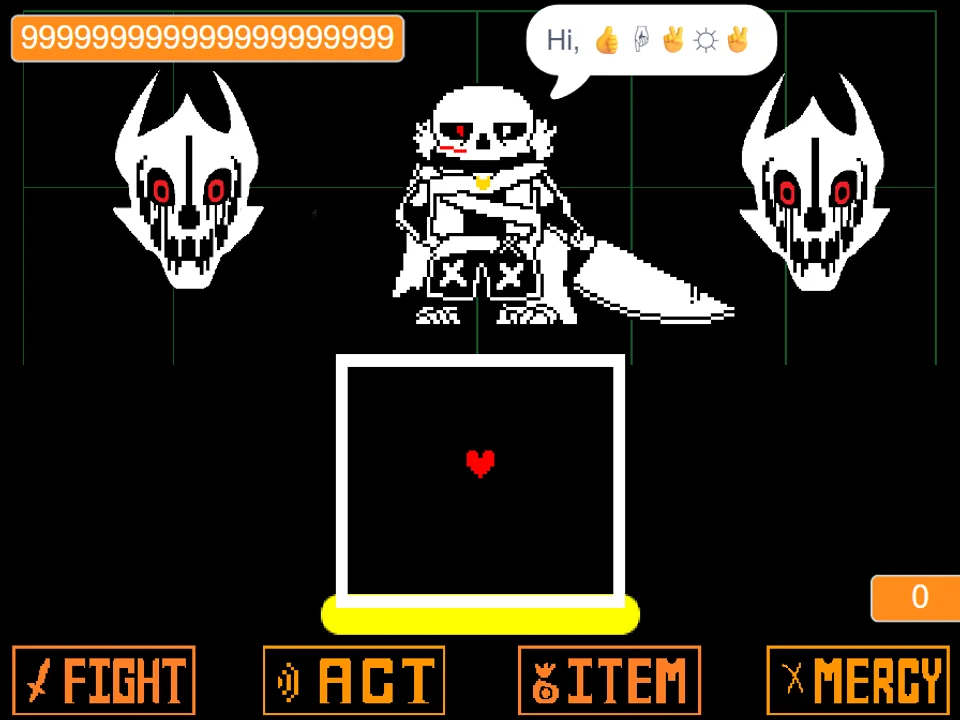
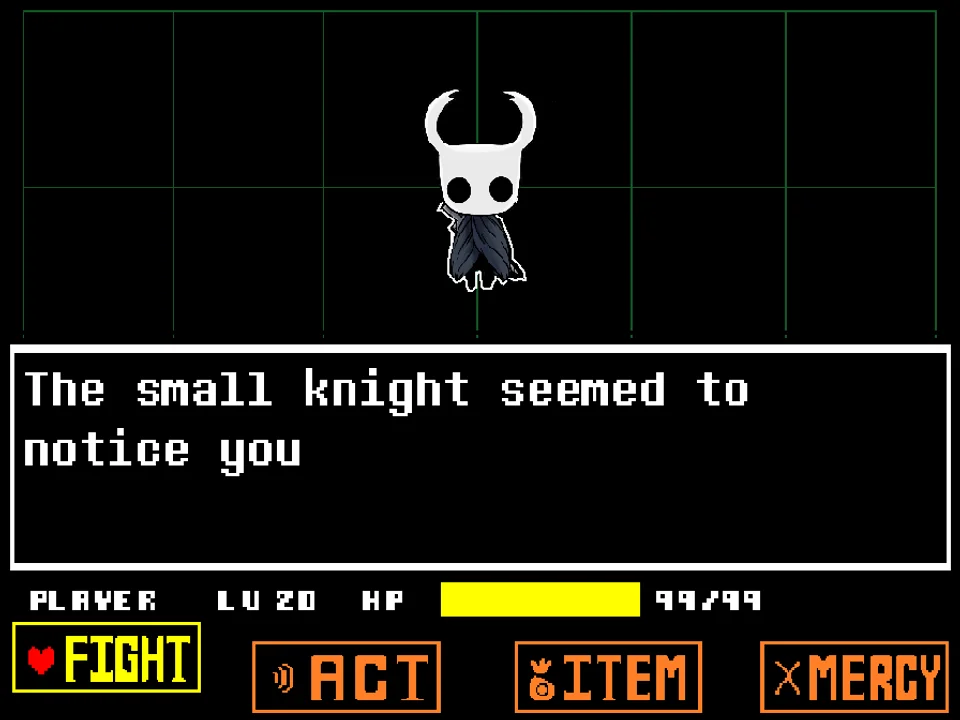
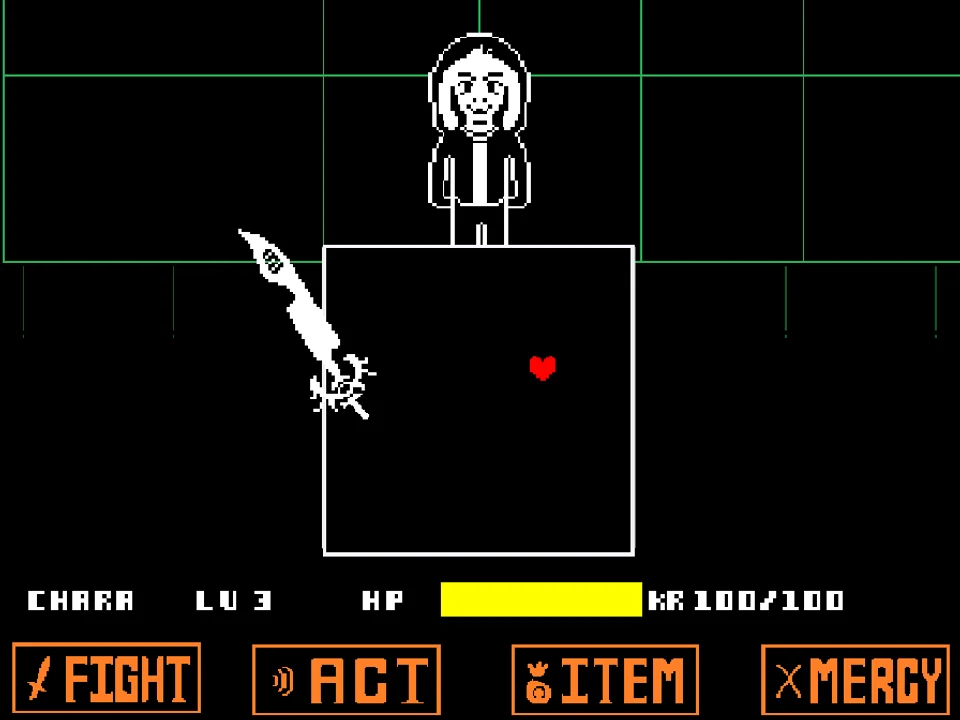
The combat interface adapts Deltarune's aesthetic, providing FIGHT, ACT, ITEM, and MERCY options along the bottom. Selecting FIGHT prompts an attack meter where you can strike Ink!Sans. Even though the 'No Die' rule protects you from death, your HP bar still registers hits and damage numbers, providing clear visual and acoustic feedback so you know exactly which projectile hitboxes clipped your SOUL.
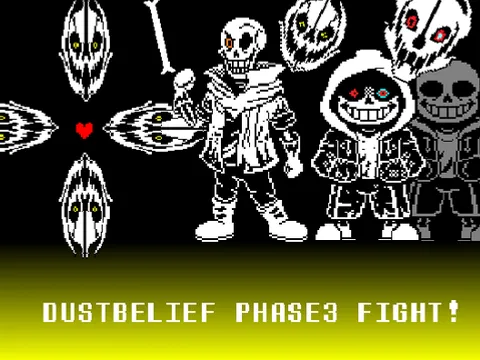
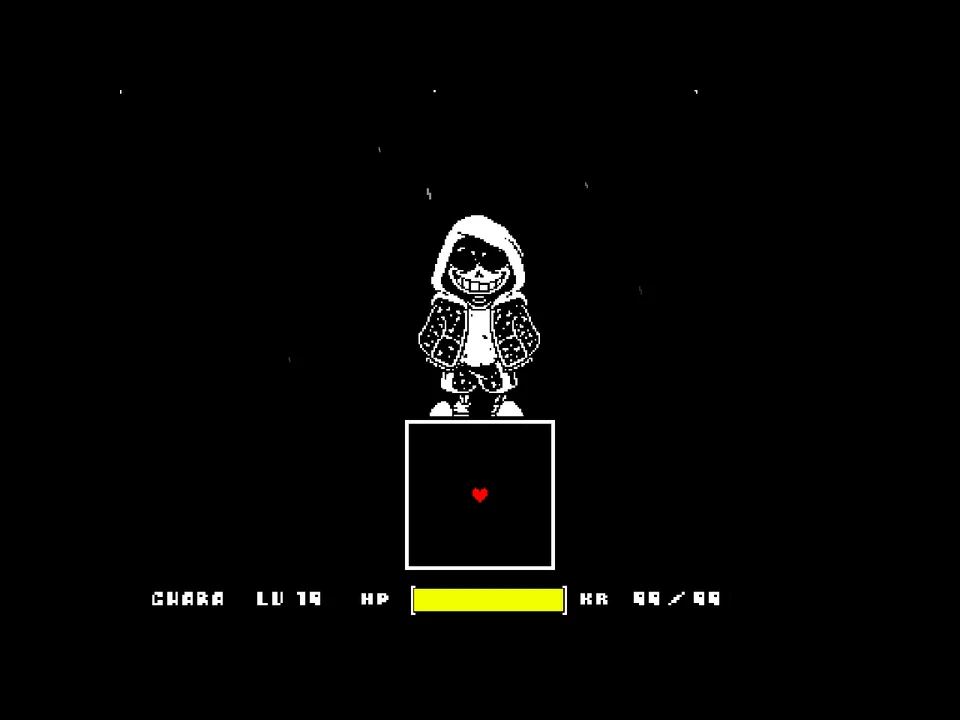
During enemy turns, Ink!Sans deploys his signature multiversal arsenal: giant ink paintbrushes that splash across the screen, colorful Gaster Blasters that fire rainbow energy beams, floating paint vials, and chaotic bone wave formations. Because death is disabled, this simulator serves as the ultimate training ground for memorizing Ink!Sans's attack rhythms and mastering micro-dodging skills before tackling full-damage challenges.
Keyboard Controls & Action Reference
| Key | Action |
|---|---|
| Arrow Keys | Steer your SOUL through the bullet arena and browse menu choices. |
| Z / Enter | Select menu actions, confirm attack timing on the reticle, and advance character dialogue. |
| X / Shift | Cancel current menu selections and accelerate dialogue text. |
| Mouse Click (Canvas) | Click directly on the game frame before beginning to ensure your web browser directs keyboard events to the game engine. |
Inputs are calibrated for standard computer keyboards. Use the Arrow Keys for precise dodging maneuvers while keeping your left hand on Z and X.
About Deltarune Ink Sans, The 'No Die' Mechanic & Background
Ink!Sans, originally conceptualized by artist Comyet, is among the most famous fan-created characters in the entire Undertale multiverse. As the protector of alternate timelines, Ink!Sans wields his magical brush Broomie and carries vials filled with colored paints that fuel his emotions and powers. While standard Ink!Sans battles are infamous for their brutal difficulty and rapid deaths, developer PROGRAMMING-HELPER took a community-friendly approach with Deltarune Ink Sans No Die Fight by building a dedicated training build.
The core innovation of this version is the verified 'No Die' condition. In typical boss fights, taking consecutive hits triggers the heart-shatter animation and forces a complete restart, making it difficult for players to practice later attack phases. In this demo, PROGRAMMING-HELPER programmed the engine so your HP cannot reach zero or immediately sustains your heart upon damage. This allows players to experience the entire choreography of Ink!Sans's attack cycle in a single continuous session.
Musically, the battle features the exhilarating chiptune track vs. Ink composed by Nathanael Platier, giving the encounter an upbeat, creative energy that complements Ink!Sans's colorful visual style. For players who want to experience another dimension of Ink magic with full damage mechanics, explore Ink Storyswap Asriel Fight Simulator, or sharpen your baseline dodging against classic Sans in Bad Time Simulator.
Practice Environment, Attack Patterns & Mechanics
Deltarune Ink Sans No Die Fight offers an ideal training framework featuring diverse attack geometry:
- The 'No Die' Practice Sandbox: The game engine prevents your SOUL from shattering. When struck by projectiles, your heart flashes and damage numbers display, but you remain alive. This allows you to observe full attack loops and experiment with alternative dodging routes without losing your progress.
- Rainbow Gaster Blaster Volleys: Ink!Sans summons blasters of various colors that fire thick beams across horizontal, vertical, and diagonal axes. Because blasters charge with distinctive rainbow glows, you can practice anticipating firing lanes without fear of an instant Game Over.
- Broomie Paint Splatters: Ink!Sans swings his massive paintbrush across the screen, scattering paint droplets that travel in parabolic arcs. Dodging these droplets trains your timing against non-linear projectile trajectories.
- Multicolor Bone Barriers: Arrays of cyan, orange, and white bones slide across the floor and ceiling. This setup is perfect for practicing the classic Undertale rule: hold still through cyan (blue) attacks and keep moving through orange attacks.
Pro Practice Drills & Dodging Strategies
Maximize your training efficiency in this No Die simulator by applying these focused practice drills:
- Treat Every Hit as Fatal to Build Muscle Memory: Even though you cannot die, train your brain as if you only have 1 HP. Count how many times your SOUL flashes during each turn to objectively measure your dodging improvement across repeated runs.
- Practice Grazing Rainbow Blaster Beams: Use the safety of the No Die mechanic to push your SOUL as close as possible to the edge of firing blaster beams. Learning the exact boundary of the beam hitbox is invaluable for all Undertale and Deltarune boss encounters.
- Focus on Navigating Parabolic Paint Droplets: Paint splatters from Ink!Sans's brush follow curved gravitational arcs. Instead of watching the top of the box, watch the floor where droplets land and step into the gaps between splash points.
- Drill Cyan and Orange Rule Execution: When multicolored bone arrays appear, deliberately practice freezing your movement when blue bones overlap your position and tapping directional keys when orange bones approach.
- Study Attack Wave Transition Timings: Notice the brief pause between when an attack finishes and the next menu phase begins. Use this window to reposition your SOUL in the center of the box before the next turn commences.
- Experiment with Unorthodox Dodging Routes: Because failure carries no penalty, try alternative movement styles—such as hugging the ceiling or following circular drift patterns—to discover which route feels most natural for your reflexes.
Frequently Asked Questions
Does the player truly never die in this game?
Yes. As explicitly stated in developer PROGRAMMING-HELPER's Japanese instructions ('死ぬことはありません' - 'You will not die'), lethal death is disabled in this demo build so players can practice and experience all attack patterns without a Game Over screen.
Why do damage numbers still appear when I get hit?
Damage numbers and collision flashes are retained to provide clear feedback on when and where you were struck, allowing you to evaluate your dodging accuracy while remaining alive.
Who composed the battle music for this game?
The battle theme is 'vs. Ink' composed by Nathanael Platier, adapted to accompany Ink!Sans's vibrant multiversal combat style.
What are the keyboard controls for the game?
Use the Arrow Keys to steer your SOUL and browse menus. Press Z or Enter to select actions, trigger strikes on the attack reticle, and advance dialogue. Press X or Shift to cancel selections.
Can I play this simulator on a mobile phone or tablet?
The simulator is engineered for desktop and laptop browsers with a physical keyboard. Mobile touchscreens do not have dedicated on-screen directional controls configured.
Is this connected to the full Deltarune Ink!Sans project?
This is a specialized standalone demo release built specifically to showcase Ink!Sans's attack patterns and give the community a practice tool where death penalties are removed.
How does this compare to regular Bad Time Simulator?
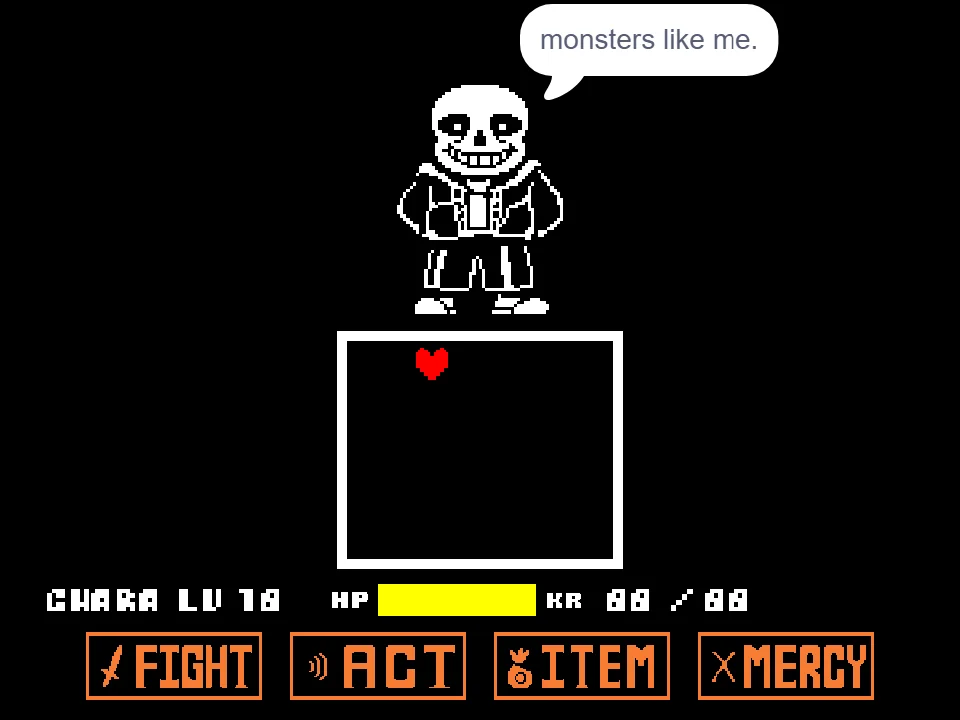
While Bad Time Simulator tests you against classic Sans with full death mechanics and Karma drain, this game tests you against Ink!Sans with multiversal paint attacks and a forgiving No Die practice environment.