


How to Play Undertale Hard Mode Sans Fight Simulator
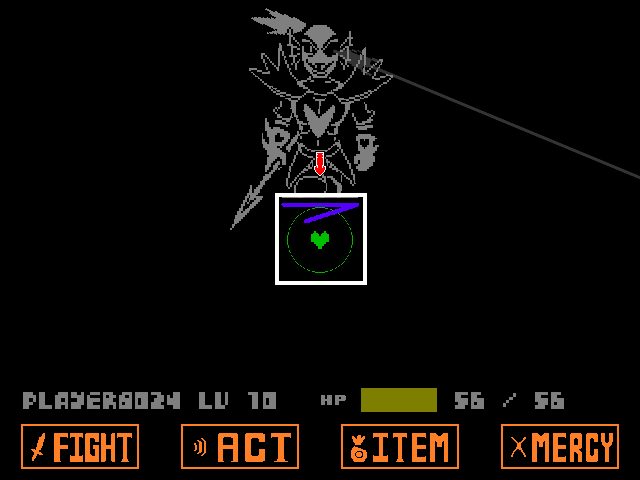
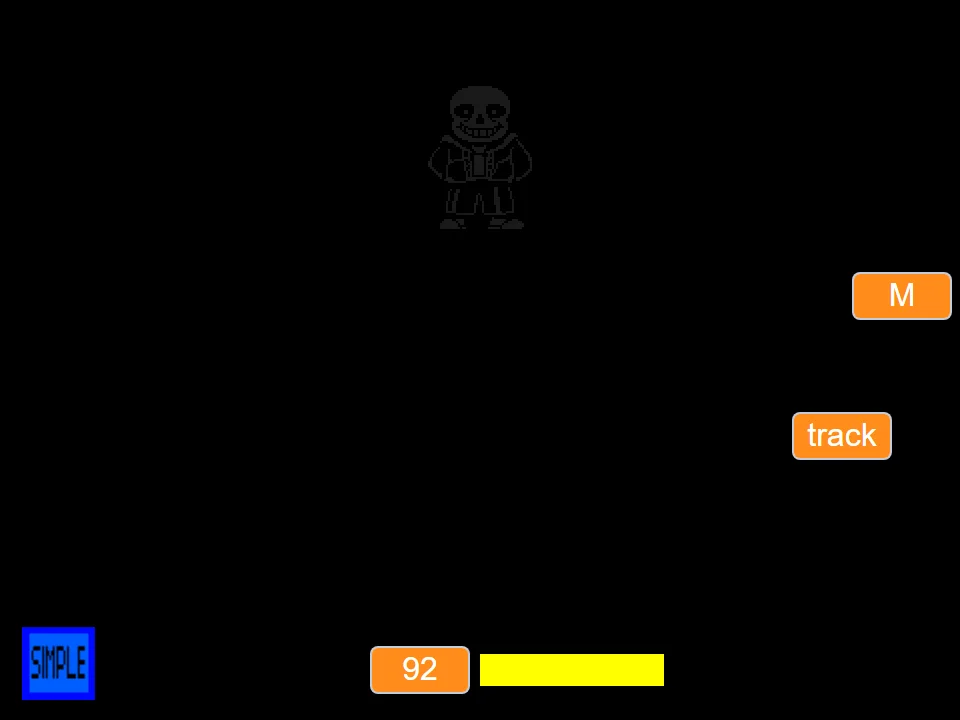
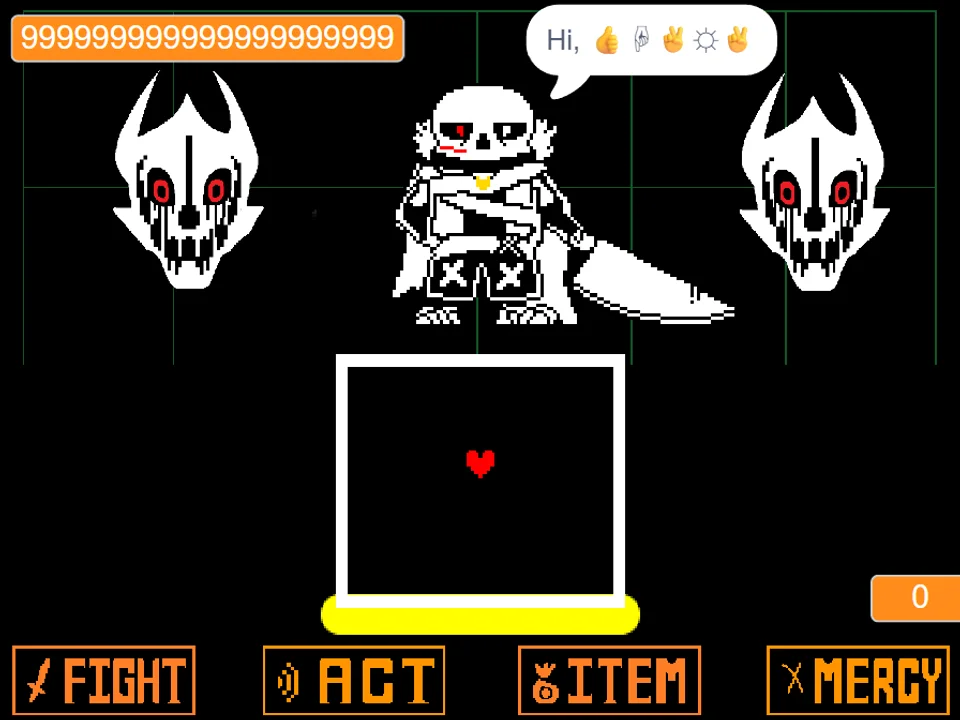
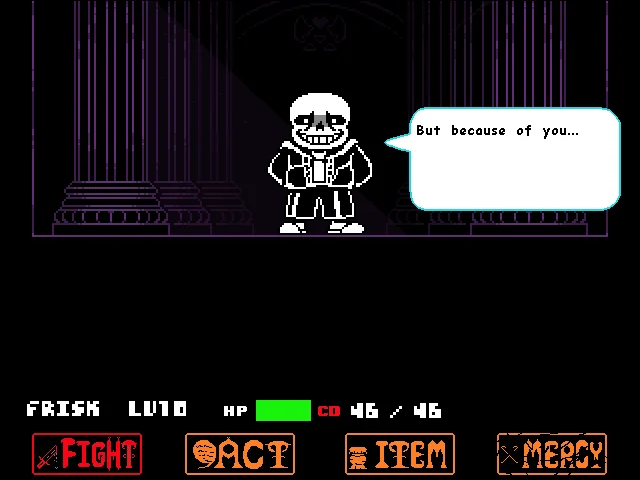
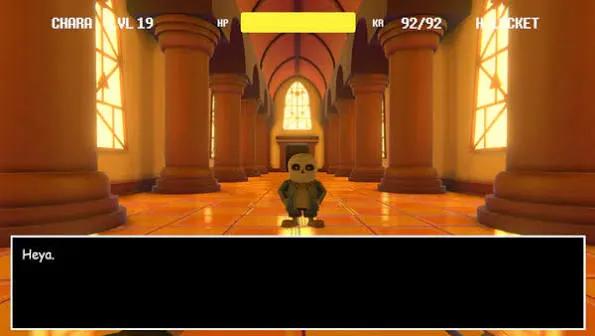
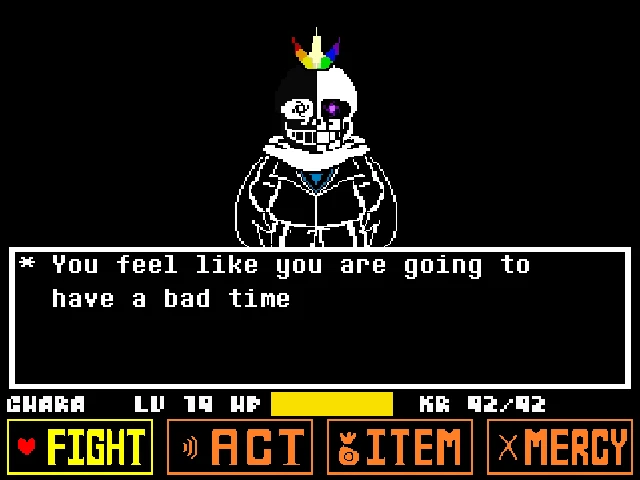
In Undertale Hard Mode Sans Fight Simulator, players take on an intensely punishing recreation of the final judgment corridor duel crafted by creator DEL. While official Undertale lore restricts Hard Mode to the Ruins after naming the fallen child 'FRISK', this community project explores the terrifying question: what would happen if the entire Genocide route, culminating in the battle against Sans, was played under true Hard Mode rules? The answer is an uncompromising bullet-hell trial characterized by drastically amplified damage scaling, tighter projectile margins, and custom audio arrangements by composer Divide.
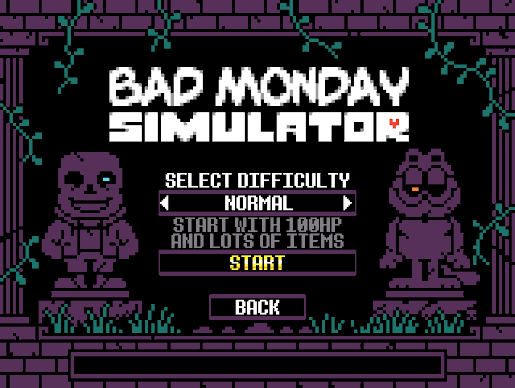
The simulator features an integrated difficulty selection system directly within the player interface. By default, the game loads in Hard Mode, delivering the creator's definitive vision of the encounter where every grazing projectile inflicts massive, immediate HP loss. If you wish to practice attack choreographies with more forgiving damage values, you can instantly toggle to Normal Mode using the difficulty switcher located right above the game canvas. Switching modes swaps the underlying battle build seamlessly without refreshing the webpage, resetting your page position, or altering your battle configuration.
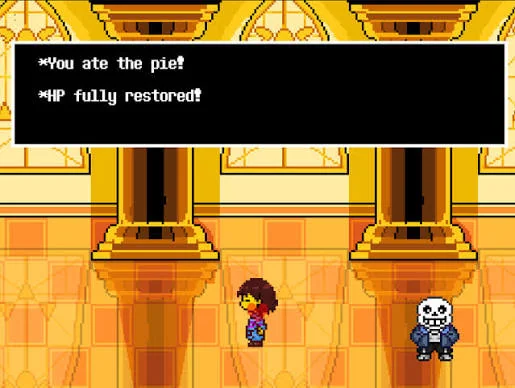
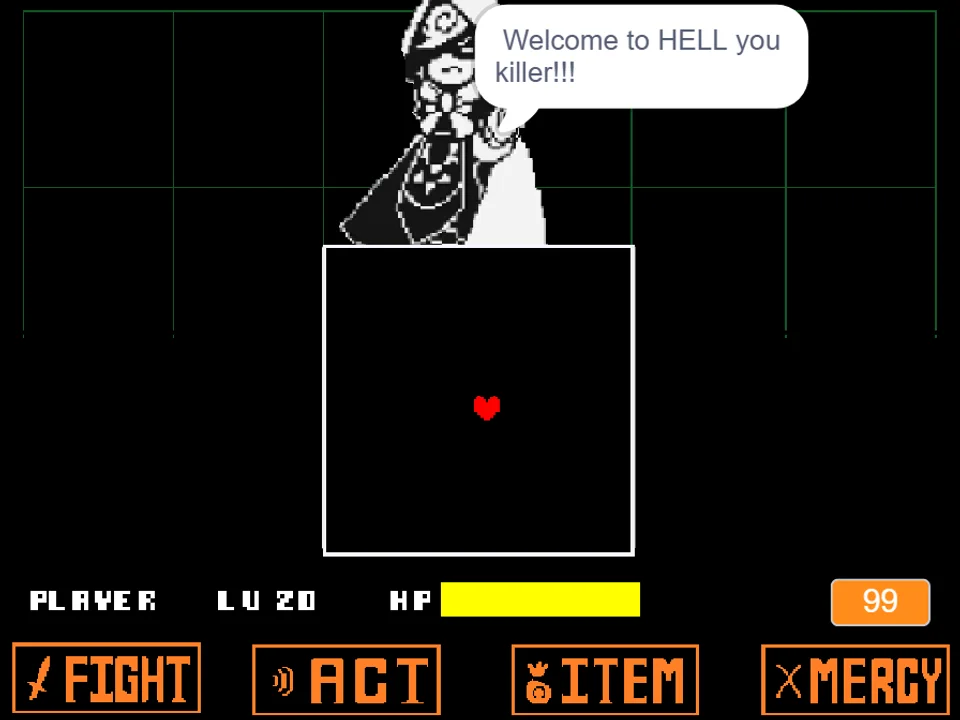
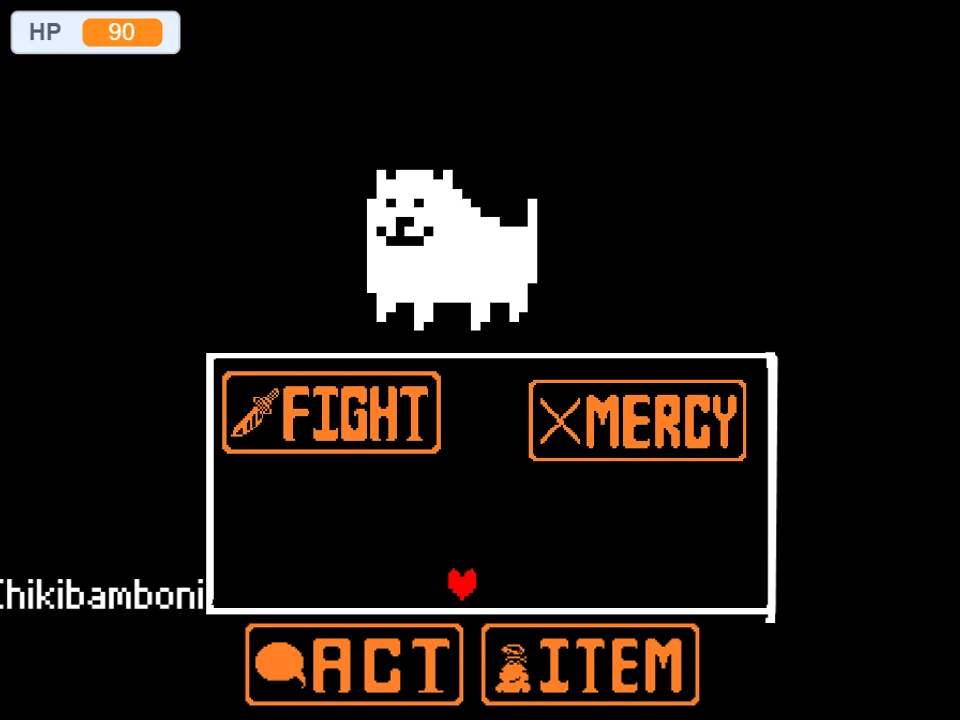
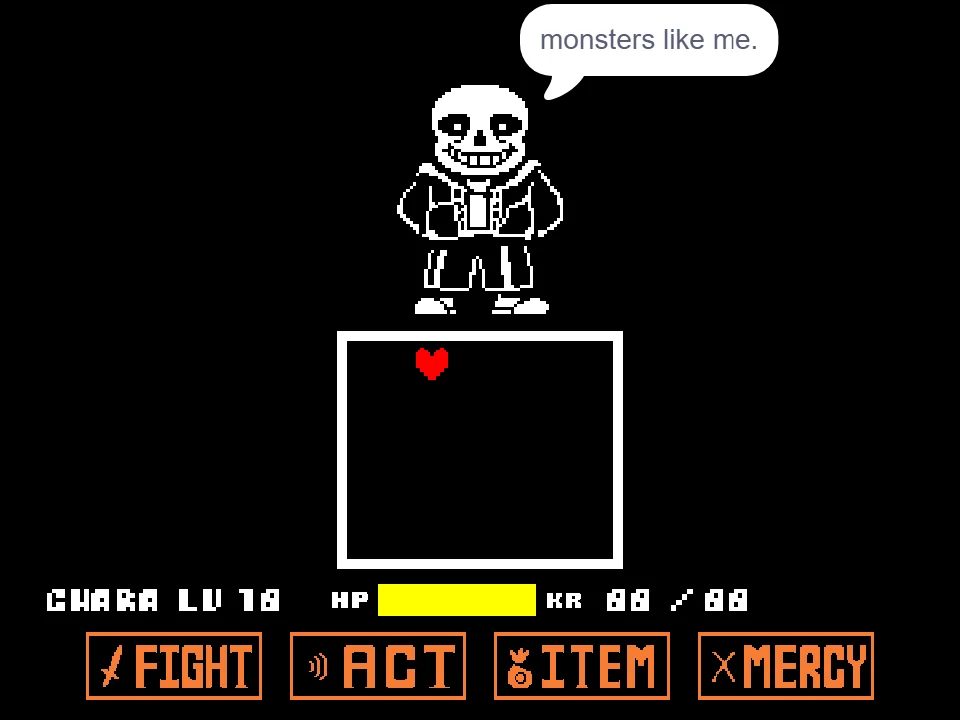
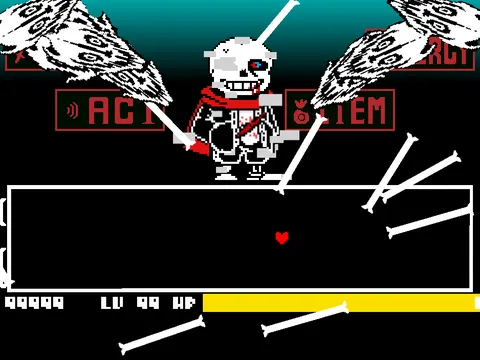
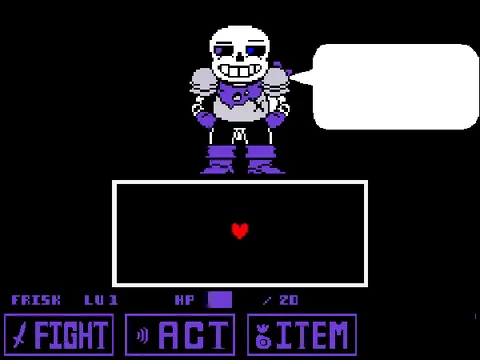
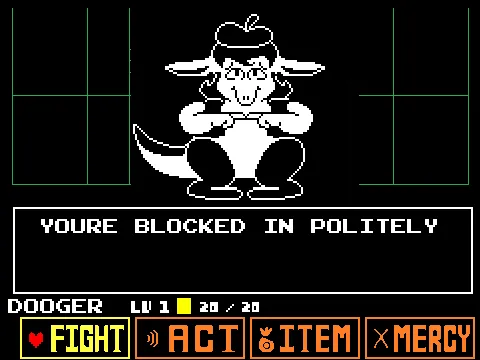
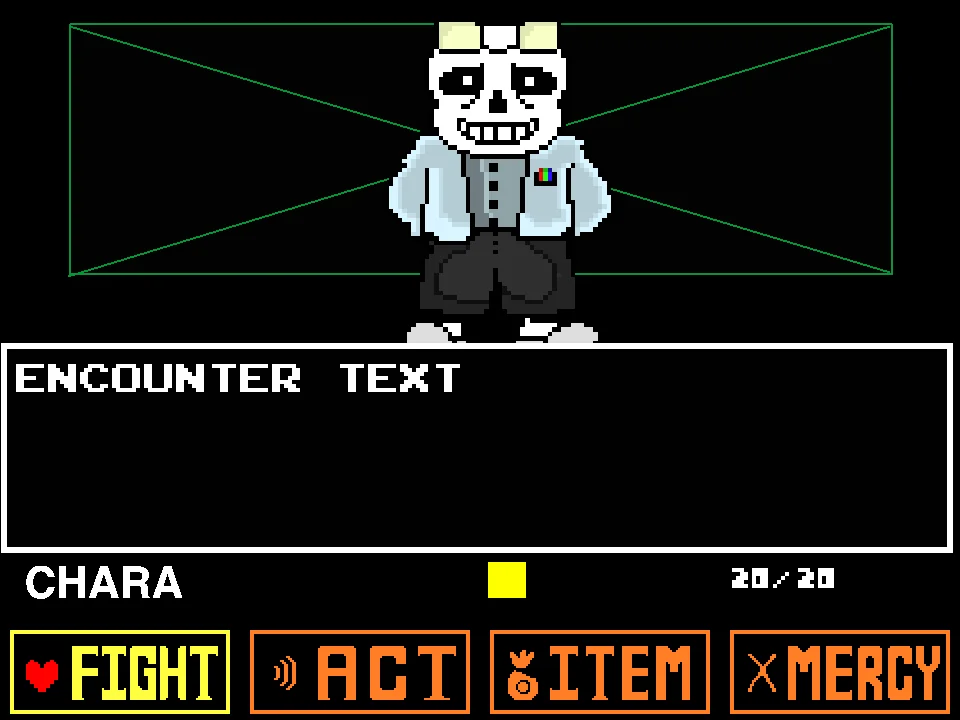
The combat loop adheres to the authentic turn-based system established in the original battle. On your turn, use the Arrow Keys to highlight FIGHT, ACT, ITEM, or MERCY, confirming your selection with the Z key. Because Sans dodges every standard attack during the opening twenty turns, your goal is to steadily progress through each successive wave, provoking his exhaustion dialog while carefully pacing your consumption of your inventory recovery items. Following official Hard Mode continuity, your top recovery dish is a freshly baked Snail Pie rather than the traditional Butterscotch-Cinnamon Pie, restoring substantial HP when consumed at critical health thresholds.
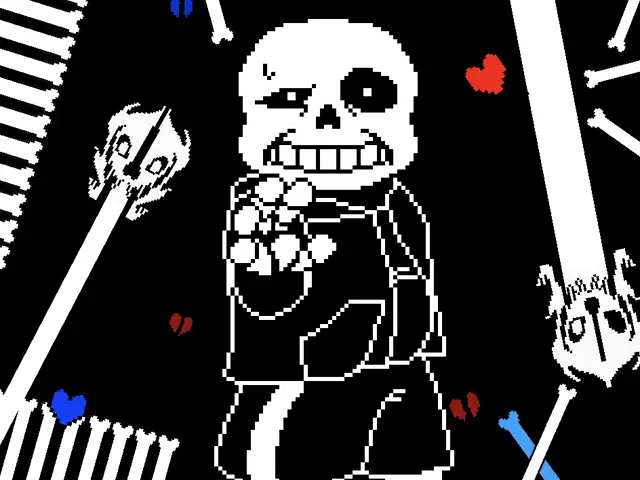
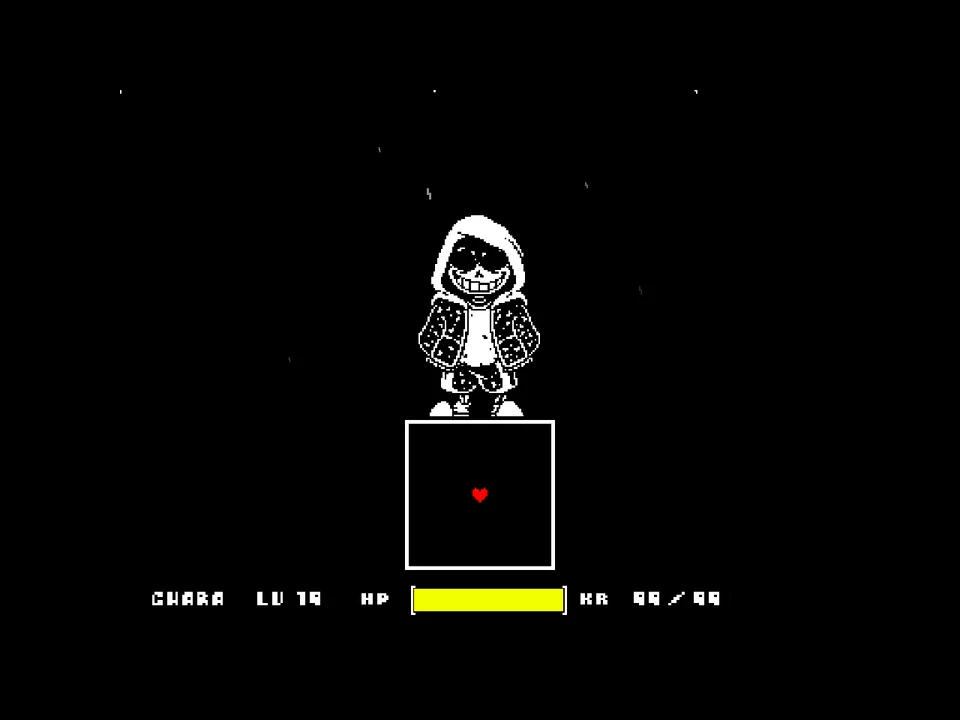
During Sans's counter-attacks, survival demands instant recognition of SOUL physics. In Red mode, your heart maneuvers freely in all directions, navigating tight gaps between advancing bone pillars and tracking laser beams. In Blue mode, telekinetic gravity pulls your SOUL toward whichever surface Sans gestures toward with his hand. You must time quick vertical hops to clear ground bone spikes, hop across dynamic moving platforms, and dodge horizontal bone skewers sliding across the combat ceiling.
Controls and Battle Inputs
| Key | Action |
|---|---|
| Arrow Keys | Navigate menu commands (FIGHT, ACT, ITEM, MERCY); move the SOUL freely in Red mode; jump and steer under gravity in Blue mode. |
| Z / Enter | Confirm menu choices, advance story dialogue, and trigger strike timing on the attack meter. |
| X / Shift | Cancel menu selections or return to the top-level command row. |
| C | Open battle status and check player condition during menu phases. |
When playing in Blue SOUL mode, brief taps of the jump key produce short hops, while holding the key produces a full-height leap. Feathering your jump height is vital for avoiding low-hanging ceiling bone spurs.
About DEL's Hard Mode Recreation and Mechanical Nuances
Created by developer DEL, Undertale Hard Mode Sans Fight is built upon the classic Bad Time Simulator engine architecture, introducing customized assets, modified attack scripts, and an adrenaline-fueled musical score: 'Hard Mode v3' arranged by Divide. The project pays meticulous tribute to Toby Fox's official Hard Mode Easter egg. The player character's name is permanently locked to FRISK, and the starting inventory reflects authentic Ruins lore, replacing standard butterscotch baked goods with Toriel's experimental Snail Pie recipe.
What distinguishes Hard Mode from the standard corridor battle is its uncompromising damage penalty. In standard Sans encounters, damage is primarily driven by continuous Karma (KR) drain, granting a brief psychological buffer before health reaches zero. In this Hard Mode build, individual projectile impacts inflict substantially heavier direct damage upon contact. Grazing a bone stem or lingering a fraction of a second inside a Gaster Blaster beam can vaporize more than half of your health bar instantaneously, demanding absolute precision from the very first opening volley.
The developer DEL also transparently notes that because the project is adapted from the original simulator engine, a few legacy quirks and collision behaviors from the original framework remain intact. Rather than claiming a flawless mathematical match to the commercial game, this simulator preserves the distinctive timing, platform physics, and community charm that made DEL's itch.io release a celebrated benchmark among Undertale challenge runners.
Comparing Hard Mode and Normal Mode
This page incorporates both official builds released by DEL, switchable via the interface selector above the player:
- Hard Mode (Default Experience): This is the creator's signature challenge. Projectile damage is tuned to punishing levels where single mistakes often prove fatal. Attack waves feature rapid acceleration, tighter gaps between bone barriers, and relentless Gaster Blaster tracking. This mode is recommended for experienced Undertale veterans seeking a true test of muscle memory and reflex execution.
- Normal Mode (Balanced Pacing): Designed for players learning the choreography, Normal Mode restores balanced damage scaling closer to traditional corridor combat. While the attack configurations remain challenging, grazing a projectile will not instantly deplete your entire health bar, giving you room to study platform patterns and memorize safe zones.
If you would rather practice the familiar Sans attack sequence without a normal game-over, try Sans Fight But You Can't Die Simulator. It offers a different way to study dodging patterns before returning to more punishing challenges.
Essential Hard Mode Survival Tactics
To conquer Hard Mode's elevated damage values, adopt these concrete combat strategies:
- Survive the Opening Laser Swarm with a Counter-Clockwise Orbit: In Hard Mode, Sans's opening turn unleashes an accelerated circular blaster pattern followed by a sudden bottom bone slam. Immediately circle counter-clockwise around the center of the box to clear the initial laser rotation, then prepare an instant upward hop the millisecond your SOUL is slammed against the floor.
- Feather Your Jumps Over Moving Bone Platforms: During mid-battle platform waves, bones travel across both the upper and lower borders. Full-height jumps will crash your SOUL directly into ceiling bone spikes. Tap the jump key lightly to perform short hops between platforms, keeping your vertical clearance low and centered.
- Freeze Completely for Blue Bone Waves: When Sans unleashes moving walls containing blue bones, release all Arrow Keys entirely. In Undertale physics, blue attacks only register damage if your SOUL has active velocity. Remaining completely motionless allows blue bone segments to glide through your hitbox without inflicting a single point of damage.
- Save the Snail Pie for the Second-Half Transition: Your Snail Pie provides your largest single burst of HP restoration. Do not waste it in the opening rounds when minor damage can be managed with lesser items. Reserve the pie for the transitional breather turn right before Sans initiates his rapid multi-slam finale.
- Anticipate Wall Slams by Watching Sans's Hand Motion: Before every telekinetic gravity shift, Sans raises his skeletal arm in the intended direction. Watching his sprite rather than solely fixating on the SOUL gives you a crucial quarter-second lead time to input the opposing jump direction before impact occurs.
Frequently Asked Questions
How do I switch between Hard Mode and Normal Mode?
Use the difficulty buttons located directly above the game screen. Clicking 'Hard Mode' loads the high-damage version, while clicking 'Normal Mode' loads the balanced version. You can toggle between them at any time without reloading the main page.
What is the primary difference between Hard Mode and Normal Mode in this game?
Hard Mode features significantly higher per-hit damage values, tighter dodge windows, and accelerated blaster timing. Normal Mode provides standard damage scaling, allowing players to endure multiple grazes while learning attack choreography.
Why is the character named FRISK and why do I have Snail Pie?
In official Undertale canon, entering the name 'FRISK' activates Hard Mode in the Ruins, where Toriel bakes a Snail Pie instead of a Butterscotch-Cinnamon Pie. Developer DEL incorporated these authentic details into this battle to stay true to the Hard Mode concept.
Who created the music for this Hard Mode battle?
The battle features 'Hard Mode v3', an intense energetic arrangement of Megalovania composed and produced by Divide.
Are there known bugs or quirks in this simulation?
Yes. Developer DEL noted that because this battle is built upon the classic web simulator framework, certain legacy platform physics and menu collision quirks from the underlying engine remain present and could not be altered.
Does restarting the player keep my selected difficulty?
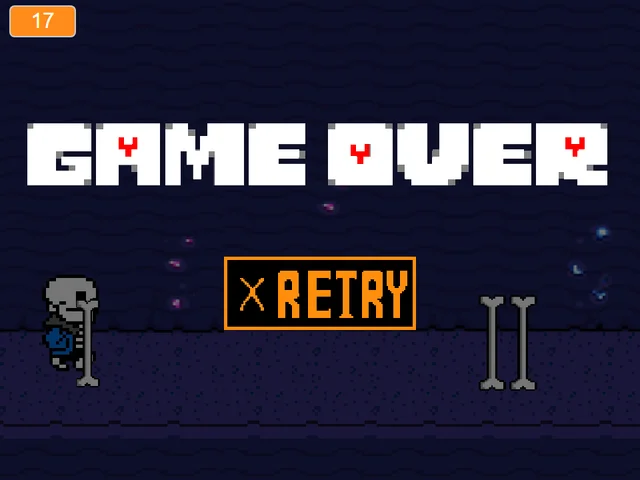
Yes. Clicking the Restart button reloads whichever difficulty mode is currently active (Hard Mode or Normal Mode), so you do not need to reselect your preferred mode after a game over.