


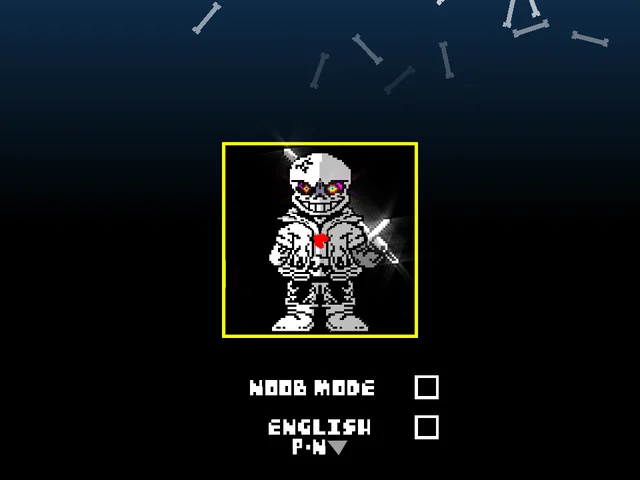
How to Play Megalomaniac Sans Fight Simulator
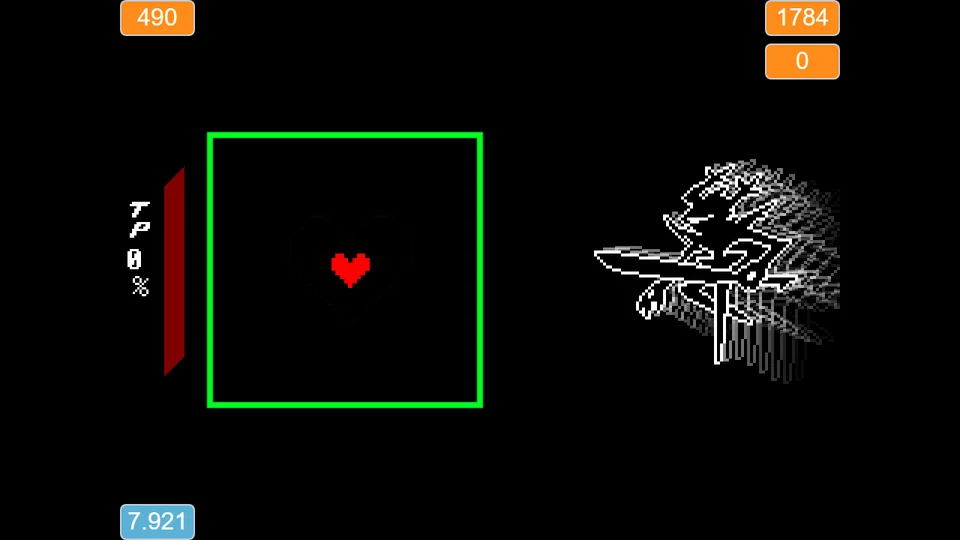
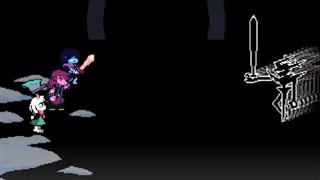
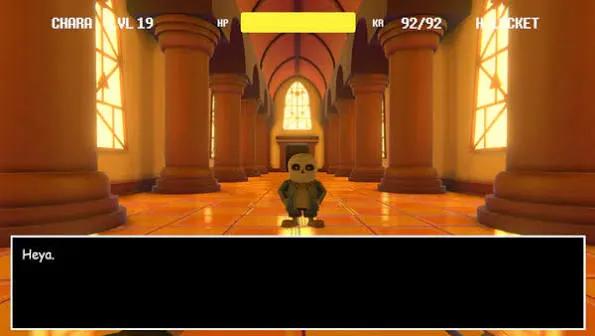
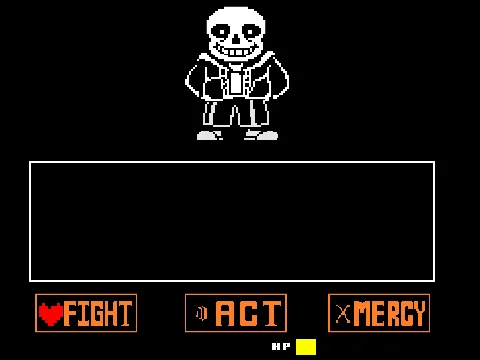
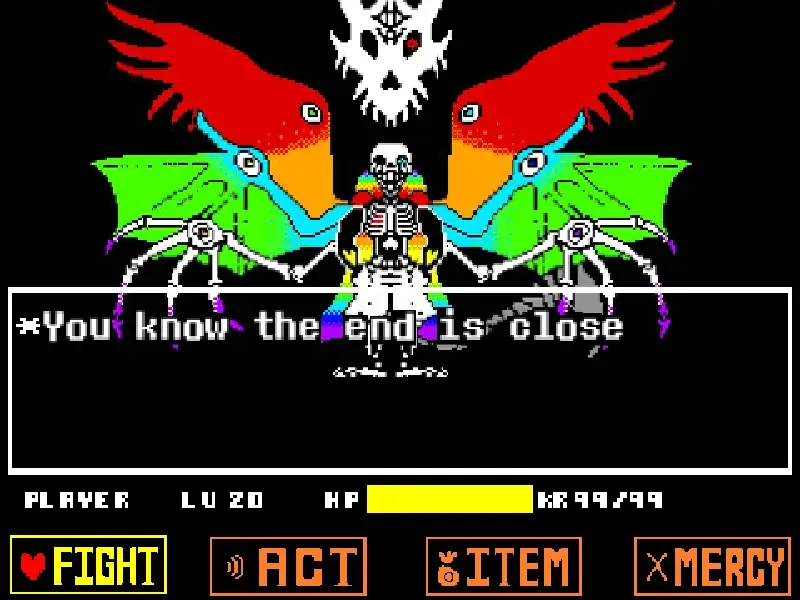
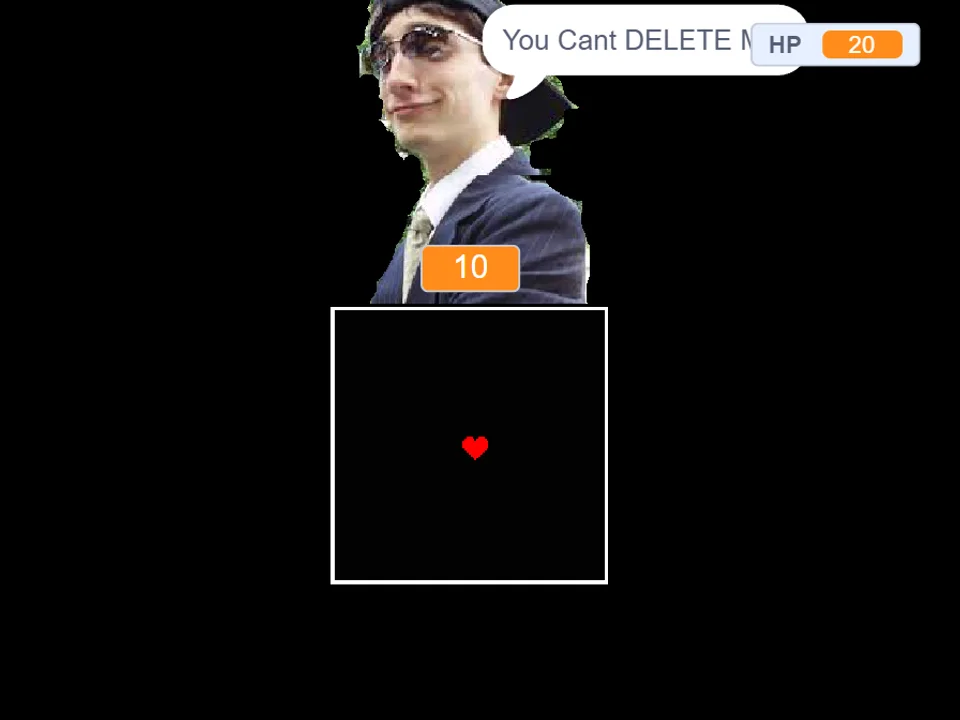
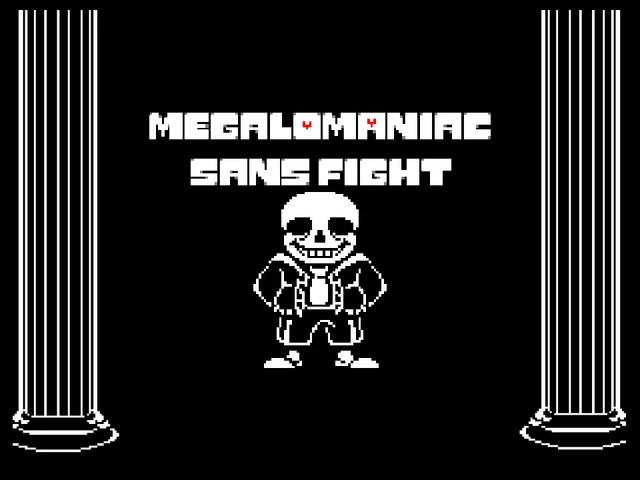
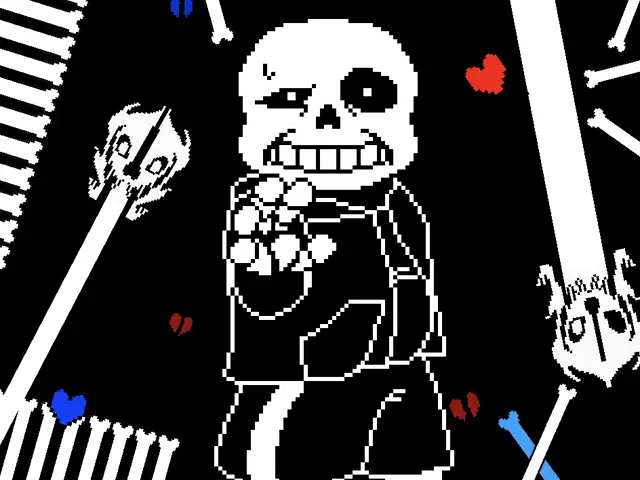
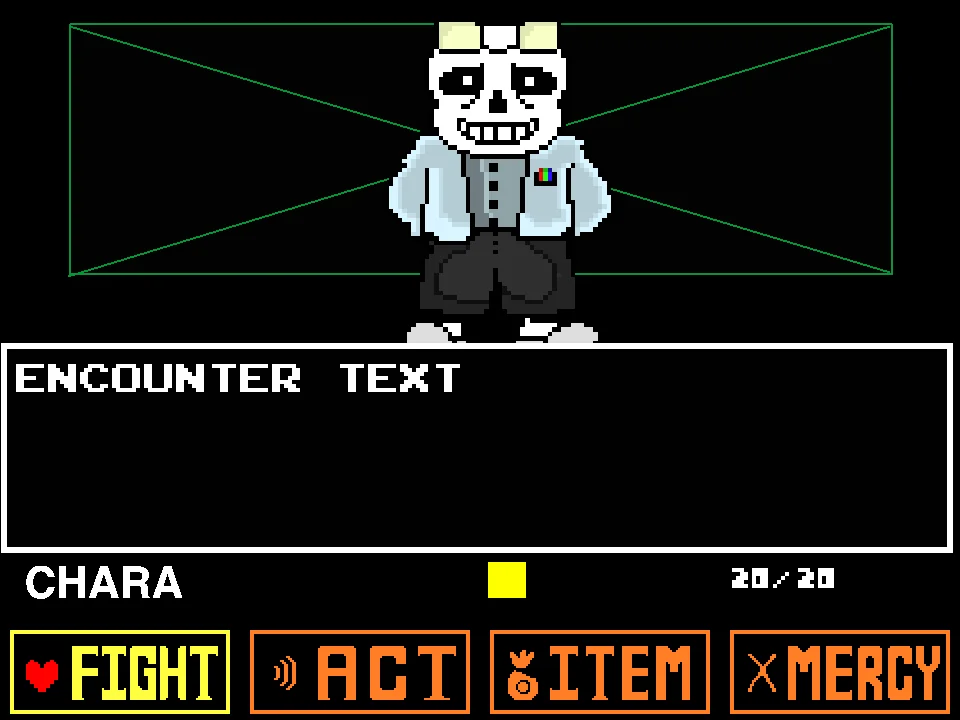
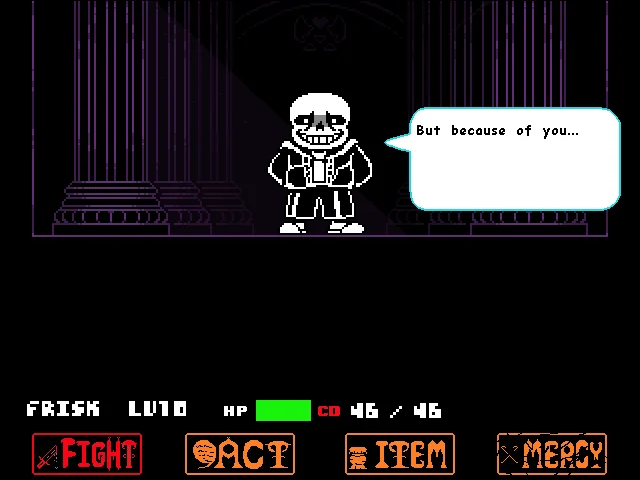
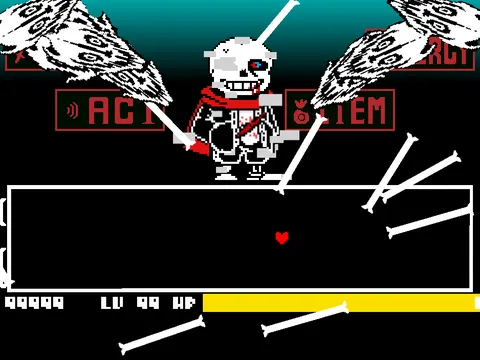
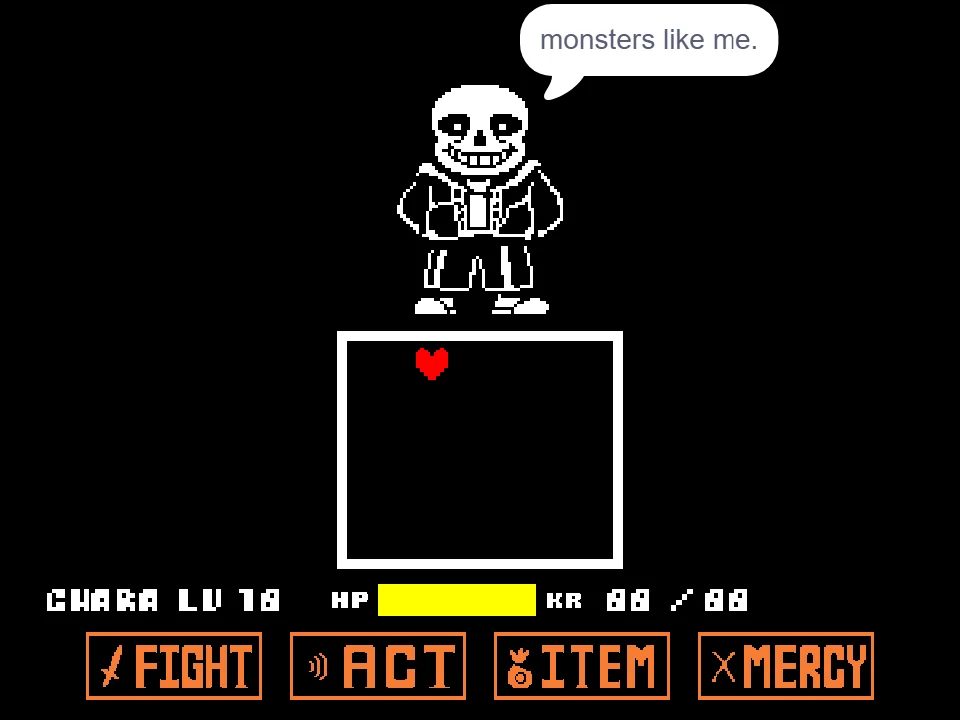
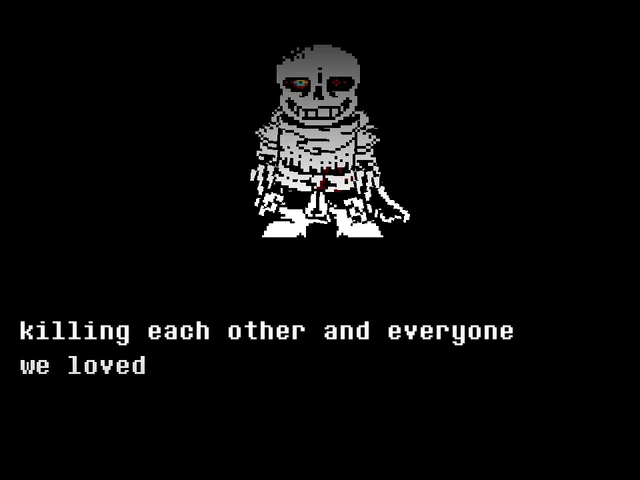
Megalomaniac Sans Fight Simulator brings the iconic opening conflict of Camila Cuevas's celebrated animated series Glitchtale directly to web browsers. This fan creation places players inside the sunlit Judgement Hall, where an empowered Sans confronts the player's SOUL in an escalating duel of magic, bone barrages, and devastating Gaster Blaster lasers.
To start playing, click inside the game window to ensure keyboard focus is active. Control your SOUL using the Arrow Keys to steer across the battle box and avoid incoming projectiles. The encounter tests your defensive instincts through dynamic projectile patterns and unique survival mechanics:
- Steering and Maneuvering: Use the Arrow Keys to navigate your heart across the battle arena. As attacks fill the screen, subtle directional adjustments are far more effective than sweeping dashes. Staying close to safe zones and reading the trajectory of incoming bone walls prevents accidental collisions with lethal borders.
- Restoring Health with Space: When your health pool takes heavy punishment from sustained attacks, press the Space bar to activate an in-combat Heal. Healing restores critical HP, allowing you to recover from mistakes during intense laser volleys. Because healing windows are limited by the relentless pace of incoming attacks, timing your heals during brief lulls in combat is essential for maintaining high survivability.
- Noob Mode Assistance (X Key): If you find the default difficulty overwhelming while learning unfamiliar attack patterns, press the X key to toggle Noob Mode. This accessibility feature reduces combat pressure and provides more forgiving survival conditions, making it an excellent practice tool for mastering the rhythm of Sans's assault before attempting normal runs.
- Dodging Gaster Blasters and Bone Hazards: Sans deploys massive Gaster Blasters that sweep across the box. Watch for visual charge cues and acoustic warnings to identify blast angles before the beams discharge. White bones and laser beams inflict rapid damage, so remaining alert and anticipating attack lanes will keep your soul alive throughout the duel.
Controls and Input Reference
| Key | Action |
|---|---|
| Arrow Keys | Steer the SOUL across the arena to evade incoming attacks and navigate past bone obstacles. |
| Space | Heal your SOUL during combat to restore lost health. |
| X | Toggle Noob Mode for relaxed survival parameters. |
About Glitchtale Megalomaniac and This Browser Recreation
Glitchtale stands as one of the most widely recognized fan-created animated projects within the Undertale community. Created by animator and storyteller Camila Cuevas, the premiere episode titled Megalomaniac introduced an intense confrontation in the Last Corridor, showcasing Sans pushing his magical abilities to the absolute limit. This browser version, adapted by creator cross-0673, translates the dramatic atmosphere and visual identity of that animation into an interactive survival challenge.
Key elements that define this adaptation include:
- Authentic Glitchtale Inspiration: The battle reflects the aesthetic style and dramatic pacing of the original Megalomaniac animation. Players face the relentless intensity of Sans wielding dual magical eye powers, fast-moving bone barriers, and explosive Gaster Blaster arrays designed to recreate the cinematic feel of the animated episode.
- Integrated Healing Mechanic: Unlike traditional encounters where healing requires sacrificing a combat turn in an item menu, pressing Space directly triggers a heal during the action. This responsive design keeps the pacing fast and engaging, encouraging players to stay focused on evasive maneuvering while managing their recovery.
- Accessible Practice with Noob Mode: By pressing X, players can activate Noob Mode at any point. This feature lowers the barrier to entry, enabling newcomers to practice complex projectile waves without facing immediate game over screens. Veteran players can toggle it off to experience the full raw challenge of the confrontation.
- Dynamic Combat Flow: The battle features a variety of attack formations, from rapid laser crossfires to dense bone spreads that require precise micro-dodging. The seamless execution in the browser makes it easy to jump straight into the action without cumbersome setup or installation.
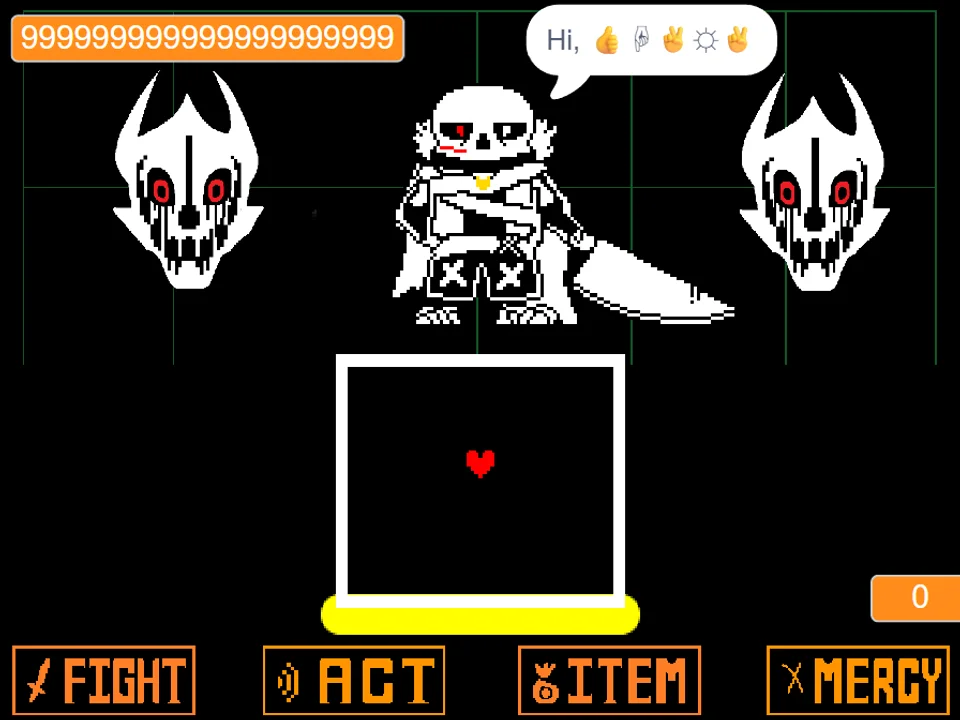
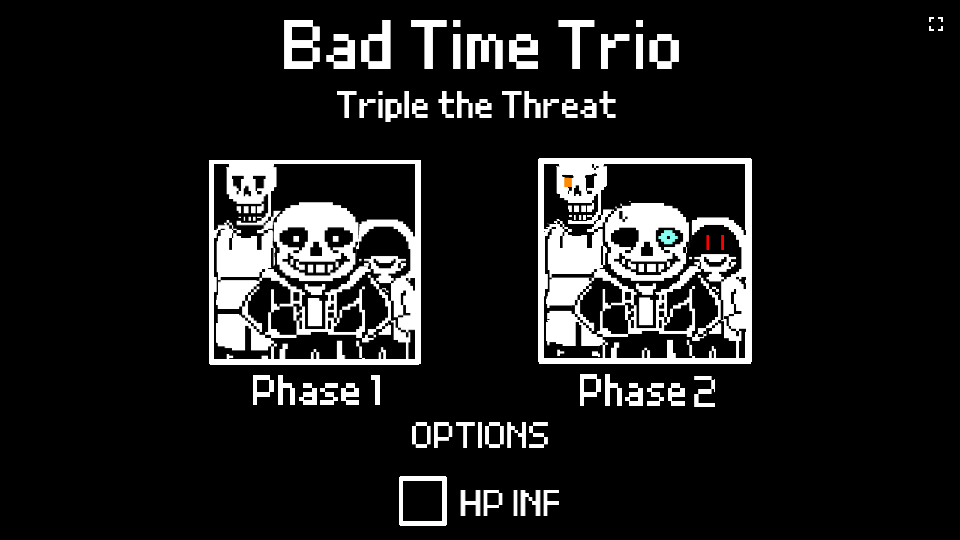
Whether you have previously practiced on Bad Time Simulator, survived the multi-phase trials of Undertale Last Breath, or explored the alternate timeline in Cross Sans Fight Simulator, Megalomaniac Sans Fight provides an engaging test of reaction speed and bullet hell agility.
Combat Mechanics and Difficulty Options
The encounter against Megalomaniac Sans focuses on continuous survival and resource management rather than rigid, scripted phase transitions. The battle challenges players through escalating attack intensity and complementary difficulty settings:
- Standard Survival Mode: Under standard rules, you face the full intensity of Sans's arsenal. Attacks arrive in rapid succession, featuring expansive Gaster Blaster beams and tight bone formations. Success requires sharp spatial awareness, quick reflexes with the arrow keys, and judicious use of the Space heal key when health reaches critical levels.
- Noob Mode Assistance: Pressing X toggles Noob Mode, offering a tailored experience designed for learning and pattern analysis. In this mode, incoming damage and survival constraints are adjusted to be substantially more forgiving. It allows players to observe bullet trajectories, discover safe pockets in the arena, and build muscle memory before returning to the standard difficulty.
- Tactical Recovery Management: The inclusion of the Space heal key transforms how players approach defense. Rather than restarting after every mistake, you can recover mid-fight if your reaction timing is crisp. Recognizing brief intervals between major attacks gives you the chance to press Space safely without losing focus on incoming hazards.
Strategic Combat Tips for Beating Megalomaniac Sans
Surviving this intense showdown requires disciplined movement and smart use of your recovery abilities:
- Time Your Space Heals During Attack Pauses: Pressing Space restores health, but doing so in the middle of a dense bullet wave can split your concentration and lead to immediate additional hits. Wait for the brief pause between blaster volleys before tapping Space to recover safely.
- Use Noob Mode (X) to Study Difficult Waves: If a specific attack pattern consistently catches you off guard, press X to activate Noob Mode. Use the increased durability to study the projectile spread and find safe standing zones before tackling the wave in standard mode.
- Read Gaster Blaster Charge Cues Early: Gaster Blasters give clear visual and audio indications before releasing their beams. Keep your eyes on the outer edges of the box so you can identify which lane will be engulfed in laser fire and move to safety in advance.
- Favor Small Arrow Key Taps Over Long Dashes: Over-correcting your movement is one of the most common causes of damage. Tapping the arrow keys gently keeps your soul centered and prevents you from drifting directly into perimeter bone hazards.
- Anchor Your Position Near the Center of the Arena: Lingering against the extreme edges of the playing field reduces your reaction time when new attacks spawn from outside the box. Returning toward the center after dodging each wave provides maximum visibility and room to maneuver.
Frequently Asked Questions
How do you heal during the fight?
Press Space during combat to heal your SOUL and restore lost health points, helping you survive prolonged attack sequences.
What does Noob Mode do and how do you activate it?
Press X to toggle Noob Mode. This accessibility setting provides more forgiving survival conditions, making it easier to learn difficult attack patterns without constant restarts.
What is Megalomaniac Sans Fight based on?
The battle is inspired by Megalomaniac, the premiere episode of Camila Cuevas's animated Undertale AU series Glitchtale, depicting Sans confronting Frisk and Chara in the Judgement Hall.
Who developed this browser version?
This web adaptation was created by developer cross-0673, bringing the dramatic atmosphere of the Glitchtale encounter to modern web browsers with custom controls and accessibility options.
What controls are used to move the soul?
Use the Arrow Keys on your keyboard to navigate your SOUL across the arena and slip between incoming bone arrays and laser beams.
Can I play this game on a mobile device?
This game is specifically designed for desktop keyboard controls (Arrow Keys for movement, Space for healing, and X for Noob Mode). Touchscreen inputs are not natively supported.
What other Sans fan battles can I play on this site?
You can challenge numerous iconic encounters on our site, including the original Bad Time Simulator, Undertale Last Breath, and Cross Sans Fight Simulator.