





























How to Play HD Legacy Dusttrust Sans (Phase 1-2)
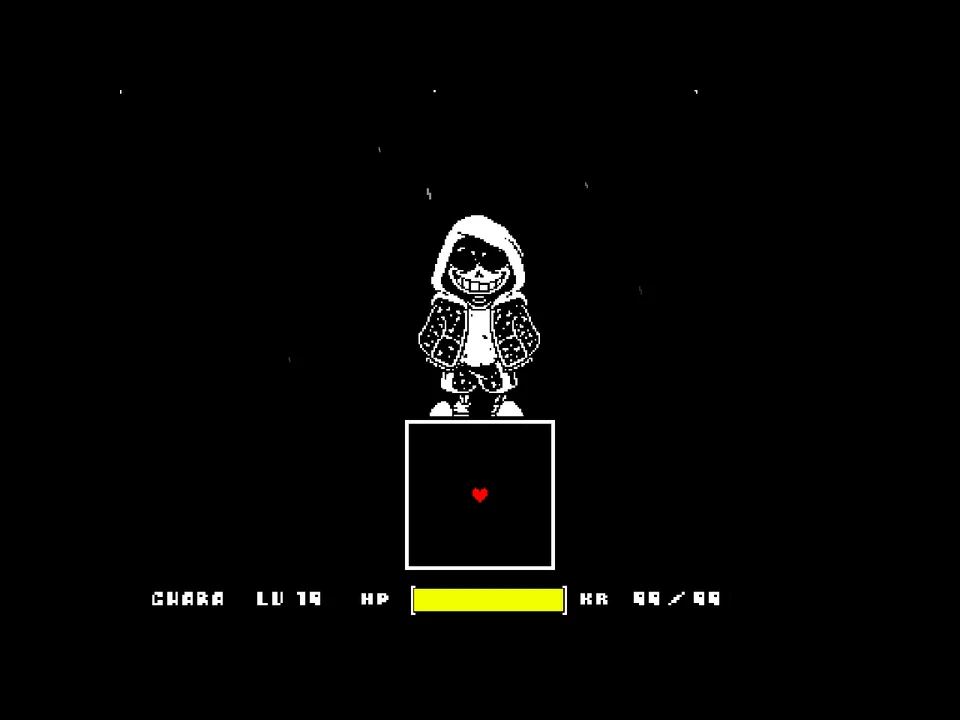
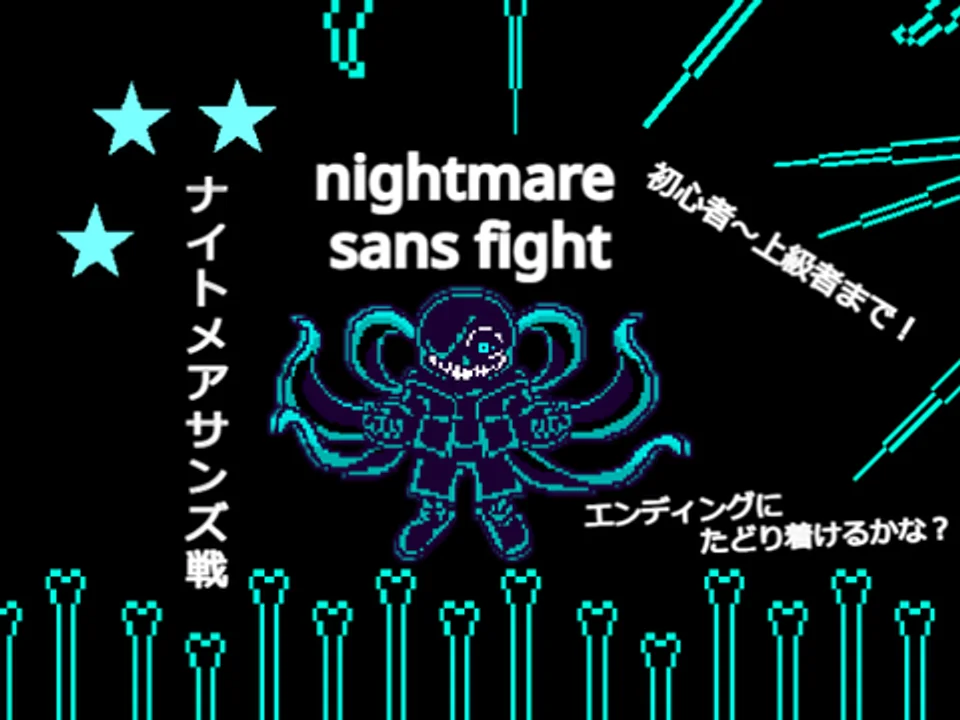
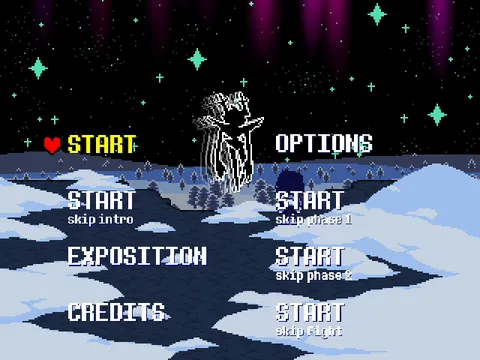
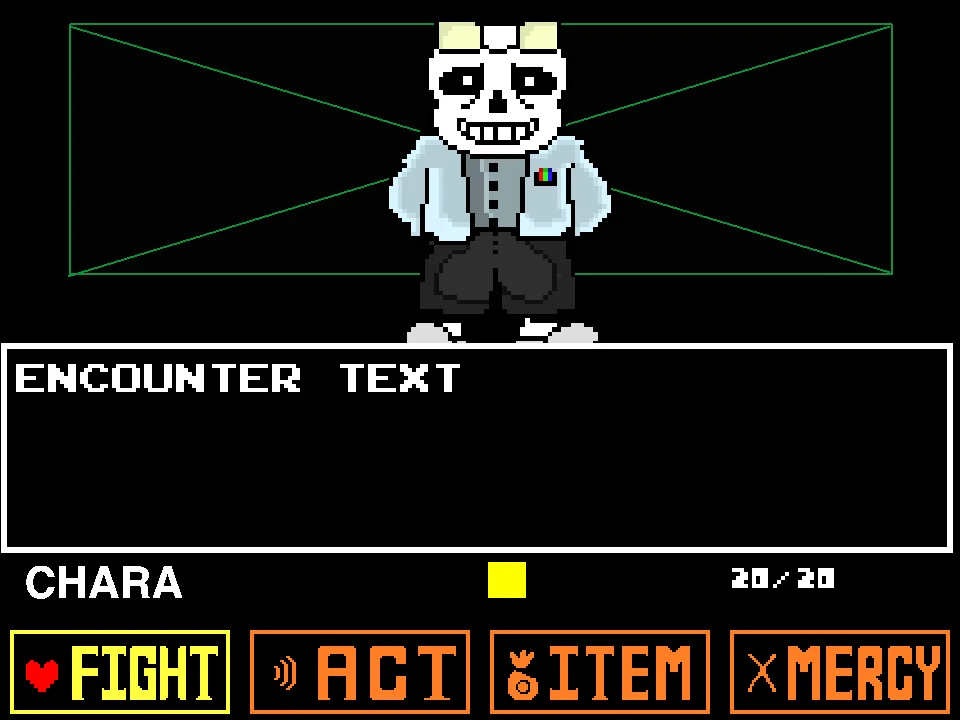
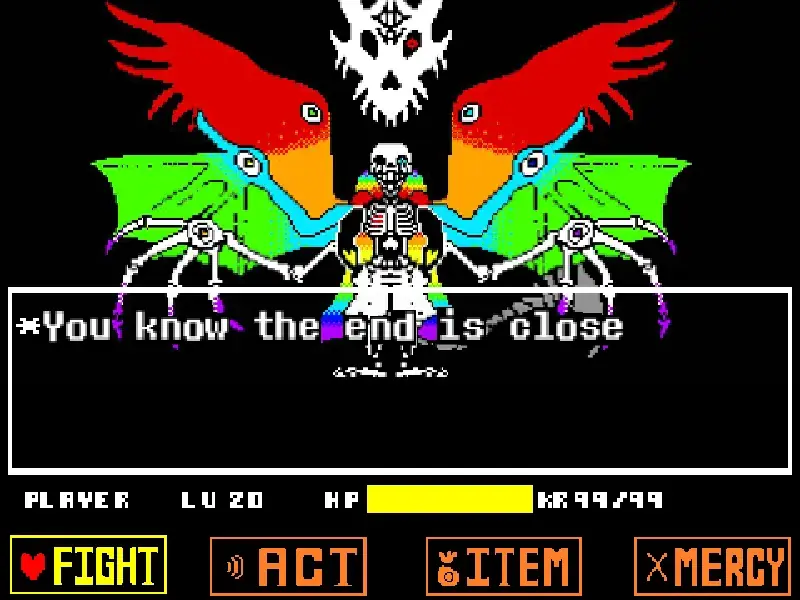
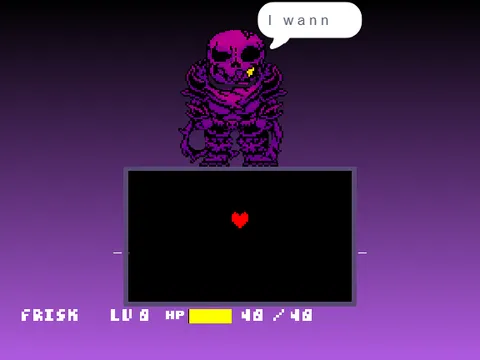
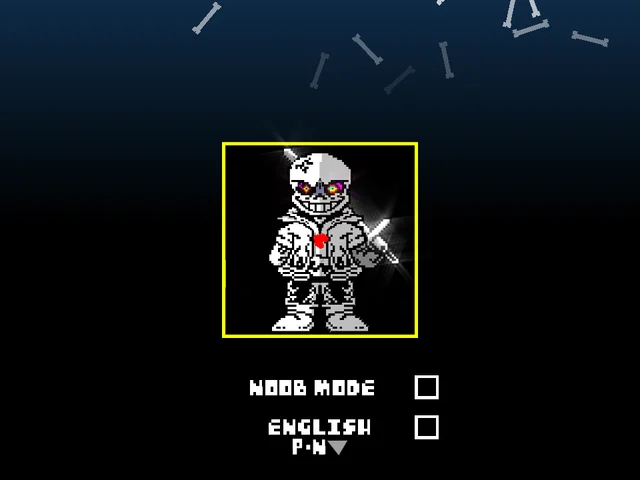
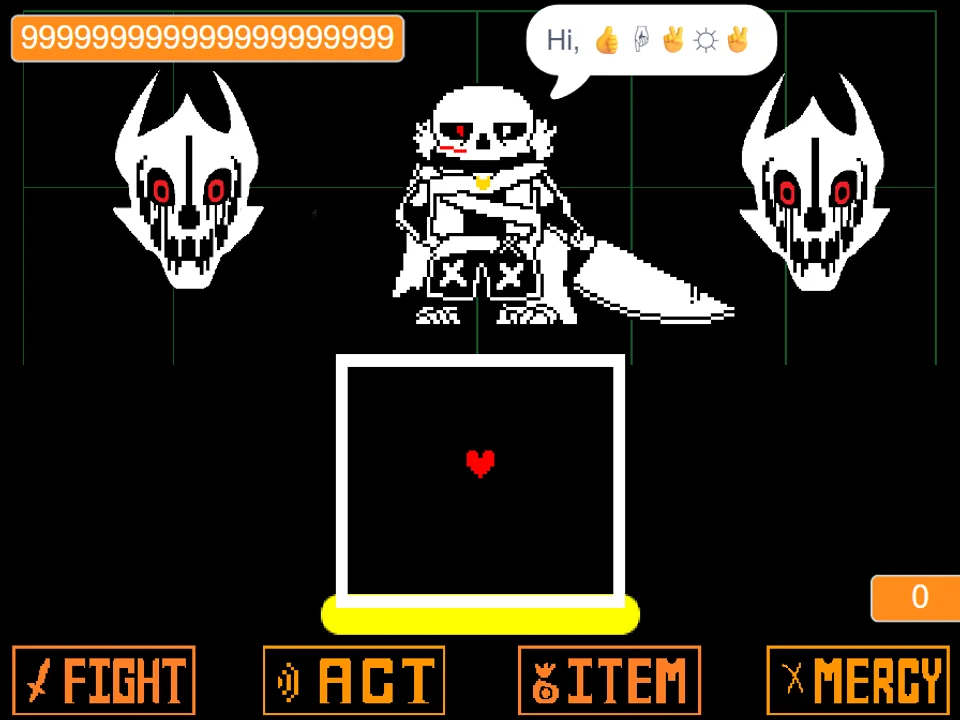
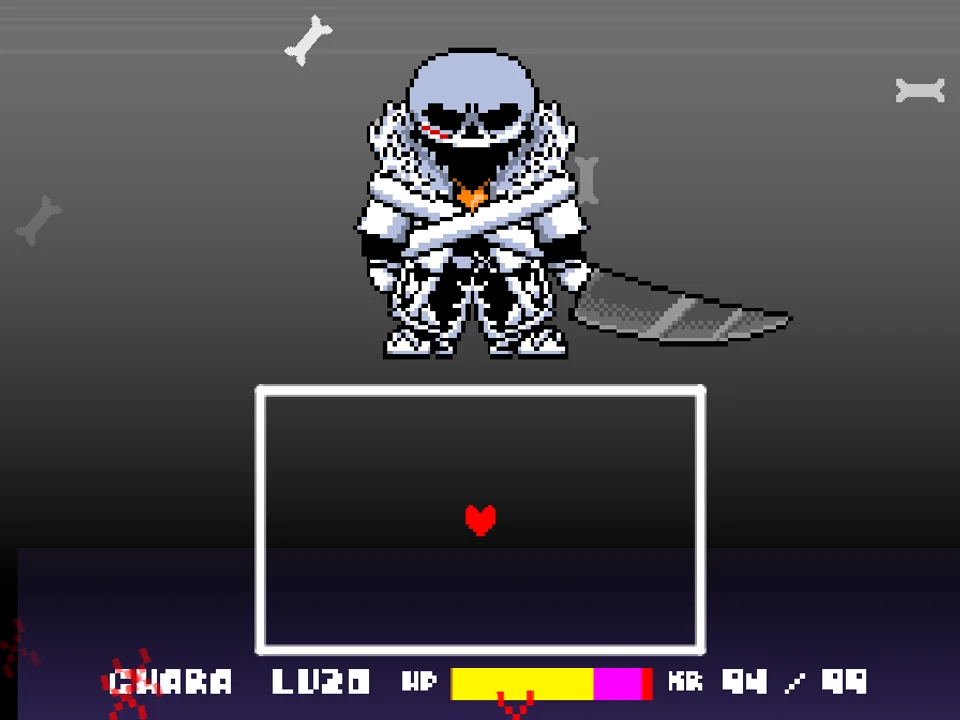
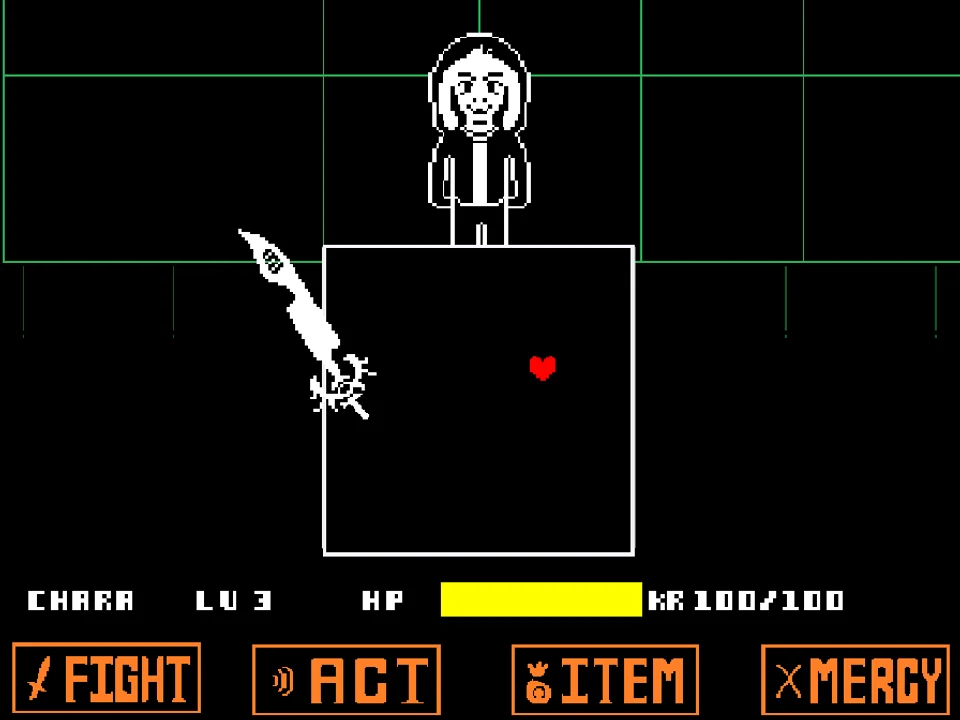
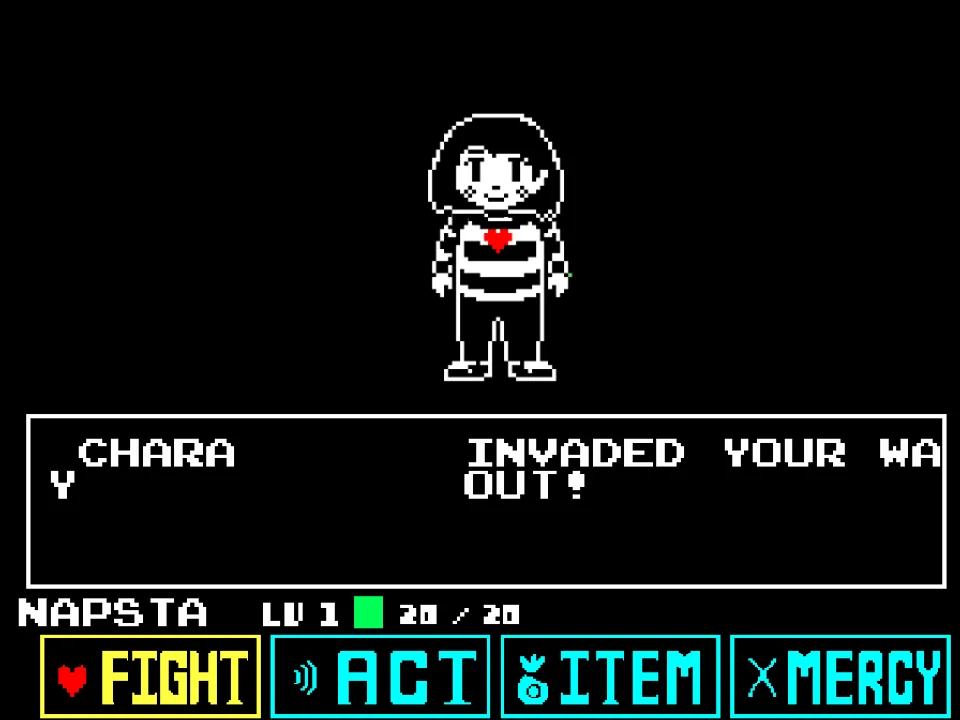
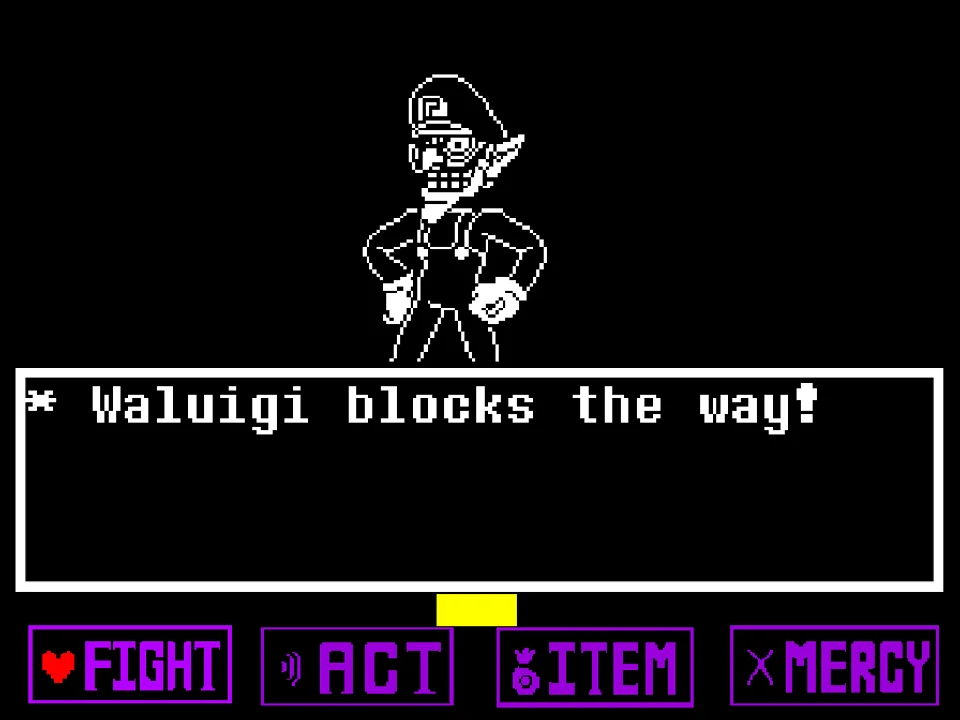
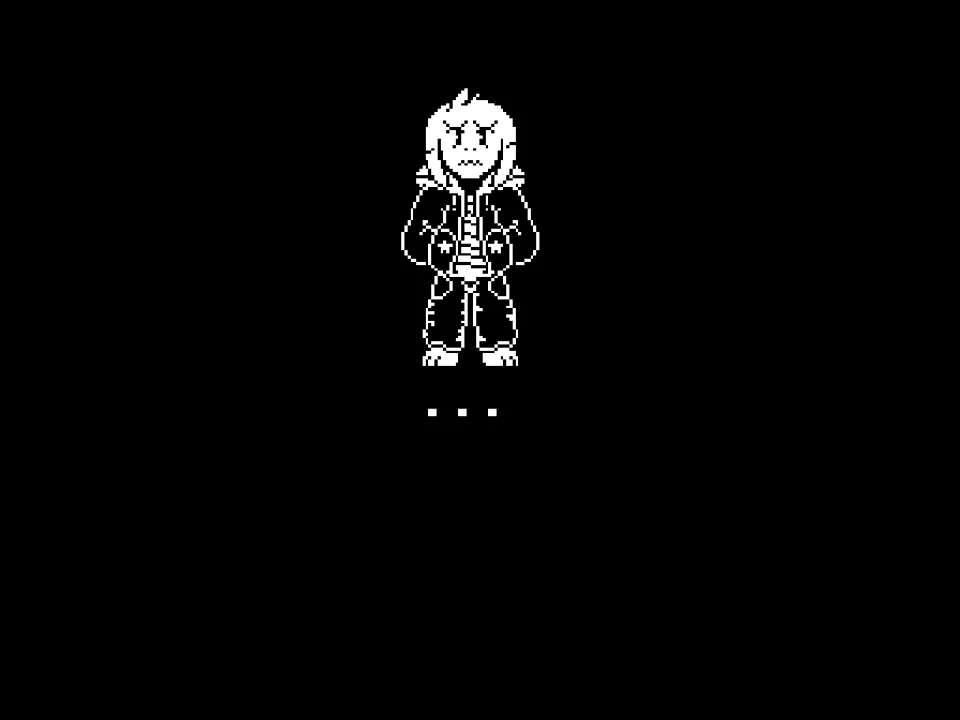
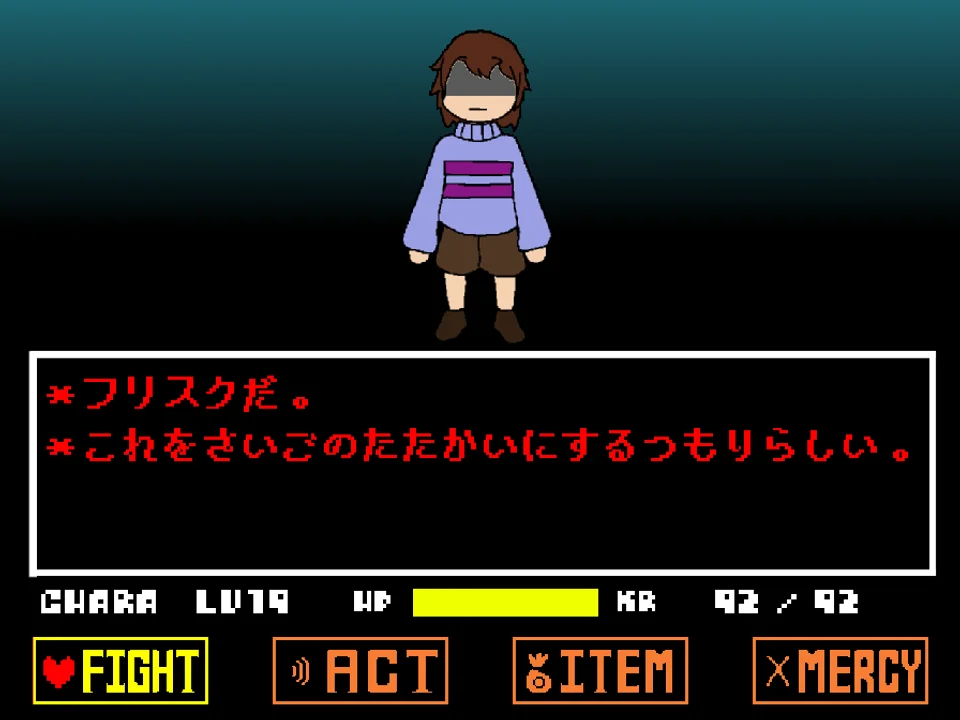
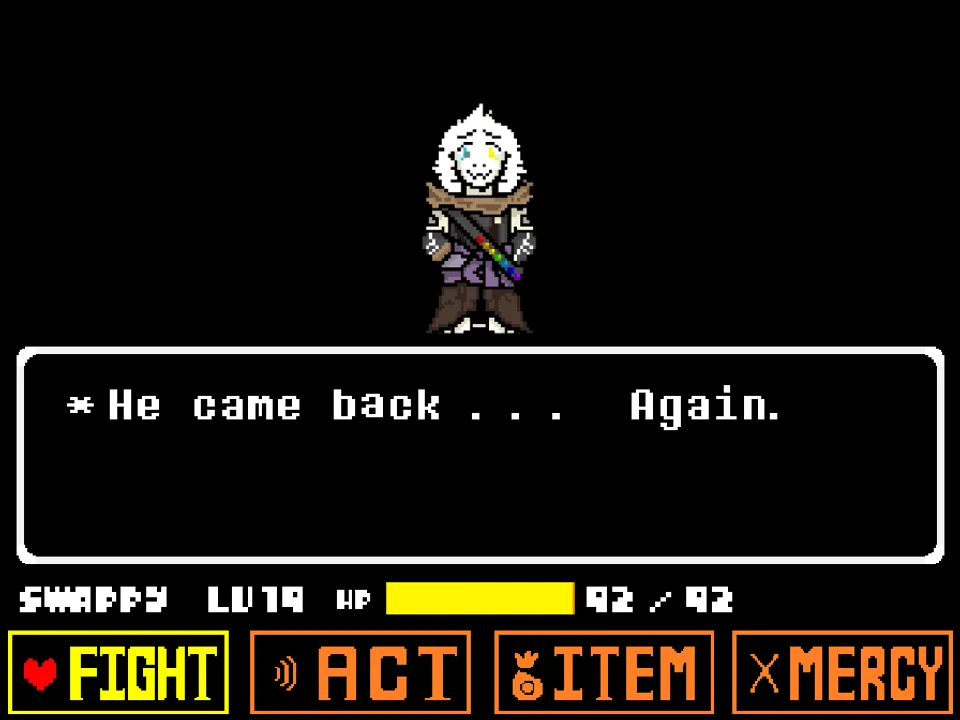
Legacy Dusttrust Fight Simulator is the definitive online adaptation of developer hide20000's critically acclaimed Japanese project, titled 【完全完成】HD! Legacy Dust trust Sans Phase 1-2. Celebrating the golden era of the Dusttrust AU, this standalone recreation faithfully restores the classic legacy choreography of the battle across both Phase 1 and Phase 2. Featuring custom high-definition pixel sprites, hand-crafted Gaster Blaster animations, and fluid 60 FPS motion rendering, this battle stands as a triumph of community bullet hell craftsmanship.
To begin playing, click directly inside the battle canvas to ensure active keyboard focus. You guide the red SOUL through intricate geometric patterns and devastating magical attacks. Standard menu controls operate via the Arrow Keys for selection, Z for confirmation (決定), and X to cancel or back out of sub-menus (戻る). However, the engine introduces specialized movement mechanics and accessibility options tailored for master-level evasion.
Key combat mechanics and system controls include:
- Precision Low-Speed Focus Movement (Arrow Keys + X): In traditional bullet hell simulators, high movement speed can cause players to overshoot safe gaps between tight bone rows. In this simulator, holding down the X key while pressing any Arrow Key activates low-speed movement (低速移動). This focus state halves your velocity, letting you micro-navigate through millimeter-wide gaps with surgical precision.
- Integrated Debug Mode (Spacebar): For players practicing complex attack transitions, pressing the Spacebar toggles the built-in Debug Mode. Once active, pressing Enter displays the current turn counter on screen, and tapping the Left or Right Arrow Keys allows you to jump directly forward or backward between specific attack waves.
- Noob Mode Accessibility (Shift + N + M): If you find the baseline difficulty overwhelming during your initial runs, pressing Shift + N + M simultaneously while on Normal difficulty unlocks Noob Mode. This accessibility setting modifies damage multipliers, giving newer players a forgiving environment to learn the attack rhythms.
- Two Full Distinct Battle Phases: Phase 1 pits you against an intensely focused Sans wielding classic blue gravity slams, spinning bone carousels, and rapid blaster bursts. Upon surviving Phase 1, the duel seamlessly transitions into the climactic drama of Phase 2, where Sans unveils fractured soul magic, vertical arena shifts, and chaotic split-screen barrages.
Controls and Dedicated Engine Inputs
| Key | Action |
|---|---|
| Arrow Keys | Steer the red SOUL inside the bullet box and navigate through battle menu options. |
| Arrow Keys + X (Hold) | Activate low-speed focus movement (低速移動) for surgical micro-dodging in tight gaps. |
| Z Key | Confirm highlighted menu options (決定), lock attack reticles, and advance dialogue. |
| X Key | Cancel selections (戻る), back out of sub-menus, and speed up conversational text. |
| Spacebar | Toggle integrated Debug Mode to unlock turn selection and pattern analysis tools. |
| Enter (in Debug Mode) | Display the active battle turn index counter on the screen. |
| Left / Right Arrow (in Debug Mode) | Cycle backward and forward through specific attack turns while the turn display is open. |
| Shift + N + M | Activate Noob Mode (accessible only on Normal difficulty) for reduced incoming damage. |
Hold X while moving whenever bullet density peaks. Use the Spacebar debug mode to practice specific difficult turns repeatedly.
About Legacy Dusttrust and hide20000's Masterpiece
The story of Dusttrust is one of the most storied sagas in Undertale alternate universe history. Originally conceived as an Underswap adaptation of Dusttale, early versions of the project featured iconic musical themes, memorable sprite choreography, and a distinct tragic tone. As the official fangame underwent numerous development reboots and artistic shifts, many fans longed for the raw, classic feel of the original "Legacy" vision.
Japanese creator hide20000 fulfilled this community desire by developing a complete, polished HD reconstruction covering the two foundational phases of the duel:
- Custom Visual Artistry: hide20000 personally crafted all Sans pixel dots, blaster animations, and battle thumbnails from the ground up. The visual design captures the intense melancholy of a dust-covered skeleton fighting against an unyielding timeline anomaly, enhanced by a widescreen layout that provides expansive dodging real estate.
- Authentic 60 FPS Engine Tuning: Unlike standard 30 FPS implementations, this project runs with a fluid 60 frames-per-second refresh rate, providing butter-smooth projectile motion and ultra-responsive keyboard polling. This elevated frame rate makes precision mechanics like low-speed focus movement feel exceptionally crisp.
- Dedicated Phase 1 and Phase 2 Progression: Rather than ending after a single phase or teasing unfinished content, this release delivers a complete, cohesive two-phase experience. Phase 1 focuses on rhythmic discipline and gravity mastery, while Phase 2 escalates into visual distortion, screen shakes, and desperate last-stand attack patterns.
- Respect for Community Lineage: While distinct from Dustswap: Dusttrust (which includes Phase 3 and slash mechanics) and the standalone Dusttrust Finality climax, hide20000's Legacy edition remains the gold standard for experiencing the authentic Phase 1-2 saga as originally imagined.
Whether you are a seasoned veteran of Dusttrust Sans Fight or testing your resolve on multi-character trials like Bad Time Trio Simulator, Legacy Dusttrust provides an essential, beautifully rendered masterpiece.
Phase Breakdown and Practice Modes
Legacy Dusttrust provides a structured progression complemented by built-in training accessibility:
- Phase 1 — The Classic Judgment: Sans opens with surgical bone sequences, sweeping vertical skewers, and blue magic gravity drops. The focus here is on learning the rhythmic timing of low hops and using low-speed focus movement (Arrow Keys + X) to navigate dense bone waves without panic.
- Phase 2 — The Broken Resolve: Following a dramatic mid-battle transition, Sans pushes his soul to its limits. Attack speeds accelerate, screen angles tilt, and Gaster Blasters fire in rapid crossfire formations. Only players who have mastered spatial awareness and pattern recognition will endure to the end.
- Normal Mode vs. Noob Mode: Normal Mode delivers the intended competitive difficulty with unforgiving damage values. Triggering Noob Mode (Shift + N + M) provides enhanced health buffering, allowing players who want to experience the complete narrative and artistic progression to do so at an accessible pace.
- Debug Practice Mode: By pressing Space and using Enter with the Left/Right arrows, players can isolate and rehearse individual turns, transforming the game into an ideal practice laboratory for no-hit speedrunners.
Strategic Advice and Combat Tips
Overcoming hide20000's HD Legacy Dusttrust requires steady nerves and disciplined execution:
- Engage Low-Speed Focus for Tight Gaps: When bone patterns appear nearly impassable, immediately hold X while steering with the Arrow Keys. The halved movement speed prevents accidental overshooting and allows your heart to slip through narrow gaps with millimeter precision.
- Anticipate Blue Gravity Slams: Sans telegraphs gravity shifts with brief visual and sound cues. As soon as your soul turns blue, prepare to tap the Up Arrow gently. Full key presses cause your soul to bounce into the ceiling hazards.
- Use Debug Mode to Isolate Trouble Turns: Don't struggle through Phase 1 repeatedly just to practice a single difficult attack in Phase 2. Press Space, tap Enter to display turns, and use the Left/Right arrow keys to practice your weakest patterns until they become second nature.
- Prioritize Center Positioning on Blaster Waves: Gaster Blasters spawn along the perimeter and track your soul before locking their firing lanes. Staying centered allows you to bait the aim into the middle, leaving wide open flanks to escape once the beams ignite.
- Activate Noob Mode If You Get Stuck: If an attack sequence feels insurmountable, there is no shame in pressing Shift + N + M on Normal difficulty. Experiencing the full flow of Phase 2 with reduced damage helps build the muscle memory needed for subsequent standard runs.
- Keep Inputs Crisp and Rhythmic: At 60 FPS, the game responds instantaneously to keyboard taps. Rapid, short taps give you vastly superior control compared to sweeping, continuous directional holds.
Frequently Asked Questions
How do you activate low-speed focus movement?
Hold down the X key while pressing any Arrow Key. This activates low-speed movement (低速移動), halving your soul's velocity so you can navigate extremely tight projectile gaps.
How does Debug Mode work in Legacy Dusttrust?
Press the Spacebar to enable Debug Mode. Press Enter to show the turn counter on screen, and use the Left and Right Arrow Keys to cycle backward and forward between specific attack waves.
How do you activate Noob Mode?
Press Shift + N + M simultaneously while playing on Normal difficulty. This accessibility setting reduces incoming damage so you can learn patterns more comfortably.
Who created this HD Legacy version of Dusttrust?
This version was created by Japanese developer hide20000, who crafted custom pixel art, Gaster Blaster animations, and engine physics to faithfully recreate Phase 1 and Phase 2 of Legacy Dusttrust.
How does this version differ from Modeck's Dustswap: Dusttrust?
Modeck's version covers Phase 1 through 3 with custom R-key slash combat and Underswap role-swaps, whereas hide20000's project is a 60 FPS HD reconstruction focused purely on the classic Legacy Phase 1-2 battle with focus movement and turn-select debug tools.
What other Undertale AU boss fights can I play here?
You can challenge additional legendary battles including Dustswap Dusttrust Fight Simulator, Dusttrust Sans Fight, and Dusttrust Finality.