
How to Play Friday Night Funkin' Playable Sans
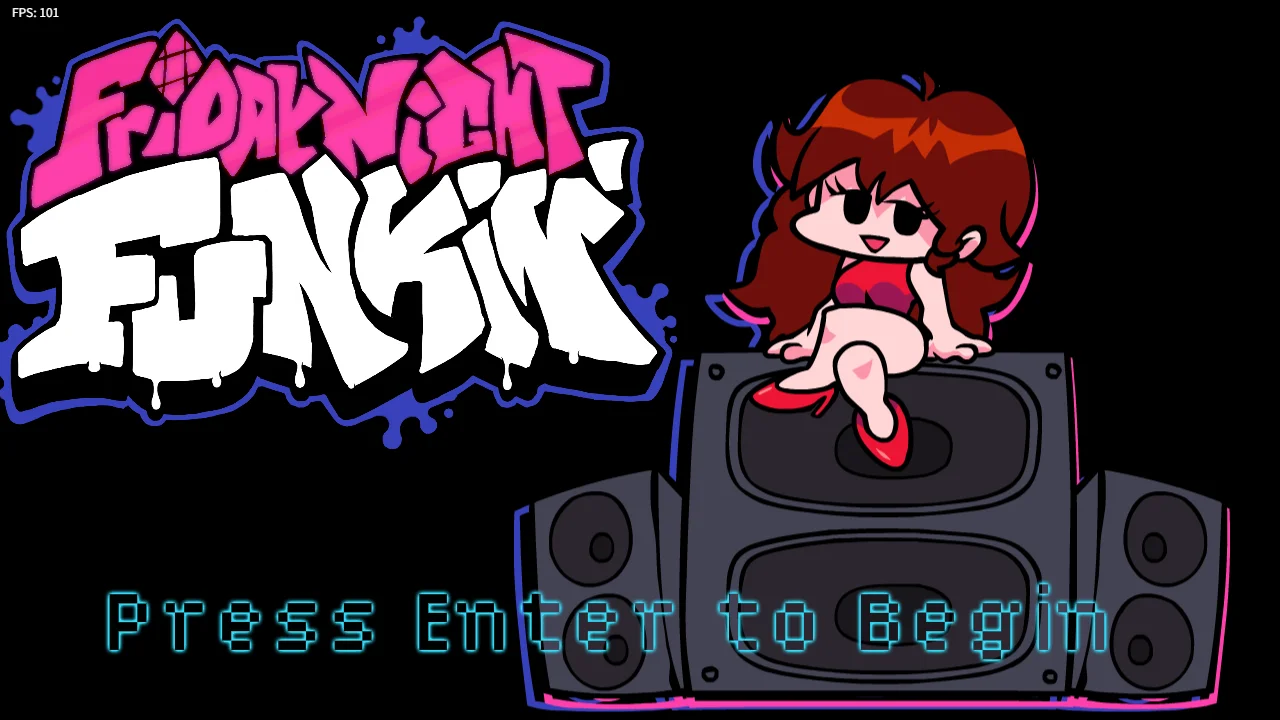
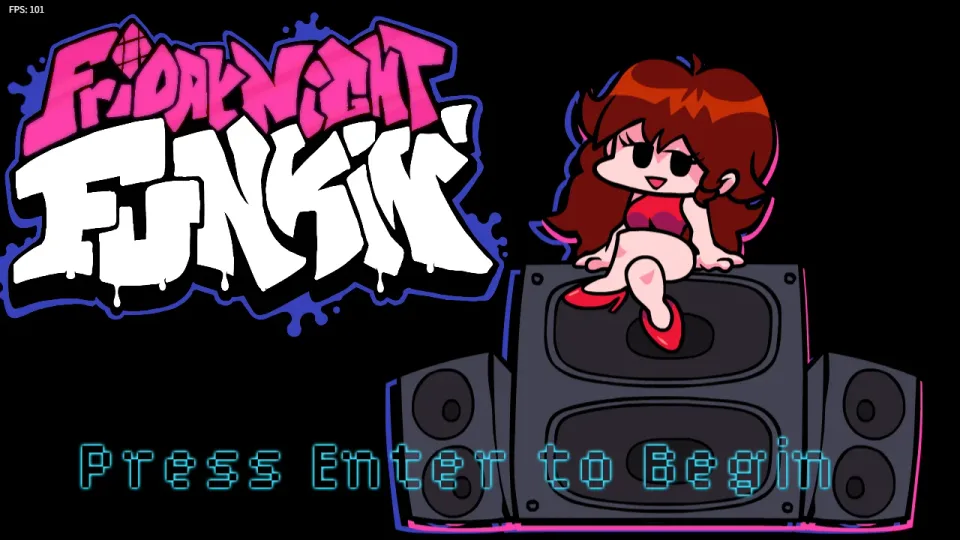
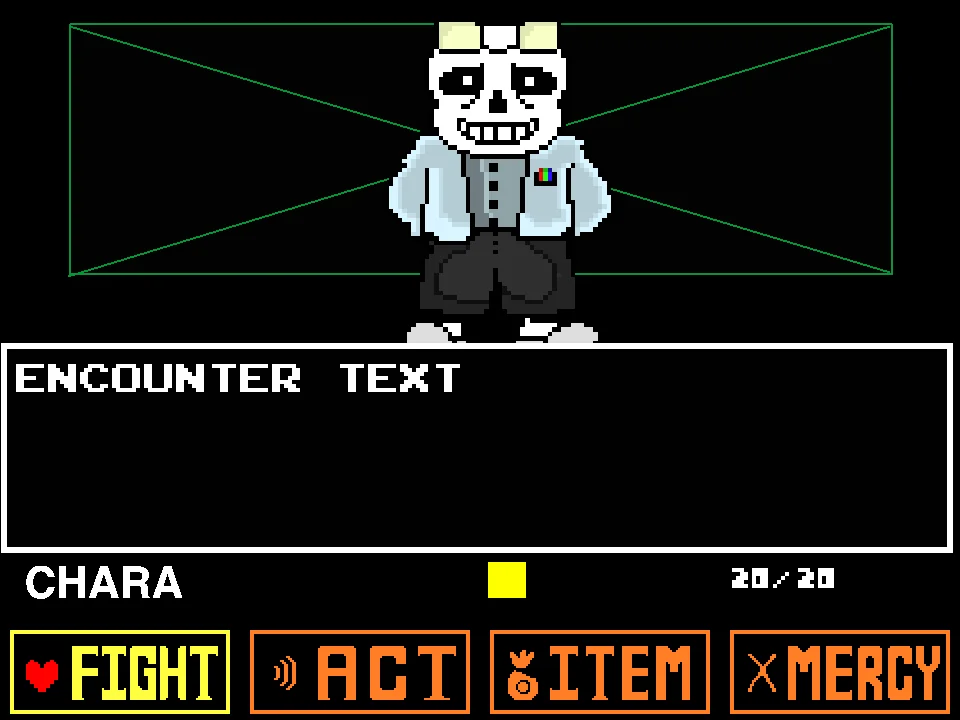
In Friday Night Funkin' Playable Sans, the iconic skeleton from Undertale steps into the spotlight as the lead vocalist. Unlike Bad Time Simulator, which focuses on bullet-hell dodging, this title is a pure four-key rhythm game. Originally created as a character conversion mod by creator LiterallyNoOne and adapted for web play by Gamaverse, this port replaces Boyfriend with Sans himself, featuring full custom singing animations, iconic expressive poses, and signature vocal samples created directly from his Undertale dialogue blips.
The core objective revolves around rhythmic precision and beat synchronization. During a song, musical notes represented by colored directional arrows (Left, Down, Up, Right) scroll upward from the bottom of the display toward the stationary arrow receptor line located at the top of the screen. Your task is to press the corresponding keyboard input (either Arrow Keys or WASD) at the precise millisecond each scrolling arrow overlaps its matching receptor outline.
At the bottom of the screen rests the dynamic tug-of-war Health Bar, marked by character icons representing Sans on the left and his musical opponent on the right. Hitting notes accurately pushes the bar toward the opponent's side, earning you points and securing your survival. Missing notes, hitting the wrong direction, or mistiming inputs causes Sans to stumble, depleting your health gauge. If your health bar drains completely to the left edge, the song abruptly halts in a Game Over screen, requiring you to retry from the beginning of the track.
Notes are evaluated on four distinct accuracy grades: Sick! for frame-perfect hits, Good for slight deviations, Bad for noticeable timing errors, and Shit for near-misses. Long notes with trailing sustain beams require holding the corresponding key down for the entire duration of the hold bar, releasing only when the tail clears the judgment strumline. To succeed across challenging tracks, you must internalize the musical tempo, listen closely to Sans's vocal lines, and maintain hand coordination during dense syncopated patterns.
Controls and Rhythm Keybindings
| Key | Action |
|---|---|
| Arrow Keys / WASD | Hit directional notes during songs (Left, Down, Up, Right); navigate menu selections in title screens and tracklists. |
| Enter | Confirm menu choices, advance cutscenes, and select difficulty ratings in song menus. |
| Escape | Pause during active gameplay to access restart/resume options; exit song menus back to the main title screen. |
| + / - | Increase or decrease the master volume. |
| 0 | Mute master audio entirely. |
Players can choose between standard Arrow Keys or WASD for four-key input. Two-handed players often prefer using A and S for Left/Down paired with Up and Right arrows for Up/Right.
About the Playable Sans Mod and Web Port
Friday Night Funkin' Playable Sans is an authentic adaptation of the celebrated character replacement mod originally created by community musician and animator LiterallyNoOne. Rather than being an enemy boss battle where you fight against Sans in the Judgment Hall, this modification places you directly in control of Sans as the playable protagonist throughout the Friday Night Funkin' campaign.
What makes LiterallyNoOne's mod distinct from generic character skin swaps is its dedicated audio-visual craftsmanship. Sans does not use Boyfriend's electronic vocal chirps; instead, his vocal audio has been completely rebuilt using harmonic voice clips synthesized directly from the iconic Undertale dialogue sound byte. His directional singing animations feature fluid pixel artwork: strumming a bone like a guitar on down notes, flashing his magical cyan eye on upward vocal peaks, and casually shrugging during idle pauses on the beat.
This web browser edition, hosted and maintained online by Gamaverse, packages the full campaign experience into an accessible browser format. It incorporates the complete classic campaign progression across diverse musical genres—ranging from upbeat funk and smooth jazz to intense synth-rock and fast-paced hip-hop beats—while expanding the roster with bonus Freeplay tracks such as Judgement, Buttercups, and 3-2-1 Date. The port runs natively without requiring external emulator installations, bringing the beloved rhythm crossover straight to your screen.
If you enjoy Sans-themed games built around music but prefer dodging attacks to matching notes, try Stronger Than You Sans Fight Simulator, where the battle patterns follow a musical soundtrack.
Game Modes and Difficulty Levels
The game offers two primary gameplay modes, each accommodating different player goals:
- Story Mode: Follows the sequential week-by-week campaign. You play through full three-song sets back-to-back, accompanied by cutscene transitions and escalating narrative difficulty. Surviving an entire week without a Game Over records your total week score.
- Freeplay Mode: Allows you to browse the complete library of available tracks individually. Freeplay is ideal for practicing specific songs, mastering custom bonus tracks like Judgement and Buttercups, or hunting personal high scores on individual charts.
- Difficulty Ratings (Easy / Normal / Hard): Every song can be played on three distinct difficulty settings. Easy reduces chart density and scrolling speed for beginners. Normal provides standard rhythm sync. Hard introduces dense note clusters, polyrhythms, and high scroll velocity that challenge seasoned rhythm game veterans.
Essential Rhythm Strategies and Note Accuracy Tips
Conquering fast-tempo rhythm charts requires disciplined input technique and beat awareness:
- Focus on the Receptor Line Rather Than Spawning Arrows: A common mistake is watching notes as they spawn at the bottom of the screen. Instead, fix your eyesight on the static gray receptor arrows at the top. Let incoming arrows enter your peripheral vision and press the corresponding key the moment the arrow head enters the receptor outline.
- Adopt a Two-Handed Split Grip for Dense Streams: Playing four directional keys with one hand on the Arrow cluster often causes finger fatigue during rapid 16th-note streams. Try placing your left hand on D and F (for Left and Down) and your right hand on J and K (for Up and Right). Splitting note responsibilities across both hands dramatically increases your tapping speed.
- Listen Directly to Sans's Vocal Cadence: In Friday Night Funkin', note charts are mapped directly to the vocal melodies rather than background drums. Because Sans's voice clips possess a distinct staccato timbre, actively listening to the melody helps your hands intuitively predict note timing during complex syncopated sections.
- Never Release Sustained Hold Notes Prematurely: Trailing hold notes reward continuous health restoration as long as the key is depressed. Releasing a hold note even a split second before the tail finishes awards a miss penalty and immediately halts your combo. Hold the key firmly until the note tail completely passes the strumline.
- Do Not Double-Tap After a Miss: When you accidentally miss an arrow, panic-tapping nearby keys will trigger ghost-tap penalties that rapidly deplete your remaining health bar. If you miss a note in a fast stream, take a split-second breath, let that note go, and re-anchor your rhythm on the next downbeat.
Frequently Asked Questions
Is Friday Night Funkin' Playable Sans a bullet-hell Sans fight simulator?
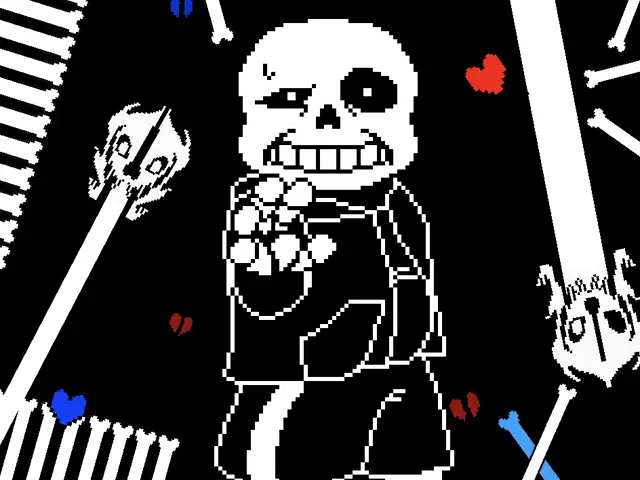
No. This is a dedicated four-key rhythm game mod where you play as Sans singing to music. It does not feature blue soul gravity dodging, bone skewers, or Gaster Blaster laser corridors; instead, you tap Arrow Keys or WASD in sync with musical notes scrolling up the screen.
Who created the original mod and who ported it to the web?
The original Playable Sans mod was created by animator and musician LiterallyNoOne, who designed the custom singing sprites and Sans vocal audio. The HTML5 online web edition is published and maintained by Gamaverse.
Can I use WASD instead of Arrow Keys?
Yes. The game natively supports both standard Arrow Keys and WASD (W for Up, A for Left, S for Down, D for Right) interchangeably without requiring any manual keybind configuration in settings.
What should I do if the game runs without sound or music?
Modern web browsers require an initial user interaction before allowing audio playback. Click once anywhere inside the game frame with your mouse to unlock the audio context. You can also check the in-game volume by pressing the + key.
How do I pause the game or exit back to the song menu?
Press the Escape key during any active song to bring up the pause menu. From there, you can choose to Resume, Restart the current song, or Exit to the main menu.
What is the difference between Story Mode and Freeplay?
Story Mode takes you through full multi-song campaign weeks consecutively with dialogue cutscenes. Freeplay allows you to freely select and play any individual track from the entire library to practice or chase high scores.