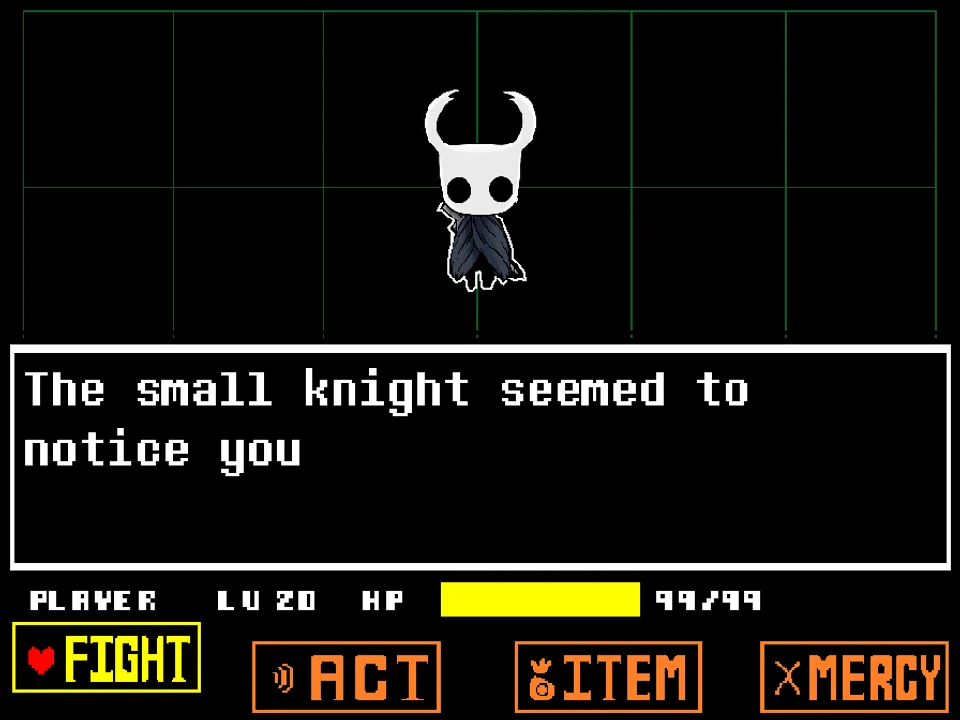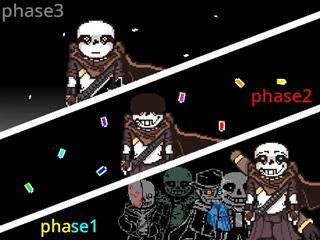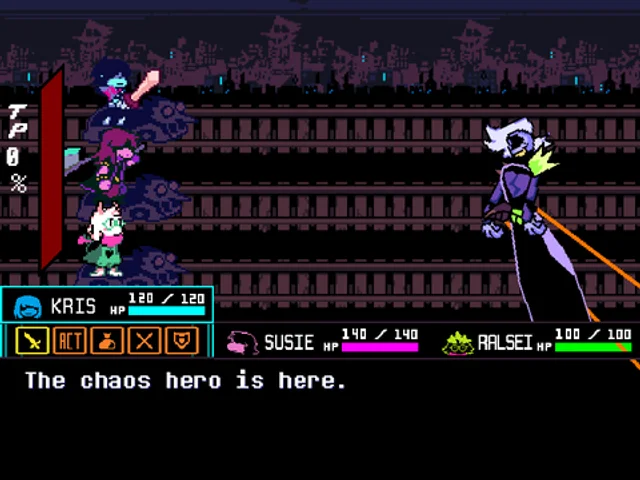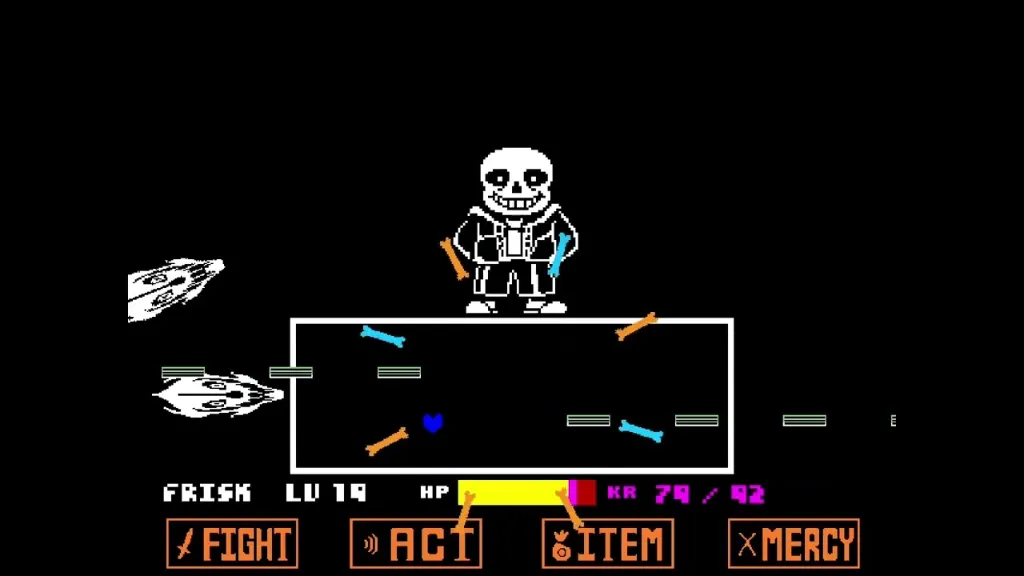


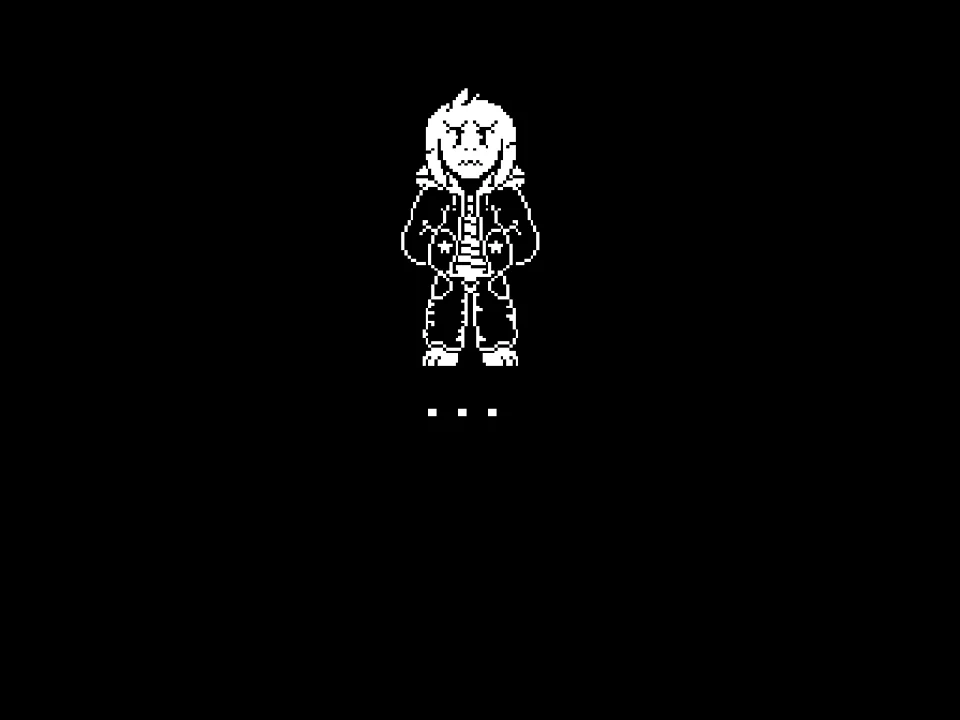
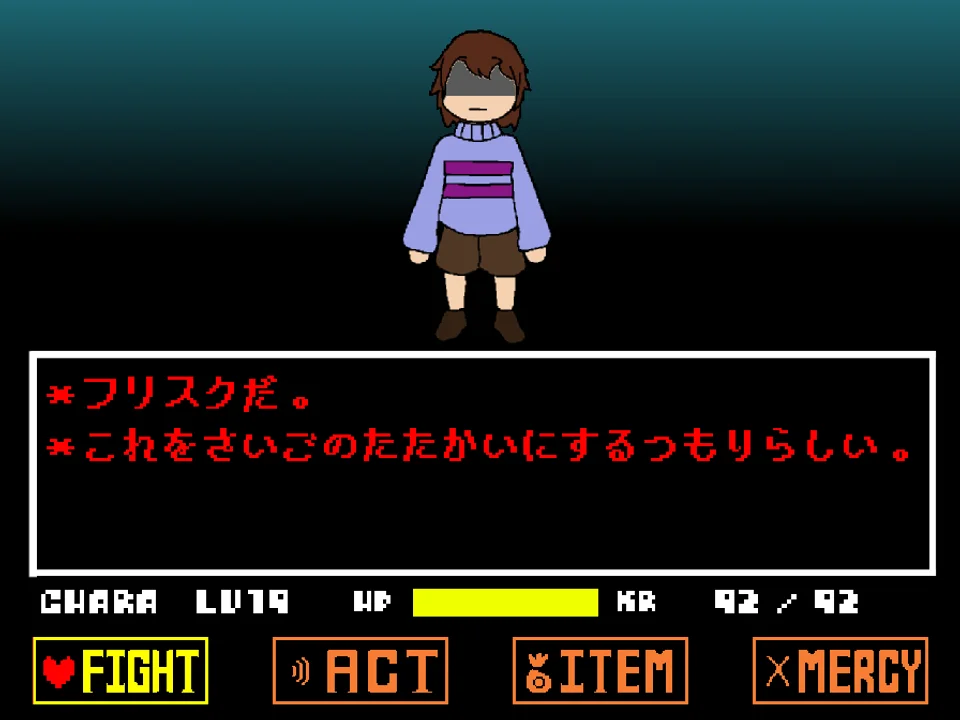
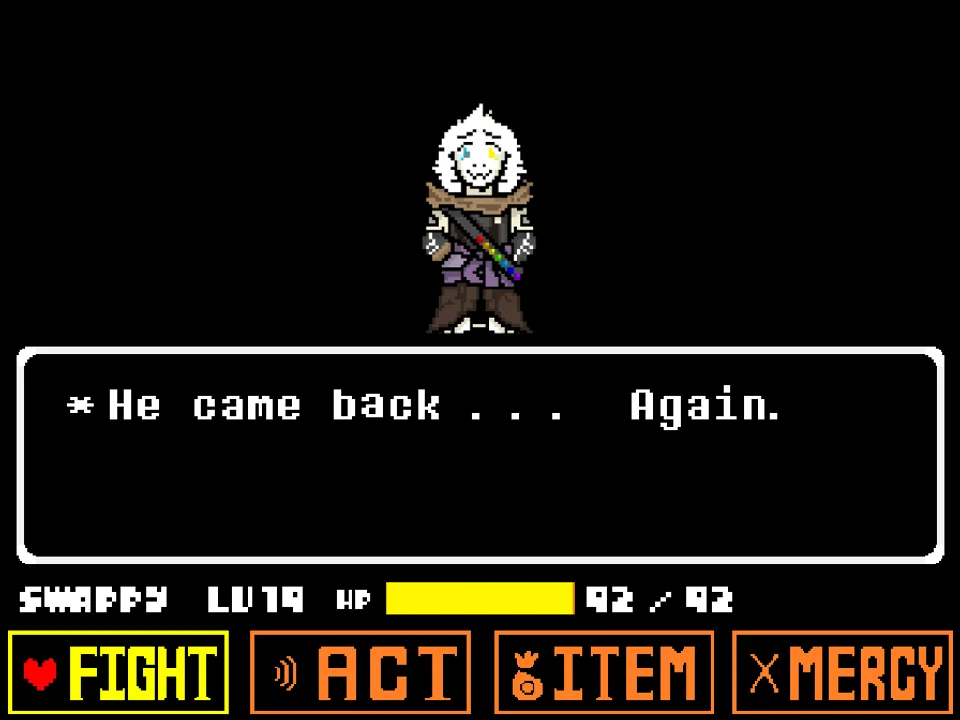
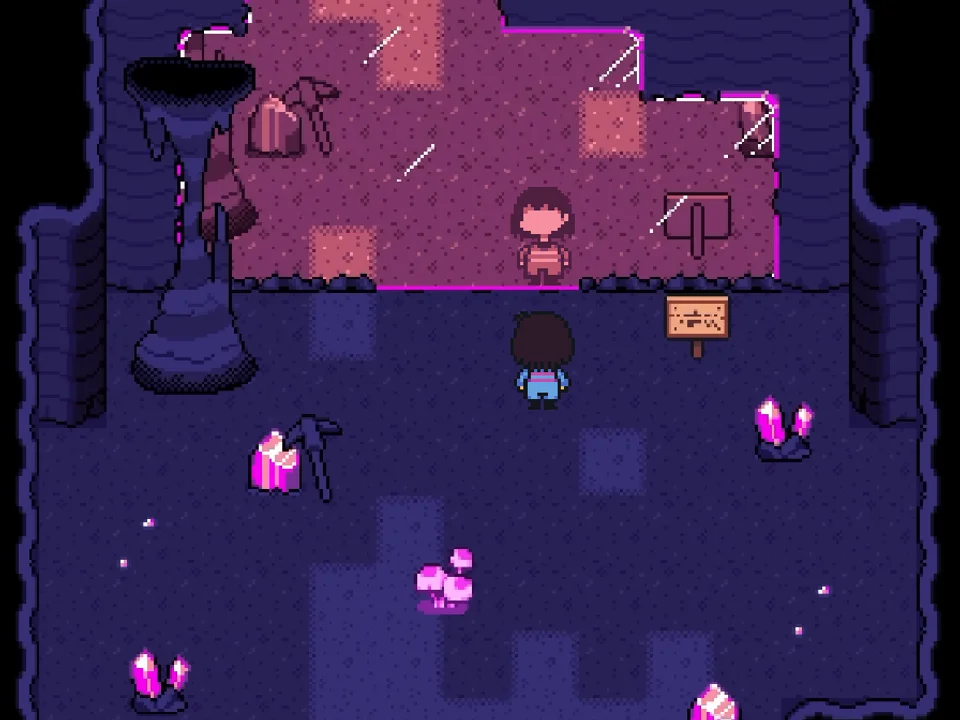










How to Play HELP_Tale Omega Flowey Fight Simulator
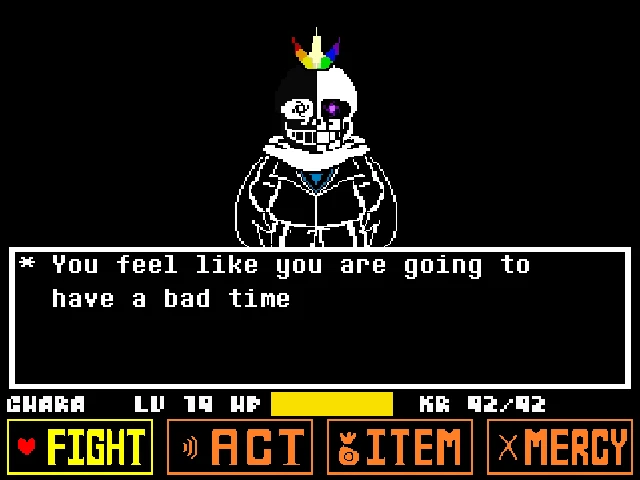
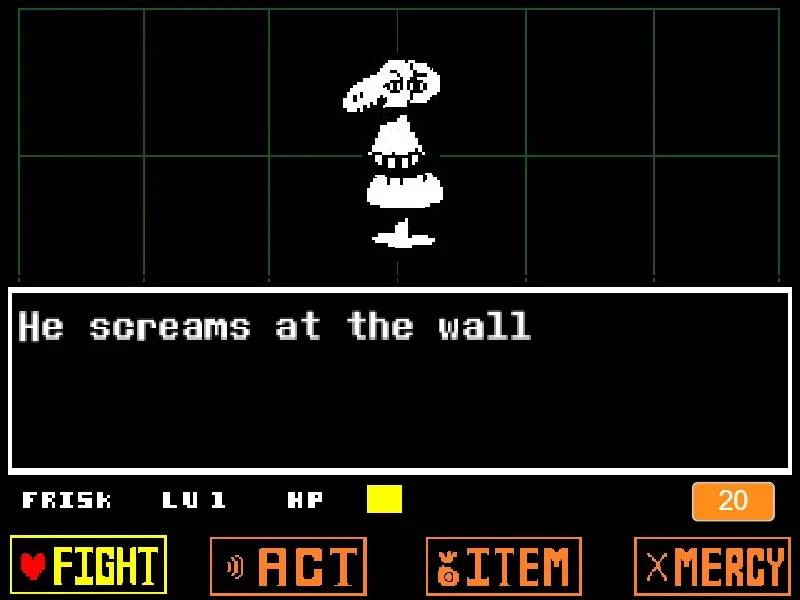
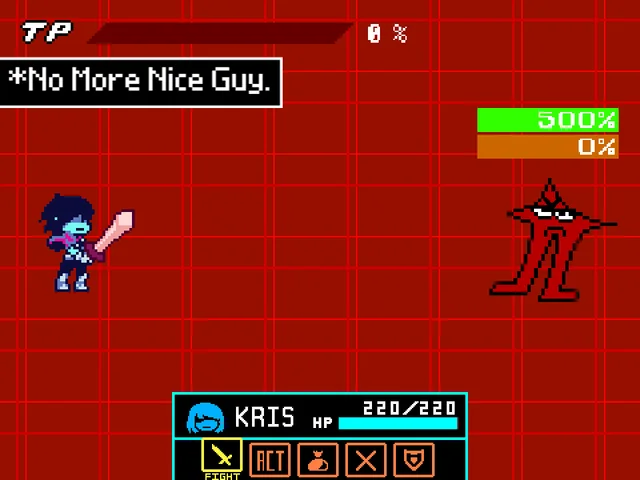
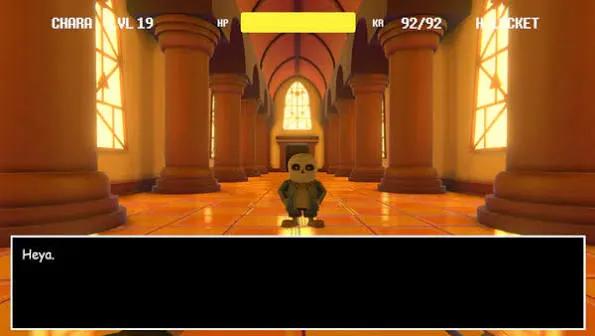
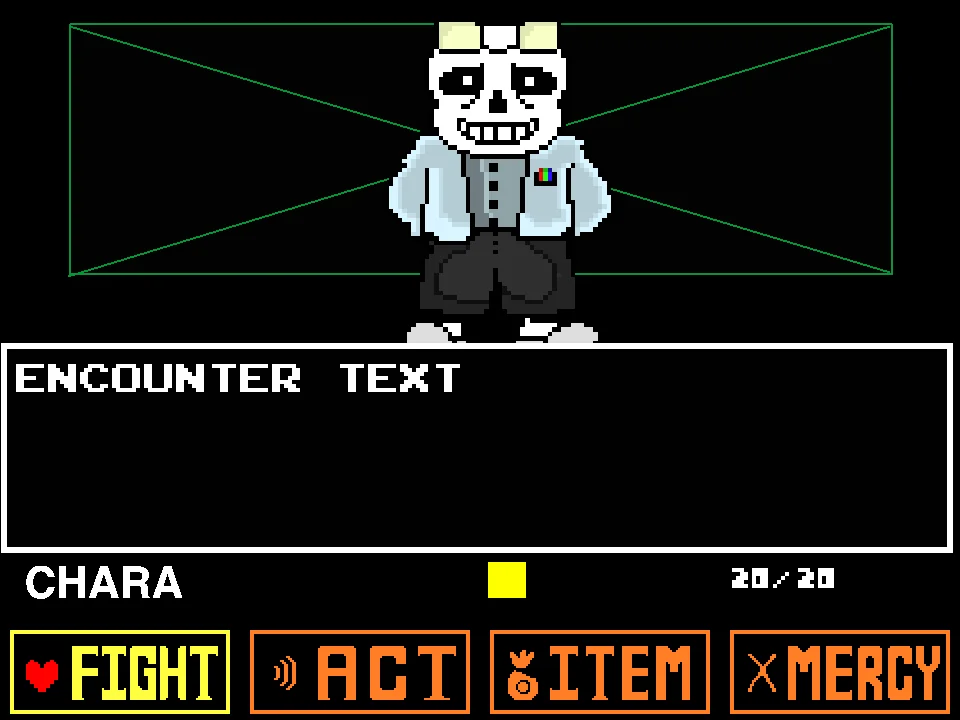
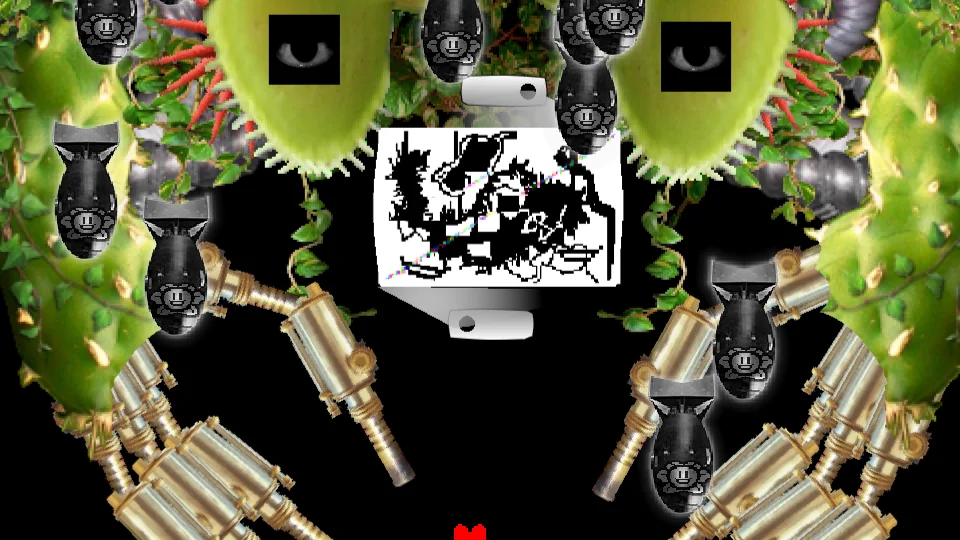
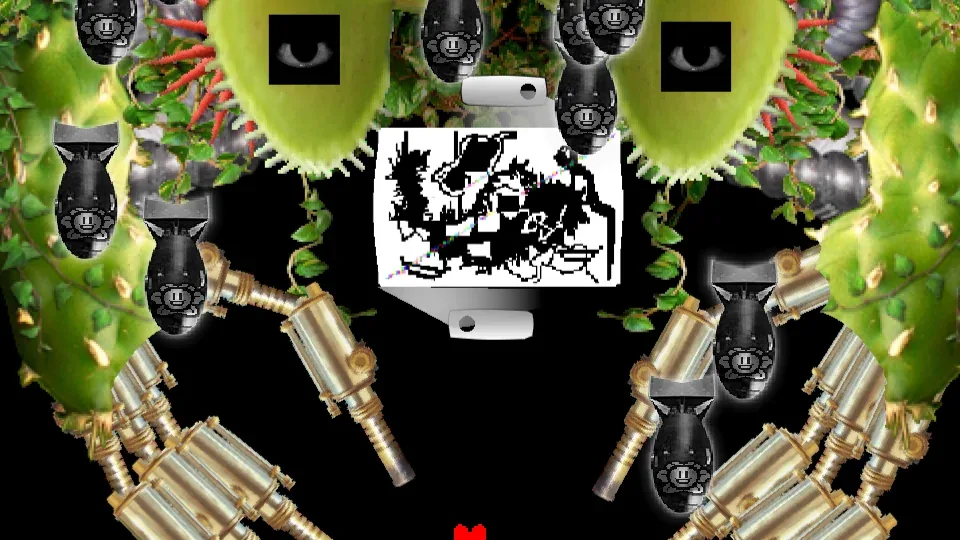
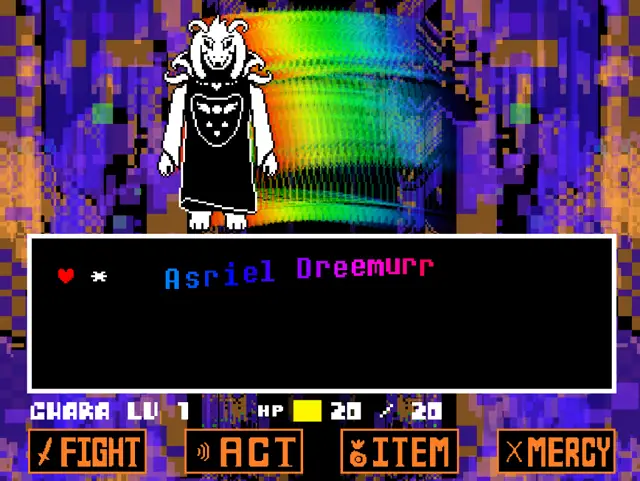
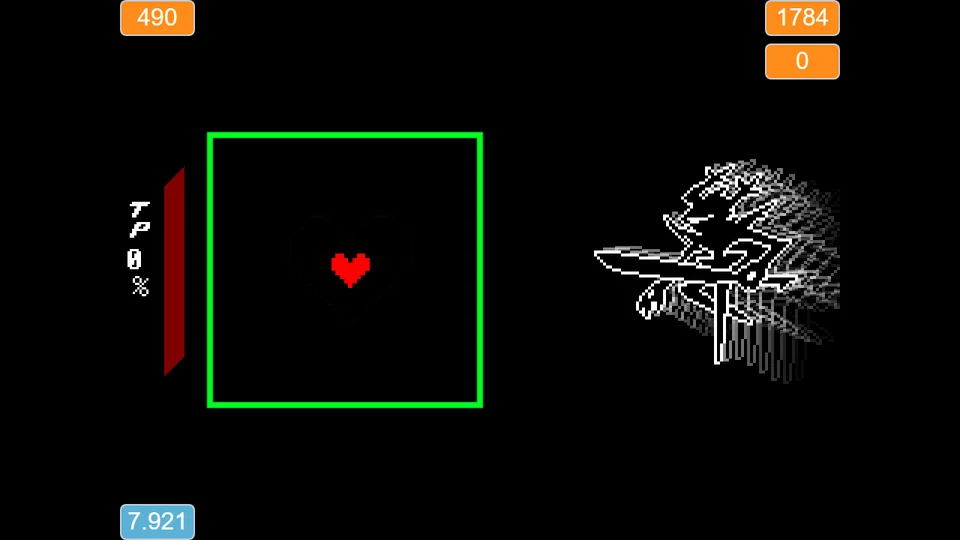
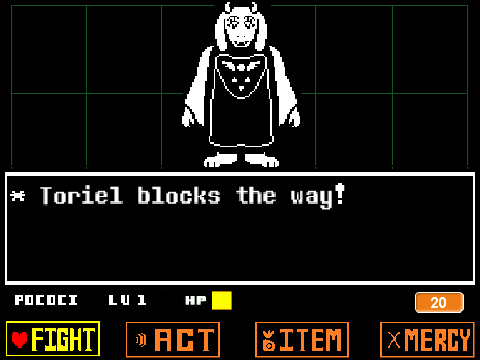
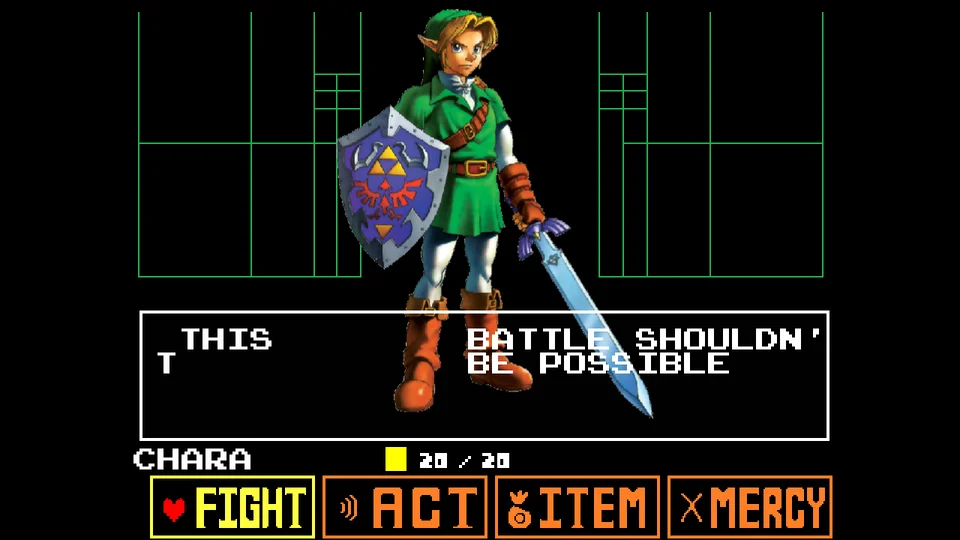
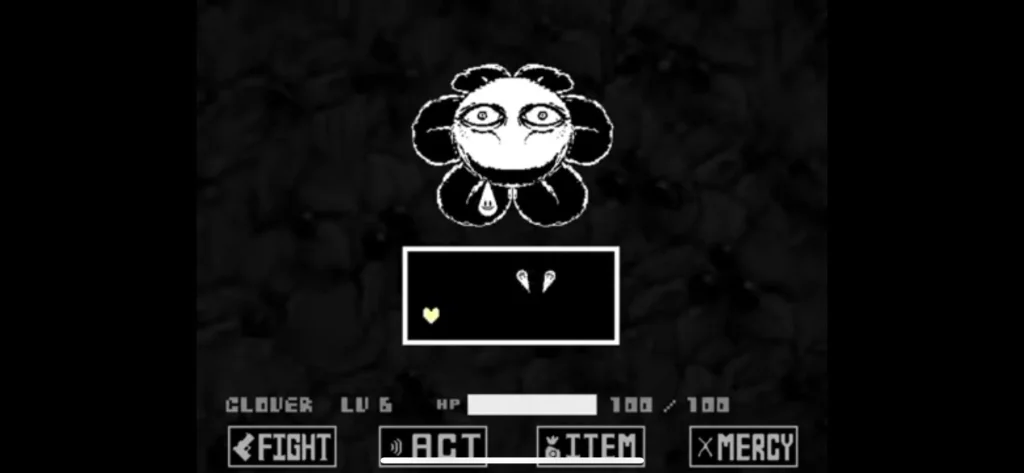
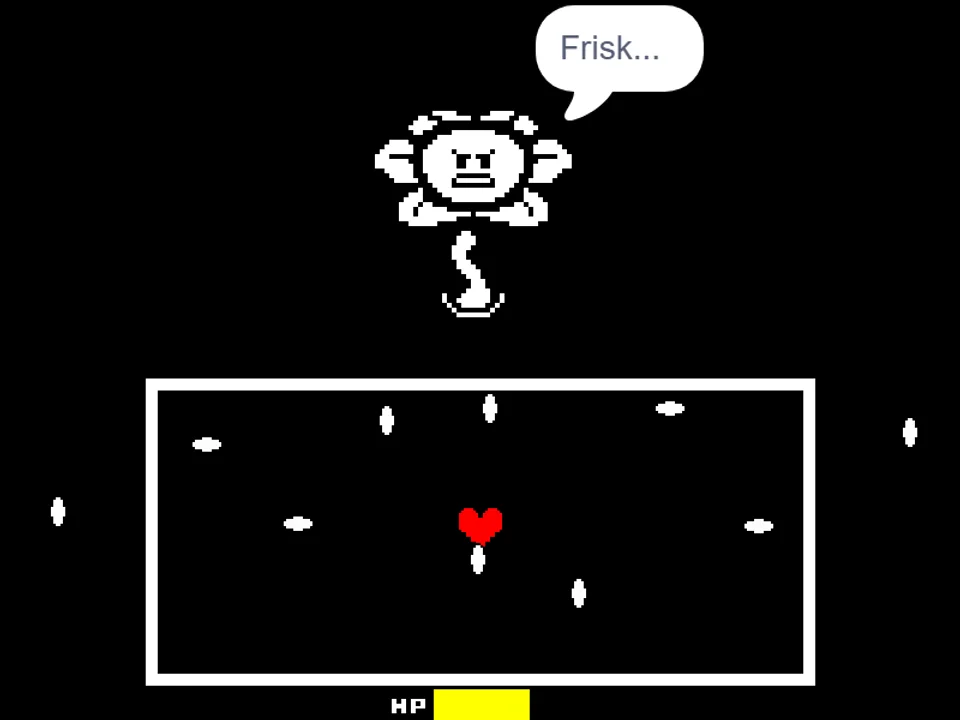
HELP_Tale Omega Flowey Fight Simulator places players directly into one of the most surreal and psychologically unsettling confrontations within the alternate universe fandom. In this specialized boss battle adaptation created by independent designer kingbob2018, the familiar botanical horror of the Photoshop Flowey encounter undergoes a grotesque transformation inspired by the HELP_Tale storyline, where character forms glitch, melt, and merge into unfathomable amalgamations. If you have previously experienced conventional underground encounters like the standard Omega Flowey Fight Simulator or tested your defensive agility in the original HELP_Tale Fight Simulator, this variant presents a distinct visual language and attack structure that demands intense spatial awareness.
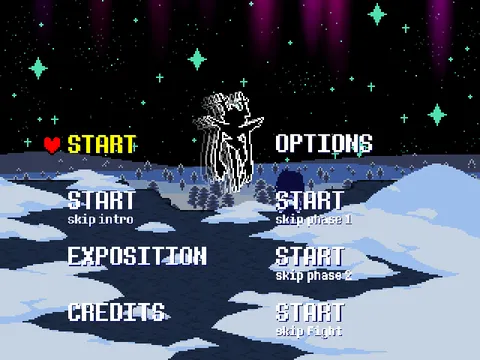
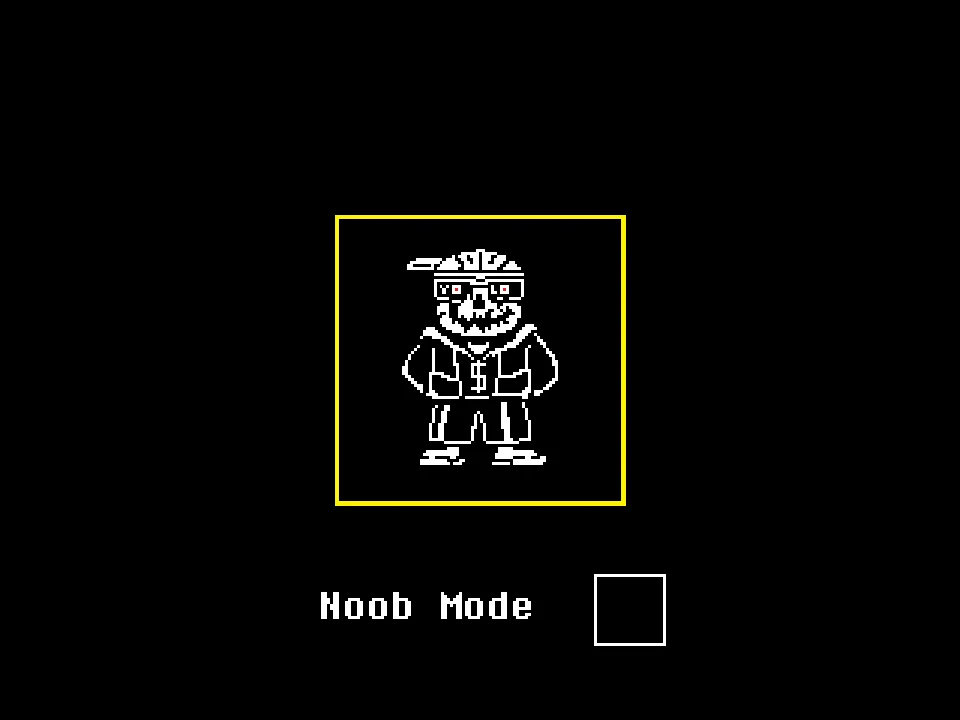
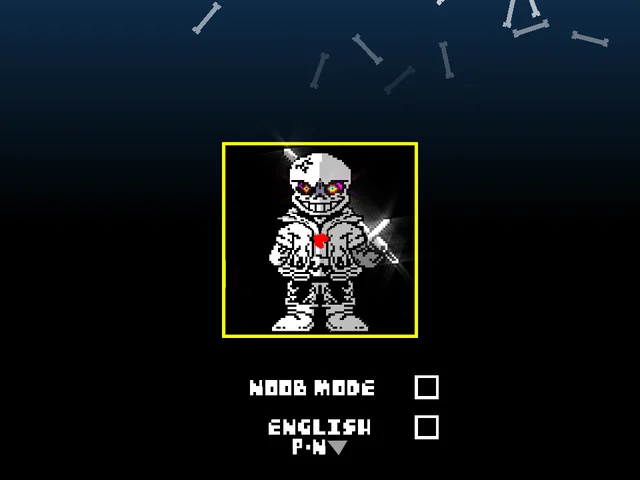
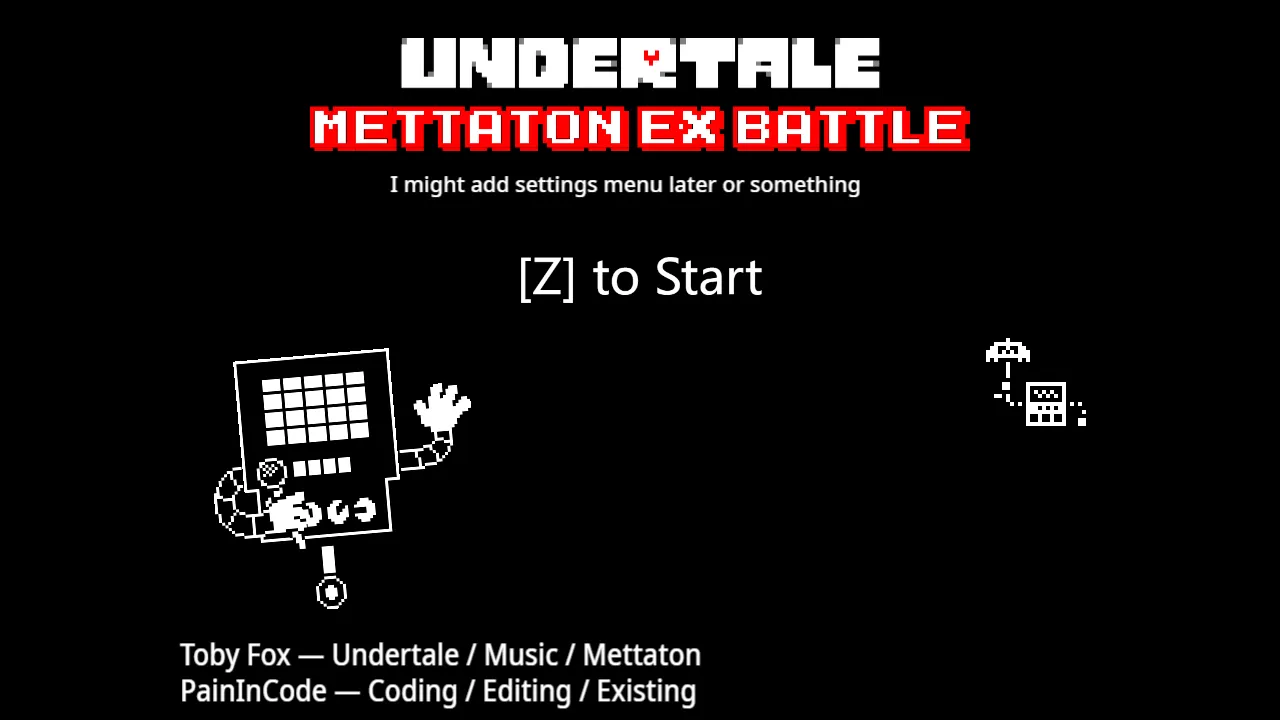
When the battle arena loads on your screen, click inside the display area to focus keyboard events directly into the combat environment. The interface presents a dual-option difficulty toggle at the initial prompt, allowing challengers to select between Normal Mode and Easy Mode depending on their personal tolerance for bullet density and incoming projectile speed. In Normal Mode, attack trajectories accelerate rapidly across the screen, requiring split-second micro-adjustments within the central perimeter box. Easy Mode provides a slightly more forgiving collision tolerance and gives newer players breathing room to analyze incoming trajectory paths. Once your difficulty is locked in, press Z to commence the duel.
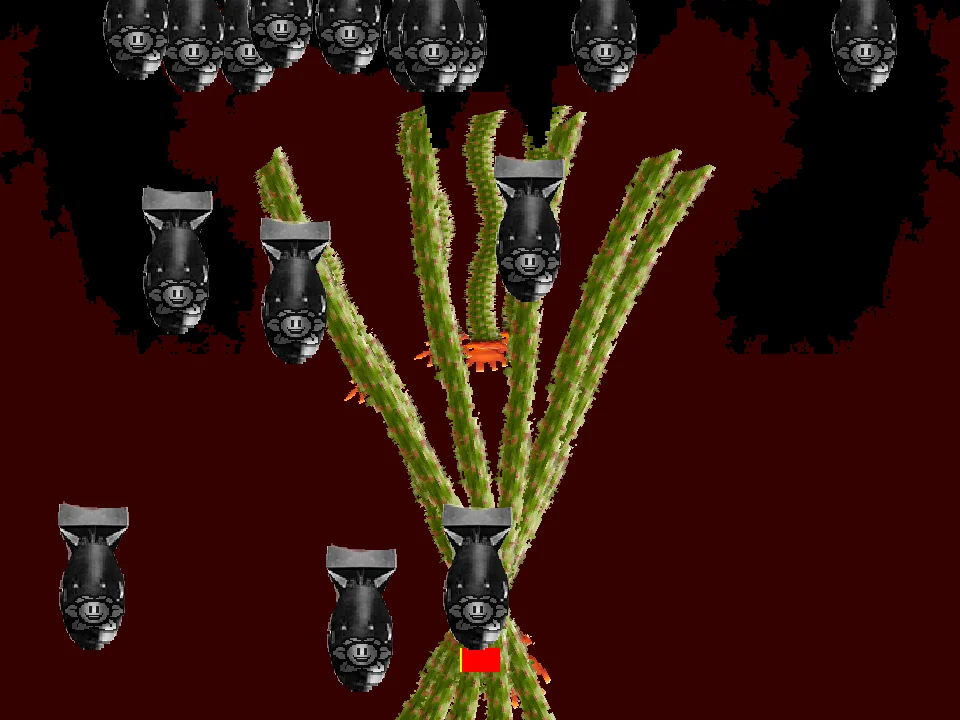
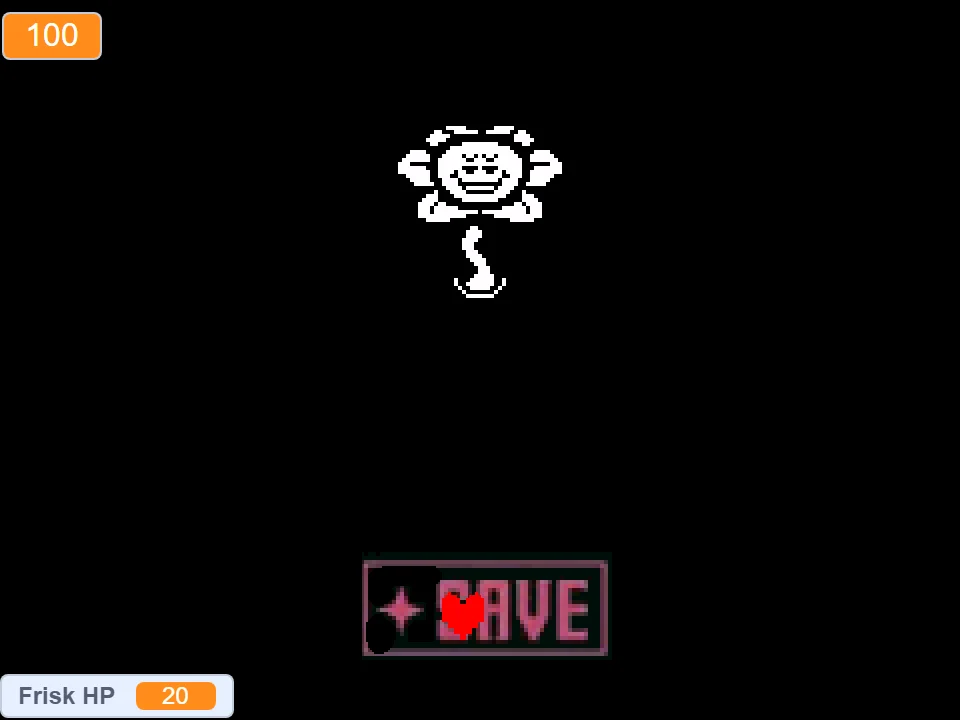
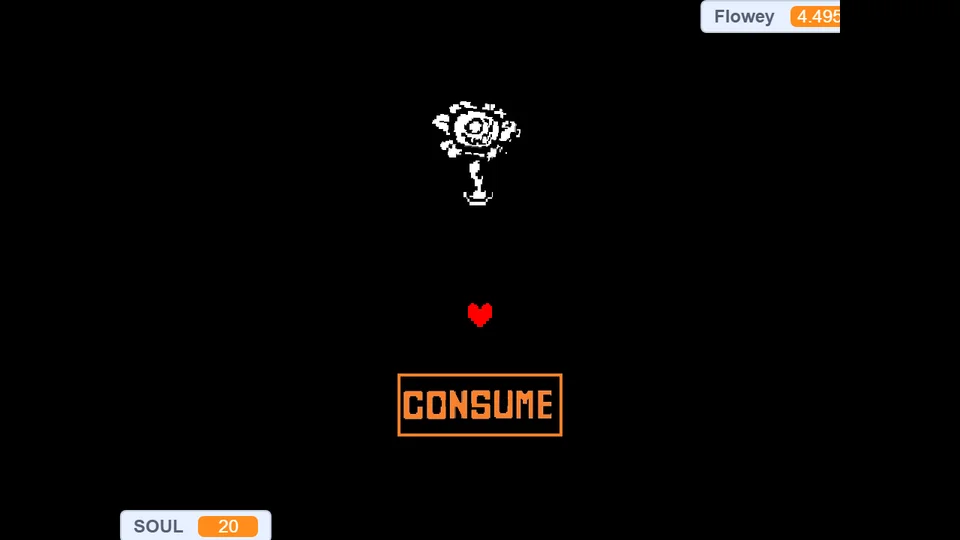
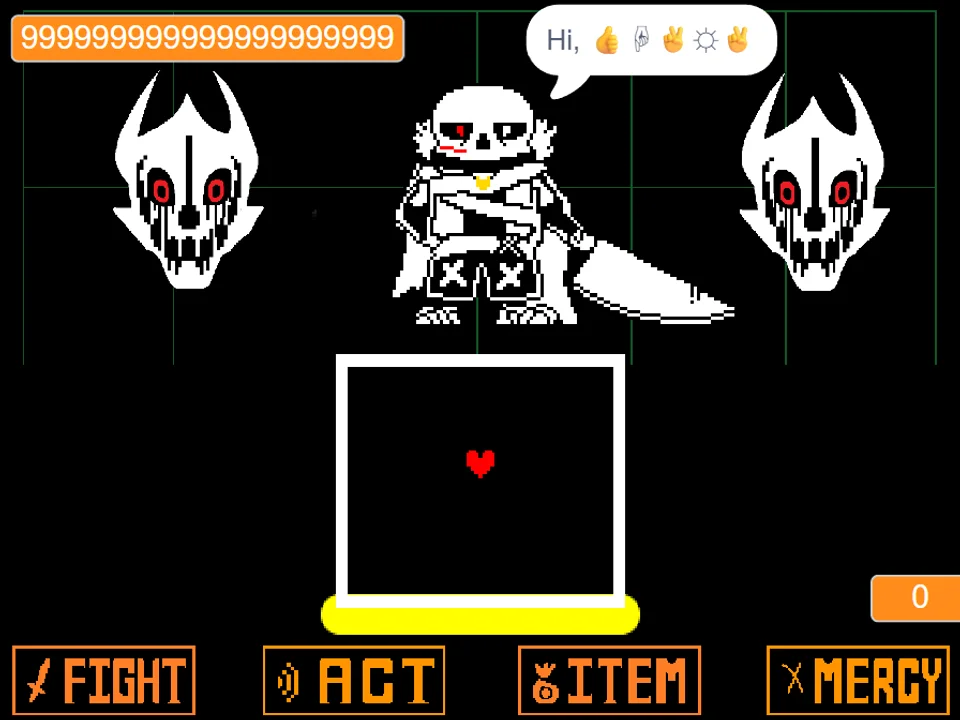
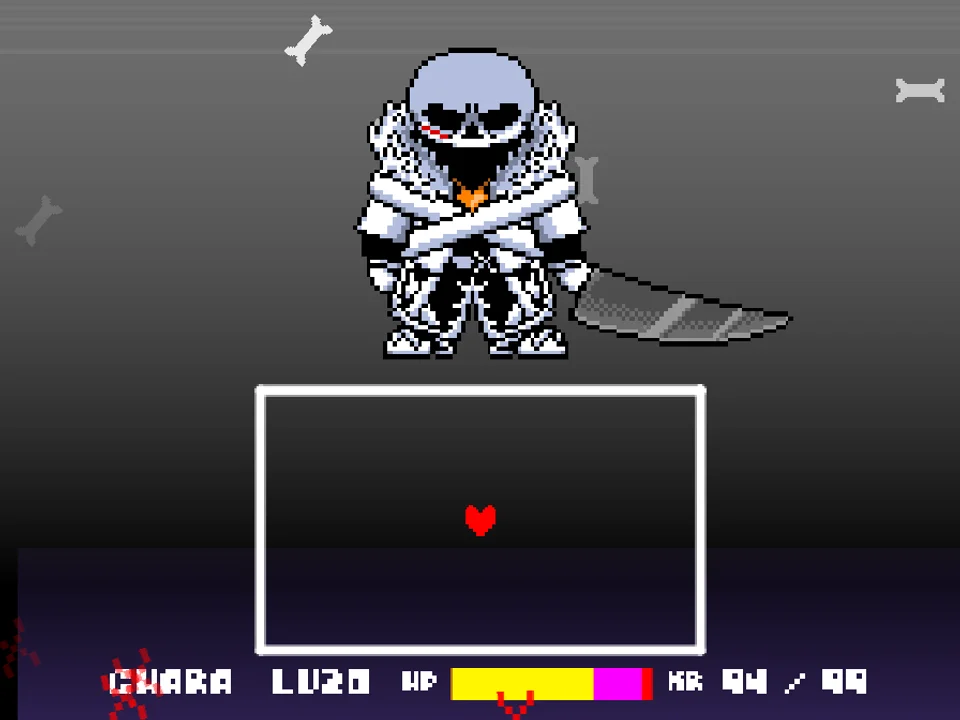
As the combat sequence ignites, your primary objective is steering the red SOUL through shifting barrages of warped vines, erratic energy projectiles, disfigured facial beams, and tracking bullets. Unlike traditional turn-based encounters where the battle alternates cleanly between dialogue choices and defensive rounds, HELP_Tale Omega Flowey operates in a relentless survival rhythm. Your health pool fluctuates depending on your evasive consistency, and finding microscopic pockets between sprawling bullet rings is essential to outlasting the monster's escalating phases. You can explore multiplayer variations as well, such as the Flowey 2 Player Fight, to examine how fan creators adapt these signature floral mechanics across different control layouts.
Survival requires understanding the rhythm of the boss's signature weapon cycles. Flowey alternates between three primary offensive states: radial soul fire, cascading seed rings, and screen-sweeping amalgam beams. During radial soul bursts, projectiles expand from the boss's central core outward, leaving fleeting triangular safe zones that shrink as they reach the outer boundary. Staying glued to the extreme bottom border is a common beginner mistake that leads to trapped positions; instead, maintain a flexible stance around the lower-middle quadrant. This allows you to step upward into expanding gaps before the density becomes impassable.
Verified Controls & Combat Interface
| Key | Action |
|---|---|
| Arrow Keys / WASD | Guide the red SOUL across the evasive box to weave through incoming bullet rings |
| Z / Enter | Confirm difficulty mode selection, advance intro narrative, and trigger offensive strikes |
| X / Shift | Slow focus movement for precision micro-dodging through tight projectile lanes |
| Mouse Click | Select Easy Mode or Normal Mode on the opening title prompt and focus canvas window |
Click directly inside the game window once after page load to bind keyboard controls.
About HELP_Tale and This Twisted Boss Encounter
The HELP_Tale story concept is renowned among alternate universe storytellers for its surreal, cosmic-horror atmosphere. Rather than following standard personality swaps or moral role reversals, HELP_Tale envisions an underground reality fractured by anomalous corruption. Every resident entity loses recognizable coherence, degenerating into tragic, agonizing amalgams known as ITs that cry out fragmented cries for salvation while releasing erratic, destabilizing attacks. This simulation channels that psychological tension through evocative visual corruption, unsettling sprite distortions, and layered musical compositions featuring track arrangements like Soulsequenzes and End The Madness.
Developed as a focused combat showcase by kingbob2018 with foundational credits acknowledging Nick031m, this browser adaptation isolates the climax of the amalgam encounter into an accessible, responsive simulation. Where many standard boss simulators rely strictly on predictable linear timers, this version layers asymmetric attack waves that catch evasive players off-guard if they rely solely on repetitive circling tactics. The encounter highlights how horror-themed fan mods can elevate familiar mechanics into fresh, adrenaline-charged challenges without sacrificing the tight mechanical core that makes bullet dodging so rewarding. Players interested in broader alternate universe lore can contrast this encounter with other legendary challenges, such as the Bad Time Simulator or the favorite Two Player Sans Fight.
A critical element of this adaptation is the auditory design. The custom music tracks create an oppressive, disorienting soundscape that mirrors the erratic pacing of the bullet patterns. The visual assets avoid conventional clean borders, incorporating jittering chromatic aberration and jagged pixel clusters that mimic broken television signals. This deliberate aesthetic disorientation tests a player's ability to maintain focus under sensory pressure, making each successfully dodged pattern deeply satisfying.
Difficulty Settings & Battle Configurations
Players can customize their confrontation with HELP_Tale Omega Flowey by choosing between two distinct difficulty configurations at the title screen:
- Normal Mode: The definitive encounter experience intended by the creator. Features full projectile velocity, rapid attack rotations, tight collision boxes, and demanding lane discipline that tests seasoned bullet-hell veterans.
- Easy Mode: An accessible configuration that reduces projectile density and grants more leeway on glancing collisions, making it the ideal starting ground for players memorizing attack geometry.
- Full-Screen Focus Mode: Maximizes the game frame to eliminate peripheral distractions, ensuring crisp visual tracking of overlapping distorted sprites and fast-traveling energy orbs.
Essential Strategies & Survival Tips
- Midline Anchoring: Anchor your red SOUL near the lower horizontal midline rather than hugging outer corners, as perimeter walls often trap players during expanding ring bursts.
- Subtle Directional Taps: Use subtle directional taps rather than holding arrow keys continuously to prevent over-correcting into adjacent projectile streams.
- Telegraph Recognition: Monitor the audiovisual telegraphs preceding beam surges, identifying the telltale flicker frames before energy columns ignite across the box.
- Diagonal Pathing: When vines crisscross the stage, focus exclusively on the intersections and navigate diagonally through the widest openings instead of retreating backward.
- Invulnerability Utilization: Take advantage of temporary invulnerability frames following a collision to reposition into open quadrant spaces rather than panicking in hazard zones.
- Progressive Training: In Easy Mode, use the reduced projectile speed to practice precise diagonal weaving techniques that will become mandatory when progressing to Normal Mode.
Frequently Asked Questions
What makes the HELP_Tale version of Omega Flowey different from the standard boss fight?
HELP_Tale transforms Flowey into a glitching, multi-faced entity characterized by erratic amalgams, fractured sprite animations, distorted audio cues, and unpredictable overlapping attack waves rather than traditional televised cutscenes.
Can I play HELP_Tale Omega Flowey Fight Simulator on mobile devices?
The simulation is optimized primarily for desktop browsers with physical keyboard input for arrow keys and confirm commands. Mobile touch controls are not natively mapped in this version, so a physical keyboard or keyboard adapter is recommended for responsive gameplay.
How do I choose between Easy Mode and Normal Mode?
When the game first boots up, use your mouse to click on either the Easy Mode or Normal Mode text option visible on the initial screen, then press Z or Enter to confirm and begin the duel.
Who created this HELP_Tale boss simulator?
This adaptation was designed by fan creator kingbob2018, building upon earlier conceptual work by Nick031m and featuring music tracks Soulsequenzes and End The Madness from the HELP_Tale lore.
What should I do if the screen fails to respond to my keyboard presses?
Ensure you click directly inside the active game canvas once after the page finishes loading. Browser security settings require user interaction with the frame before keyboard input is routed to the game engine.
Are there other HELP_Tale boss fights available to play on this site?
Yes, you can also test your dodging prowess in the companion HELP_Tale Fight Simulator, or explore our extensive collection of fan-favorite battles across the Undertale AU Games directory.
How long does a typical survival attempt last in Normal Mode?
A successful run through all attack cycles typically lasts between three to five minutes of sustained focus, depending on how quickly you clear intermediate dialogue cues and maintain defensive stamina.