How to Play Killer Sans Fight Simulator
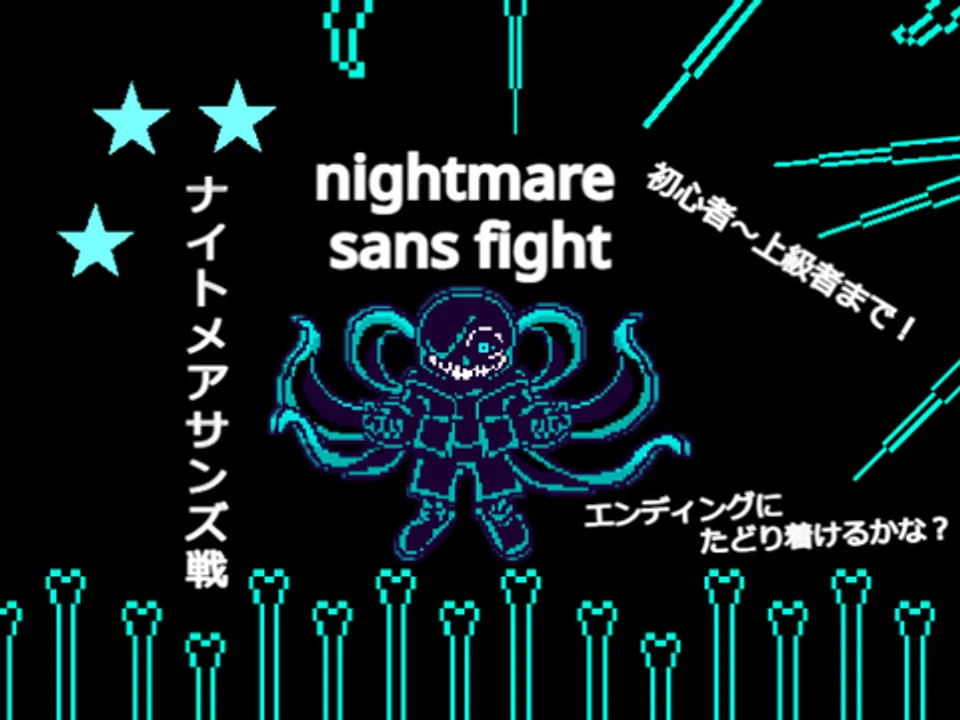
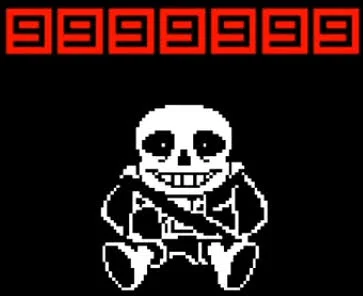
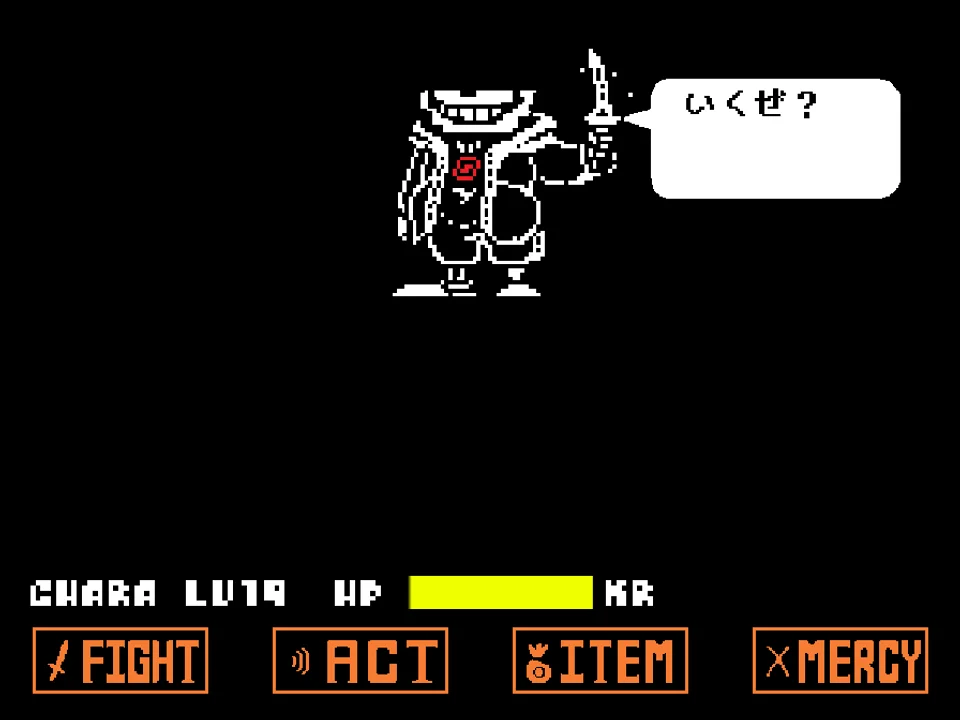
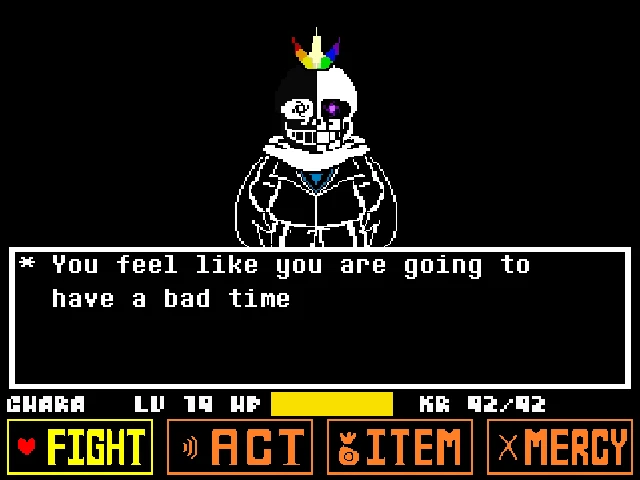
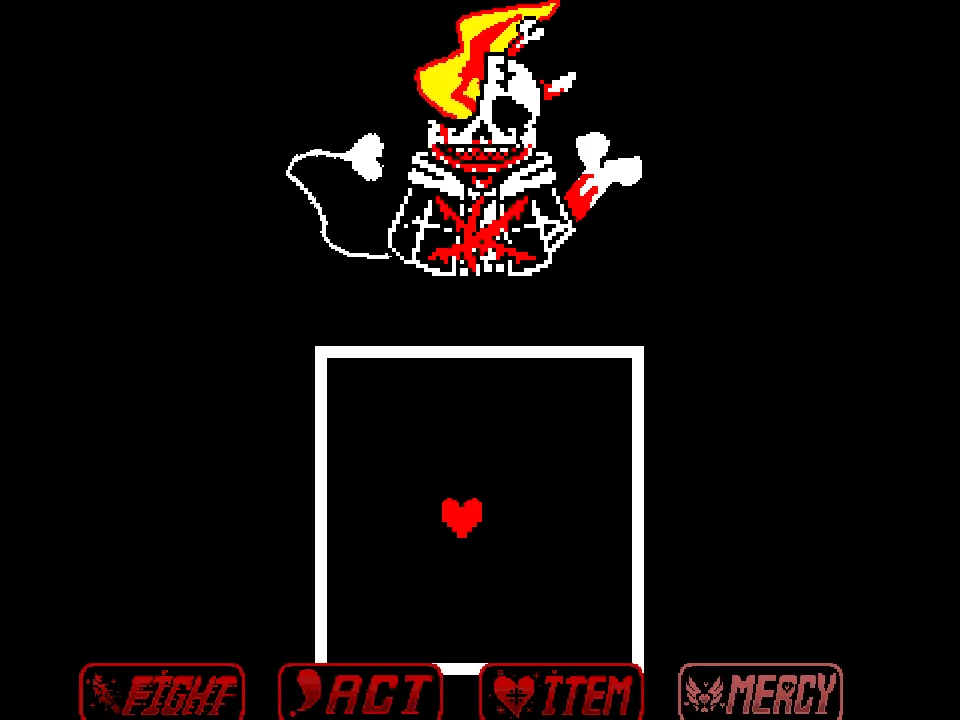
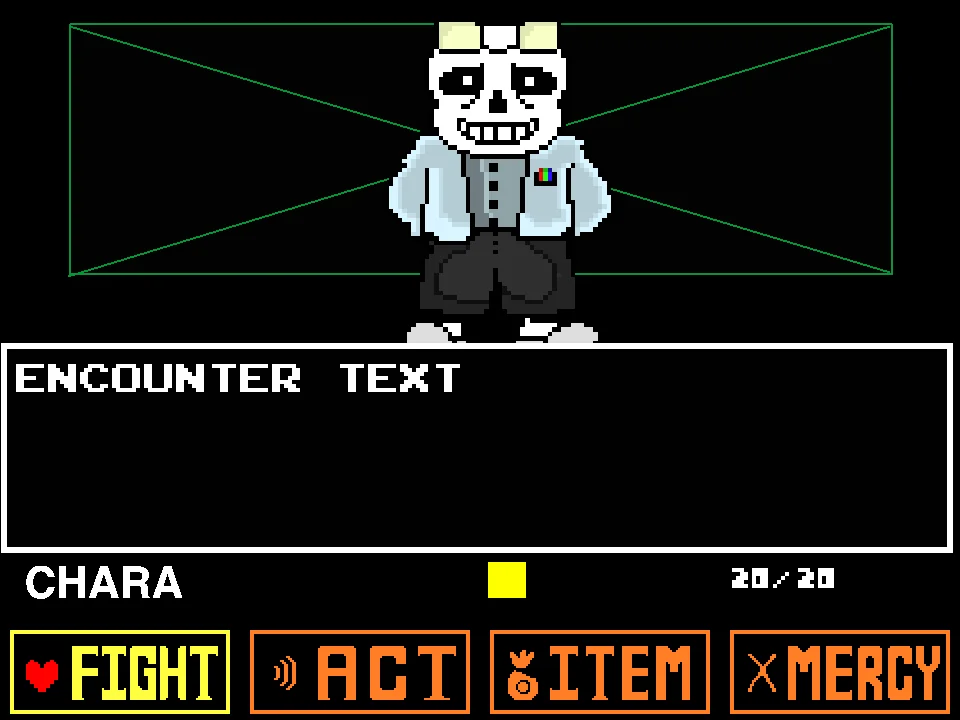
Challenge one of the darkest alternate universe incarnations of Sans with Killer Sans Fight Simulator, developed by Japanese creator Tetu-bou under the original project title killertale killersans fight. In the lore of the Killertale universe (originally created by RahUnlocked), Sans breaks down after countless resets and strikes a deadly bargain with Chara, trading his morals for lethal determination. Armed with a physical Real Knife, bleeding eye sockets, and a corrupted target-shaped SOUL glowing within his ribcage, Killer Sans presents a relentless combat gauntlet where standard pacifist rules no longer apply.
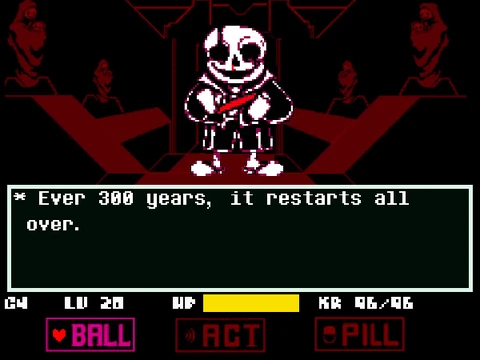
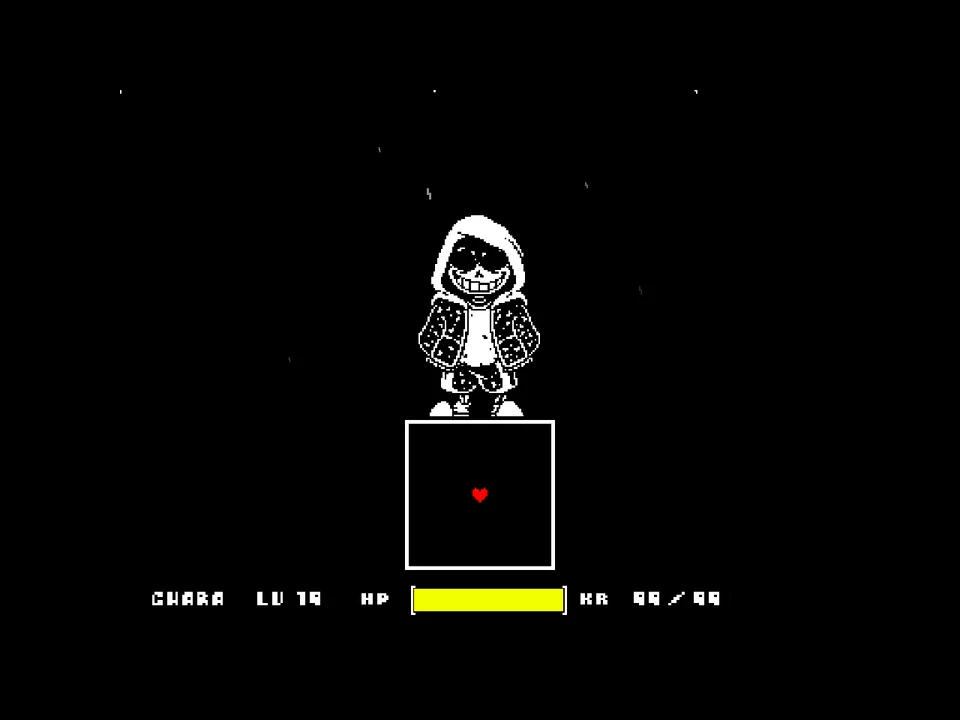
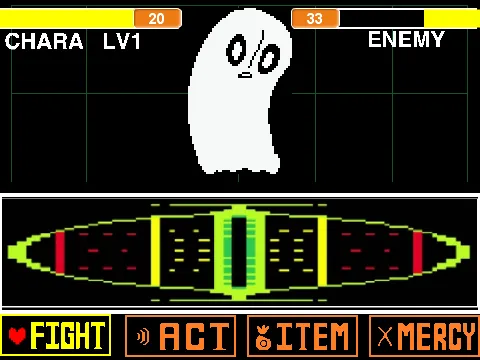
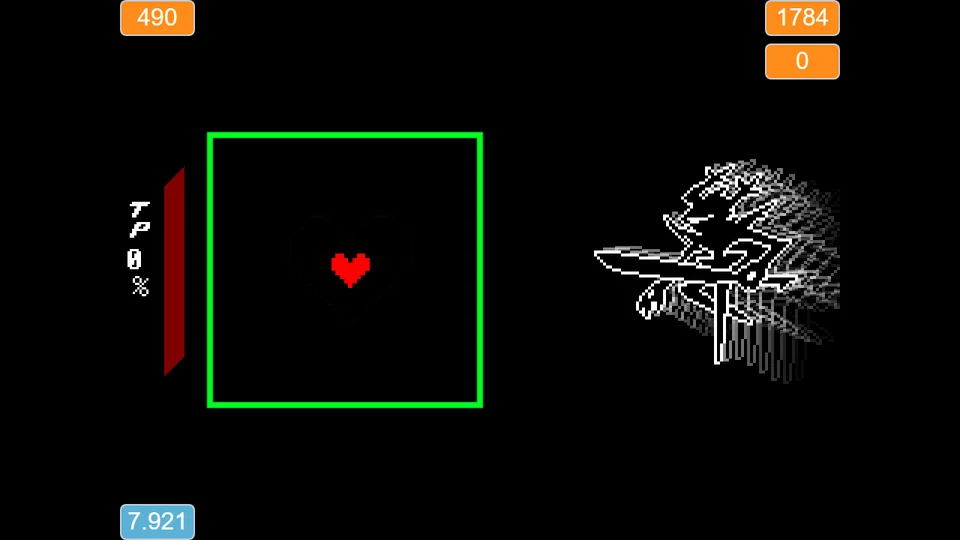
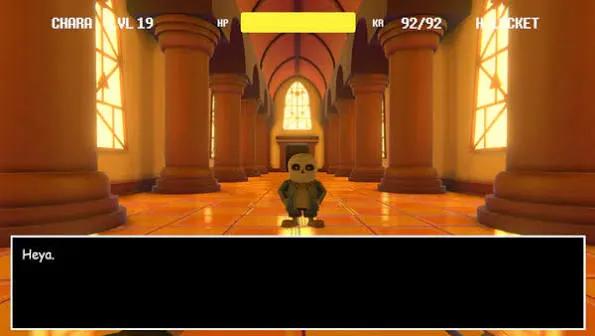
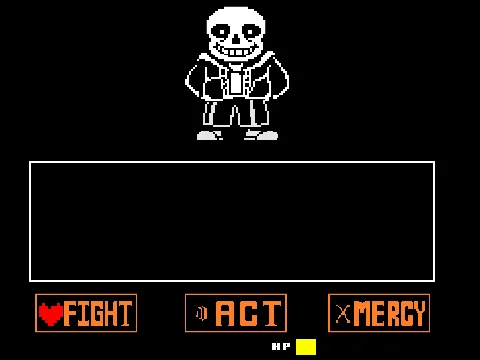
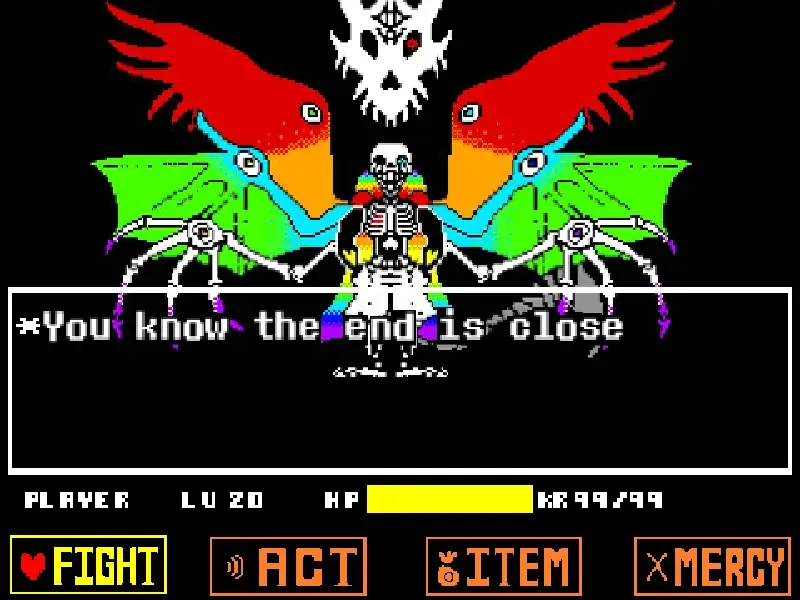
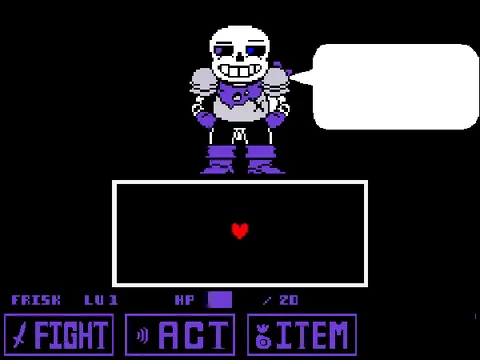
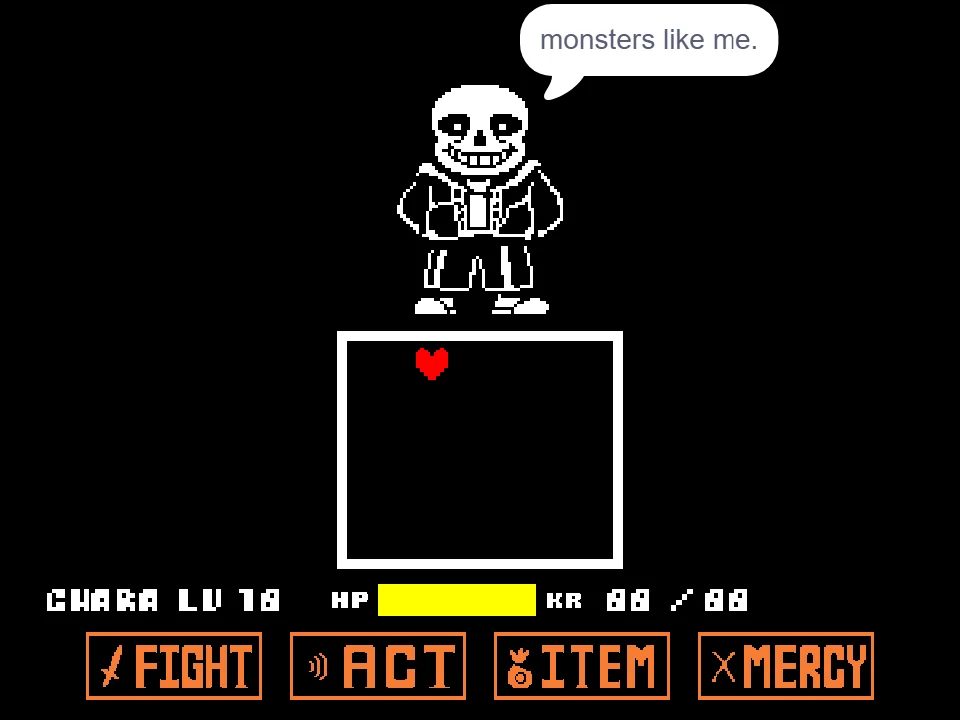
You assume control of Chara's red SOUL at Level of Violence 19 (LV 19), operating inside the classic rectangular bullet board with 92 maximum HP and active KR (Karma) mechanics. Using the Arrow Keys, you must navigate your SOUL with surgical precision to dodge incoming attacks. Press the Z key to confirm selections on the combat menu (FIGHT, ACT, ITEM, MERCY), advance dialogue prompts, and execute your attack timing bar. Press the X key to cancel selections, step backward out of sub-menus, and slow down your text progression when analyzing attack hints.
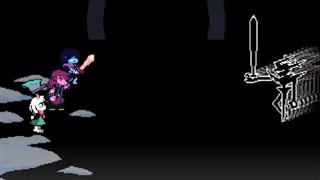
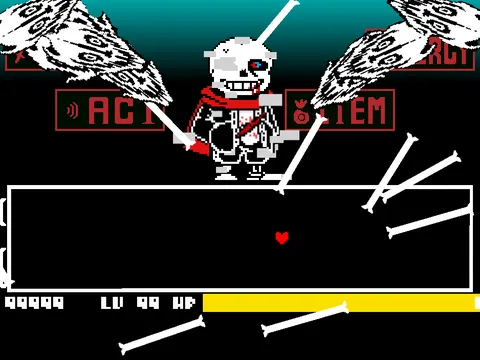
Unlike standard Sans encounters that rely almost exclusively on bone columns and platform gravity shifts, Killer Sans integrates vicious blade attacks into his bullet hell patterns. Giant glowing knives slash across the arena horizontally and vertically, carving out hazardous energy waves that leave lingering hitboxes. These blade strikes are seamlessly interwoven with rapid-fire Gaster Blaster salvos, requiring you to anticipate both projectile beams and wide-arc physical swings simultaneously.
The simulator features a unique emergency lifeline: if an attack wave becomes overwhelming or you find yourself pinned against the arena boundary, pressing the Spacebar activates a special defensive intervention designed by the developer to help struggling players recover their footing. Matches test your spatial awareness, your ability to read blade startup frames, and your discipline in managing KR poison decay.
Combat Controls and Input Mapping
| Key | Action |
|---|---|
| Arrow Keys | Maneuver red SOUL across the arena in four cardinal directions |
| Z Key | Confirm menu selection (FIGHT / ACT / ITEM / MERCY) and advance dialogue |
| X Key | Cancel menu choice / Return to preceding screen |
| Spacebar | Trigger developer emergency assistance / recovery feature during critical difficulty |
Standard desktop keyboard controls. The Z key acts as primary confirmation while X cancels. The Spacebar provides emergency recovery assistance if you find attack waves overwhelmingly difficult.
About Killer Sans and the Killertale Universe
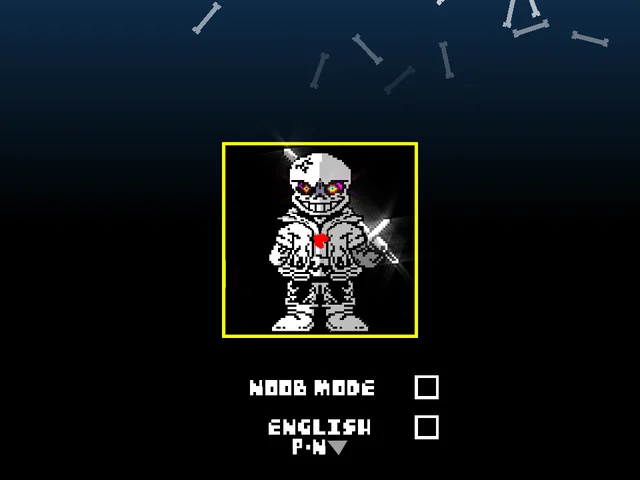
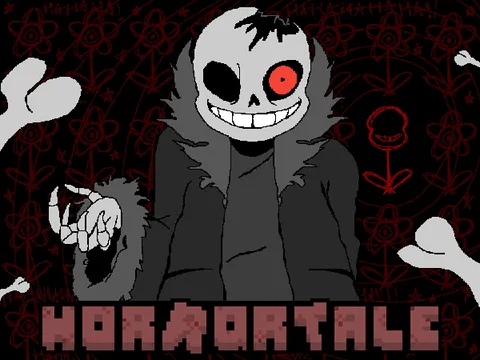
The Killertale alternate universe emerged from a haunting 'what if' scenario conceived by community artist RahUnlocked: during a Genocide run after hundreds of repeated resets, Sans experiences complete psychological collapse. Instead of fighting to protect the timeline in the Judgement Hall, he joins forces with Chara, participating directly in the slaughter of monsterkind to feel something beyond numb hopelessness. This transformation manifests visually: Sans wields Chara's Real Knife, liquid hate drips continuously from his blackened eye sockets, and his monster SOUL morphs into a cracked, bleeding target.
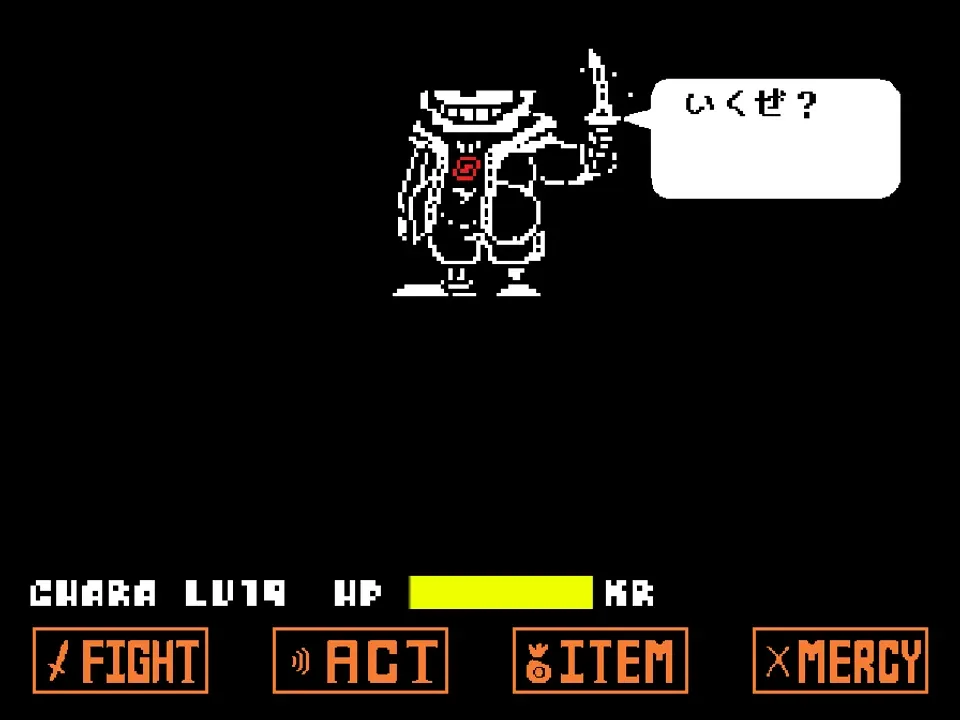
Japanese developer Tetu-bou captured this chilling concept and translated it into a fully playable web simulator. The project features custom sprite animations that highlight Killer Sans's psychotic smirk, blade flourishes, and haunting battle dialogue (including the opening Japanese greeting 'いくぜ?' / 'Here I go!'). The combat system incorporates sound design and visual effects adapted from community assets, including authentic Gaster Blaster models and specialized knife slash trajectories.
By blending high-velocity bullet hell barrages with close-quarters knife swings, the battle feels distinct from conventional Sans fangames. Players cannot rely on standard memory patterns from the original 2015 game; instead, they must learn how to react to unpredictable blade arcs while keeping their SOUL positioned away from lingering hazard trails.
Combat Mechanics and Wave Dynamics
The encounter is structured around evolving combat phases that test distinct defensive disciplines:
- Knife Slash Flurries: Killer Sans manifests oversized blades that sweep across the box. Unlike bone attacks that travel in predictable straight lines, knife attacks possess sweeping angular trajectories, forcing you to hug the center of the arena before quickly darting into cleared sectors.
- Gaster Blaster Crossfire: Skull cannons spawn along the arena perimeter, charging brief warning lasers before firing devastating columns of light. When combined with knife slashes, players must thread through the exact intersection point where the blaster beam and blade tip meet.
- Karma (KR) Poison Management: Grazing any attack inflicts purple KR damage that rapidly drains your remaining HP pool over time. If your health drops into the single digits, prioritize using ITEM healing items rather than attempting risky counter-attacks.
- Emergency Assistance Mode: Developer Tetu-bou built a fail-safe into the game: pressing the Spacebar provides instant stabilization, ensuring that players of all skill levels can experience the complete narrative arc without getting permanently stuck on brutal mid-fight patterns.
Crucial Strategies for Surviving Killer Sans
Improve your survival odds against Killer Sans with these battle-tested tactics:
- Center SOUL Positioning on Knife Startup: When you see Killer Sans raise his knife arm, immediately navigate your SOUL to the lower-center region of the box. Knife slashes typically enter from the top corners or flanks; staying centered gives you maximum reaction time to evaluate the swing trajectory.
- Do Not Hug Outer Walls: Circling the perimeter walls is a common instinct in Sans battles, but Killer Sans frequently spawns perimeter blaster traps that pin you against the edge. Always aim to drift through the middle third of the arena.
- Watch for Warning Shimmers Before Blaster Beams: Gaster Blasters flash a brief charging glow for approximately 0.4 seconds before discharging their destructive beam. Use that glow window to slip into adjacent lanes before the hitbox becomes active.
- Consume Healing Items Before KR Reaches Zero: Because KR poison ticks down continuously after taking a hit, drinking a restorative item while poison is active prevents fatal tick-out knockouts.
- Use Spacebar Sparingly for Genuine Skill Growth: While the Spacebar recovery button can save you from a fatal blunder, practice clearing attack waves using only Arrow Keys and Z/X to build authentic muscle memory for the entire boss fight.
Frequently Asked Questions
Who is Killer Sans in Undertale lore?
Killer Sans is an alternate universe version of Sans created by artist RahUnlocked in the Killertale AU. In this timeline, Sans breaks after endless resets, aligns with Chara, wields a Real Knife, and possesses a corrupted target-shaped soul.
What does the Spacebar do in this game?
The Spacebar activates an emergency assistance feature programmed by the developer to help players recover when trapped in brutal attack patterns or dangerously low on health.
What does Killer Sans say at the start of the battle?
The opening dialogue speech bubble displays 'いくぜ?' (Ikuze?), a Japanese phrase meaning 'Ready to go?' or 'Here we go!', reflecting the creator's Japanese origin.
Can Killer Sans be spared through the MERCY menu?
In keeping with the dark Killertale narrative, Killer Sans has abandoned mercy. The primary route to victory requires surviving his attack gauntlets and dealing decisive damage via the FIGHT command.
Does this simulator work on mobile devices?
The game is designed for desktop keyboard play with Arrow Keys and Z/X/Spacebar. Touchscreen mobile devices cannot deliver the rapid physical key presses required for dodging high-speed knife barrages.
How do I reset the battle if I am defeated?
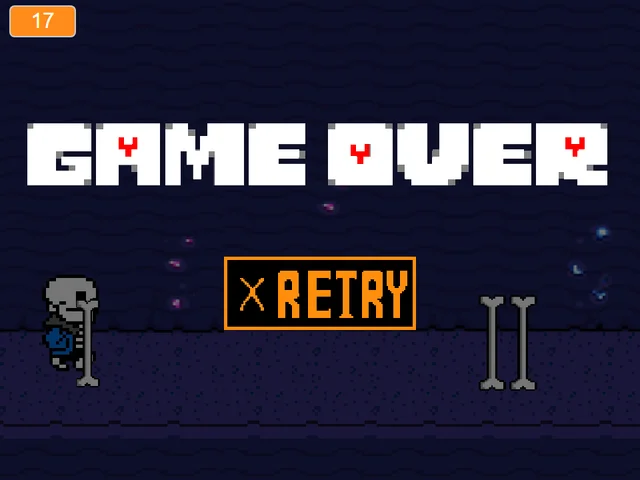
Click the green flag restart icon above the game canvas or use the player restart button to immediately reload the simulator and begin a fresh attempt.